



HP Chromebox G2 Mini Desktop PC Intel Core i5 – Review
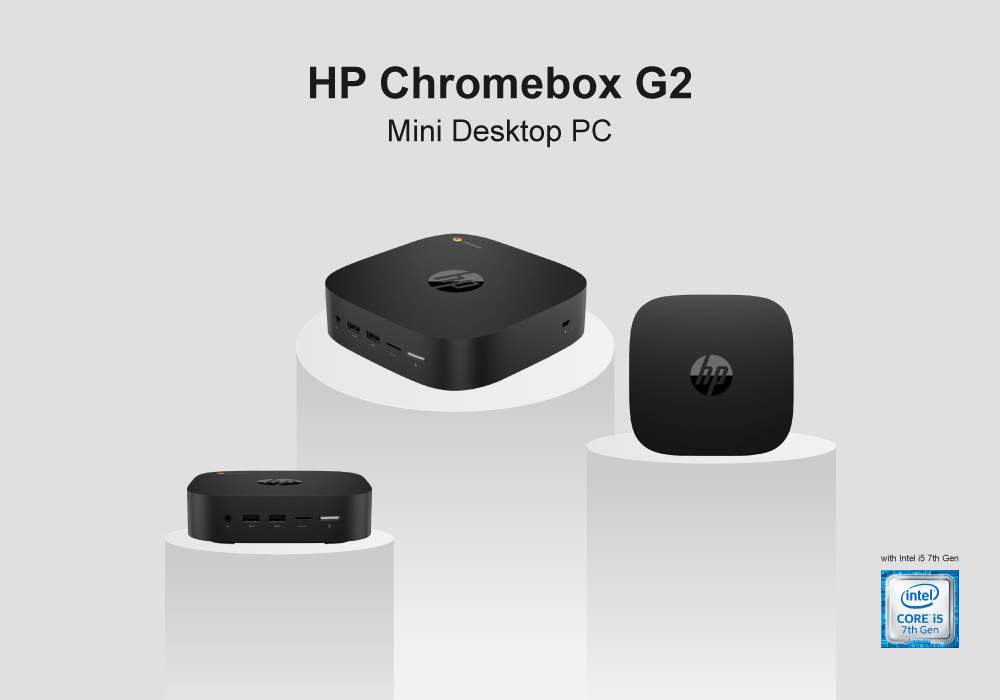
HP finally introduced its Chromebooks after its remarkably well-reputed range of laptops. While most of the people prefer HP for reliable power and durable efficiency, there were fewer innovations previously by HP. Now that HP has brought itself out from confinement, its other revelations are equally interesting. The HP Chromebox G2 mini desktop PC is one of the advanced productions that might be your next favourite product from HP.
This Mini PC is particularly designed for basic users who like spending their normal workday or casual routine on their Desktops. In the case of workflow, this core i5 laptop is able to handle day-to-day tasks without any trouble. And, if you are just a casual user who needs to check up on emails, work on spreadsheets or maybe watch your favourite videos, this is an ideal Desktop PC.
In case you doubt on how good the specs listed on the paper of this HP PC are, our HP Chromebox G2 Mini Review will clear you out.
Specs Sheet
- 2GB RAM
- 64GB SSD
- Integrated/On-Board Graphics
- Chrome OS
- 8 GB HDD
- Intel Core i5 7th Gen Processor | 2.60GHz
Design & Build
The rounded edge design isn’t common when it comes to Desktop PCs, but the HP Desktop PCs have included it. This mini-PC is compact and crafted with rounded corners, which makes it easier to handle and hold. The mountable design with small build in classic black colour also provides a classic yet convenient feel. The best factor about it is that you can easily place it on your desk, either below or behind your screen. The mounting bracket allows it to be placeable anywhere, on the bottom, side or back-behind. With mini build comes lesser weight and so this Lenovo mini PC can be easily moved around.
Performance
Core i5 processor is known to be one of the strongest processors in the tech-market. This Lenovo mini-PC power-packs a core i5 with base frequency speed of 2.60 GHz that goes up to the maximum turbo speed around 3.5 GHz. This speed is decent enough for regular digital activities like surfing on the internet all day long, documenting, opening several programs and files.
The 2GB RAM is armed with solid-state drive storage of 64GB that supports multitasking in a modern way. The SSD combo allows storage and file handling to be more convenient and easy-going. However, it’s not much of a smoother contender if you decide to perform complex multitasking. On the graphics side, the integrated graphics play a sufficient role in providing satisfying graphics for the basic users.
Operating System
This PC fortifies a Chrome OS instead of the usual Windows 10 operating system. Chrome is designed for a fluent workflow with several applications. So, in this mini-PC, you can enjoy the opening and closing of multiple programs and applications without a certain lag. Although, the booting time of this device is slow but as soon as the device boots up, you are modified to a steady speed.
Ports
The ports occupied by the Lenovo Desktop PC are compatible for this PC. Users will be able to find every port that is necessary to use, including HDMI, USB 3.0 ports. The USB 3.1 Type C port is also attached on the front side that is the suitable inclusion for faster connectivity. Wi-Fi Bluetooth 4.2 is also attached in this mini–Desktop PC with the connectivity of 802.11b/g/n. The multi-card reader slot is also available in the port selection along with the security cable-slots.
Final Thoughts
This HP Desktop PC satisfies a general user greatly with its never-disappointing performance. Additionally, we liked the generous inclusion of multiple ports and solid-state drive storage for enhanced usage. The quick data transfer, a good capacity and reliable performance is all you need if you need your PC for basic curriculum. The highlight among all is the unconditional and small build that can be moved and placed anywhere. So, this PC isn’t going to give any trouble for its handling. Get this on student discount offer on Laptop Outlet.
Read more:
| Choosing the Right Thin Client Desktop PC: Factors to Consider |
| Why choose a Refurbished Desktop? |
| Explore the latest trends and advancements in desktop computing technology |
Related Articles

Last Updated: April 02, 2026
Last Updated: May 19, 2025
Last Updated: February 23, 2026
Last Updated: June 11, 2026
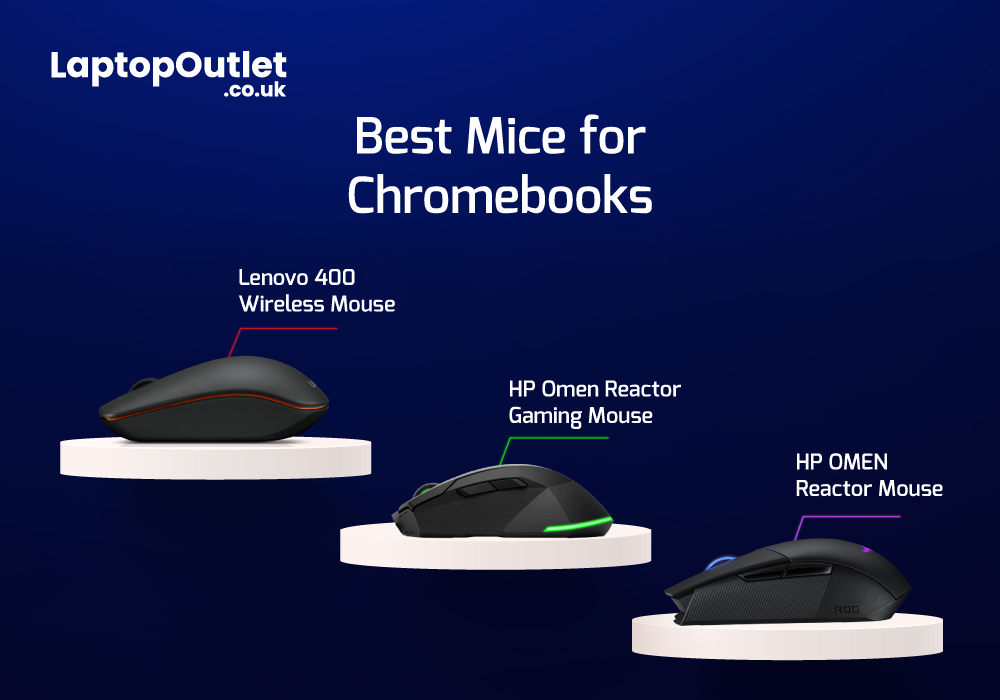
Chromebooks are meant to support best portability with plenty of power packed inside them. Even though there are loads of sizes and shapes that come with Chromebooks nowadays, their portability is still at its peak. With that comes the absence of extremely efficient mouse scrolling. But there are still trackpads attached with Chromebooks that work tremendously for navigation. However, still the use of the best wired and wireless mice with Chromebook can feel heavenly when you are in the middle of work.
Last Updated: March 30, 2026
ASUS Chromebooks have gained popularity due to their unmatched performance, sleek designs, and user-friendly interface. The Chromebook has its own operating system, known as Chrome OS. Unlike Windows, Chrome OS is incredibly light and does not slow down over a long period of time.
Therefore, if you have been using your ASUS notebook for a long time, a factory reset can boost its speed. You may also reset it to remove a fake user account. However if you don’t have the password, it can be really overwhelming to reset it. Fear not, as we will walk you through different methods that will help you restore your Chromebook to its factory settings.
What is a factory reset?
A factory reset or password reset erases all the data from your Chromebook, including all of the files in the download folder. It also removes non-user related information but keeps a little diagnostic and operational data. Resetting your Chromebook is also known as "Powerwash".
A factory reset is an effective troubleshooting
Last Updated: March 30, 2026
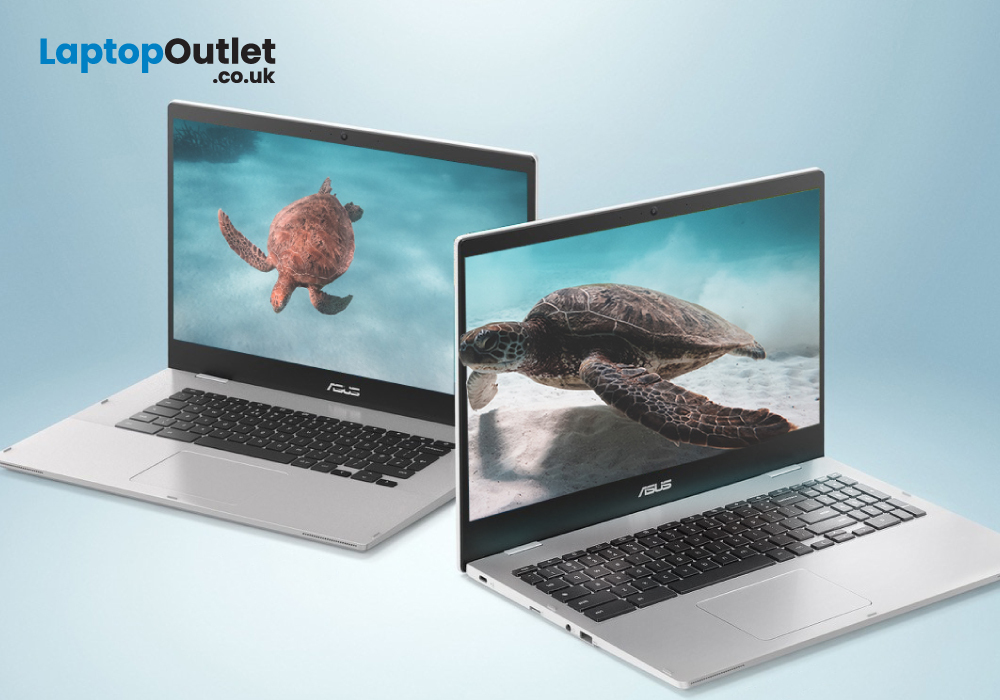
Are you a student in need of a reliable and efficient laptop? Look no further than ASUS Chromebooks for students! These laptops offer excellent performance, portability, and affordability. From making assignments, to taking notes, these impressive devices are capable of just about anything.
But how do you decide which laptop is the best for you? Anyone can get confused while picking out their ideal product amongst thousands of laptops. That’s why we have listed the top 3 student ASUS Chromebook in 2023. All while considering the RAM, processing power, battery life, and budget.
ASUS Chromebook CX1500CKA-EJ0014
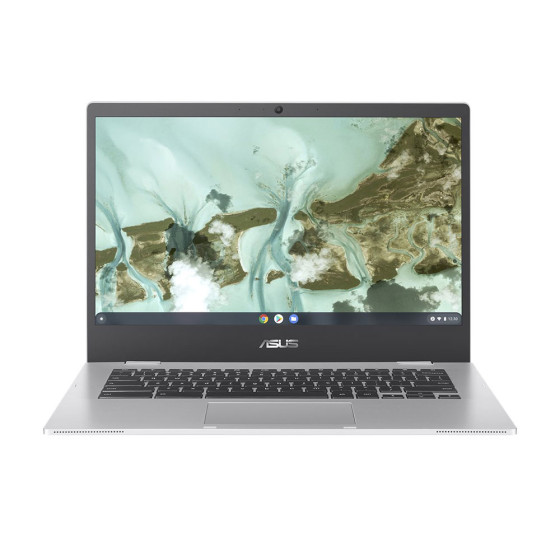
The ASUS Chromebook CX1500CKA-EJ0014 is the best Chromebook for study with a 15.6-inch Full HD display, providing a vibrant and immersive viewing experience.
Under the hood, the laptop is powered by Intel Pentium Silver processor and 4 GB of LPDDR4 RAM. This enables the Chromebook to deliver smooth multitasking and efficient performance.
It also features a spacious
Last Updated: August 28, 2026
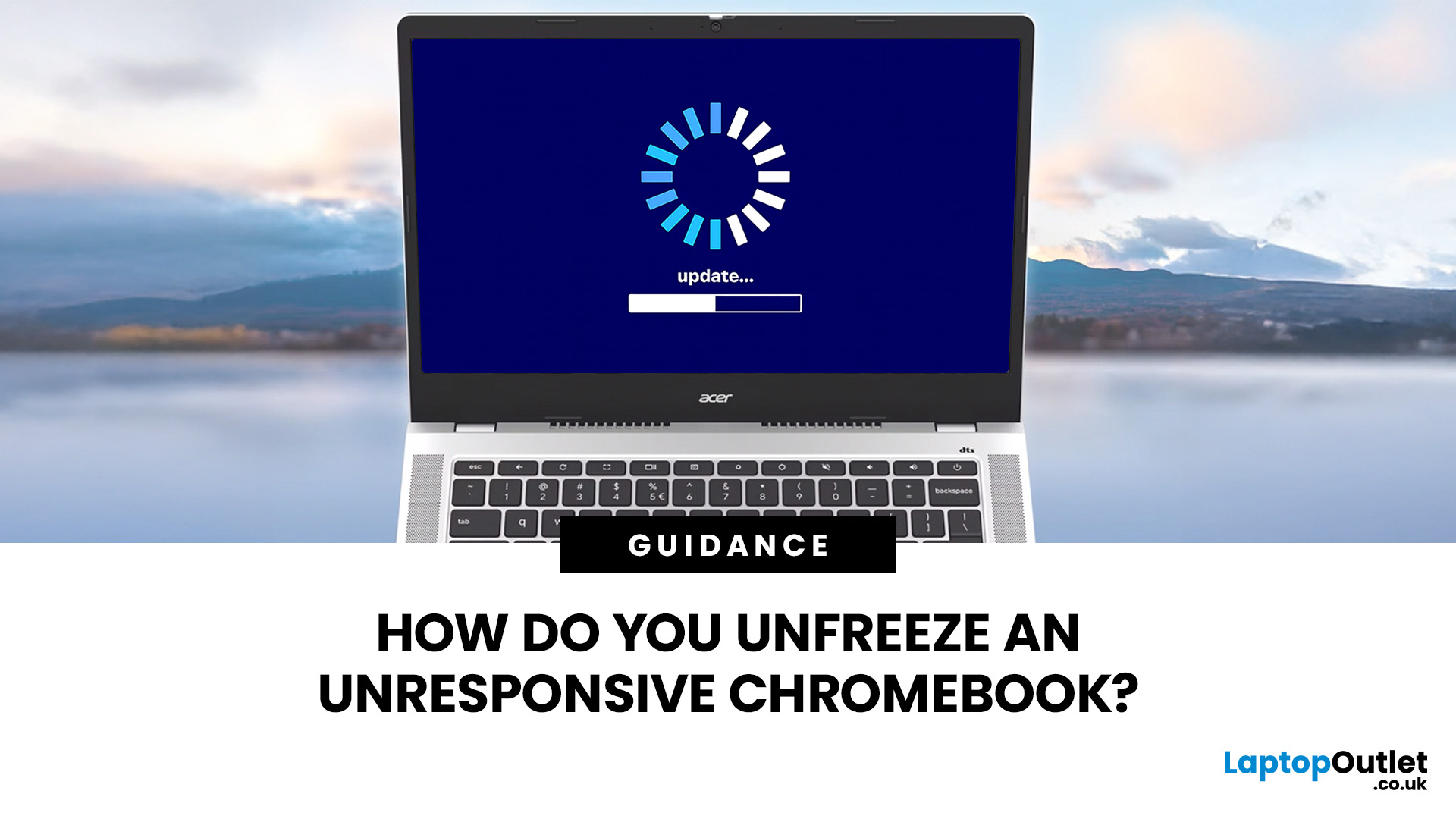
When your Chromebook stops responding, start by closing the frozen tab or app. If the whole device is unresponsive, disconnect any accessories and hold the Power button until it switches off. You should only perform a hardware reset, Powerwash, or ChromeOS recovery if the simpler fixes do not work.
These steps apply to most modern Chromebook laptops, including models from Acer, ASUS, Dell, Google, HP, Lenovo, and Samsung. However, the exact position of the Power and Refresh keys can vary, and a small number of older devices use a model-specific hardware reset method. This guide takes you through the safest troubleshooting order, beginning with fixes that do not remove your files.
Is Your Chromebook Completely Frozen?
Before restarting anything, check which part of your Chromebook not responding.
| What You Can See | Likely Problem | First Action |
| One webpage is frozen, but other tabs work | A page or browser process has crashed | Hard refresh or close the tab |
| One app will not respond | The app has stalled |

