



How to Screenshot on a HP Laptop?
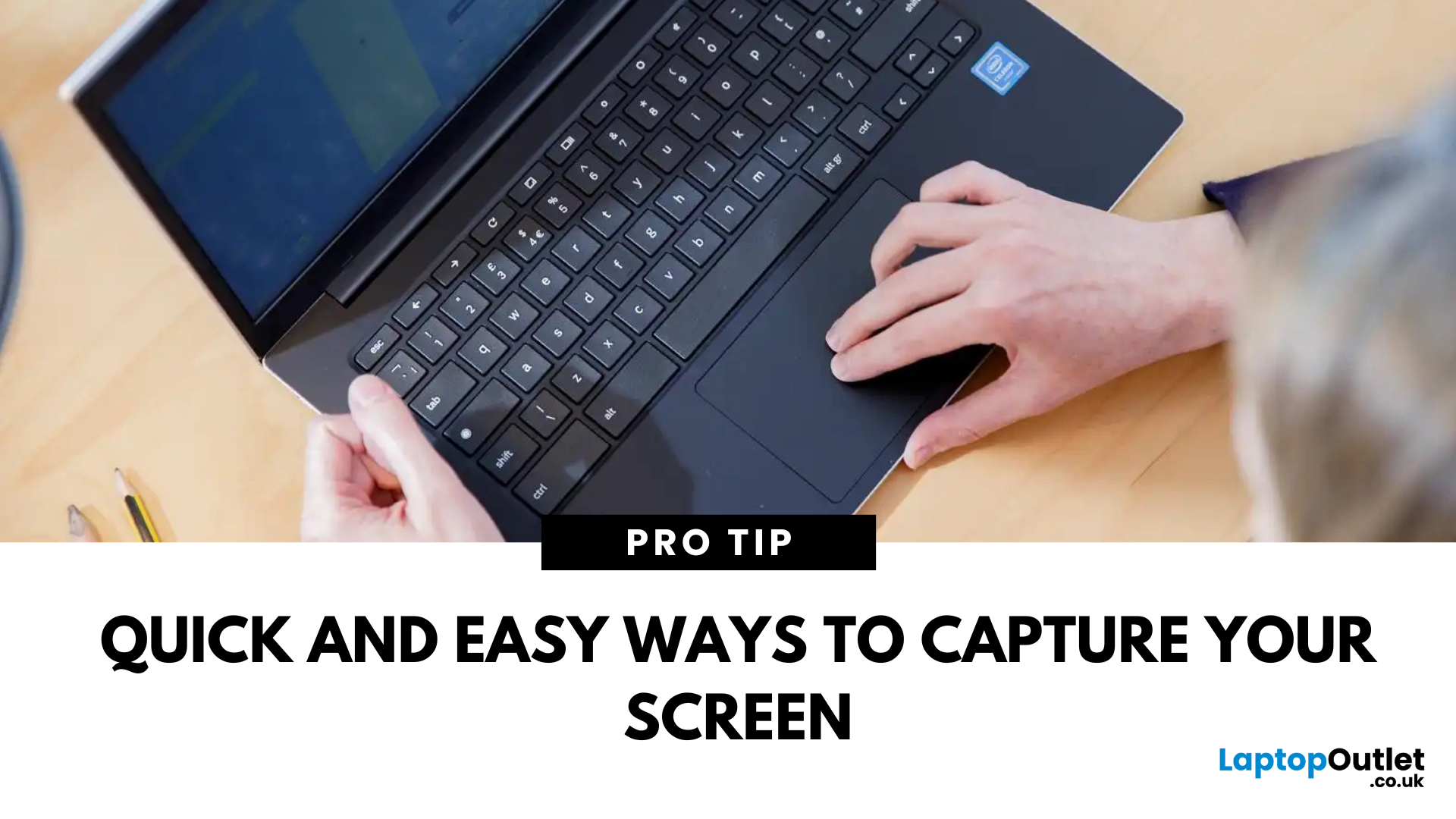
Capture What You See in Seconds
Whether you’re saving a receipt, reporting an issue, or grabbing a funny moment, knowing how to take a screenshot on your HP laptop is a game-changer. Here are the simplest ways to snap your screen using built-in tools and shortcuts.
1. Use the Print Screen (PrtScn) Key
To capture the full screen:
- Press PrtScn or Fn + PrtScn (some HP models)
- Open Paint or another editing app
- Press Ctrl + V to paste
- Save the image
Saved to clipboard, not automatically stored as a file
2. Screenshot a Specific Window
To capture just one active window:
- Click on the window you want to screenshot
- Press Alt + PrtScn
- Paste into an app (Ctrl + V) and save
3. Use the Snipping Tool (or Snip & Sketch)
HP laptops running Windows 10 or 11 come with this handy app.
Steps:
- Search for Snipping Tool or Snip & Sketch in Start Menu
- Click New to start a screenshot
- Choose your snip type: Rectangle, Free-form, Window, Fullscreen
- Save or edit your screenshot in the app
Windows 11 integrates Snip & Sketch as Snipping Tool
4. Use Windows + Shift + S Shortcut
This is the fastest method for a custom snip.
Steps:
- Press Windows + Shift + S
- Screen dims and you’ll see snip options at the top
- Drag to capture your area
- Screenshot is saved to clipboard—paste or save it
5. Use Game Bar (for Screenshots in Games/Apps)
Steps:
- Press Windows + G to open Xbox Game Bar
- Click the Camera icon or press Windows + Alt + PrtScn
Images save automatically to Videos > Captures
Where Are My Screenshots Saved?
- If copied via clipboard: paste and save manually
- Game Bar: This PC > Videos > Captures
- Snipping Tool: You choose where to save
Final Thoughts: Snap Like a Pro on Your HP Laptop
Whether you're using shortcuts or built-in tools, there’s a screenshot method that suits your style. From full-screen captures to precise selections, HP laptops running Windows make it easy to get the shot.
Need a new HP laptop or accessories? Explore Laptop Outlet’s best deals on HP devices today.
FAQs: HP Laptop Screenshot Questions Answered
1. What is the Print Screen key on HP laptops?
It’s often labelled PrtScn, and may require Fn key to activate.
2. Where do screenshots go after using Windows + Shift + S?
They’re copied to your clipboard—you need to paste and save them manually.
3. Can I change where screenshots are saved?
Yes—in Snipping Tool or Game Bar, you can set a custom save location.
4. Is there a way to edit screenshots on HP?
Yes—use Snipping Tool, Paint, or any photo editor to crop and annotate.
5. Why doesn’t my PrtScn key work?
You may need to hold Fn or check keyboard settings in Windows > Accessibility.
Watch our Video: How to Screenshot on a Laptop?
Read More:
| How to Clean Your Laptop |
| How to Connect a Laptop to a TV |
| How to Stop a Laptop from Overheating |
Related Articles

Last Updated: September 09, 2025

Last Updated: September 09, 2025
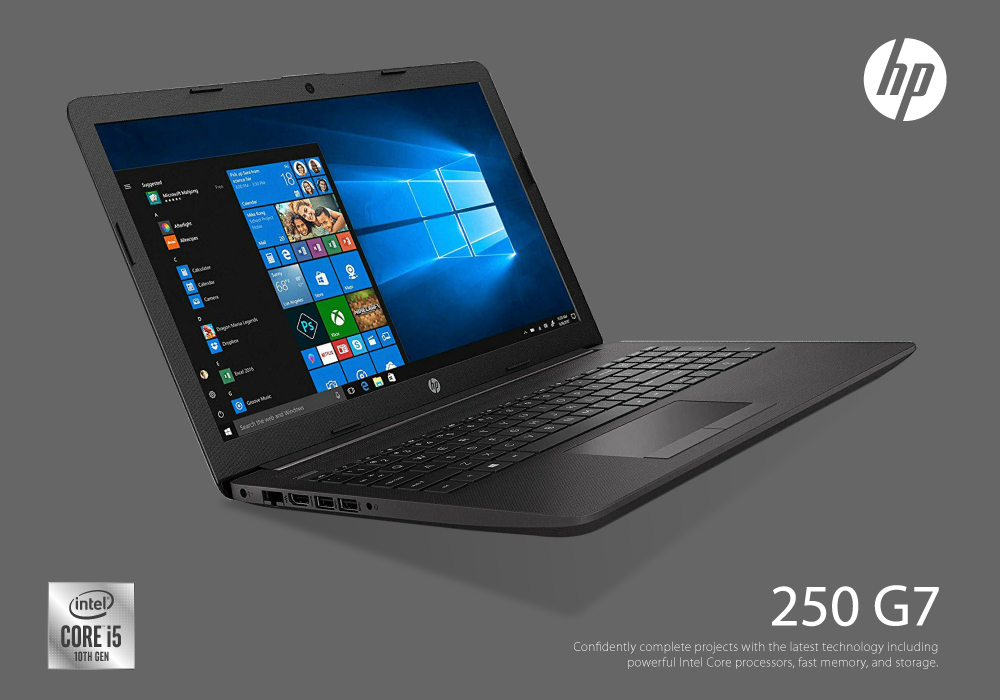
HP is a well-known and reputable manufacturer of laptops, PCs, and other products and services. They have many laptops and desktops to cater to and meet individual needs. While HP laptops and PCs can sometimes be costly, you can buy them on deals to save money. Retailers like Laptop Outlet offer excellent, super-saving HP laptop and PC deals, enabling you to get your desired high-quality laptop or desktop for much less. Upgrade smart with HP laptop and desktop deals, unlocking unbeatable savings and getting more for less!
HP is a trusted name in the tech industry. It offers a versatile range of laptops and desktops for different user needs. Whether you are looking for a robust business laptop, a portable student laptop, a high-end gaming PC, a PC for daily use, or any other, HP has a solution!
While HP laptops and desktops can be tempting, getting a powerful HP laptop or desktop can be costly, which is why we recommend exploring HP deals (on laptops and PCs) to get the most value
Last Updated: September 09, 2025
HP Means Business—and Gaming
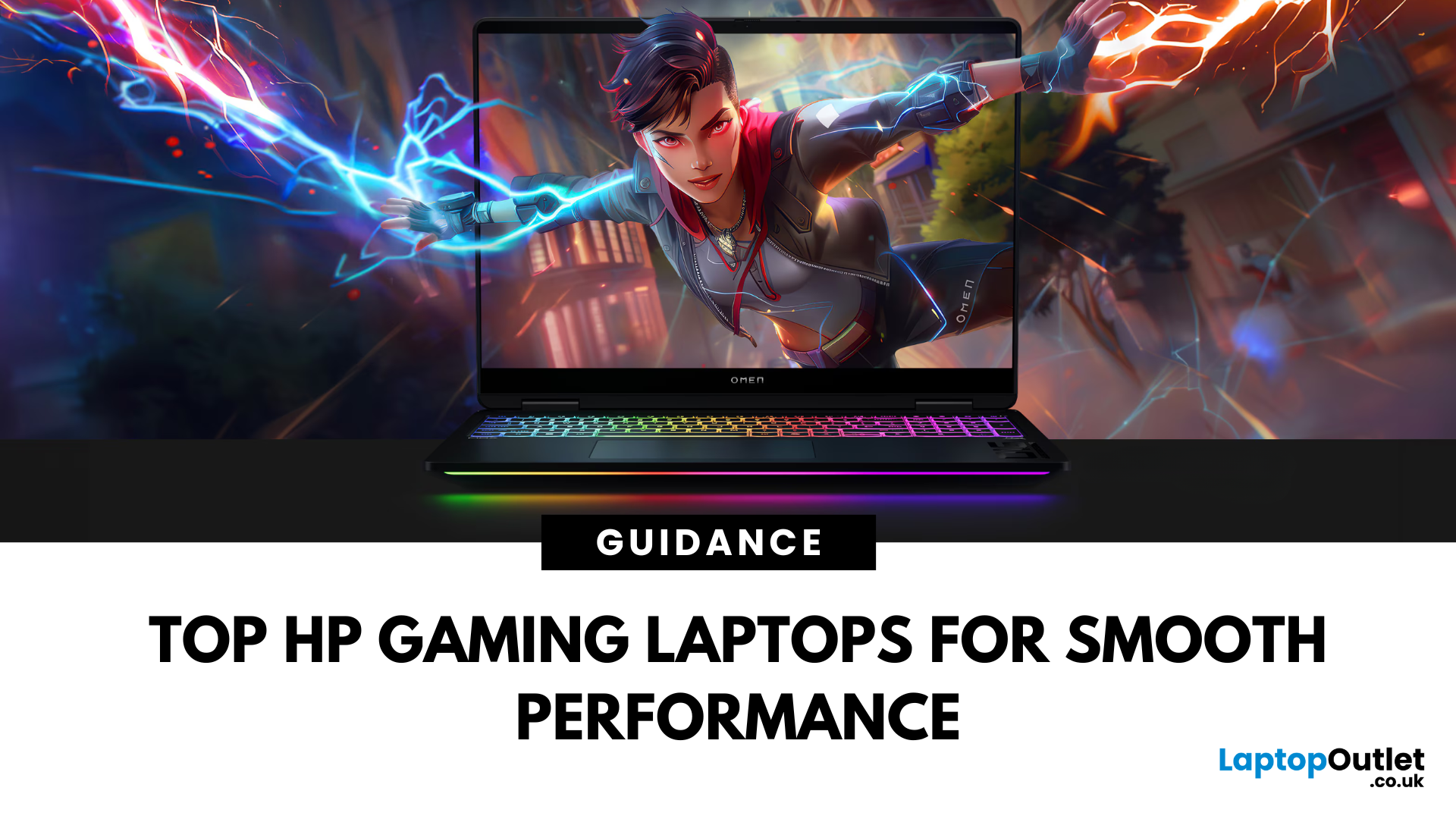
When it comes to gaming laptops, HP offers more than office power. Its Omen and Victus series pack serious performance, sleek designs, and value for money—making them ideal for gamers of all levels. Let’s explore the best HP laptops for gaming in 2025.
1. HP Omen Series – High-End Gaming Performance
Designed for serious gamers, the HP Omen series delivers desktop-level specs in a portable chassis.
Top Pick: HP Omen 17 (2025 Edition)
- Intel Core i9 / AMD Ryzen 9
- NVIDIA GeForce RTX 4080/4090 GPU
- 17.3" QHD display with 240Hz refresh rate
- 1TB SSD, 32GB RAM
Ideal for AAA gaming, streaming, and creative workloads
2. HP Victus Series – Affordable Gaming Power
The HP Victus line brings gaming-grade specs to more budget-friendly price points.
Top Pick: HP Victus 16 (2025 Edition)
- Intel Core i7 or Ryzen 7
- NVIDIA RTX 4060/4070 GPU
- 16.1" FHD 144Hz display
- 512GB SSD, 16GB RAM
Great for casual to mid-level gaming and students

