



How to Fix a Wobbly Gaming Chair: Common Causes & Easy Fixes
To fix a wobbly gaming chair, place it on a level floor, identify where the movement starts, then tighten the relevant bolts with the correct tool. Check the armrests, backrest brackets, seat mechanism, castors, five-star base and gas lift in turn. Replace any part that's cracked, bent or badly worn. Stop using the chair if its base, frame or height mechanism appears damaged.
Key takeaways
- Most gaming chair wobbling comes from loose fasteners, uneven castors, a poorly seated gas lift, or wear in the tilt mechanism.
- A small amount of movement in adjustable armrests or a rocking mechanism can be normal - it isn't automatically a fault.
- Tighten bolts evenly in sequence rather than forcing one bolt as far as it will go.
- Never drill, cut, heat or attempt to open a pressurised gas-lift cylinder.
- Replace the chair when the frame, base, or structural mounting points are cracked, distorted, or no longer secure.
Why does a gaming chair become wobbly?
In our experience, a wobble almost always starts at a connection point, not inside a single part. Two components that used to sit firmly together have developed play between them - most often at a bolt, a bracket, or the friction-fit joint where the gas lift meets the base.
For gamers who spend long sessions at their desk using mechanical gaming keyboards and other desktop peripherals, these components experience repeated loading every day, making regular chair maintenance worthwhile. Every one of these takes repeated load every time you sit down, lean back, or spin round - and over months of daily use, a small amount of give at any one joint becomes noticeable.
That's also why base construction and the availability of replacement parts matter more than they look like they should when you're comparing gaming chairs. A chair with a bolted, serviceable base (the kind Secretlab, GT Omega and Vertagear all use in their mid-to-premium ranges) is usually easier and cheaper to put right than a chair where the base is a single sealed unit, worth checking before you buy, not just when something goes wrong.
The first job isn't to tighten every visible screw. It's to work out exactly where the movement starts.
For readers deciding between chair types, our guide to gaming chairs vs office chairs. explains how support, adjustability and long-session comfort can differ.
Is the movement actually a fault?
Not every rocking gaming chair is faulty. Many models are designed to tilt backwards or rock once you release the tilt lock, and adjustable armrests often have a small amount of play built into their sliding tracks by design.
Movement is more likely to be a genuine problem when:
- The chair shifts side to side while you're sitting still.
- One side of the seat feels lower than the other.
- The seat moves independently of the base.
- The backrest changes position without you touching its control.
- A castor lifts off the floor during normal use.
- You hear a new clunk or knock.
- The wobble has been getting steadily worse.
- You can see a crack, a bent bracket, or an enlarged bolt hole.
Test each function separately. A chair that only rocks when the tilt lock is open is probably working as intended. A chair that twists diagonally while the mechanism is locked almost always has a loose or damaged connection somewhere.
Common causes of a wobbly gaming chair
|
Symptom |
Likely cause |
First action |
|
Seat rocks above the central column |
Loose seat plate or tilt mechanism bolts |
Tighten the bolts beneath the seat evenly |
|
Chair leans to one side |
Uneven castor, bent base or loose side bracket |
Inspect castors and all five base legs |
|
Backrest moves separately from the seat |
Loose backrest bracket bolts |
Tighten both sides gradually |
|
Armrest shakes |
Loose mounting bolts or worn adjustment mechanism |
Tighten underside bolts, inspect the adjustment joint |
|
Entire chair wobbles from the centre |
Poorly seated or worn gas lift connection |
Inspect the cylinder-to-base and cylinder-to-mechanism joints |
|
Chair rolls while sitting |
Sloping floor, unsuitable castors, no wheel locks |
Test on a level surface, inspect the wheels |
|
Chair sinks in height |
Failing gas-lift cylinder |
Arrange an approved replacement |
|
Wobble only appears when reclining |
Tilt or recline mechanism play |
Lock the function, inspect its mounting bolts |
Tools and materials you may need
Most gaming chair troubleshooting only needs what came with the chair, or a normal household toolkit:
- The chair's instruction manual
- Allen keys or hex keys
- A suitable screwdriver
- A spanner or socket set
- A torch
- Protective gloves
- A clean cloth
- Manufacturer-approved replacement bolts, washers or castors
- Medium-strength, removable thread-locking compound, where the manufacturer permits it
Avoid using a tool that slips or doesn't fit the fastener properly, a damaged bolt head makes later maintenance much harder. Don't use permanent adhesive on bolts unless the manufacturer specifically recommends it; the chair may need to come apart again for servicing or parts.
How to fix a wobbly gaming chair, step by step
1. Stop using the chair and inspect it safely
Remove any cushions, footrests or PC gaming accessories. Place the chair on a flat, firm surface with room to check it from every side. Look for cracks in the five-star base, bent brackets, missing fasteners, stripped bolt heads, torn welds, enlarged mounting holes, castors that don't sit fully in the base, and any oil, corrosion or damage around the gas lift.
Don't keep using a chair with a cracked base, distorted frame or failed weld - tightening bolts can't restore the strength of a fractured structural part.
2. Confirm the floor is level
Thick carpet, uneven floorboards and soft chair mats can all make a genuinely stable chair feel like it has a wobble. Move the chair to a hard, level floor and turn it through several positions — if the apparent lean changes depending on where it's placed, the floor or mat is the culprit, not the chair.
3. Find where the wobble begins
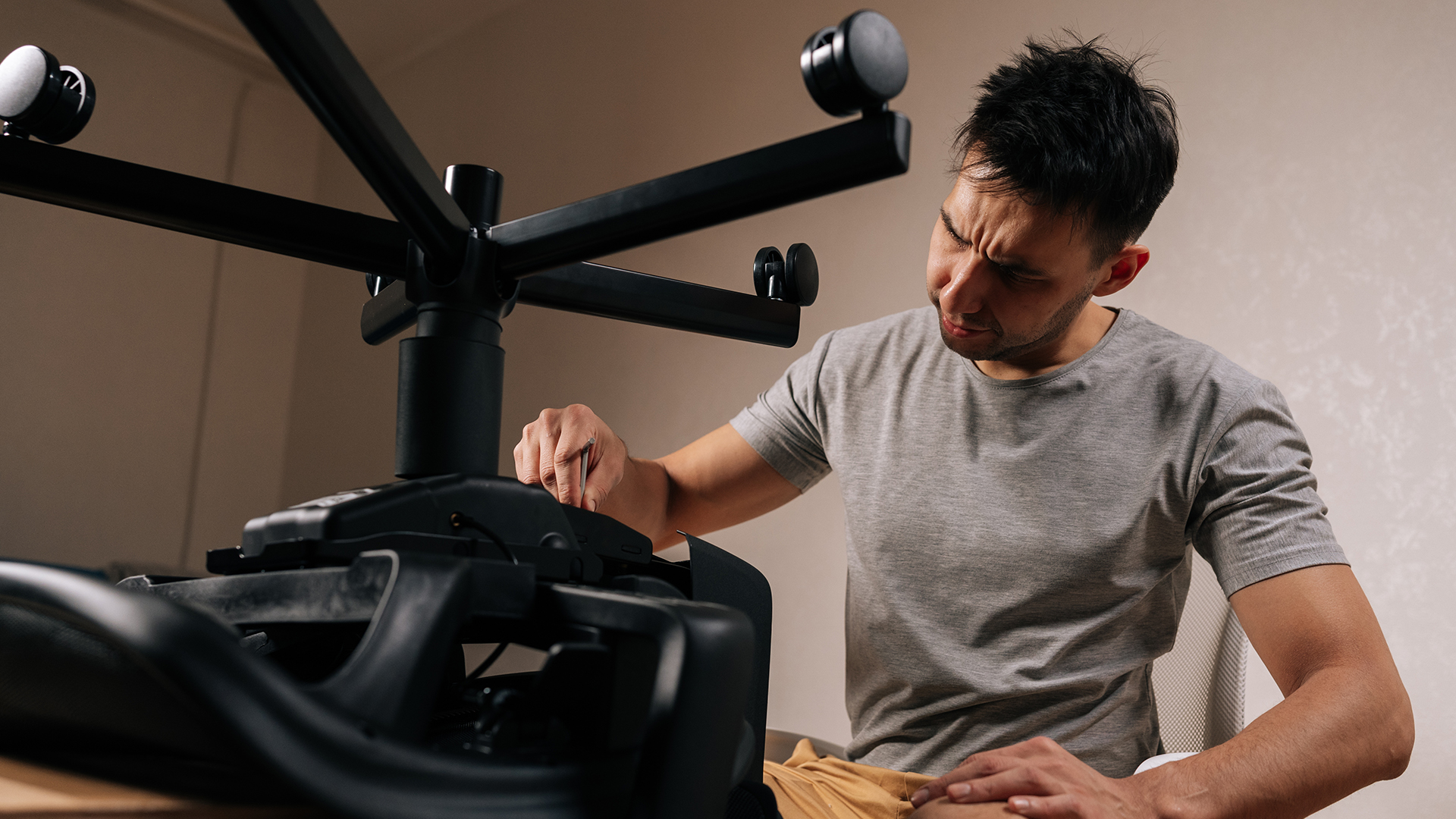
Ask someone to steady the base while you move one component at a time, keeping your hands clear of the tilt and recline mechanisms. Test castors against the base, base against the gas lift, gas lift against the under-seat mechanism, mechanism against the seat, backrest brackets against the seat, and armrests against their mounting points. A visible gap that opens and closes as you push usually identifies the loose connection.
4. Tighten the bolts beneath the seat
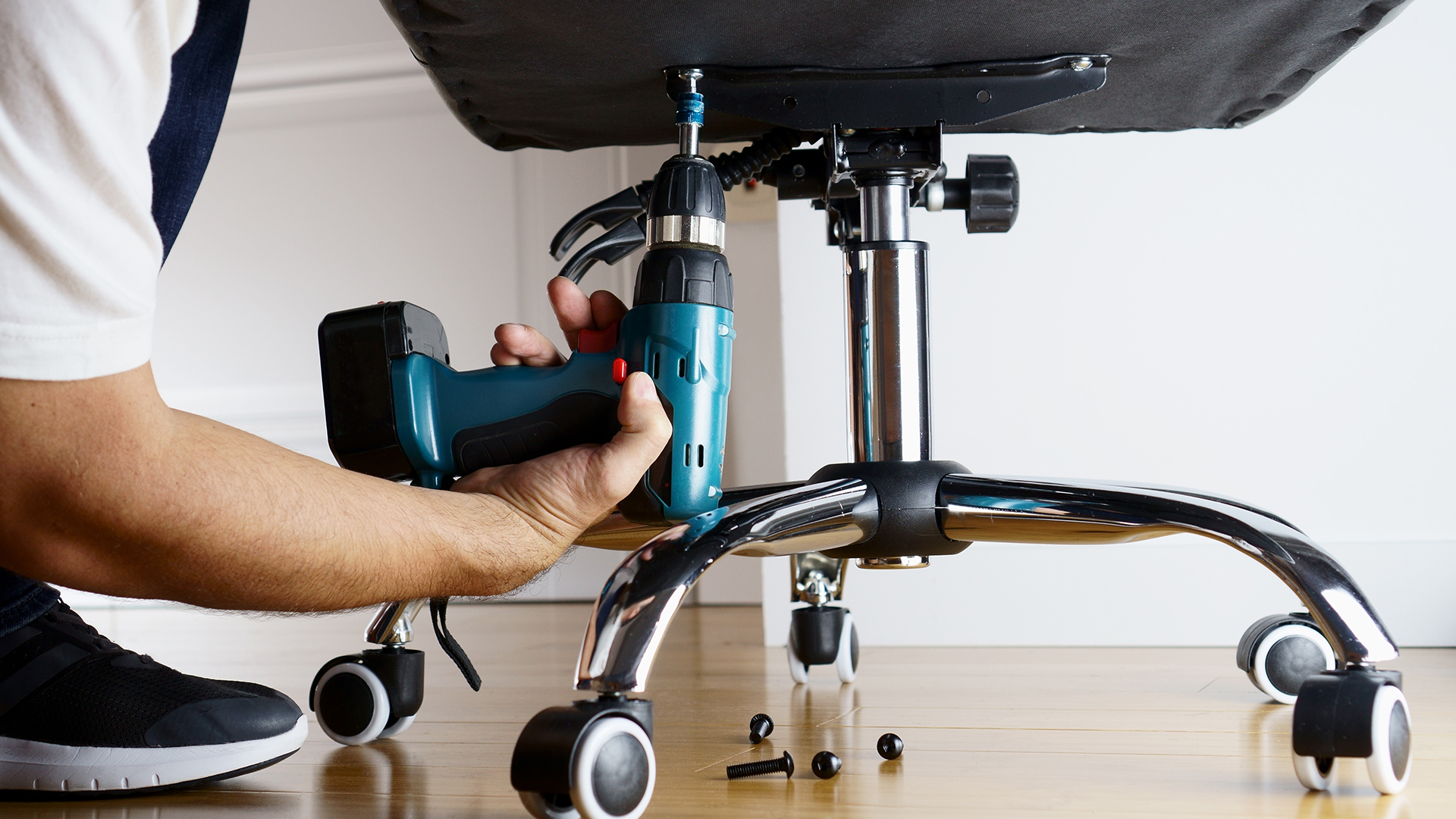
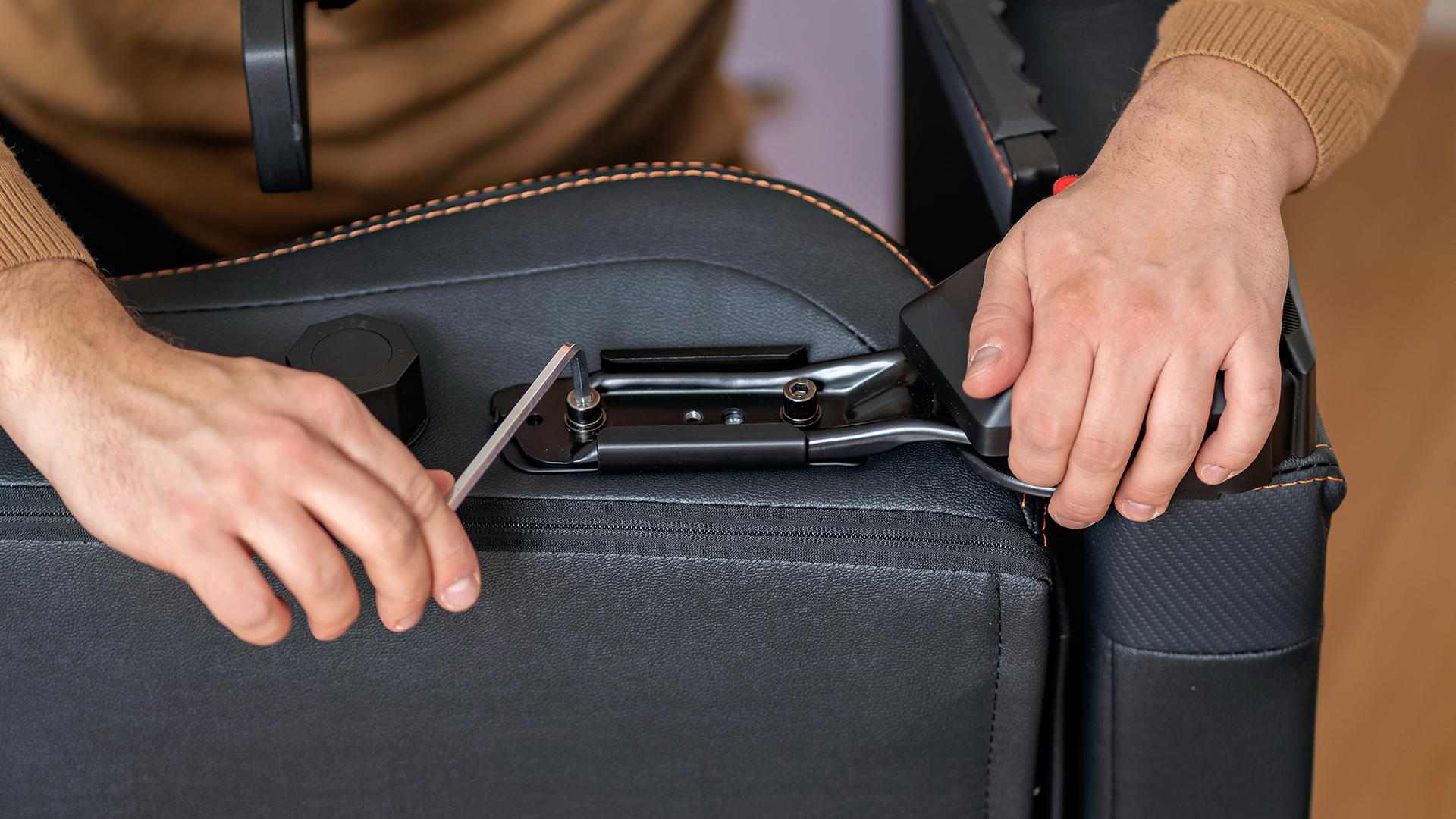
Place the chair on its side, protecting the upholstery and floor with a folded blanket. Locate the metal seat/tilt mechanism, commonly four bolts on the underside and tighten in a cross pattern: front-left, then rear-right, then front-right, then rear-left, repeating until each is secure. These spreads pressure evenly instead of pulling the mechanism out of alignment. Never force a cross-threaded bolt, remove it, realign it by hand, and try again.
5. Check the backrest brackets
Loose side brackets are a common cause of leaning and can produce a clunk when you lean back. Tighten the bracket bolts gradually, alternating left and right rather than fully securing one side first, which can pull the backrest out of alignment. Test the recline control afterwards, a bracket should be secure without blocking a movement it's designed to allow.
6. Fix a wobbly armrest
First work out whether the whole armrest moves at the seat connection, or just the top pad. If the full armrest moves check the bolts underneath the seat, realign the armrest, tighten each mounting bolt evenly, and look for cracked plastic around the bolt holes. If only the pad moves: check for a replaceable top, tighten any accessible screws, test the height/width/angle/forward controls, and contact the manufacturer if the internal joint is worn.
7. Inspect all five castors
Turn the chair over or onto its side and check every castor stem is fully seated. Clear hair and debris that can make a wheel sit at an angle. Replace a castor if its stem is bent, the wheel is cracked, the retaining ring is damaged, it keeps pulling out, or it sits at a different height to the others. Where possible, replace the full set, mixing wheel sizes can create a new wobble at the base.
8. Examine the five-star base
Check closely around the centre hub and each leg junction, cracks are easy to miss when the chair is upright. A damaged base should be replaced, not glued, taped or braced. The replacement must match the gas-lift fitting, castor stem size, the manufacturer's weight rating, and any warranty term.
Current UK office-chair standards, cover dimensions, safety and test methods for office work chairs. Gaming chairs aren't automatically covered by this standard just because they look similar, so treat any claim as something to verify for the specific chair rather than assume from its appearance.
9. Check the gas-lift connections
The gas lift connects the seat mechanism to the base, usually via a tapered friction fit rather than screws. A small amount of rotational movement is just the swivel function, side-to-side movement at either end of the cylinder needs closer inspection. Check whether the cylinder is seated centrally, the base hub or under-seat socket is cracked or distorted, the chair sinks after adjustment, or the wobble remains once everything around it is tightened. The apparent fault isn't always the cylinder itself - it's often the socket or hub around it.
10. Inspect the tilt and rocking mechanism
Lock the tilt function and test again, if the wobble disappears, the earlier movement was likely the chair's intended rocking action. If it still moves while locked, check the mounting bolts and look for cracks or deformation around the pivot points. Don't dismantle a spring-loaded tilt mechanism without manufacturer instructions; a worn mechanism is normally replaced as a complete unit rather than repaired internally.
Quick diagnostic checklist
- Test the chair on a firm, level floor.
- Lock the rocking or tilt function.
- Check all five castors.
- Inspect the five-star base for cracks.
- Tighten the under-seat mechanism bolts.
- Tighten both backrest brackets evenly.
- Check the armrest mounting bolts.
- Look for movement at both ends of the gas lift.
- Test whether the seat sinks in height.
- Stop if a structural component is cracked or bent.
When should you use thread-locking compound?
A small amount of removable, medium-strength thread-locking compound can help when a correctly fitted metal bolt keeps loosening through normal use, only when the manual doesn't prohibit it, both threads are metal, the bolt and thread are undamaged, and you're using a removable product. It's not a fix for stripped threads, a cracked bracket, or the wrong bolt size, and it's unsuitable for most plastic mounting points. Never substitute glue for a missing washer or locking nut.
When is professional repair worthwhile?
Castors, armrest assemblies, gas lifts, five-star bases, seat mechanisms, recline handles and brackets are all commonly repairable on a well-built chair, several established manufacturers, including Secretlab and GT Omega, sell replacement parts directly or point you to support for less common ones.
Before paying for a repair, weigh up the part cost, any labour or collection fee, the chair's age, remaining warranty, and whether other components are also showing wear. A budget chair with several failing parts often isn't worth extensive repair. A mid-range or premium chair with one replaceable mechanism usually is.
Repair or replace: a practical decision guide
|
Condition |
Repair is often reasonable |
Replacement is usually safer |
|
Loose bolts |
Yes, if threads remain sound |
When inserts or mounting holes are stripped |
|
Worn castors |
Yes, with compatible replacements |
When the base is also cracked |
|
Loose armrest |
Yes, if the mounting point is intact |
When the seat frame or plastic mount has fractured |
|
Gas-lift fault |
Yes, via an approved replacement process |
When the mechanism and base are also damaged |
|
Cracked five-star base |
Replace the base with an approved part |
Replace the chair if no compatible part exists |
|
Bent or cracked frame |
Rarely |
Usually |
|
Failed weld |
Specialist assessment required |
Usually |
|
Repeated, unexplained wobble |
After a full inspection |
When the source can't be made secure |
If you've been through the checklist above and the chair still isn't holding steady, or the frame, base or a weld is visibly damaged - it's not worth chasing further.
If replacement is the more practical option, our complete guide to choosing the best gaming chair covers sizing, adjustment range, materials, weight capacity and long-term usability.
How to stop gaming chair wobbling in the future
Recheck fasteners after assembly. New chairs can settle slightly in their first few weeks, recheck accessible bolts after initial use, and inspect every few months or whenever new movement or noise appears.
Stay within the load limit. The manufacturer's rating applies to the whole chair used as intended. Dropping heavily into the seat or leaning hard on one armrest puts more stress on individual joints than steady, normal use. Never stand on the chair or use the armrests to lift it, unless the manual specifically permits it.
A stable chair also helps you maintain a consistent seating position during long gaming sessions, especially when using high-performance gaming monitors, where the correct viewing angle can improve both comfort and visibility.
Avoid overtightening. This can strip a threaded insert, crush a washer, or crack a plastic component, tighten until secure, not until it stops turning.
Keep castors clean. Remove hair and fibres before they restrict the wheels, and use castors suited to your flooring - the wrong wheel type rolls poorly or marks the floor, which can feel like instability even when the chair itself is fine.
Use the adjustment controls correctly. Release your weight from the backrest before changing recline settings where instructed, and don't force a lever that's reached its limit, a mechanism that suddenly stiffens should be inspected, not pushed through.
Good long-term stability often starts with the original chair design. Our guide to gaming chair features you should never ignore explains which adjustment, support and construction details are worth checking before buying.
Common gaming chair repair mistakes
Tightening only the most obvious screw. Movement can travel through the chair, a loose under-seat mechanism can feel like an armrest or backrest problem. Test the whole assembly before deciding which connection is responsible.
Using the wrong replacement bolt. A bolt can appear to fit while having the wrong thread pitch or length, damaging the insert or bottoming out before it secures anything. Check the parts list or ask the manufacturer to confirm the spec.
Hiding movement with padding or wedges. Cardboard, tape and improvised shims can quiet a wobble without fixing it and can hide a developing crack in the process. Use only approved spacers, bushes and washers, in their intended locations.
Lubricating every joint. Lubricant can help a squeaking pivot where the manufacturer approves it, but it won't secure a loose bolt or repair a worn lock and oil on a friction-fit gas-lift joint can make later diagnosis harder.
Continuing to use a visibly damaged chair. A wobble from loose screws is a different problem to instability from a cracked base or frame. The latter needs replacement or specialist assessment - not more tightening.

Conclusion
Fixing a wobbly gaming chair starts with diagnosis, not random tightening. Test it on a level surface, lock the adjustable functions, and work through the castors, base, gas lift, seat mechanism, backrest and armrests in order. Loose fasteners and worn wheels are usually straightforward; cracks, failed welds and pressurised height mechanisms need more caution and, often, a manufacturer's or specialist's involvement. Use compatible parts, follow the manual, and skip the improvised structural fixes - a chair that's still unstable after a proper repair attempt should be taken out of use, not lived with. If you're replacing worn-out equipment as part of a wider desk upgrade, it's also worth reviewing your other gaming essentials. Whether you're looking to buy PC gaming mouse options or improve your overall setup, keeping every component in good condition contributes to a more comfortable gaming experience.

Frequently asked questions
Why does my gaming chair wobble?
Most commonly because the seat bolts, backrest brackets or armrest fixings have loosened. Uneven castors, a damaged base, wear in the tilt mechanism, or movement at the gas-lift connections can all cause it too.
Can I fix a wobbly gaming chair at home?
You can usually tighten accessible bolts, clean or swap compatible castors, and reseat simple removable parts yourself. Gas lifts, spring-loaded mechanisms, cracked frames and other structural damage should go through the manufacturer's process or a qualified repairer.
Is a wobbly gaming chair dangerous?
A slight movement from an unlocked rocking function can be entirely normal. Increasing wobble, cracking, bending, a failed weld, or looseness in the central mechanism can affect stability, stop using the chair until you've identified and properly repaired the source.
How often should I tighten my gaming chair screws?
Check after initial assembly, every few months after that, and whenever you notice new noise or movement. Avoid unnecessary overtightening - it strips threads and damages mounting points faster than normal use does.
Why does my new gaming chair already feel wobbly?
This is one of the most common questions we get on brand-new chairs, and it's usually not a fault. Chairs are shipped disassembled, and even a well-built one can feel slightly loose until every bolt has been checked once under real weight, manufacturing tolerances mean a bolt can be "tight" on the shelf and still need a quarter-turn more once you're actually sitting in it. Go through every connection point once, in the order in the checklist above, before assuming anything is faulty or contacting the manufacturer.
When should I replace my gaming chair?
When the frame, base, welds or structural mounting points are cracked or permanently distorted - particularly if compatible parts aren't available or when several major mechanisms are worn at once and repair no longer works out cheaper than replacing.
| Read More: |
| Top 10 Best Gaming Chairs for Ultimate Comfort in 2026 |
| How to Choose the Best Gaming Chair: A Complete Buyer’s Guide |
| Gaming Chair Features You Should Never Ignore |
Related Articles

Last Updated: May 19, 2026
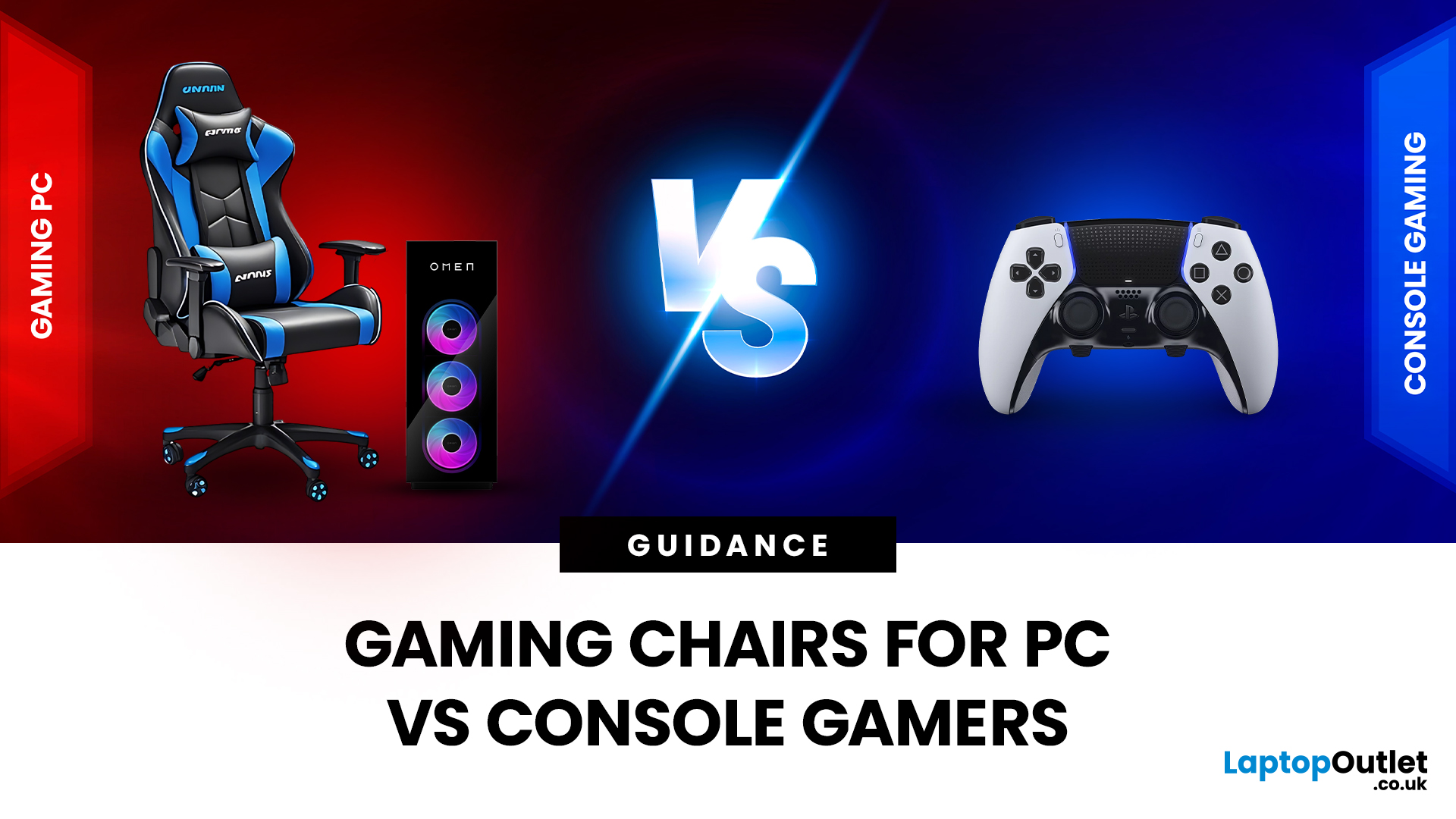
Choosing the right gaming chair is often treated as a cosmetic decision, colour, style, and whether it “looks gamer enough.” In reality, the chair you sit on has a far greater impact on your comfort, posture, and long-term health than many hardware upgrades.
For anyone deciding between gaming chairs for PC vs console, the choice is rarely straightforward. PC gamers and console gamers sit differently, play differently, and interact with their setups in completely different ways. A chair that works perfectly at a desk can feel awkward in a living room, while a recliner designed for console gaming can be unusable for mouse-and-keyboard play.
Why the Right Gaming Chair Matters More Than Ever
Modern gaming sessions are longer than they’ve ever been. Competitive multiplayer, open-world games, and live-service titles encourage extended playtimes, often lasting several hours at a stretch.
Sitting for long periods without proper support can lead to:
- Lower back pain
- Neck and shoulder tension
- Poor
Last Updated: May 19, 2026
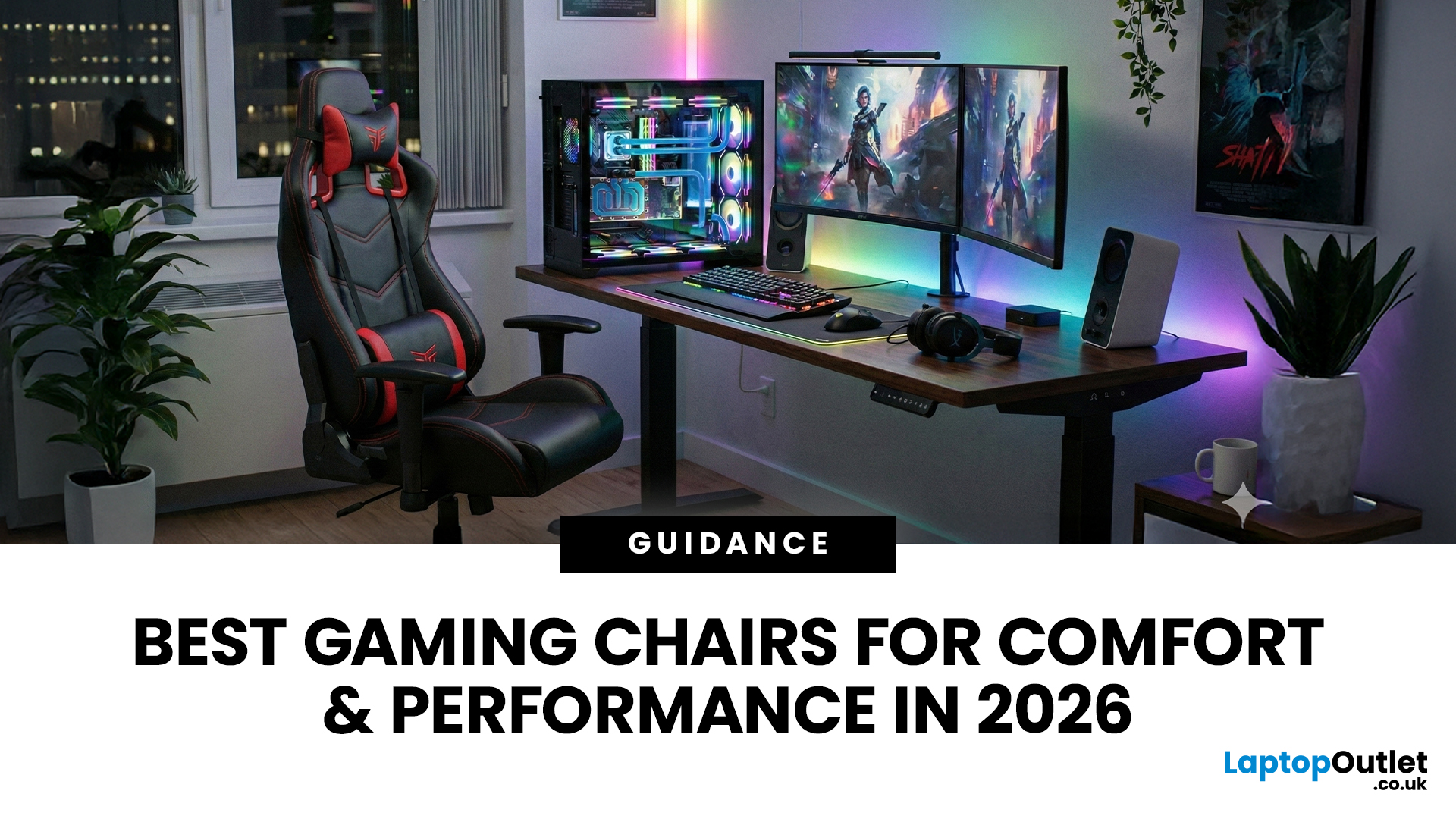
A gaming chair is no longer just an accessory, it’s a core part of your setup. Whether you’re a competitive gamer, a content creator, or someone who spends long hours working at a desk, the right chair can dramatically improve comfort, posture, and overall performance.
In this guide, we explore some of the most popular and best-performing gaming chair models available in 2026. From breathable mesh designs to heavy-duty premium chairs built for larger users, each option is designed to suit different needs and budgets, while maintaining the high standards gamers expect.
1. ThunderX3 YTC Mesh Gaming Chair – Black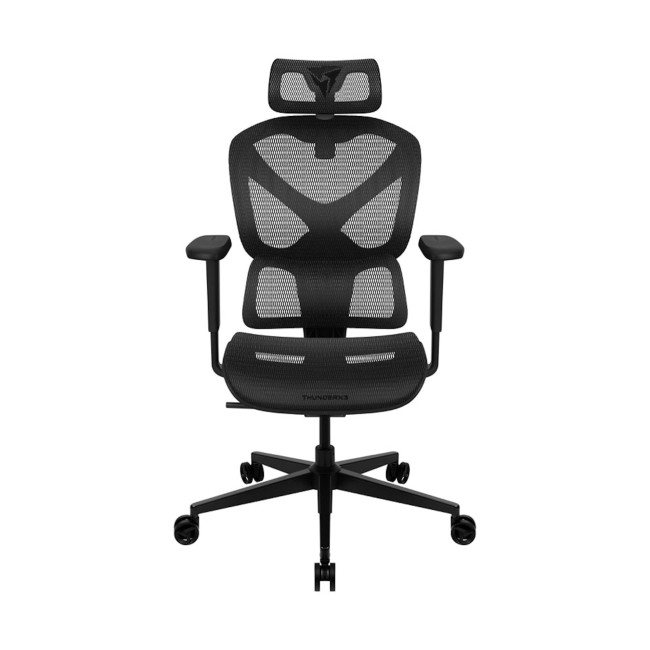
Perfect for airflow, posture, and modern gaming setups
The ThunderX3 YTC Mesh gaming chair is an excellent choice for gamers who value breathability and ergonomic support. Designed with a high-quality mesh backrest, this chair promotes constant airflow, helping to regulate temperature during long gaming or working sessions. This chair is perfect for users who want a clean,
Last Updated: July 20, 2026
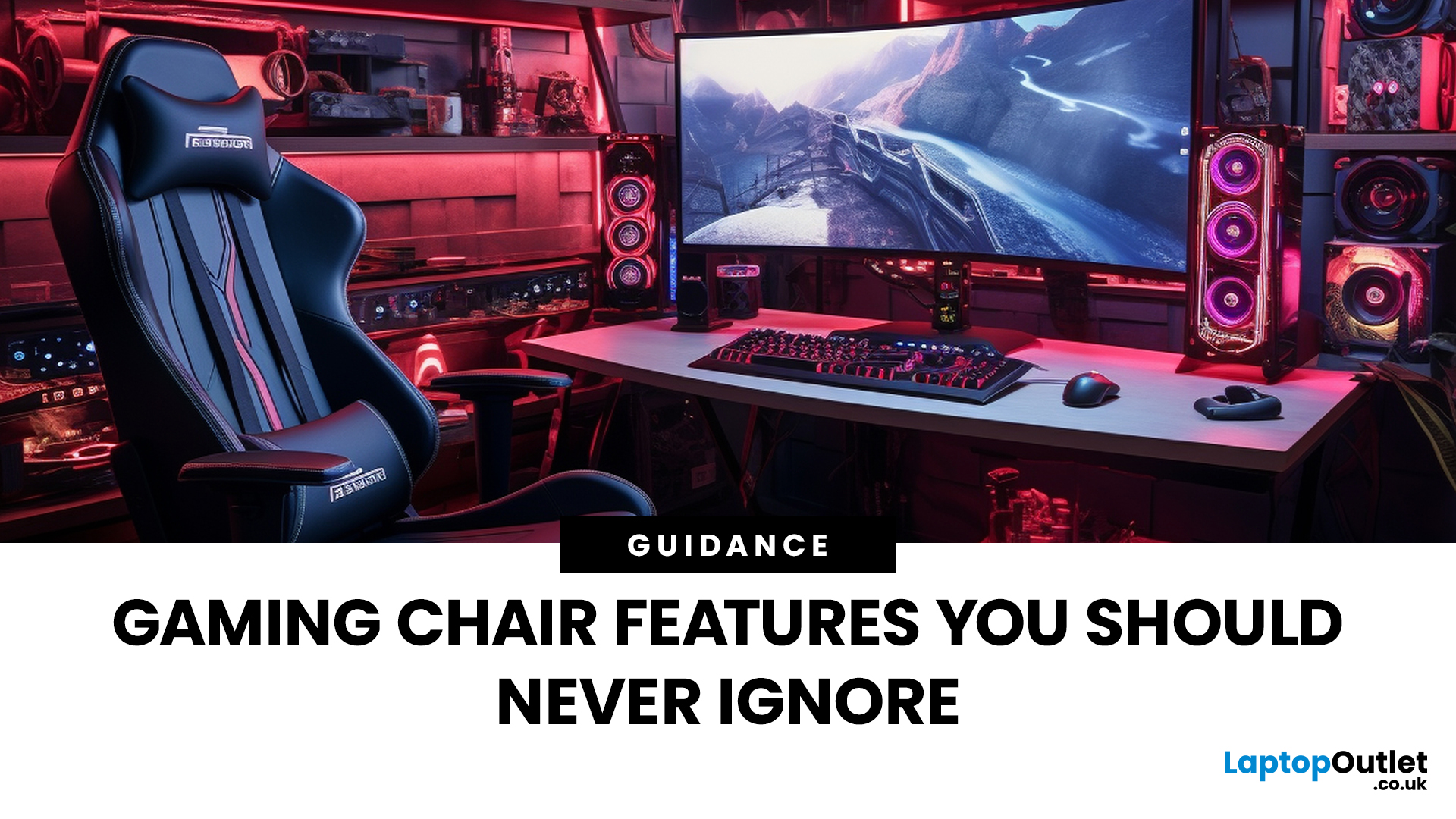
Choosing a gaming chair is often treated like choosing a skin in a game, mostly about looks, colours, and vibes. But once the session stretches past an hour or two, aesthetics stop mattering and the real differences start to show.
The truth is, most comfort issues don’t come from bad chairs - they come from missing or overlooked features. A chair can look premium and still fail at the fundamentals. That’s why understanding gaming chair features is far more important than memorising brand names or chasing trends.
Let’s jump in.....
Why Gaming Chair Features Matter More Than Design
Most gaming chairs share a similar silhouette. High backs, racing-inspired styling, bold branding. But under the surface, feature quality varies massively, and that’s where comfort is won or lost.
A well-designed chair:
- Supports your body, not just cushions it
- Adapts to different sitting positions
- Maintains comfort over time
- Holds its structure after months or years of use
A poorly featured chair might feel fine
Last Updated: December 24, 2025
Finding a high-quality seat for your gaming setup doesn’t have to break the bank. If you spend hours at your desk, you know that comfort is just as important as your GPU or monitor. However, the market is flooded with options, making it hard to find a durable budget gaming chair that actually lasts.
The good news is that you can get premium features like adjustable armrests, high-quality material, and deep recline functions without spending a fortune. In this guide, we have rounded up the top value gaming chair picks 2026 that will keep your back happy and your setup looking sharp.
Below, we dive into the best gaming chairs under £250 available right now.
Why Invest in a Gaming Chair?
A high-quality chair is more than just a seat; it is an essential tool for your health. Standard office chairs often lack the necessary support for your spine. A dedicated gaming chair provides targeted lumbar and neck support to prevent long-term aches and pains.
Beyond physical health, the right chair
Last Updated: December 24, 2025
If you’re shopping for a new chair, you’ll quickly realise “gaming chair” can mean anything from a flashy bucket seat with a logo to a genuinely supportive, all-day ergonomic chair that happens to suit a gaming set-up. This gaming chair buyer’s guide is about how to choose a gaming chair in a smart way for your body, your desk, and the way you actually play (or work).
The 60-Second Checklist (so you don’t waste hours scrolling)
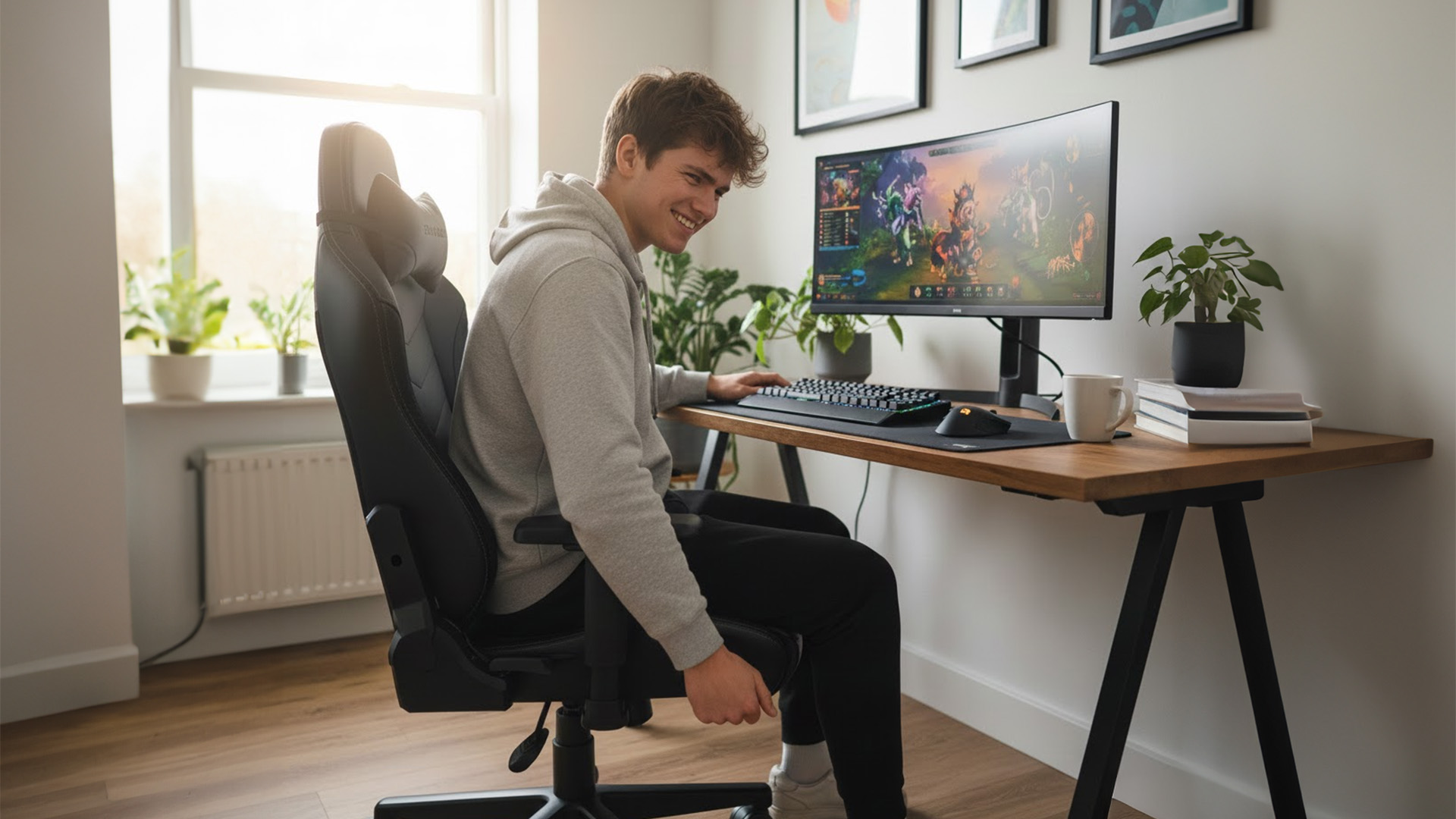
If you only remember five things, make them these:
- Right size for your height/weight (brands often have Regular/XL or size charts)
- Seat height range that suits your desk (feet flat, shoulders relaxed)
- Seat depth that fits your thighs (you need a small gap behind the knees)
- Proper lumbar support (ideally adjustable, not just a floppy cushion)
- Armrests you can actually line up with keyboard/mouse (3D/4D helps a lot)
If a chair looks brilliant but fails two of those, keep looking.
Start with the Basics: Measure Your Space
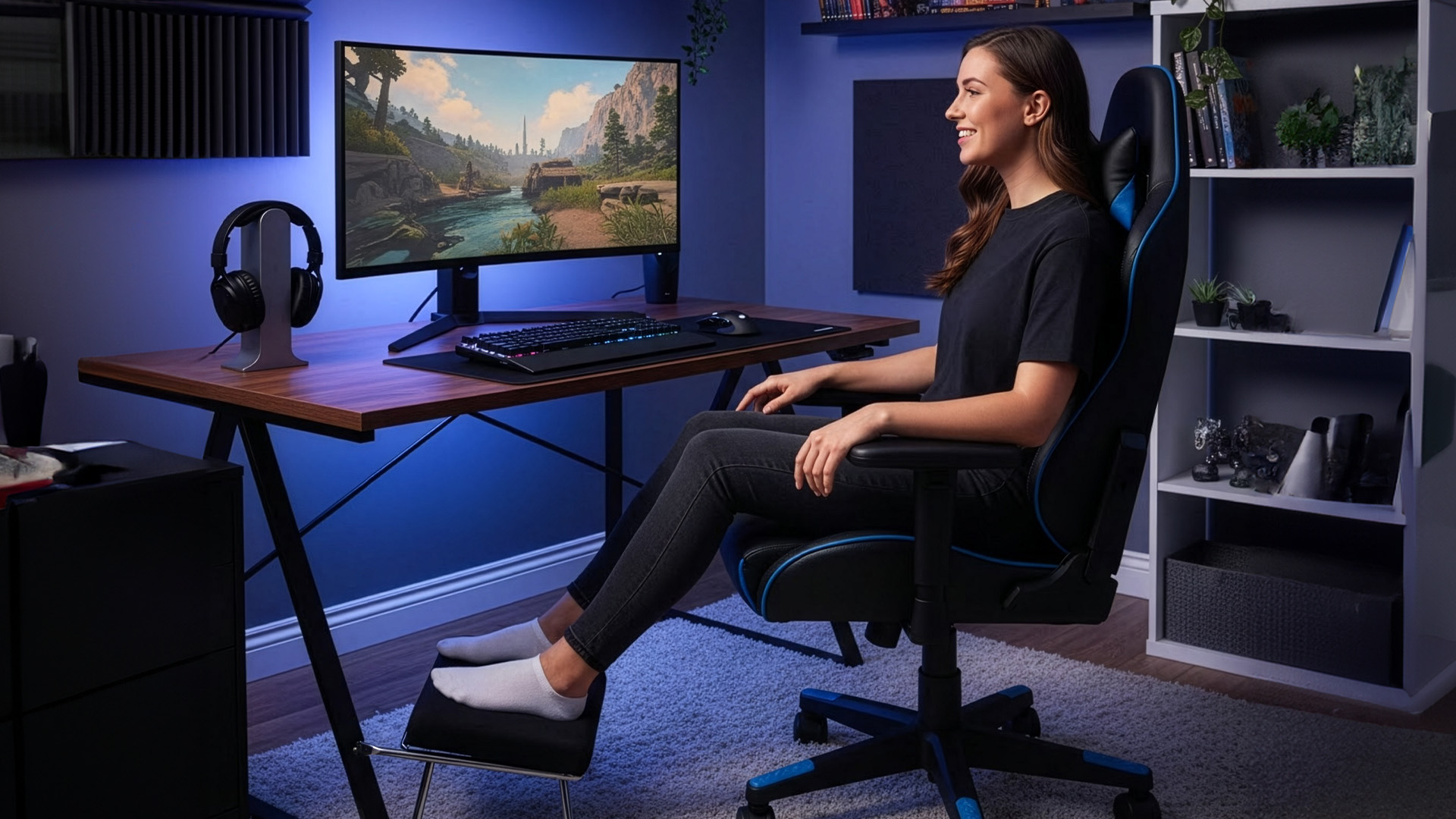
Before you look at brand names or RGB gimmicks,
Last Updated: June 11, 2026
For a clean and minimalist look of your working or gaming setup, choosing the right wireless mouse and keyboard can make a bigger difference than you think.
If you're on a budget, the Logitech Wireless Mouse M235 is a reliable and affordable option.
For UK shoppers in 2026, the best setup is for comfort, connectivity, battery life, accuracy, layout, and daily usability. Some people need a simple keyboard mouse combo for emails and spreadsheets. Others want fast switches, RGB lighting, ultra-light mouse movement, and reliable wireless performance for gaming.
This guide breaks down the best wireless keyboard mouse UK options from Laptop Outlet, covering work-friendly sets, Bluetooth-ready mice, premium
Last Updated: July 16, 2026
Published: July 08, 2026
Last Updated: July 10, 2026
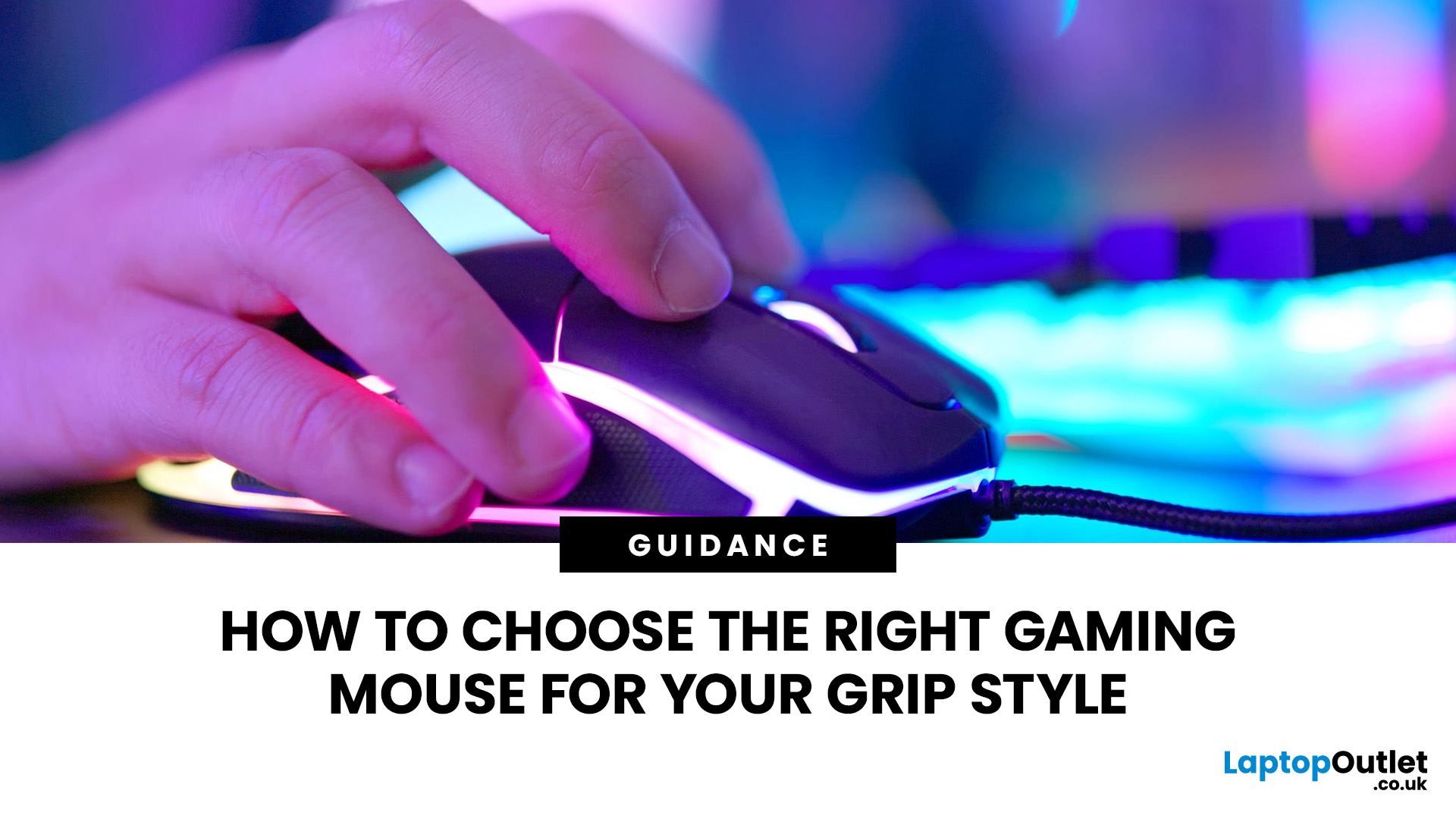
To choose the right gaming mouse for your grip style, first identify whether you use a palm, claw, or fingertip grip by placing your hand naturally on your current mouse. Palm grip players need a larger, fuller-bodied mouse; claw grip suits a mid-size mouse with a defined rear hump; and fingertip grip calls for a compact, lightweight mouse under 65g. Your grip style mouse choice affects comfort, control, and long-term wrist health, so getting the shape right matters more than any spec on the box.
This guide explains how to choose gaming mouse for your grip style. We will cover everything from identifying your grip and measuring your hand to understanding which shapes, weights, and features actually suit you.
The Three Main Gaming Mouse Grip Styles Explained<
Before you look at a single product listing, you need to know which of the three core grip styles you actually use. Most people have a natural default they've never consciously thought about. There's no objectively best mouse grip
Last Updated: September 03, 2026
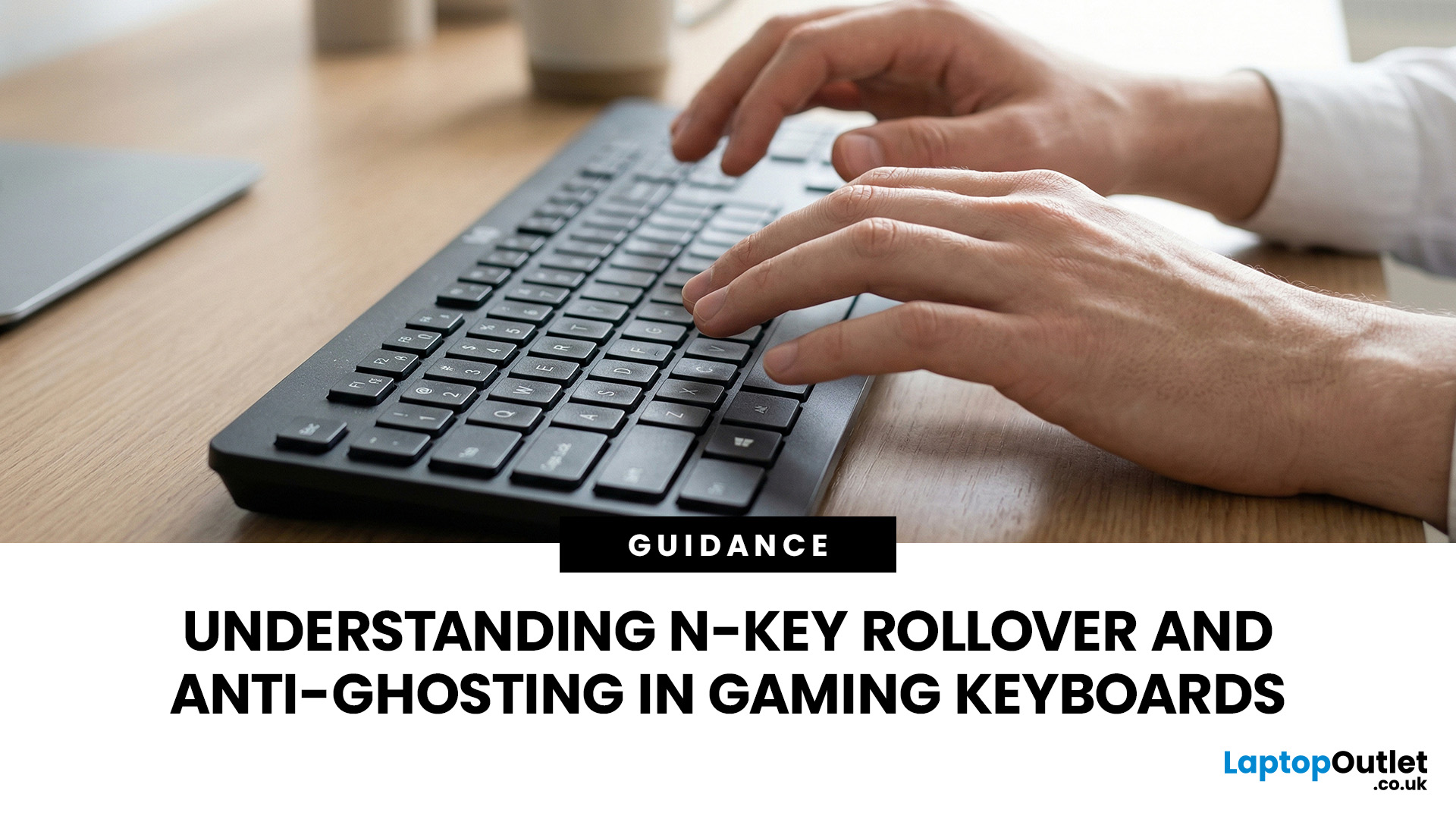
N-Key Rollover (NKRO) means a keyboard registers every key pressed simultaneously, with no inputs dropped or missed. Anti-ghosting prevents phantom keypresses from being falsely reported to your system. Both features work together on gaming keyboards to deliver accurate, reliable input during fast or complex gameplay. NKRO addresses missed real inputs; anti-ghosting eliminates false ones. Together, they ensure every command lands exactly as intended.
If you have ever been mid-battle, pressed three keys at once, and watched your character fail to jump, sprint, or reload, you have experienced the real-world impact of keyboard input limitations. This is not a game bug or a connection issue. The culprit is almost always your keyboard.
Modern gaming keyboards handle simultaneous key presses differently, and two features stand out: N-Key Rollover and anti-ghosting. Together, they are the reason a dedicated N Rollover keyboard feels so much more dependable in fast-paced games than a standard office

