



Dell XPS 13 vs XPS 15: Compact vs Performance Ultrabook
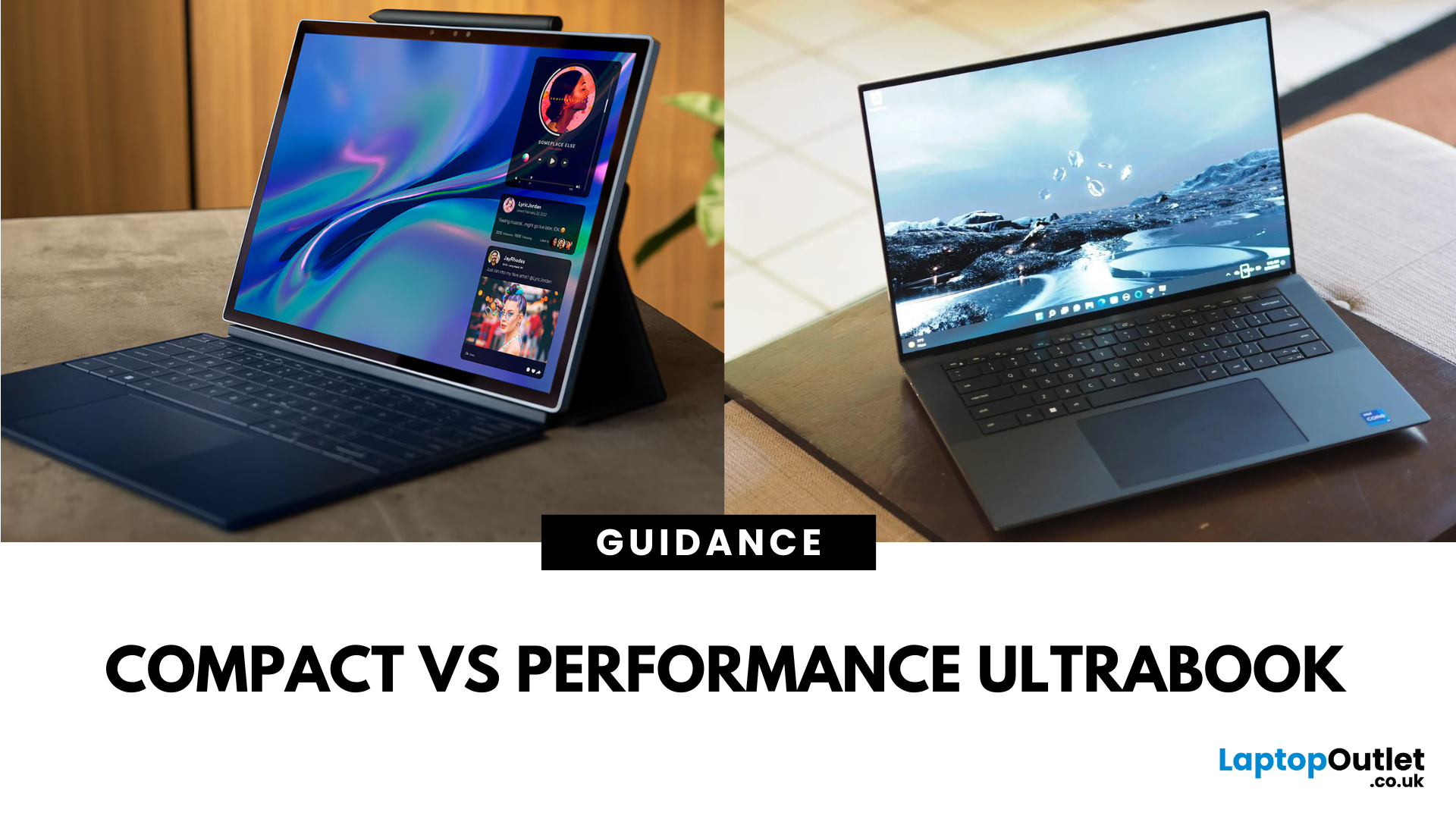
What’s the Main Difference Between Dell XPS 13 and XPS 15?
The XPS 13 is Dell’s most portable premium ultrabook — light, compact, and designed for all‑day work on the go. The XPS 15 is a larger powerhouse with stronger processors, optional NVIDIA graphics, and a bigger display for creative workloads.
Feature Comparison Table
|
Feature |
Dell XPS 13 |
Dell XPS 15 |
|
Display Size |
13.4″ FHD+ / UHD+ touch options |
15.6″ FHD+ / UHD+ / OLED touch options |
|
Weight |
~1.17–1.27 kg |
~1.8–2.0 kg |
|
CPU Options |
Intel Core i5 / i7 (U/Pseries) |
Intel Core i7 / i9 (Hseries) |
|
GPU Options |
Integrated Intel Iris Xe |
Integrated or NVIDIA GeForce RTX 3050 / 3050 Ti |
|
RAM & Storage |
Up to 32 GB RAM, up to 2 TB SSD |
Up to 64 GB RAM, up to 4 TB SSD |
|
Battery Life |
~12–14 hours |
~8–10 hours |
|
Best For |
Portability, office work, media consumption |
Creative work, video editing, heavier multitasking |
|
Price Range |
£1,200–£1,800 |
£1,500–£2,500+ |
1. Portability & Everyday Use
- XPS 13: Ultralightweight and slim, ideal for commuting, travel, and working anywhere.
- XPS 15: Larger and heavier but more comfortable for extended desktopstyle use.
If you need maximum portability for everyday work and travel, the XPS 13 is the better choice for mobile professionals. However, if you value a bigger screen and don’t mind extra weight, the XPS 15 could be the right fit for atdesk productivity.
2. Performance & Graphics
- XPS 13: Efficient Intel processors with integrated graphics — great for office tasks, browsing, and streaming.
- XPS 15: Higherpower Hseries processors and optional RTX graphics for editing, design, and light gaming.
If you need extra processing and graphics power for creative workloads, the XPS 15 is the better choice for content creators. However, if you only need smooth everyday performance in a compact design, the XPS 13 could be the right fit.
3. Battery Life
- XPS 13: Up to 14 hours, depending on display choice.
- XPS 15: Around 8–10 hours — still decent, but less than the XPS 13 due to higherpower hardware.
If allday unplugged use is your priority, the XPS 13 is the better choice for long work sessions on the go. However, if you can work plugged in more often and value performance, the XPS 15 could be the right fit.
4. Price & Value
- XPS 13: More affordable entry point, with highend configurations still under many premium 15″ models.
- XPS 15: Costs more but offers workstationclass potential in an ultrabook form factor.
If you want a premium ultrabook without spending toptier workstation prices, the XPS 13 is the better choice. However, if you need serious computing power and can invest more, the XPS 15 could be the right fit.
Pros & Cons
|
Model |
Pros |
Cons |
|
XPS 13 |
Ultraportable, long battery life, premium build |
Smaller display, no dedicated GPU option |
|
XPS 15 |
Bigger display, dedicated GPU options, more power |
Heavier, shorter battery life, higher cost |
Which Should You Choose?
Choose the Dell XPS 13 if you want an ultraportable laptop with long battery life for productivity on the move.
Choose the Dell XPS 15 if you want a larger display, more powerful hardware, and the flexibility to handle creative workloads.
Ready to invest in your perfect ultrabook? Explore our Dell XPS 13 range for ultraportability or Dell XPS 15 lineup for premium power — shop now and elevate your work experience today.
FAQs
Q: Is the Dell XPS 15 better than the XPS 13 for gaming?
Yes — the XPS 15 offers optional NVIDIA RTX graphics, which can handle light gaming, unlike the XPS 13’s integrated graphics.
Q: Which has better battery life, XPS 13 or XPS 15?
The XPS 13 generally lasts longer, offering up to 14 hours versus the XPS 15’s 8–10 hours.
Q: Which is lighter, XPS 13 or XPS 15?
The XPS 13 is significantly lighter at around 1.2 kg compared to the XPS 15’s 1.8–2 kg.
Q: Which is better for content creation, XPS 13 or XPS 15?
The XPS 15, thanks to its larger display, more powerful CPU, and dedicated GPU options.
Q: Is the XPS 13 cheaper than the XPS 15?
Yes — the XPS 13 starts at a lower price, making it the more affordable choice in the XPS lineup.
Summary
The Dell XPS 13 is a sleek, ultraportable laptop perfect for travel and everyday productivity, while the Dell XPS 15 delivers more screen space, better performance, and dedicated graphics for creative work. Choose XPS 13 if you value portability and battery life. Choose XPS 15 if you need extra power for demanding apps, content creation, or gaming.
| Read More: |
| Dell XPS 13 VGX33 Laptop Review |
| Review: Dell XPS 15 9500 15.6" Business Laptop Core i7 |
| Review: Viglen Ultrabook 13.3 Inch Touchscreen Laptop |
Related Articles


Last Updated: September 25, 2025
Last Updated: March 17, 2026
Last Updated: September 09, 2025
Last Updated: July 01, 2025
The Dell XPS laptops-range has earned a great popularity among users in the past few years. And there are many valid reasons behind this astonishing success. Dell XPS laptops have been attracted a lot of customers due to their ultra-portable body, reasonable battery, and a pocket friendly price tag.
Coming to the Dell XPS 13, it is another wonderful edition onto the famous Dell XPS laptops line up. Dell XPS is offering you several top-notch features in a mid-range budget bracket. Let’s explore the various state-of-the art features that Dell XPS 13 has for you.
Design and Display
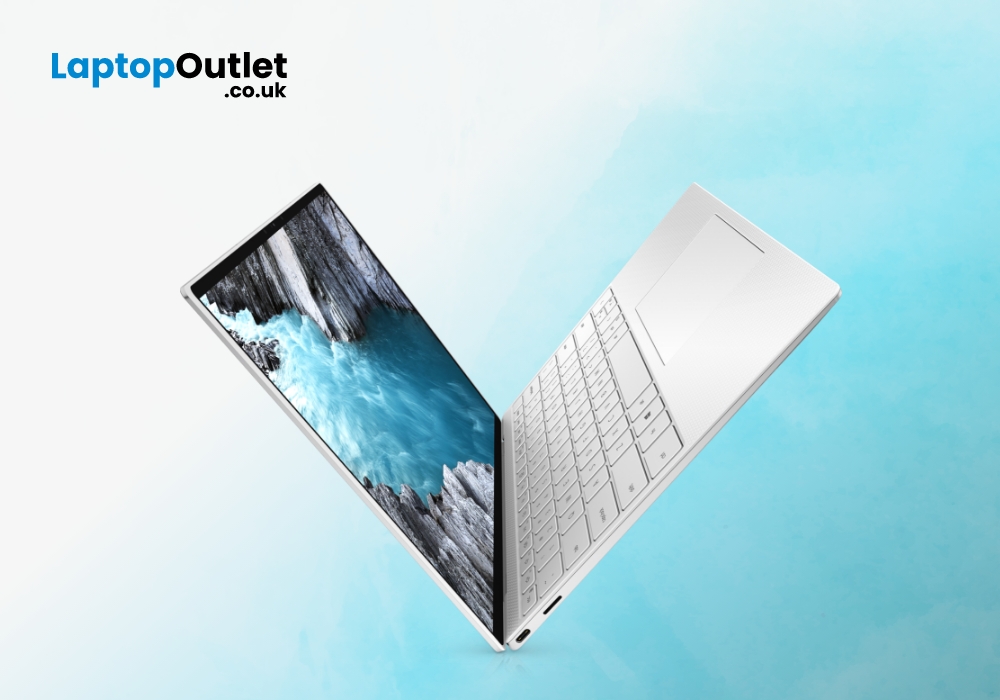
The first impression that you perceive of Dell XPS 13 laptop is mesmerising. XPS 13 features an eye-catchy and business look like metal body. A weight of 2.91 pounds and a compact shape body are enough to make this Dell XPS 13 one of the most portable laptop available on the commercial stores.
To deliver you an immersive visual experience, Dell XPS 13 features a 13.4” large and FHD (Full High Definition)

