



Best Tablets for Kids 2026: Top Picks for Learning, Games, and Videos

Choosing the best tablets for kids in 2026 is not just about picking the cheapest screen. Today’s children use tablets for reading, schoolwork, drawing, watching videos, playing games, video calls, travelling, and exploring educational apps. That means parents need a device that is safe, durable, affordable, and suitable for everyday family use.
The best tablet for kids depends on your child’s age, how they will use it, and how much control you want over apps, websites, downloads, and screen time. Younger children may need a compact, child-friendly tablet with a strong case and simple parental controls. Older children may need a larger screen, better performance, keyboard support, and enough storage for homework, school apps, games, and offline videos.

In this guide, we look at the best tablet options for learning, games, videos, homework, travel, and back-to-school use, helping you choose the best tablet for kids UK families can buy in 2026.
Best Tablets for Kids in 2026: Quick Comparison
|
TABLET TYPE |
BEST FOR |
KEY BENEFIT |
IDEAL AGE GROUP |
|---|---|---|---|
|
Amazon Fire Kids-style tablet |
Younger children |
Simple controls, child profiles, affordable pricing, kid-friendly content |
3–8 |
|
Android tablet |
Flexible family use |
Wide app choice, varied budgets, good for learning and videos |
6–13 |
|
Apple iPad |
Schoolwork and long-term use |
Excellent apps, strong performance, accessories, long-term value |
8+ |
|
Budget tablet |
Everyday basics |
Affordable, simple, suitable for reading, videos, and light games |
4–10 |
|
Compact 7-inch tablet |
Travel and younger kids |
Lightweight, portable, easy to hold |
3–7 |
Top-Rated Kid Tablets Available at Laptop Outlet
1. HONOR Pad 10 12.1" Tablet
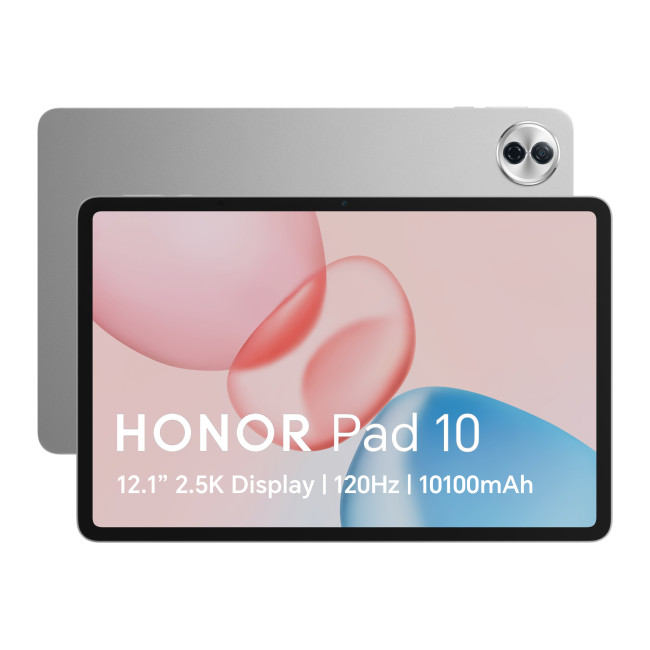
The HONOR Pad 10 is our best overall choice for families looking for the best Android tablet for kids with strong performance and excellent value. Its large 12.1-inch display is ideal for videos, reading, learning apps, and online homework.
Key Specs:
- Qualcomm Snapdragon Processor
- MagicOS 9.0
- LPDDR Memory
- 1" TFT LCD Display, IPS LCD, 2560 x 1600 Max. Resolution
- 8 GB RAM, 256 GB Storage
- 8 MP Front Camera
- Adreno Graphics
- 10100 mAh Battery Capacity
- USB-C
- Grey Colour
- 1 Year Warranty
- 5301ANNU
- Condition: New
Why it’s great for kids:
With plenty of storage, smooth performance, and a large battery, this tablet is ideal for schoolwork, streaming, games, and educational apps. Add a rugged case and screen protector to make it more child-friendly.
2. Lenovo Tab M11 11" Tablet with Pen
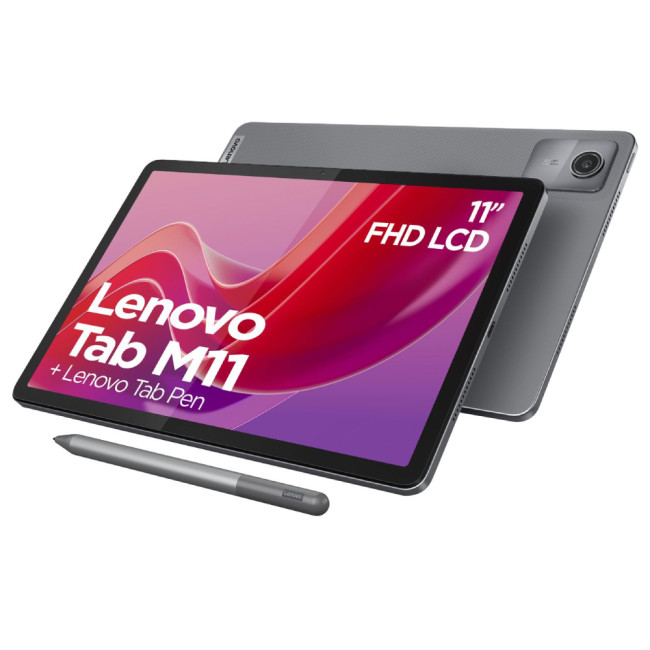
The Lenovo Tab M11 is a smart pick for parents searching for the best educational tablet for kids. It comes with a pen, making it useful for handwriting practice, drawing, note-taking, and creative learning.
Key Specs:
- MediaTek Helio G88 Processor
- 11" IPS Anti-Glare WUXGA
- 8MP rear and front cameras
- Android 13
- 11" WUXGA Display, IPS, 1920 x 1200 Max. Resolution
- 4 GB RAM, 128 GB Storage
- 8 MP Front Camera
- Arm Mali-G52 Graphics
- 5000-7999 mAh Battery Capacity
- Wi-Fi 5 | USB-C
- Luna Grey Colour
- 1 Year Warranty
- ZADA0213GB
- Condition: New
Why it’s great for kids:
The included pen gives it extra value for school children who need a device for homework, creativity, and revision. It is a practical choice for families wanting the best tablet for kids homework without moving into premium iPad pricing.
3. Lenovo P12 12.7" Tablet
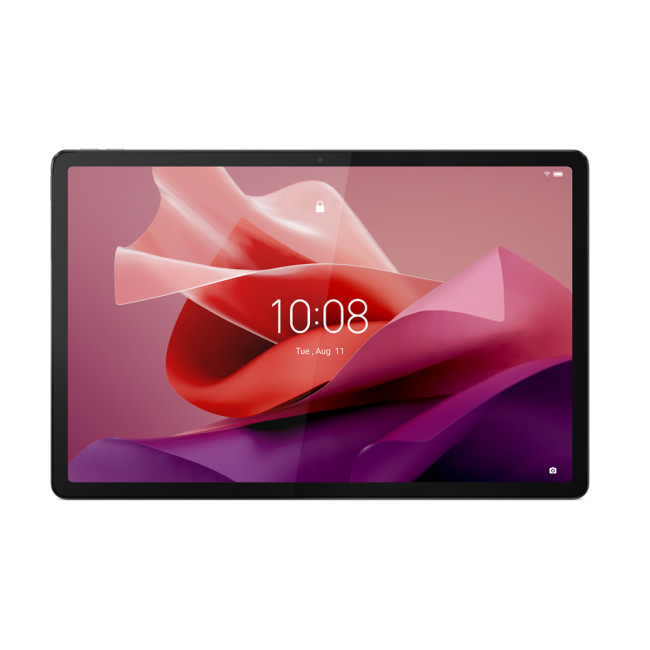
The Lenovo P12 is a strong large-screen option for older kids and teens. Its sharp 12.7-inch 3K display makes it excellent for reading, video lessons, movies, and light gaming.
Key Specs:
- MediaTek Dimensity 7050 Processor
- LPDDR4x Memory
- 7" 3K Display, IPS, 2944 x 1840 Max. Resolution
- 8 GB RAM, 128 GB Storage
- 13 MP Front Camera
- Mali-G68 Graphics
- 10200mAh Battery Capacity
- Wi-Fi
- Grey Colour
- 1 Year Warranty
- ZACH0108GB
- Condition: New
Why it’s great for kids:
This is one of the best choices for learning and entertainment in one device. If you are wondering what is the best tablet for kids who need a bigger screen, the Lenovo P12 is a reliable answer. Parents shopping on a tight budget can also explore tablets under £100 for simple, entry-level options for reading, videos, and basic learning apps.
4. Lenovo Idea Tab Pro 12.7" with Pen
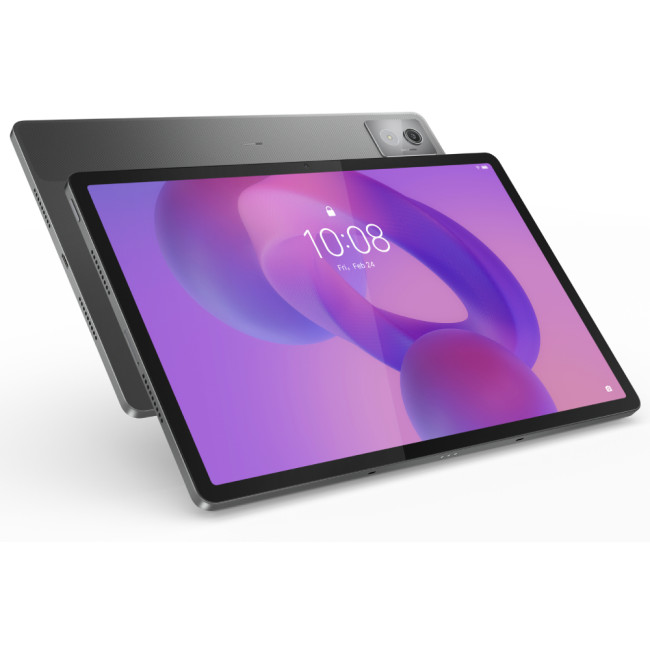
The Lenovo Idea Tab Pro is built for students who need a larger, sharper display and better productivity features. It is especially useful for schoolwork, reading documents, drawing, and watching educational content.
Key Specs:
- Mediatek Dimensity Processor
- Pen Bundled
- LPDDR5X Memory
- 7" 3K Display, IPS, 2944 x 1840 Max. Resolution
- 8 GB RAM, 128 GB Storage
- 8 MP Front Camera
- Integrated ARM G615 MC5 Graphics
- 10200 mAh Battery Capacity
- USB-C
- Luna Grey Colour
- 1 Year Warranty
- ZAE50075GB
- Condition: New
Why it’s great for kids:
The bundled pen makes this a standout option for digital notes and creative tasks. It is a best Android tablet for school children pick, particularly for secondary school students.
5. Lenovo Idea Tab Pro 12.7" 256GB with Pen
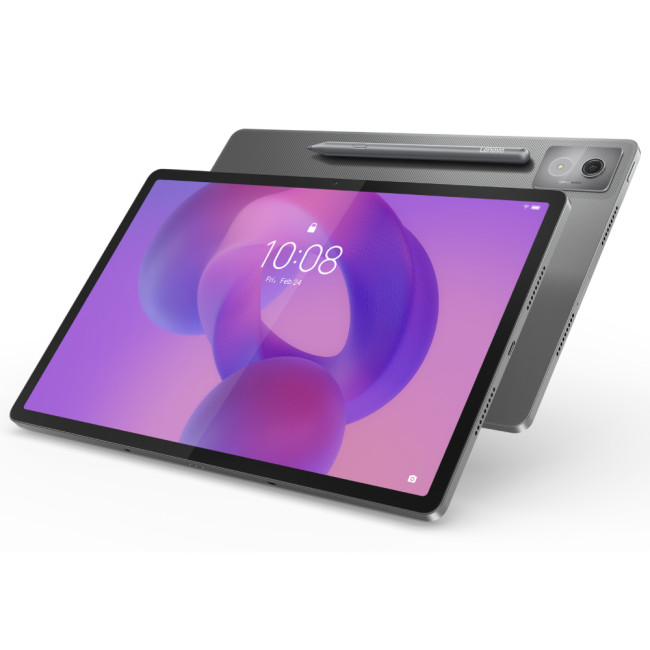
This version of the Lenovo Idea Tab Pro offers extra storage, making it better for families who download lots of apps, learning resources, videos, and games.
Key Specs:
- Mediatek Dimensity Processor
- Pen Bundled
- LPDDR5X Memory
- 7" 3K Display, IPS, 2944 x 1840 Max. Resolution
- 8 GB RAM, 256 GB Storage
- 8 MP Front Camera
- Integrated ARM G615 MC5 Graphics
- 10200 mAh Battery Capacity
- USB-C
- Luna Grey Colour
- 1 Year Warranty
- Condition: New
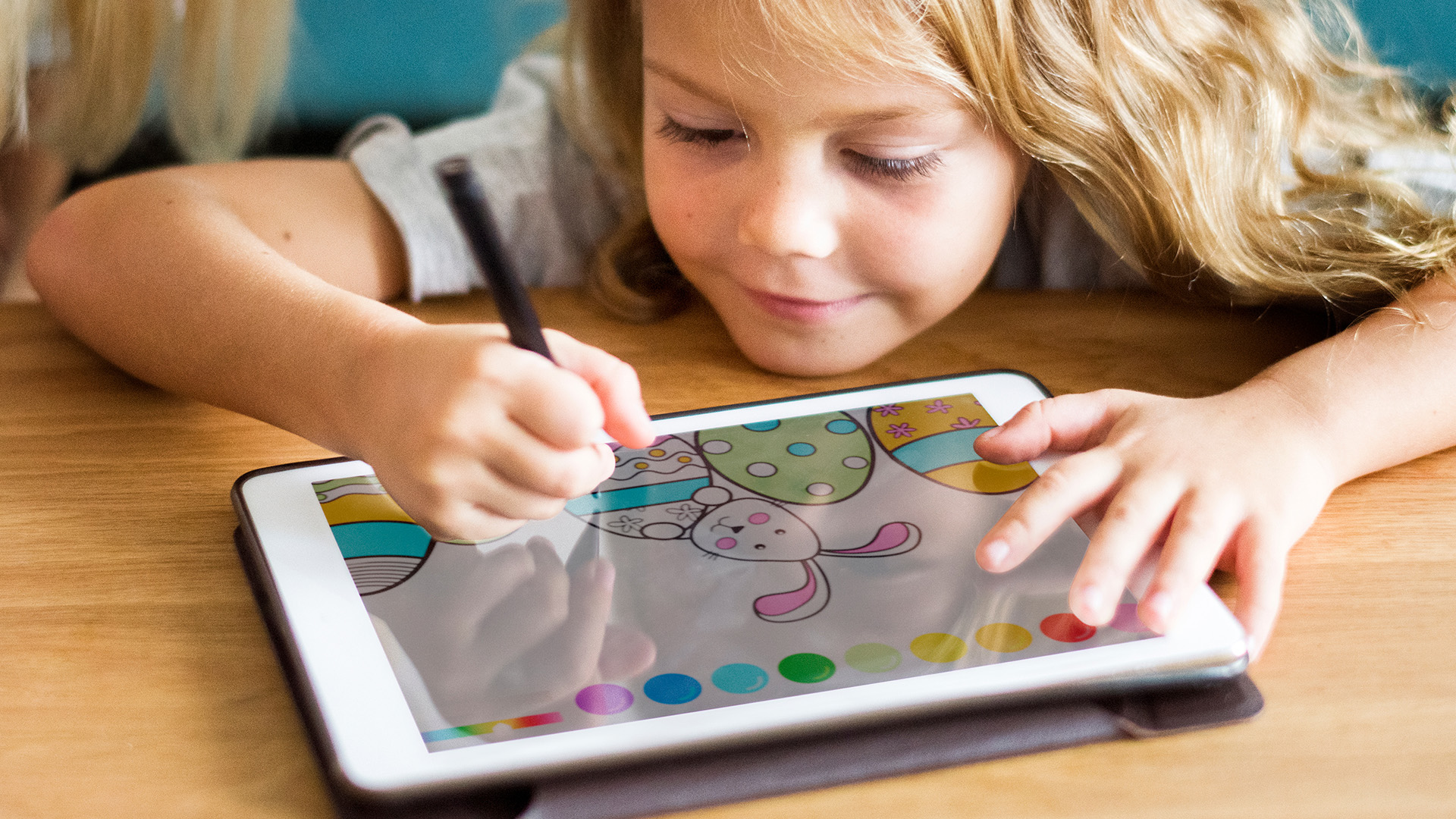
Why it’s great for kids:
For only a little more than the 128GB model, the 256GB version gives children more room to grow. It is a strong choice for parents looking for the best affordable tablet for kids with long-term storage flexibility.
6. Apple iPad Air 11" M3 128GB Wi-Fi
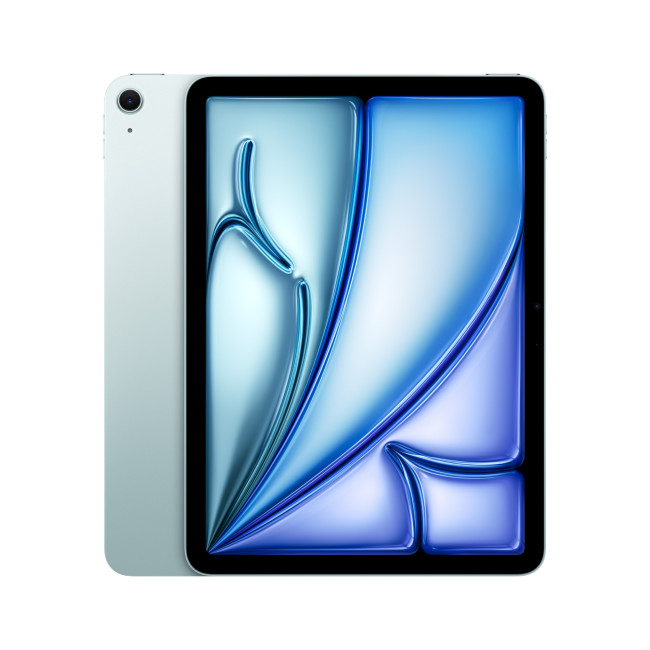
The iPad Air 11-inch is the best iPad option on this list for most families. It is powerful, portable, and supported by a huge range of learning, creativity, reading, and parental control apps.
Key Specs:
- Apple M3 Processor
- 16-core Neural Engine
- Compatible with Apple Pencil (USB-C) / Apple Pencil Pro
- Battery life: Up to 10 hours
- 11" Liquid Retina Display, IPS, 2360 x 1640 Max. Resolution
- 128 GB Storage
- 12 MP Front Camera
- 9-Core Graphics
- 93 Wh Battery Capacity
- USB-C | Bluetooth 5.3 | Wi-Fi 6E (802.11ax)
- Blue Colour
- MC9X4KN/A
- Condition: New
Why it’s great for kids:
This is a premium choice for children who need a reliable tablet for school, creative projects, games, and videos. For parents comparing affordable Apple iPads kids UK options, the iPad Air is excellent if budget allows.
7. Apple iPad Air 11" M3 256GB Wi-Fi
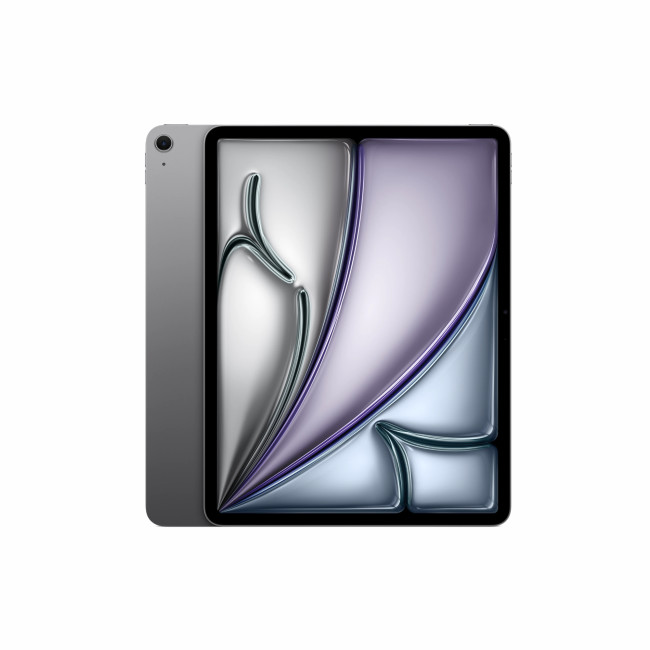
The 256GB iPad Air is ideal for families who want more storage without stepping up to a much larger or more expensive iPad Pro.
Key Specs:
- Apple M3 Processor
- 16-core Neural Engine
- Compatible with Apple Pencil (USB-C) / Apple Pencil Pro
- Battery life: Up to 10 hours
- 11" Liquid Retina Display, IPS, 2360 x 1640 Max. Resolution
- 256 GB Storage
- 12 MP Front Camera
- 9-Core Graphics
- 93 Wh Battery Capacity
- USB-C | Bluetooth 5.3 | Wi-Fi 6E (802.11ax)
- Space Grey Colour
- Condition: New
Why it’s great for kids:
It offers enough space for school files, videos, games, photos, and creative apps. This is one of the best premium options for homework, learning apps, and long-term use. Students preparing for a new term can browse back-to-school tablets for homework, online classes, revision, and everyday study use.
8. HANNspree HANNSpad Apollo 2
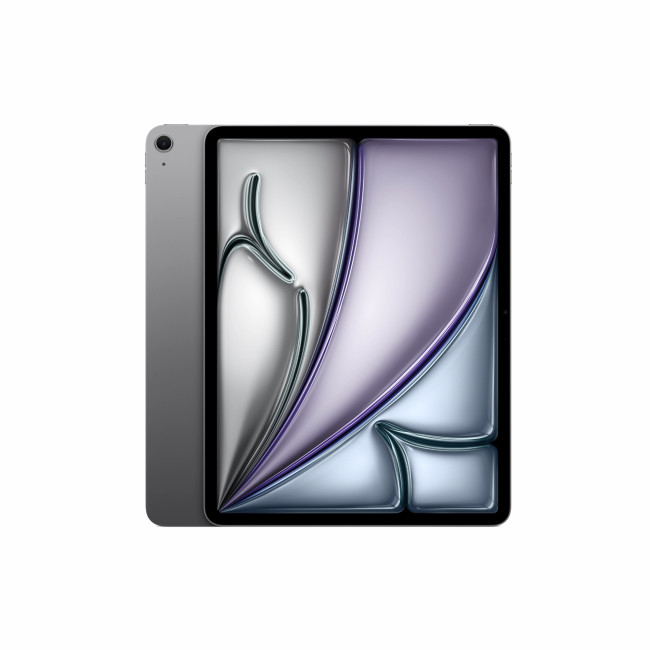
This iPad Air is best suited to older children or teens who use large creative apps, store lots of videos, or need a device that can last for years.
Key Specs:
- 1" IPS Screen Technology / 1280x800 Resolution
- Connect the Apollo 2 via the micro HDMI port to your TV or monitor
- Battery life: Up to 10 hours
- DDR4 Memory
- 1" HD Display, VA, 1280 x 800 Max. Resolution
- 3 GB RAM, 32 GB Storage
- 2 MP Front Camera
- Mali-G52 Graphics
- Wi-Fi
- Black Colour
- 1 Year Warranty
- Condition: New
Why it’s great for kids:
It is more expensive than many child-friendly tablets, but the performance and storage are excellent. It is a strong option for creative learning, school projects, and media use.
9. Acer Iconia V10-21 10.1" Tablet
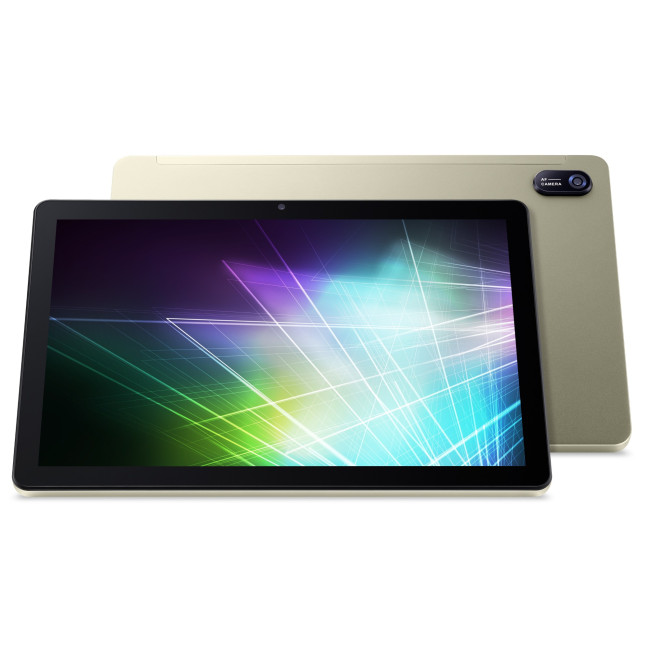
Acer Iconia V10-21
The Acer Iconia V10-21 is a budget-friendly Android tablet for kids, ideal for learning apps, videos, reading, browsing, and light games. Its 10.1-inch WUXGA IPS display offers clear visuals, while Android 14 gives families a more up-to-date tablet experience.
Key Specs:
- Octa Core Processor
- 1" WUXGA IPS Screen
- 8MP 3264 x 2448 Rear & 5MP Front Camera
- 5 hrs 8000 mAh All Day Battery Live
- LPDDR4x Memory
- 1 in WUXGA Display, IPS, 1920 x 1200 Max. Resolution
- 4 GB RAM, 64 GB Storage
- 5 MP Front Camera
- 8000 mAh Battery Capacity
- Wi-Fi
- Champagne Colour
- 1 Year Warranty
- Condition: New
Why it’s great for kids:
It is a good choice for parents looking for the best affordable tablet for kids with a sharp screen, decent storage, and smooth everyday performance. Add a protective case for younger children. Before buying a premium tablet, check our iPad vs Galaxy Tab comparison to understand the key differences in performance, display, battery life, and software.
10. Refurbished Microsoft Surface Pro Copilot+ 13"
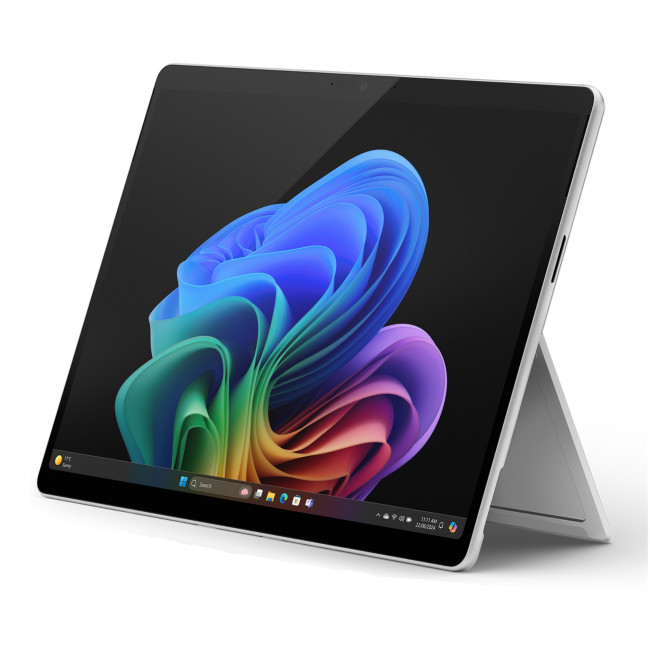
Microsoft Surface Pro Copilot+
The Surface Pro is not a typical kids’ tablet, but it is a powerful choice for older school children and teens who need Windows apps, multitasking, and laptop-style productivity.
Key Specs:
- Intel Core Ultra 5 Processor
- LPDDR5X Memory
- 13" , 2880 x 1920 Max. Resolution
- 16 GB RAM, 256 GB Storage
- Inter Arc Graphics
- USB | Thunderbolt | Surface Connect
- Silver Colour
- 1 Year Warranty
- Condition: Refurbished - Excellent
Why it’s great for kids:
This is best for students who need more than a standard tablet. It is suitable for homework, research, Microsoft Office, online classes, and creative school projects.
From affordable Android tablets to premium iPads and Windows tablets, the tablet buying guide UK 2026 helps you find the right option for your needs.
What About Amazon Fire Tablets for Kids?

Many parents search for the Amazon FreeTime tablet for kids because Fire tablets are popular budget options. However, the picks above focus on in-stock models available from Laptop Outlet. If you want a wider Android experience, better app flexibility, or stronger school use, Lenovo and HONOR tablets are excellent alternatives.

Bottom Line
The best tablets for kids are the ones that match your child’s age, routine, and learning needs. For younger children, choose a durable Amazon Fire-style or compact child-friendly tablet with simple parental controls. For school children, choose a reliable Android tablet or iPad with enough performance for homework, school apps, video calls, and online learning. For families on a budget, explore affordable tablets under £100. For travel and videos, consider compact and latest 7-inch tablets. For older students, creativity, and long-term use, an iPad or higher-spec Android tablet is often the better choice.

Still Got Questions?
What is the best tablet for kids in 2026?
The best tablet for kids in 2026 depends on age, budget, and use. Amazon Fire-style tablets are great for younger children, Android tablets are flexible and affordable, and Apple iPads are excellent for older school children who need a tablet for homework, creativity, and long-term use.
What is the best budget tablet for kids?
The best budget tablet for kids should have parental controls, good battery life, enough storage, a clear screen, and a durable case. For low-cost options, start with tablets under £100.
Is an Android tablet good for kids?
Yes, an Android tablet can be very good for kids. Android tablets offer a wide choice of prices, brands, screen sizes, apps, and storage options. They can also be managed with Google Family Link parental controls.
Are Amazon Fire tablets good for children?
Yes, Amazon Fire tablets are popular for younger children because they are simple, affordable, and designed with family controls in mind. They are especially useful for reading, videos, educational games, and early learning.
Is an iPad worth it for a child?
An iPad can be worth it for older children who need a tablet for homework, school apps, drawing, video calls, and creative projects. It is usually more expensive, but it can last longer and offer stronger performance than many budget tablets.
Related Articles

Published: April 14, 2026
Choosing a tablet sounds easy… until you actually start looking.
Suddenly, it turns into a full-on ecosystem debate. Do you go for the clean, premium Apple experience? Or do you choose the flexibility, variety and better-value world of Android?
That’s exactly why so many buyers end up stuck between Android tablets vs iPad.
On one side, iPads have the polished reputation, smooth performance and that classic Apple “it just works” appeal. On the other, Android tablets give you more choice, more price points, more freedom and a way easier entry into the tablet world without your bank account crying in the background.
And if you’re an everyday buyer, that choice matters even more.
Because you’re probably not buying a tablet to do one ultra-specific thing. You want something that fits into daily life. Something good for streaming, scrolling, studying, replying to emails, joining video calls, browsing, shopping, taking notes, maybe even getting a bit of work done when needed.
So in this guide,
Last Updated: June 10, 2026
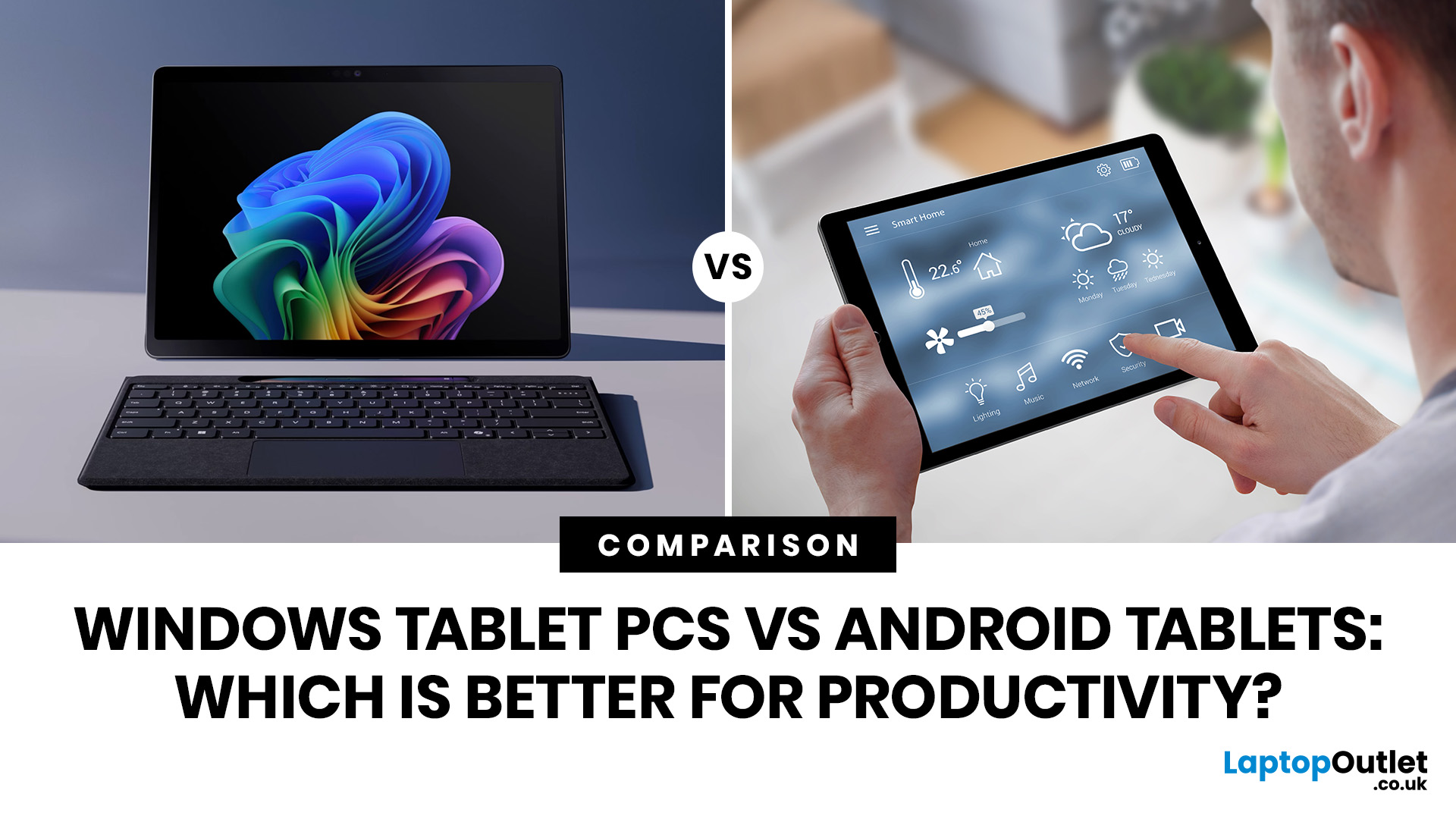
When comparing Windows tablet PCs vs Android tablets, Windows is usually better for productivity-heavy tasks like multitasking, office work and business use, while Android tablets are better for portability, value and lighter everyday productivity.
When comparing Windows tablet PCs vs Android tablets, the best choice depends on how you work. Some users need laptop-style performance for spreadsheets, email, browser tasks and multitasking, while others prefer a portable device for note-taking, research, video calls and everyday flexibility.
That is why the Android vs Windows tablets debate matters. Windows tablets offer a more PC-like experience with stronger multitasking, while Android tablets focus on portability, convenience and app-based productivity.
For buyers in the UK, the best option depends on whether you value desktop-style software, keyboard-led productivity and business features, or a lighter, more affordable system that is easy to carry and simple to use. If you are browsing
Last Updated: April 27, 2026
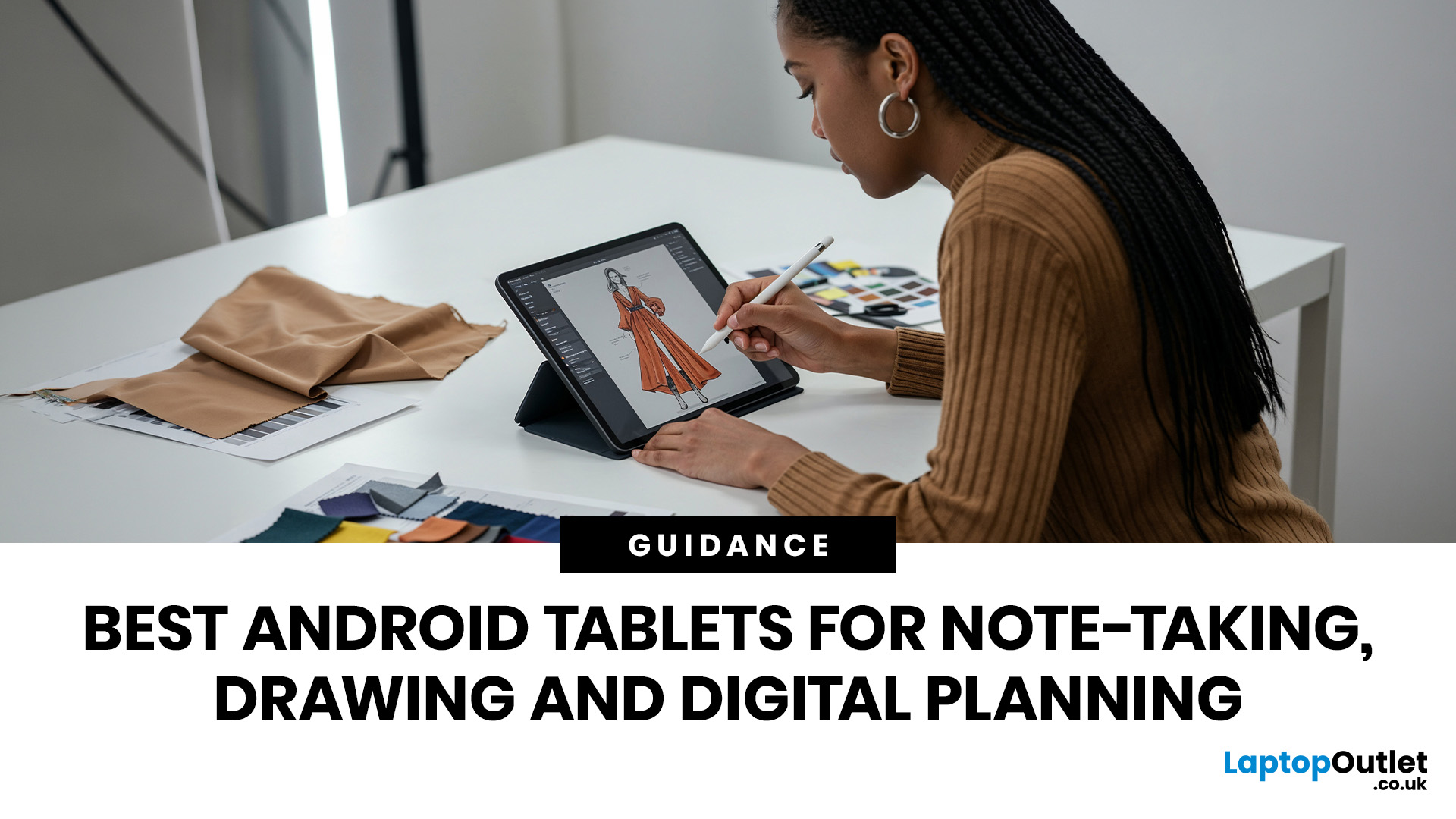
If you are looking for the best Android tablets for note taking and drawing, the key is finding a tablet that feels natural for writing, sketching and digital planning. The best options combine stylus support, a clear display, good portability and enough performance for everyday work, study and creative use.
Not every user needs the same thing. Some want a simple tablet for notes and journaling, while others need a more capable device for drawing, annotating PDFs, and multitasking. That is why choosing among today’s Android tablets with stylus support is really about finding the right fit for your routine.
Android stands out because it offers plenty of choice across features, pricing, and everyday usability. Whether you want a compact planner-friendly device or a more flexible all-rounder, there is a wide range of Android tablets to explore.
Quick answer: what should you look for?
Before going too deep, here is the short version. The best Android tablets for note taking and drawing usually

Last Updated: May 25, 2026
Big tablets are great until you actually have to carry one everywhere. A 12-inch screen looks dreamy on a desk, but on a packed train, budget flight, sofa armrest, or bedside table? Not always the vibe. That is exactly where 8 inch tablets still make sense in 2026. They sit in the sweet spot between a smartphone and a full-size tablet: bigger than your phone for reading, streaming and browsing, but still small enough to hold in one hand, throw in a bag and use without feeling like you are carrying a portable TV.
This 8 inch tablets buying guide is here to help you choose properly. We will compare compact tablets, explain the difference between the Apple iPad mini, Android small tablets and Amazon Fire options, and show which models make sense for reading, travel, streaming, kids, students, and everyday use.
And yes, compact tablets still matter. They are just not trying to be laptops. They are trying to be the device you actually take with you.
Are 8-inch Tablets Still Worth Buying in
Last Updated: June 10, 2026
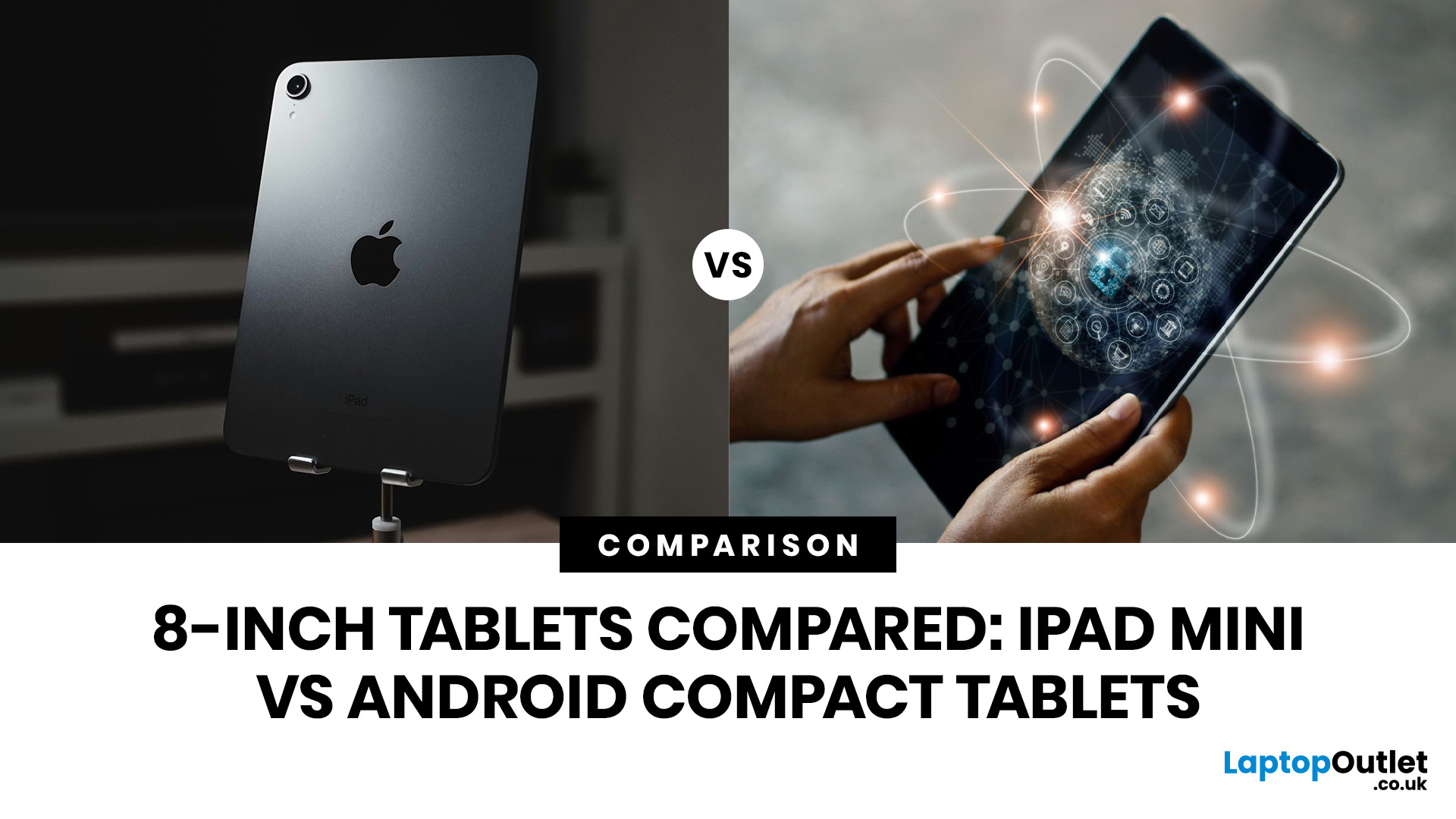
Quick Answer: The iPad mini is the better choice if you want premium performance, a sharper display, Apple Pencil support and long-term everyday speed. Android compact tablets are better if you want a more affordable small tablet for reading, browsing, streaming, video calls and casual use. For most buyers, the iPad mini wins on power and quality, while Android wins on value and budget-friendly practicality.
Small tablets are perfect when you want more screen than a phone but do not want to carry a 11-inch or 13-inch full size tablet everywhere. For reading, commuting, streaming, travelling and light everyday use, the real buying decision often comes down to iPad mini vs Android compact tablets.
In this guide, we compare both options across display quality, performance, software, battery, storage, connectivity, value and use cases so you can decide which compact tablet makes more sense for you.
Quick Comparison: iPad mini or Android Compact Tablet?
If you want the most powerful small tablet

Last Updated: July 13, 2026
Not every tablet needs to be huge. Sometimes, the best tablet is the one you can actually carry every day without it taking over your bag.
That is where the best 8-inch tablets for reading and travel come in. These compact tablets are built for people who want something bigger than a phone but lighter and easier to handle than a full-size 11-inch or 13-inch tablet. They are ideal for reading eBooks, checking emails, streaming on the train, browsing in bed, taking notes, keeping kids entertained, and travelling light. In this guide, we will help you choose the right compact tablet based on display quality, performance, battery, storage, connectivity, and real-world use.
Best 8-inch Tablets Currently Worth Considering at Laptop Outlet
| Model | Best for | Screen | Processor | Memory / storage | Battery |
| Premium reading, travel, notes and everyday use | 8.3-inch Liquid Retina, 2266×1488 | Apple A17 Pro | 128GB or 256GB options available in category | Up to 10 hours |

Last Updated: June 10, 2026
Quick answer: Yes, 8 inch tablets are still worth buying if you want a lightweight, portable tablet for reading, travel, commuting, browsing, streaming or kids’ use. They are easier to carry than 11-inch tablets and more comfortable than phones for longer sessions. However, if you need split-screen multitasking, keyboard work, digital drawing or laptop-style productivity, a larger tablet will usually make more sense.
Tablet screens keep getting bigger, but that does not mean everyone needs a bigger tablet. For some buyers, an 11-inch or 13-inch display is perfect. For others, it is just extra weight in the bag. That is why the question are 8-inch tablets still worth buying is still relevant. Compact tablets sit in a useful middle ground: bigger than your phone, lighter than a full-size tablet and easier to carry every day.
If you mainly want a tablet for reading eBooks, browsing online, watching videos, checking emails, travelling, commuting or keeping the kids entertained, an 8-inch tablet

Last Updated: June 10, 2026
Quick answer: The best 8-inch tablets for kids and travel are compact, lightweight models with strong storage, smooth everyday performance and a screen that feels comfortable for reading, streaming and browsing. From our current 8-inch tablet range, the Apple iPad Mini A17 Pro Chip 8.3" is the standout option, with Wi-Fi and Wi-Fi + Cellular versions available across 128GB, 256GB and 512GB storage choices.
Not every tablet needs to replace a laptop. Sometimes, the best tablet is the one you can actually carry, hold and use without thinking twice. That is exactly where 8-inch tablets fit. They are small enough for children to handle, light enough for commuting and still powerful enough for reading, browsing, streaming, video calls, casual gaming and everyday entertainment.
If you are shopping for compact tablets for kids, looking for the best small tablets for commuting, or comparing 8-inch tablets for entertainment, this guide will help you choose the right option from our current 8-inch
Last Updated: June 11, 2026
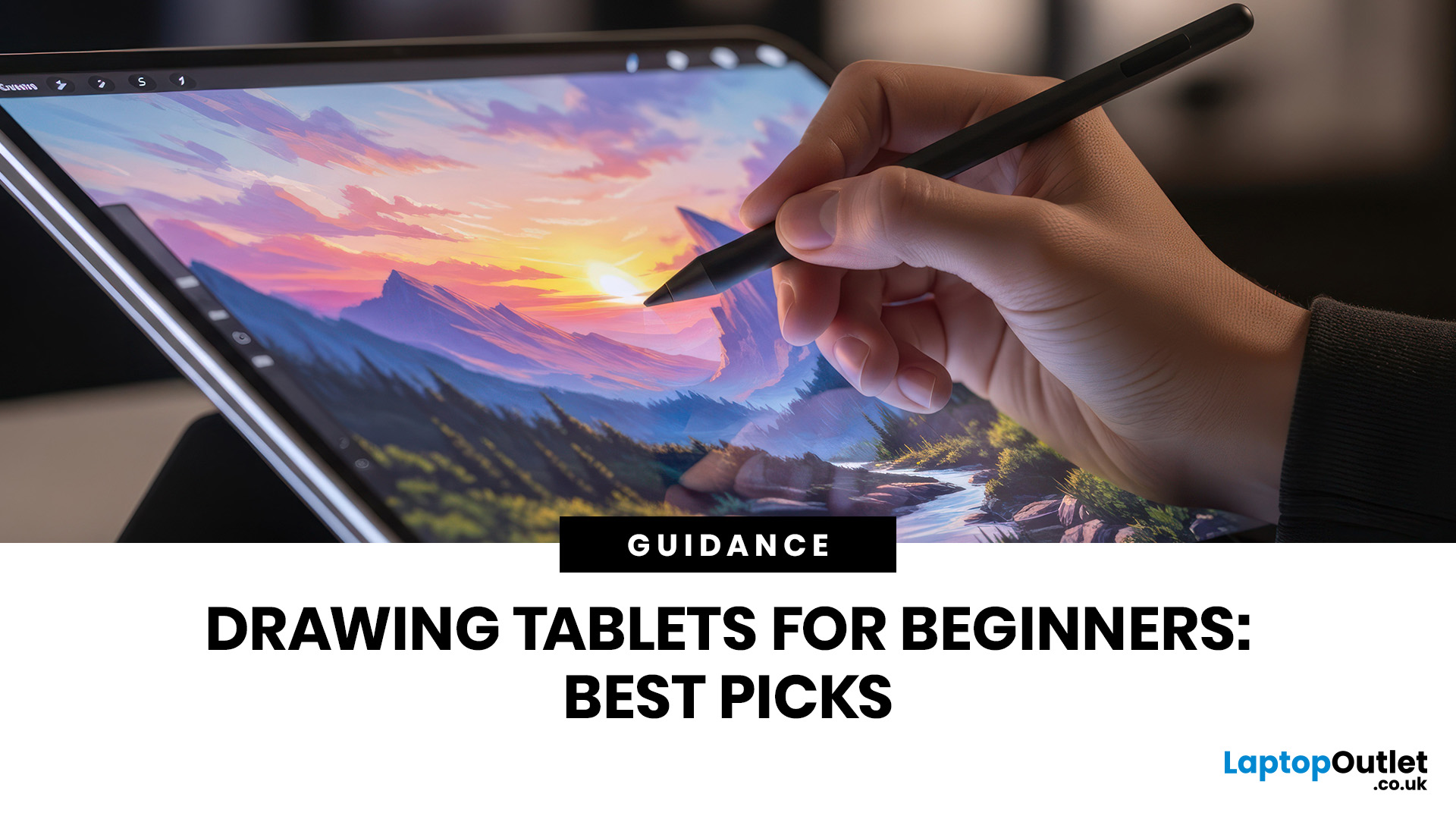
Buying your first drawing tablet can feel confusing, especially with so many screenless, display, and standalone options available. The best beginner drawing tablet is not always the most expensive one; it depends on how you draw, where you use it, your current device, and your budget.
| Choosing the best drawing tablets beginners depends on your budget, drawing style, and whether you want a screen. A screenless graphics tablet is affordable, a display tablet feels more natural, and a portable tablet with stylus support is ideal for drawing, notes, and everyday use. This guide explains the key features to compare before buying, including pen pressure, size, compatibility, portability, and price. |
This guide explains the main tablet types, key features to compare, and how to choose a beginner-friendly model that suits your learning style.
What Is the Best Drawing Tablet Beginners?
For most beginners, the best choice is either:
- A screenless graphics tablet if you want an affordable drawing pad

Last Updated: June 19, 2026
The best tablet to buy in the UK in 2026 depends on how you plan to use it. Choose an iPad if you want a simple, reliable all-round tablet with excellent apps and accessory support. Choose an Android tablet if you want more choice, better value and flexible features for entertainment, kids or everyday use.
Buying a tablet in 2026 is not as simple as choosing the biggest screen or the lowest price. Today’s tablets can be entertainment devices, study tools, business companions, drawing tablets, gaming screens, travel essentials, and even laptop replacements. That is why this Tablet Buying Guide UK 2026 is designed to help you compare iPads, Android tablets and Windows tablets in a simple, practical way.
Whether you are a student looking

