



How to Choose the Right Refurbished ASUS Laptop
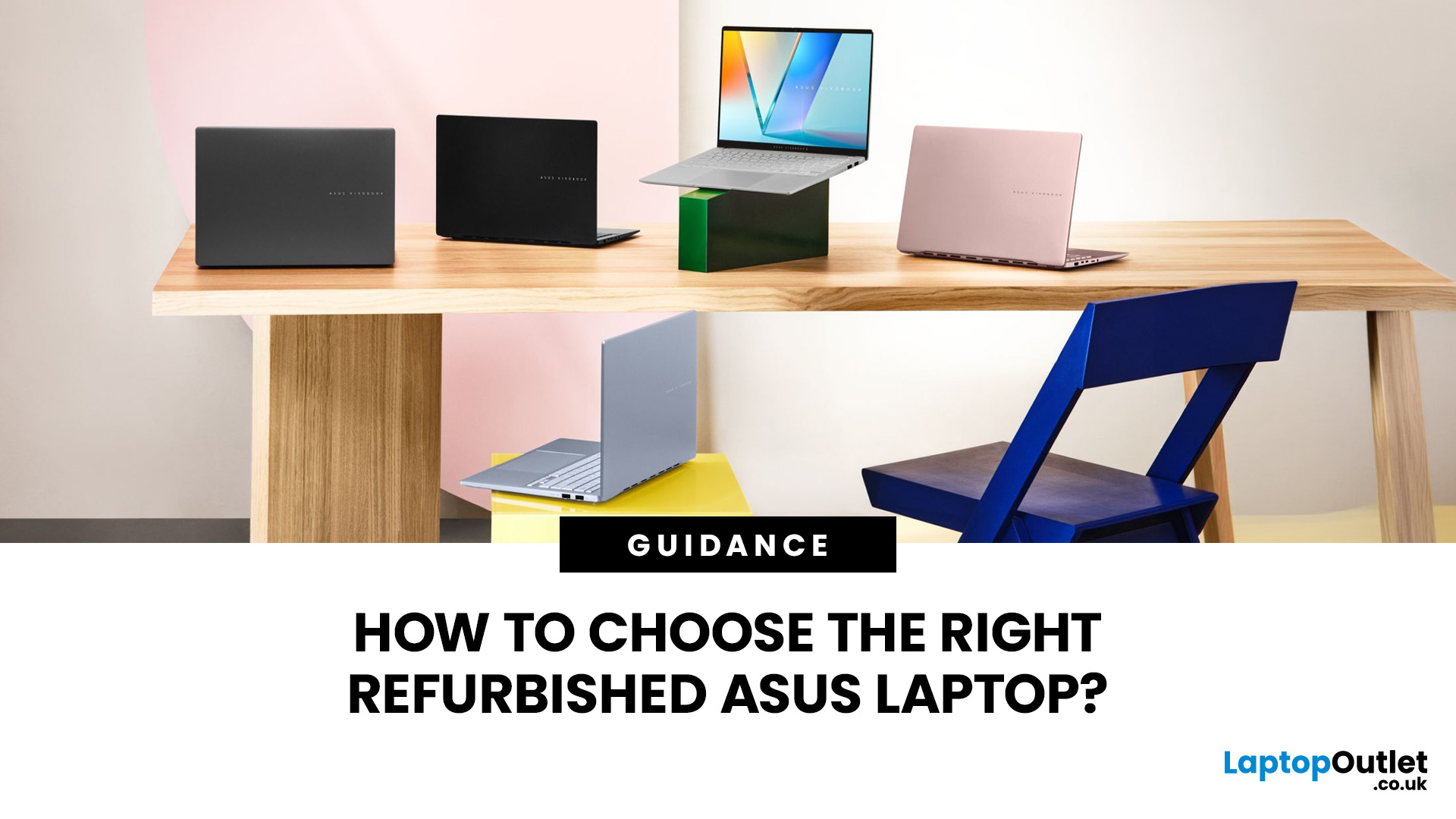
Refurbished ASUS laptops span everyday computing, business, creative work, gaming, and ChromeOS, with models from several hardware generations often available at the same time. Two laptops from the same Vivobook or Zenbook family can therefore differ significantly in processor, memory, display, battery condition, and upgradeability. This guide covers the key specifications and checks that matter, including performance, battery health, condition grading, ports, and software support.
Start With the Workload
Before comparing individual laptops, decide what you expect the device to handle. This immediately rules out specifications that are either insufficient or unnecessary.
- Everyday use and study: Web browsing, Microsoft Office, streaming, video calls, and coursework generally do not require a dedicated graphics card. Prioritise a responsive processor, sufficient memory, SSD storage, and good battery condition.
- Business and remote work: Look for enough memory for multitasking, practical connectivity and the Windows edition required by your organisation. Models with Windows 11 Pro may also suit workplaces that need additional management and security features.
- Creative work: Photo editing, video production, graphic design, and similar workloads benefit from more RAM, faster processors, higher-quality displays, and, for demanding projects, dedicated graphics.
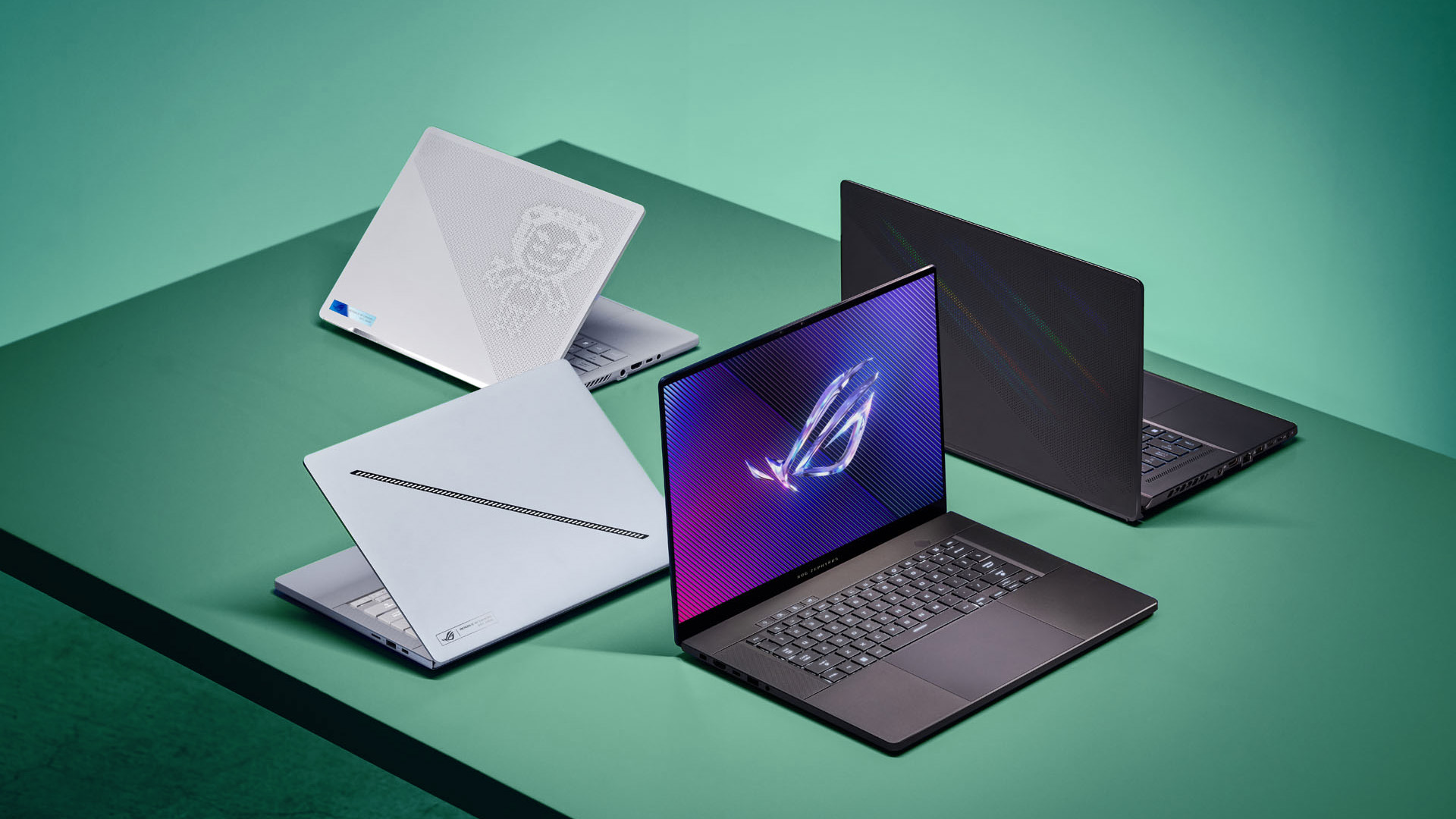
- Gaming: The GPU becomes one of the most important specifications. Cooling, screen refresh rate, processor performance and available power also matter, so avoid judging a gaming laptop by the graphics chip name alone.
Matching the laptop to the workload first is more reliable than beginning with a particular ASUS series.
Know the Main ASUS Laptop Families
ASUS currently produces laptops across several distinct families. Refurbished stock may include both recent machines and earlier generations, but understanding the purpose of each range makes shortlisting easier.
|
ASUS family |
Generally suited to |
What to examine |
|
Vivobook |
Everyday use, study, and general productivity |
Processor, RAM, display type, and portability |
|
Zenbook |
Portable premium laptops, and hybrid working |
Display, battery, weight, and soldered memory |
|
ExpertBook |
Business and professional use |
Windows edition, ports, security, and upgrade options |
|
ProArt |
Creative and visual workloads |
Display accuracy, GPU, RAM, and storage |
|
ROG |
Gaming and performance-heavy workloads |
GPU, cooling, refresh rate, and power limits |
|
Chromebook |
Browser-based work, education, and lightweight use |
ChromeOS support period, storage, and memory |
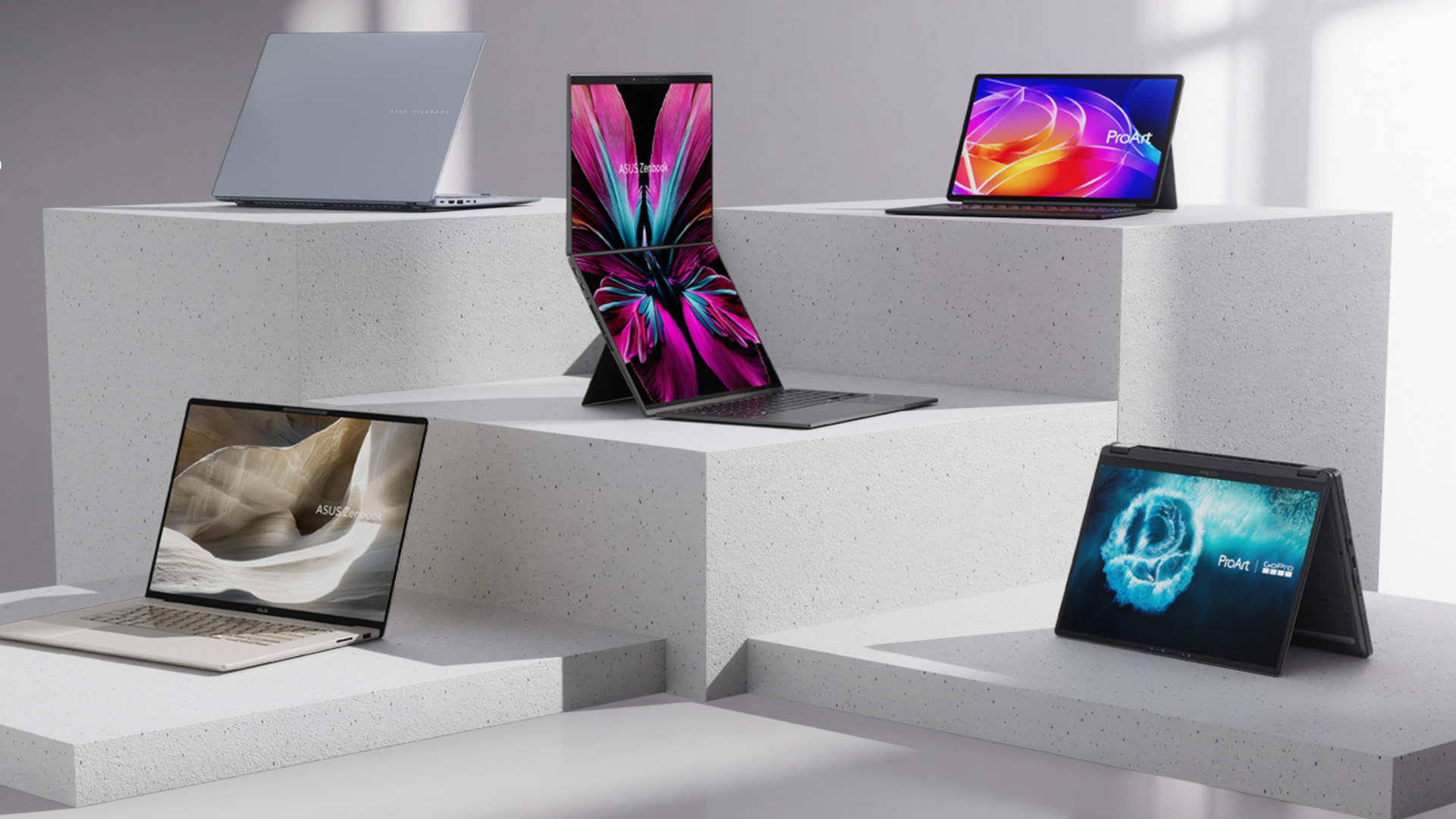
The current ASUS range illustrates how broad these families have become. Vivobook models are available with Intel, AMD and Snapdragon processors, while Zenbook increasingly combines thin designs with OLED displays and Copilot+ configurations. ASUS positions ExpertBook towards professional use, ProArt towards creative workloads and ROG towards gaming.
The important point with a refurbished model is not to assume that every laptop within one family has the same capabilities.
Check the Exact Model Number
One of the easiest mistakes when choosing a refurbished ASUS laptop is relying on the product family alone.
Names such as Zenbook 14, Vivobook 16, and ExpertBook B1 can remain in use across different generations. The processor, display, ports, and internal design can therefore change while the general product name remains similar.
Look for the full ASUS model or part number as well as the marketing name. Codes such as UX, X, B, GA, or G followed by numbers can help identify the exact generation and configuration.
The same rule applies to processors. A listing that only says “Intel Core i7” or “AMD Ryzen 7” does not provide enough information. Check the full processor model so you can establish its generation and capabilities.
A newer Core i5 or Ryzen 5 can sometimes make more sense than a significantly older Core i7 or Ryzen 7. The tier name should never be considered on its own.
Choose the Right Processor Platform
Reconditioned ASUS laptops now cover several processor platforms, so there is more to consider than Intel versus AMD.
Intel
You may encounter everything from older Intel Core processors through to newer Core Ultra platforms.
For normal productivity, the exact generation and processor class are generally more important than chasing an i7 or Ultra 7 badges. Higher-performance H and HX processors are better suited to demanding sustained workloads but usually require more cooling and power than efficiency-focused chips.
AMD
ASUS laptops can also use Ryzen and newer Ryzen AI processors. As with Intel, check the complete processor number rather than assuming every Ryzen 5, Ryzen 7 or Ryzen 9 belongs to the same performance class.
Integrated Radeon graphics can be sufficient for general computing and some lighter creative workloads, while more demanding gaming and GPU-accelerated applications may justify dedicated graphics.
Snapdragon
Recent Vivobook and Zenbook ranges also include Snapdragon X-powered Windows laptops.
These use Arm architecture rather than the traditional x86 platform used by most Intel and AMD Windows laptops. Windows 11 can emulate both x86 and x64 applications, and many mainstream applications are now Arm-native, but software that depends on specific drivers or specialist hardware can still require additional compatibility checking.
For general productivity this may not be an issue. For specialist business software, older peripherals, development tools or niche applications, confirm compatibility before choosing an Arm-based refurbished laptop.
Decide How Much RAM You Need
Memory affects how comfortably a laptop can keep multiple applications and browser tabs open.
For a Windows ASUS laptop, 16GB is a sensible target for most buyers who expect to keep the machine for several years. It provides more breathing room for multitasking than 8GB and suits mainstream productivity, study and general home use.
8GB RAM can still work for lighter tasks such as browsing, streaming and basic documents, particularly when the workload is predictable.
32GB RAM or more becomes useful for demanding creative applications, software development, large datasets, virtual machines and heavier professional workloads.
Do not assume you can simply add more RAM later. Some thin ASUS laptops use memory soldered directly to the motherboard, while other designs provide replaceable modules.
Check the exact configuration before choosing a lower-memory model with plans to upgrade it.
For storage, 512GB SSD is a practical starting point for many Windows users. A 256GB drive can work for cloud-focused use, while gaming, video work and large media libraries can quickly justify 1TB or more.
Match the Graphics to Your Work
Not every refurbished ASUS laptop needs dedicated graphics.
Integrated Intel, AMD or Qualcomm graphics are usually sufficient for browsing, office applications, streaming and everyday productivity. They can also handle some lighter photo editing and casual gaming.
Dedicated NVIDIA GeForce graphics make more sense when the laptop will be used for demanding games, 3D applications, GPU-accelerated creative software or rendering.
For an ROG or another performance-focused ASUS model, check:
- The exact GPU model
- Screen resolution and refresh rate
- Cooling design
- Processor pairing
- RAM capacity
- Original power adaptor specification
Laptop GPUs with similar names can perform differently depending on how much power and cooling the manufacturer gives them. The GPU badge alone therefore does not tell you everything about gaming performance.
Check the Display, Not Just its Size
ASUS uses everything from basic Full HD panels to high-resolution OLED and high-refresh gaming displays.
A 14-inch or 16-inch label tells you very little about the actual screen experience.
IPS and Standard Displays
For general work, concentrate on resolution, brightness, viewing angles and whether the finish is glossy or anti-glare.
A higher resolution can give you more workspace, but it can also place greater demand on the GPU and battery.
OLED Displays
OLED is common across parts of ASUS's current Zenbook, Vivobook and ProArt ranges. Current Zenbook listings, for example, include OLED across much of the range.
OLED provides deep blacks, strong contrast and excellent visual quality, but condition deserves extra attention on a refurbished device. Look for information about panel condition and examine the screen for persistent image retention, unusual colour uniformity or damaged pixels once the laptop arrives.
Touchscreens and Convertibles
With touchscreen or convertible models, the display is only part of the equation.
Check that touch input works consistently across the entire panel and inspect the hinge carefully. A convertible laptop relies on its hinge far more heavily than a conventional clamshell design.
Gaming Displays
For gaming, refresh rate can matter as much as resolution. Higher-refresh panels can make motion appear smoother, provided the GPU can produce enough frames to take advantage of them.
Treat Battery Health as a Separate Spec
Original battery-life figures are useful for understanding how a laptop was designed, but they should not be treated as the expected runtime of a refurbished unit.
Lithium-ion batteries wear over time. Actual endurance will depend on the age of the battery, charging history, workload, display brightness and power settings.
Ask what battery checks form part of the refurbishment process and look at the seller's battery policy where available.
There is also an ASUS-specific detail worth knowing. MyASUS includes Battery Care features on supported models that can deliberately stop charging below 100% to reduce long-term battery wear. Current ASUS guidance describes an 80% Battery Care limit, while some older systems provide 60%, 80% and full-charge modes.
So, a supported ASUS laptop stopping at 80% does not automatically mean the battery is faulty. Check the MyASUS charging settings before drawing conclusions.
Understand Refurbishment Grades
“Refurbished” describes the device's condition and preparation, but grading terminology is not universal across every seller.
Terms such as Excellent, Very Good, Good, Manufacturer Refurbished or Open Box may be defined differently depending on where the laptop is purchased.
Instead of concentrating only on the grade name, establish what that grade actually covers.
Check:
- Expected cosmetic condition
- Whether the laptop has been functionally tested
- Battery testing or battery policy
- Screen condition
- Keyboard and touchpad condition
- Included charger
- Operating system licence
- Warranty period
- Returns policy
Cosmetic wear and functional condition are also different issues. A laptop with marks on its lid may function perfectly, while a cleaner-looking machine could still have a worn battery or another component that needs attention.
For a broader explanation of refurbishment, testing, and condition grading, the existing guide to buying refurbished or reconditioned laptops can provide additional detail without duplicating it here.
Check Windows and ChromeOS Support
Software support is particularly important when choosing older refurbished hardware.
Windows Laptops
Windows 10 reached the end of standard support on 14 October 2025, meaning Microsoft no longer provides normal security updates, software updates or technical assistance for the operating system.
A refurbished ASUS laptop advertised with Windows 10 therefore deserves additional checking. Establish whether the specific hardware can run Windows 11 and whether the device will be supplied with an appropriate supported operating system.
Do not assume that a laptop is Windows 11-compatible purely because its processor sounds reasonably powerful.
Copilot+ PCs
The appearance of an NPU or an “AI” processor also does not automatically make a refurbished laptop a Copilot+ PC.
Microsoft currently requires a compatible processor with an NPU capable of at least 40 TOPS, alongside at least 16GB RAM and 256GB storage for Copilot+ PCs.
Check the exact configuration rather than treating “AI laptop” and “Copilot+ PC” as interchangeable descriptions.
ASUS Chromebooks
Chromebooks have a different support system.
Google currently provides ChromeOS devices with up to 10 years of automatic updates from the platform's release, although certain older models have specific extended-update conditions.
For a refurbished ASUS Chromebook, check its Auto Update Expiration date rather than judging its remaining useful life from the laptop's physical condition alone.
Look at Ports and Upgradeability
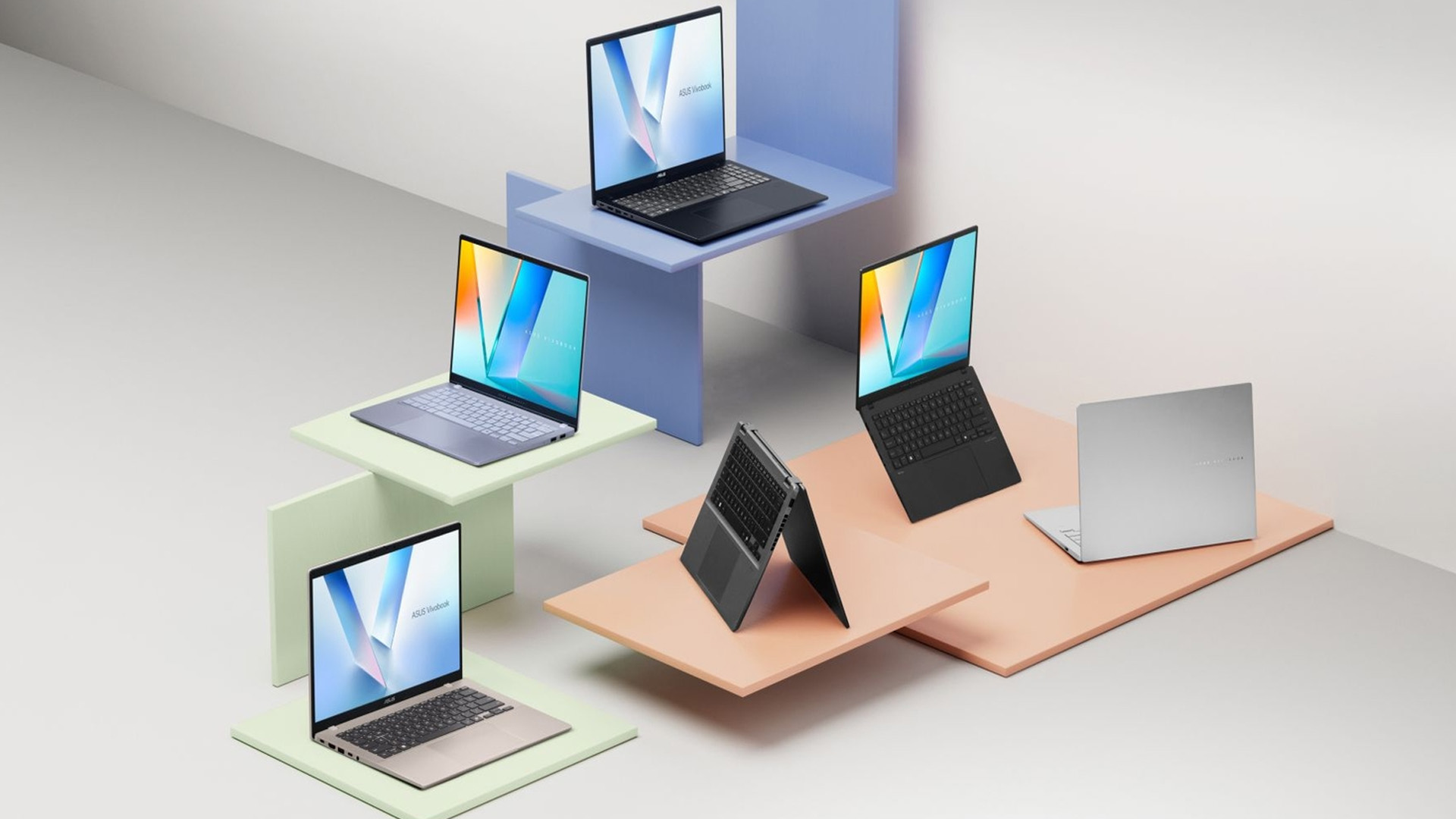
Port selection can change considerably between generations of the same ASUS family. Before choosing a laptop, work backwards from the devices you intend to connect. Consider whether you need:
- HDMI for an external monitor or television
- USB-A for existing accessories
- USB-C
- USB-C charging
- Display output through USB-C
- Thunderbolt on supported Intel models
- Ethernet
- An SD or microSD card reader
- A headset connection
Do not assume every USB-C port provides the same functionality. One may support only data while another also supports charging or external displays.
Upgradeability requires the same model-specific approach.
Some ASUS laptops allow relatively straightforward SSD or memory replacement, while slimmer designs may use soldered memory or provide fewer internal expansion options. Find the technical specification or service information for the exact model rather than relying on another laptop from the same family.
Use This Final Checklist
Once you have narrowed the options, run each refurbished ASUS laptop through the same checklist:
- Identify the exact model number, not just Vivobook, Zenbook, ExpertBook or ROG.
- Check the full processor model and generation.
- Match the RAM to your actual workload and confirm whether it can be upgraded.
- Choose enough SSD capacity for your files and applications.
- Check the exact GPU when gaming or creative work requires one.
- Confirm the display type, resolution and refresh rate.
- Look at battery condition and refurbishment testing.
- Verify Windows 11 or remaining ChromeOS support.
- Check the ports and wireless connectivity you need.
- Read the exact condition grade, warranty and returns terms.
This approach makes comparisons much easier because you are evaluating the things that affect daily use rather than comparing marketing labels. Certification can provide another useful indicator of how a refurbisher handles testing, data security and responsible processing. Our guide to R2 certified refurbished sellers explains what the standard covers and why it can matter when assessing a refurbished device.

Which Refurbished ASUS Laptop is Right for You?
There is no single ASUS range that is automatically the right refurbished choice for everyone.
A Vivobook with the right specification may make more sense for everyday productivity than a much older premium model. A Zenbook can suit portability and display-focused users, while ExpertBook is worth considering for professional workloads. ProArt targets creators, ROG focuses on gaming performance, and Chromebooks suit buyers whose work fits comfortably within ChromeOS.
The more important question is whether the specific laptop has the right processor, memory, storage, screen, battery condition and software support for the way you plan to use it.
That is ultimately the best way to approach refurbished ASUS laptops: choose the specification and condition first, then decide whether the model name attached to them makes sense.

Are refurbished ASUS laptops worth considering?
Yes, provided the exact model has suitable specifications, adequate battery condition, current software support and a clearly defined warranty. Judge the individual laptop rather than assuming every refurbished device offers the same condition or value.
Is ASUS Vivobook or Zenbook better?
Neither is universally better. Vivobook covers a broad range of everyday and performance configurations, while Zenbook generally places greater emphasis on portability and premium displays. The exact specification matters more than the family name.
Is 8GB RAM enough for a refurbished ASUS laptop?
8GB can handle lighter browsing, streaming and office work, but 16GB provides more headroom for multitasking and longer-term Windows use. Check whether the RAM is upgradeable before choosing.
Can an older ASUS laptop still run Windows 11?
Some can, but eligibility depends on the exact hardware. Because standard Windows 10 support ended in October 2025, verify Windows 11 compatibility before choosing an older Windows-based ASUS model.
Are refurbished ASUS gaming laptops suitable for gaming?
They can be, but check the exact GPU, processor, RAM, cooling system and display rather than relying on the ROG branding alone. Battery and charger condition are also particularly important on higher-powered laptops.
Can you upgrade a refurbished ASUS laptop?
It depends on the model. Some ASUS laptops have replaceable RAM or additional SSD options, while others use soldered memory. Always check the technical information for the exact model number.
How old is too old for a refurbished ASUS laptop?
There is no fixed age limit. Software support, battery condition, processor performance, required applications and replacement-part availability are more useful indicators than the laptop's release year alone.
Related Articles

Last Updated: March 31, 2026
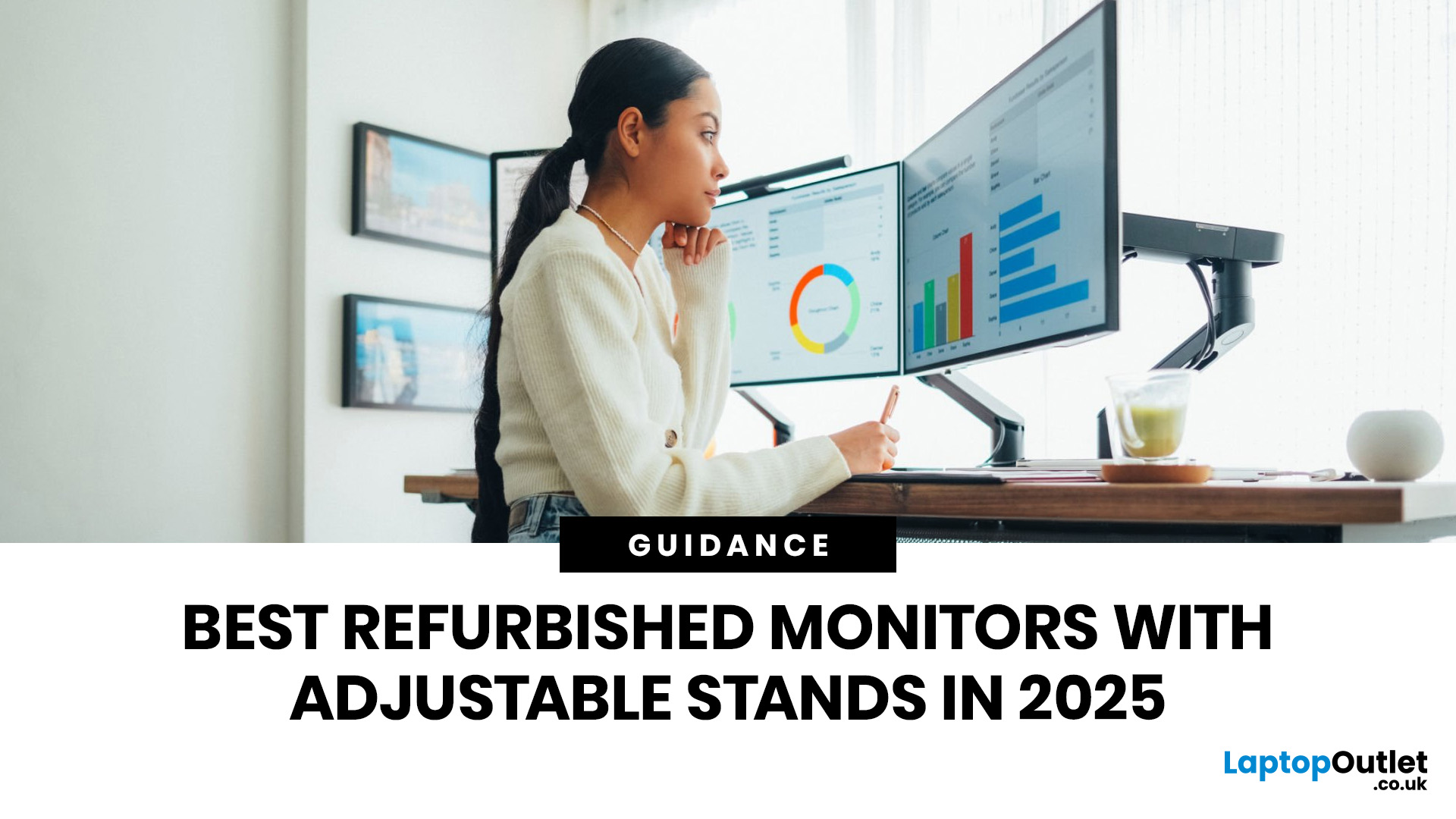
A monitor stand is easy to overlook until you spend a full day hunched over the wrong screen. If you work from home, study for long hours, edit content, or switch between spreadsheets and video calls, an adjustable stand makes a real difference. It lets you set the screen at a more comfortable height, angle it properly, and keep your desk setup working with you instead of against you. It is recommended to keep the monitor directly in front of you, at least 20 inches away, with the top line of the screen at or just below eye level.
That is why refurbished monitors with adjustable stands make so much sense in 2026. You get the ergonomic features people actually use every day, without paying full price for a brand-new display. At Laptop Outlet, refurbished monitors are sold as professionally restored products, and the refurbished range is presented as backed by warranty, which makes the category a strong fit for buyers who want better value without buying blind.
If you are shopping for the
Last Updated: September 09, 2025
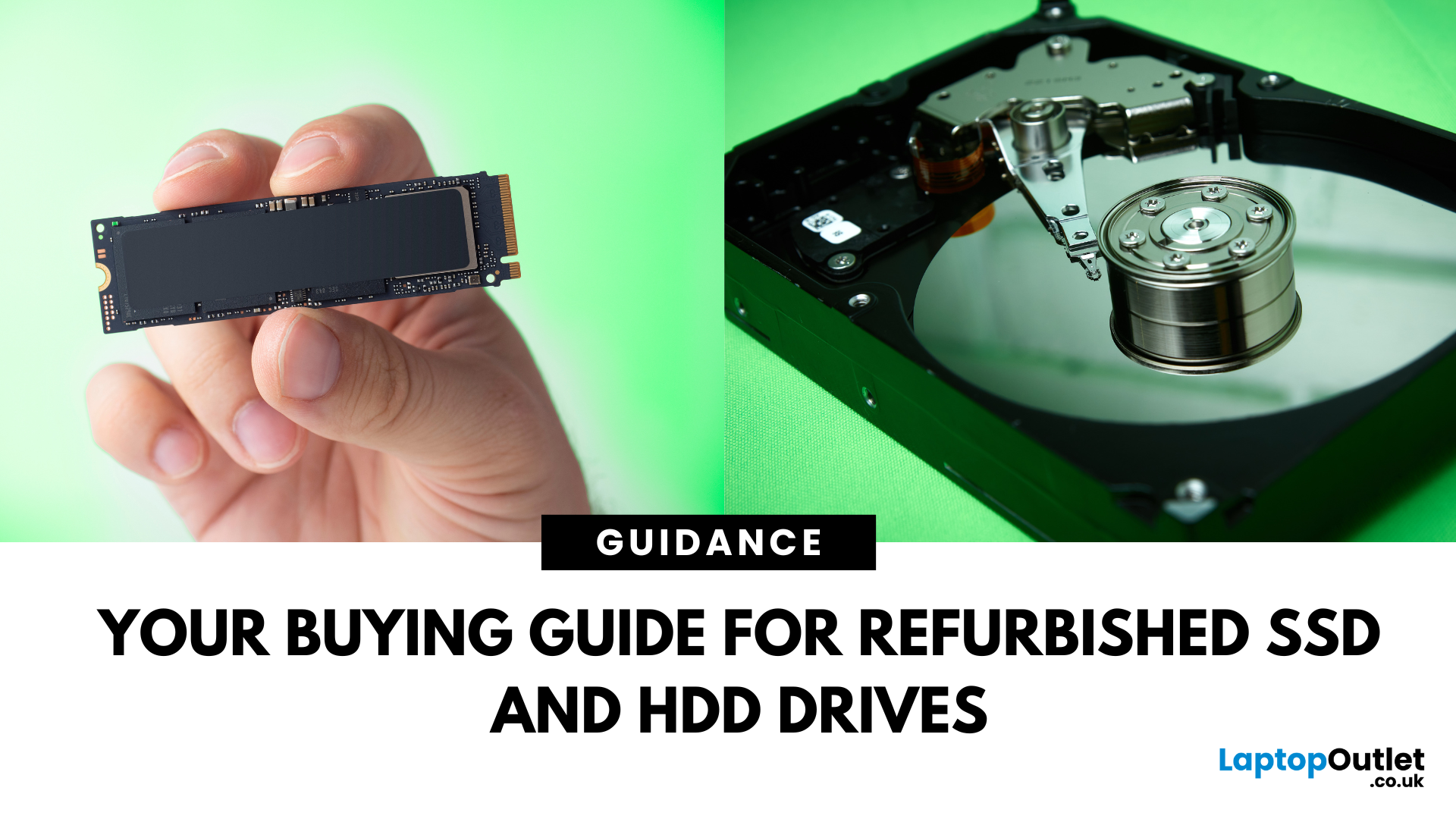
Need more storage or speed but don’t fancy paying full price? Buying a refurbished SSD or HDD could be the budget-friendly solution you’re after. Whether you're upgrading your current device or adding extra space for files, games, or media, refurbished drives offer great value without compromising functionality.
However, not all refurbished storage is created equal. To ensure your investment lasts and performs well, you need to understand the difference between drive types, evaluate their health, and select based on your specific needs, whether it’s for day-to-day use, gaming, or business tasks.
This guide covers everything you should know before buying refurbished SSD or HDD, external refurbished drives, or upgrading your refurbished SSD laptop. It’s your go-to resource for making a smart, informed choice.
Understanding the Difference Between SSD and HDD
When choosing between a refurbished SSD and HDD, it’s important to know how each works and which suits your needs better. Both offer

Last Updated: August 21, 2026
Here’s what to prioritise when comparing your options:
Programming requirements vary considerably. Someone learning Python or JavaScript does not need the same hardware as a developer running multiple containers, databases, virtual machines or demanding development environments.
Choosing refurbished laptops for programmers is therefore about matching the hardware to the work rather than simply buying the newest processor. This guide explains what to look for and compares 10 refurbished laptops suited to different coding, software development and programming workloads.
Refurbished vs Used Laptops: What's the Difference?
A refurbished laptop has usually been inspected, tested and prepared
Last Updated: March 17, 2026
What’s the Difference Between Refurbished and Brand-New Tech?
- Refurbished Tech: Pre-owned devices restored, tested, and certified to work like new. They may have minor cosmetic flaws but are backed by a warranty and sold at discounted prices.
- Brand New Tech: Fresh from the manufacturer, untouched, with full warranty, latest specs, and the confidence of being the very first user.
Feature Comparison Table
| Feature | Refurbished Tech | Brand New Tech |
| Price | Up to 40–60% cheaper than new | Full retail price |
| Condition | Like-new after professional inspection | Factory-sealed, unused |
| Warranty | Limited or retailer-backed (e.g. 6–12 months) | Full manufacturer warranty (1–3 years) |
| Performance | Tested to meet functional standards | Latest specs, untouched hardware |
| Sustainability | Eco-friendly, reduces e-waste | Less eco-friendly (new production impact) |
| Availability | May be older-gen models | Latest models available |
1. Price & Value
- Refurbished: Offers major savings, often 40–60% off. Perfect for buyers who want performance

Last Updated: October 22, 2025
I was skint, to be honest. My old laptop had packed it in mid-way through applying for jobs, and I didn’t have the cash to drop on a brand-new one. You know how it is - bills, rent, travel, it all stacks up.
So, when I spotted a decent-looking ThinkPad on Facebook Marketplace for £220, I thought, go on then.
The listing said it had “just been wiped,” “works perfectly,” and came with the charger and box. Looked tidy in the photos. Not dodgy looking, just a regular bloke selling some old work gear. Said he upgraded and didn’t need it anymore.
I messaged him, asked a few questions, nothing too deep, just the basics. He replied quickly and seemed normal enough. Even said he’d meet me halfway in Stratford to hand it over. Sounded fair.
Now, I know what you’re thinking: I should’ve just bought a refurbished one from a trustworthy retailer like Laptop Outlet. And yeah - I’ve heard that before. But when you’re counting every penny and someone’s offering you a fully working laptop for less than

Last Updated: August 24, 2026
A gaming laptop refurb can be worth buying in 2026, provided you purchase from a reputable UK retailer with a clear grading system and a warranty of at least 12 months. Refurbished gaming laptops typically cost 20–50% less than their brand-new equivalents, and perform the same as new hardware. The key considerations are the seller's grading standards, battery health, and whether the GPU meets your performance needs.
What Does “Refurbished” Actually Mean for a Gaming Laptop?
The word “refurbished” is used broadly, but there are meaningful differences between a professionally refurbished device and something simply listed as “used” on a marketplace. Understanding those differences matters before you spend anything.
A professionally reconditioned gaming laptop has been inspected, tested for hardware and software faults, cleaned, data-wiped to industry standards, and graded according to its cosmetic and functional condition. Reputable UK retailers such as Laptop Outlet follow clearly
Last Updated: May 06, 2026
Buying a certified refurbished monitor can feel like discovering a hidden gem. You get the same premium performance as a brand-new product, but at a fraction of the price. Still, many shoppers wonder, “How do I know it’s really been tested and certified properly?”
At Laptop Outlet, we believe that refurbished does not mean second-best. Our refurbished monitors are carefully tested, restored, and certified to deliver the same level of reliability, performance, and visual quality you would expect from a new device.
Here is a closer look at how our refurbished monitor testing process works, how each unit is certified, and what that certification means for you.
What are Refurbished Monitors?
Refurbished monitors are not “used” in the everyday sense. They’re often returns, display models, or items that have been opened but never actually used. Some may have had minor cosmetic imperfections or packaging damage, while others might simply be surplus stock.
Before these monitors reach our customers,
Published: November 13, 2025
Over 350 million refurbished devices were sold globally in 2024, and that number’s still climbing in 2025. People aren’t just buying refurbished to save money anymore; they’re buying smarter, greener, and more responsibly.
But with refurbished tech booming, one big question remains - who’s actually doing it right? The answer is simple: the R2-certified sellers.
The R2 (Responsible Recycling) standard is recognised globally as the highest benchmark for responsible electronics renewal, covering everything from data security and environmental safety to worker protection and quality testing. As of 2023, there are more than 1,100 R2-certified facilities across 41 countries, all following the same strict sustainability and safety principles. Considering that only about 17.4% of global e-waste is recycled properly, R2 certification isn’t just a badge; it’s a solution.
And here’s the part Laptop Outlet is most proud of, we’re officially R2 certified.
That means every laptop, monitor, or mobile
Last Updated: April 02, 2026
In an age where the next best device seems just around the corner, many consumers and organisations are quietly turning to a smarter alternative: refurbished tech. Whether it's a laptop, smartphone, tablet or monitor, devices that have been renewed, re-certified and resold are no longer the fringe option; they’re becoming mainstream. The global refurbished tech market is surging, driven by cost consciousness, sustainability awareness and improving trust in quality. In this article, we’ll explore why refurbished devices are gaining stock, how the market is evolving, and what this means for buyers and sellers alike in 2025 and beyond.
The Big Picture: Market Growth & Opportunity
The numbers tell a clear story: the UK refurbished electronics market is growing faster than ever. In 2025, it’s valued at roughly £7.6 billion, with projections suggesting it could more than double by 2032 as refurbished laptops, smartphones, and other devices continue to rise in demand. The growth is fuelled by

Last Updated: December 31, 2025
Upgrading your display is one of the smartest ways to refresh your setup for the year ahead. A better monitor can make work feel smoother, games look sharper, and day-to-day browsing far more comfortable, without needing a whole new PC. The good news? You don’t have to pay full retail to get a premium panel. Choosing refurbished is a practical way to access higher specs (4K, OLED, high refresh rates, USB-C portability) for less, while keeping perfectly usable tech in circulation for longer. That’s especially true during New Year promotions, when clearance pricing and seasonal offers often collide. You’ll see everything from portable screens for hybrid work to big-format displays built for entertainment and collaborative spaces.
Classroom-Ready 4K Touch: Refurbished BenQ Education
If you’re upgrading a classroom, meeting room, training space, or collaborative studio, the BenQ RE8601 is a standout. At 86 inches with 4K clarity and interactive touch, it’s built for hands-on presentations,

