



Gaming Laptop Features, Optimisation & Maintenance
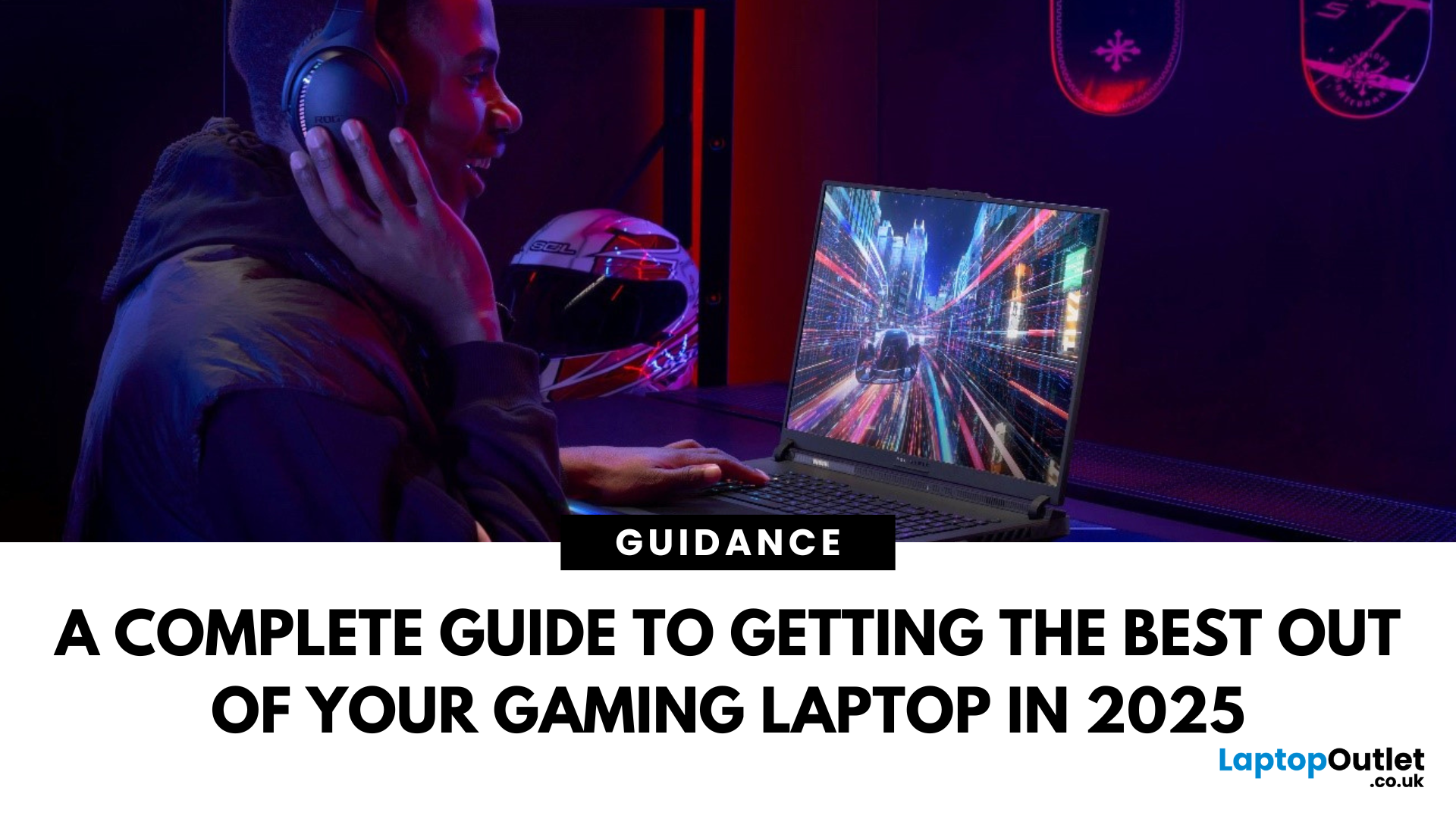
Gaming laptops have shifted from heavy, noisy machines to smart, efficient powerhouses. In 2025, the market is full of options that balance portability with desktop-class performance. Beyond just raw power, they now come with AI-driven optimisation, modular parts in some cases, and displays that rival high-end monitors.
This blog walks you through the key gaming laptop features that define modern gaming laptops, how to optimise them for peak performance, and the maintenance steps to ensure they stay sharp over time. Whether you’re buying your first gaming machine or tuning up a trusted companion, you’ll find practical advice here - a simple gaming laptop guide to help you choose with confidence.
1. Gaming Laptop Features: What’s Inside Matters
A. Graphics Power (GPU)
The GPU is the heart of any gaming machine. In 2025, Nvidia’s RTX 50 series (Blackwell architecture) leads the pack, offering ray tracing, DLSS 4 with frame generation, and new GDDR7 memory for faster rendering. AMD’s Radeon RX 9000 series also delivers solid efficiency, often at competitive prices.
Key takeaway: Match your GPU to your needs. High-end GPUs handle 4K and VR gaming with ease, but mid-tier cards are more than capable for 1080p or 1440p gaming.
If you’re curious how top-tier GPUs compare, our breakdown of high-end gaming laptops features covers advanced RTX cards and ultra-level setups.
B. CPU Performance
Modern gaming laptops now carry processors like Intel’s Ultra 9 or AMD’s Ryzen AI 9. These chips not only boost raw performance but also integrate AI cores, allowing real-time optimisation of thermals, fan speeds, and power use. This reduces bottlenecks in demanding games and improves multitasking (streaming, chatting, browsing). If you prefer Team Blue, there’s a great variety across intel gaming laptops covering different budgets and sizes.
Key takeaway: Look for CPUs with AI features if you want smarter, hands-off performance balancing.
C. Display Technology
The screen is your window into the game world. Recent trends include:
- High refresh rates: 165 Hz to 240 Hz is standard, with some laptops pushing 480 Hz.
- OLED panels: Offer true blacks, vibrant colours, and excellent contrast.
- MiniLED and HDR: Improve brightness and visual depth, great for cinematic games.
- Resolution balance: 1080p is still great for speed; 1440p is a sweet spot for detail; 4K is eye-candy but GPU-intensive.
Key takeaway: Prioritise refresh rate over 4K resolution unless you mainly play slower, cinematic games.
D. RAM & Storage
- RAM: 16 GB is the minimum for gaming today, but 32 GB ensures smooth multitasking and future-proofing.
- Storage: NVMe SSDs are now standard, delivering near-instant load times. Some laptops include secondary slots for expansion.
Key takeaway: Go for expandable laptops — extra slots for RAM and SSDs extend lifespan. If value matters, Acer affordable gaming laptops often balance storage, RAM, and price well for everyday players and students.
E. Cooling Systems
Cooling is a make-or-break feature. In 2025, laptops use vapour chambers for even heat distribution, triple-fan layouts for airflow, and AI-controlled fan curves that adjust in real time. Still, laptops run hot under load, so external cooling pads or stands help in longer sessions. Effective gaming laptop cooling should be near the top of your checklist to keep clocks high and noise down.
F. Battery & Portability
Gaming unplugged still drains batteries fast — usually 2–3 hours max under load. But many laptops now let you limit charging to 80% to protect battery health. Weight ranges from slim 2 kg ultrabooks to 4 kg desktop replacements. Not all models behave the same, so compare battery life in gaming laptops carefully across brands and screen types.
Key takeaway: If portability matters, choose a lighter machine with strong cooling, even if it sacrifices some raw power.
2. How to Optimise Your Gaming Laptop
Having top hardware doesn’t guarantee smooth gameplay. Optimisation makes the difference between laggy sessions and silky frame rates. If you’re squeezing value from entry-level gear, budget gaming laptop optimization goes a long way.
Keep Everything Updated
- GPU Drivers: Nvidia and AMD release “Game Ready” or “Adrenalin” drivers alongside major game launches. These can deliver anywhere from 5–15% extra performance in supported titles. They also include bug fixes, support for new rendering technologies (like DLSS 4 or FSR 3), and security patches. Neglecting GPU drivers can leave you with stutters, crashes, or missing features.
- BIOS & Firmware: Manufacturers often tune fan curves, thermal limits, or voltage behaviour in BIOS updates. For example, a BIOS patch might increase GPU boost time by improving power delivery. Keeping firmware updated ensures your laptop’s thermal and power management runs efficiently.
- Operating System: OS updates patch vulnerabilities, but they also update scheduling algorithms. Windows 11, for instance, has “thread director” support for hybrid CPUs, ensuring big cores handle heavy game loads while smaller cores handle background tasks.
Tip: Always download updates directly from official sources — Nvidia, AMD, Intel, or your laptop manufacturer — to avoid stability issues.
Use AI Tools & Power Modes
Most 2025 gaming laptops include AI-based control software. They dynamically manage system behaviour.
- Performance Profiles:
AI detects workload type. If you’re gaming, it shifts power toward the GPU and relaxes power-saving limits. If you’re on battery, it caps clocks to conserve life. Unlike old static profiles, AI tuning can make real-time decisions.
- Fan & Thermal Management:
AI can ramp fans before the CPU or GPU hits throttle temperatures, keeping performance steady. Traditional “balanced” modes often wait until it’s already hot, causing unnecessary spikes in temperature and noise.
- Battery Optimisation:
Charging caps (e.g., 80%) prolong battery health. AI tools learn your habits and stop charging fully if you mostly game while plugged in. This reduces long-term battery wear.
Tip: For gaming sessions, switch explicitly to High Performance / Gaming mode. Even with AI, this ensures clocks run at max frequencies and thermal limits are raised.
In-Game Settings That Matter
Not all settings are equal in their performance hit. Knowing what each does helps you get the smoothest gameplay without wasting GPU cycles.
- Shadows & Reflections (High Impact):
These use complex calculations for lighting. Dropping shadows from “Ultra” to “High” can free up 20+ fps with little visual downgrade. Reflections, especially ray-traced ones, are among the biggest drains — lower them or use hybrid ray tracing when possible.
- Anti-Aliasing (Moderate Impact):
Techniques like MSAA or SSAA are heavy. Modern upscalers (DLSS, FSR) already smooth jagged edges — so dial back traditional AA to save performance without losing clarity.
- Textures (VRAM Dependent):
High textures mainly use VRAM. If your GPU has 8–16 GB VRAM, keep them maxed; the impact on fps is minor. But if VRAM usage exceeds capacity, you’ll see sudden stutter. Monitor VRAM use in overlays like MSI Afterburner.
- Resolution Scaling / Upscaling:
DLSS 4 and FSR 4 are frame-generation tools that render at a lower resolution and then upscale while generating intermediate frames. This allows 60 fps hardware to output 100+ fps without the raw rendering cost. They’re game-changers for laptops where power is limited.
Tip: Always set your frame rate target to match your display refresh rate (e.g., 144 fps for a 144 Hz screen) to reduce tearing and input lag.
Cooling Optimisation
Thermals are the biggest limiter in laptops. If a CPU or GPU gets too hot, it throttles back, cutting performance. Small adjustments help maintain higher sustained speeds.
- Airflow:
Don’t block intakes or exhausts. Gaming on beds or couches causes fans to pull in hot, restricted air. Always use a hard, flat surface.
- Elevation:
Lifting the rear by even 2–3 cm increases airflow significantly. A cooling stand or even a basic laptop riser can drop temps by 3–5 °C.
- Cooling Pads:
Active cooling pads with large fans push cool air directly into intakes. While not a substitute for internal cooling, they can extend boost clocks during long sessions.
- Fan Curve Tuning:
Tools like MSI Afterburner or manufacturer utilities let you set aggressive fan curves. Example: instead of waiting until 85 °C to ramp up, spin faster at 70 °C. This prevents thermal spikes and maintains higher GPU boost speeds.
Power & battery optimisation
- Always game plugged in. Most laptops limit performance on battery to protect lifespan and thermals.
- When travelling, use hybrid graphics, reduce refresh to 60–120 Hz, and set Windows power to Balanced to stretch run-time.
Manage Background Apps
Every background process takes CPU cycles, RAM, or bandwidth. Games run best when resources aren’t wasted.
- RAM Hogs: Browsers like Chrome with many tabs open can consume gigabytes of RAM. Close them before launching a heavy title.
- Background Services: Disable auto-updaters, cloud sync apps, and overlays you don’t need. Tools like Windows Task Manager or Autoruns help identify them.
- Game Mode: Windows “Game Mode” reduces priority of background apps while gaming, ensuring foreground processes get CPU and GPU time.
Optimise Networking
Online gaming depends as much on latency as raw fps. A high frame rate means little if your ping spikes.
- Ethernet: Always preferred. It bypasses wireless interference, delivers stable latency (~1 ms locally), and ensures consistent packet delivery.
- Wi-Fi 6E / Wi-Fi 7: These newer standards use wider channels and less crowded spectrum. In practice, they cut latency by 20–30% compared to Wi-Fi 5, especially in congested areas.
- Router QoS: Configure Quality of Service on your router to prioritise gaming traffic over streaming or downloads. This prevents sudden ping jumps when someone else is watching Netflix.
- Background Traffic: Pause updates, torrents, or cloud sync during play. Even a small upload can spike latency.
Storage housekeeping
Games are storage-hungry. If your main drive is gasping for air, install a second NVMe (many laptops have two M.2 slots). Turn on Storage Sense to clear temporary files and old downloads automatically.
Displays & Outputs
Connecting to a TV? Aim for HDMI 2.1 so you get 4K120 and VRR on modern sets. For high-refresh monitors, DisplayPort is typically the safer bet—especially if you’re pushing above 144Hz at high resolutions. Early HDMI 2.2 kit will arrive later in the year; it’s nice future-proofing, but don’t hold up a purchase if the rest of the laptop ticks your boxes today.
3. Maintenance: Keeping Your Laptop in Shape
A gaming laptop is an investment, and with the right care it can perform well for years. Unlike desktops, most laptops don’t allow major part swaps, so regular upkeep is key. These gaming laptop maintenance tips will help extend life and performance.
Cleaning & Dust Management
Dust builds up inside vents and fans, restricting airflow and forcing the CPU and GPU to throttle. Wipe surfaces regularly, use compressed air for vents, and schedule deep cleaning every few months.
Thermal Paste & Repadding
Thermal paste between CPU/GPU and heatsink dries over time. Reapplying high-quality compound can drop temperatures by 5–10 °C. Enthusiasts may also replace VRAM and VRM pads for more stability.
Battery Health
Enable charging caps (70–80%) if supported. Avoid gaming on battery, and keep the system cool to protect long-term battery life in gaming laptops.
Software Health
Run antivirus scans, uninstall unused apps, and keep at least 15–20% SSD space free to maintain performance.
Upgrades & Modularity
Common gaming laptop upgrades include extra RAM or an additional NVMe SSD. Some newer models even support modular GPU swaps, a major shift toward longevity.
Data Backup
Use cloud saves, manual backups, or full system images to protect data from SSD failure or corrupted updates.
4. Enhancements Beyond the Laptop
Complement your laptop with the gaming accessoriesto elevate your setup. ASUS budget-friendly gaming laptops and Lenovo gaming laptops deals offer excellent value, while Dell student gaming laptops are popular for lightweight builds. External gaming monitors with 144–240 Hz refresh rates, gaming keyboards, headsets, and laptop stands all improve usability, cooling, and comfort.
5. Gaming Laptop Buying/Upgrading Checklist
When you’re shortlisting a gaming laptop—or planning upgrades—tick off the following:
- GPU first, then cooling. An RTX class step up matters more than a tiny CPU bump.
- Look for MUX/Advanced Optimus if you care about esports latency and high refresh.
- If you love ray tracing or 1440p/4K visuals, shortlist RTX 50-series with DLSS 4.
- 15.6–16-inch 165–240 Hz IPS is a great sweet spot.
- Consider OLED for single-player/creative work; treat it well (avoid static HUDs at max brightness for hours).
- 16 GB RAM minimum for today; 32 GB if you stream, mod, or run Chrome like it’s a benchmark.
- Go 1 TB NVMe (or higher) for modern libraries; ensure there’s a second M.2 slot for painless expansion later.
- Wi-Fi 7 for lower latency and fewer drops in congested flats or offices; ensure your router supports it to feel the benefit.
- Thunderbolt 5 / USB4 if you run multiple external displays, capture cards or fast NVMe enclosures.
- Prefer vapour chamber designs on thin-and-lights; they sustain clocks better under continuous load.
- Check hinge design, serviceability (bottom panel screws vs. glued), and whether RAM/SSD are socketed.
For a quick breakdown of these specs, check our gaming laptop features guide.
5. The Future of Gaming Laptops
Looking ahead, GPU-swappable laptops are becoming real, AI-driven optimisation will be standard, and sustainability is improving through repairable parts and longer warranties. Wi-Fi 7 promises faster, more stable online play, and OLED/MiniLED displays are pushing visual fidelity further.
Conclusion
Gaming laptops today are serious machines, built to deliver the same thrill and immersion as a high-end desktop, but with the freedom to take your games anywhere. To get the most from one, you have to go beyond just unpacking it and pressing play. Keeping drivers fresh, managing thermals, cleaning out dust, and caring for the battery are the small details that add up to big differences in the long run.
Looking ahead, the future of gaming laptops is even more exciting. With AI stepping in to handle performance tuning on the fly, modular designs opening the door to upgrades, and display and networking technology advancing at pace, the next generation of laptops promises to be more adaptable and longer-lasting than ever. With that in mind, keep optimising gaming laptops part of your routine as tech moves forward and new features arrive.
Ready to take your gaming to the next level? Explore the full range of gaming laptops today from ASUS budget-friendly gaming laptops and Acer affordable gaming laptops to high-end Intel gaming laptops and the latest Lenovo gaming laptops deals.
FAQs
- What are the most important features to look for in a gaming laptop?
The key features are the GPU, CPU, display, RAM, storage, and cooling system. Together, these determine how smoothly games run, how sharp they look, and how long the laptop can sustain performance. - How can I improve the performance of my gaming laptop?
You can optimise performance by keeping drivers updated, adjusting in-game graphics settings, using cooling pads, and managing background apps. Switching to High Performance mode and ensuring proper airflow also make a big difference. - How do I maintain my gaming laptop for long-term use?
Regular cleaning, replacing thermal paste every couple of years, keeping your SSD healthy, and managing battery charging habits are the main maintenance tips. Backing up data and avoiding overheating will also extend the lifespan. - Can I upgrade a gaming laptop?
Yes, many gaming laptops allow upgrades such as adding more RAM or storage. Some modern designs, like modular laptops, even let you swap GPUs though this is still rare. Always check the specific model for upgrade options. - What is the average battery life in gaming laptops?
Battery life usually ranges from 2–3 hours while gaming, depending on the GPU and screen. Lighter use, such as browsing or streaming, can stretch it to 6–8 hours on some models. Using charging caps and avoiding high heat improves battery health over time. - Are budget gaming laptops worth it?
Yes, if you mainly play at 1080p and don’t need ultra settings. With proper optimisation, a budget gaming laptop can deliver smooth gameplay and good value. It’s also a solid choice for students or casual gamers.
| Read More: |
| What Is the Best Budget Gaming Laptop to Buy? |
| Key Benefits of RTX Gaming Laptops |
| Cheap Gaming Laptops Under £750 in the UK |
Related Articles

Last Updated: March 31, 2026
Introduction
Are you ready to enhance your gaming experience? Discover why MSI laptops are the best contenders in the industry.
Over the years, there has been a rise in gaming laptops, and laptop manufacturers are trying to create the best devices for playing video games. These advancements are so prevalent that individuals switch from desktop computers to sleek and portable gaming laptops.
Manufacturers are taking the design and features of gaming laptops to create more innovative options for their customers. MSI has taken the lead by establishing a reputation in the gaming industry because of its functionality and robust build quality. They have shifted their focus towards the gaming community to sell these laptops under the pretence of "gaming laptops.
The best MSI gaming laptops are diverse, with varying components and materials. MSI is renowned for its extraordinary features and top-notch specifications. The MSI gaming laptops have high-resolution, ultra-fast refresh rate displays
Last Updated: July 01, 2025
Did you know that gaming laptops have seen a remarkable change in processor speed from 1.5 GHz to 5 GHz in the present year? It's not just about power anymore; it's about the need for speed in gaming!
Back in 2010, gaming was confined to bulky desktops at home or on consoles connected to the TVs. Several years later, the debut of the gaming laptop Razer revolutionised the gaming experience. These laptops brought top-notch performance and portability together in a sleek and compact design, reshaping how users enjoy gaming.
Even though it had an excellent i7 processor and GT 555M graphics card, the approximate £2400 price tag was a bit much. In the modern era, manufacturers, including ASUS with its ROG series and MSI with the GT series, began introducing gaming laptops for high-end experience. These gaming laptops were incorporated with features like high-refresh-rate displays and energy-efficient graphic processing units.
The evolution of these gaming laptops got people thinking about
Last Updated: December 02, 2025
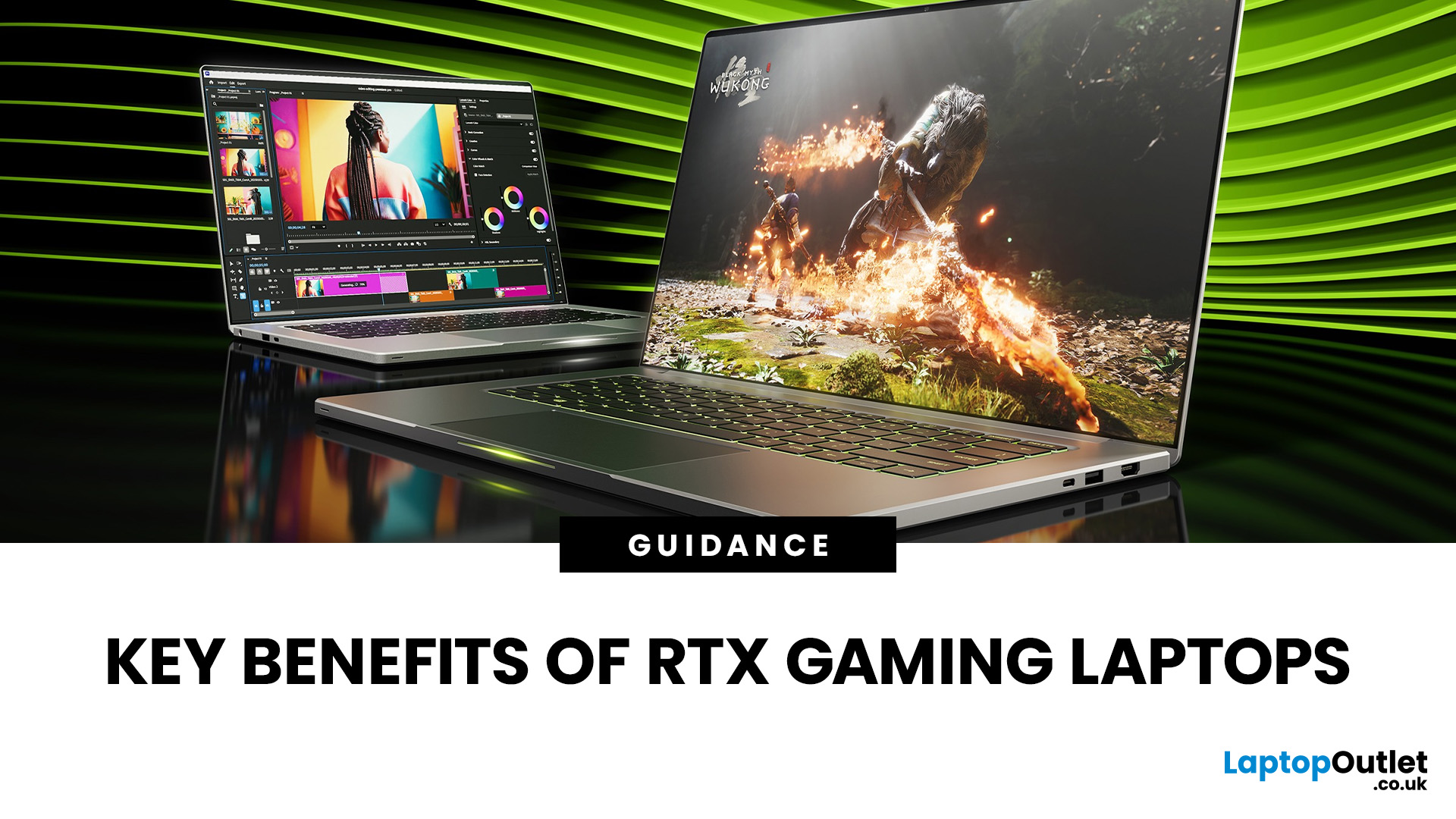
NVIDIA's RTX graphics cards come with a decent suite of features, with several of them having already secured first position in the list of the world's best graphics cards for gaming. They offer powerful performance compared to their outgoing counterparts, making them the ideal choice for laptop shoppers in 2025. Gaming laptops with Nvidia RTX graphics are packed with exceptional capabilities like Ray Tracing, substantial amounts of VRAM and G-Sync for buttery-smooth frame rates. However, what exactly makes RTX gaming laptops stand out? Let's find out!
1. Powerful Performance
"RTX" stands for Ray Tracing Texel extreme, a specific professional visual computing platform from Nvidia that designs complex GPU models with scientific visualisation for energy exploration and film and video production. GeForce RTX represents the pinnacle of best-in-class graphics card chips. Laptops with Nvidia GPUs are variable in different sizes, thin or lightweight, whichever features you want; there is an
Last Updated: February 24, 2026
We are calling all the gamers around! Playing your favourite games with maxed-out settings doesn't cost you the earth . We have got you covered with top-of-the-line gaming laptops.
Most people will say that you need a high-end desktop rig, especially if you're a fan of pushing the graphical capabilities beyond the limits of handheld gaming consoles. Undoubtedly, the desktop PC is still king in terms of fancy hardware and power-packed performance. But a gaming laptop offers the best bang for your buck if you need something you can carry around the house or a coffee shop.
However, when shopping for the gaming laptop refurbished, you may have to pay attention to CPU and GPU performance, cooling solution, the display's refresh rate, VRR support, and build. A good keyboard is also necessary for a tactile and customised experience and won't cause strain over long gaming sessions.
To help you choose the perfect laptop for eSports, we have tested and reviewed over 100 laptops. So, whether
Last Updated: September 29, 2026
Choose a gaming desktop PC if you want the strongest performance, easier upgrades, better cooling, and the best long-term value. Choose a gaming laptop if you need portable play, a built-in screen, and one machine for gaming, study, work, or travel. In 2026, the sensible choice depends on your space, budget, upgrade plans, and real-world performance expectations.
The debate between a PC gaming laptop vs desktop has been running for years, and in 2026 it is more relevant than ever. Many current gaming laptops and PCs now support NVIDIA RTX 50-series graphics, PCIe Gen 5 storage, and DDR5 memory. On paper, they have never been closer. In practice, the differences that matter most to everyday gamers remain clear and significant. This guide will compare both platforms across all meaningful aspects to help you choose the right one.
Gaming Desktop vs Gaming Laptop: A Side-by-Side Overview
Before diving into the detail, here is a top-level comparison across the factors most UK buyers care about.

