



Hidden Features of the Samsung Galaxy S26 You Should Try
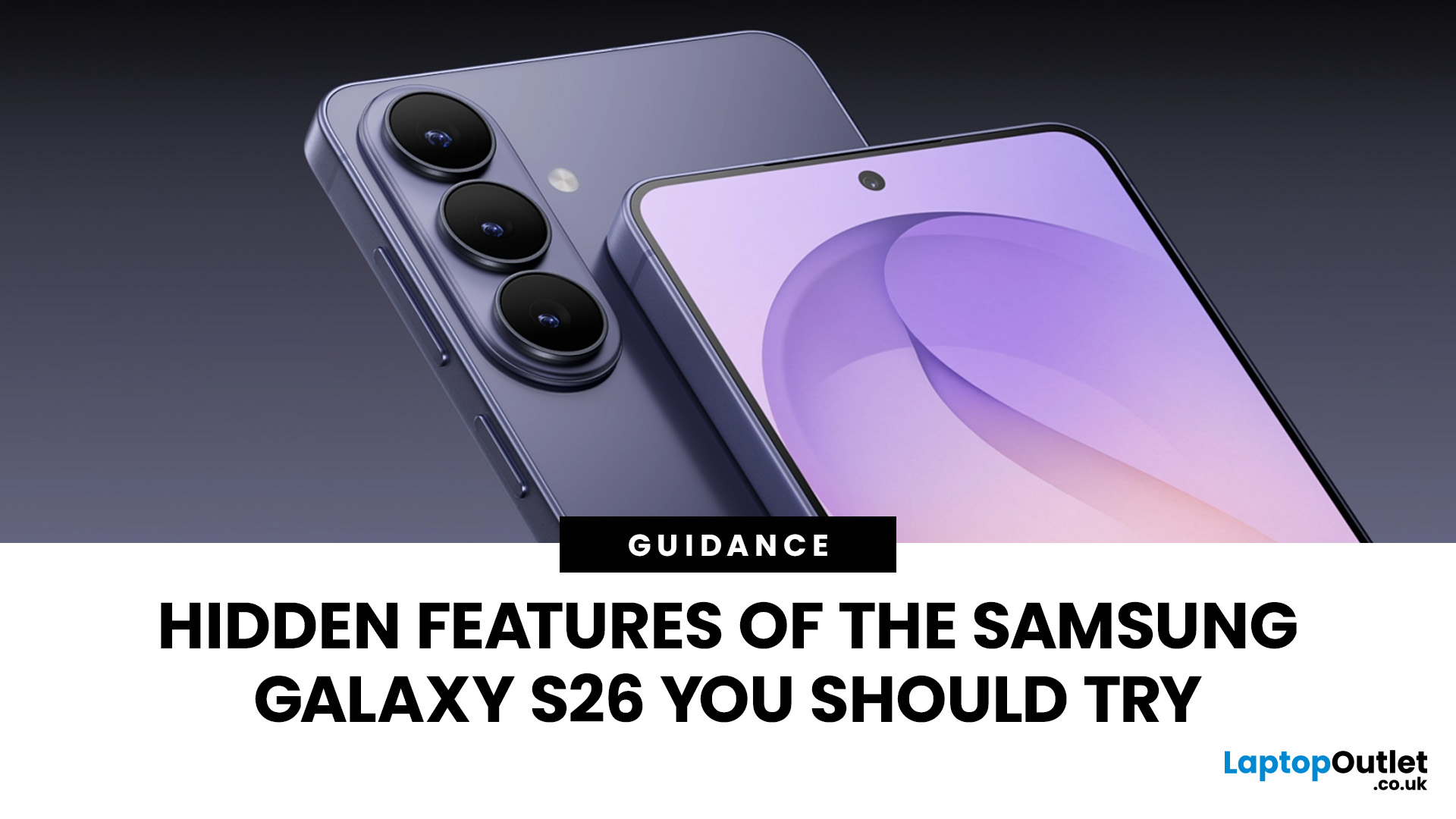
The Samsung Galaxy S26 hidden features make the phone feel far smarter than a routine flagship upgrade. While the S26 series looks familiar at first, One UI 8.5 adds useful tools that improve privacy, customization, multitasking, and everyday convenience. Many of the best options are easy to miss, from Quick Panel controls and accessibility shortcuts to AI tools, camera settings, and battery-saving automations.
In this Galaxy S26 advanced features guide, we cover the most useful Samsung S26 lesser-known functions, including hidden privacy tools, smart routines, and practical Galaxy S26 secret tips and tricks that can make the phone faster, smarter, and more personal.
Samsung Galaxy S26 Hidden Features at a Glance
Before diving deeper, here are the hidden tools most worth exploring:
- Privacy Display on the Galaxy S26 Ultra for app-specific or notification-specific screen privacy
- Photo Assist in One UI 8.5 for faster, more continuous AI photo editing
- Quick Panel customization for faster access to your most-used controls
- Modes and Routines for hands-free automation throughout the day
- Multi Window and App Pairs for faster multitasking
- Accessibility shortcuts mapped to hardware keys for quicker control
- New Bixby conversational controls for easier device management
- Lock screen and wallpaper alignment tweaks for cleaner customization
- AI-powered content creation and camera assistance that save time in everyday use
These features are backed by Samsung’s official S26 and One UI 8.5 materials, along with current hands-on coverage that shows the lineup is heavily focused on AI, privacy, customization and faster task completion. You can also explore how Samsung improved endurance across the lineup in our detailed guide on battery life improvements in the Samsung Galaxy S26 family, where we break down the hardware changes, software optimisations, and battery efficiency upgrades introduced in the S26 series.
Privacy Display Is One of the Best Samsung Galaxy S26 Hidden Features
One of the most useful Samsung Galaxy S26 hidden features on the Ultra is Privacy Display. It lets you hide the full screen or protect specific apps, notifications, and passwords, making it far more flexible than a standard privacy screen protector. This is one of the most practical Hidden Samsung Galaxy S26 settings for travel, commuting, or working in public. The only downside is that it may slightly reduce brightness and display clarity, so it works best as a situational feature rather than something you leave all the time.
Why it matters
- Better privacy on trains, planes, cafés and offices
- App-specific control instead of all-or-nothing screen dimming
- More useful than a fixed third-party privacy screen
Best use cases
- Banking apps
- Messaging apps
- Password entry
- Lock-screen notifications
- Work emails and documents
Galaxy AI Feels Better When You Use the Hidden Workflow Features
Samsung is positioning the S26 series as its third-generation AI phone, and the real value is not just that Galaxy AI exists, but that it is woven into daily tasks. Samsung says the S26 series is designed to reduce the number of steps needed to get things done, with AI working more proactively in the background. That framing matters because some of the most useful Galaxy S26 AI feature secrets are not flashy demos. They are workflow improvements.
A great example is Photo Assist in One UI 8.5. Samsung says the updated version lets users continue editing and generating changes without needing to save every iteration. That sounds small, but in practice, it makes AI editing faster and less disruptive. Instead of saving, re-opening and trying again, you can keep refining an image until it looks right. That makes it one of the best Samsung S26 camera hidden settings for anyone who actually edits photos on their phone.
The other hidden advantage is context. Samsung’s official language around the S26 emphasizes that Galaxy AI is meant to help with plans, information, content capture and refinement, while One UI 8.5 adds a more personalized understanding of your usage patterns and needs. So the real trick is to enable AI where it saves taps, not where it just looks impressive.
Try these AI-first habits
- Use AI photo editing before exporting images
- Let Galaxy AI handle quick content cleanup instead of opening separate apps
- Use AI tools for text refinement, image creation and simple task completion
- Pair AI features with Multi Window for faster workflow
Quick Panel Customization Is an Easy Win Most Users Ignore
One of the most practical Samsung S26 hidden UI features is also one of the easiest to miss. Samsung’s One UI 8.5-page highlights that you can add or remove Quick Panel items and even resize and rearrange brightness and sound bars. That means the Quick Panel is no longer just a place for Wi-Fi and Bluetooth. It can become a custom control center built around how you actually use your phone.
This matters because the S26 is full of useful features that become annoying if they are buried. Privacy Display, battery modes, hotspot controls, screen record, device control, eye comfort, accessibility tools and smart home toggles all become more valuable when they are available in one swipe. That is why this is one of the simplest but most effective Galaxy S26 software hacks. If you're comparing Samsung’s latest features with Apple's ecosystem, check out our complete breakdown of iOS 26.3 update to see how the newest iPhone software update improves performance, security, and usability.
Quick Panel tweaks worth making
- Move your most-used controls into the first swipe page
- Add privacy, battery and display tools
- Resize brightness and volume bars for faster reach
- Remove clutter you never tap
Best users for this feature
- Heavy multitaskers
- Anyone using the S26 for work
- Users who want faster battery and privacy control
- People who hate digging through Settings
Modes and Routines Make the Galaxy S26 Feel Smarter Than It Looks
Modes and Routines is one of the most useful Samsung Galaxy S26 hidden features, letting you automate actions based on time, location, app use, charging, or activity. With One UI 8.5 and stronger AI integration, it becomes even more valuable for everyday convenience and Samsung S26 battery saving tricks. Instead of changing settings manually, you can let the Samsung phone automatically adjust display, power, privacy, and other features throughout the day.
Routine ideas worth setting up
- Turn on battery saver at a chosen percentage
- Enable do-not-disturb and grayscale at bedtime
- Launch work apps and mute distractions at the office
- Turn on hotspot only when needed
- Open music, maps and a brighter display in car mode
- Reduce refresh rate or disable extras when gaming is over
Why this feature matters
- Saves battery without daily manual changes
- Makes the phone feel more personal
- Reduces friction between work, travel and home use
Multi Window and App Pairs Are Hidden Productivity Features
The Samsung S26 hidden multi-tasking features make Multi Window far more useful than basic split-screen. On the Galaxy S26+, and especially the Ultra, you can run apps side by side, use floating views, and drag content between tasks for smoother productivity. It is one of the most practical Galaxy S26 gesture shortcuts for creating faster workflows, whether you are pairing notes with a browser, messages with documents, or photo edits with social apps.
Multitasking setups to try
- Notes + browser for research
- Gallery + social app for faster posting
- YouTube + Samsung Notes for learning
- Calendar + email for work planning
- Maps + music for travel
Hidden benefit
When Galaxy AI outputs text or images, split screen and floating windows make it easier to compare results without losing the original content. That is a subtle but very useful productivity boost.
The New Bixby Is a Better Device Control Tool Than Many People Expect
Bixby is easy to dismiss if you only think of it as an old-style voice assistant, but Samsung’s February 2026 announcement describes the new Bixby in One UI 8.5 as a more conversational device agent that reduces the time and effort required to manage device settings. Samsung also says it can process more natural requests and return web search results directly inside the interface.
That makes it one of the most overlooked Samsung S26 lesser-known functions. The hidden value is not in asking random trivia questions. It is in device control. Instead of digging through settings, you can speak more naturally: ask for a privacy-related setting, a display adjustment, a search result or a combination of actions, and let Bixby handle the navigation.
Best ways to use Bixby on the S26
- Find buried settings quickly
- Trigger everyday controls hands-free
- Run searches without leaving your current task
- Use it as a shortcut layer for One UI
This is not a must-use feature for everyone, but it is one of the easiest ways to unlock Galaxy S26 software hacks without memorizing where everything lives.
Camera Hidden Settings Are About Consistency, Not Just Specs
The S26 series pushes hard on camera quality, but some of the smartest improvements are hidden in how the software helps you shoot and edit rather than in obvious megapixel changes. Samsung says the S26 series includes an AI ISP-powered front camera for enhanced detail and colour accuracy, while Nightography Video improves low-light capture and sharpness after dark.
The hidden feature angle is this: a lot of users will upgrade, open the camera app, shoot in default mode and never touch the supporting tools. But the best Samsung S26 camera hidden settings are about getting better results with less effort.
Camera tools worth trying
- AI-enhanced low-light video tools
- Photo Assist for quicker cleanup and retouching
- Better front-camera detail tuning through the AI imaging pipeline
- Split-screen editing and sharing workflows
Who benefits most
- Social media creators
- People who shoot at night
- Users who edit on device instead of exporting to desktop
These are not gimmicks. They are practical refinements that make the S26 camera feel quicker, smarter, and more reliable in normal use.
Accessibility Shortcuts Double as Speed Shortcuts
A lot of people think accessibility settings are only for specific users, but Samsung’s support page shows that Galaxy phones can assign advanced accessibility tasks to phone keys, including opening colour adjustment settings, muting sounds and turning on Voice Assistant.
That makes Galaxy S26 accessibility shortcuts useful even if you do not think of yourself as an accessibility user. On a practical level, they can become speed tools. If you need quick visual changes at night, fast mute control, or a shortcut to a frequently used assistive feature, mapping that hardware input is faster than hunting through menus.
Useful accessibility shortcut ideas
- Quick mute for meetings
- Colour adjustment for visual comfort
- Voice Assistant access when your hands are busy
- Faster access to hearing and visibility tools
This is one of the more underrated hidden Samsung Galaxy S26 settings because it improves usability for many kinds of users, not just one.
Lock Screen, Wallpaper and Home Screen Tweaks Make the Phone Feel Cleaner
Customisation is a major part of One UI 8.5, but the interesting part is that Samsung now emphasises smarter layout behaviour too. According to Samsung’s One UI page, when you set a wallpaper, the image is automatically repositioned to align better with key apps and widgets for a cleaner home or lock screen layout.
That is a subtle detail, but it is exactly the kind of thing that makes the S26 feel more polished. Combined with Quick Panel personalisation and broader layout control, it becomes one of the simplest Galaxy S26 customisation tips to recommend. A cleaner visual setup helps everything else feel better too.
Quick customization wins
- Rebuild your first home page around your daily apps
- Match widgets to routines, battery and weather needs
- Use wallpaper alignment to keep icons readable
- Simplify the lock screen instead of overloading it
Battery Saving on the S26 Works Best When You Stack Features Together
Battery life is not only about capacity. Samsung’s One UI 8.5 and automation features make the best Samsung S26 battery saving tricks more about setup than sacrifice. The right combination of Quick Panel shortcuts, custom routines and display management can make the mobile phone last longer without feeling limited. Samsung also continues to emphasize efficient multitasking, personalized experiences and performance management across the S26 lineup.
A smart battery-saving setup
- Add battery and refresh-related controls to Quick Panel
- Set a routine for nighttime power saving
- Automate display changes when battery drops
- Limit power-hungry modes to when you actually need them
Best hidden battery habits
- Use automations instead of manual toggles
- Turn heavy features on only in the right context
- Keep privacy and brightness tools easy to reach
- Use larger-screen features only when they help your workflow
That is why battery saving on the Galaxy S26 feels less like restriction and more like optimization.
The Best Hidden Features Are the Ones You Combine
What makes the Samsung Galaxy S26's hidden features so useful is not any single tool on its own. It is how well they work together. You can combine a Quick Panel layout with a bedtime routine, pair Bixby with hidden settings, use Multi Window alongside AI tools, and fine-tune privacy without making the whole phone harder to use. Samsung’s official messaging around the S26 repeatedly centres on reducing effort and letting hardware, software and AI work together, and these hidden tools are where that promise becomes real.
For example:
- Privacy Display + Quick Panel gives you faster control in public
- Photo Assist + Multi Window makes content creation easier
- Modes and Routines + battery tools improve endurance automatically
- Bixby + buried settings reduces time spent navigating menus
- Accessibility shortcuts + daily tasks make the phone quicker for everyone
That is also why the S26 feels more modern than the spec sheet suggests. The hidden advantages are convenience, speed, and adaptability.

Final Verdict
The best Samsung Galaxy S26 hidden features are not gimmicks. They are tools that make the phone more useful after the first week of ownership. Privacy Display on the Ultra is the standout hardware trick, but the bigger story is how One UI 8.5 turns the S26 into a more customizable, more automated and more context-aware device. Quick Panel tweaks, Modes and Routines, Photo Assist, Multi Window, accessibility shortcuts and the new Bixby all help reduce friction in small but meaningful ways.
If you want to get more from the phone, start with these:
- Customize the Quick Panel
- Set up two or three useful routines
- Try Photo Assist properly
- Use Multi Window for one real task
- Explore accessibility shortcuts
- Enable Privacy Display only where it helps most
That is where the Galaxy S26 secret tips and tricks stop feeling hidden and start feeling essential.

FAQs
What are the best Samsung Galaxy S26 hidden features to try first?
Start with Privacy Display on the Ultra, Quick Panel customization, Modes and Routines, Photo Assist and Multi Window. Those offer the biggest daily benefit with the least effort.
Does the Galaxy S26 Ultra Privacy Display work for specific apps?
Yes. Samsung says you can hide the full screen or apply Privacy Display only to certain apps, notifications or passwords.
Are there hidden battery-saving features on the Galaxy S26?
Yes. The most effective approach is using Quick Panel customization and Modes and Routines to automate battery-saving actions instead of changing settings manually every day.
What is the most useful hidden Galaxy S26 AI feature?
For many users, it will be Photo Assist in One UI 8.5 because it allows faster, more continuous editing without saving every step.
Are accessibility shortcuts useful even if I do not need accessibility tools full-time?
Yes. Samsung’s key-based accessibility shortcuts can also work as fast controls for muting, visibility tweaks and assistive actions you want to reach quickly.
Related Articles


Last Updated: May 05, 2026
Smartphones have come a long way in the past decade, from simple communication tools to powerful pocket-sized computers. But 2025 marks a turning point. The biggest upgrades are no longer about camera megapixels or faster processors. The real revolution is happening behind the scenes with AI in smartphones.
Artificial intelligence is reshaping how phones think, respond, predict, and interact with users. Whether it’s personalisation, photography, battery management, or voice assistance, AI is quietly powering the features we rely on every day. And with the next generation of AI chips, on-device assistants, and multimodal models, smartphones are evolving at a pace we’ve never seen before.
In this article, we break down how AI is transforming the smartphone industry, what it means for users, and what the future of mobile tech looks like in an AI-driven world.
What Does AI in Smartphones Actually Mean?
While “AI” can sound like marketing hype, its role in smartphones is very real-and very

Last Updated: April 21, 2026
A new year, a fresh scroll, and maybe… a phone that doesn’t need charging twice a day. If that sounds like a goal, you’re in the right place. New Year smartphone deals in 2026 are shaping up to be one of the best times to upgrade without blowing past the £500 mark.
Thanks to rapid tech upgrades and fierce competition, smartphones under £500 in 2026 are no longer “budget compromises.” We’re talking flagship-style cameras, 5G speeds, premium displays, and batteries that actually last a full day (and then some). Whether you’re hunting for Android phone New Year discounts, eyeing iPhone deals, or comparing specs like a pro, this guide breaks it all down, minus the boring bits.
Why New Year Is the Sweet Spot for Smartphone Deals
New Year sales are kind of the underrated MVP of tech shopping. While Black Friday grabs the headlines, January is when retailers quietly drop serious discounts—especially on last year’s premium and mid-range models.
Here’s why New Year Smartphone Deals hit different:

Last Updated: April 21, 2026
In 2026, a 5G connection is no longer a "nice to have"—it is essential. Whether you are commuting through London or working from a coastal town, you need a device that keeps up with the national rollout of ultra-fast networks.
Finding the best 5G smartphones can feel overwhelming. With so many latest 5G phones hitting the market, how do you choose? You need a phone that balances speed, battery life, and price. From premium Apple iPhones to versatile Android smartphones, the options are better than ever.
In this guide, we break down the top 5G smartphones UK users should consider.
New 5G Phone Deals UK: Top Picks for 2026
If you want the latest technology, the following brand-new models, available at Laptop Outlet, offer the best performance and future-proofing.
1. Oppo Reno13 F 5G (CPH2699L Blue)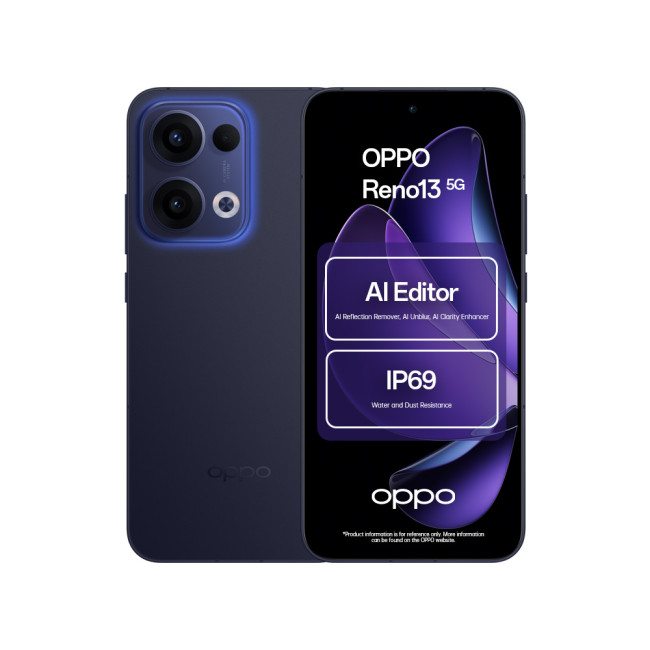
Key Specifications
- Display: 6.67-inch AMOLED, 120 Hz refresh rate
- Resolution: 1080 x 2400 Pixels.
- CPU: Qualcomm Snapdragon 6 Gen 1
- RAM: 8 GB
- Storage: 256 GB
Last Updated: April 28, 2026
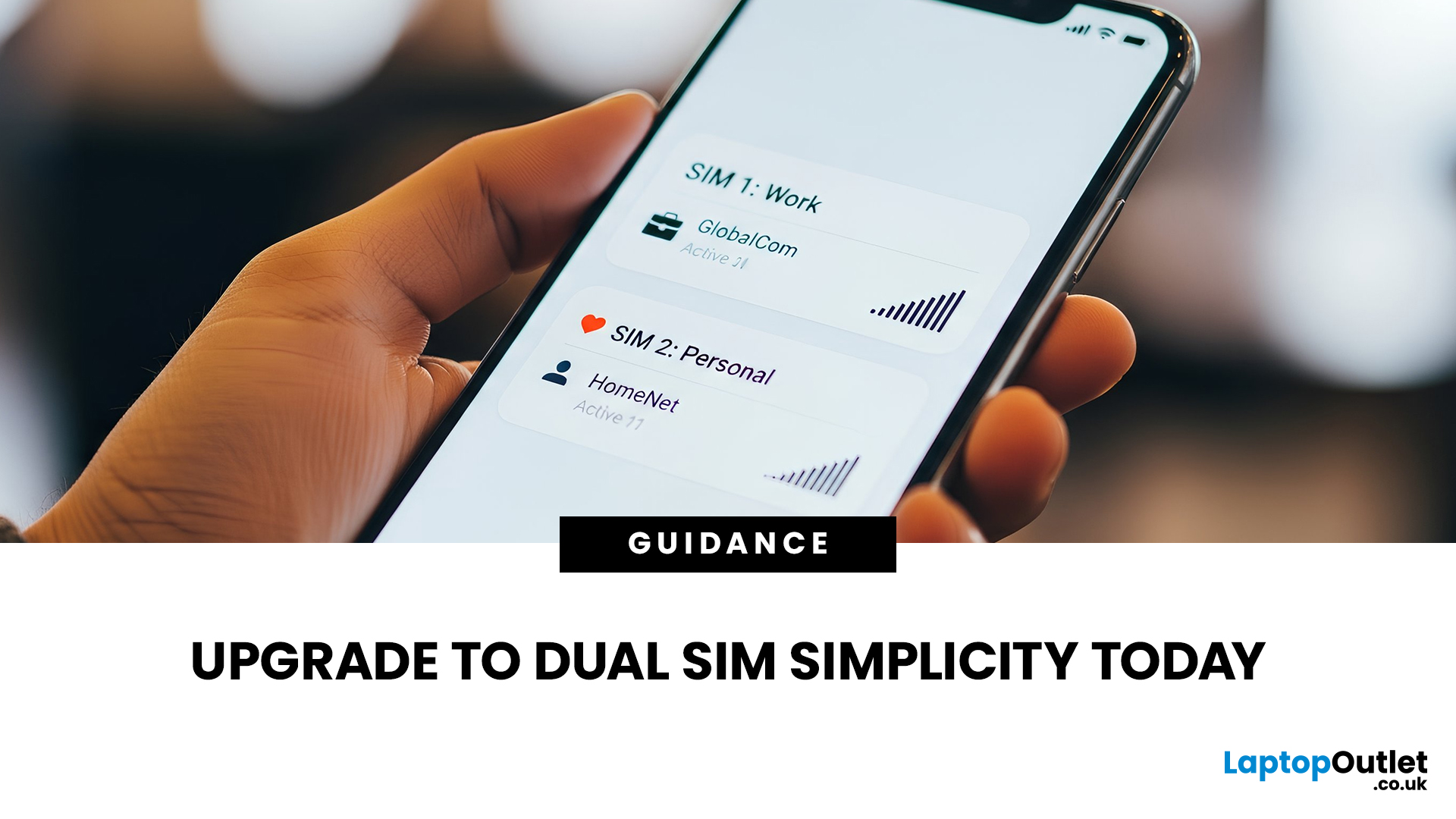
Still carrying two phones in your pocket? It’s time for a change. Managing a separate handset for work and another for your personal life isn’t just bulky, it’s exhausting. You’re double-charging, double-carrying, and constantly checking the wrong screen.
Dual SIM mobiles offer the perfect escape from this 'two-phone' fatigue. In this guide, we’ve rounded up the best dual SIM smartphones for 2026, including Android smartphones and latest iPhones.
Why Choose a Dual SIM Phone in 2026?
The benefits of dual SIM mobiles extend far beyond just having two numbers. Here is why they are becoming the standard for UK users:
- Cost Efficiency: You can use one SIM for a cheap unlimited calling plan and another for a high-data-only plan.
- Network Reliability: If one network has a service outage, you can switch your data to the second SIM to stay online.
- Separation of Life: Turn off your work SIM in the evenings and weekends to truly disconnect without needing a second handset.
- International Travel: When
Last Updated: April 28, 2026
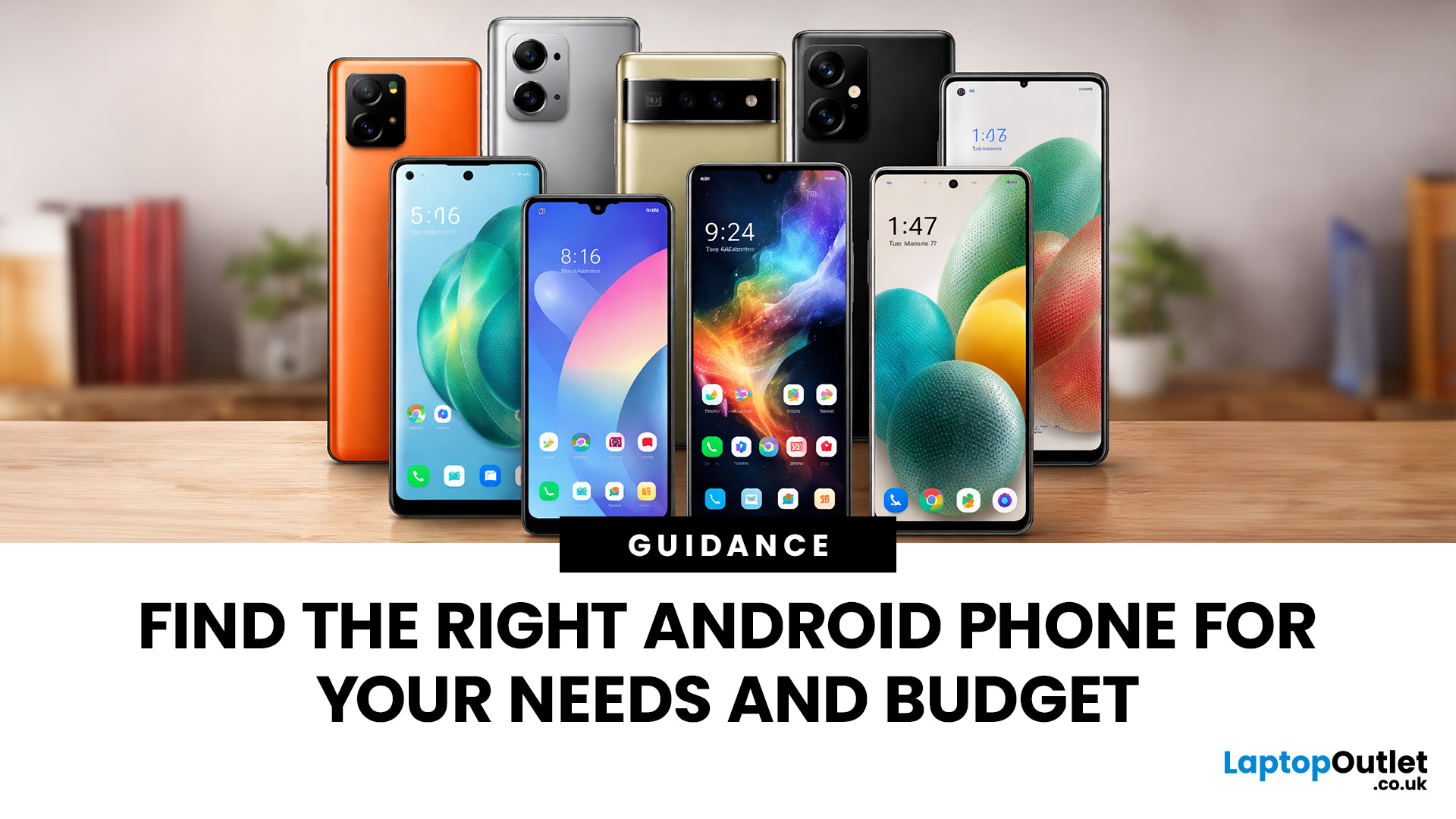
Finding the right device can feel overwhelming with so many options hitting the market. Whether you want a professional camera, a battery that lasts all weekend, or a budget-friendly workhorse, the current market has something for everyone.
At Laptop Outlet, we make the choice easy. We have curated a selection of the finest Android phones UK shoppers can buy right now. From affordable entry-level models to the most advanced latest phones, our guide ensures you get the best tech for your specific needs.
Why Choose Android in 2026?
Android remains the most versatile operating system in the world. When you shop for Android devices, you aren't just buying a phone; you are buying into an ecosystem of customisation and choice.
Unlike iPhones, Android allows you to select hardware from various manufacturers like Samsung, Google, OPPO, ASUS, and Xiaomi, ensuring there is a design and price point for everyone. You will find that current Android models offer incredible battery life, stunning
Last Updated: September 15, 2026
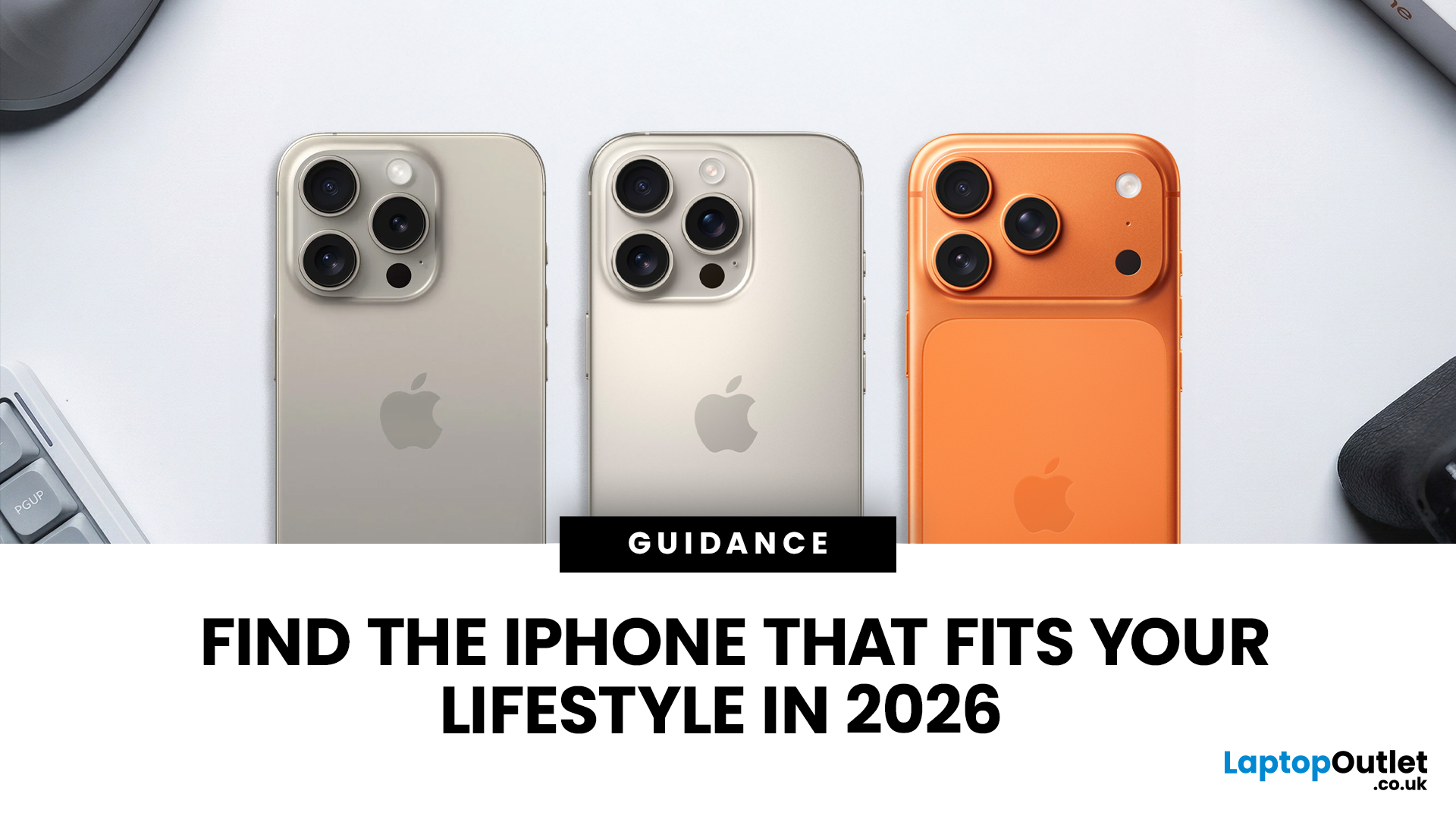
Buying an iPhone in September 2026 is a little different from earlier in the year. Apple has now announced the iPhone 18 Pro and iPhone 18 Pro Max, while the iPhone Duo brings a completely new foldable option. At the same time, the iPhone Air, iPhone 17, iPhone 17e and iPhone 16 remain available from Apple in the UK.
The best choice should not be automatically the newest or most expensive model. It depends on how much you want to spend, the size you prefer, how much you use the camera, how long you need the battery to last and whether you are comfortable waiting for a newly announced model to go on sale. This iPhone buying guide focuses on those practical differences so you can make a clear decision without paying for features you are unlikely to use.
Quick answer
Best overall for most buyers: iPhone 17. It has a 6.3-inch 120Hz ProMotion display, A19 chip, dual 48MP camera system and 256GB storage as standard.
Best premium choice: iPhone 18 Pro or Pro Max. Pre-orders open 12 September and
Published: January 12, 2026
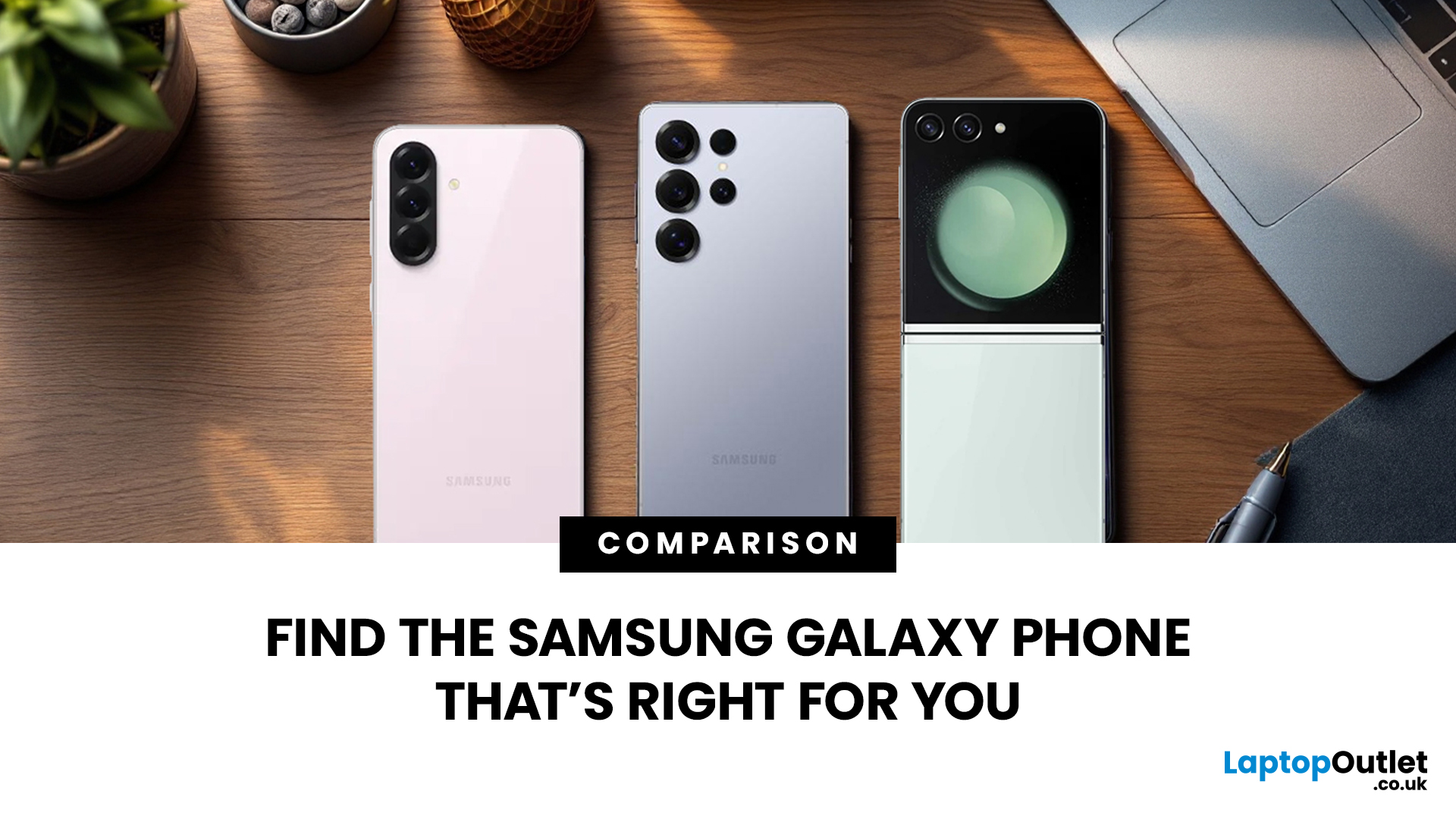
Which Galaxy is right for you? With so many Samsung Galaxy phones hitting the UK market, choosing between them can be a challenge. Samsung has simplified its lineup into three distinct categories: the powerful S series, the innovative Z series, and the affordable A series.
In this guide, we’ll put the latest Samsung mobiles UK models head-to-head, weighing up the specs that matter to ensure you find the best fit for your lifestyle and budget.
Samsung Galaxy S Series (Flagships)
The S series represents the pinnacle of Samsung smartphones. These premium smartphones are designed for users who want the fastest processors, the best cameras, and the most vibrant screens.
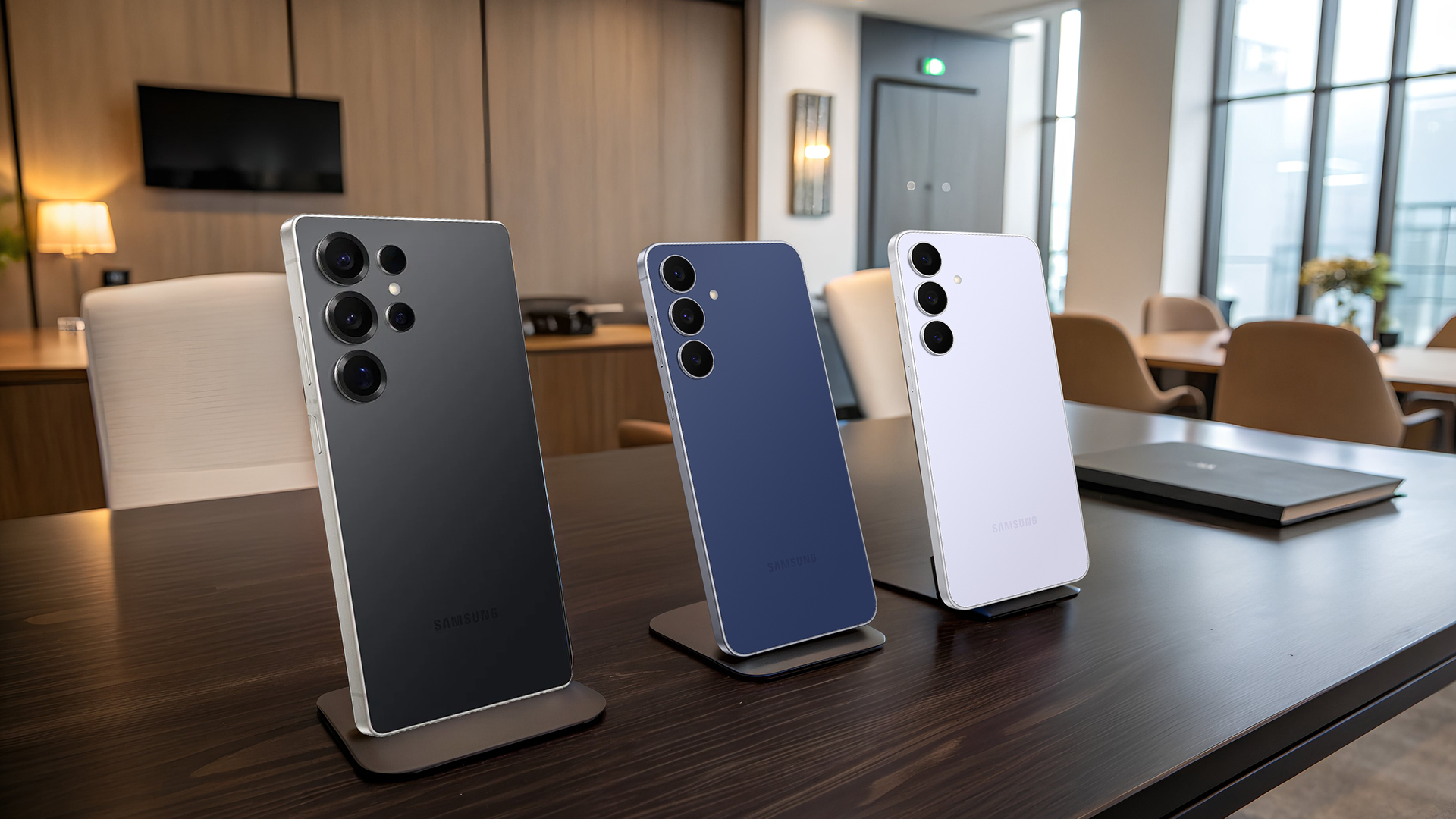
Samsung Galaxy S25 Series
The S25 lineup is the newest addition to the Samsung mobiles UK market, designed to outperform flagship iPhones with more advanced AI integration and incredibly thin designs for a modern feel.
| Feature | Galaxy S25 Ultra | Galaxy S25+ | Galaxy S25 (Base) |
| Display | 6.9" 1440p LTPO OLED, Anti-glare, 1-120Hz, |
Published: March 02, 2026
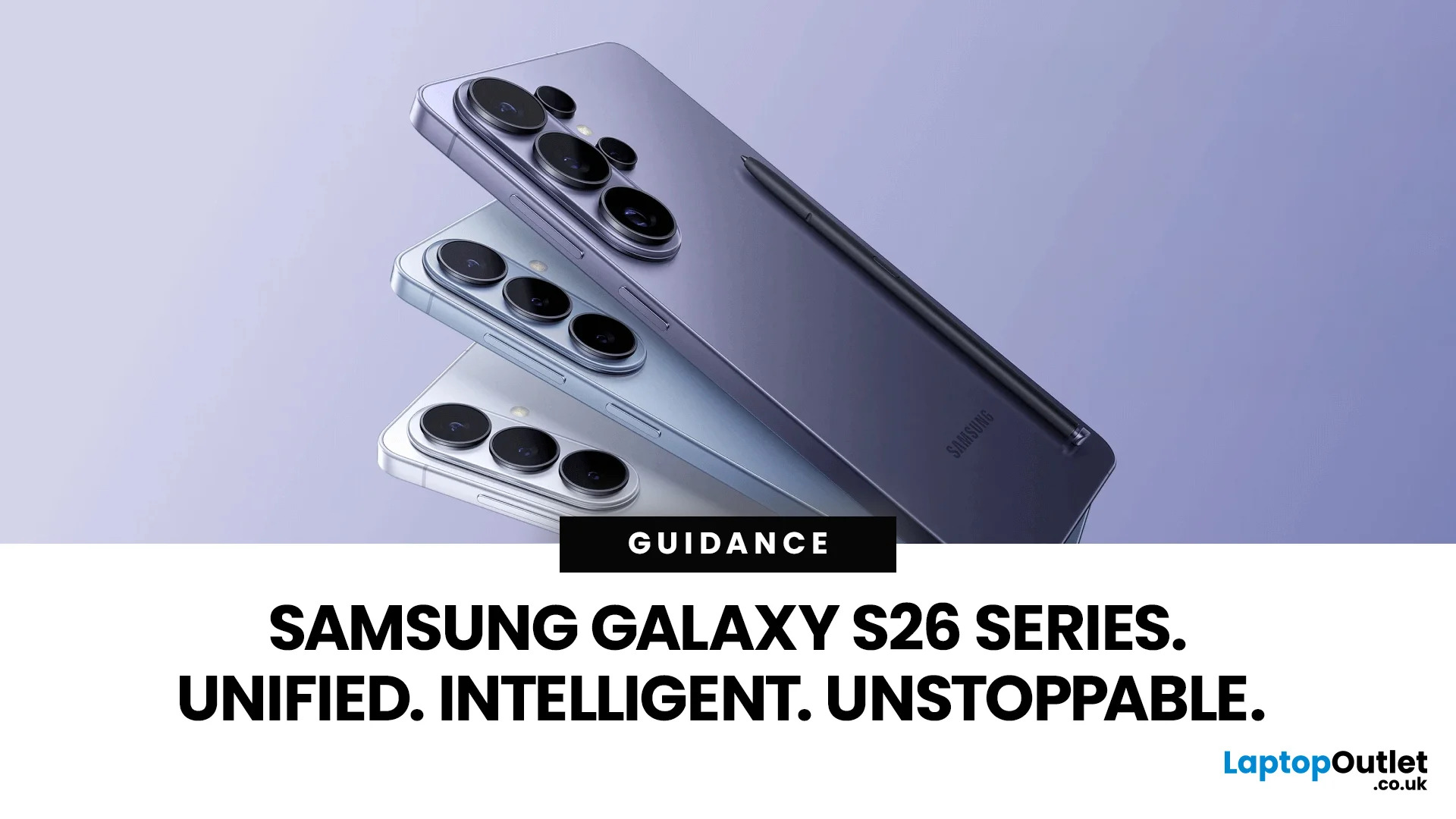
Samsung has officially pulled back the curtain on the Galaxy S26 series — and it is safe to say the company came prepared.
On 25 February 2026, at Galaxy Unpacked 2026 in San Francisco, Samsung introduced the Galaxy S26, S26+, and S26 Ultra to the world. These are Samsung's third-generation Galaxy AI phones, and they represent a clear step forward in how artificial intelligence can shape daily smartphone use.
From a revolutionary Privacy Display to a smarter, more proactive Galaxy AI experience, the Galaxy S26 lineup is built around one simple idea: your phone should do more of the work, so you don't have to.
Let's break it all down.
A New Era of Unified Design
For several years, the Ultra model looked very different from the base and Plus models. The Ultra usually had sharp, blocky corners, while the others were rounded.
This year, Samsung decided to bring the whole family together. The Galaxy S26 Ultra now has smooth, rounded edges that match the Galaxy S26 and S26+. This creates a
Published: March 10, 2026
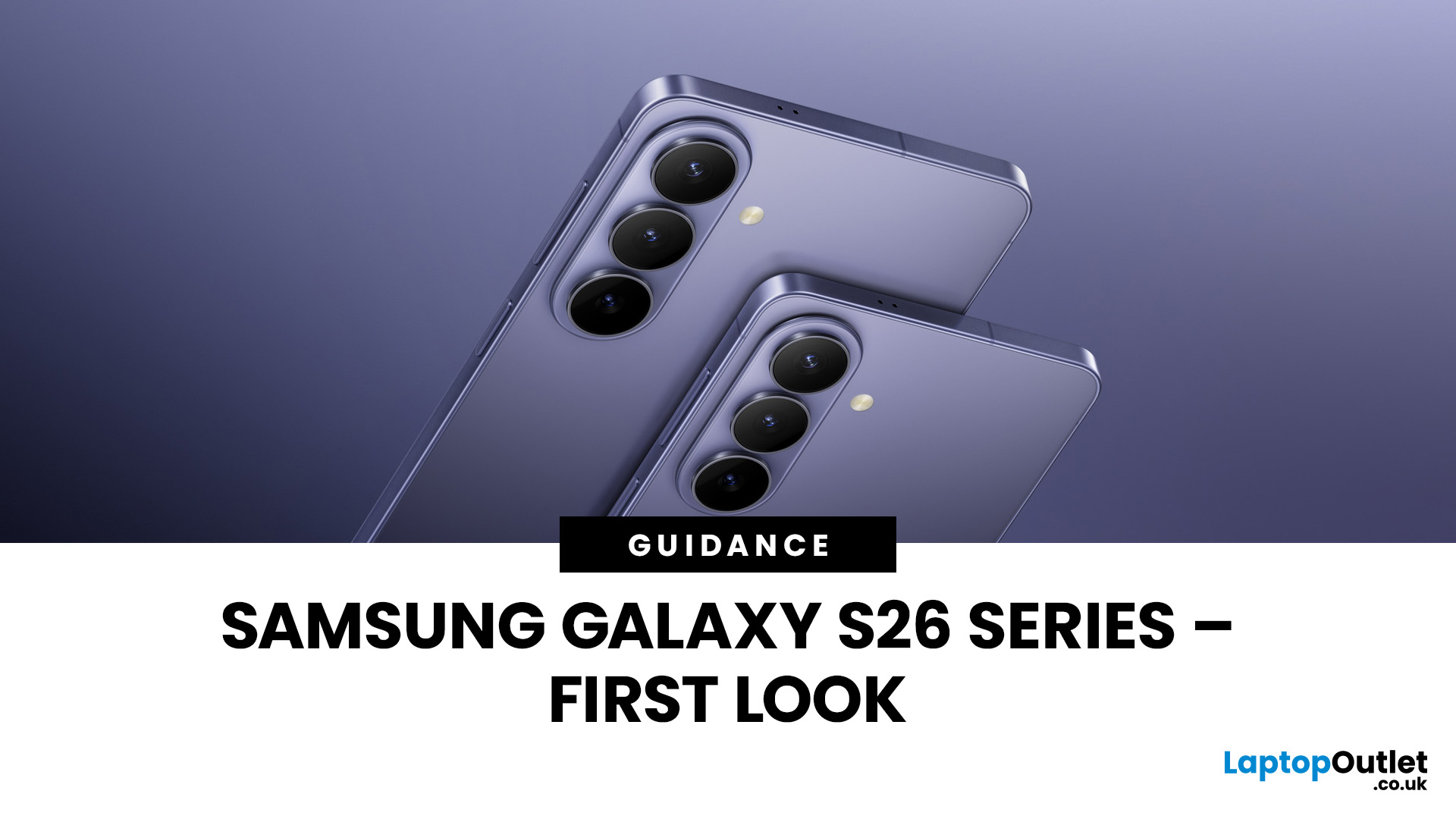
The Samsung Galaxy S26 series is shaping up to be one of the most exciting flagship smartphone lineups of the year, bringing together the Galaxy S26, Galaxy S26+, and Galaxy S26 Ultra with a fresh mix of premium design, smarter AI tools, camera refinements, and faster performance. For Samsung fans and Android users alike, this new generation looks focused on meaningful upgrades rather than just small annual changes.
From display enhancements and battery life improvements to advanced photography features and next-level Galaxy AI, the lineup appears designed to deliver a more polished flagship experience across every model. In this first look, we explore everything that makes the Samsung Galaxy S26 series worth watching.
Samsung Galaxy S26 Series at a Glance
The Samsung Galaxy S26 series includes three flagship models built for different users. The Galaxy S26 offers compact flagship performance, the Galaxy S26+ adds a larger display and battery, while the Galaxy S26 Ultra leads with premium

Published: March 12, 2026
The foldable phone market is growing fast. And 2026 is shaping up to be its most exciting year yet.
Samsung's Galaxy Z Fold 7 is already here, refined and polished after seven generations. Apple's iPhone Fold, set to arrive in autumn 2026, is the most anticipated foldable debut in smartphone history. So, when it comes to iPhone Fold vs Galaxy Z Fold 7, which one is actually worth your money?
This foldable smartphone buying guide covers every major spec, feature, and difference between the two. Whether you are a longtime Samsung user or a loyal iPhone owner eyeing something new, read on.
| Important note: The iPhone Fold has not been officially announced at the time of writing. All iPhone Fold details are based on credible leaks, analyst reports from Ming-Chi Kuo and Mark Gurman (Bloomberg), and supply-chain sources. |
Full Specs at a Glance: Apple iPhone Fold vs Galaxy Z Fold 7
Here is a complete, detailed Galaxy Z Fold 7 specs comparison against the expected iPhone Fold. Every

