



Review: Lenovo V145 Laptop AMD A6-9225 2.6GHz 8GB RAM 256GB SSD
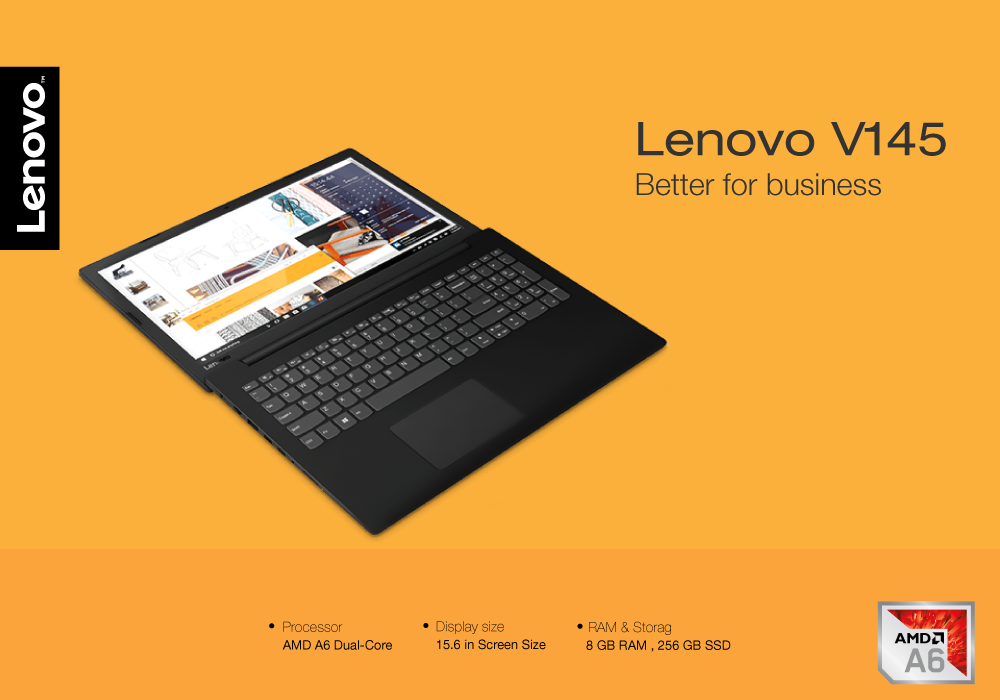
The Lenovo V145 is built with the base of business laptops specs and features. Its low budget gives it an upper edge over its competitors for bringing a good number of specs on one plate. Sure, it comes with great looks and durable build regardless of some conventional sides and is easier to move with. This one is more like a budget business laptop that is powered to fulfill daily to work computing tasks.
Whether you are a student, employee, or a business enthusiast, you can make it work best for you. One downgrade could be its mediocre battery life. But the reliable performance and productive features make it a wholesome laptop. Another highlighting inclusion is its own business data security software that allows you an astound and professional work routine. For further evaluation, you will have to scroll down further to our Lenovo V145 review.
Specs
- Processor: AMD A6 Dual-Core
- Primary Drive: DVD-RW Super Multi
- Display: 15.6 in, 1920 x 1080
- Storage: 256 GB SSD
- GPU: Intel HD Graphics
- Free DOS
- RAM: 8 GB
Specs Overview
Mainly, the Lenovo V145 is equipped with the AMD processor chip, which is also supposed to be good for creative projects. The display is attached in a sufficiently large size of 15.6-inch with FHD Resolution. Plus, there is a solid-state drive included with the storage and an adequate level of memory, for multitasking. The Intel graphics seem like an enough support for average video viewing and professional visuals work. But they are certainly not included for video editors or graphic designers. The interesting thing is the Free DOS that you are getting as an operating system in this laptop, instead of the regular Windows 10.
Design & Build
If you have seen the Lenovo IdeaPad 320, you will remember it just when you take a look at the Lenovo V145’s design. It looks similar and comes in a black slim casing. The matte black surface on the lid, back of the display and keyboard deck is easy to glide fingers on. The non-reflective surface is good if you don’t like smudges of your fingerprints on it. There is a linen texture along with the black that goes well all along and feels like a brushed laptop. The whole material is made of plastic which shouldn’t go off the hook for anyone who is looking for budget lenovo laptop. It does provide a sturdy overall body, so it makes it less damageable for accidental drops, knocks or bumps.
Ports
In the port selection, Lenovo has added all types of ports in this laptop. You get the HDMI output, USB Type A and Type B ports along with the usual headphone jack and microphone port. Besides that, there is also a memory card reader, Ethernet port, Intel 802.1ac Wi-F and Bluetooth 4.1. There is DVD Drive integrated in the Lenovo V145, unlike the previous edition which came empty in this slot.
Touchpad & Keyboard
There is a multi-touch touchpad attached just below the keyboard in the Lenovo V145. It has enough space to get you to perform gestures easily, without having any palm blocking or wrist strain. The good thing is that you can even control the touch completely through the corners and it feels smoother to glide. The keyboard comes in a full comfortable environment with the NumPad. If you are the one to type consecutively without breaks, the shorter thump of the keys makes it faster.
Performance
Equipped with the AMD A6 dual-core processor, the Lenovo V145 delivers a speed that goes well for business-oriented tasks. This processor operates with the base speed of 2.6 GHz and a maximum turbo speed of 3.0 GHz. With this speed, you can easily work on presentations, use work software tools or load several programs. The RAM inserted in this laptop is more than sufficient with the 8GB memory. It is paired with the solid-state drive storage of 256GB, so you can easily store a hefty bit of files and programs. There were no slowdowns when we opened 12 Chrome tabs, alongside Netflix application and Microsoft teams software.
Display
The display features in the Lenovo V145 comes in a comparatively large size of 15.6 inches. It is armed with the full HD Resolution of 1920 x 1080, making it compatible to view quality video content. The maximum brightness that this display can deliver is an excellent ratio of 300 cd/m. So, viewing this laptop under bright lighting conditions won’t feel as if you are having any difficulties.
Final Verdict
The Lenovo V145, on the whole, is a pretty solid business laptop with adequate features and specs. It performs as per requirements and technical demands. There is no supreme power that you will get to observe in this laptop, but it surely delivers what it states on paper.
In case you have made your mind to buy and check it out, you can go visit Laptopoutlet.co.uk.
Read More:
| Lenovo V145 14-inch Best Gaming Laptop |
| Best Lenovo Business and Corporate Laptops |
| How to Factory Reset a Laptop |
Related Articles

Last Updated: September 03, 2026
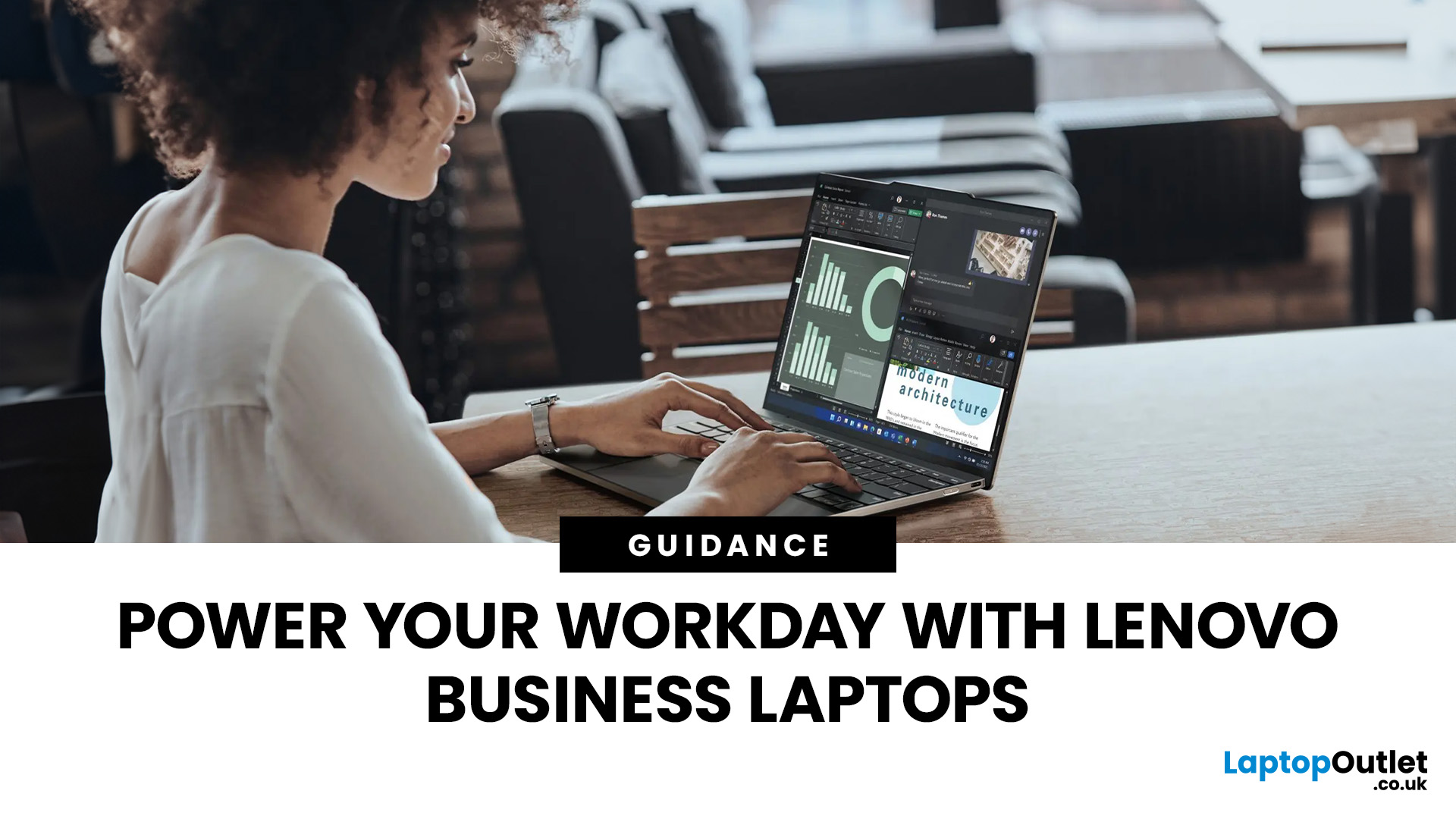
There is no single Lenovo laptop that makes sense for every business user. Someone spending most of the day in Microsoft Teams and browser-based tools needs something very different from an analyst working with complex spreadsheets or an engineer running graphics-intensive applications.
If you are comparing the best Lenovo laptops for business, start with your workload rather than the series name. The current Laptop Outlet range includes everything from straightforward office systems to portable ThinkPads and professional mobile workstations, so this guide compares five options based on what you actually need them to do.
Lenovo Laptop Comparison: Which One Fits Your Work?
| Business Need | Lenovo Laptop to Consider | Why It Stands Out |
| Everyday admin and office work | 16GB RAM, Windows 11 Pro and practical 15.6-inch display | |
| Remote work and independent professionals | 24GB RAM, 1TB SSD and compact 14-inch design | |
| Hybrid and corporate working |
Last Updated: September 09, 2025
Are you a business executive looking for the perfect laptop for your everyday tasks?
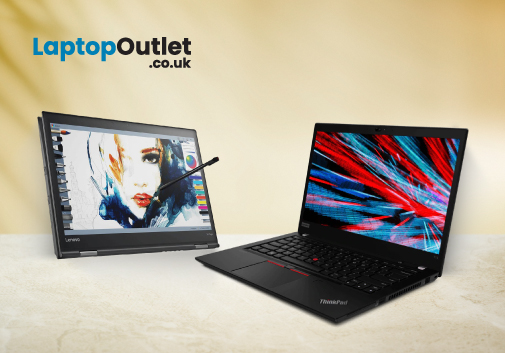
Well, looking at the business market provides you with a bunch of laptop options. It can get overwhelming to choose from the wide range of options. Even after reading the reviews and doing research, you might still feel unsure about what to pick. However, when you talk about business laptops, there is only one name that pops into the mind of a professional: the Lenovo ThinkPad.
Top executives are constantly on the move, making critical decisions,, and ensuring the success of companies. To excel in this demanding role, they require a tool that is not only powerful and reliable but also a reflection of their professionalism.
Lenovo ThinkPad laptops are a name that resonates with corporate leaders and provides quality, performance, and prestige.
But have you ever wondered what makes the Lenovo ThinkPad laptop a top choice for professionals? This article will provide some of the best reasons why businesses
Last Updated: September 09, 2025
Have you ever wondered how a Lenovo laptop transforms from a 30-pound portable computer to a sleek powerhouse, standing the test of time? Let's explore the evolution of Lenovo's resilience, innovation, and cutting-edge design.
In the ever-evolving landscape of technology, where sleek designs meet powerful performance, one brand has consistently stood at the forefront: Lenovo. From the inception of the iconic ThinkPad series to the Yoga and Legion lineups, Lenovo's laptops have not merely adapted to change; they've forged a path of their own, manufacturing a perfect fusion of sophistication and strength. Lenovo has managed to redefine what it means for a laptop to be both slim and mighty.
This blog will explore how Lenovo has redefined the standards of portable computing.
So, let's get into it!
Origin of ThinkPad Series
The roots of the ThinkPad series trace back to the early 1900s, when IBM, an American multinational company, sought to revolutionise the landscape of portable
Last Updated: September 09, 2025
Introduction
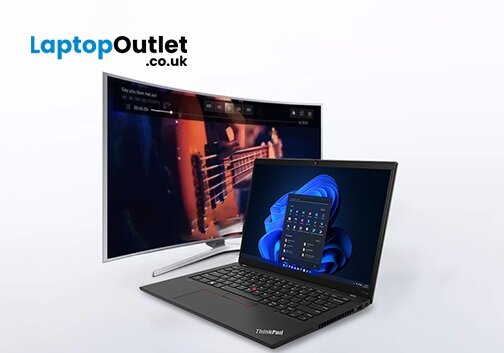
In this digital age, laptops and TVs have become essential to our daily lives. It allows users to stream their favourite shows and play video games either on the small screen of a laptop or on a large TV screen. Connecting your Lenovo laptop to a TV can open many possibilities, whether you want to enjoy your favourite movies on a larger screen, share presentations during a meeting, or enjoy gaming with a more expansive display.
Lenovo laptops have various connectivity options, allowing you to connect them to modern TVs easily. This guide will explore instructions and methods for establishing connections and making the most of your Lenovo laptop's capabilities.
Whether you're using HDMI, wireless technologies, or other interfaces, we'll provide comprehensive instructions to enhance your multimedia and productivity experiences.
So, let's get into it!
Methods to Connect the Lenovo Laptop to a TV
There are several methods to connect your Lenovo Laptop to a TV to enhance your viewing
Last Updated: April 02, 2026
Fun Fact about Lenovo: Did you know that Lenovo is at the forefront of groundbreaking technology, recently unveiling the world's first foldable PC, the ThinkPad X1 Fold?
Now, let's explore another aspect of Lenovo's technology prowess: ensuring the longevity and efficiency of your Lenovo laptop's battery.
In the fast-paced digital era, laptops have become indispensable companions, ensuring optimal performance is paramount. One key aspect that often takes a backseat in our tech-conscious minds is the health of the laptop's battery. For proud owners of Lenovo laptops, understanding how to check and maintain battery health is crucial for a seamless computing experience.
In this comprehensive guide, we will explore the various methods to check the battery health of your Lenovo laptop. Whether you're a seasoned tech enthusiast or a casual user, these insights will empower you to maximise your device's battery life and performance. Let's dive into the Lenovo laptop battery health world and
Last Updated: December 15, 2025
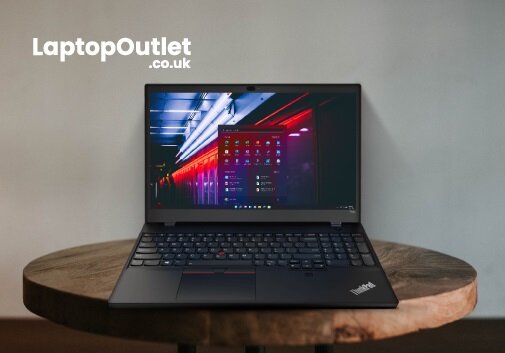
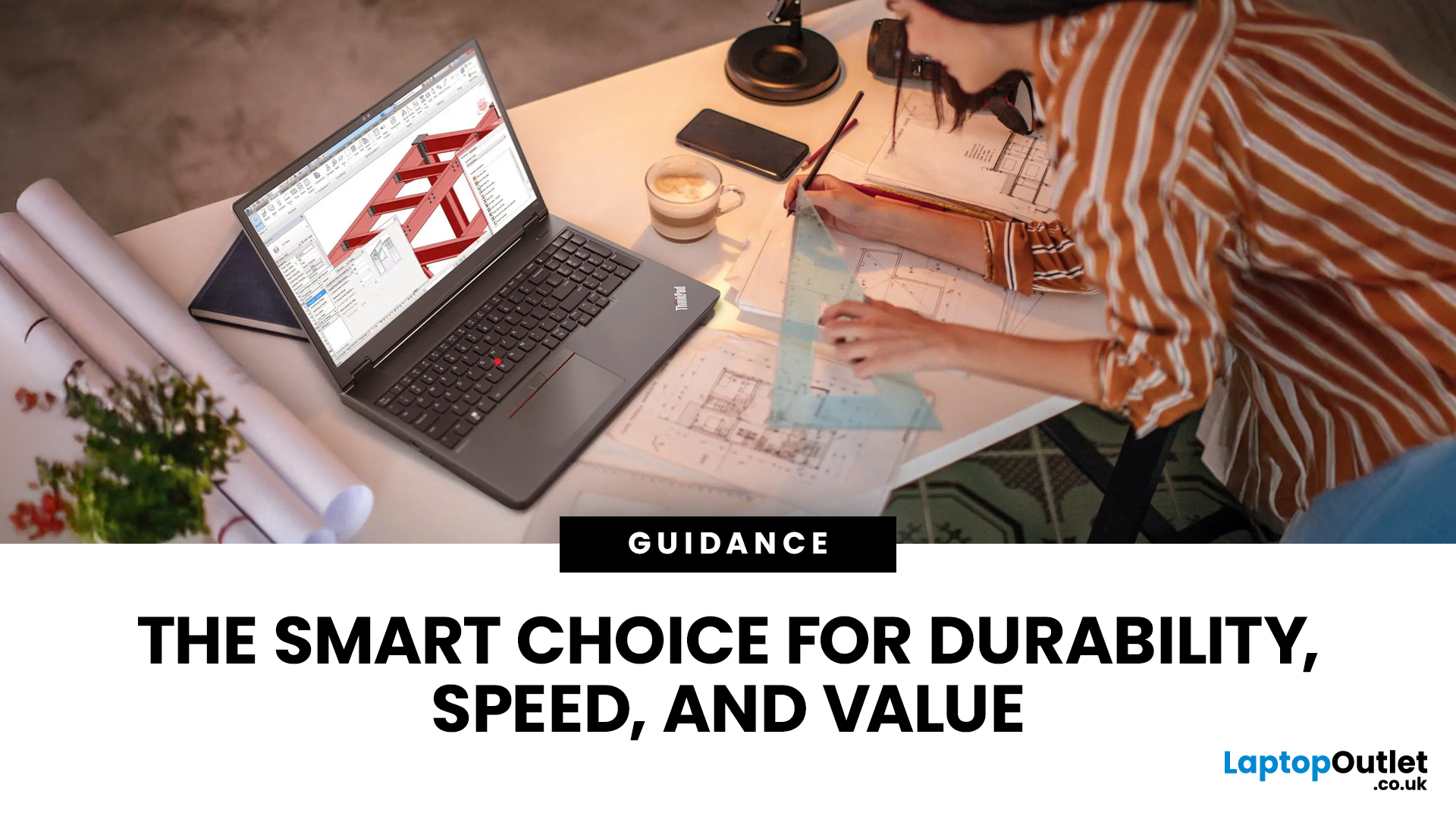
Lenovo is a top name in personal computers, and the Lenovo ThinkPad series is a fantastic choice for almost anyone. Why? Because it brings together three major benefits: toughness (durability), power (performance), and a great price (affordability).
ThinkPads are known worldwide for being strongly built and reliable over many years. If you need a powerful computer with a typing experience that can’t be beat, a ThinkPad delivers every time.
These laptops don't just look good; they are built with strong parts, have keyboards that can handle spills, and meet military-grade standards for being tough. This means they can survive common accidents like drops and spills better than most.
This blog will look closely at the features that make ThinkPads a continuous favourite. We will also explore five top models, carefully chosen to cater to different personal use needs.
Key Features: Strength, Speed, and Value
ThinkPads are built to last and to perform quickly. This successful combination is achieved

