



Optical Drives
Access your discs with reliable optical drives, including DVD and Blu-ray readers and writers. Perfe...
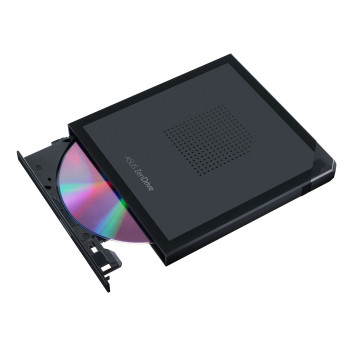
Finance available
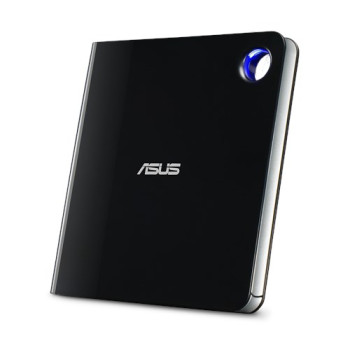
Finance available
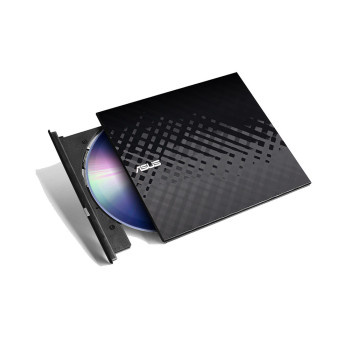
Finance available
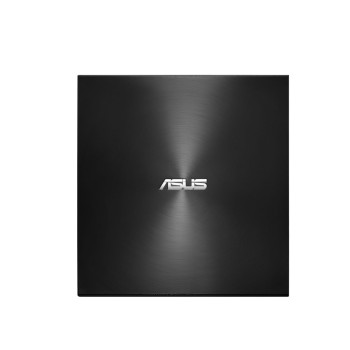
Finance available
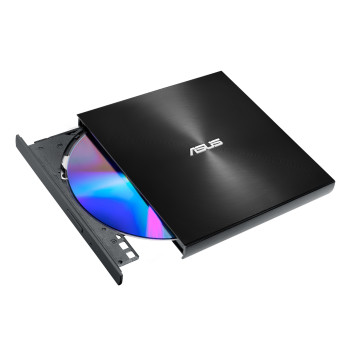
Finance available
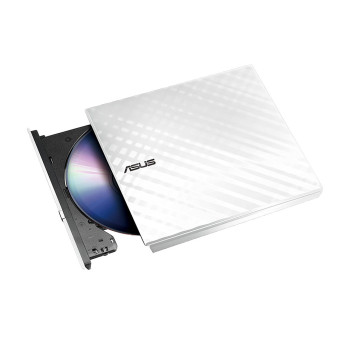
Finance available
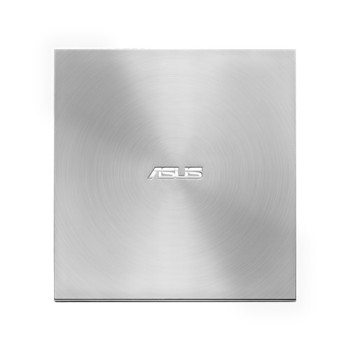
Finance available
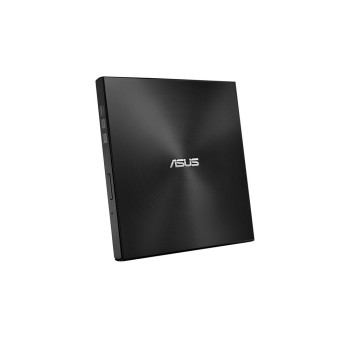
Finance available
Showing 9 of 9 Items
Shop The Best External & Internal Optical Disk Drives
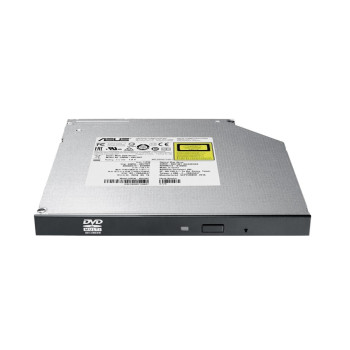
Explore our wide collection of optical drives that make storing, reading, and sharing data easier at Laptop Outlet. Whether you need the best external DVD drive for portability, an internal optical drive for your desktop, or an external DVD CD drive for backups and media playback, our collection ensures you find a solution that’s practical and affordable.
Why Choose Optical Drives?
Although cloud storage and USBs are popular, optical drives remain a dependable way to manage and store data. From work tasks to entertainment needs, an optical drive is a cost-effective and secure solution. Here’s why they’re still a valuable accessory:
- Versatile Use: Burn, read, and copy CDs, DVDs, and Blu-ray discs with ease.
- Compatibility: Perfect for a laptop with DVD drive replacement or as an add-on to slimmer laptops without built-in drives.
- Portability: A compact external optical drive is lightweight and easy to carry, making it convenient for students, professionals, and travellers.
- Data Backup: Safely archive documents, photos, and videos with physical media.
- Entertainment Ready: Watch movies, play music, and install software using a reliable external DVD CD drive.
How to Pick the Right Optical Drive
When choosing an optical drive, it’s important to match the device with your usage needs. Here are some key considerations:
1. Drive Type
The drive types include external optical drives which is ideal for laptops and ultra books that lack built-in drives. Simply plug in via USB for instant use. Conversely, internal optical drives is a permanent solution for desktops or older laptops that support installation.
2. Read and Write Speeds
Faster read/write speeds mean quicker backups, smoother video playback, and efficient disc burning. For heavy use, choose the best external optical drive with higher speed ratings.
3. Connectivity
USB 3.0/USB-C external drives provide faster transfer rates compared to older USB 2.0 models. Compatibility with PCs and laptops ensure your chosen drive works with your operating system, whether Windows, macOS, or Linux.
4. Supported Formats
Most drives with CD/DVD support handle standard formats. Blu-ray Drives are advanced options for high-definition video playback and larger data storage.
5. Use Case Examples
An external DVD CD drive is perfect for accessing study material or presentations on disc. Professionals can backup and archive large files securely. For home use you can watch films, listen to music, and create family video discs.
Why Buy Optical Drives from Laptop Outlet?
At Laptop Outlet, we provide high-quality technology at competitive prices, making it easier to find the right accessories for your setup. Here’s why customers shop with us:
- Wide Range of Options: From internal optical drives to the best external DVD drives, we stock products to fit every budget and requirement.
- Trusted Brands: Shop from reliable names known for durable, high-performance optical drives.
- Affordable Prices: Get access to the best tech deals UK across optical drives and accessories.
- Flexible Payment Options: You can pay securely through Klarna, PayPal Pay in 3, PayPal Credit, Apple Pay, or Google Pay. In addition, we accept all major cards and debit cards, including MasterCard, Visa, Visa Debit, Maestro, and American Express.
- One-Stop Shop: Alongside optical drives, you can also shop tech accessories and shop hard drives for additional storage.
- UK Retailer Benefits: Fast delivery, secure checkout, and customer support you can rely on.
Read More:
Hard Drive Prices: Storage Capacity, Robustness and Reliability
Which Is The Best External Hard Drive? Top Brands And Prices
Read more