



Review: Lenovo S340 Chromebook 14" Light Weight Laptop Intel Celeron N4000 4GB 64GB
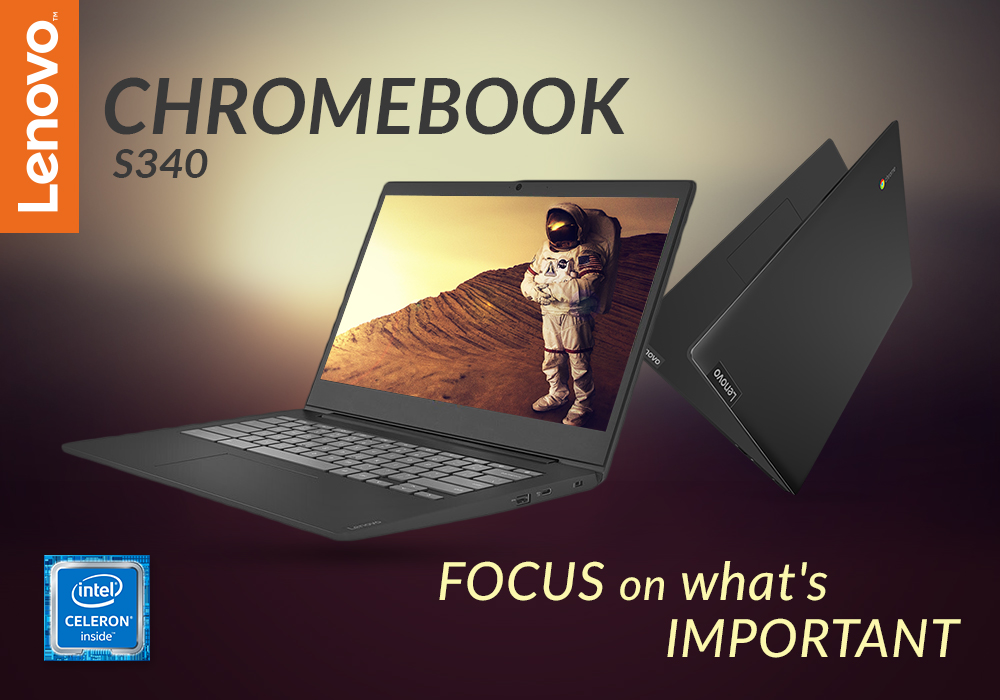
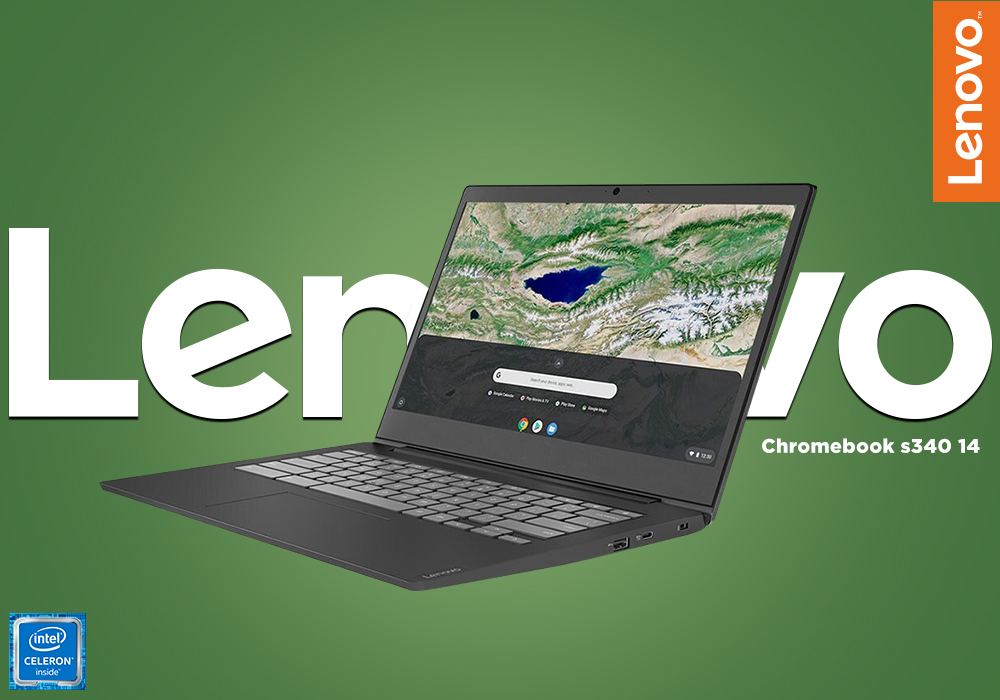
Any Lenovo Chromebook is better than any other laptop you can purchase, and for almost everyone, the Lenovo Chromebook S340 offers all the features and an impressive speed that you will need for years to come. With the introduction of Wide View IPS Display, USB-C 3.1 Gen 1 ports, and Built-in 802.11ac Wi-Fi, there is a lot the S340 can do that any other regular laptop cannot. So, for your convenience, we have reviewed the Chromebook for you. We tested its performance, speed, productivity, and battery life under every possible condition. If you are interested to know our take on the Lenovo Chromebook, and whether you should spend your money on it or not continue reading:
SPECIFICATIONS SHEET
Processor: Intel Celeron, 1.10 GHz Processor
Screen Size: 14 inches
Resolution: 1920 x 1080
Graphics: On-Board / Integrated Graphics
Operating System: Chrome OS
Storage: 64 GB eMMC
Colour: Black
RAM: 4 GB
Most Suitable For: Casual Computing
PROCESSOR
The Lenovo Chromebook has the Intel Celeron processor that is capable of performing with an adequate speed of 1.10 GHz. The processor can endure a decent workload and this laptop will not shut down under stress when you have to work those long hours. The processor lets you use Chrome OS and run a number of applications without any hassle. This Chromebook comes equipped with a spacious trackpad and a full keyboard for optimal workflow. Chromebook’s every single feature makes it more secure, faster, and simpler.
MANAGEABILITY
The Lenovo S340 is very lightweight weighing only 1.4 kg. Its surprisingly low weight and slim design make it very manageable. You can use it on the go, or you can simply put it in your bag and take it with you wherever you go.
CONNECTIVITY
The Lenovo Chromebook provides numerous options for connectivity to help you multitask at work. It comes with two ultrafast USB-C 3.1 Gen 1 ports and two USB-A 3.1 Gen 1 ports. You can easily connect multiple devices to your laptop and transfer data in no time. Or you can set up a gaming console with your friends. There are so many options with so many connectivity ports. Moreover, it also has an audio jack for you to connect your headphones with and enjoy some good music while doing your work.
For those who like wireless connectivity more than wired, the Lenovo Chromebook laptop also has Bluetooth 4.2 and built-in 802.11ac Wi-Fi. You can easily transfer all your files and data wirelessly via Wi-Fi or Bluetooth and also avoid a tangled web of cables.
BATTERY LIFE
Lenovo Chromebook also has an impressive battery life that lasts for up-to jaw-dropping 10 hours which is more than enough to get done with that important big project and also enjoy some entertainment on your way back home. You can even complete an assignment or make a presentation in your favourite café because you will not be needing any plug socket nearby. You will not have to get up frequently only to plug your laptop charger in because the Chromebook lasts very long. Increase your productivity at work because Lenovo Chromebook allows you to concentrate longer than most laptops.
OPERATING SYSTEM
Lenovo Chromebook comes installed with Chrome OS. Chrome OS has all your go-to programs available in the form of apps. You can easily download Microsoft Office, Skype, Netflix and so many other apps from the Google Play Store. It has a very user-friendly interface that is very appreciative especially for those who are looking to buy their first-ever laptop. The app-based interface of the Lenovo Chromebook could not be simpler and easier, so it is perfect as a first laptop.
DISPLAY
Watch your favourite movies and play your go-to games in HD. The Chromebook gives an immersive experience with bright and vivid colours thanks to its wide-view IPS display, accompanied by full HD and narrow bezels. Moreover, the large 14-inch screen shows everything in the best display ratio.
PLAY STORE
The Chromebook also features Google Play Store which is your gateway to endless entertainment. As soon as you log in, you can download millions of apps whenever you want. Not only apps, but Google Play Store also has a large collection of music, games, movies TV shows, and books. There is literally an app for every person. If you are into picking stocks or photography or you just want to keep with your friends, you will find an app for yourself.
OUR VERDICT
Most suitable for casual computing, the Lenovo Chromebook S340 is the perfect laptop you can buy for yourself or recommend to someone who is buying a laptop for the first time and wants to spend their money on something good. The Chromebook is perfect for doing everyday office tasks and casual gaming as well. Available at such an economical price and offering so many features, this laptop is a steal and definitely worth your hard-earned money.
Read More:
| Review: Lenovo S340 Chromebook |
| Best Cheap Chromebook Deals for Students |
| Best Mice for Chromebooks |
Related Articles

Last Updated: October 08, 2025
Last Updated: October 08, 2025
Last Updated: April 06, 2026
Last Updated: February 23, 2026
Last Updated: June 11, 2026
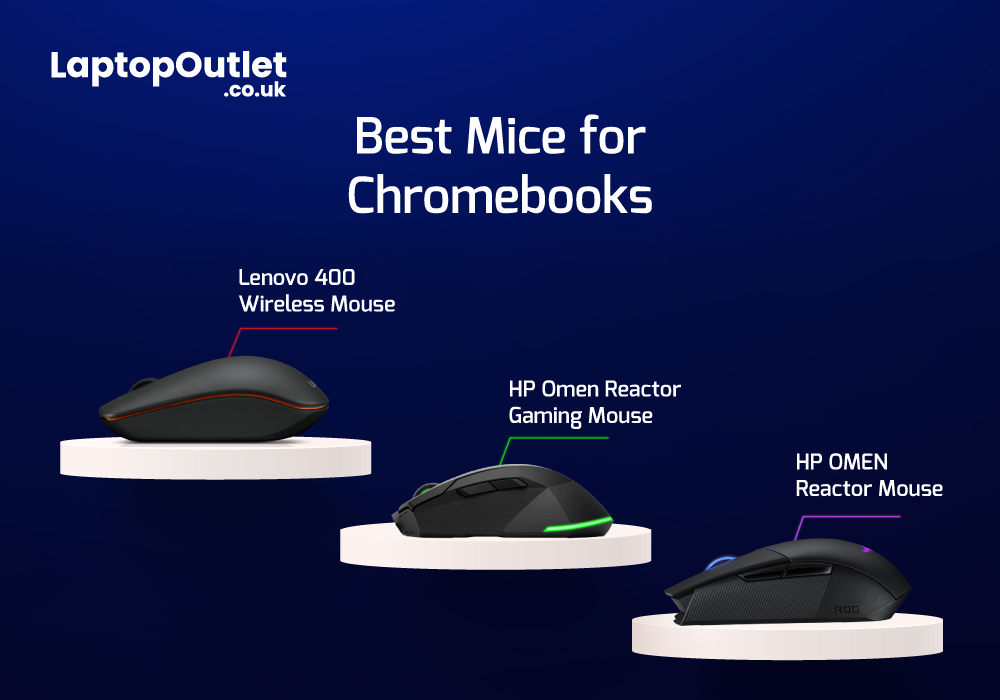
Chromebooks are meant to support best portability with plenty of power packed inside them. Even though there are loads of sizes and shapes that come with Chromebooks nowadays, their portability is still at its peak. With that comes the absence of extremely efficient mouse scrolling. But there are still trackpads attached with Chromebooks that work tremendously for navigation. However, still the use of the best wired and wireless mice with Chromebook can feel heavenly when you are in the middle of work.

