



Samsung Galaxy Book 4 vs Pro vs Ultra: Which Model Fits Your Needs?
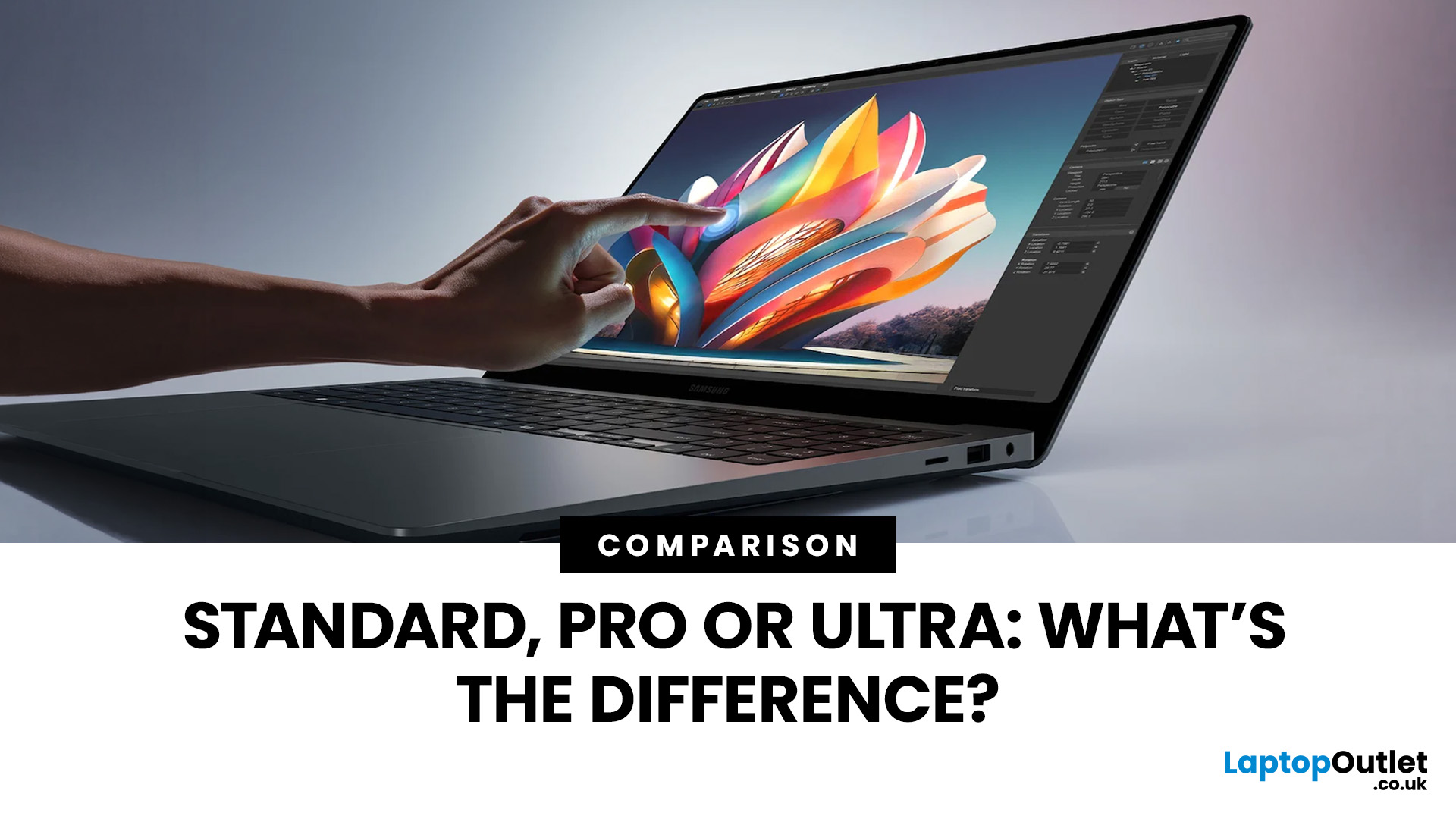
Samsung’s Galaxy Book 4 line sits at an important point in the laptop market. It aims to offer something for a wide range of users, from everyday office work and students, through to creative professionals and power users. That means there isn’t a single “best” choice; the right laptop depends on what you plan to do with it.
In this comprehensive comparison, we’ll cover:
- What each model is and who it’s for
- Detailed comparisons including performance, display, battery life, ports, design and value
- Practical recommendations for different use cases
- Links to places where you can shop for the latest available models
We’ll also reference current pricing and configurations as of 2026.
Overview of the Galaxy Book 4 Family
Before specifics, here’s what each model represents in Samsung’s lineup:
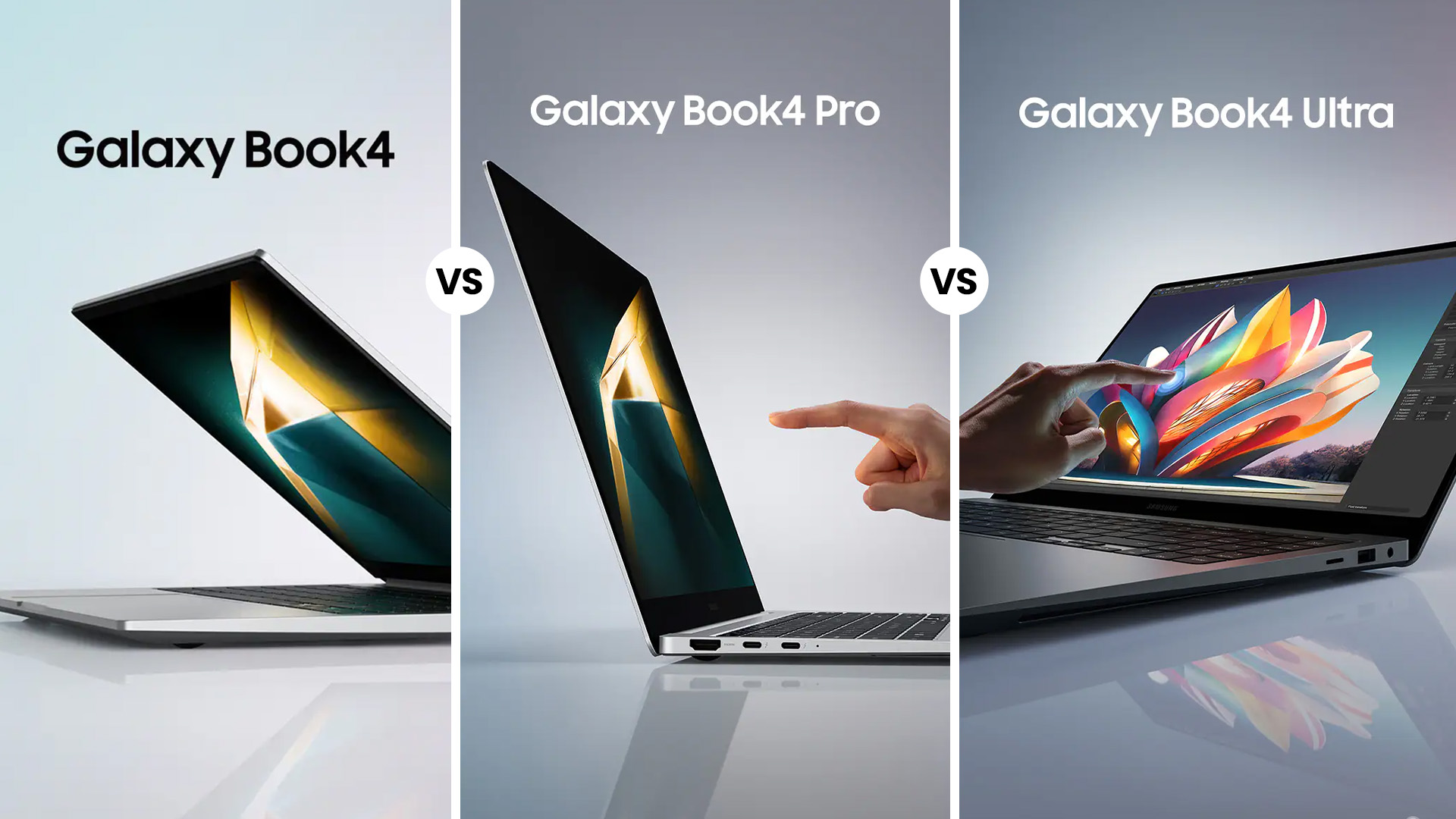
- Samsung Galaxy Book 4 is an entry-level but serviceable laptop ideal for everyday use, students, office tasks and general multimedia.
- Samsung Galaxy Book 4 Pro features balanced portability, performance and display quality for multitasking, creative work and travel.
- Samsung Galaxy Book 4 Ultra: the flagship for demanding workflows, offering discrete GPU options and powerful CPUs for creators and professionals.
All models are part of Samsung’s Galaxy ecosystem with Windows 11 and a similar design language, but they differ significantly in where they prioritise performance, portability and features.
Core Differences: Features At a Glance
Here is a clear summary of the main differences, highlighting the features that set each model apart. More details on each follow below.
Galaxy Book 4
- Larger 15.6-inch Full HD screen (non-touch in many base configs)
- Intel Core “U” series processors are suited to day-to-day responsiveness
- Integrated graphics only
- Best value for basic tasks and general productivity
Galaxy Book 4 Pro
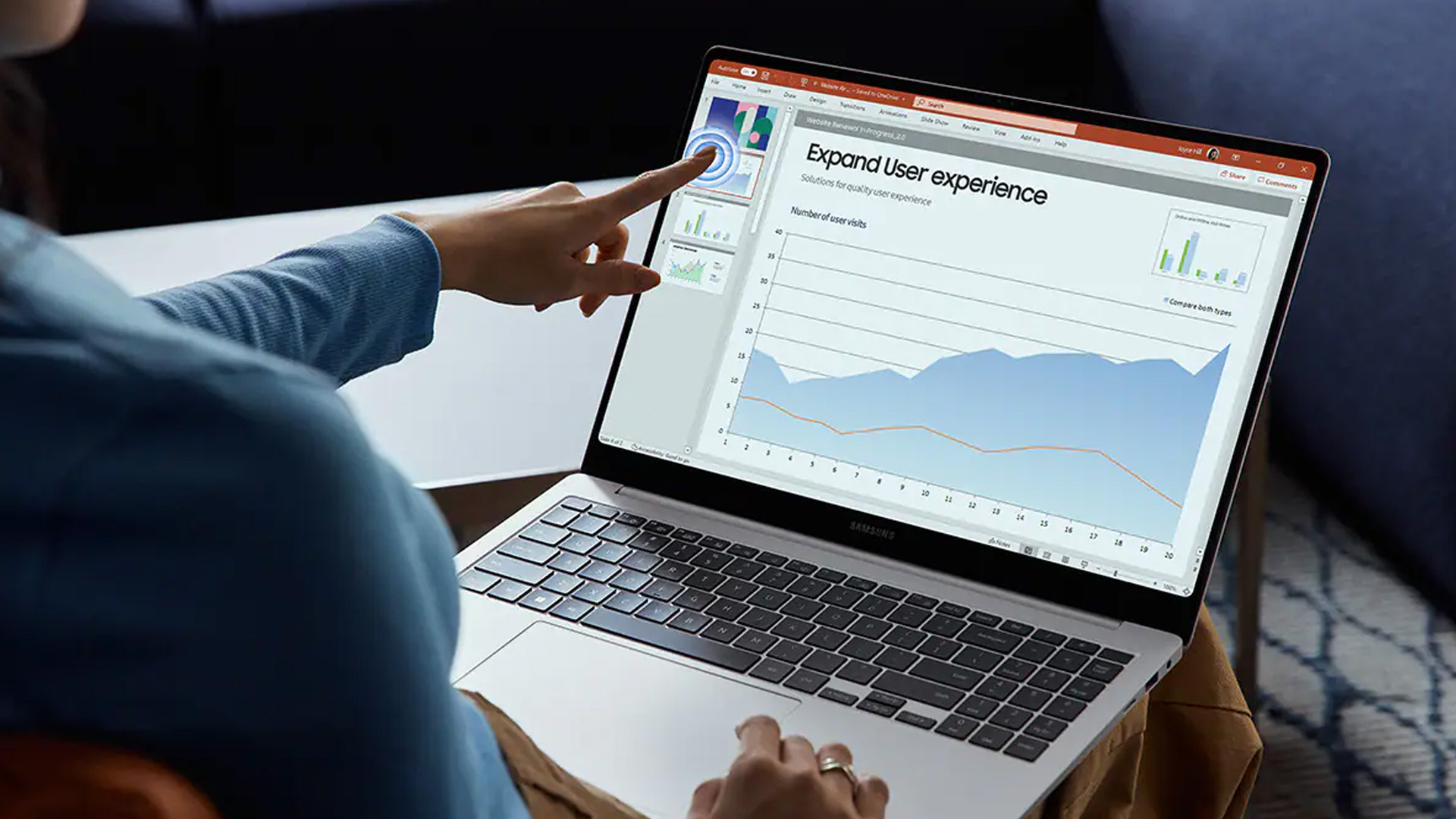
- Premium AMOLED touchscreen (14″ or 16″ options) with 120 Hz refresh rate
- Intel Core Ultra series processors
- Integrated Intel Arc graphics
- Sleek and lightweight design targeting professionals and students
Galaxy Book 4 Ultra
- Built for performance with Intel Core Ultra 7/9 and optional Nvidia GeForce RTX 4050/4070 GPUs
- 16″ 3K AMOLED touchscreen with wide colour gamut and high refresh rate
- Larger battery and advanced cooling for extended heavy use
- Best for creative tasks like video editing, content creation and graphics work
Design and Build Quality
Galaxy Book 4
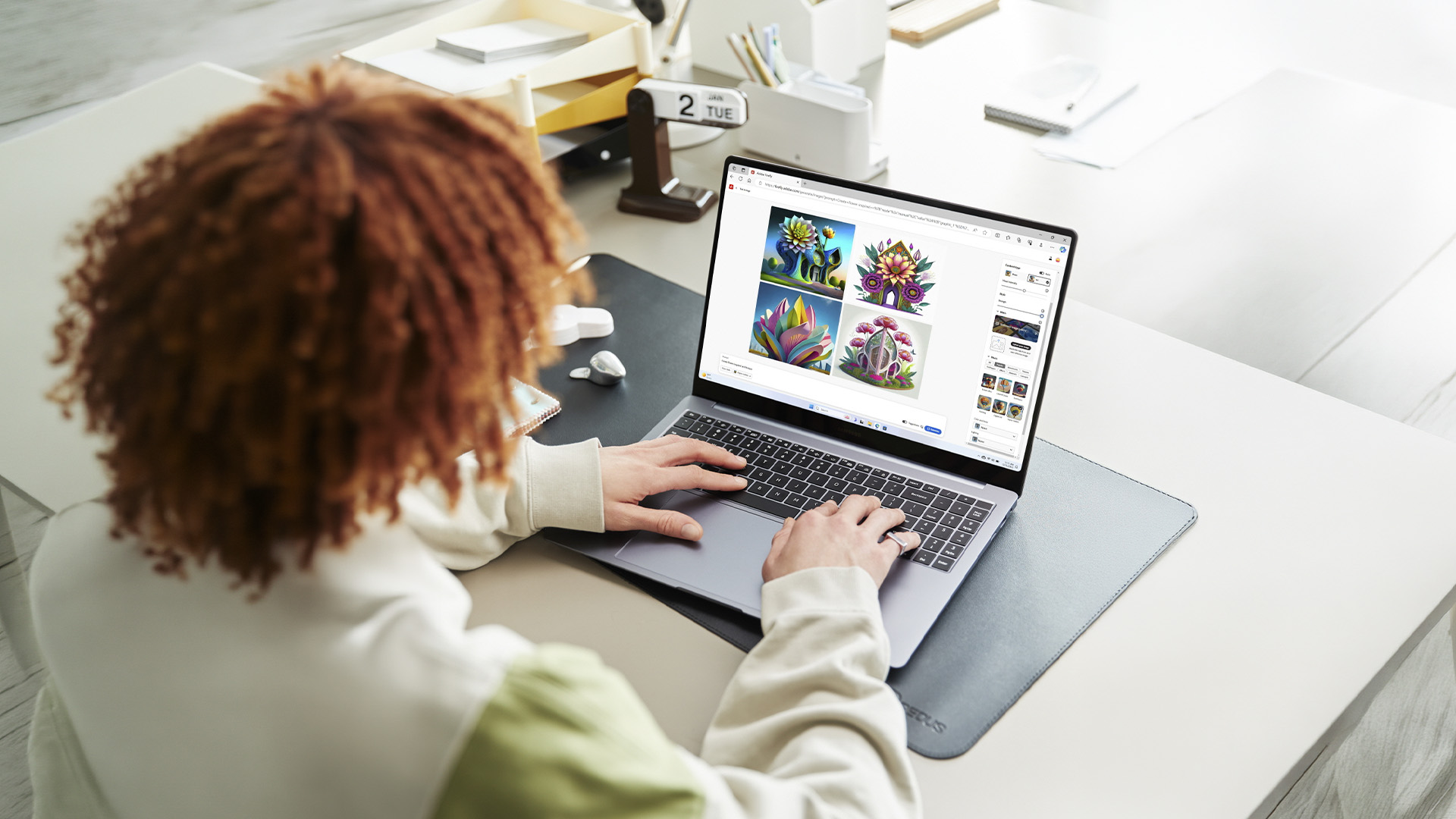
The standard Samsung Galaxy Book 4 typically comes with a 15.6-inch display and a clean, understated chassis. It feels solid enough for daily use and offers a full-size keyboard with a numeric keypad in most configurations. It is slightly heavier and thicker than the Pro models. That is not necessarily a drawback if it mainly stays on a desk, but it is less convenient for frequent travel. In practical terms, it feels like a sensible, mid-range Windows laptop rather than a premium ultrabook.
Galaxy Book 4 Pro
The Galaxy Book 4 Pro is available in 14-inch and 16-inch versions. Both are slimmer and lighter than the base model, with a noticeably more refined finish. The reduction in weight is immediately noticeable if you commute or carry your laptop daily. The 14-inch version in particular feels genuinely portable without compromising usability. The hinge and overall construction feel sturdier and more polished compared with the standard Galaxy Book 4.
Galaxy Book 4 Ultra
The Ultra is the largest and most powerful machine in the range, with a 16-inch display and reinforced internal cooling.
It is heavier than the Pro models, but still portable compared with many traditional 16-inch performance laptops. The extra weight is there for a reason: more powerful processors, optional Nvidia RTX graphics, and upgraded cooling systems. If you regularly work with demanding software, the added bulk is a practical trade-off rather than a disadvantage.
Display Quality: A Major Differentiator
The display is one of the key features in the Galaxy Book 4 vs Book 4 Pro comparison. Each model's display technology, resolution, and capabilities are distinct and directly impact user experience.
Galaxy Book 4 Display
The standard model typically uses a Full HD IPS panel. It is perfectly adequate for:
- Office work
- Web browsing
- Streaming video
- General productivity
However, colour depth and contrast are more modest than on the Pro or Ultra. Brightness suits indoor use but is less impressive in strong light. For most, the display is sufficient unless colour accuracy is critical.
Galaxy Book 4 Pro Display
Pro models push the experience forward with AMOLED panels, usually 2880 × 1800 resolution with up to 120 Hz refresh rate. The colours pop, and the motion feels very fluid, which helps not just in media consumption but day-to-day responsiveness. This display is a significant step up - deeper blacks, wider colour coverage and smoother motion especially matter if you edit photos or watch high-quality video.
Galaxy Book 4 Ultra Display
The Ultra model also uses a 16-inch 3K AMOLED display, delivering similar resolutions and refresh rates to the Pro, but geared to professional-grade colour work (120 Hz, 16:10, ~120 % DCI-P3).
The Ultra’s screen is best suited to:
- Creative work where colour accuracy matters
- Tasks like video editing, CAD or 3D visuals
- Everyday use with higher brightness and contrast
Overall, the Pro and Ultra screens are in a different league from the base Book 4.
Performance and Processors
Performance is a critical differentiator among these models, with significant gaps that may influence your choice depending on user needs.
Samsung Galaxy Book 4
The base Galaxy Book 4 usually runs on Intel Core U-series processors. These are designed for efficiency rather than sustained high performance.
In real-world use, it handles:
- Office applications
- Video conferencing
- Web browsing with multiple tabs
- Light multitasking
It is not built for heavy rendering, advanced editing, or GPU-intensive tasks. If your usage is primarily administrative or academic, it performs reliably.
Galaxy Book 4 Pro
The Pro models use Intel Core Ultra processors, which bring improved performance and better integrated graphics.
Compared with the base model, you can expect:
- Faster multitasking
- Better responsiveness in creative apps
- Improved efficiency under load
For many professionals, this strikes the right balance between power and portability. If productivity is your main priority, you may also want to explore why the Samsung Galaxy Book5 Pro is considered a strong choice for business users.
Galaxy Book 4 Ultra
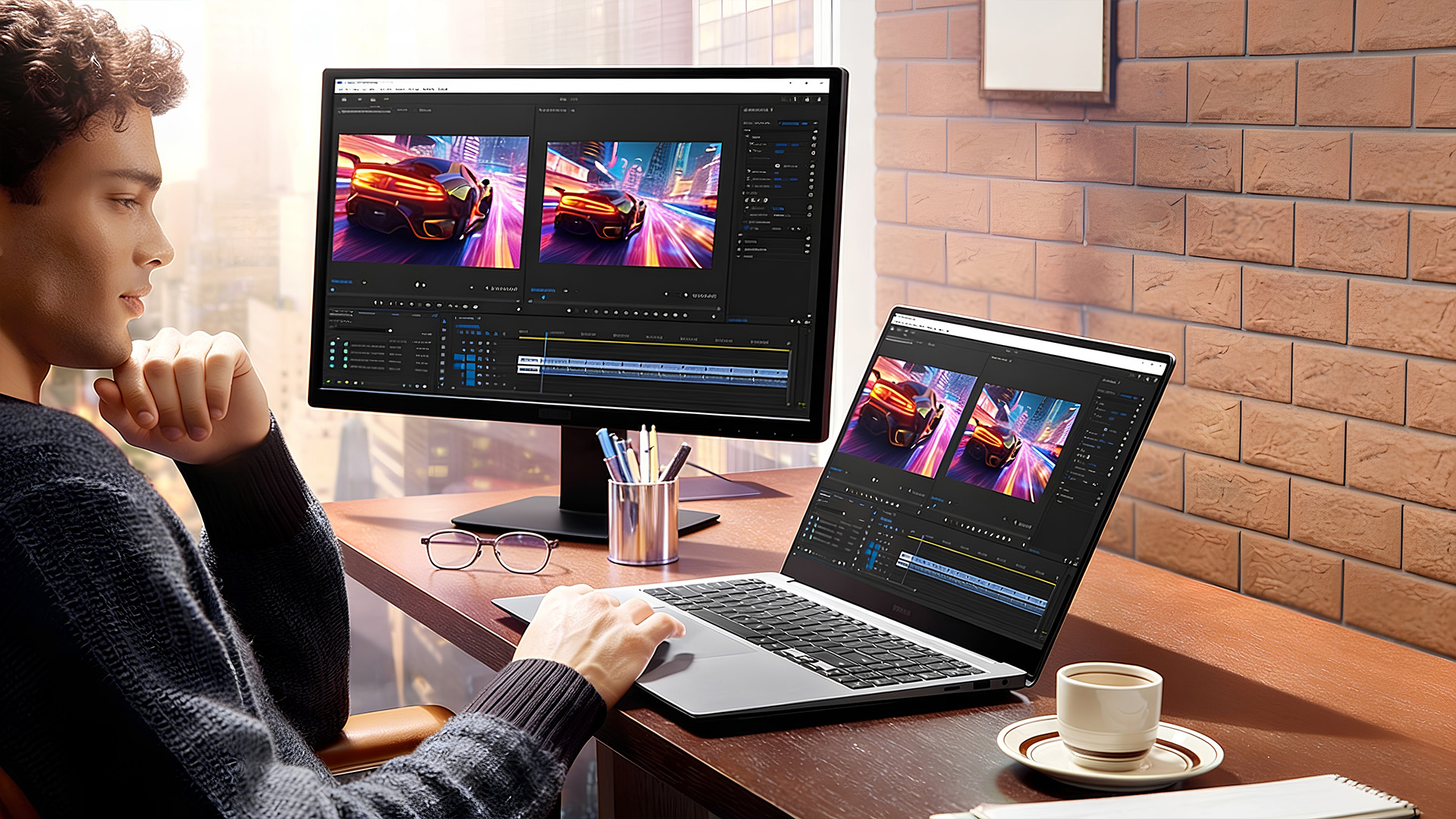
The Ultra adds dedicated Nvidia GeForce RTX 4050 or 4070 graphics in selected configurations, alongside higher-tier Core Ultra processors.
This changes what the laptop is capable of:
- Smooth 4K video editing
- 3D rendering
- Complex design projects
- GPU-accelerated workflows
- Moderate gaming
When comparing the Samsung Galaxy Book 4 Pro vs Ultra, the inclusion of a dedicated graphics card in the Ultra is the main distinguishing feature. If GPU acceleration is important for your work, the Ultra clearly stands out.
Graphics Capabilities
Graphics performance separates everyday laptops from creative workstations.
Galaxy Book 4
Integrated graphics only. Suitable for video streaming and light creative tasks.
Galaxy Book 4 Pro
Improved integrated Intel Arc graphics. Suitable for light photo editing and casual content creation.
Galaxy Book 4 Ultra
Dedicated Nvidia RTX graphics. Suitable for demanding creative software and professional workloads.
If you do not use GPU-intensive applications, paying for dedicated graphics may not be necessary. However, if you regularly edit high-resolution video or use advanced design tools, the Ultra’s graphics hardware provides measurable benefits.
RAM and Storage
Across the range, RAM is typically soldered, meaning it cannot be upgraded later. This makes it important to choose the right configuration at purchase. For general use, 16GB is usually sufficient. For creative or professional workloads, 32GB may be the safer long-term choice.
Storage is a fast SSD across all models. Higher capacities are available in Pro and Ultra configurations. When comparing Galaxy Book 4 vs Book 4 Pro, storage speed is broadly similar, but higher-tier models often offer larger default capacities.
Battery Life and Portability
Battery life is often a trade-off between performance and screen quality.
Galaxy Book 4
Around a 15.6-inch standard panel and an efficient CPU typically result in good all-day battery life for basic tasks. Exact figures vary by configuration, but users should expect practical longevity that feels reliable for daily productivity.
Galaxy Book 4 Pro
The AMOLED display and modern processor provide solid battery life, often better than the base Book 4 for similar tasks. The lighter body and battery tech make it convenient for commuting without frequent charging.
Galaxy Book 4 Ultra
The Galaxy Book 4 Ultra features are designed for users who need workstation-level performance in a portable form. Despite the larger screen and more powerful internals, it often matches or even exceeds expectations for battery life in its class. Reviews and manufacturer data point to many hours of real-world productivity, helped by fast charging capabilities on supported adapters and USB-C power delivery.
Pricing and Value
In early 2026, pricing has shifted alongside broader market trends:
- Samsung Galaxy Book 4 remains the most affordable option for general users.
- Samsung Galaxy Book 4 Pro is often seen as offering the best balance of performance and features - ideal for the widest range of users.
- Samsung Galaxy Book 4 Ultra carries a premium price but delivers performance closer to mobile workstations.
Always check current offers, promotions and laptop deals as the best Samsung Galaxy Book deals often appear around seasonal sales and refresh cycles.
If you are comparing newer generations, you can also read our Galaxy Book 6 vs Galaxy Book 5 feature-by-feature comparison.
Which Model Is Right for You?
Your choice should reflect how you intend to use the laptop:
Choose Samsung Galaxy Book 4 if you:
- Mainly use office software and browsers
- Want a larger screen at a lower price
- Do not need advanced graphics performance
Choose Galaxy Book 4 Pro if you:
- Want a significantly better display
- Travel frequently
- Need stronger multitasking performance
- Value portability and premium build
Choose Galaxy Book 4 Ultra if you:
- Work in video editing, design or 3D software
- Need dedicated Nvidia graphics
- Want maximum performance in this series

Final Thoughts
The Samsung Galaxy Book 4 range is structured clearly once you break it down.
- The base model focuses on affordability and everyday productivity.
- The Pro models prioritise display quality and portability.
- The Ultra focuses on performance and graphics capability.
There is no universal winner. The right decision depends on how demanding your workload is and how much you value to display quality and portability.
If you are still deciding which model suits you best, take a closer look at the full range of Samsung Galaxy laptops currently available. Comparing live configurations, specifications and pricing can help you identify the best Samsung Galaxy Book for your needs and budget. For a wider selection across brands, explore our current best laptop deals.

Frequently Asked Questions
What is the difference between the Samsung Galaxy Book 4 Pro and Ultra?
The main difference between the Samsung Galaxy Book 4 Pro vs Ultra is graphics performance and overall power. The Galaxy Book 4 Pro uses Intel Core Ultra processors with integrated Intel Arc graphics, making it suitable for productivity, multitasking and light creative work.
The Galaxy Book 4 Ultra includes optional Nvidia GeForce RTX 4050 or 4070 graphics, which significantly improves performance for video editing, 3D rendering and other GPU-intensive tasks. The Ultra is heavier and more expensive but better suited to professional creative workloads.
Is the Samsung Galaxy Book 4 good for students?
Yes, the standard Samsung Galaxy Book 4 is a good option for students who mainly use web browsers, Microsoft Office, video calls and streaming services. It offers solid everyday performance and a larger screen at a more accessible price point. Students studying design, media or engineering may prefer the Galaxy Book 4 Pro for its stronger performance and higher-quality display.
Is the Galaxy Book 4 Ultra worth it?
The Galaxy Book 4 Ultra is worth it if you need dedicated graphics and high processing power. It is designed for content creators, designers and professionals who use demanding software such as Adobe Premiere Pro, After Effects or 3D modelling tools. If your work does not require GPU acceleration, the Pro model usually offers better overall value.
Which Samsung Galaxy Book 4 model has the best battery life?
Battery life depends on usage, but for everyday office tasks, the Galaxy Book 4 and Galaxy Book 4 Pro typically offer excellent all-day performance. The Ultra also performs well, but heavy creative workloads and use of the dedicated graphics card will reduce battery life more quickly. For general productivity and travel, the Pro often provides the best balance between battery life and performance.
Does the Samsung Galaxy Book 4 support gaming?
The standard Galaxy Book 4 is not designed for gaming beyond very light or casual titles.
The Galaxy Book 4 Pro can handle light gaming thanks to improved integrated graphics, but it is not a gaming-focused machine. The Galaxy Book 4 Ultra, with Nvidia RTX graphics, can run many modern games at moderate settings, although it is primarily designed for creative and professional workloads rather than competitive gaming.
Which is the best Samsung Galaxy Book for everyday use?
For everyday tasks such as browsing, emails, streaming and office work, the standard Samsung Galaxy Book 4 is usually sufficient and more cost-effective. If you want a better screen, lighter build and more future-proof performance, the Galaxy Book 4 Pro is often considered the best Samsung Galaxy Book for general professional use.
Related Articles

Last Updated: May 19, 2026
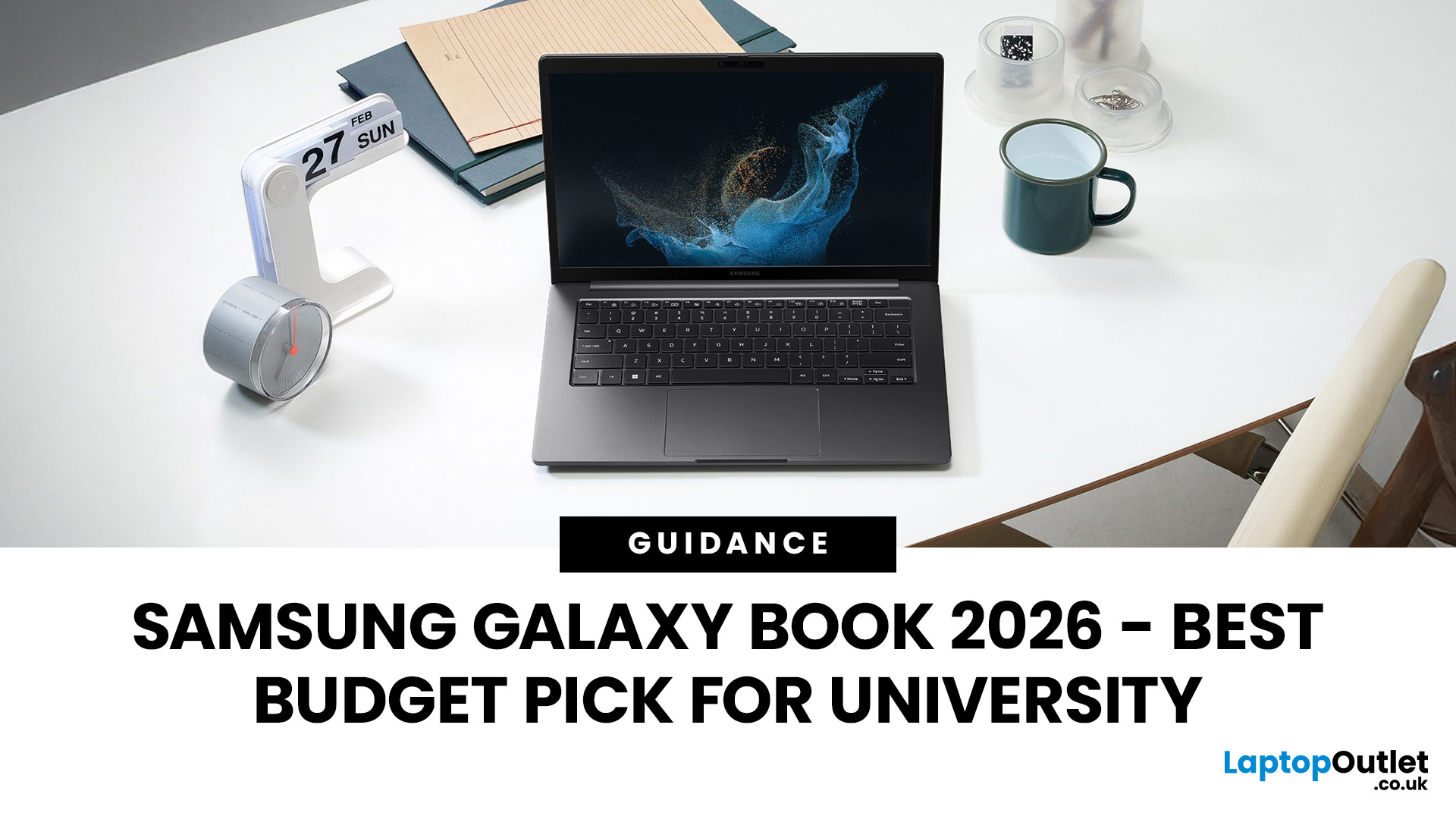
Looking for the perfect laptop that fits your student budget without compromising on performance? The Samsung Galaxy Book series offers the best of both worlds, powerful features at a price point that’s just right for university life.
However, finding a laptop that ticks all the boxes can be overwhelming, especially when balancing a limited student budget with the need for robust performance. This is where the Samsung Galaxy Book laptops step in. Samsung has a strong reputation for blending cutting-edge technology with sleek, functional designs, making its Galaxy Book line a standout option for students. These laptops offer powerful processing, great battery life, and essential features for academic and personal use; all at a price point that makes sense for students. From handling heavy workloads to offering portability and long-lasting battery life, the Galaxy Book range has something for every student.
So, let’s dive right into it!
How Do I Choose a Laptop for University Students?
Last Updated: September 09, 2025
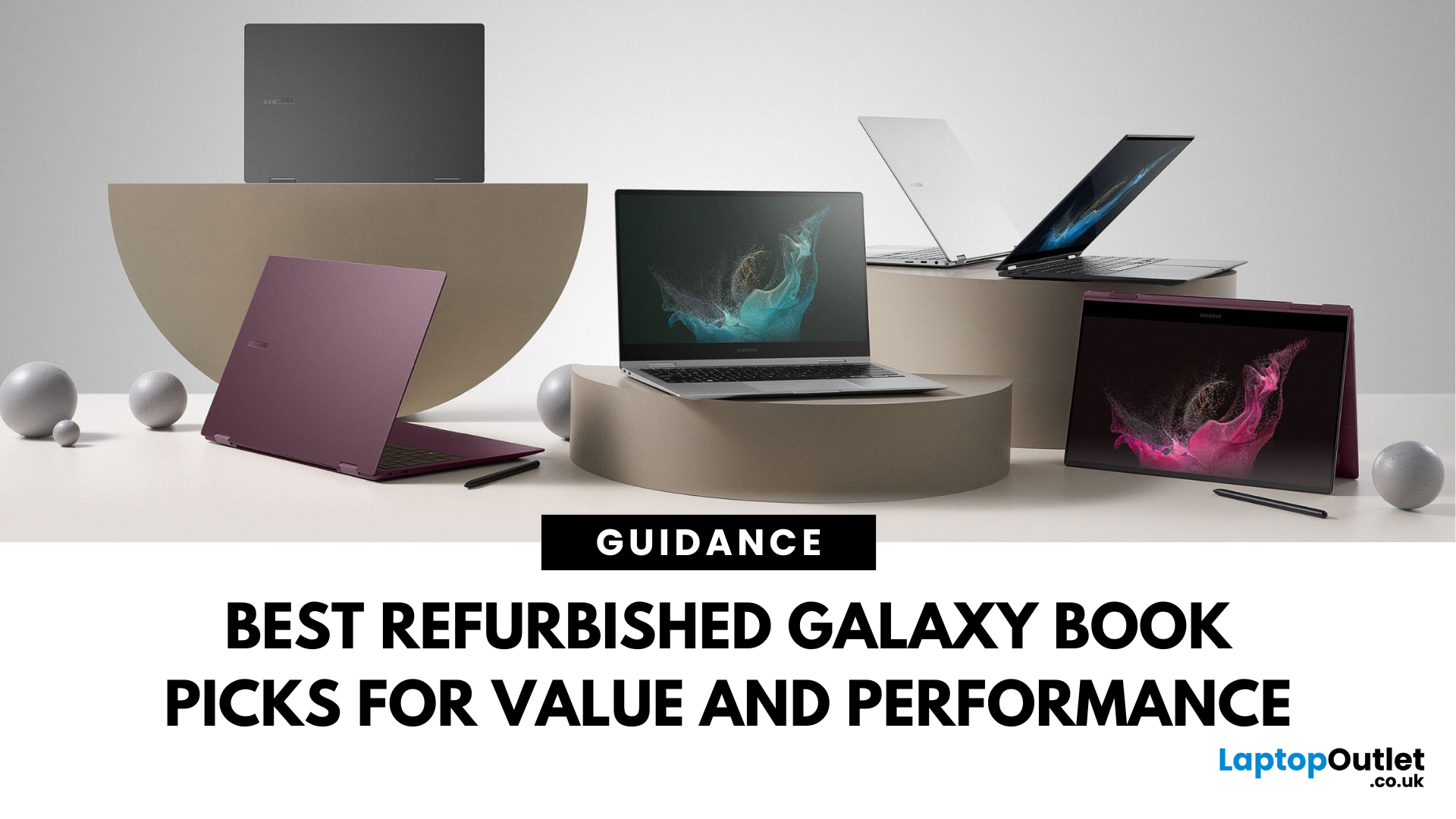
Looking for unbeatable Samsung tech without the flagship price tag? You’re in the right place. Whether you’re after a basic browsing machine or a next-gen 2-in-1 powerhouse, the Refurbished Samsung Galaxy Book lineup has you covered — all at epic prices.
We’ve picked five refurbished Galaxy Book models that punch way above their price point. From under £150 to high-performance convertibles, these laptops deliver insane savings, smooth performance, and certified quality — all backed by Laptop Outlet.
Let’s dive in.
1. Refurbished - Samsung Galaxy Book2 Go 5G – Always Connected, Always Ready (Under £150) 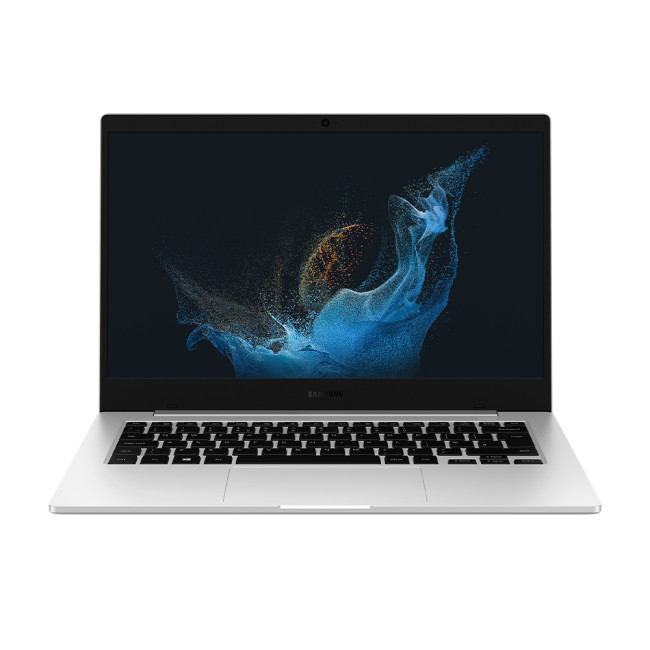
Price: Approx. £150
Model: NP345XNA-KA1UK-AG
Perfect for: Students, light users, travellers, those needing constant connectivity
Why You’ll Love It:
Stay connected wherever you are with this refurbished Samsung Galaxy Book2 Go 5G. Powered by the efficient Qualcomm Snapdragon 7c+ Gen 3 processor and running Windows 11 Home, it offers smooth performance for everyday

Last Updated: June 18, 2025
Artificial intelligence is no longer a futuristic concept—it is already transforming the way we interact with our devices. One of the most significant developments in this space comes from Samsung phones with the introduction of Galaxy AI. Designed to enhance productivity, communication, creativity, and convenience, Galaxy AI is a suite of intelligent features integrated into the latest Samsung Galaxy smartphones. Whether you are using the Galaxy S24 or preparing to upgrade to the Galaxy S25, S25+, or S25 Ultra, Galaxy AI aims to deliver a more intuitive and personalised smartphone experience for users across the Android ecosystem.
Galaxy AI represents Samsung’s latest innovation, positioning its mobile devices at the forefront of the AI-powered future. Built to work seamlessly within the Samsung Galaxy ecosystem, it combines on-device intelligence with cloud-based processing to provide smarter features without compromising privacy or performance.
Inside Galaxy AI: Samsung’s Intelligent
Last Updated: September 11, 2025
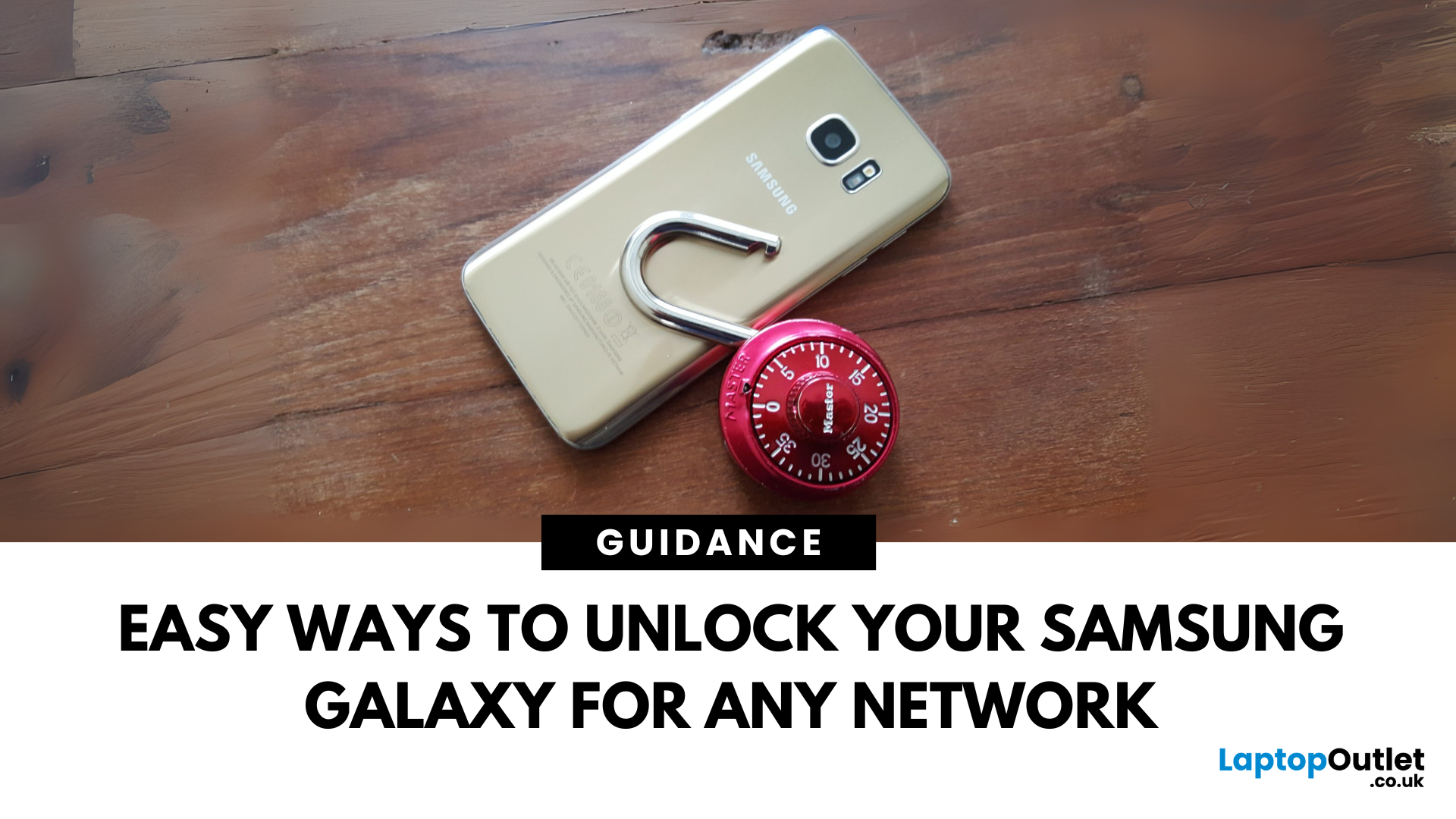
Locked Out or Changing Network?
Whether you're switching mobile networks or forgot your passcode, knowing how to unlock your Samsung Galaxy phone can save you time, money, and stress. Here's how to do it the right way—safely and securely.
Types of Phone Locks
Samsung phones can be locked in several ways:
- Screen lock: PIN, password, pattern, fingerprint, face unlock
- Network lock (SIM lock): Tied to a specific carrier
- FRP lock (Factory Reset Protection): Google account verification after reset
Let’s look at how to unlock each one.
Unlocking Screen Lock (If You Forgot PIN/Pattern)
Using Samsung Find My Mobile
- Go to findmymobile.samsung.com
- Sign in with your Samsung account
- Select your device
- Click Unlock
Your device must be online and connected to your Samsung account.
Using Factory Reset (As Last Resort)
- Power off your phone
- Hold Power + Volume Up + Bixby (if present)
- Enter recovery mode > Wipe Data/Factory Reset
- Note: This erases all data
Unlocking a Network-Locked
Last Updated: September 23, 2025
What’s the Key Difference?
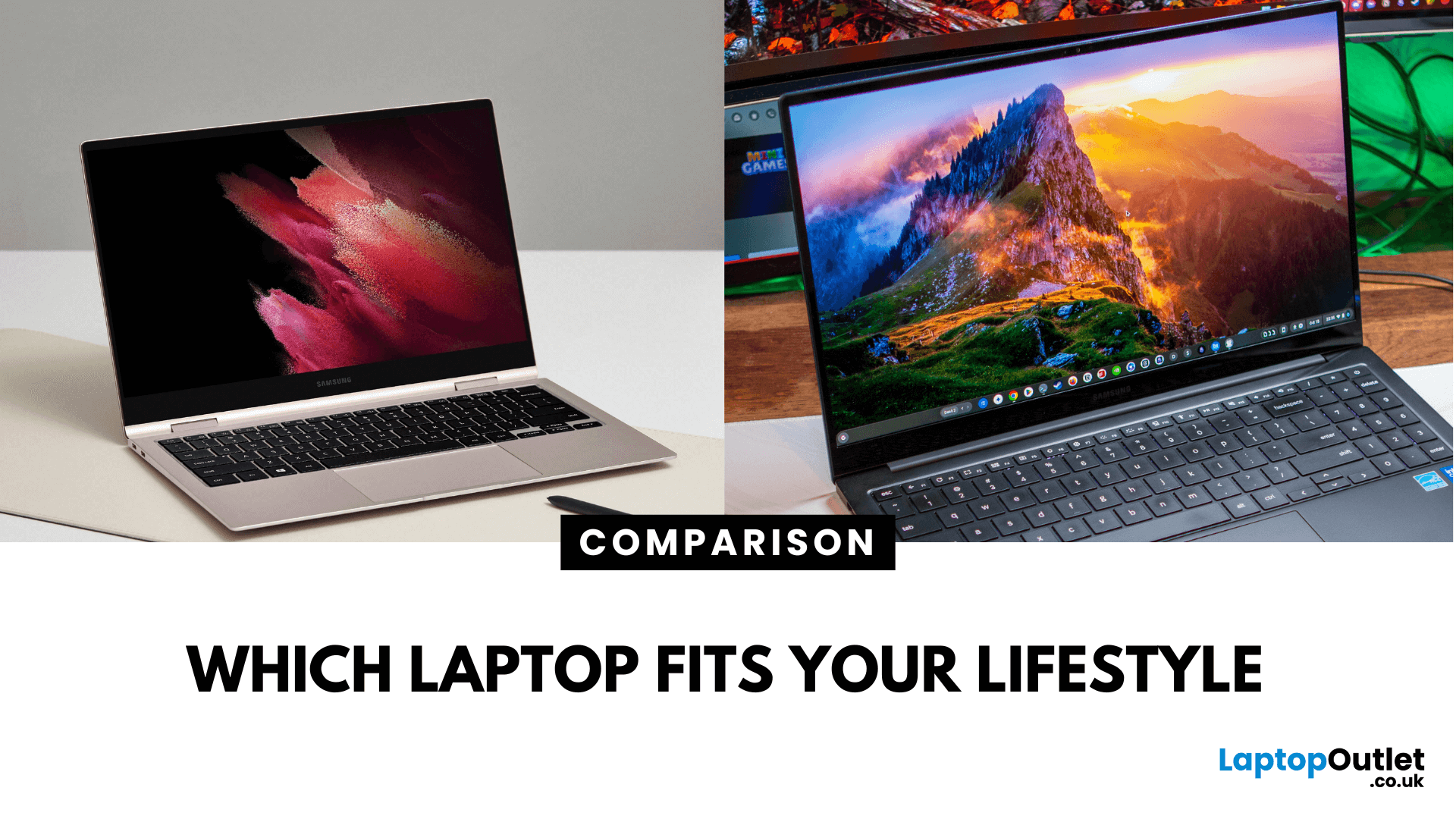
Samsung Galaxy Book is Samsung’s line of Windows laptops offering powerful hardware, rich feature sets, and mature software support -built for productivity and creativity. Chromebooks run Chrome OS—Google’s streamlined, cloud-centric platform built for speed, web apps, and light computing.
Fundamentally, Galaxy Books deliver full Windows power; Chromebooks deliver lightweight simplicity.
Feature Comparison Table
| Feature | Samsung Galaxy Book | Chromebook |
| Operating System | Windows – full desktop environment | Chrome OS – cloud-first, lightweight platform |
| Performance & Hardware | Premium processors, abundant RAM & storage | Lighter processors and configurations tailored for basic tasks |
| Design & Build | Sleek, stylish, built for mobility and premium feel | Ultra-light, minimalistic, highly portable |
| Battery Life | Strong battery for Windows usage | Excellent battery due to efficiency of Chrome OS |
| Portability | Lightweight for a Windows laptop | Extremely portable with featherweight designs |
Last Updated: September 09, 2025
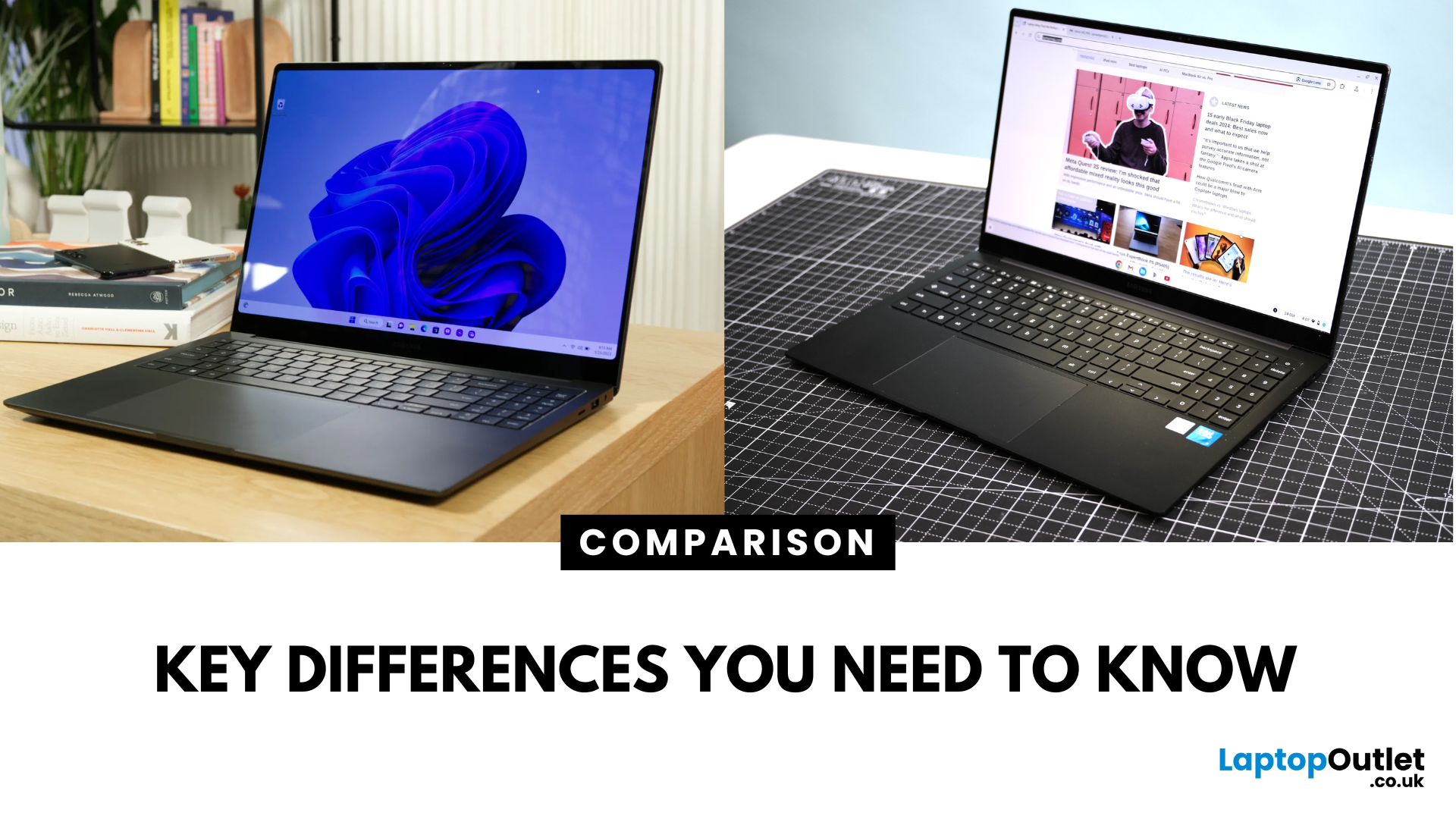
Key Difference Between a Galaxy Laptop and a Galaxy Chromebook?
Galaxy Laptop (Galaxy Book): Runs Windows 11, supports all desktop software (Office, Adobe, coding tools, gaming), offers higher storage and RAM options, and integrates with Samsung Galaxy devices.
Galaxy Chromebook: Runs ChromeOS, focused on cloud apps and Android apps via Google Play Store. Cheaper, lighter, and built for students or light for everyday use.
Feature Comparison Table
| Feature | Samsung Galaxy Laptop (Galaxy Book) | Samsung Galaxy Chromebook |
| Operating System | Windows 11 | ChromeOS |
| Performance | Intel Core i5/i7, AMD, up to 16-32GB RAM | Entry-level Intel/ARM, up to 8GB RAM |
| Software | Full Windows apps (Office, Adobe, games) | Web apps + Android apps |
| Battery Life | 10–13 hours (depending on model) | 12–15 hours (light workloads) |
| Display Options | AMOLED 2X display, FHD/QHD, larger screens | OLED display, FHD or 4K touchscreen options |
| Weight | ~1.5–1.7 kg (Galaxy Book3 360, Pro) | ~1.0–1.2 kg (Chromebook Go, Pro) |
| Price Range (UK) | ~£750–£1,500+ |
Last Updated: September 08, 2026
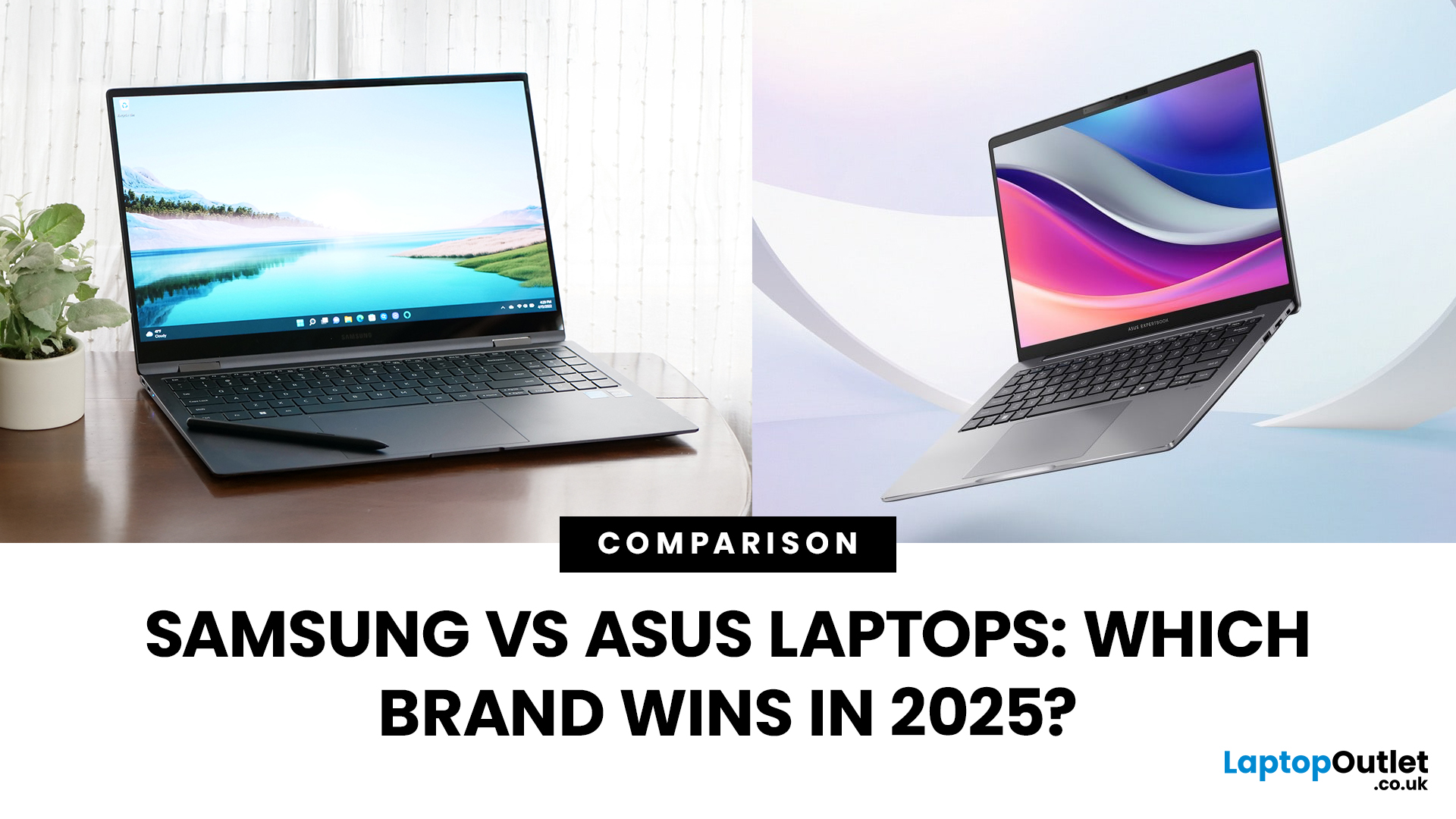
Samsung and ASUS take noticeably different approaches to laptops in 2026. Samsung concentrates its Windows range around the Galaxy Book6 family, combining slim designs with Galaxy device integration, while ASUS spreads its options across Vivobook, Zenbook, ExpertBook, ProArt, TUF Gaming, and ROG. This Samsung vs ASUS laptops comparison looks at processors, RAM, storage, displays, battery life, connected features, and graphics to help you decide which approach suits you.
Samsung vs ASUS: Key Differences at a Glance
| Area | Samsung | ASUS |
| Everyday | Galaxy Book6 | Vivobook |
| Premium | Galaxy Book6 Pro | Zenbook |
| High performance | Galaxy Book6 Ultra | ProArt / ROG |
| Business | Galaxy Book6 / Pro | ExpertBook |
| Processors | Mainly Intel Core/Core Ultra | Intel Core Ultra, AMD Ryzen AI, Snapdragon |
| Displays | IPS and Dynamic AMOLED 2X | IPS, OLED, Mini LED, dual OLED |
| Dedicated graphics | Up to RTX 5070 on Book6 Ultra | Broad RTX range through ProArt, TUF and ROG |
| Key advantage | Galaxy ecosystem | Wider hardware and form-factor choice |
Published: September 17, 2025
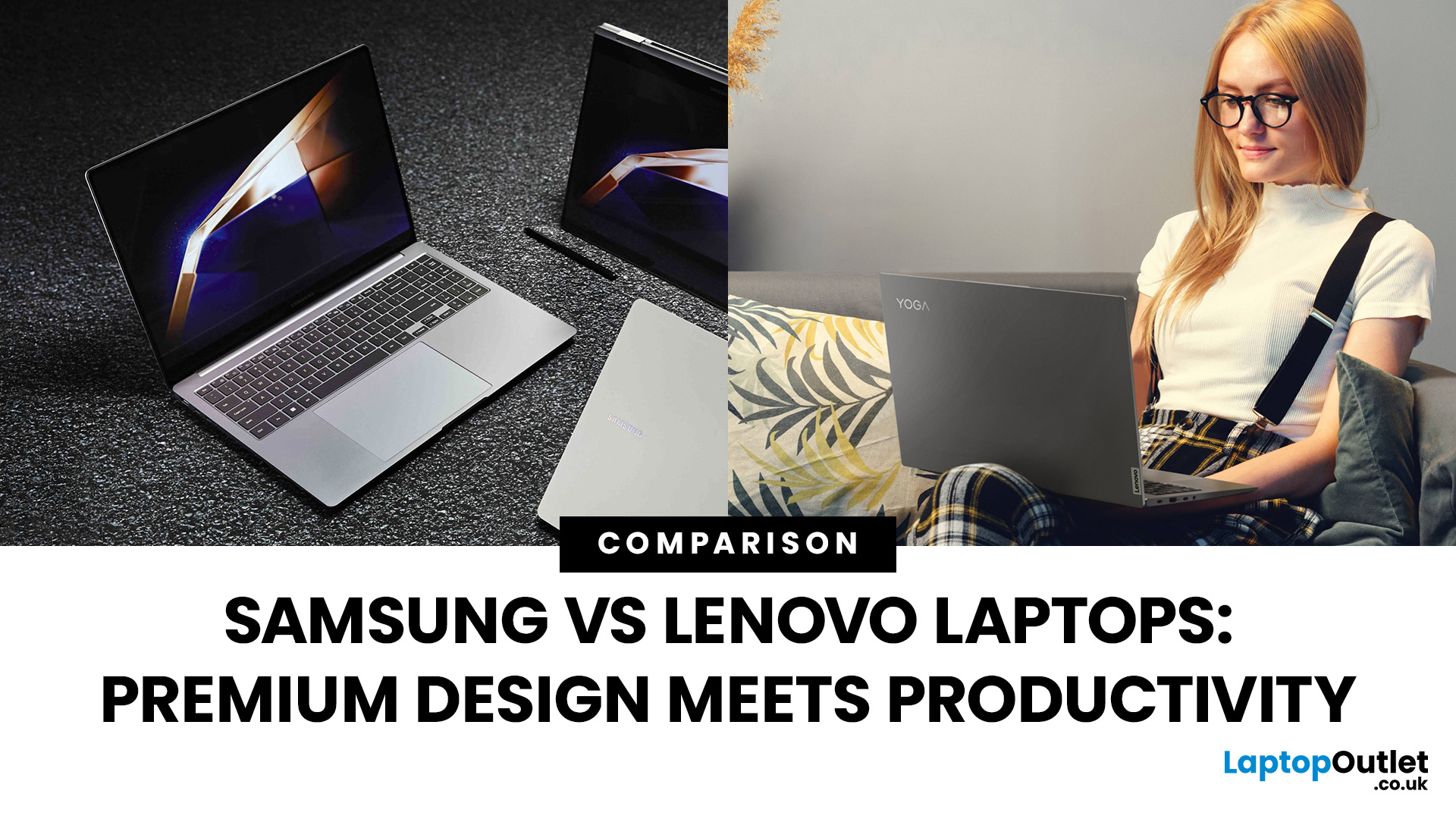
Shopping for a new laptop in 2025 and torn between Samsung vs Lenovo laptops? Both brands deliver big innovation but shine in different ways. Samsung is known for premium design, AMOLED displays, and portability, while Lenovo dominates the productivity space with ThinkPad reliability, Yoga flexibility, and Legion gaming power.
So, which one deserves your money? Let’s compare Samsung and Lenovo across design, performance, battery, and price to help you choose the right fit.
Samsung vs Lenovo: Key Differences
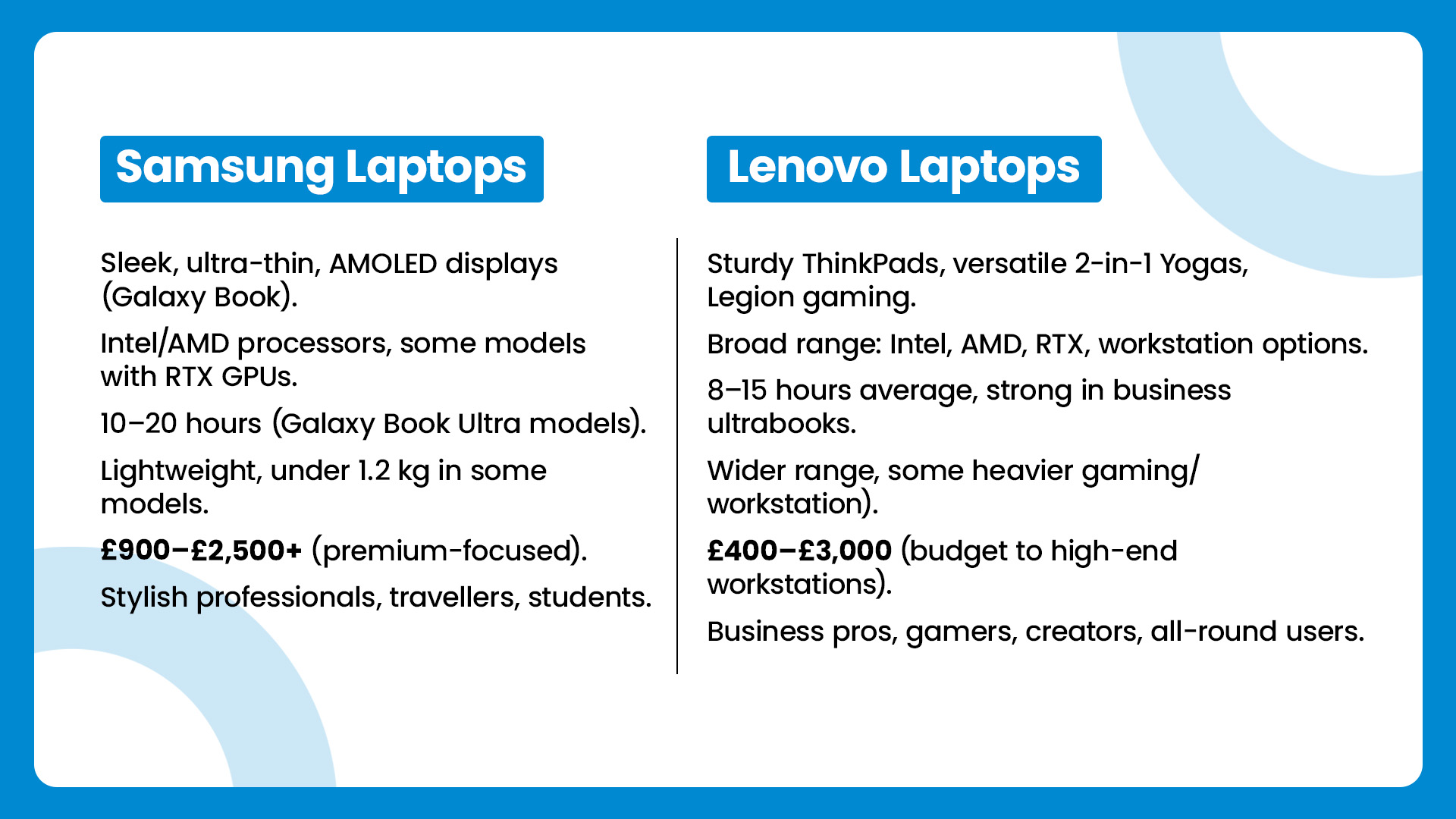
| Feature | Samsung Laptops | Lenovo Laptops |
| Design & Build | Sleek, ultra-thin, AMOLED displays (Galaxy Book) | Sturdy ThinkPads, versatile 2-in-1 Yogas, Legion gaming |
| Performance | Intel/AMD processors, some models with RTX GPUs | Broad range: Intel, AMD, RTX, workstation options |
| Battery Life | 10–20 hours (Galaxy Book Ultra models) | 8–15 hours average, strong in business ultrabooks |
| Portability | Lightweight, under 1.2 kg in some models | Wider range, some heavier (gaming/workstation) |
| Price Range | £900–£2,500+ |
Last Updated: February 19, 2026
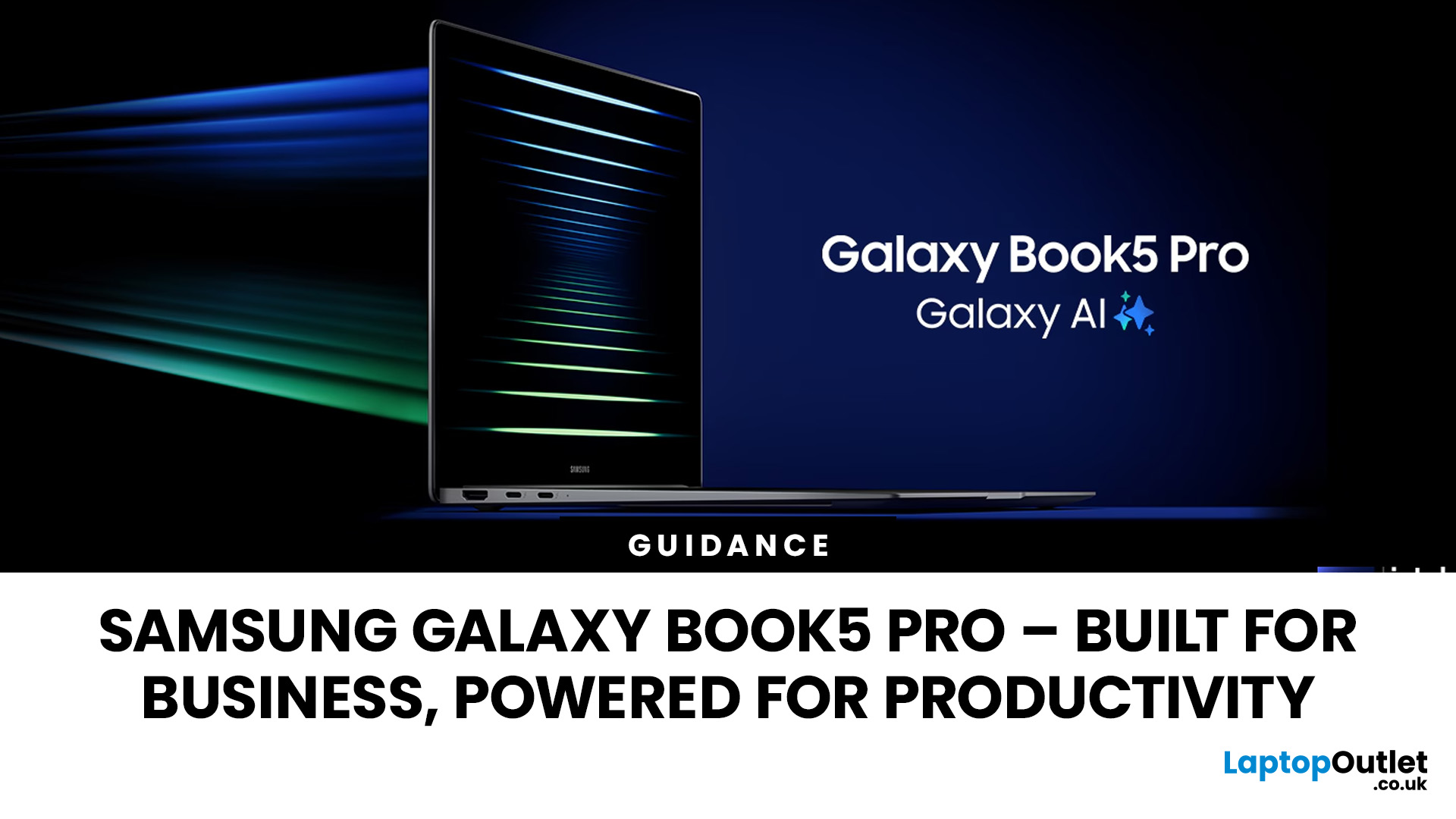
In today’s work culture, your laptop isn’t just a device, it’s your office, your presentation room, your creative studio, and sometimes your entire business. Whether you're managing back-to-back meetings, handling large spreadsheets, running AI-powered tools, or travelling between cities, performance and reliability aren’t optional anymore.
That’s where the Samsung Galaxy Book5 Pro steps in.
Built for professionals who demand speed, battery endurance, and premium design, this machine isn’t just another slim notebook; it’s a serious productivity powerhouse. With cutting-edge performance, long-lasting battery life, and business-ready features, the Galaxy Book5 Pro is designed to keep up with modern workloads without slowing you down.
In this guide, we’ll break down exactly why the Samsung Galaxy Book5 Pro stands out as one of the smartest investments for business users in 2026 and whether it’s the right fit for your workflow.
Samsung Galaxy Book5 Pro: A Productivity Powerhouse at a Glance
Last Updated: February 19, 2026
The Samsung Galaxy Book series has established itself as a premier choice for Windows users seeking a blend of portability and power.
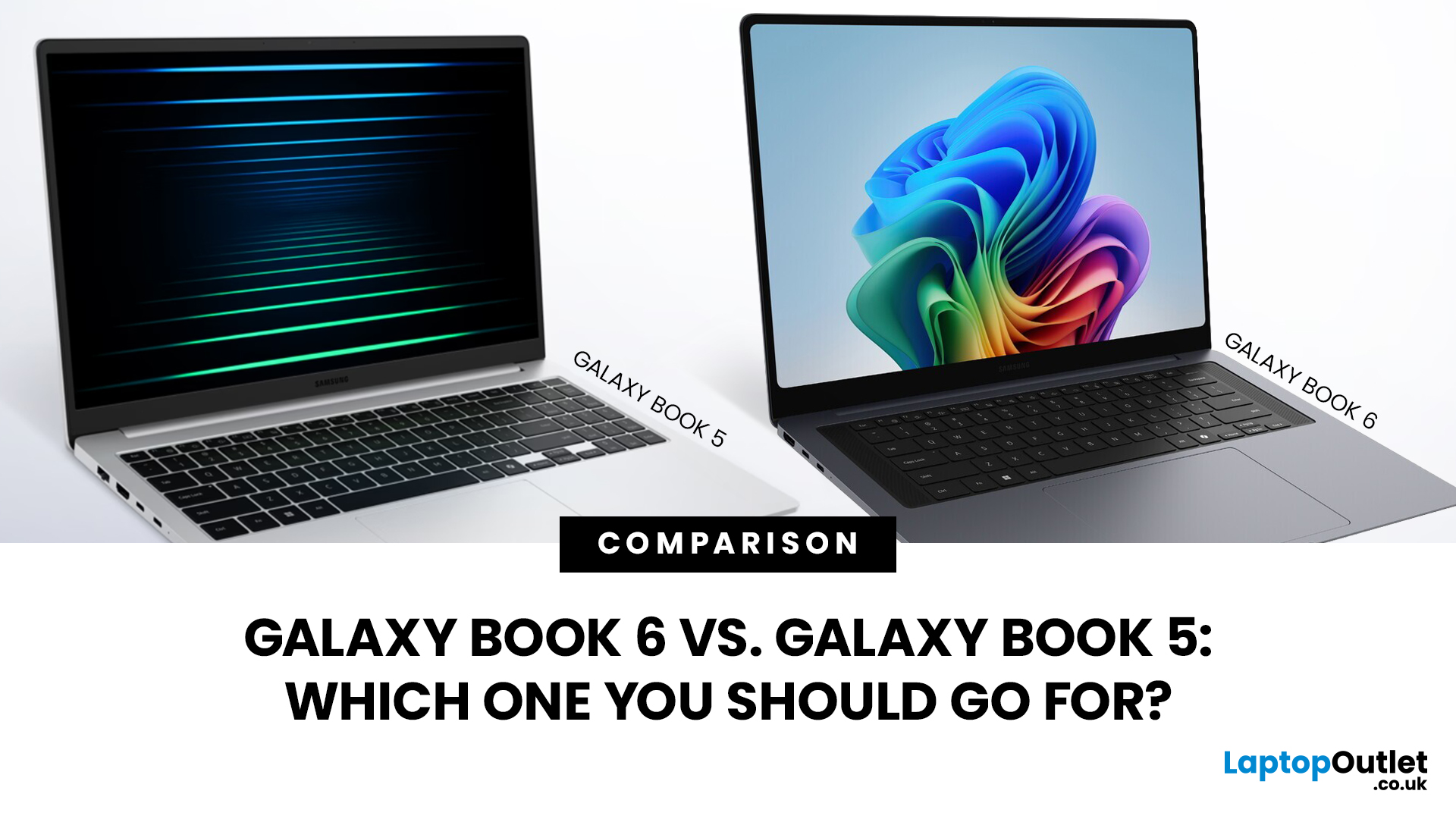
Following the debut of the Galaxy Book 6 at CES 2026, the tech landscape has shifted toward "AI PCs" that prioritise on-device intelligence. Many users are now questioning whether the latest Samsung Galaxy Book justifies its premium or if the Galaxy Book 5 remains the smarter buy.
This Galaxy Book 6 vs Galaxy Book 5 comparison breaks down the hardware, design, and software shifts defining this generation. We aim to help you decide which model suits your workflow, whether you are a creative professional or a student.
Quick Specs Overview Table
The immediate differences between these two laptops are found in the heart of the machine. The newer model moves to a much more efficient manufacturing process that changes how the laptop handles heat and battery power.
| Feature | Galaxy Book 5 (Pro/Ultra) | Galaxy Book 6 (Pro/Ultra) |
| Processor | Intel Core Ultra Series 2 |

