



Galaxy Book 6 vs Galaxy Book 5: Complete Feature-by-Feature Comparison
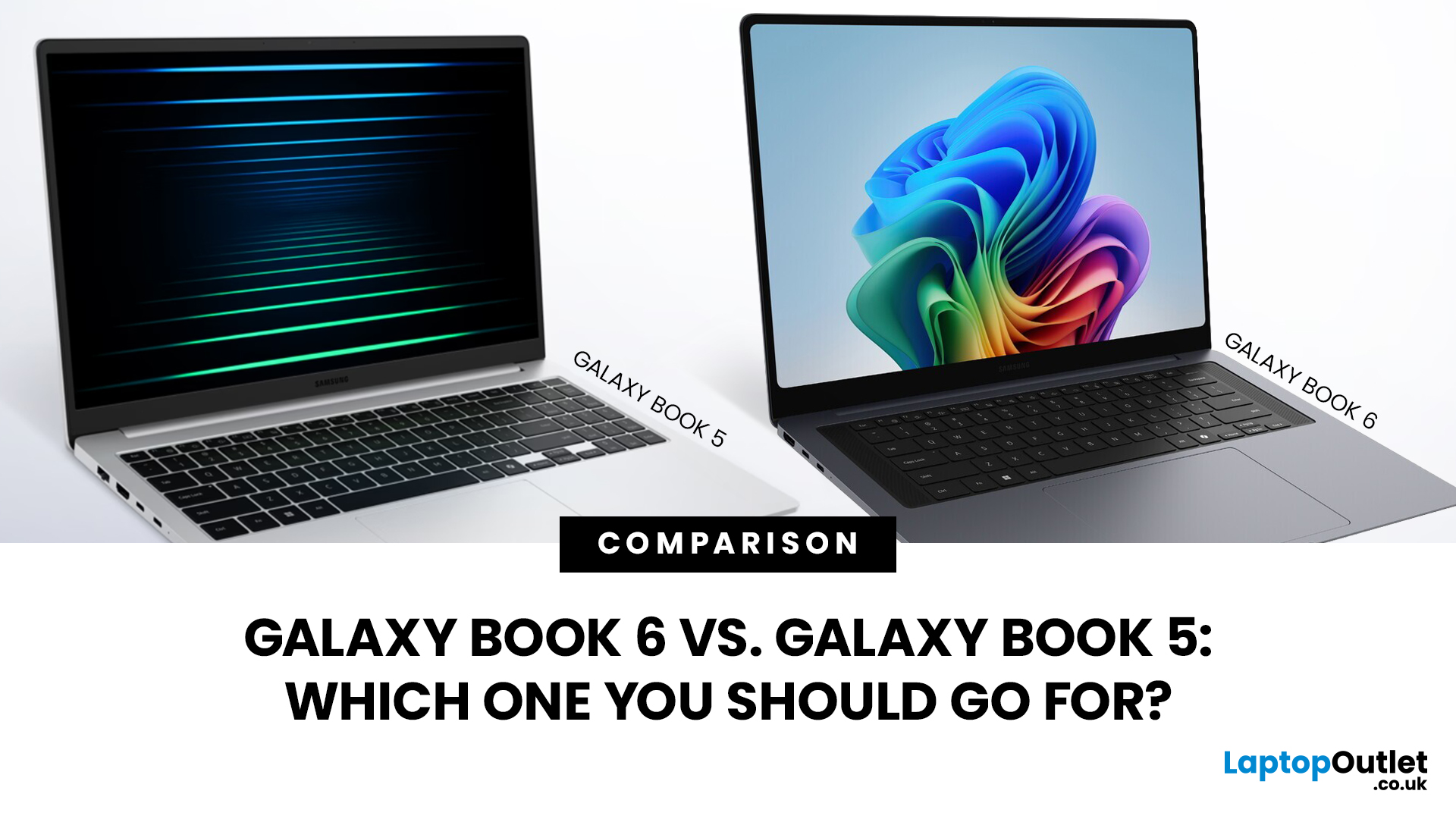
The Samsung Galaxy Book series has established itself as a premier choice for Windows users seeking a blend of portability and power.
Following the debut of the Galaxy Book 6 at CES 2026, the tech landscape has shifted toward "AI PCs" that prioritise on-device intelligence. Many users are now questioning whether the latest Samsung Galaxy Book justifies its premium or if the Galaxy Book 5 remains the smarter buy.
This Galaxy Book 6 vs Galaxy Book 5 comparison breaks down the hardware, design, and software shifts defining this generation. We aim to help you decide which model suits your workflow, whether you are a creative professional or a student.
Quick Specs Overview Table
The immediate differences between these two laptops are found in the heart of the machine. The newer model moves to a much more efficient manufacturing process that changes how the laptop handles heat and battery power.
|
Feature |
Galaxy Book 5 (Pro/Ultra) |
Galaxy Book 6 (Pro/Ultra) |
|
Processor |
Intel Core Ultra Series 2 (Lunar Lake) |
Intel Core Ultra Series 3 (Panther Lake) |
|
NPU (AI) |
Up to 40-48 TOPS |
Up to 50 TOPS (180 Platform TOPS) |
|
RAM |
16GB / 32GB LPDDR5X |
16GB / 32GB / 64GB LPDDR5X |
|
Storage |
256GB / 512GB / 1TB PCIe Gen 4 |
512GB / 1TB / 2TB PCIe Gen 5 |
|
Display |
3K Dynamic AMOLED 2X (60-120Hz) |
3K Dynamic AMOLED 2X (30-120Hz) |
|
Graphics |
Intel Arc (Xe2) |
Intel Arc (Xe3) / RTX 50-Series |
|
Battery (16") |
76 Wh |
80.20 Wh |
|
Weight (16" Pro) |
1.56 kg |
1.59 kg |
|
Connectivity |
Wi-Fi 7 / Bluetooth 5.4 |
Wi-Fi 7 / Bluetooth 5.4 |
|
OS |
Windows 11 Home |
Windows 11 Home |
These specs show that the Galaxy Book 6 performance is built for the future of AI. The shift to the Panther Lake architecture is the main reason these devices are now one of the best Copilot + laptops you can buy today.
Design & Build Quality
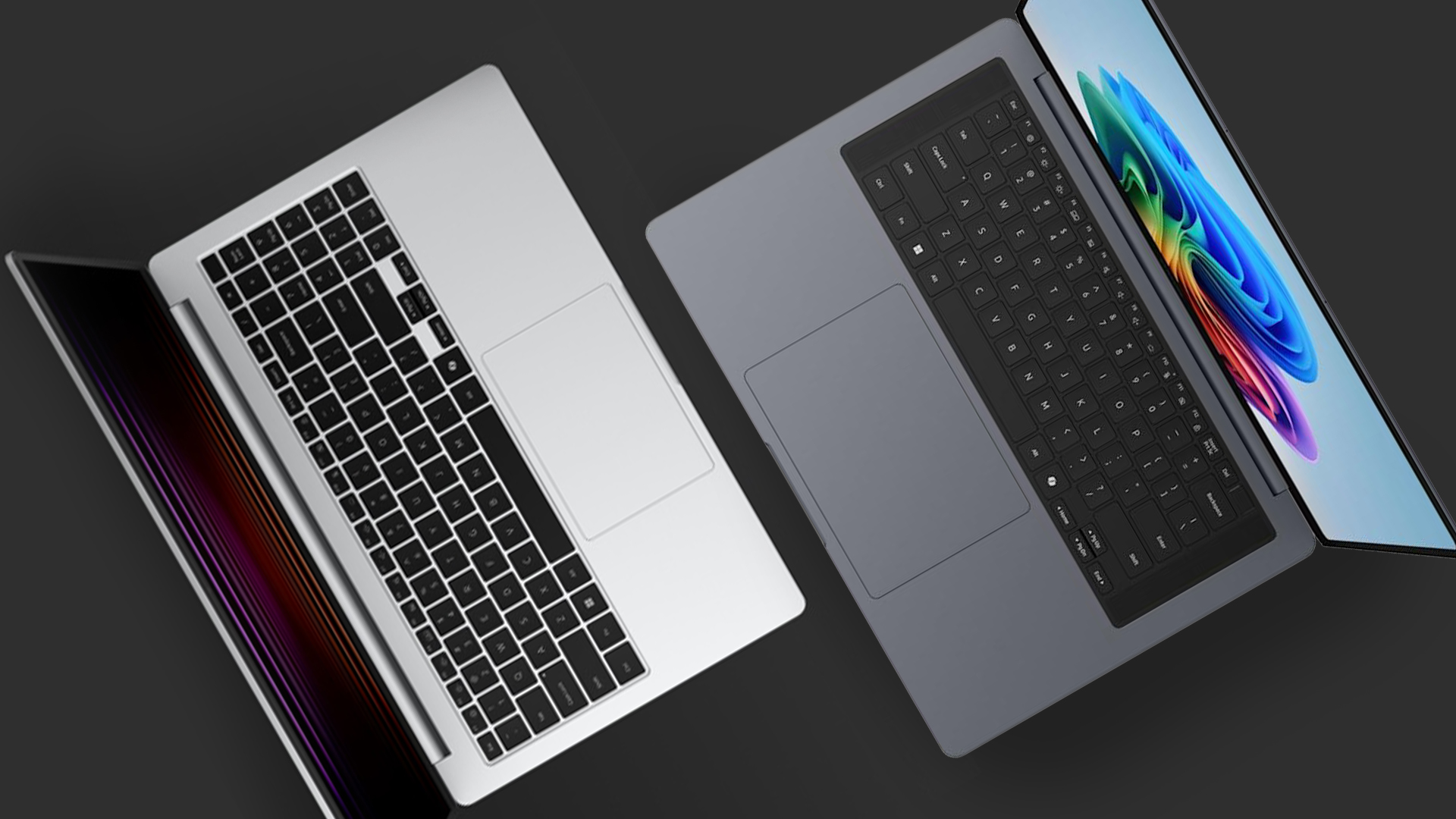
Samsung has refined the look and feel of their laptops over many years. The Galaxy Book 6 features several design changes that aim for better balance and comfort during long work sessions.
Materials Used
Both laptops use high-grade aluminium for the chassis, which gives them a very strong and premium feel. The Galaxy Book 6 has a slightly more "rounded" design at the corners, which makes it more comfortable to hold and carry. The build quality is often compared to a MacBook but with a thinner and more tapered front edge.
Weight and Thickness Comparison
The 16-inch Pro model of the Galaxy Book 6 is actually 0.6mm thinner than the previous version, measuring just 11.9mm. Weight has stayed very similar, with the 16-inch Pro weighing around 1.59 kg. Samsung updated the internal layout of parts to distribute the weight better, making it feel lighter than it is.
Colour Options and Aesthetic Changes
The colour palette remains professional with options like Moonstone Grey and Platinum Silver. A major visual change is the removal of the numeric keypad on the 16-inch model. This allows the main keyboard and the touchpad to be perfectly centred, giving the laptop a much more symmetrical and clean look.
Portability and Durability Considerations
The use of Gorilla Glass with DXC makes the screens very tough against scratches and drops. Portability is a huge win for both, but the Galaxy Book 6 feels more refined because it stays cooler during work. The chassis does not flex when you pick it up by one corner, which shows how well it is built.
Display Technology
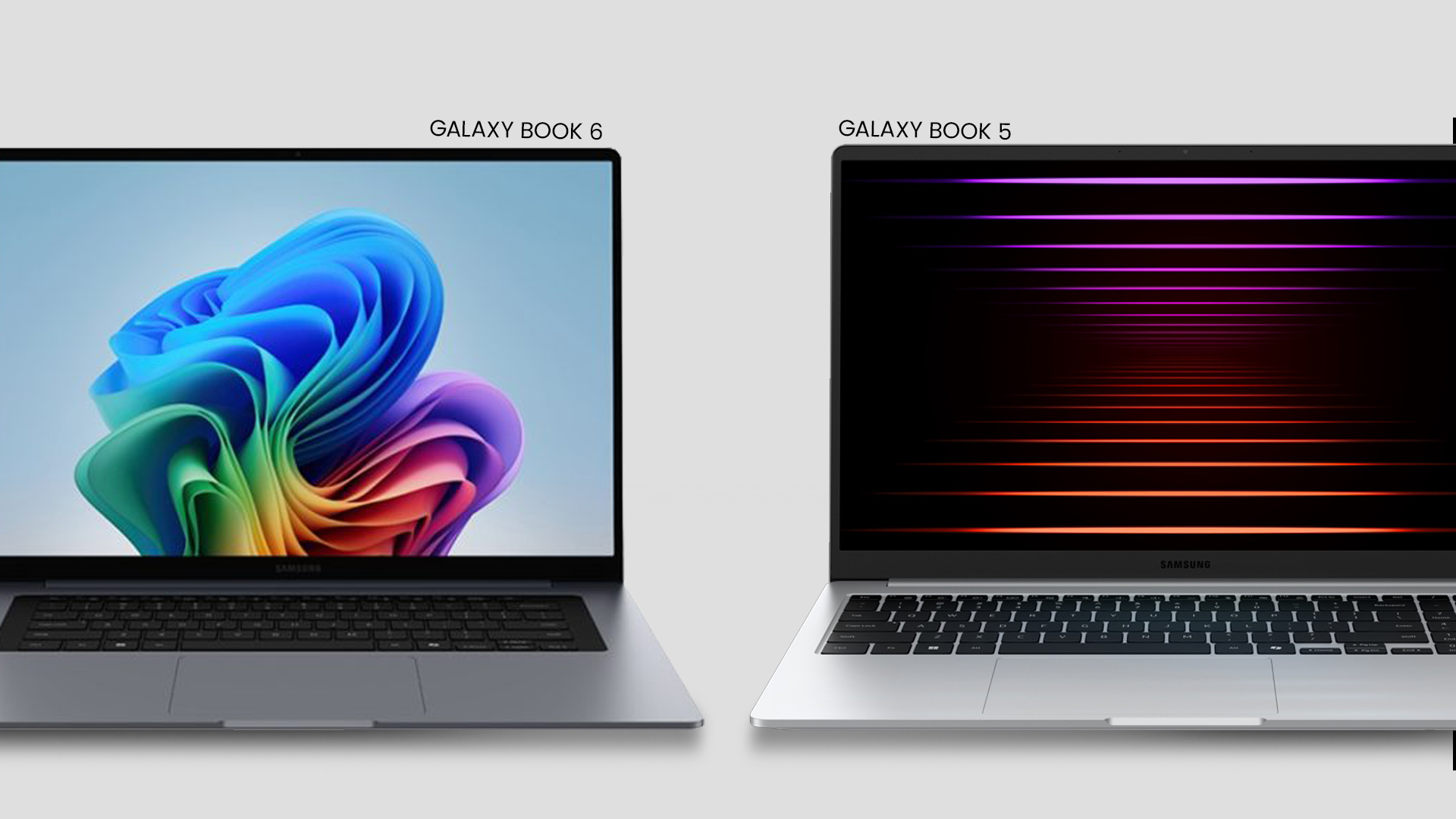
The screen is usually the first thing people notice on a Samsung device. The Galaxy Book 6 features continue the tradition of using the best OLED tech available in a portable computer.
Screen Size and Resolution
Both generations offer 14-inch and 16-inch screen sizes with a sharp 3K resolution. The 16-inch panels have a resolution of 2880 x 1800 pixels, which makes text look crisp and images look lifelike. The 14-inch model can actually look even sharper because it has the same number of pixels in a smaller space.
Panel Type and Refresh Rate
Samsung uses Dynamic AMOLED 2X panels across the board for deep blacks and vibrant colours. The Galaxy Book 6 has an improved refresh rate that can drop as low as 30Hz to save battery power. When you play games or scroll through pages, it can jump back up to 120Hz for perfectly smooth motion.
Brightness, Colour Accuracy, and HDR Support
The peak HDR brightness on the Galaxy Book 6 has been measured as high as 1,153 nits, which is stunning for a laptop. It also includes a "Vision Booster" that helps the screen stay clear even when you are working outside in the sun. Colour accuracy is professional-grade, meeting nearly 100% of the DCI-P3 colour gamut used in movies.
Touchscreen and Stylus Compatibility
Every model in the Pro and Ultra range now includes a responsive touchscreen as standard. While the standard Pro models do not always come with a stylus, they are compatible with Samsung's S Pen for drawing or taking notes. The touch layer is built directly into the display to keep the device as thin as possible.
Performance & Hardware
The biggest part of the Galaxy Book 6 vs Galaxy Book 5 comparison is the shift in internal power. Samsung has moved to a brand-new architecture that changes how the laptop thinks and processes tasks.
Processor Generation and Architecture Differences
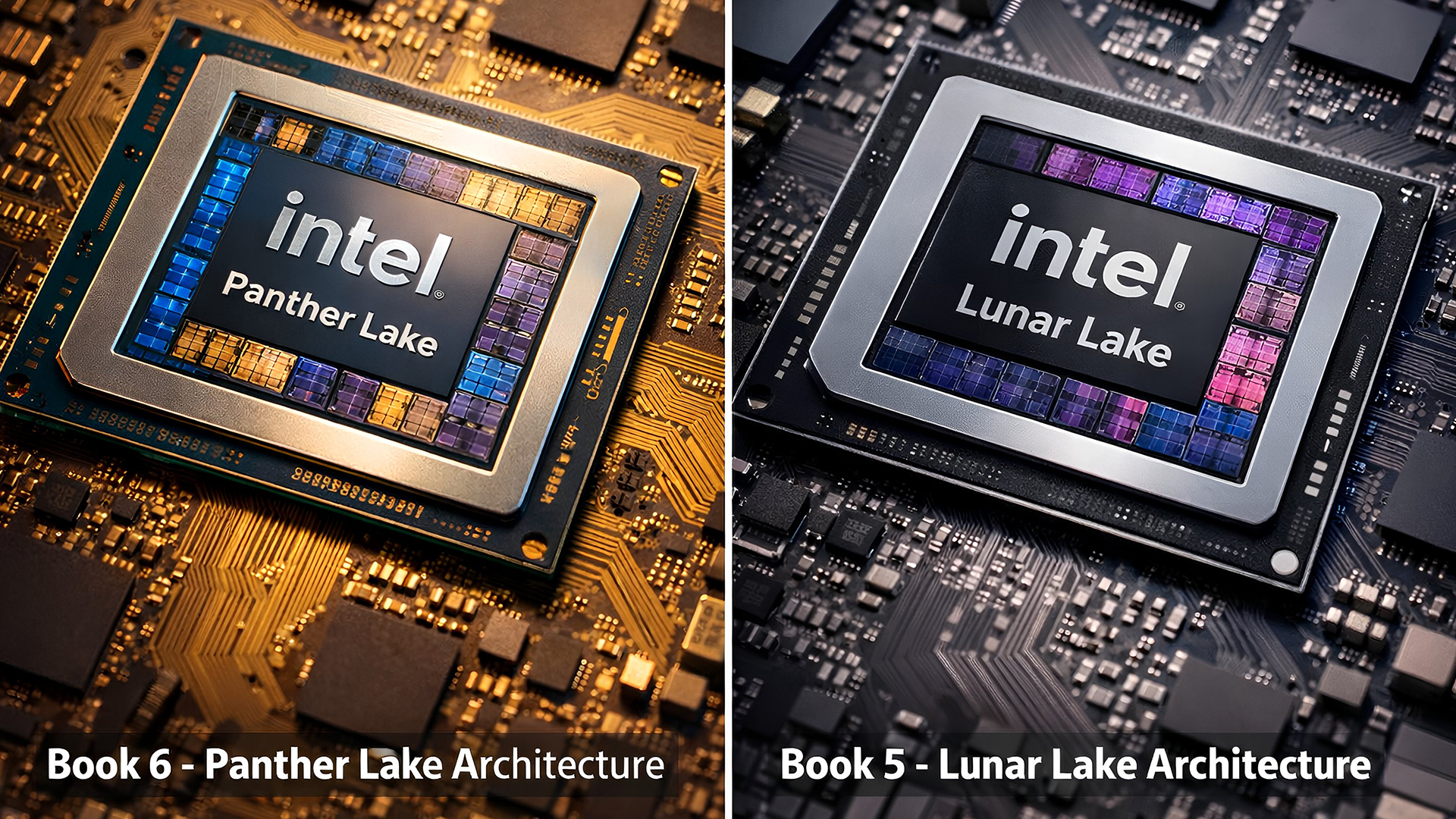
The Galaxy Book 5 used the Core Ultra Series 2 (Lunar Lake), while the Book 6 uses the new Series 3 (Panther Lake). The Panther Lake chips are built on the 1.8nm Intel 18A node, which is much more efficient than previous tech. This allows for a 60% increase in CPU speed while using less power to stay cool.
RAM Options and Speed
The Galaxy Book 6 Ultra can now be configured with up to 64GB of fast LPDDR5X memory. This is a big jump from the 32GB limit on the previous generation, making it much better for high-end video editing. More RAM means the laptop can handle dozens of browser tabs and heavy apps without slowing down.
Storage Types and Speed
Samsung has upgraded the storage to PCIe Gen 5 in the latest models, which is much faster than the Gen 4 drives in the Book 5. You can choose from 512GB up to 2TB of space, and there is even an extra slot to add more storage later. This is perfect for people who need to keep large video files or game libraries.
GPU Performance
The integrated graphics on the Galaxy Book 6 are up to 77% faster than the previous generation thanks to the new Xe3 architecture. For the Ultra model, you get the latest NVIDIA RTX 5060 or 5070 graphics cards. These new cards are built for AI-driven image generation and can run modern games at very high frame rates.
Battery Life & Charging
Battery life is one of the most important things for anyone who travels for work or study. The Book 6 vs Book 5 differences in efficiency are quite impressive when you look at the daily numbers.
Battery Capacity
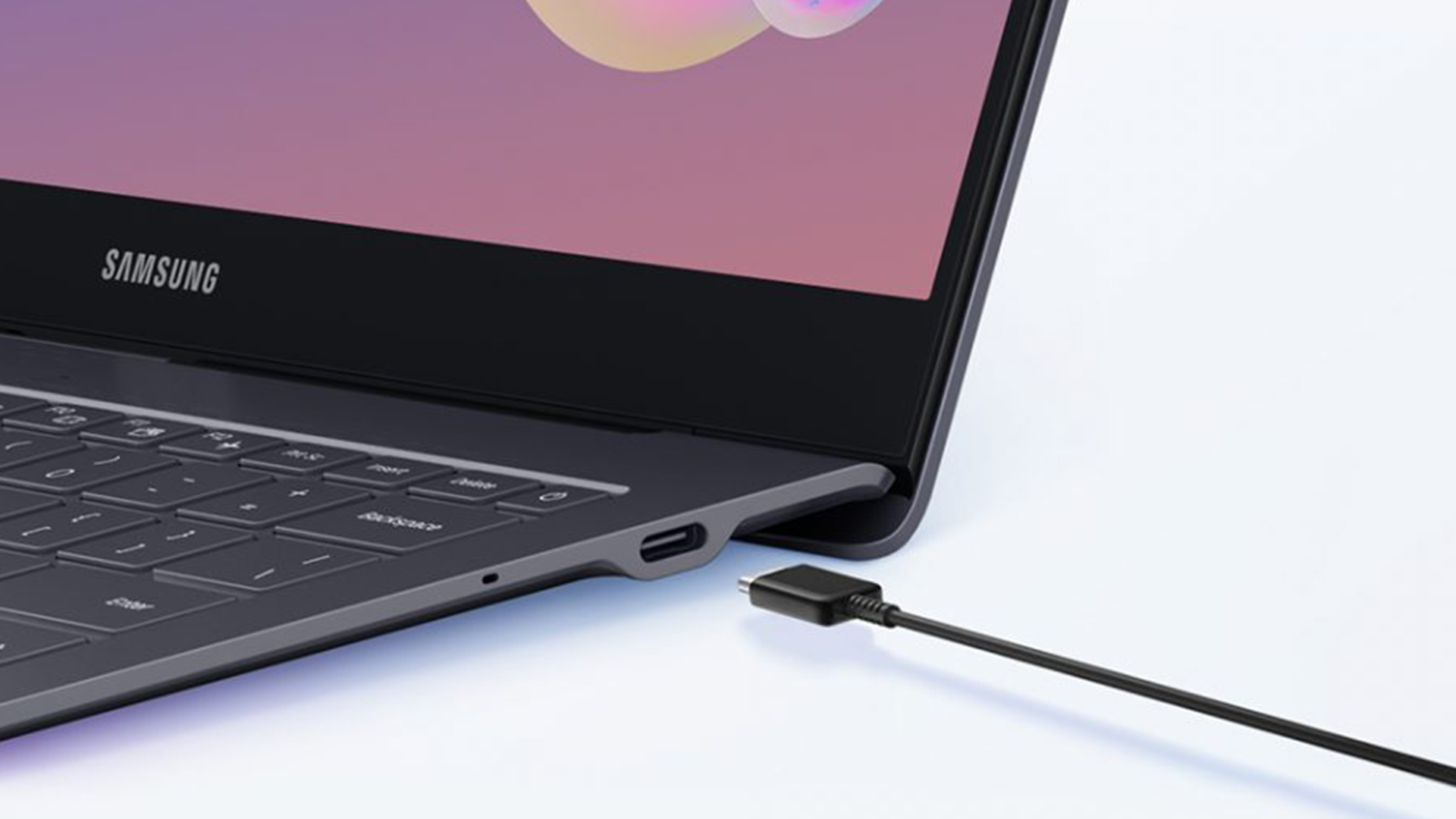
The battery in the 16-inch Galaxy Book 6 has been increased to 80.2 Wh, up from the 76 Wh found in the previous model. Despite the larger battery, Samsung managed to make the laptop even thinner than before. The 14-inch models also have slightly larger batteries to help them last through a full day.
Claimed vs Real-World Usage Time
Samsung claims the Galaxy Book 6 can play video for up to 30 hours on a single charge. In real-world work tests, people are getting about 20 hours of battery life, which is a couple of hours more than the Book 5. This means you can easily go from a morning flight to an evening meeting without needing a plug.
Charging Speed and Adapter Wattage
The Galaxy Book 6 Ultra supports incredibly fast 140W charging, which can get you to 63% battery in only 30 minutes. The Pro models usually come with a smaller 65W charger that is very easy to carry in a bag. You can also use the same charger for your Samsung phone or tablet, which simplifies your life.
Power Efficiency Improvements
The new Panther Lake processor is designed to use "low-power islands" for simple tasks like typing or listening to music. This keeps the main power-hungry cores asleep for as long as possible. The result is a laptop that stays cool and quiet, even when you have been working for many hours.
Connectivity & Ports
Having the right ports means you don't have to carry a bag full of dongles every time you go to the office. Samsung has made some smart choices with the Galaxy Book 5 specs and the Book 6 updates.
Physical Port Selection
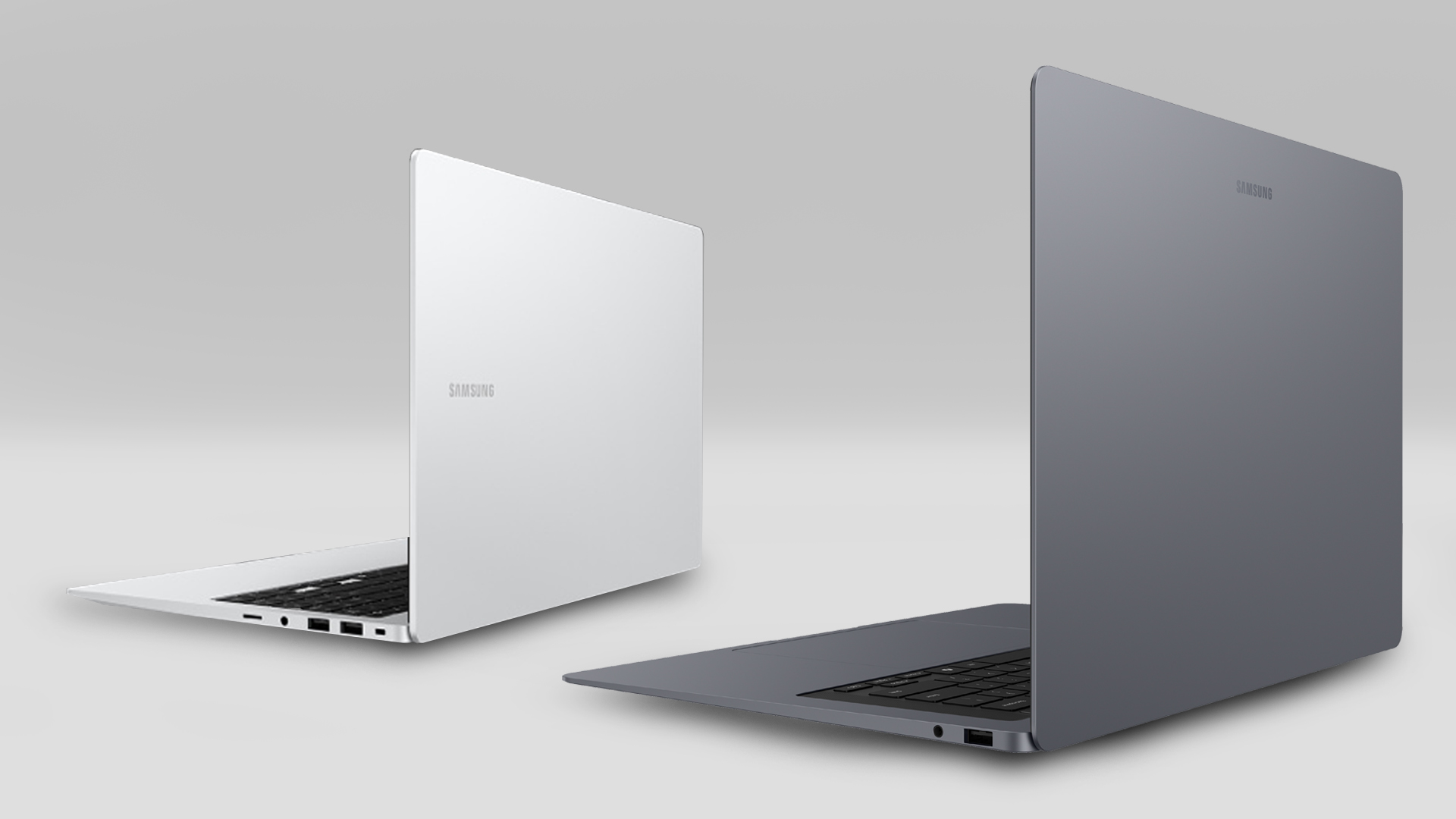
The Galaxy Book 6 still includes a full-size USB-A port, which is getting rare on modern thin laptops. You also get two Thunderbolt 4 ports for fast data and an HDMI 2.1 port that can drive an 8K monitor. There is also a microSD card slot on most models, though some regions may vary.
Wireless Connectivity
Both generations fully support Wi-Fi 7, which offers much faster speeds and lower lag. They also use Bluetooth 5.4, which makes connecting to your wireless headphones or mouse much more stable. These new standards make both series more future-proof as internet speeds continue to get faster.
New Port Additions or Removals
One notable removal is the microSD slot on some 14-inch Pro models, which might annoy photographers who use small cameras. However, the 16-inch Ultra model now has a full-size SD card slot, which is a huge win for creative professionals. Overall, the port layout is very similar, but the technology inside the ports is faster.
Software & Ecosystem Integration
The software experience is where Samsung really stands out from other Windows laptop brands. The latest Samsung laptop upgrades focus heavily on how the computer talks to your other devices.
OS Version and Pre-installed Software
Both laptops run Windows 11 Home, but the Galaxy Book 6 is specifically tuned for the new AI features built into the latest update. It comes with a suite of Samsung apps that are designed to help with everything from taking notes to editing photos. These apps work in the background to make the system feel faster and more helpful.
Samsung Ecosystem Features
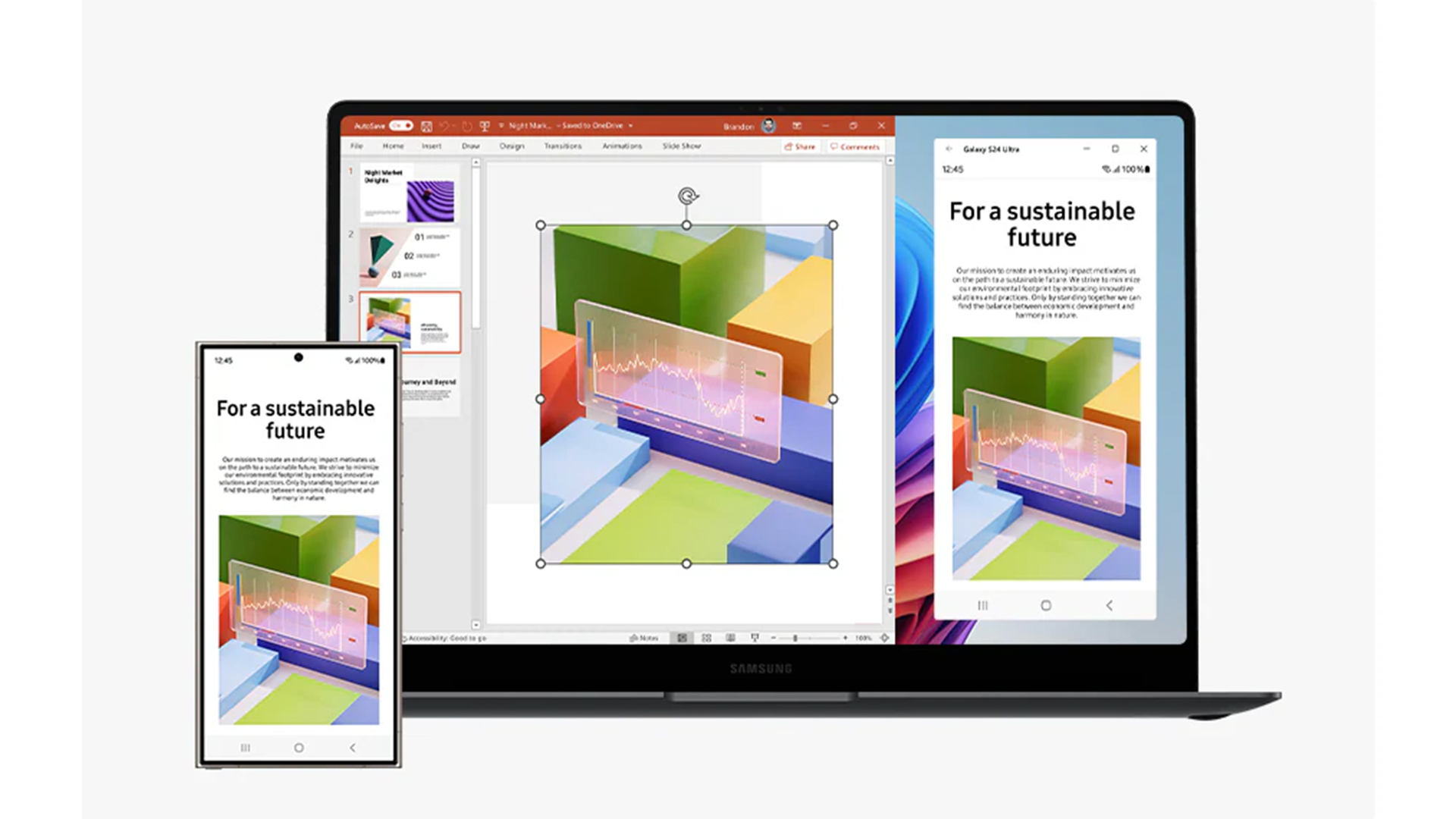
Samsung Multi Control is a standout feature that lets you use one mouse and keyboard across your laptop, phone, and tablet. You can also use a Galaxy Tab as a second screen for your laptop without any wires. Quick Share allows you to send large files between devices instantly, just like AirDrop on a Mac.
AI-Powered Features Comparison
The Galaxy Book 6 performance in AI tasks is much higher because of the new NPU that can do 50 trillion operations per second. Features like Note Assist can summarise a long meeting recording in seconds. You can also use Generative Edit to remove people or objects from your photos directly on the laptop.
Camera, Audio & Multimedia
Multimedia is a huge part of the Samsung experience, and the 2026 models have seen some of the best upgrades in years.
Webcam Resolution and Quality
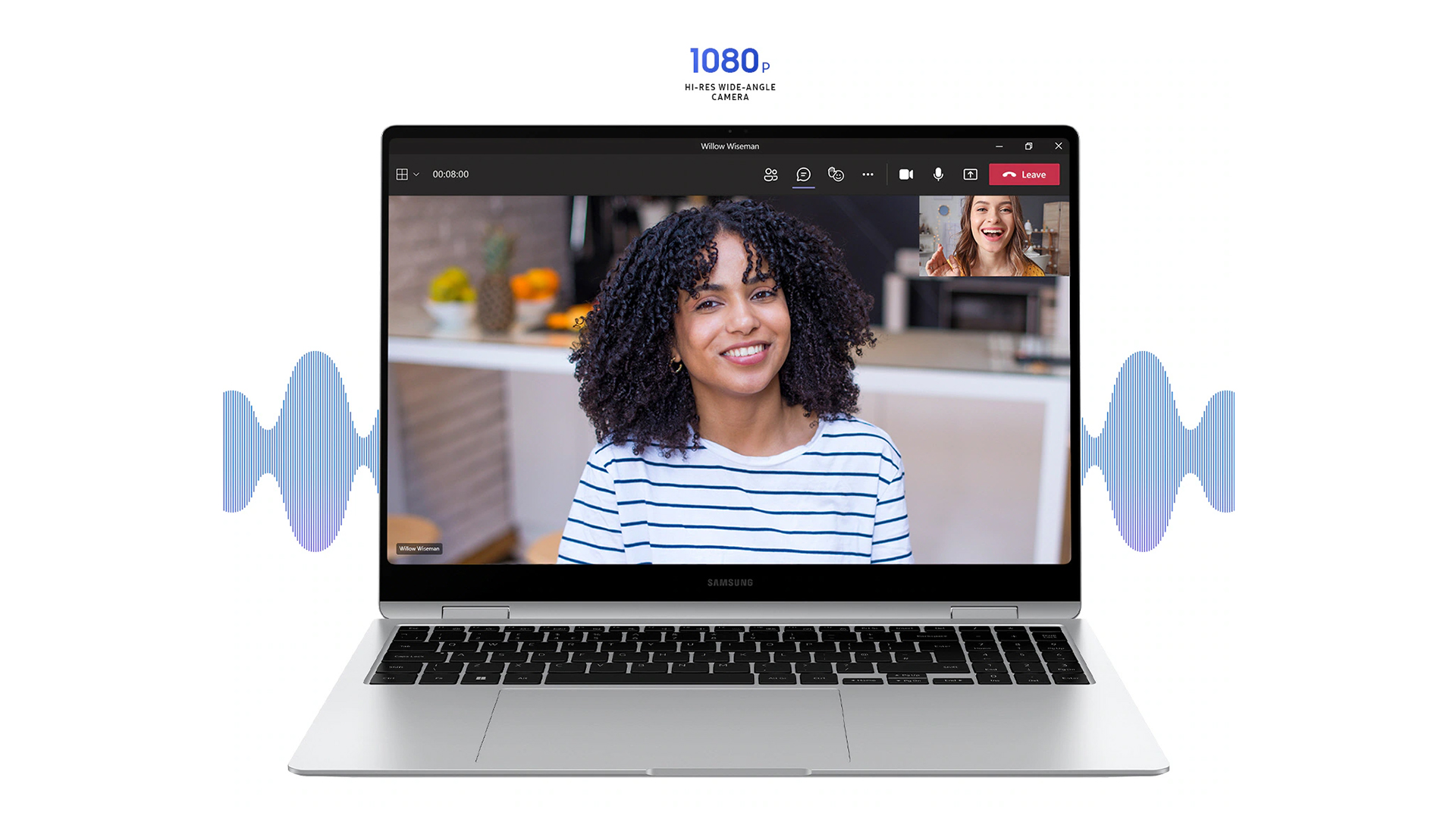
Both generations use a 1080p Full HD webcam that provides very clear video for work calls. The Galaxy Book 6 uses AI to improve the image in low light, making you look better during evening meetings. It also includes "Auto Framing" which keeps your face in the centre even if you move around.
Microphone Improvements
The dual-array microphones on the Galaxy Book 6 have been improved to filter out even more background noise. They can isolate your voice from the sound of a loud fan or traffic outside your window. This means you don't need to wear a headset as often for your daily conference calls.
Speaker Setup and Audio Enhancements
The Galaxy Book 6 Ultra has a massive six-speaker system with four woofers for deep, rich bass. The sound is much fuller and louder than the Book 5, making it great for watching movies without external speakers. Even the Pro model sounds better because the speakers are now facing towards the user.
Video Conferencing Performance
With the new AI chips, the Galaxy Book 6 can handle background blur and eye contact correction without making the laptop get hot. The video stays smooth and crisp, even if you are sharing your screen and running other apps at the same time. It makes for a much more professional experience when working from home.
Price & Value for Money
Price is often the deciding factor when comparing the Galaxy Book 6 vs Galaxy Book 5. In the UK, the market has seen some interesting shifts in early 2026.
Launch and Market Prices
The Galaxy Book 6 Pro starts at around £1,399, while the powerful Ultra model can cost up to £2,999. Because the Galaxy Book 6 is new, the older Galaxy Book 5 has seen big price cuts of up to £300. You can often find the Book 5 for under £1,000, which makes it a great bargain for many people.
Value for Different Users
For students, the discounted Galaxy Book 5 is likely the better value because it still handles all schoolwork perfectly. Professionals and creators will find the extra cost of the Galaxy Book 6 worth it for the massive jump in speed and AI power. The better screen and faster charging also add a lot of daily value for power users.
Longevity and Resale Value
Samsung laptops hold their value well because they are built so strongly. The Galaxy Book 6 is likely to last longer as a primary computer because it supports the very latest internet and storage standards. Buying the newer model now means you probably won't need to upgrade again for at least four or five years.
Pros & Cons Summary Table
Choosing between these two means looking at what you are willing to trade for a lower or higher price.
|
Model |
Pros |
Cons |
|
Galaxy Book 6 |
Incredible AI and gaming power; Centred, comfortable keyboard; Stunning 1100-nit HDR display; Fast Wi-Fi 7 speeds. |
Much more expensive than the Book 5; Removal of the numpad might annoy some; Can still get warm under very heavy load. |
|
Galaxy Book 5 |
Excellent value with recent discounts; Includes a full numpad for numbers work; Extremely thin and very portable; Beautiful AMOLED screen for the price. |
Older processor is 60% slower than Book 6; Off-centre typing position is less comfortable; Lower AI performance. |
Both of these are fantastic machines that offer a premium experience. The newer model is a better tool for the future, but the older one is a smarter way to save money today.

Which Galaxy Book You Should Go For?
In this detailed Galaxy Book 6 vs Galaxy Book 5 comparison, the winner depends entirely on your usage.
If you are a student or standard office worker, the Galaxy Book 5 remains an outstanding purchase. It offers a stunning AMOLED screen, reliable everyday performance, and great battery life at a heavily discounted price point.
Conversely, if you are a creative professional pushing heavy computing workloads, the Book 6 is the clear choice. The enhanced NPU, superior battery efficiency, anti-reflective display, and Wi-Fi 7 make the Galaxy Book 6 features well worth the premium cost.

Just So You Know...
Does the Galaxy Book 6 have a 360-degree model?
No, as of early 2026, Samsung has not released a 360-degree convertible for the Book 6 line. You should opt for the Galaxy Book 5 Pro 360 if you need a 2-in-1 hinge.
Is the Galaxy Book 6 better for gaming than the Book 5?
Yes, significantly. The Galaxy Book 6 Ultra features NVIDIA RTX 50-series graphics with GDDR7 memory, providing a massive jump over the integrated graphics found in most Galaxy Book 5 models.
Is the Galaxy Book 6 worth upgrading from Galaxy Book 5?
Upgrade if you need better performance for professional work, value the longer battery life, or want latest AI features. Keep your Galaxy Book 5 if it meets your needs and budget constraints exist.
Which Galaxy Book is better for video editing?
The Galaxy Book 6 series suits video editing better with its faster processor, larger RAM options reaching 64GB, and improved thermal management. The Galaxy Book 5 manages light video editing adequately but may struggle with 4K timelines.
Does the Galaxy Book 5 support AI features?
The Galaxy Book 5 is a Copilot+ PC and supports many AI features, but its NPU is slower than the one found in the Galaxy Book 6.
Does the Galaxy Book 6 support the S Pen?
Yes, the Galaxy Book 6 fully supports Samsung's S Pen with optimised pressure sensitivity. The Galaxy Book 5 also supported S Pen functionality, though with slightly less precision.
Related Articles

Last Updated: May 19, 2026
Looking for the perfect laptop that fits your student budget without compromising on performance? The Samsung Galaxy Book series offers the best of both worlds, powerful features at a price point that’s just right for university life.
However, finding a laptop that ticks all the boxes can be overwhelming, especially when balancing a limited student budget with the need for robust performance. This is where the Samsung Galaxy Book laptops step in. Samsung has a strong reputation for blending cutting-edge technology with sleek, functional designs, making its Galaxy Book line a standout option for students. These laptops offer powerful processing, great battery life, and essential features for academic and personal use; all at a price point that makes sense for students. From handling heavy workloads to offering portability and long-lasting battery life, the Galaxy Book range has something for every student.
So, let’s dive right into it!
How Do I Choose a Laptop for University Students?
Last Updated: September 09, 2025
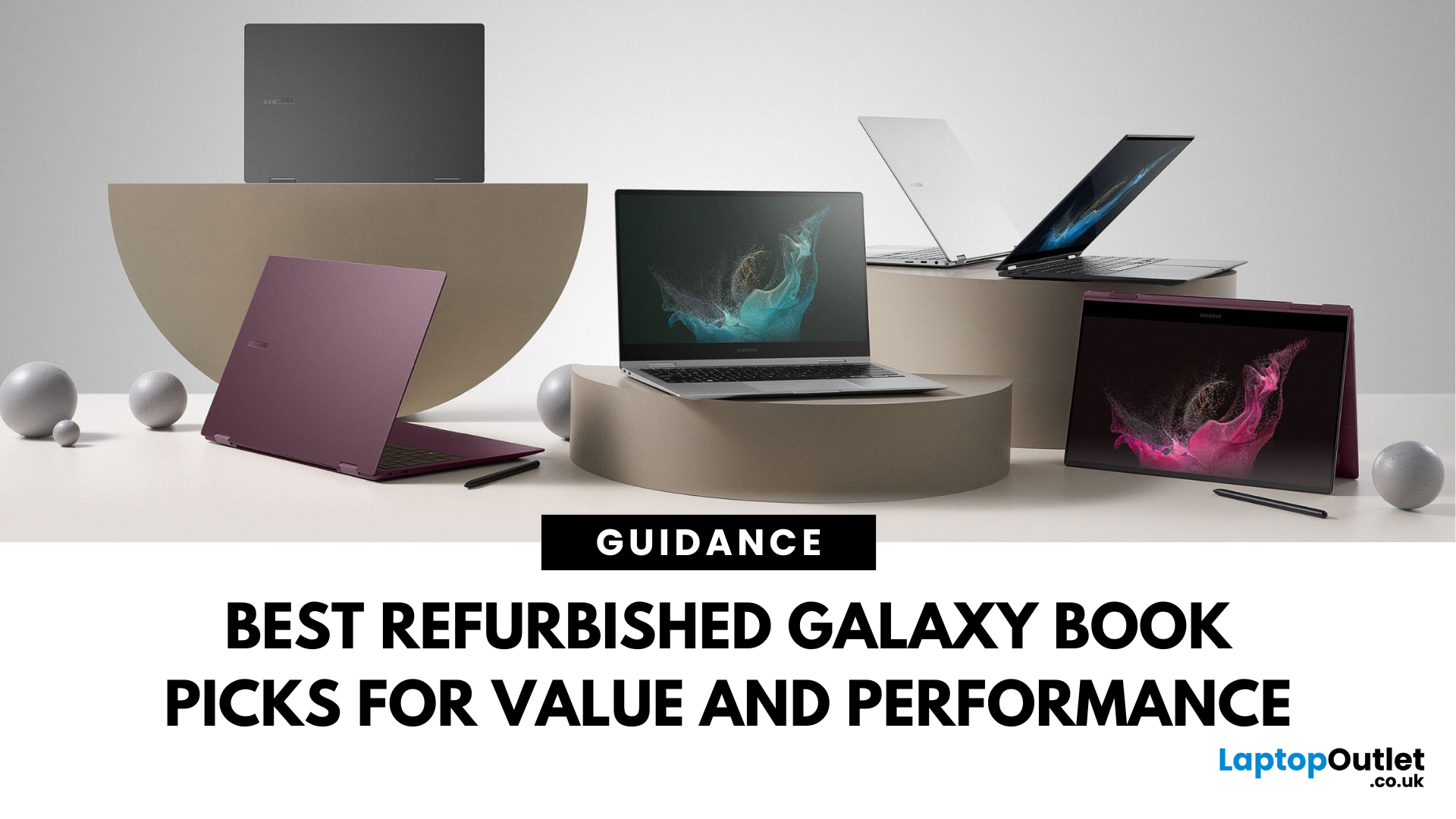
Looking for unbeatable Samsung tech without the flagship price tag? You’re in the right place. Whether you’re after a basic browsing machine or a next-gen 2-in-1 powerhouse, the Refurbished Samsung Galaxy Book lineup has you covered — all at epic prices.
We’ve picked five refurbished Galaxy Book models that punch way above their price point. From under £150 to high-performance convertibles, these laptops deliver insane savings, smooth performance, and certified quality — all backed by Laptop Outlet.
Let’s dive in.
1. Refurbished - Samsung Galaxy Book2 Go 5G – Always Connected, Always Ready (Under £150) 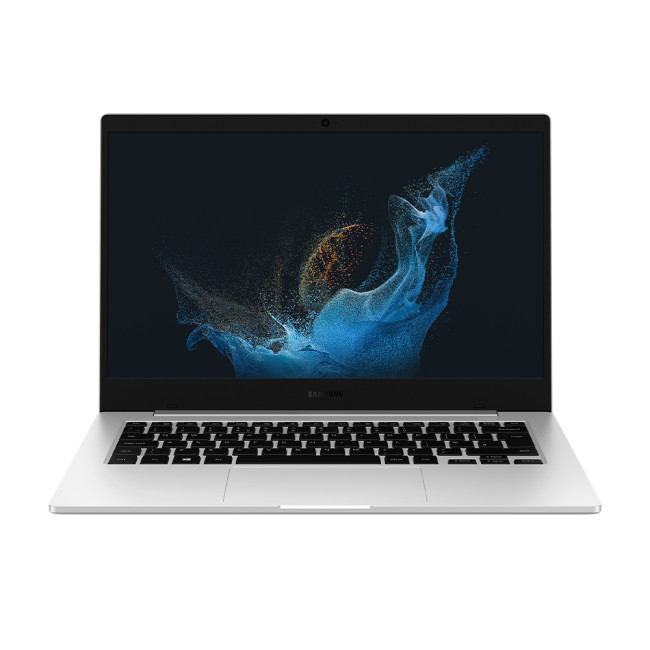
Price: Approx. £150
Model: NP345XNA-KA1UK-AG
Perfect for: Students, light users, travellers, those needing constant connectivity
Why You’ll Love It:
Stay connected wherever you are with this refurbished Samsung Galaxy Book2 Go 5G. Powered by the efficient Qualcomm Snapdragon 7c+ Gen 3 processor and running Windows 11 Home, it offers smooth performance for everyday
Last Updated: September 23, 2025
What’s the Key Difference?
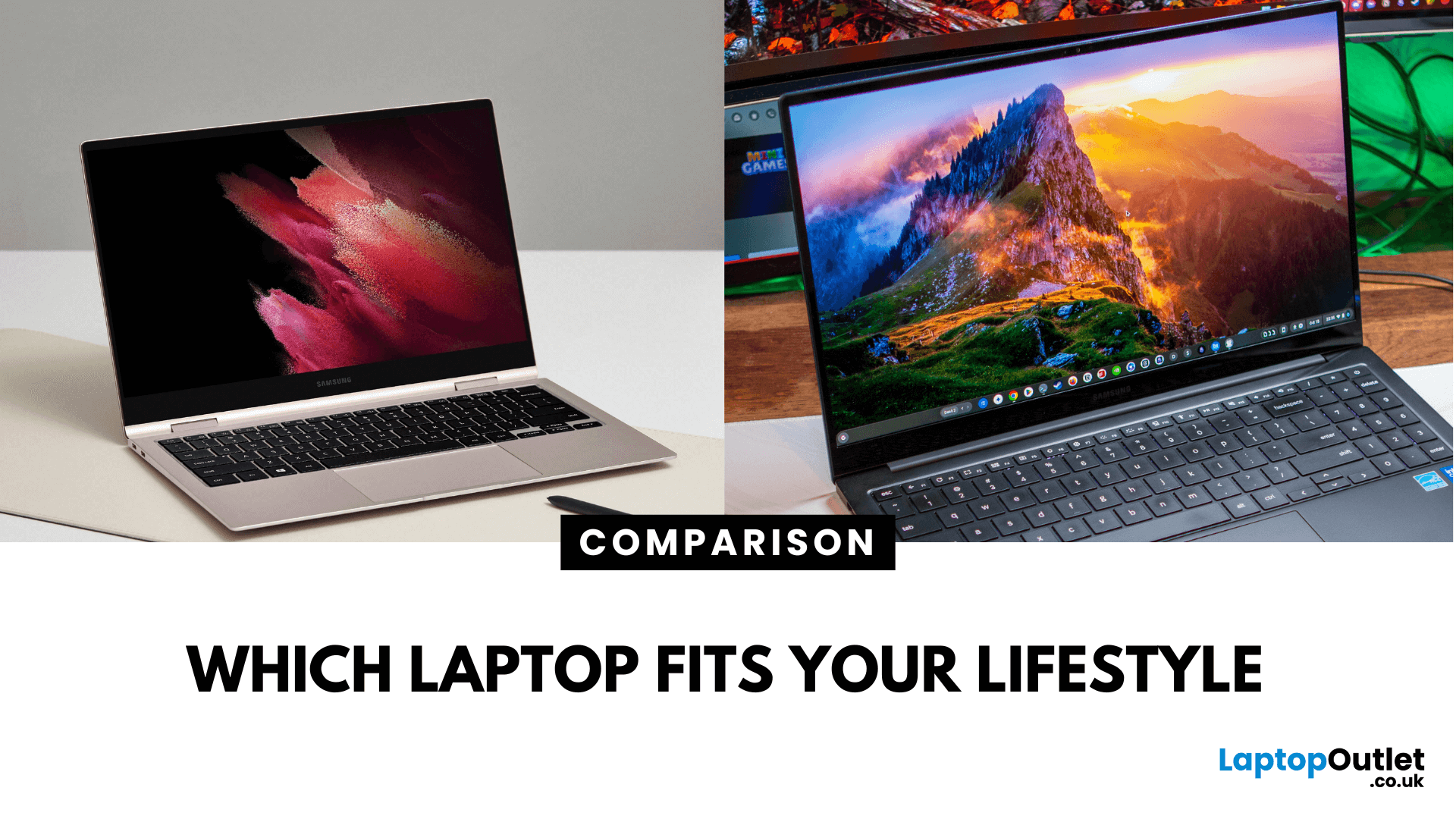
Samsung Galaxy Book is Samsung’s line of Windows laptops offering powerful hardware, rich feature sets, and mature software support -built for productivity and creativity. Chromebooks run Chrome OS—Google’s streamlined, cloud-centric platform built for speed, web apps, and light computing.
Fundamentally, Galaxy Books deliver full Windows power; Chromebooks deliver lightweight simplicity.
Feature Comparison Table
| Feature | Samsung Galaxy Book | Chromebook |
| Operating System | Windows – full desktop environment | Chrome OS – cloud-first, lightweight platform |
| Performance & Hardware | Premium processors, abundant RAM & storage | Lighter processors and configurations tailored for basic tasks |
| Design & Build | Sleek, stylish, built for mobility and premium feel | Ultra-light, minimalistic, highly portable |
| Battery Life | Strong battery for Windows usage | Excellent battery due to efficiency of Chrome OS |
| Portability | Lightweight for a Windows laptop | Extremely portable with featherweight designs |
Last Updated: April 21, 2026
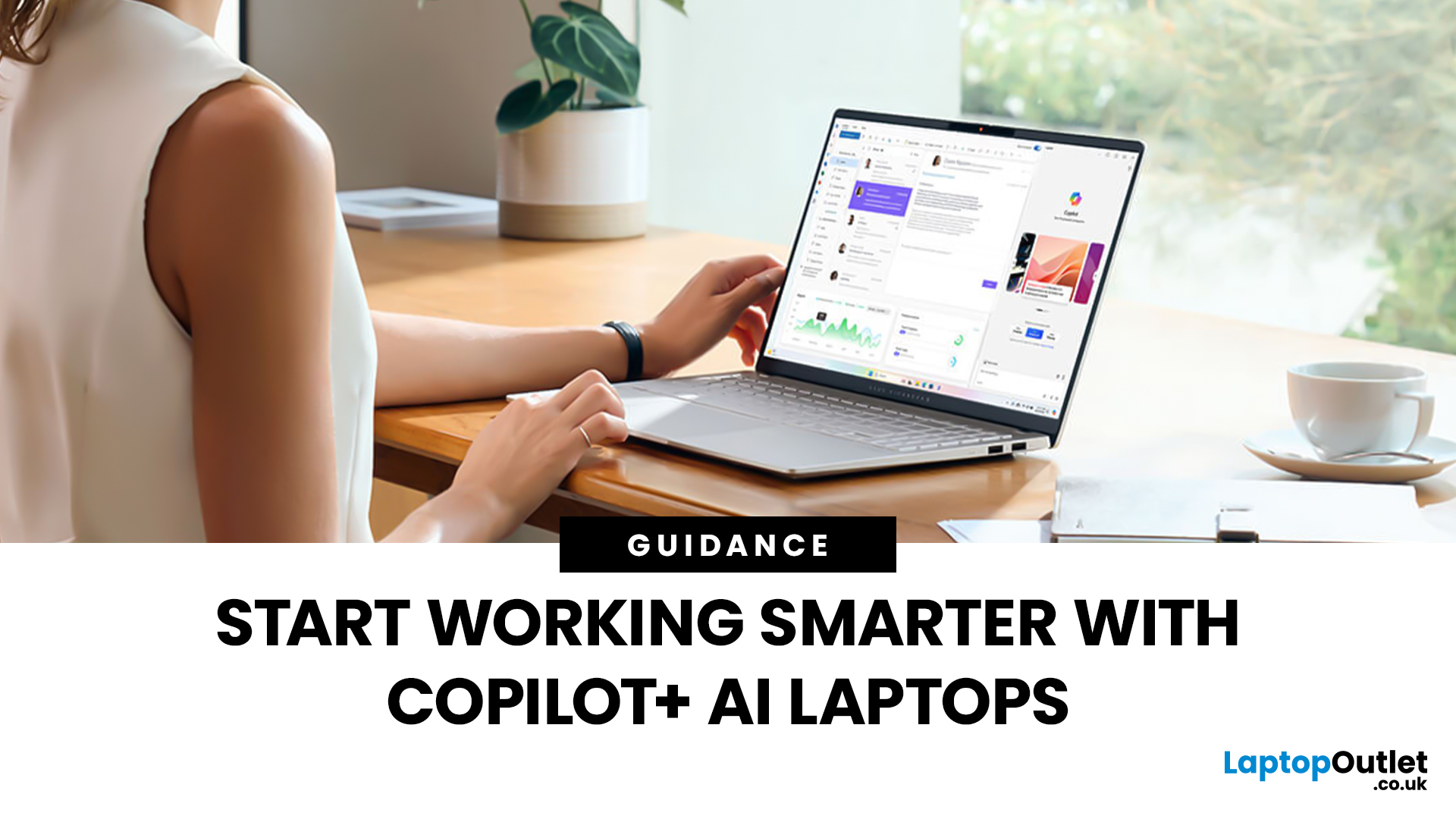
The world of computing is changing fast. We are no longer just looking for faster processors or thinner designs. Today, the focus has shifted to intelligence.
To understand this shift, we need to look at a new category of devices: Copilot+ Laptops. These are not just standard computers; they are AI-powered laptops designed to think, learn, and assist you in real-time.
Whether you are a busy professional, a digital artist, or a student, Windows Copilot+ PCs offer a new way to interact with technology. By integrating hardware and software more tightly than ever before, these machines handle complex tasks with ease.
In this guide, we will explore why these next-generation Windows laptops are the ultimate choice for your next upgrade.
What are Copilot+ Laptops?
Copilot+ Laptops are a new class of Windows 11 laptops with dedicated hardware for advanced Artificial Intelligence (AI) tasks. They offer enhanced performance, security, and unique features that run locally on the device.
Unlike

Last Updated: January 21, 2026
Let’s be honest - most of us don’t work (or study, or relax) in just one way anymore. One minute you’re typing notes, the next you’re scrolling, watching something, sketching ideas, or replying to emails from the sofa.
That’s exactly why convertible tablets exist.
Also called 2-in-1 laptops, laptop tablets, or the very literal notebook two-in-one, these devices are designed to adapt to how you use tech throughout the day - not force you into one setup.
But choosing the right 2 in 1 laptop convertible isn’t always straightforward. Some lean more laptop. Some feel more like tablets. And some just… try to do everything and don’t quite nail it.
This guide breaks it all down in a way that actually makes sense.
What Is a Convertible Tablet (And Why Do People Buy Them)?
A convertible tablet is a hybrid device that combines:
- A laptop’s power (keyboard, trackpad, desktop software)
- A tablet’s flexibility (touchscreen, pen input, portability)
Most convertible tablets run Windows, which means you’re
Last Updated: April 28, 2026
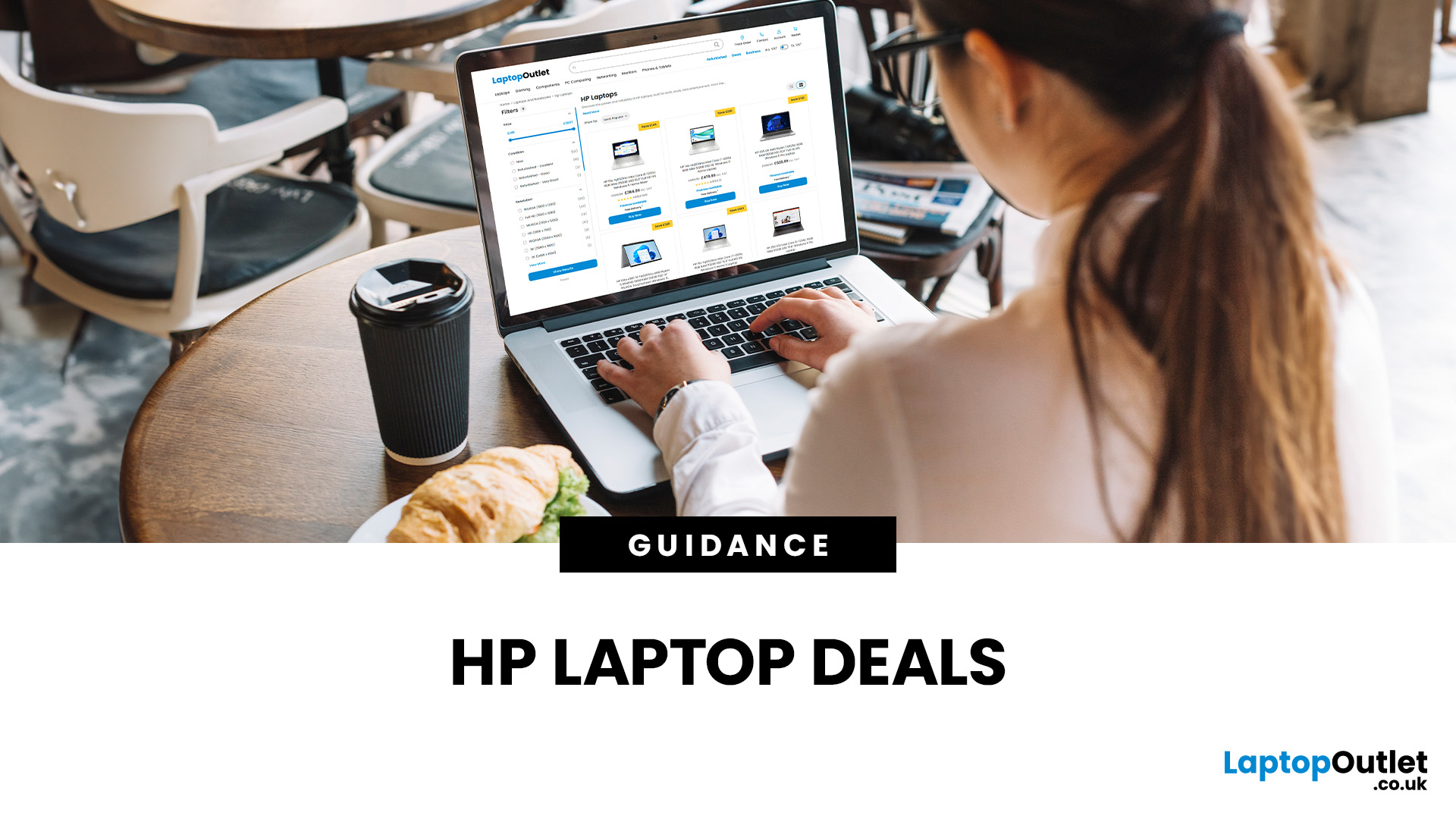
Struggling to find HP laptop deals that don’t feel overpriced, outdated, or just not worth it? Yeah — scrolling through endless specs, inflated prices, and “fake” discounts can be frustrating, especially when you just need a laptop that actually works for study, work, or everyday life.
The problem? Too many laptops either cost way too much or cut corners where it matters. Slow performance, tiny storage, poor screens, not the vibe. And when you’re on a budget, finding reliable HP laptops UK shoppers can trust shouldn’t feel like a gamble.
That’s where Laptop Outlet comes in. We’ve rounded up some of the best HP laptops on sale in the UK, with prices starting from just £149.99. From cheap HP laptops for everyday use to powerful business-ready machines, our handpicked HP laptop offers give you serious value without compromising on quality.
HP 15-fc0045na – Everyday Power for You
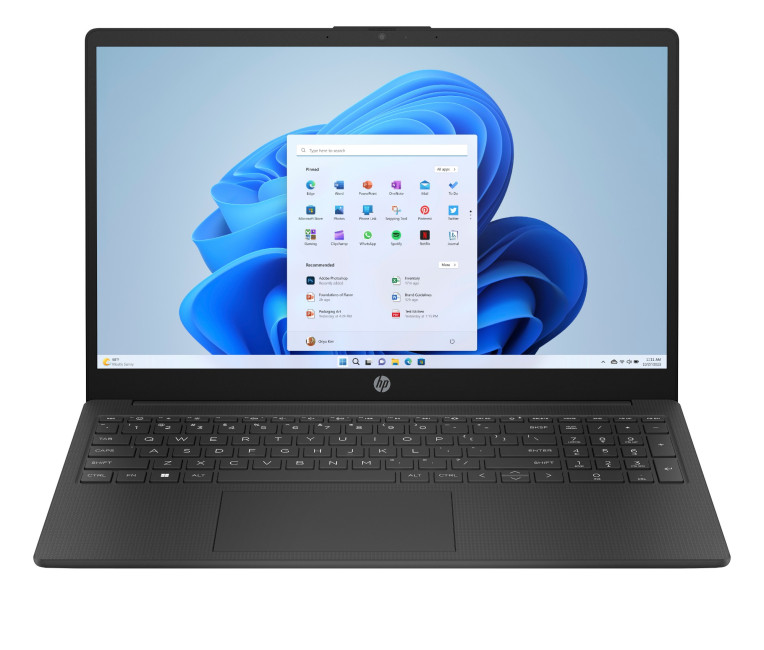
- The HP 15-fc0045na is a well-balanced 15.6-inch laptop that perfectly blends performance with everyday

Last Updated: January 28, 2026
We don’t usually abandon a tech purchase because of the price. It’s the delivery that makes us hesitate to move the things from whislist to place the order. Unexpected charges, unclear arrival dates, or slow dispatch can stop us right at checkout. And it feels unfair and cruel that we need to sacrifice our favourite gadget due to this delivery obstacle.
That’s why Laptop Outlet’s free standard delivery is kept clear and upfront, so you know exactly what you’re paying and when your order will arrive before you commit.
Let’s make it simple for you to understand that how free standard delivery by Laptop Outlet works, explore the key shipping benefits, and explain why it’s one of the smartest ways to stretch your tech budget further.
What Is Laptop Outlet’s Free Standard Delivery?
Free standard delivery by Laptop Outlet is designed to keep things simple, transparent, and affordable for customers across the UK.
Here’s how it works:
- Spend over £200 and your order qualifies for free standard
Last Updated: January 28, 2026
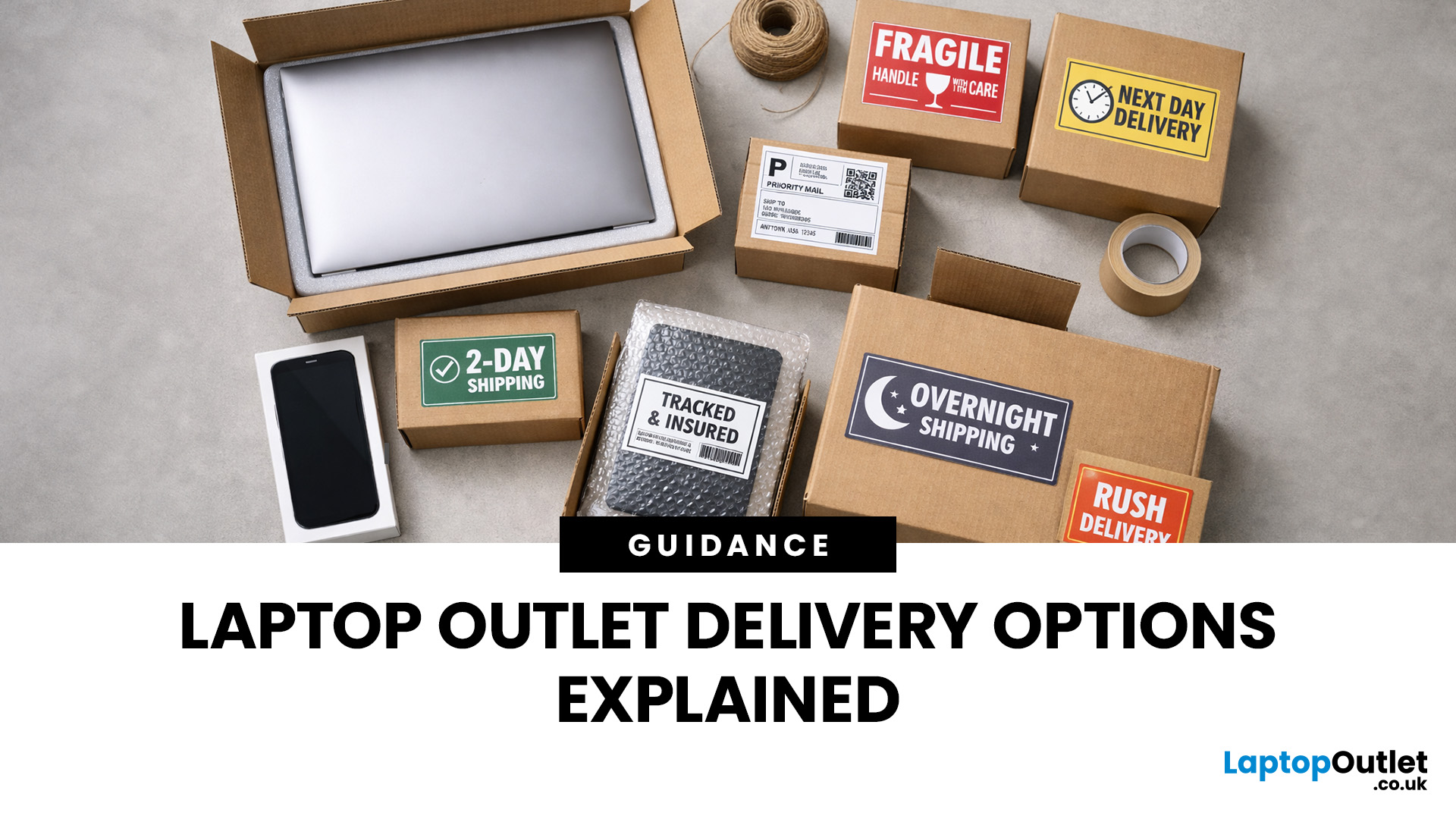
Buying tech online isn’t just about specs and price; delivery speed, flexibility, and reliability matter just as much. Whether you’re replacing a broken work laptop, upgrading your home setup, or ordering a last-minute gift, knowing your delivery options can make all the difference. In this guide, we explain Laptop Outlet delivery services options, how they work, and which service is best for your needs, from free standard delivery to next-day and book-a-slot delivery.
What Delivery Options Does Laptop Outlet Offer?
Laptop Outlet provides multiple delivery services designed to suit different customer needs, budgets, and timeframes. Each option is clearly shown at checkout, so you can choose the delivery speed and convenience level that works best for you. These include:
- Free Standard Delivery
- Next-Day/Priority Delivery
- Book-a-Slot Scheduled Delivery
How Does Laptop Outlet Delivery Work?
For full details, customers can always refer to the dedicated delivery info page. Laptop Outlet’s
Last Updated: January 28, 2026
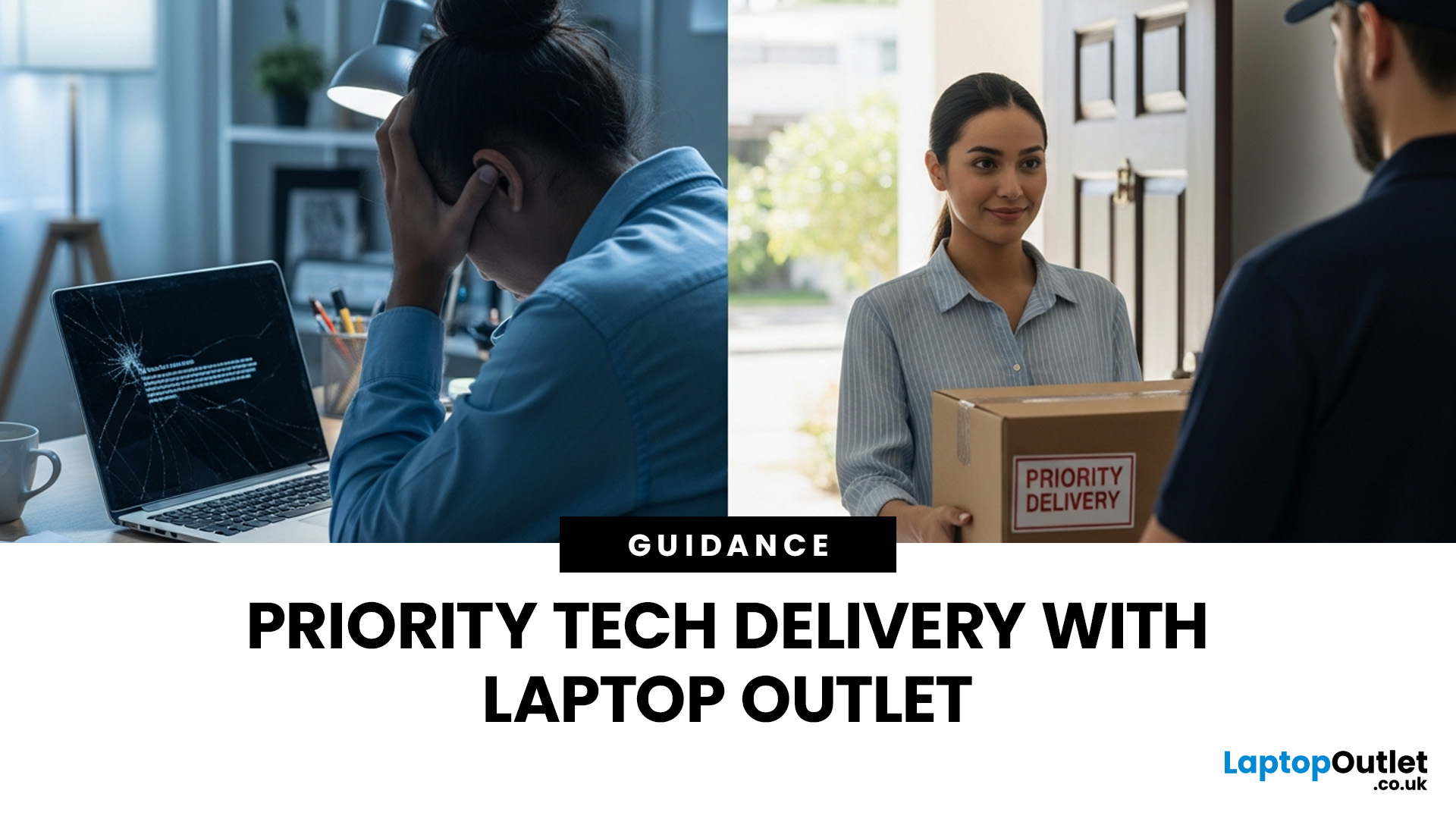
Let’s be honest — when your tech lets you down, waiting is the last option you want. Maybe your laptop stopped working the night before a deadline, your PC failed mid-project, or you’ve just realised you need a new device now, not next week. That’s exactly where Laptop Outlet next-day / priority delivery comes in. If you need fast, reliable tech delivery in the UK, this guide explains how Laptop Outlet’s next-day service works, what you can order, and why it’s the smart choice for urgent tech needs.
Why Speed Matters When Ordering Tech Online
When your laptop or PC breaks, everything slows down — work, study, gaming, even staying connected. Waiting days for a replacement just isn’t practical. With next-day laptop delivery, you don’t have to put life on pause. Laptop Outlet’s express service is built for:
- Last-minute replacements
- Urgent work-from-home setups
- Business and study deadlines
- Time-sensitive gifts or upgrades
If speed matters to you, Laptop Outlet Express shipping delivers when
Last Updated: January 28, 2026
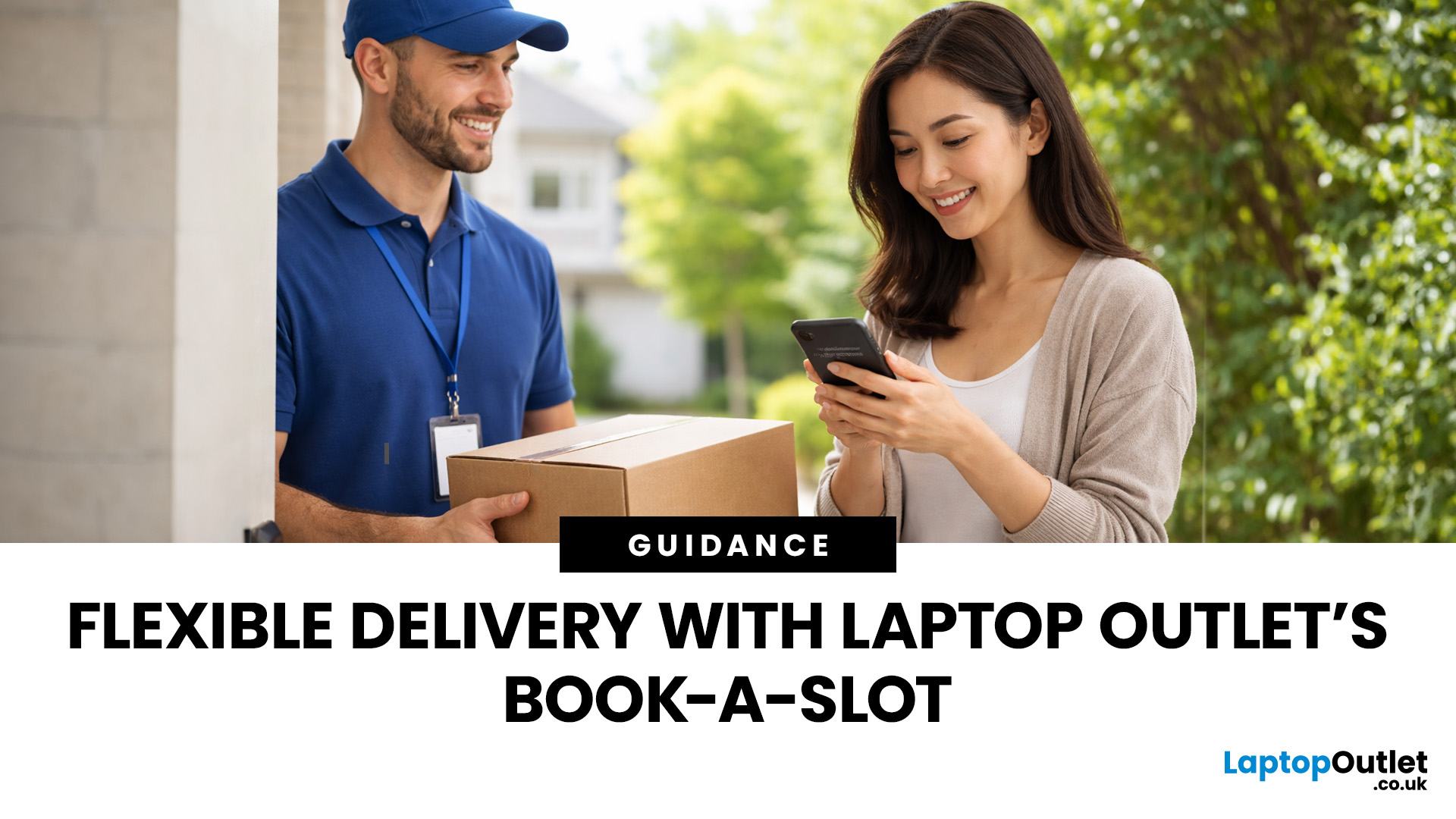
Let’s be real — waiting around all day for a delivery is no one’s idea of fun. You’ve got meetings, errands, school runs, and about a million other things going on. The last thing you want is to be stuck at home wondering “Will it arrive now… or later?” That’s exactly why customers love Laptop Outlet book-a-slot delivery.
This delivery option puts you in control, letting you choose when your tech arrives, not the other way around. Here’s how it works, why it’s so popular, and whether it’s the right choice for your next order.
What is Laptop Outlet Book-a-Slot Delivery?
Laptop Outlet’s book-a-slot delivery service is a scheduled tech delivery service that allows you to pick a specific delivery day and time slot at checkout. Instead of waiting around all day, you get a clearly defined delivery window, so you know exactly when your order is arriving. In short:
- You choose the day, time, and location
- The courier delivers within that slot
- Your tech arrives when it suits you
It’s one of Laptop

