



7 Best Laptops for Civil & Structural Engineers
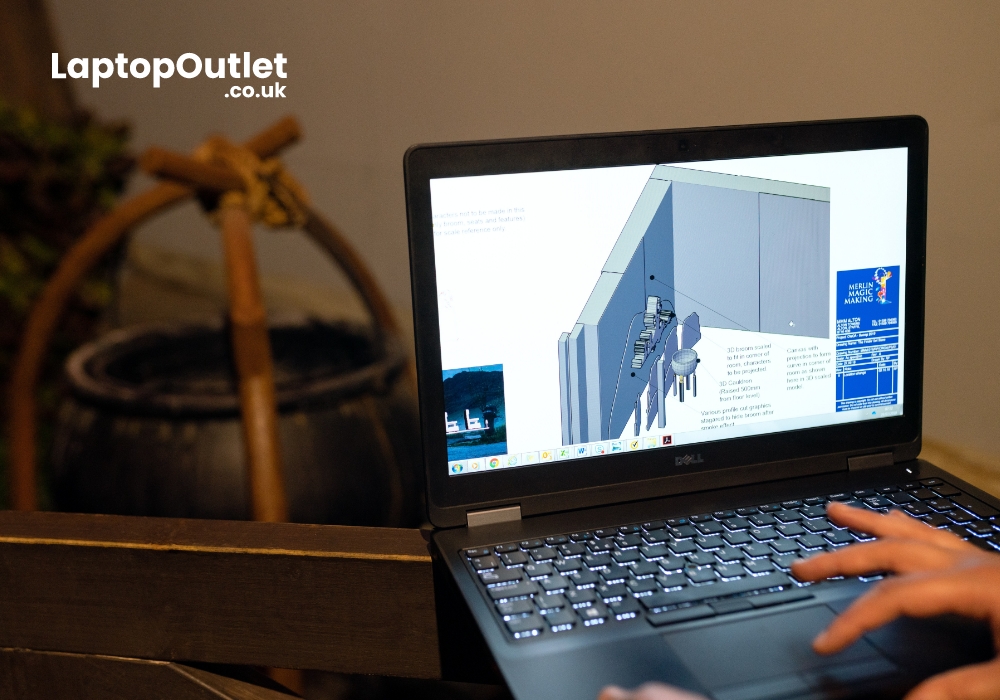
If you are a civil or construction engineer, you may already know about all the perks of this field. Before computers, most engineering tasks were quite laborious but now the experts of the domain make use of the latest high-end computing machines for designing, testing, and editing structural designs.
For instance, civil and structural engineers use CAD (Computer Aided Design) software to make 2D and 3D designs of buildings. This computer-assisted application enables the professionals to take their ideas from a state of mind to a virtual prototype in the 2D and 3D environment. CAD also helps structural and civil professionals to digitally draw more accurate representations.
Whatsoever, CAD, MATLAB, and other civil-specific designing software demands powerful computing machines for their smooth operations. Thus, you need a high-end laptop, capable of smoothly running modern or complex applications. However, the availability of innumerable competitive laptops in the market often makes a person confused.
In this guide, we have listed down the top 7 laptops that do their job for people working in the construction sectors. Let’s do no more talk and get straight to the list.
Samsung Galaxy Book2 Pro
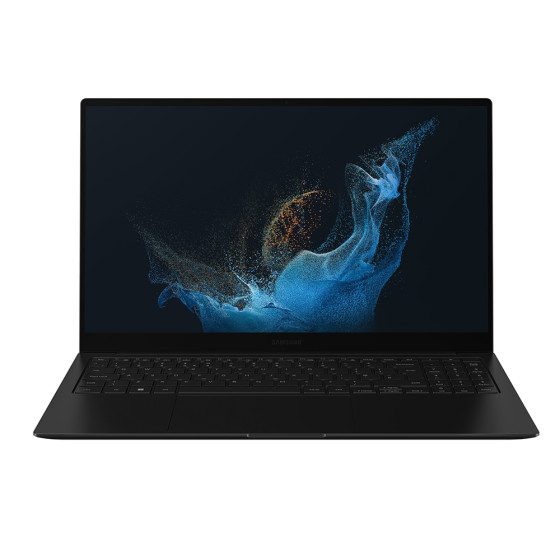
Key Features:
- Intel Evo Core i7 12th Gen. Processor
- 15.6” Screen Size, 1920 x 1080
- 16GB RAM, 512GB SSD
- Intel Iris Xe Graphics GPU
- Windows 11 Pro
If you are looking for a lightweight, compact yet features-packed laptop for your engineering workload, Samsung Galaxy Book2 Pro is made for you. Equipped with a beefy Intel Evo Core i7 processor, this portable workstation runs any resource-intensive designing application without any hassle. While the extensive 16GB RAM (Random Access Memory) of the laptop speedily loads all the software. On the other hand, you can store an ample amount of your work-data on its spacious 512GB SSD ROM.
Lenovo ThinkPad X13
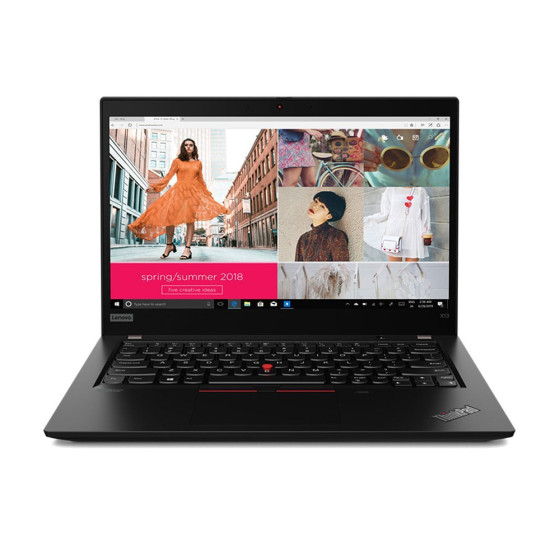
Key Features:
- AMD Ryzen 7 PRO Processor
- 13.3” Screen Size, 1920 x 1080
- 16GB RAM, 256GB SSD
- AMD Radeon GPU
- Windows 11 Pro
Packed with high-performing AMD Ryzen 7 PRO chipset, Lenovo ThinkPad X13 is one of the best and cheapest laptops out there. Under £1000 bucks, you can get a machine which is known for its steadfast productivity and reliable body. Running on the latest Windows 11 PRO, ThinkPad X13 makes use of its integrated yet futuristic AMD Radeon graphics card to deliver you vibrant graphics. Additionally, a commodious memory duo of 16GB RAM and 256GB SSD storage is all set to elevate your user experience.
HP Envy 14
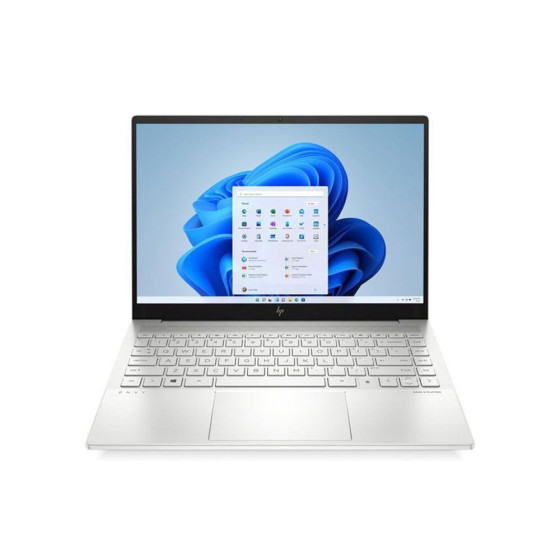
Key Features:
- Intel Core i5 11th Gen. Processor
- 14” Screen Size, 1920 x 1080
- 16GB RAM, 512GB SSD
- Intel Iris Xe Graphics GPU
- Windows 10
With its stylish as well as durable silver-aluminum alloy chassis and powerful features, HP Envy 14 can be called a successful all-rounder laptop. HP designed the ultra-light laptop to satisfy the high-intensity workload demands of the professionals. The 11th Gen. Intel Core i5 processor of the machine is good enough to seamlessly run MATLAB, CAD, and other related software. With its Intel Iris Xe Graphics application, you will not have to compromise on your work.
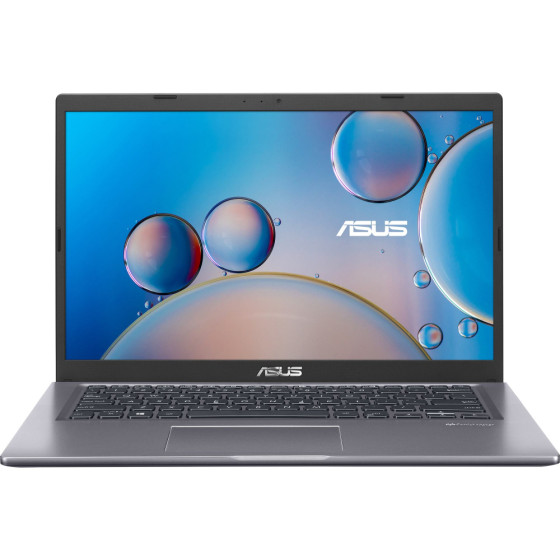
ASUS Vivobook X415JA
Key Features:
- Intel Core i7 10th Gen. Processor
- 14” Screen Size, 1920 x 1080
- 8GB RAM, 512GB SSD
- Intel Iris Plus Graphics GPU
- Windows 10 Home
ASUS Vivobook X415JA is a good entry-level laptop for structural engineers. With its affordable price tag and best performance, it can be a perfect option if you are just starting your career in the civil field. You will not find many laptops out there which will give you the cost-to-value ratio as impressive as you get with Vivobook X415JA. Ranging from speedy i7 processor to extensive 512GB storage space to the premium Intel Iris Plus Graphics GPU, everything in this ASUS laptop is completely worth the money.
Lenovo IdeaPad 3i
Key Features:
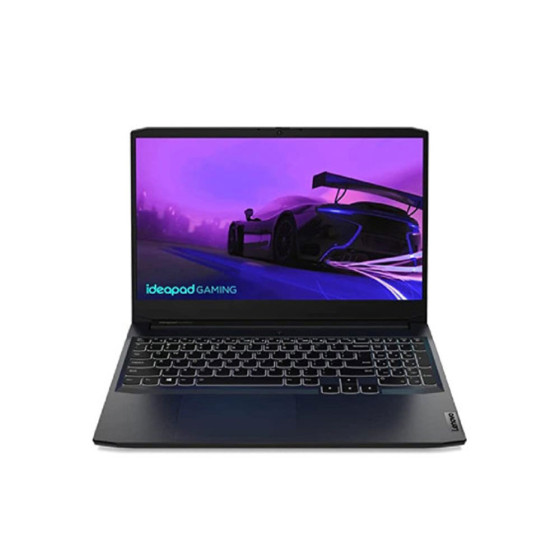
- Intel Core i5 11th Gen. Processor
- 15.6” Screen Size, 1920 x 1080
- 8GB RAM, 512GB SSD
- NVIDIA GeForce RTX 3050 Ti 4GB GPU
- Windows 11 Home
One of the most enticing features of this laptop is its market-leading GeForce RTX 3050 graphics card. This dedicated GPU from NVIDIA comes with its own 4GB graphics memory which makes it able to smoothly render any sort of graphics. While its 15.6-inches large display puts forward a screen resolution of 1920 x 1080 for delivering an immersive viewing experience. With its flagship specs yet pocket-friendly price tag, Lenovo IdeaPad 3i is one of the best laptops for civil engineers.
HP EliteBook 640 G9
Key Features:
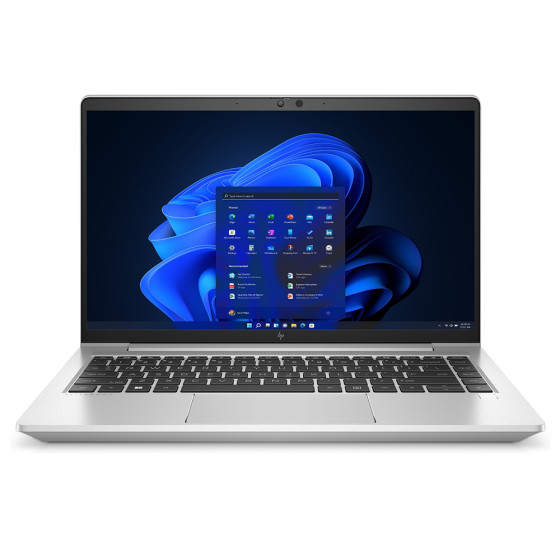
- Intel Core i5 12th Gen. Processor
- 14” Screen Size, 1920 x 1080
- 16GB RAM, 256GB SSD
- Intel Iris Xe Graphics GPU
- Windows 11l Pro
Featuring an ultra-fast Intel Core i5 processor and competitive Intel Iris Xe GPU, HP EliteBook 640 G9 delivers what it is built for. The top-notch laptop presents a pre-installed Windows 10 Home Edition which is tailored for providing you with market-best security features. While the ProBook 640 G8 takes advantage of its ProBook 640 G8 processor to run demanding applications. And with its 16GB RAM and 256GB SSD ROM, you can be sure about getting faster bootups and vast storage space.
ASUS X515
Key Features:
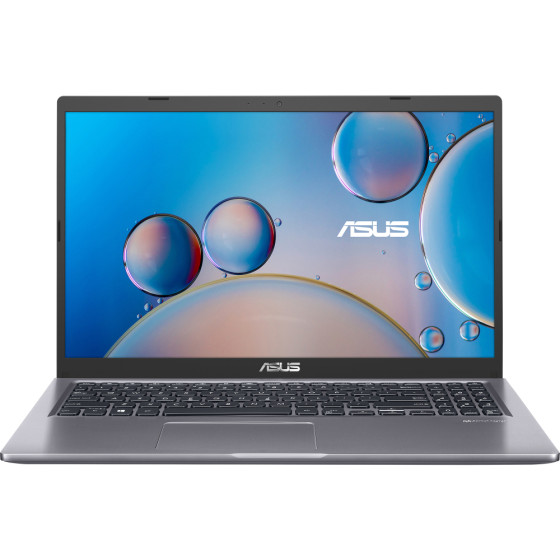
- Intel Core i7 10th Gen. Processor
- 15.6” Screen Size, 1920 x 1080
- 8GB RAM, 512GB SSD
- Intel Iris Xe Plus Graphics GPU
- Windows 10 Pro
With its speedy Intel Core i7, 10th Generation processor and a huge 15.5-inches display, ASUS X515 has all the reasons to be the next workstation. To occupy all sorts of your work-related files and applications, ASUS X515 contains a capacious storage of 512GB SSD. Despite being a cheap laptop, ASUS X515 utilises its high-performing Intel Iris Xe Plus Graphics GPU for delivering alluring graphics. While the full-size backlit keyboard of the ASUS rig is best for working in dim environments.
Wrapping It Up
Being a civil or structural engineering professional, you often need a powerful laptop that can be used for managing your workload, irrespective of the location. Although there are diverse options on the market, choosing the best workstations out of them is the real deal. This is where Laptop Outlet comes to help you. Visit our site to find your next best working laptop for effectively managing your professional tasks. Happy Working!
Read More:
| 5 Best Laptops for Running Revit in the United Kingdom |
| Best Laptops for Work, Gaming, and Design |
| MSI Prestige 15 A12UC (9S7-16S811-034) Gaming Laptop Review |
Related Articles

Last Updated: June 25, 2025
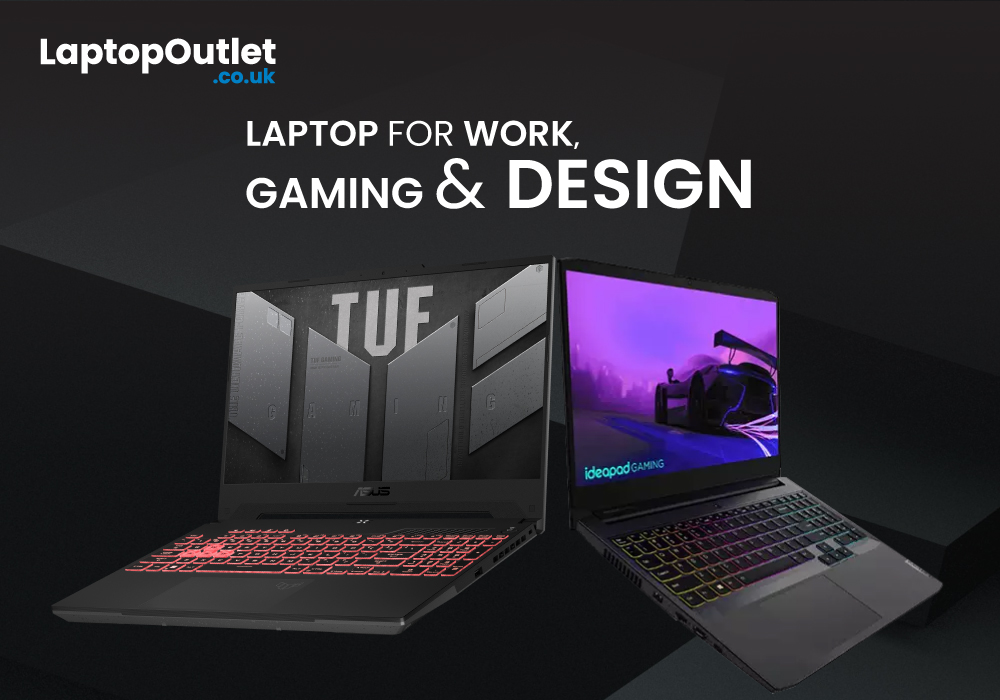
Normally, if you visit the market or online stores to buy a high-end laptop, you come across various models with costly price tags. The good news is that there are several leading brands such as Lenovo, Medion, and ASUS, offering some competitive models at quite reasonable prices.
Being a business professional, if you are looking for a good work laptop, Lenovo is there for you with its versatile series of cost-effective business laptops. And if you are a gamer, then Medion laptops can perfectly tackle your intense-gaming workload. On the other hand, ASUS is famous for its vast range of cutting-edge rigs, specially designed to run the latest designing software without any hassle.
Top 5 laptops for gaming, design, and work
In today’s article, we are going to disclose the top 5 best laptops that you can use for catering to your gaming, designing, or business workloads. Our experts have compiled the list after thorough market research so you can be sure about seeing some of the best picks.
Last Updated: August 12, 2026
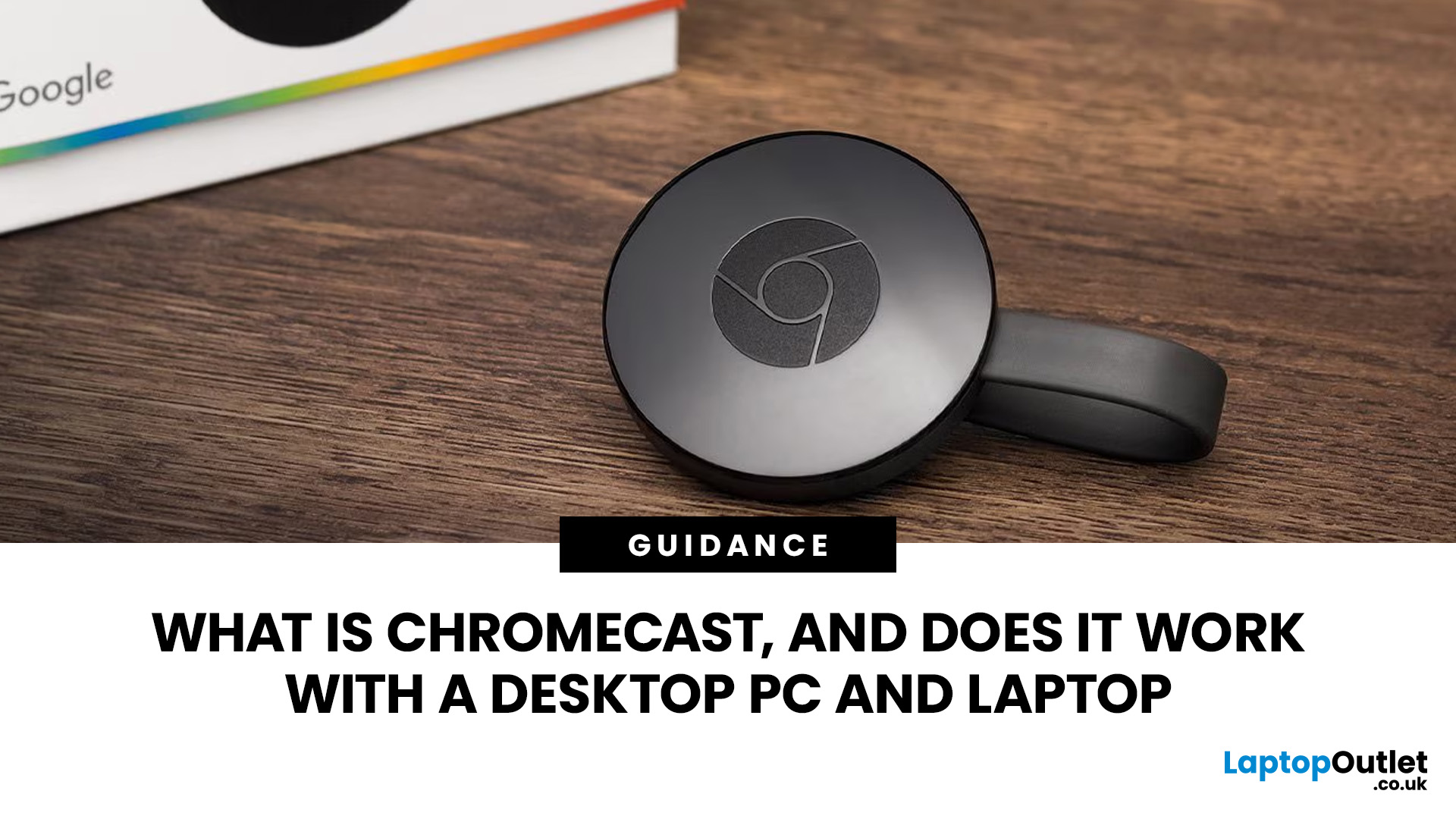
Chromecast makes it easy to show videos, websites, photos, presentations and other computer content on a larger screen. It works with compatible laptops and desktop PCs through Google Chrome and a shared network connection. The streaming device connects to a television, projector or monitor, while the computer controls what appears there.
This guide explains how that process works, what equipment you need, how to cast from Chrome and how to solve common connection problems.
What Is Chromecast?
Chromecast was the name of Google’s range of compact streaming devices. A traditional Chromecast plugs into an HDMI input on a television or other display, connects to your home network and receives content selected on a phone, tablet or computer.
The easiest way to understand it is to separate the three parts of the setup:
- The laptop or desktop PC selects and controls the content.
- The Chromecast or compatible receiver handles the cast request.
- The TV, projector or monitor displays the picture and
Last Updated: August 24, 2026
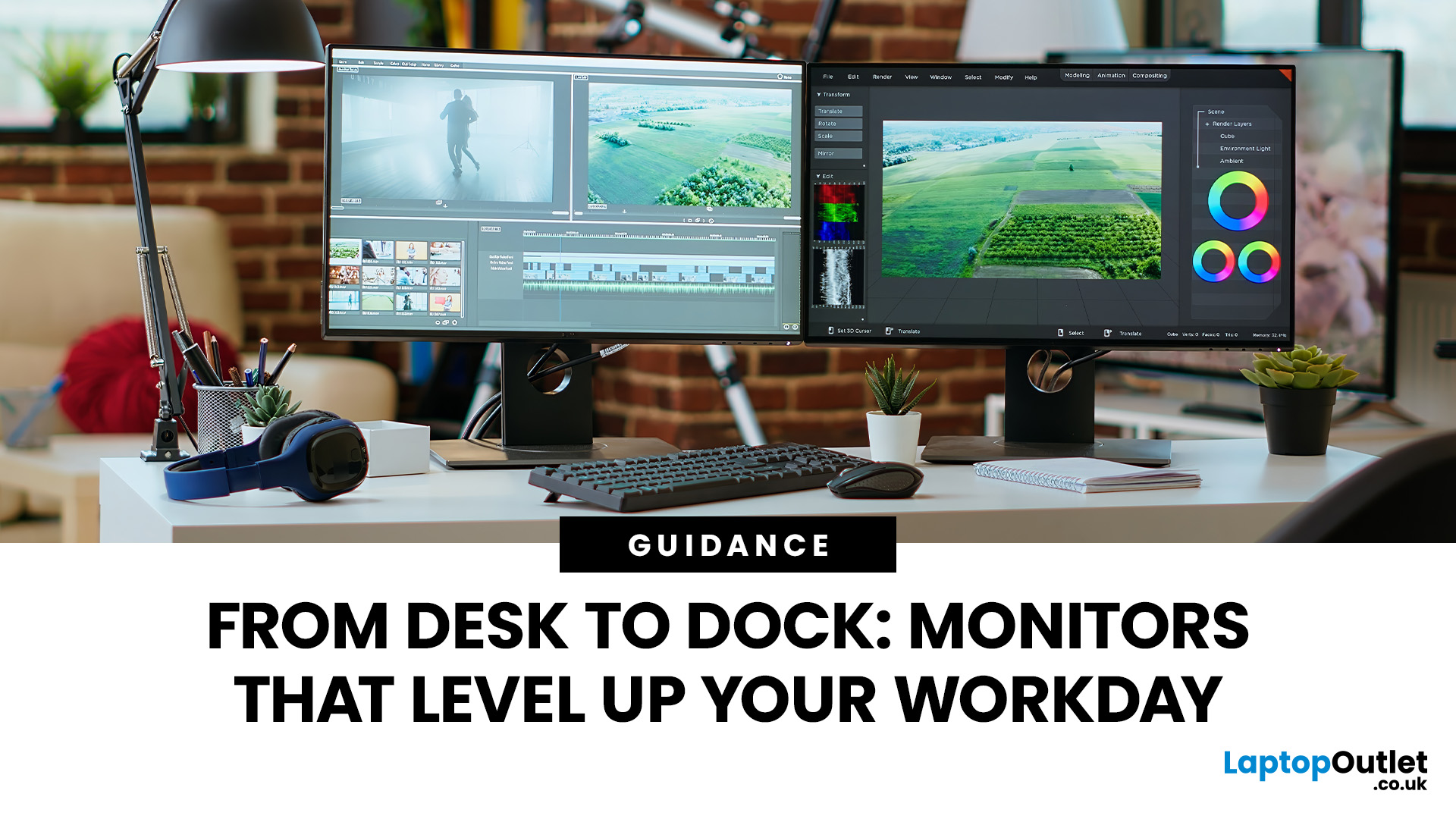
Make the most out of your workstation with the perfect monitor. Here are our best monitors you can connect with your desktop PC or docking stations.
A monitor is also known as your window to the digital world and is an essential part of any productive workspace, whether you're a creative professional, a data-crunching analyst, or a tireless programmer. A good monitor can elevate your desk setup from functional to phenomenal, improving your efficiency and comfort and even protecting your eye health. Another best thing is that you don't have to blow your budget and get the most expansive, most kitted-out option if you want something for your workstation productivity.
However, the screen size and resolution are other vital factors when buying a new monitor. The most popular screen size is 27 inches because it has enough screen real estate to multitask without being too big. You can also consider 32-36 inch monitors or even ultrawide to multitask more. Regarding resolution, nothing can
Last Updated: November 12, 2025
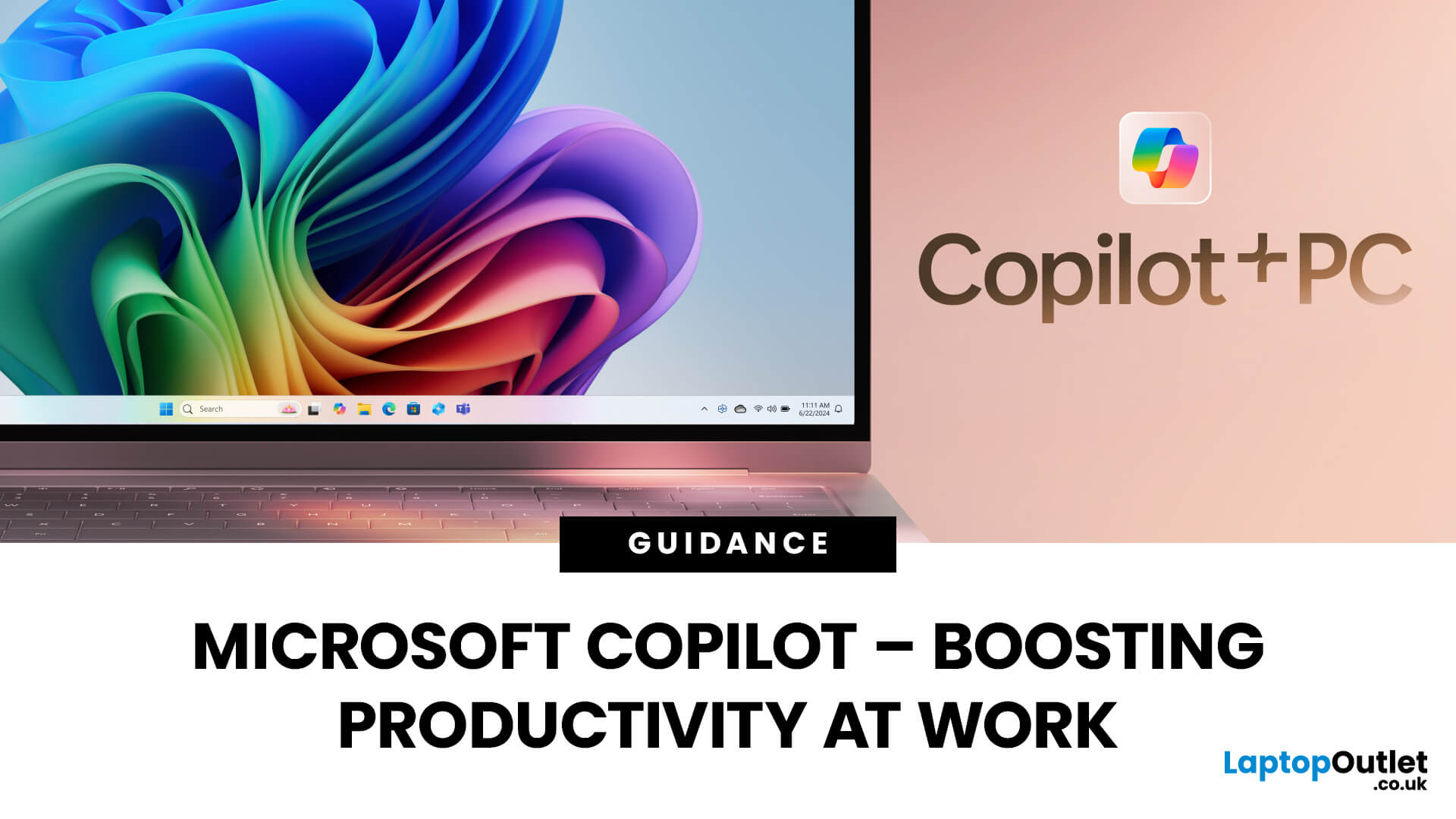
Microsoft Copilot is redefining how professionals work by seamlessly integrating AI assistance into everyday tools like Word, Excel, Outlook, and Teams. From drafting reports to analysing data and managing emails, Copilot streamlines routine tasks, freeing up time for creativity and strategy. Let’s explore how Microsoft Copilot empowers you to work smarter, not harder.
What is Microsoft Copilot?
Microsoft Copilot is a transformative tool for work because of its generative AI capabilities, deep integration with Microsoft 365, real-time assistance, task automation, and personalisation. With tailored assistance and natural language interaction, Microsoft’s intelligent AI assistant delivers an individualised user experience. Combined with the right set of user skills, using Copilot at work can lead to increased productivity, improved decision making, and enhanced creativity. Professionals can use Copilot with devices like the Surface Pro for more optimal performance.
Microsoft Copilot:

Last Updated: September 04, 2026
As the dark mornings and evenings set in across the UK, your daily commute can feel longer and more tiring. But what if you could turn that travel time into something productive, enjoyable, or even relaxing?
At Laptop Outlet, we’ve got your back with the best commute companions designed to help you work, read, and connect on the go. From lightweight laptops for productivity to phones with amazing cameras and e-readers for a quiet read, our range of tech ensures that your commute is as efficient and enjoyable as possible.
Why just sit and count the minutes when you can make the most of your commute, staying productive or entertained every step of the way?
Best Laptops for Commuting: Portable Powerhouses

Whether you’re answering emails, attending virtual meetings, or finishing up a presentation on your commute, having a laptop that’s easy to carry and reliable is a game-changer. Thin and light laptops are perfect for professionals who need to balance flexibility with performance.
The key

Last Updated: May 13, 2025
Let’s be real—buying a laptop for work in 2025 isn’t as easy as it sounds. With hundreds of options claiming to be the "best laptop for office work" or the "ultimate small business laptop," it's easy to get overwhelmed. And when you're trying to balance performance, price, portability, and future-proofing, mistakes can happen.
Whether you’re working remotely, managing your own hustle, or clocking into a corporate role, you deserve a device that’s built to keep up. This guide unpacks the 5 biggest mistakes people make when buying a work laptop—and shows you how to dodge them like a pro.
We’ll also help you:
- Spot the red flags
- Understand what you actually need (and what’s just fluff)
- Choose the best work computer laptop for your workflow
Ready? Let’s get into it.
Mistake 1: Choosing Style Over Substance
Many laptops today are designed to look sleek and modern, boasting ultra-thin profiles, eye-catching colours, and high-gloss finishes. While these devices might look impressive

