



Laptop Outlet Commute Companions: Work Anywhere with Ease!

As the dark mornings and evenings set in across the UK, your daily commute can feel longer and more tiring. But what if you could turn that travel time into something productive, enjoyable, or even relaxing?
At Laptop Outlet, we’ve got your back with the best commute companions designed to help you work, read, and connect on the go. From lightweight laptops for productivity to phones with amazing cameras and e-readers for a quiet read, our range of tech ensures that your commute is as efficient and enjoyable as possible.
Why just sit and count the minutes when you can make the most of your commute, staying productive or entertained every step of the way?
Best Laptops for Commuting: Portable Powerhouses

Whether you’re answering emails, attending virtual meetings, or finishing up a presentation on your commute, having a laptop that’s easy to carry and reliable is a game-changer. Thin and light laptops are perfect for professionals who need to balance flexibility with performance.
The key features to look out for include long battery life, so you can go through your commute without worrying about plugging in. Lightweight designs make it easy to slip your laptop into your bag without adding bulk, and fast processors, like the Intel Core i5 or i7, ensure you can run multiple applications smoothly. With 8-16GB of RAM and SSD storage, these laptops provide the speed and performance needed for anything from spreadsheets to video calls.
ASUS Chromebook CX1405CKA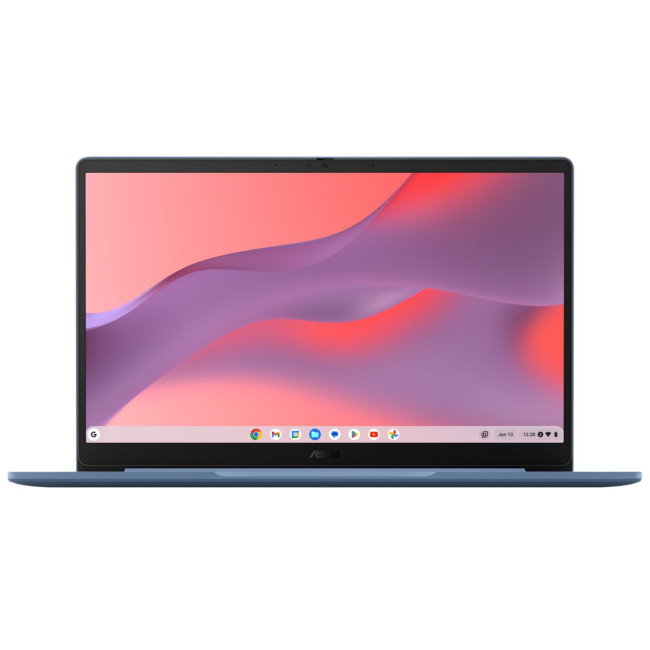
This ASUS Chromebook CX1405CKA is a lightweight, efficient option at just 1.39 kg, ideal for users who prioritize portability and simplicity. It’s powered by an Intel Celeron N4500 dual-core processor, paired with 4 GB LPDDR4x RAM and 64 GB eMMC storage, delivering responsive performance for everyday tasks like web browsing, document editing, and video conferencing. The 14-inch Full HD (1920 × 1080) display provides sharp visuals, while the 180° hinge offers flexible viewing angles. Running ChromeOS gives you a fast, secure ecosystem with automatic updates and cloud integration.
Pros & Cons
|
Pros |
Cons |
|
Very lightweight (1.39 kg), highly portable |
4 GB RAM and 64 GB storage are modest for heavier multitasking |
|
Full HD 14-inch display for clear visuals |
Not a touchscreen |
|
Good selection of ports including HDMI, USB-C, USB-A |
Integrated graphics—unsuitable for demanding graphics tasks |
|
Flexible 180° hinge for various viewing modes |
Battery life may dwindle under heavy workloads |
|
Secure, low-maintenance ChromeOS environment |
No upgrade options for memory or storage |
Affordable Laptop Options for Students and Professionals
If you’re balancing work, studies, or just need a budget-friendly option that doesn’t compromise on performance, there are plenty of affordable laptops that can still do the job. Some of the models offer excellent value for commuters who need a reliable device without breaking the bank.
These laptops may not be packed with all the high-end features, but they still offer the basics good battery life, solid performance, and portability. Whether you're working on coursework or catching up on emails, these budget laptops have got you covered.
For more affordable choices, take a look at our affordable laptops at Laptop Outlet and find the perfect fit for your commuting lifestyle.
Microsoft Surface 7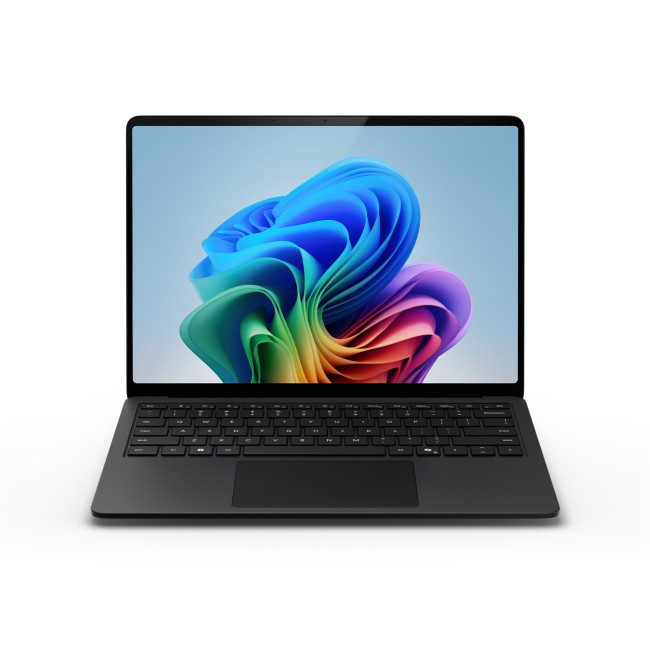
This Microsoft Surface 7 (Intel Core Ultra 5, EP2-22172) is a sleek and powerful 13.8-inch laptop built for modern professionals. It’s equipped with an Intel Core Ultra 5 236V processor, 16 GB LPDDR5x RAM, and a 512 GB SSD, giving you smooth multitasking and fast data access for demanding work. Its 13.8-inch touchscreen offers a resolution of 2304 × 1536 at 120 Hz, delivering sharp visuals and responsive touch control. Running Windows 11 Pro, this Surface 7 supports advanced business features, AI workflows, and enhanced security.
Pros & Cons
|
Pros |
Cons |
|
Powerful modern internals with Intel Core Ultra 5 + 16 GB RAM |
Higher price compared to mainstream laptops |
|
Generous 512 GB SSD for storage and speed |
Integrated graphics (Intel Arc 130V) may not handle heavy graphics workloads |
|
High-refresh, high-res 13.8″ touchscreen (120 Hz, 2304 × 1536) |
Smaller screen compared to 15-inch class laptops |
|
Lightweight—only ~1.35 kg |
Battery life under heavy use (e.g. AI tasks, high brightness) may be limited |
|
Business-grade OS (Windows 11 Pro) and security features |
Limited upgradeability (RAM likely soldered) |
|
Modern connectivity including USB4, HDMI, USB-C |
No discrete GPU for high end gaming or specialized 3D design |
Lenovo ThinkPad L13
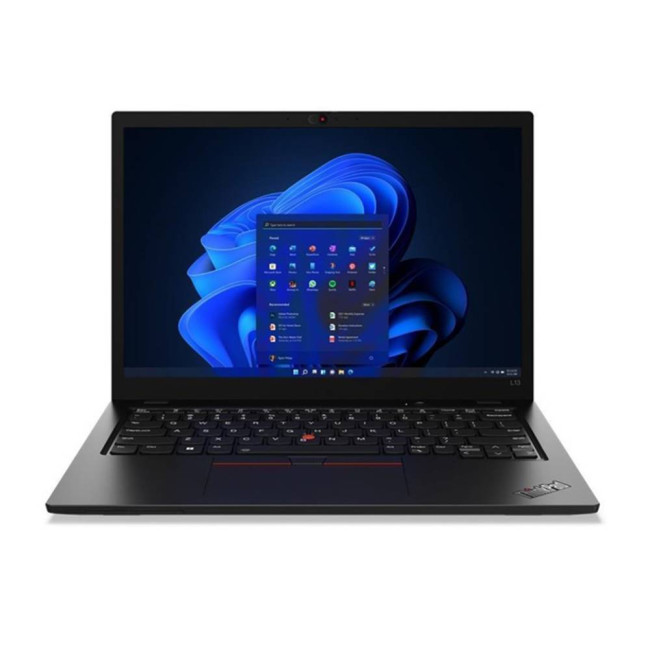
For professionals who need a bit more power, the Lenovo ThinkPad L13 offers a solid balance of performance and portability. Powered by the Intel Core i5-10310U vPro processor, with 8GB RAM and 256GB SSD, it’s designed for efficient multitasking and productivity on the go. Its 13.3-inch HD display and durability make it a reliable option for work commutes, and it even comes with a backpack, perfect for commuting. At just around £400, this is a great value option.
Pros & Cons
|
Pros |
Cons |
|
Intel Core i5 with 8GB RAM for solid multitasking |
HD display, not Full HD |
|
Compact 13.3-inch display, lightweight |
Not ideal for high-end creative work |
|
Durable and well-built for everyday commuting |
Basic design might not appeal to all |
|
Comes with a backpack for convenience |
Lacks some high-end features like a discrete GPU |
Best Android Phones for Commuting: Stay Connected on the Go!
Android phones are more than just communication devices; they’re essential tools for staying productive on the move. Whether you're catching up on emails, streaming your favourite podcasts, or navigating through busy streets, a top-quality Android phone makes your commute smoother and more enjoyable.
Modern Android phones come packed with multitasking features that can help you manage work effortlessly. For those who love capturing scenic views or simply want to snap high-quality photos on the go, having a phone with an excellent camera can make all the difference. Whether you’re documenting your journey, taking shots of the cityscape, or capturing moments with friends, a great camera phone allows you to do it in style.
OPPO A5

This OPPO A5 is a durable, mid-range smartphone that strikes a balance between battery life and everyday performance. Powered by a Snapdragon 6s Gen 1 chipset with options of 4 GB / 6 GB / 8 GB RAM and 128 GB / 256 GB storage, it handles social media, browsing, and light multitasking with ease.
The phone boasts a 6,000 mAh battery, giving you plenty of juice for all-day use under normal workloads. Its 6.67-inch IPS display delivers crisp visuals ideal for videos, apps, and reading.
On the imaging side, the OPPO A5 includes a 50 MP main camera, capable of capturing detailed photos for everyday use. It comes running Android 15 / ColourOS 15, offering a clean, modern software experience.
Pros & Cons
|
Pros |
Cons |
|
Huge 6,000 mAh battery for extended use |
Display is HD+ (720 × 1604), not Full HD |
|
Decent 50 MP camera for everyday photography |
No optical zoom or high-end camera features |
|
Multiple RAM / storage configurations |
eMMC / UFS speed (not top-tier) |
|
Large 6.67-inch screen is good for media and apps |
Bulky / heavier due to large battery |
|
Modern Android 15 and ColourOS 15 |
Not suited for high-end gaming / demanding 3D apps |
The Perfect Reading Companion: E-Readers for Your Journey!
For avid readers and professionals alike, commuting is the perfect time to dive into a good book or stay updated with the latest industry news. However, carrying around bulky books or papers can be inconvenient. This is where e-readers and tablets come to the rescue, offering a lightweight, compact solution that fits right into your bag.
With an e-reader, you can have an entire library at your fingertips, ready to read anytime during your journey. These devices are perfect for those who love to catch up on reading during their commute, whether it's a novel, research papers, or even magazines.
Lenovo Tab P12: Smart Paper eReader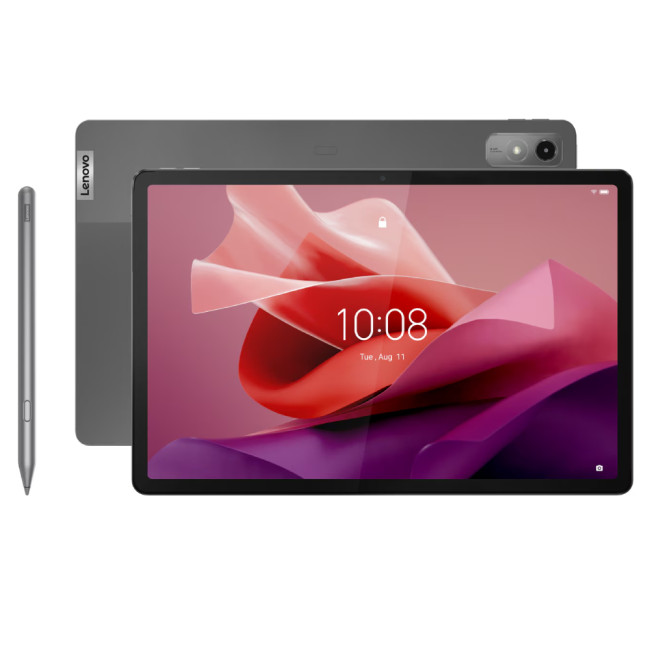
This Lenovo Tab P12 (128 GB variant, model ZACH0145GB) is a high-capability student tablet designed for both productivity and entertainment. Weighing approximately 0.615 kg (615 g) and measuring 293.3 × 190.7 × 6.9 mm, it strikes a balance between portability and screen real estate.
It’s powered by the MediaTek Dimensity 7050 octa-core processor (2 × Cortex-A78 @ 2.6 GHz + 6 × Cortex-A55 @ 2.0 GHz) paired with 8 GB LPDDR4x RAM and a 128 GB UFS 2.2 storage module. The tablet features a 12.7-inch IPS / LTPS “3K” display with a resolution of 2944 × 1840 and ~400 nits' brightness, ideal for reading, media, and multitasking. It runs Android 13 out of the box, with update support and Android ecosystem features.
Pros & Cons
|
Pros |
Cons |
|
Large, high-resolution 12.7″ “3K” display for immersive viewing |
Display is capped at 60 Hz; not ideal for ultra-smooth motion / gaming |
|
Strong mid-range performance (Dimensity 7050 + 8 GB RAM) |
No cellular / LTE / 5G support — WiFi only |
|
Generous 128 GB storage with microSD expansion |
Storage / memory is non-user-upgradeable |
|
High-capacity 10,200 mAh battery for extended use |
With a large screen and power use, real battery life under heavy use can drop significantly |
|
Lightweight for its size (around 0.615 kg) |
On the heavier side compared to smaller tablets |
|
Four JBL / Dolby Atmos speakers for rich audio |
No 3.5 mm headphone jack (relying on USB-C or Bluetooth) |
|
Side-mounted fingerprint sensor and solid build |
No optical image stabilization on cameras |
|
AMOLED-level colour coverage (~96 % DCI-P3) in some variants |
Screen brightness may struggle outdoors in strong sunlight |
|
Android flexibility and stylus / keyboard accessory support |
Performance is great for general use, but may lag in very demanding apps or 3D tasks |
Tech Accessories That Make Commuting Easier
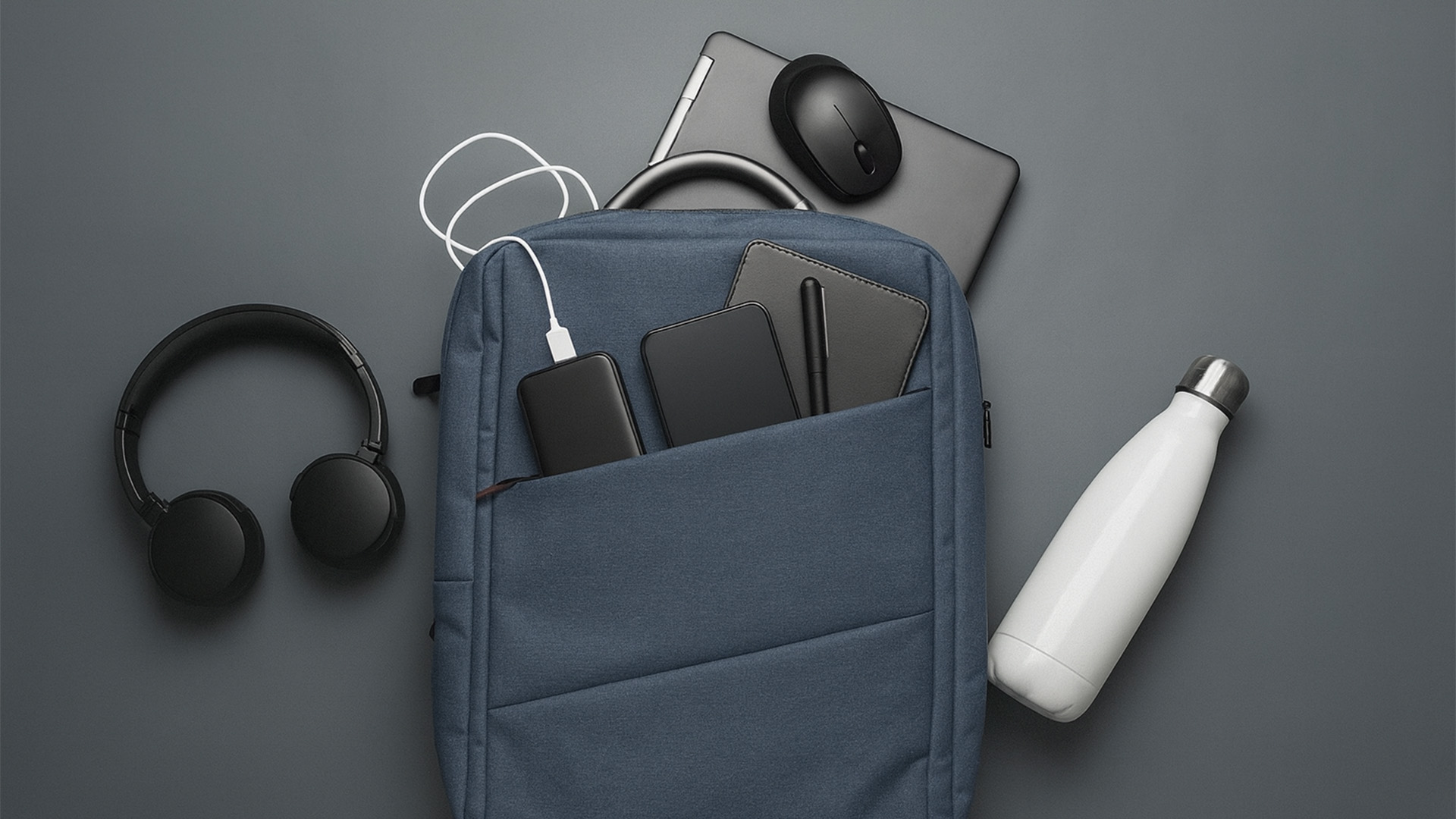
Having the right tech is essential, but the accessories that go along with your devices can make all the difference during your daily commute. Whether you’re travelling by train, bus, or bike, the following tech accessories will help ensure your commute is smooth, comfortable, and productive.
Laptop Sleeves
Protecting your laptop while on the go is a must. A durable laptop sleeve not only keeps your device safe from scratches and bumps but also makes it easier to carry around. Look for slim, lightweight options that won’t add extra bulk to your bag. Bonus points if it’s waterproof for those rainy UK mornings!
Portable Chargers
Running out of battery while you’re mid-email or trying to finish a report is never fun. A portable charger can be a lifesaver, ensuring your devices are always powered up, even when there’s no outlet in sight. Opt for a compact, high-capacity charger that can handle multiple charges for your laptop, phone, or tablet during the day.
Noise-Cancelling Headphones
Want to block out the world and focus on your work (or your podcast)? A good pair of noise-cancelling headphones is a must-have for any commuter. They allow you to create your own little bubble, perfect for concentrating in noisy environments or simply relaxing with some music on your journey.
Multi-Device Chargers
If you’re juggling multiple gadgets like a laptop, phone, and tablet a multi-device charger can be a game changer. These chargers allow you to power up all your devices at once without needing separate plugs for each. This not only saves space but also keeps your bag clutter-free, making commuting a breeze.
These accessories not only complement your main tech devices but also make your commute more enjoyable and hassle-free. Whether you need to keep your devices charged, your laptop protected, or simply want some peace and quiet, these accessories have you covered.

Gear Up for Stress-Free Commutes with Laptop Outlet
Commuting can be a lot more enjoyable when you’re prepared with the right tech tools. From lightweight laptops, which offer portability and power in equal measure, to budget-friendly options for students and professionals on the go, Laptop Outlet has a diverse range of laptops suited to every commuter’s needs. Add in the multitasking power of the affordable android phones for staying connected and capturing your day, or the Lenovo Smart Paper eReader for reading and note-taking, and you’ve got the ultimate toolkit for a seamless, productive commute.
Ready to make your commute more productive and enjoyable? Visit Laptop Outlet to explore our collection of laptops, phones, tablets, and accessories. Take advantage of our current promotions and find your perfect commuting companion today!

Your What, Why, When, & How!
What does “Commute Companion” mean at Laptop Outlet?
Commute Companions are lightweight, portable laptops and accessories designed to make working or studying on the go more efficient and comfortable.
Which laptops are best for commuting?
Ultra-slim devices like the Acer Swift, ASUS ZenBook, or Samsung Galaxy Book are ideal, offering long battery life, compact builds, and fast performance.
How important is battery life for a commute laptop?
Battery life is crucial—students and professionals need at least 8–12 hours of use without charging, so they can work during travel or in between classes.
Are commute-friendly laptops durable enough for daily travel?
Yes. Many modern ultrabooks come with durable aluminium chassis, spill-resistant keyboards, and scratch-resistant screens—perfect for regular commuting.
Can commute laptops handle multitasking and video calls?
Absolutely. Even budget-friendly commute laptops are equipped with reliable processors, HD webcams, and noise-cancelling microphones for smooth productivity and online meetings.
Read more:
Related Articles

Last Updated: June 25, 2025
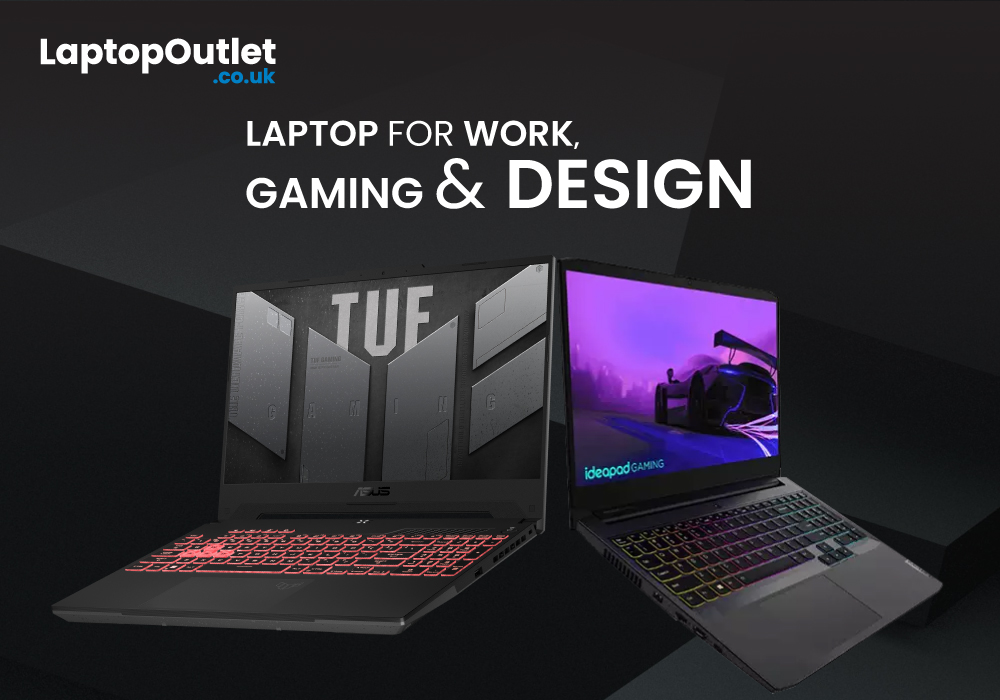
Normally, if you visit the market or online stores to buy a high-end laptop, you come across various models with costly price tags. The good news is that there are several leading brands such as Lenovo, Medion, and ASUS, offering some competitive models at quite reasonable prices.
Being a business professional, if you are looking for a good work laptop, Lenovo is there for you with its versatile series of cost-effective business laptops. And if you are a gamer, then Medion laptops can perfectly tackle your intense-gaming workload. On the other hand, ASUS is famous for its vast range of cutting-edge rigs, specially designed to run the latest designing software without any hassle.
Top 5 laptops for gaming, design, and work
In today’s article, we are going to disclose the top 5 best laptops that you can use for catering to your gaming, designing, or business workloads. Our experts have compiled the list after thorough market research so you can be sure about seeing some of the best picks.
Last Updated: February 23, 2026
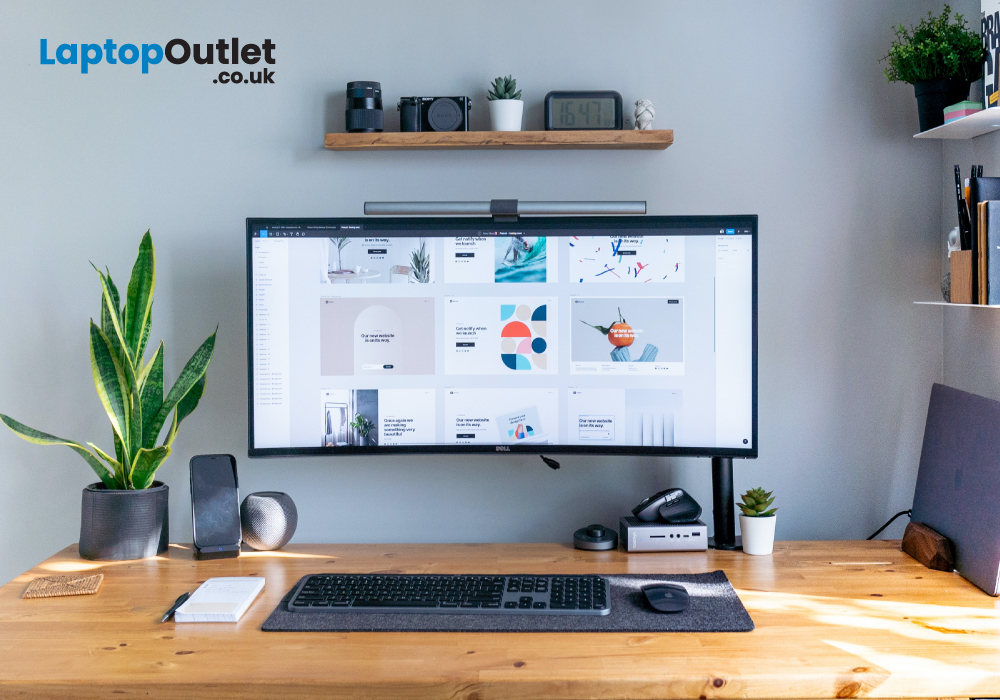
- Choosing the right monitor is highly important for businesses to ensure added comfort, maximum productivity, and seamless work experience.
- Other than resolution, screen size, aspect ratio and further dynamics, an on-going battle in the monitor industry is between an LED monitor and an OLED monitor.
- LED monitor don’t create the image. It solely displays the images developed by the LCD panel working at the backend. On the other hand, an OLED monitor both creates and displays the images at the same time!
Choosing the right monitor for office work is extremely important to ensure maximum comfort, enhanced productivity, and complete user satisfaction. In the current era, there are so many options, technologies, and features available in the industry that picking the right monitor feels like solving a complicated math problem. But don’t worry, we've got you!
Before we go any further, it's important to understand that everyone has different needs and requirements. For instance, as
Last Updated: June 19, 2025
Introduction
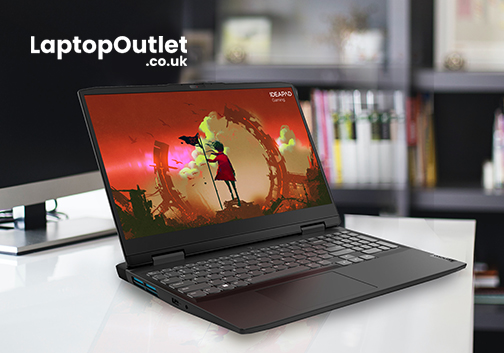
When pursuing the perfect 15-inch laptop capable of seamlessly balancing gaming and professional tasks, carefully considering crucial features becomes paramount. A laptop engineered for both high-performance gaming and demanding workloads necessitates specific attributes that can cater to these diverse needs.
A high-performance processor serves as the backbone for such laptops, enhancing both gaming experiences and work efficiency. Equipping a laptop with a minimum Intel Core i5 or AMD Ryzen 5 processor ensures a smooth workflow for multitasking and heavy-duty operations.
In gaming, the significance of a dedicated graphics card cannot be overstated. To accommodate the latest gaming titles at high settings, a laptop housing at least an NVIDIA GeForce RTX 3060 or AMD Radeon RX 6600M graphics card is essential.f
Multitasking efficiency, another vital requirement, is facilitated by a minimum of 16GB of RAM in these versatile laptops, ensuring smooth and simultaneous operation
Last Updated: November 12, 2025
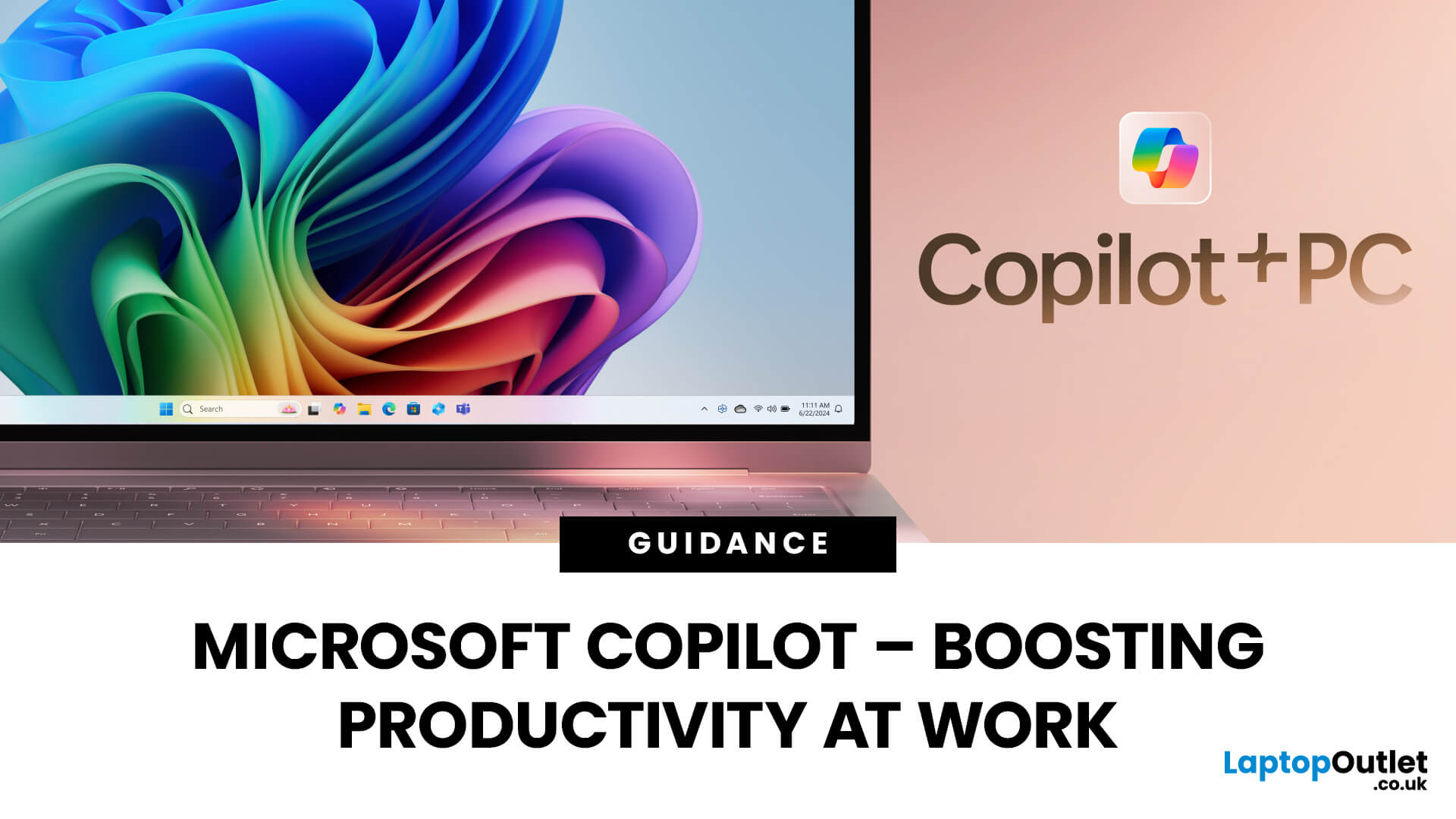
Microsoft Copilot is redefining how professionals work by seamlessly integrating AI assistance into everyday tools like Word, Excel, Outlook, and Teams. From drafting reports to analysing data and managing emails, Copilot streamlines routine tasks, freeing up time for creativity and strategy. Let’s explore how Microsoft Copilot empowers you to work smarter, not harder.
What is Microsoft Copilot?
Microsoft Copilot is a transformative tool for work because of its generative AI capabilities, deep integration with Microsoft 365, real-time assistance, task automation, and personalisation. With tailored assistance and natural language interaction, Microsoft’s intelligent AI assistant delivers an individualised user experience. Combined with the right set of user skills, using Copilot at work can lead to increased productivity, improved decision making, and enhanced creativity. Professionals can use Copilot with devices like the Surface Pro for more optimal performance.
Microsoft Copilot:

Last Updated: September 21, 2026
Buying a laptop for work is no longer simply about choosing a familiar processor and enough storage. Your software, workload, security requirements, portability needs, and even processor architecture can change which laptop makes sense.
For most everyday office work, 16GB RAM and a 512GB SSD provide a sensible starting point, while heavier creative, engineering, and data workloads may justify 32GB RAM, dedicated graphics or a more powerful processor.
Before buying your next work laptop, avoid these seven common mistakes.
Mistake 1: Not Checking Software Compatibility First
Start with the applications you actually use.
Microsoft 365, web-based business software, and mainstream communication apps will run comfortably on a wide range of modern laptops. Specialist accounting packages, CAD applications, development tools, company VPNs, and older peripherals can be more demanding.
This is particularly important when comparing traditional x86 Windows laptops with newer Arm-based machines. Windows

