



What Chromebook Is Best for Students
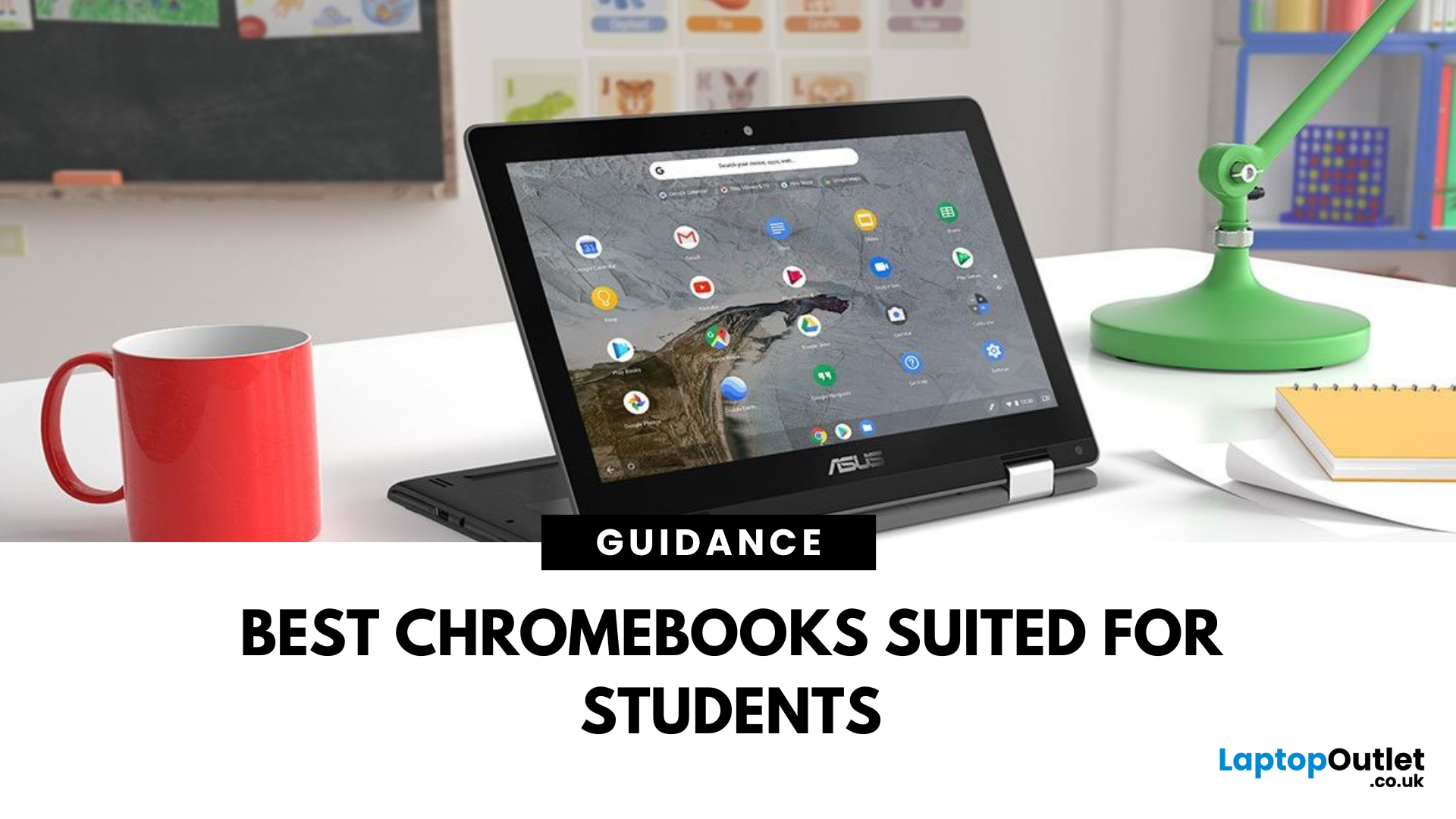
Chromebooks are lightweight, affordable, and built for productivity—making them ideal for students of all ages. Whether you’re in school, college, or university, a Chromebook can handle everything from essays to streaming and video calls.
But with so many options out there, how do you pick the best one? Let’s break it down.
Portability for Study on the Go
Students need a device that’s easy to carry around campus:
- Lightweight design (under 1.5kg is perfect)
- Slim build for slipping into a backpack
- Solid battery life—look for 10+ hours to last a full day of classes
Performance That Matches Your Workload
Chromebooks don’t need heavy specs, but a few essentials matter:
- Processor: Intel Celeron or higher for multitasking
- RAM: Minimum 4GB; 8GB for more demanding tasks
- Storage: 64GB or more (plus cloud storage with Google Drive)
Bonus: Many Chromebooks are fanless, meaning they’re ultra-quiet during study sessions.
Student-Friendly Features
The best Chromebooks for students offer:
- Touchscreens for intuitive navigation
- 2-in-1 designs (laptop + tablet) for versatility
- HD webcams for online classes and group projects
- Fast boot times and automatic updates for stress-free use
Quick Tip: Don’t Overthink It
A student Chromebook doesn’t have to break the bank. Focus on reliable performance, solid battery life, and a lightweight build—you’re good to go.
FAQs: Choosing a Chromebook for Students
1. Are Chromebooks good for university students?
Yes—they’re ideal for note-taking, research, and online tools like Google Workspace.
2. Can I use Microsoft Office on a Chromebook?
Yes—via web apps or Android versions from the Google Play Store.
3. How long do Chromebooks last?
Most offer 5–8 years of software support, making them great long-term investments.
4. Do Chromebooks work offline?
Yes—many apps like Google Docs support offline editing.
5. Is a Chromebook good for video calls?
Absolutely—look for models with HD webcams and dual microphones.
Level up your study game today.
Shop Chromebooks at Laptop Outlet—epic UK deals for students, from brand new to certified refurbished models.
Read More:
| What Is a Chromebook |
| Best Cheap Chromebook Deals for Students |
| Are Chromebooks as fast as Windows laptops |
Related Articles

Last Updated: March 30, 2026
ASUS Chromebooks have gained popularity due to their unmatched performance, sleek designs, and user-friendly interface. The Chromebook has its own operating system, known as Chrome OS. Unlike Windows, Chrome OS is incredibly light and does not slow down over a long period of time.
Therefore, if you have been using your ASUS notebook for a long time, a factory reset can boost its speed. You may also reset it to remove a fake user account. However if you don’t have the password, it can be really overwhelming to reset it. Fear not, as we will walk you through different methods that will help you restore your Chromebook to its factory settings.
What is a factory reset?
A factory reset or password reset erases all the data from your Chromebook, including all of the files in the download folder. It also removes non-user related information but keeps a little diagnostic and operational data. Resetting your Chromebook is also known as "Powerwash".
A factory reset is an effective troubleshooting
Last Updated: August 28, 2026
When your Chromebook stops responding, start by closing the frozen tab or app. If the whole device is unresponsive, disconnect any accessories and hold the Power button until it switches off. You should only perform a hardware reset, Powerwash, or ChromeOS recovery if the simpler fixes do not work.
These steps apply to most modern Chromebook laptops, including models from Acer, ASUS, Dell, Google, HP, Lenovo, and Samsung. However, the exact position of the Power and Refresh keys can vary, and a small number of older devices use a model-specific hardware reset method. This guide takes you through the safest troubleshooting order, beginning with fixes that do not remove your files.
Is Your Chromebook Completely Frozen?
Before restarting anything, check which part of your Chromebook not responding.
| What You Can See | Likely Problem | First Action |
| One webpage is frozen, but other tabs work | A page or browser process has crashed | Hard refresh or close the tab |
| One app will not respond | The app has stalled |

Last Updated: September 09, 2025
Ready for a Chromebook Refresh?
Whether you're troubleshooting, preparing to sell, or just want a clean slate, factory resetting your Chromebook is quick and easy. The process is known as Powerwash, and it removes all your data and settings—returning the device to like-new condition.
What Does a Factory Reset Do?
- Wipes all files, apps, and settings
- Signs out of your Google Account
- Removes downloaded files and local data
- Restores your Chromebook to factory condition
Make sure to back up any important files to Google Drive or external storage before resetting!
How to Factory Reset a Chromebook (Powerwash)
Option 1: Reset via Settings (Best for most users)
- Click the time at the bottom-right corner > Settings
- Scroll down and click Advanced
- Under Reset settings, click Powerwash > Reset
- Confirm and restart your Chromebook
- Click Powerwash > Continue when prompted
Your Chromebook will reboot and return to the setup screen.
Option 2: Use Shortcut Keys (If you can’t

Last Updated: September 09, 2025
What Makes a Chromebook Different?
You’ve probably seen Chromebooks in classrooms, offices, or online stores—but what exactly are they, and how are they different from traditional laptops? Here’s your quick guide to what a Chromebook is and whether it’s the right device for you.
What Is a Chromebook?
A Chromebook is a type of laptop that runs on ChromeOS, an operating system developed by Google. Unlike Windows or macOS devices, Chromebooks are designed to work primarily online and integrate closely with Google services like Gmail, Google Drive, and Google Docs.
How Does a Chromebook Work?
Chromebooks rely heavily on cloud storage and internet access:
- Most apps run in the browser (Google Chrome)
- Documents are stored in Google Drive by default
- ChromeOS boots quickly and updates automatically
You can also install Android apps from the Google Play Store on newer models
Key Features of a Chromebook
- Fast boot-up times
- Automatic security updates
- Lightweight and affordable

