



Top 3 Best 240Hz Monitors in 2025
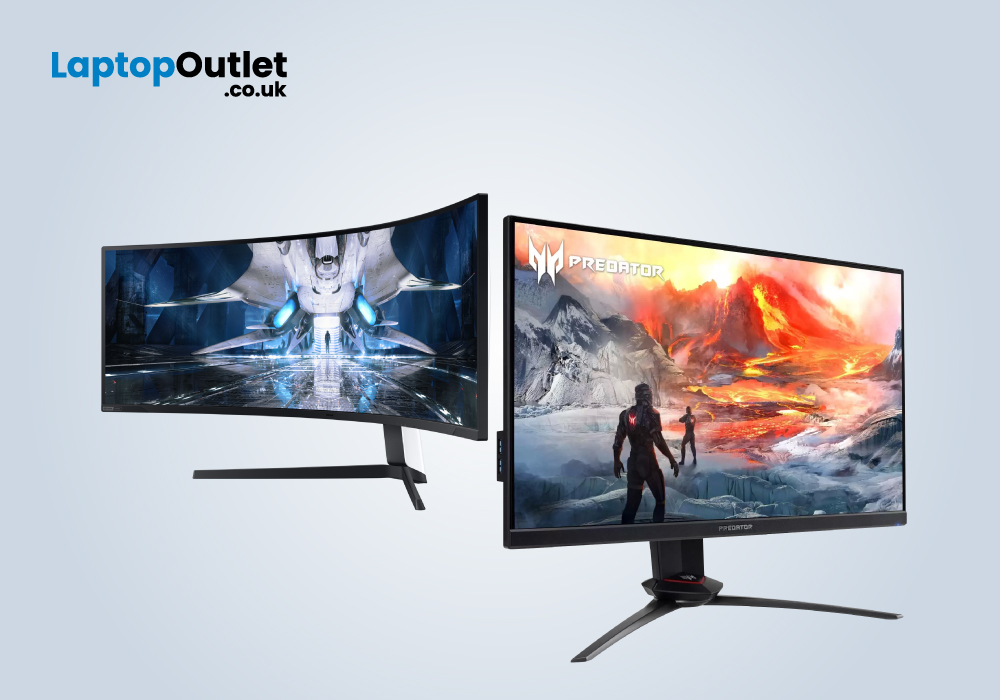
A high refresh rate is often considered more important than resolution or size by many competitive gamers, as it provides smoother gameplay and an advantage over their less-equipped opponents. 240Hz monitors, including those with higher resolutions, are becoming more popular. These monitors tend to prioritise gaming features like low input lag and quick response time, but they sometimes sacrifice picture quality in the process.
Things to consider before buying a 240Hz monitor:
Make sure to weigh out your requirements and workload before choosing to buy a 240Hz monitor. Why do you need a 240Hz monitor? Monitors with higher refresh rates offer detailed and smooth animations. So, if you are a gaming enthusiast and plan to win the gaming battles, 240Hz monitors can give you an advantage in the game. If you play games with intensive graphics, then the extra frames will be wasted. If the game or system doesn’t allow you to take advantage of the extra frames, go for a monitor with a low refresh rate.
Screen size and resolution:
Mostly, people look at the screen size and resolution while buying a monitor. The higher refresh rate is mostly considered a luxury, and everybody doesn’t want or can have the money to afford it. Look at your space and then decide on the choice of the PC you want. You can have a 27-inch or even 32-inch monitor with a 240Hz refresh rate. Even many ultra-wide monitors have a 240Hz refresh rate. But keep in mind that a monitor with a resolution of more than 1080p can be expensive and there will be limited options. So, to summarize this, firstly make a choice about the size of the monitor according to the space available because almost you can find 240Hz monitor in any size. However, for the higher resolution, there are not many options.
Panel type:
Choosing a panel type is very important as there are three different types of panels and all of them have their strengths. These strengths make them more suitable for some tasks and average for others.
TN: If you want the super-fast panel with the least ghosting and input lag, go for the TN panel. They are best suitable for esports display.
IPS: If you are a content creator or a gamer and you prioritise colour accuracy and richness, go for the IPS panel.
VA Panel: VA panels offer the best contrast. It is the middle ground panel.
Most people opt for the IPS and VA panels because of the amazing viewing angles and colour contrast.
Best 240Hz Gaming Monitors:
The competition in the gaming monitors or even laptops marketplace is very fierce. Manufacturers top up the monitors with the best features to get the lead and give the best possible experience to the users. However, we have picked the best of the best 240Hz monitors and their specifications are mentioned below:
Samsung LS49AG950NU – Odyssey Neo G9:
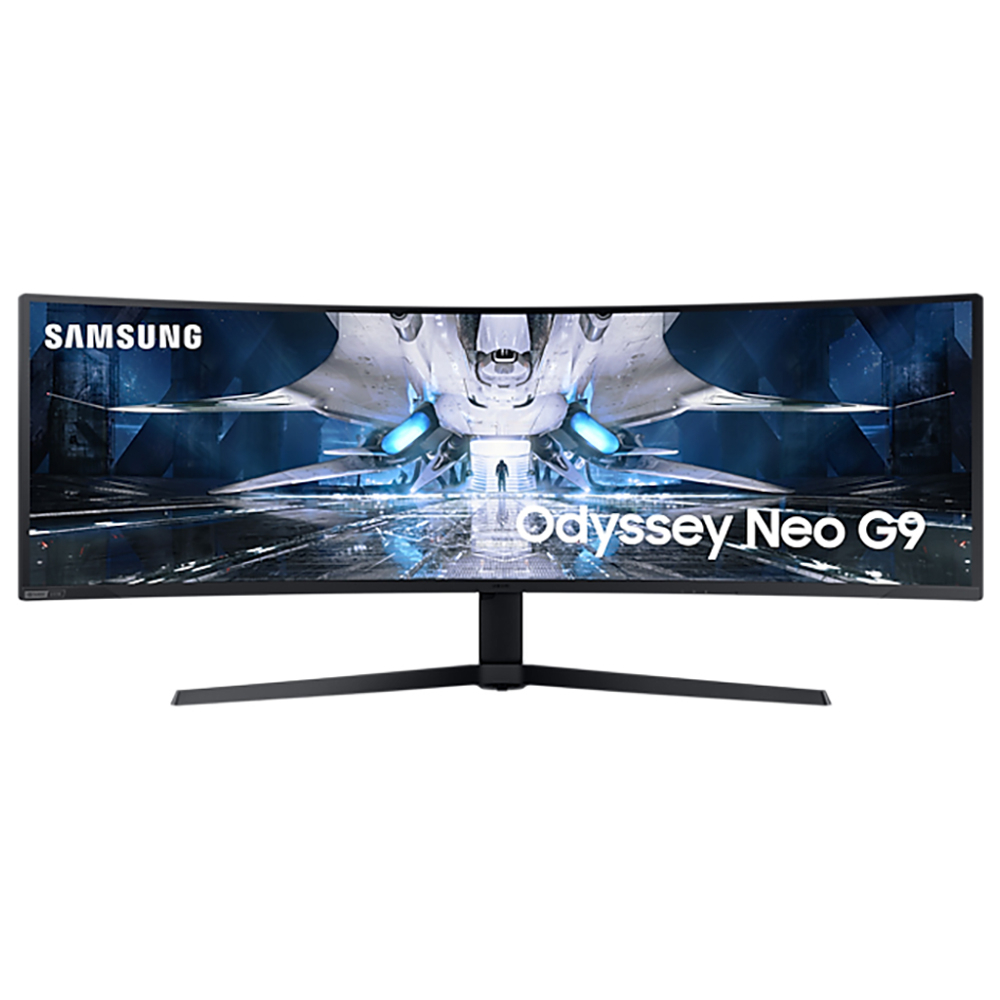
This is the monitor for you if you are looking for the most immersive experience and at the same time a higher refresh rate. The 49 inches screen has a Dual Quad HD resolution. It means that you have two 27 inches monitors with 1440p resolution, but they are combined in such a way that there are no gaps. The curved 240Hz monitor has a VA panel and a 2500:1 contrast ratio. The 1ms response time is great. Additionally, to make the HDR content punchier and more highlighted, there are 2000 nits of peak brightness. The monitor supports Free sync and is compatible with the NVIDIA G-sync. The connectivity options offered by Samsung LS49AG950NU are very rich.
Pros:
- High pixel density
- High contrast ratio
- Strong peak brightness
- Ergonomic stand
- Multiple ports
Cons:
- Less dimming zones
Specs:
|
Screen size: 49 in |
|
Screen resolution: 5120 x 1440 |
|
Response time: 1ms |
|
Aspect ratio: 32:9 |
|
Panel type: VA |
|
NVIDIA G-SYNC type: G-Sync compatible |
|
AMD Free-Sync type: free sync Premium Pro |
Lenovo Legion Y27:
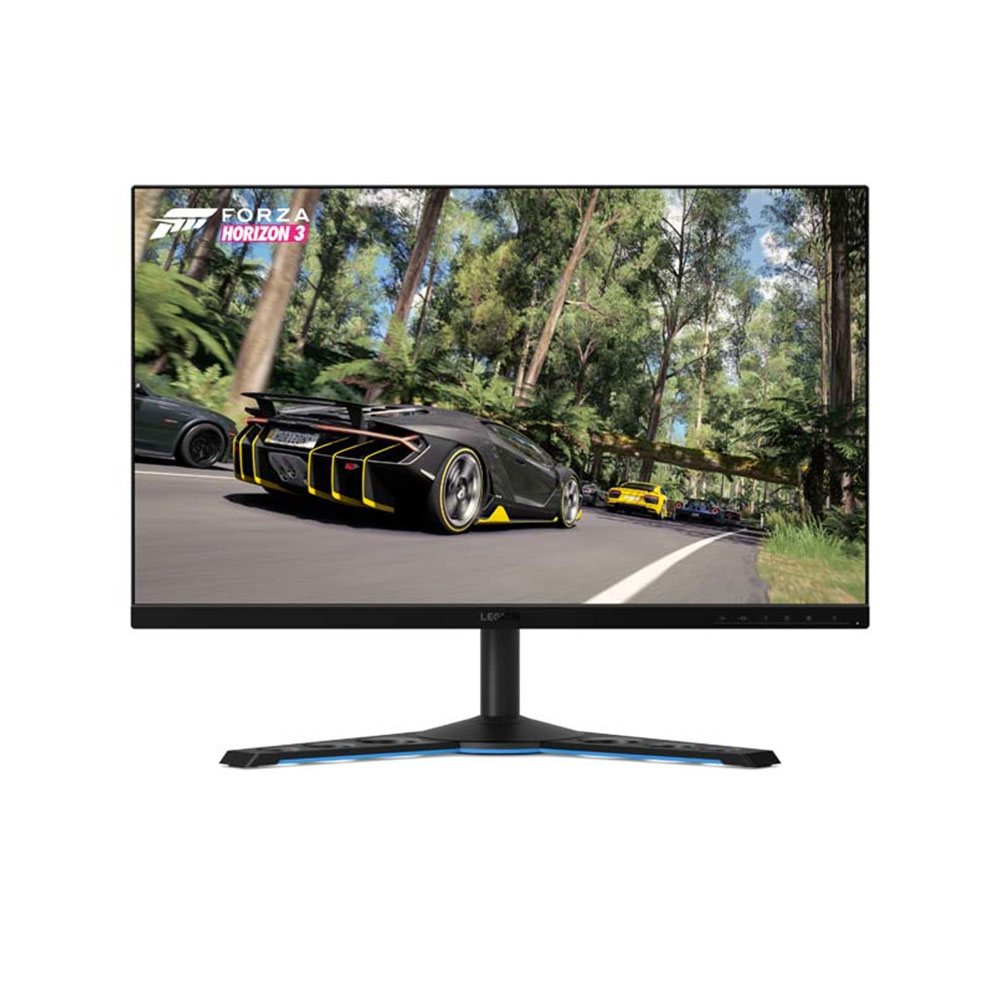
For responsive and incredibly impressive gameplay, you can get Lenovo Legion Y27. The Lenovo Legion Y27 is a step up from your old 1080p monitor in every way, with a 1440p resolution, a 240Hz refresh rate, and the fastest response time. You can enjoy distraction-free gaming with less display stutter, screen tearing, and input lag. The gaming beast is best suited for fast-paced gaming sessions because of its amazing responsiveness and minimized motion blur. The graphics look so sharp and realistic. Furthermore, to keep you more focused on the games, the monitor has flicker-free technology, an anti-glare display, and TUV eye comfort. The monitor has everything in it to deliver a premium experience for the user.
Pros:
- Remarkable response time
- Nvidia G-Sync compatible
- Impressive bezel-less design
Cons:
- Limited ports
- No AMD Free sync
Specs:
|
Screen size: 27 in |
|
Screen resolution: 1920 X 1080 |
|
Response time: 1ms |
|
Aspect ratio: 16:9 |
|
Panel type: IPS |
|
NVIDIA G-SYNC type: G-Sync compatible |
Viewsonic Elite XG270:
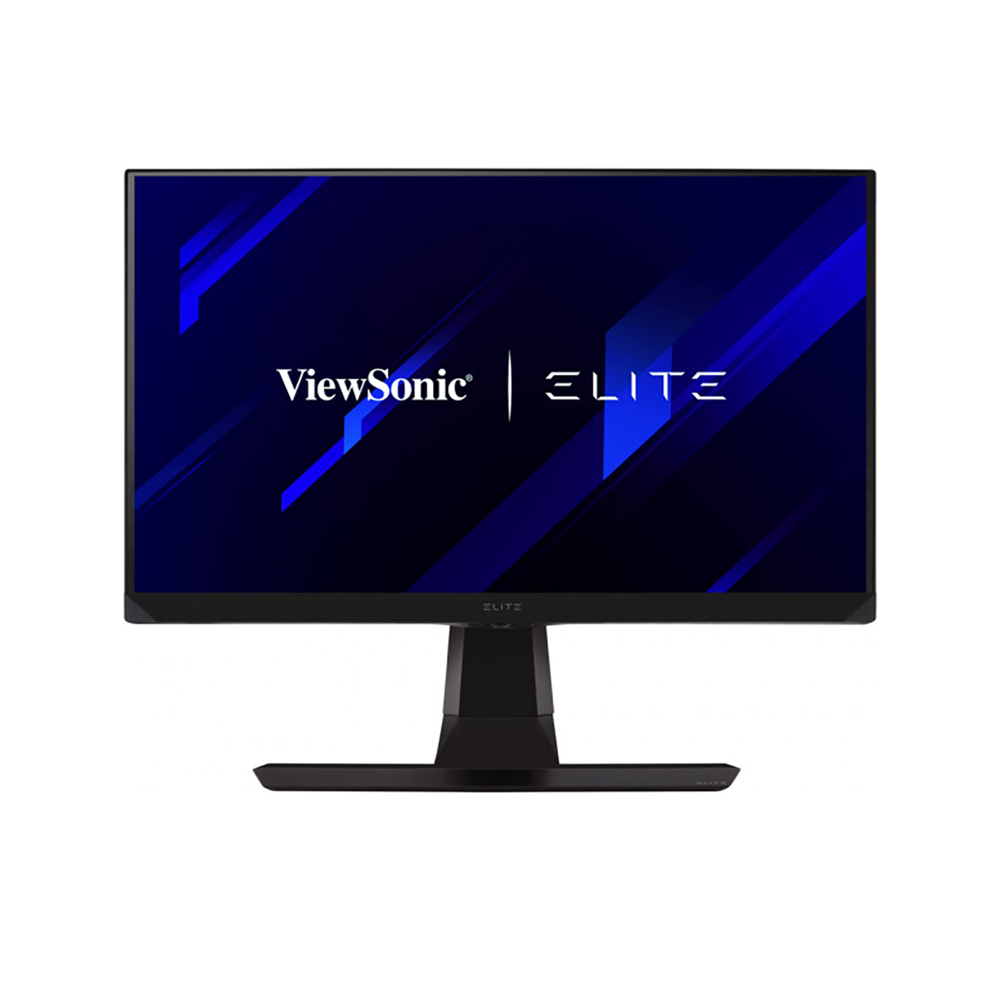
Elite XG270 is an excellent 240Hz monitor with G-sync compatibility, IPS panel, and remarkable MRS performance. The backlight strobing implementation is top-notch. The monitor offers many additional premium features including high design quality, FreeSync, rich connectivity, and advanced picture adjustment tools. The best feature the monitor has to offer other than the 240Hz refresh rate is the PureXP+ Motion Blur Reduction technology. Due to high peak brightness, the colours will look bright and vivid even when PureXP is enabled.
Specs:
|
Screen size: 27 in |
|
Screen resolution: 2560 x 1440 |
|
Response time: 0.5ms |
|
Aspect ratio: 16:9 |
|
NVIDIA G-SYNC type: G-Sync compatible |
FAQs:
Is a 240Hz monitor worth it?
Professional gamers seeking as much of a competitive advantage as possible can benefit from a 240Hz or higher monitor.
Is 240Hz good for a gaming monitor?
Yes, for fast-paced gaming sessions 240Hz gaming monitor can be an ideal choice. To win the gaming battles, the higher the refresh rate, the better.
Bottom line:
If you're the type of gamer who needs every advantage when competing, upgrading to a 240Hz gaming monitor can provide you with the edge you're looking for. When every pixel counts, their improved motion clarity and reduced input lag can provide significant advantages. Leaping may not be for everyone, but if it does, it may be the edge you need to reach the top of the leaderboard.
Read More:
| Best Gaming Monitors for Smooth and Immersive Gameplay |
| How to Save Money and the Environment with Refurbished Monitors |
| Ultimate Gaming Monitor Buyer’s Guide for Gamers |
Related Articles

Last Updated: August 25, 2026
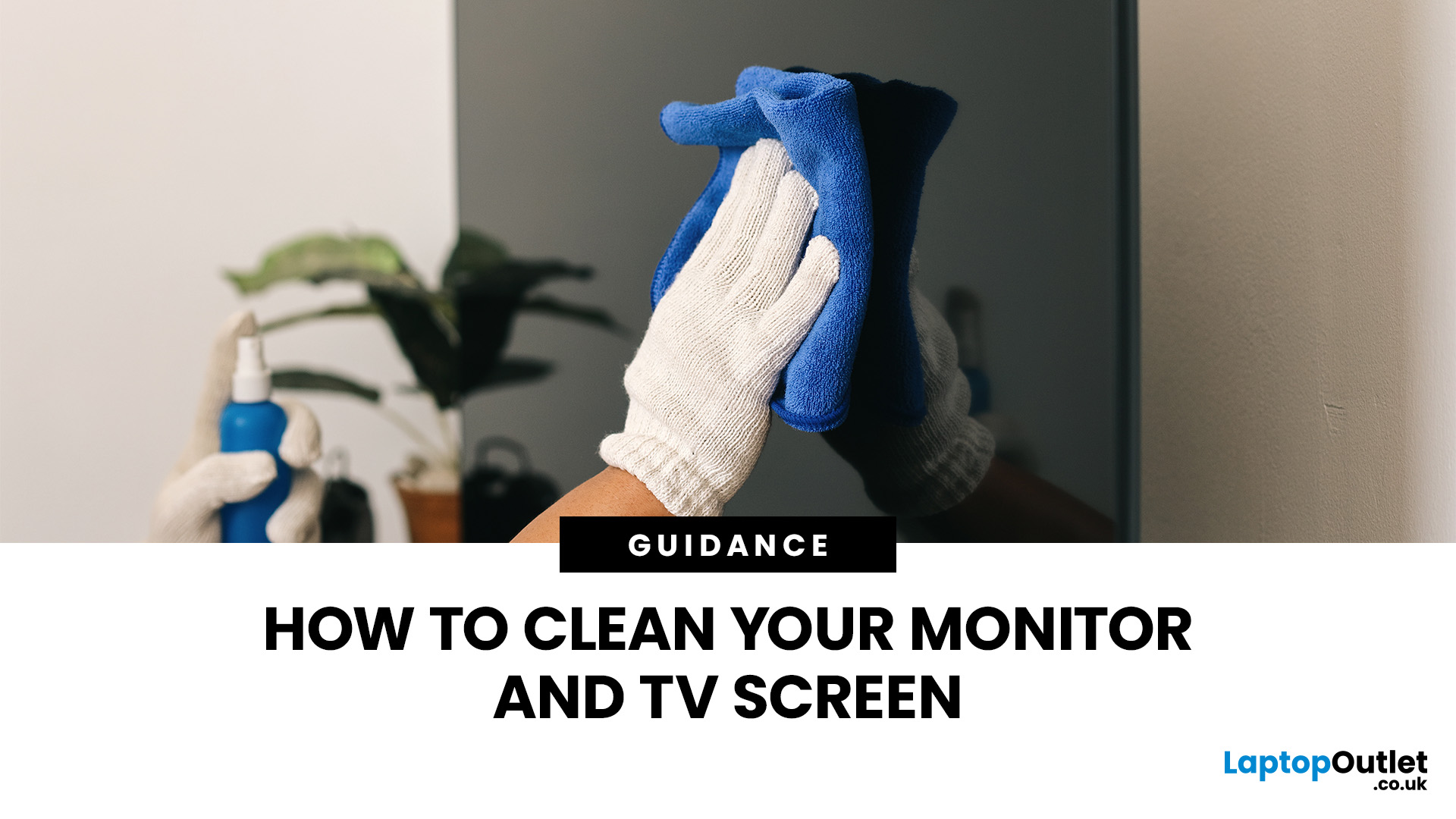
Dust, fingerprints and smudges can make even a high-resolution display look dull. Fortunately, you can clean monitor at home safely with a soft cloth, a small amount of suitable liquid and the right technique.
To clean a monitor screen safely, switch it off and unplug it. Wipe away dust with a dry microfibre cloth. For fingerprints, lightly dampen the cloth with distilled water and wipe gently. Never spray liquid directly onto the screen or apply strong pressure. Avoid paper towels, window cleaner and ammonia, as they can scratch the display or damage its protective coating. Let it dry completely before reconnecting and switching on.
The safest method is to begin with a dry microfibre cloth and use distilled water only when necessary. Never spray cleaner directly onto the screen, apply strong pressure or use rough materials that could damage the panel or its protective coating.
What Do You Need to Clean a Monitor Screen?
Before cleaning your monitor, gather the following items:
- A clean,

Last Updated: October 02, 2025
Screen Flipped? Don’t Panic!
Accidentally hit a key combo and now your screen’s upside down? Or maybe you actually need to rotate your monitor for work or reading mode? Either way, we’ve got you. Here’s how to rotate your monitor screen on purpose—or fix it if you didn’t.
How to Rotate Your Monitor Screen on Windows
There are two quick ways to rotate your screen on a Windows laptop or PC:
Option 1: Use a Keyboard Shortcut
- Ctrl + Alt + Up Arrow – Normal landscape
- Ctrl + Alt + Down Arrow – Upside-down
- Ctrl + Alt + Left Arrow – Rotate left
- Ctrl + Alt + Right Arrow – Rotate right
Pro Tip: These shortcuts work on most Windows PCs with Intel graphics.
Option 2: Use Display Settings
- Right-click anywhere on the desktop
- Click Display Settings
- Scroll to Display orientation
- Choose Landscape, Portrait, Landscape (flipped), or Portrait (flipped)
- Click Keep changes to confirm
How to Rotate Your Screen on macOS
Rotating your screen on a Mac is easy too—but not all Macs

Last Updated: August 25, 2026
Size Matters for the Ultimate Display
So, you’re shopping for a new monitor and keep seeing things like 24-inch, 27-inch, or 32-inch LCD—but what do those numbers actually mean? If you’ve ever wondered how monitor size is measured (and what matters most), we’ve got you. This guide breaks it down in a way that makes sense.
How Monitor Size Is Measured
Monitor size refers to the diagonal length of the screen—not the width or the height. This is measured in inches, from one corner of the viewable screen area to the opposite corner.
Quick Tip: Bezel (the plastic frame around the screen) isn’t included in the measurement—only the actual display area counts.
How Are LCD Screens Measured?
- LCD (Liquid Crystal Display) screens are measured exactly the same way as other monitors: diagonally from corner to corner.
- Whether it's a laptop screen, external monitor, or TV—if it’s an LCD, it’s measured diagonally.
- The measurement doesn’t include the casing—just the visible screen.
Example:
Last Updated: March 05, 2026
Struggling to choose between saving money and getting top-tier performance? The buyer’s dilemma—budget vs. quality—can make or break your gaming experience.
You’ve finally decided to upgrade your workstation or gaming setup. You dream of crisp visuals, smooth performance, and a sleek design. But when you check the prices of new high-resolution monitors, your excitement quickly fades.
A top-tier monitor can easily cost hundreds, if not thousands, of dollars. You could settle for a lower-end display, but that often means sacrificing essential features. And if you’re a gamer, designer, or professional, compromising on display quality just isn’t an option.
So, what’s the smart move? Buy refurbished monitors. These displays offer the same premium performance, reliability, and features—but at a fraction of the cost. Whether you’re looking for a gaming monitor, 4K display, or an ultra-wide screen, refurbished options let you upgrade without breaking the bank.
But are they worth it? Let’s
Last Updated: July 01, 2025
Imagine this: You’ve just snagged what seemed like an absolute steal on a refurbished monitor. You’re feeling pretty good about saving some cash. But the moment you set it up—bam! Dead pixels, faded colours, flickering screen. Suddenly, that "amazing deal" feels like a waste of money. Sound familiar?
Here’s the thing: not all refurbished monitors are created equal. Some are fantastic value-for-money finds, while others; well, let’s just say they don’t belong on. So, how do you make sure you’re getting a quality monitor that actually works? We’ve got you covered.
This refurbished monitor buying guide will walk you through everything you need to check before you click that ‘Buy Now’ button—so you get a deal that’s worth every penny.
Let’s get into it!
Understanding Refurbished Monitors: What You Need to Know
First things first—what does “refurbished” actually mean?
“A refurbished monitor isn’t just a used one. It’s a monitor that has been returned (for various reasons like minor

Last Updated: August 25, 2026
You’ve been dealing with laggy performance, dim colours, or that one stubborn dead pixel. It’s time for an upgrade—but brand-new monitors come with a hefty price tag. Meanwhile, refurbished monitors cost up to 50% less, but are they reliable? Is it really a smart deal?
Monitors for work, gaming, and entertainment are your gateway to productivity and enjoyment, but when it’s time to buy, one question always comes up—should you go for a new monitor or a refurbished one?
If you're hunting for the best budget monitors in the UK, you've probably come across refurbished options that promise serious savings. But are refurbished monitors worth it? Do they perform just as well as new ones, or is it better to invest in something straight from the factory?
We’ve got the answers. Let’s break it down.
New vs. Refurbished Monitor Comparison: Quick Look
| Feature | New Monitor | Refurbished Monitor |
| Price | Expensive, full retail price | 20-50% cheaper than new |
| Warranty | Full manufacturer |

