



Refurbished Mobile Phones: Are They Worth It?
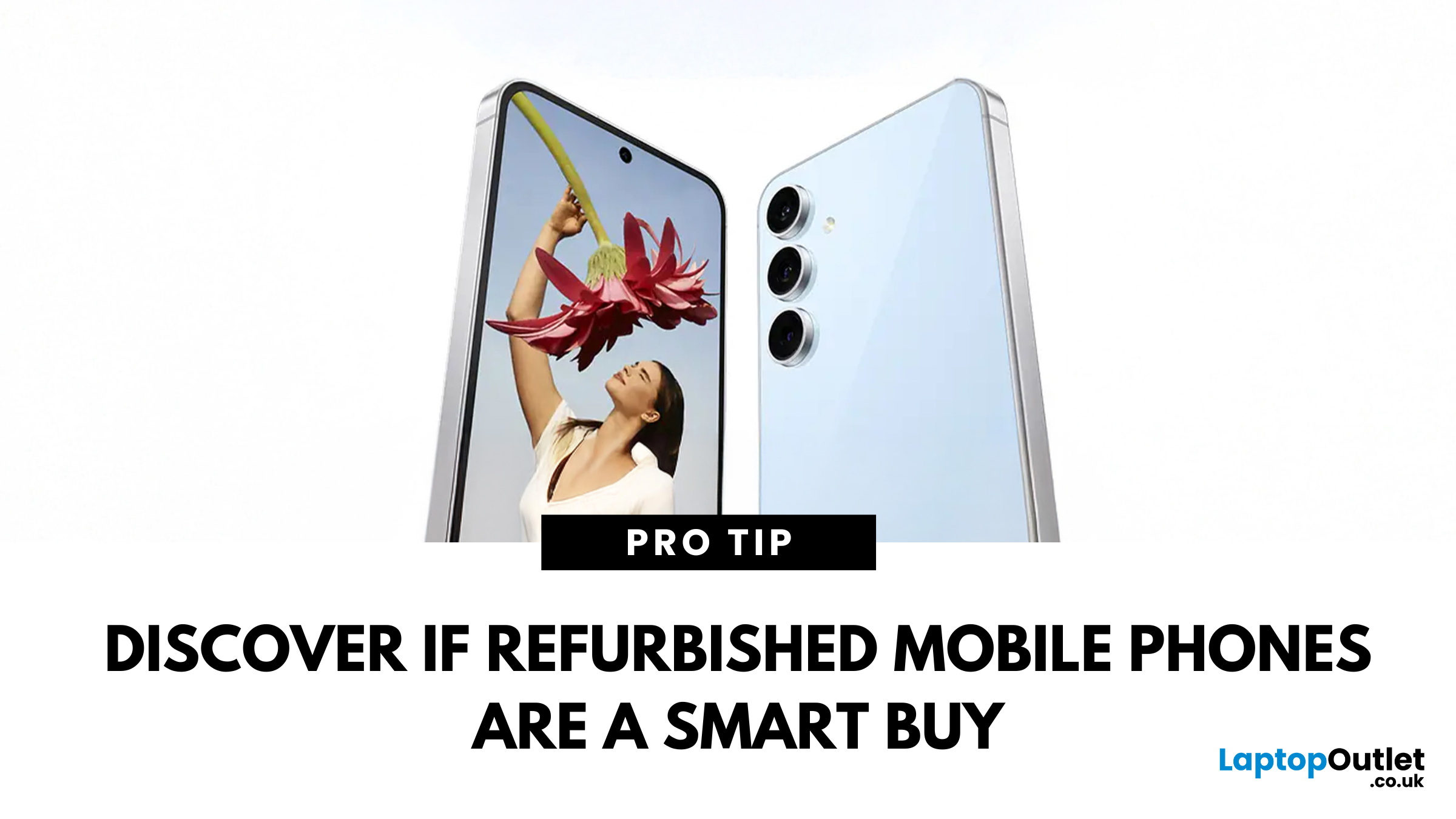
Refurbished Mobile Phones: Is it really a smart saving or a compromise?
Buying a new smartphone can be expensive. But what if you could get a high-quality phone at a much lower price? That’s where refurbished mobile phones come in.
Refurbished phones are pre-owned devices that have been tested, repaired, and certified to work like new. They are a budget-friendly and eco-friendly alternative to buying a brand-new phone.
But are refurbished phones worth buying over new phones? Let’s find out!
What is a Refurbished Phone?
A refurbished phone is a pre-owned smartphone that has been professionally restored to full working condition. It is different from a used phone because:
- ️ Inspection & Testing – The phone is checked for defects.
- Repairs & Replacement – Any faulty parts, like the battery or screen, are replaced.
- Software Update & Reset – The phone is wiped clean and updated to the latest software.
- Grading – The phone is rated based on its cosmetic condition (Excellent/Good/Fair).
- Certified & Warranty-Backed – Unlike used phones, refurbished models come with a warranty for added peace of mind.
Fact: A certified refurbished mobiles functions just like a new phone, but it costs much less!
Benefits of Buying a Refurbished Phone
Still not sure if a refurbished phone is a good choice? Here are the key benefits:
Saves You Money
Refurbished phones are much cheaper than new phones. You can get the latest models for up to 50% less than their original price.
Good for the Environment
Buying a refurbished phone reduces electronic waste and helps the planet. Instead of throwing away old phones, they are repaired and reused.
Tested and Certified
Unlike used phones, refurbished phones are checked for faults and repaired before being resold. Many also come with a warranty for peace of mind.
Same Features at a Lower Price
A refurbished iPhone, Samsung, or Google Pixel works just like a new one—just without the high price tag!
Refurbished vs. New Phones: What’s the Difference?
|
Feature
|
New Phone
|
Refurbished Phone
|
|
Price
|
Expensive
|
Much cheaper
|
|
Condition
|
Brand new
|
Like new (may have minor scratches)
|
|
Warranty
|
Yes
|
Yes (varies by seller)
|
|
Performance
|
Excellent
|
Excellent (tested & repaired)
|
|
Battery Life
|
100% Battery Health
|
Battery is tested and replaced if necessary to ensure good performance.
|
|
Software Updates
|
Receives all updates
|
Receives updates like a new phone (as long as the model is supported).
|
|
Security
|
Brand new security settings
|
Factory reset & secure – Checked for malware or locked accounts before resale.
|
|
Accessories
|
Comes with original packaging and accessories
|
May not include original accessories (chargers and headphones may differ).
|
|
Repairs & Testing
|
Not needed (new)
|
Fully tested, repaired if needed, and certified to work perfectly.
|
|
Unlocked
|
Usually unlocked
|
Check if it’s unlocked or locked to a network before buying.
|
|
Resale Value
|
Higher resale value
|
Lower resale value, but great savings when buying.
|
Tip: If you want the latest tech without spending too much, a refurbished phone is a smart choice!
Things to Consider Before Buying a Refurbished Phone
Cosmetic Condition
Refurbished phones may have small scratches or marks. These are only cosmetic and don’t affect performance.
Consider the Grade
Refurbished phones come in different grades. If you want a phone that feels brand new, go for Excellent or v.good condition.
Accessories
They may not come with original packaging or accessories (like headphones or a charger). Always check what’s included.
Warranty
Most refurbished phones come with a warranty, but the length varies. Check the terms before buying.
Buy from a Trusted Seller
Make sure you buy from a reputable seller like Laptop Outlet to get a reliable and certified device.
Check for Unlocked Phones
Some refurbished phones are locked to a specific network. If you want to use your SIM card, buy an unlocked phone.
Check Battery Health & Software Support
Ensure the battery health is at least 80% for long-lasting performance. Verify that the phone still gets software updates for security and performance improvements.
Best Tip: Always read the product description carefully before making a purchase!
Best Refurbished Phones You Can Buy
If you’re ready to buy a refurbished mobile phone, here are some top picks available at Laptop Outlet. Pick the Right Phone for Your Needs
Best for Photography & Video: iPhone 13 Pro
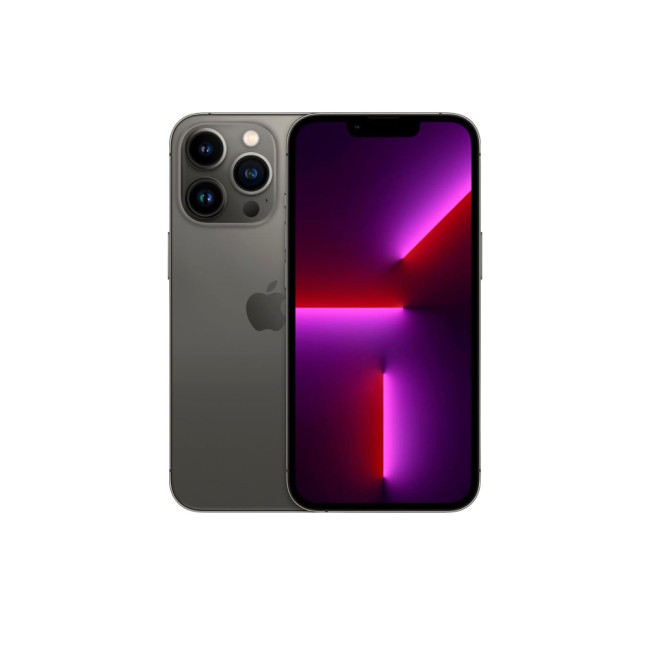
Refurbished Apple iPhone 13 Pro (256GB, 5G, 120Hz OLED, Sierra Graphite) priced approximately £449.
Why buy? Stunning camera with Night Mode, 4K video recording, and AI-enhanced photography.
Available now at Laptop Outlet
Best for Professionals: Samsung Galaxy S24
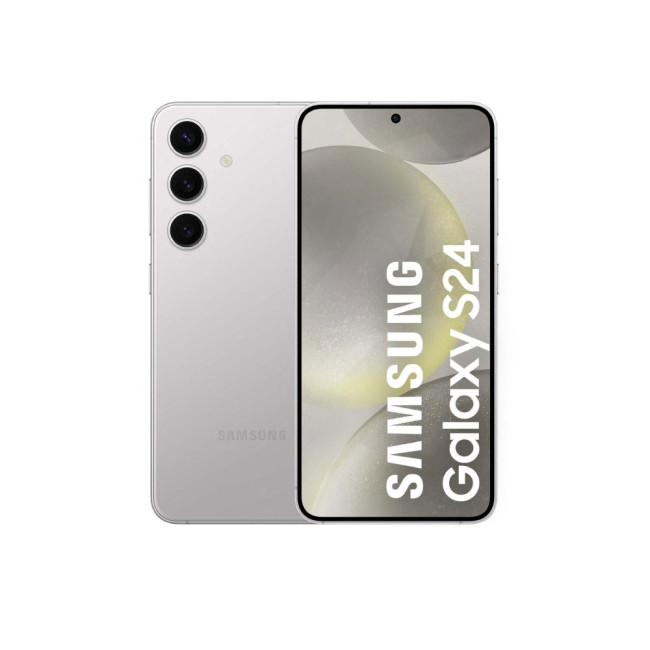
Refurbished Samsung Galaxy S24 (8GB RAM, 256GB Storage, 6.2” AMOLED, 5G, Marble Grey) priced approximately £550.
Why? Flagship performance with a powerful camera and ultra-smooth display.
Shop the Galaxy S24 at Laptop Outlet
Best for AI Enthusiasts: Google Pixel 7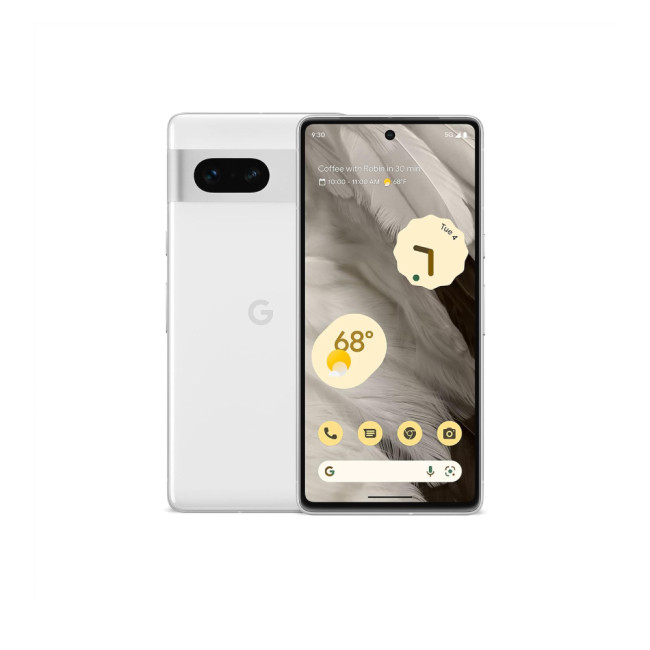
Refurbished Google Pixel 7 (6.3” Display, 8GB RAM, 128GB Storage, Unlocked 5G, White) priced at around £219.
Why? Google’s AI-powered camera delivers stunning photos effortlessly.
Get the Pixel 7 at Laptop Outlet
Best for Remote Workers: OPPO Reno 12 F

Refurbished OPPO Reno 12 F (6.67” FHD+ OLED, 8GB RAM, 256GB Storage, 5G, Black Green) priced at around £209 (Was £399.99 – Save Big!)
Why buy? Ultra-fast charging and a 120Hz smooth display for a seamless experience.
Grab the OPPO Reno 12 F at Laptop Outlet
Best for Gaming: ASUS ROG Phone 8
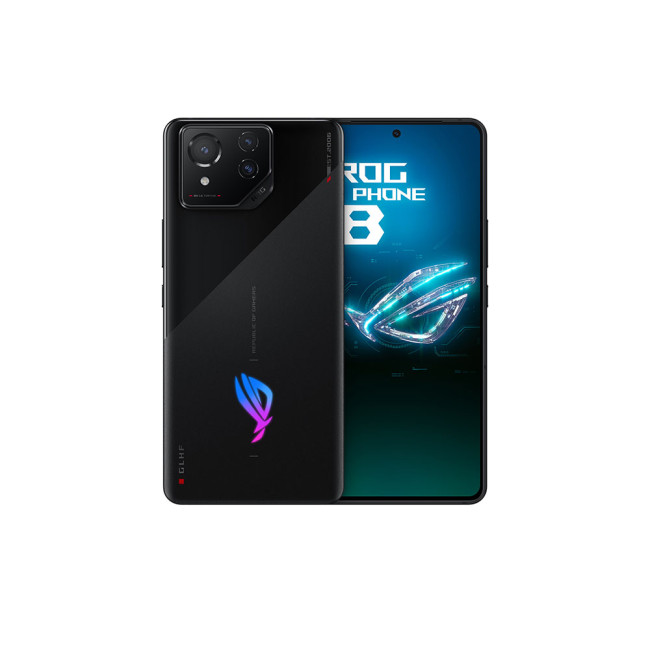
Refurbished ASUS ROG Phone 8 (Snapdragon 8 Gen 3, 12GB RAM, 256GB Storage, 6.78” AMOLED, Android 14, Rabel Grey) priced at around £600.
Why buy? Built for high-performance gaming with powerful graphics and cooling features.
Available now at Laptop Outlet
Should You Buy a Refurbished Phone?
Buying a refurbished phone is a great way to save money while still getting a high-quality device. These phones are tested, repaired, and certified to work just like new ones, making them a smart investment. If you’re looking to upgrade without overspending, refurbished phone deals offer an affordable way to get top models at a fraction of the price.
Some buyers may still prefer a brand-new device, especially those who want the latest model as soon as it’s released or prefer factory-sealed packaging. However, for everyone else, choosing to buy refurb phones is the best way to get premium features without breaking the bank.
If you want a flagship smartphone without spending too much, a certified refurbished smartphone is the perfect choice. Don't miss out on the best refurbished phone deals! Shop now at Laptopoutlet.co.uk.
Frequently Asked Questions
Are refurbished phones as good as new?
Yes! They are tested, repaired, and certified to work like new, ensuring reliability and top performance.
How much cheaper are refurbished phones?
You can save 20% to 50% compared to a brand-new phone while still getting great features.
Can I return a refurbished phone?
Most sellers (like Laptop Outlet) offer a return policy, so you can shop with confidence. Always check the return terms before buying.
Are refurbished phones good?
Absolutely! Refurbished phones are a cost-effective and eco-friendly choice, offering the same functionality as new devices at a lower price.
Refurbished vs. new phones – what’s the difference?
Refurbished phones cost less but still work like new. The main difference is they may have minor cosmetic wear and might not come in original packaging, but performance-wise, they’re just as good.
Where is the best place to buy a refurbished phone?
Laptop Outlet offers certified refurbished mobiles at great prices, with warranty protection and secure payments.
Read More:
| 5 Things to Check Before Buying Refurbished Phones |
| What Is Better Samsung or iPhone? |
| What Are the New Features of the Samsung S25 Ultra Phone |
Related Articles

Last Updated: September 23, 2025
Introduction
Are you considering buying a refurbished phone? Let's talk about what you must know before buying a refurbished phone.
When considering purchasing a refurbished phone, it's essential to navigate the market and find the best device available in terms of functionality and budget.
While refurbished devices offer a more economical way to access high-quality phones, ensuring you're making a wise investment is crucial. Choosing a refurbished phone not only saves you some money but also brings various advantages. When sourced from a reliable provider, a refurbished phone undergoes a thorough inspection and testing, ensuring that it is rigorously tested for performance, cleaned, and repaired if needed.
Buying a refurbished phone is not about affordability but getting a device that meets quality standards.
This blog will explore the five key aspects to inspect before deciding to find a refurbished phone that fits the budget and meets the expectations for reliability and performance.

Last Updated: April 03, 2026
Mobile Printing Made Simple
Need to print a document, photo, or ticket from your phone? You don’t need to transfer files to a laptop first. Mobile printing lets you print directly from your smartphone or tablet to a wireless printer—fast and hassle-free. Here’s how to do it on both iPhone and Android.
What You’ll Need
Before you start:
- A Wi-Fi-enabled printer
- Your smartphone or tablet
- Both devices connected to the same Wi-Fi network
How to Print from an iPhone (iOS)
1. Use Apple AirPrint
Most modern printers support AirPrint, Apple’s built-in wireless printing feature.
Steps:
- Open the document, photo, or webpage you want to print
- Tap the Share icon (box with arrow)
- Tap Print
- Select your printer from the list
- Choose print settings (number of copies, pages, etc.)
- Tap Print
2. Use the Printer Manufacturer’s App
- If your printer doesn’t support AirPrint:
- Download the manufacturer’s app (e.g., HP Smart, Canon PRINT, Epson iPrint)
- Follow the in-app instructions
Last Updated: May 23, 2025
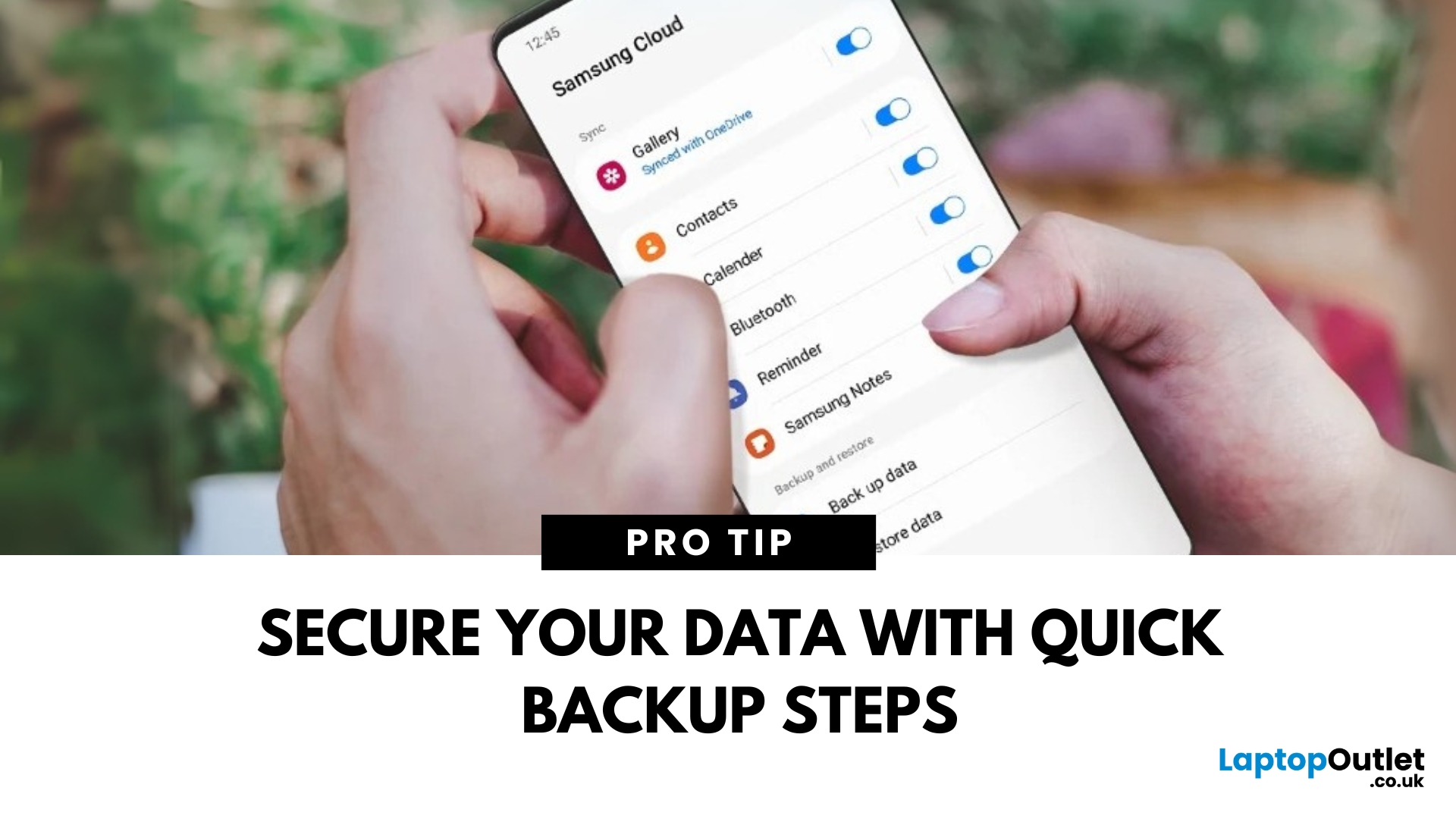
Protect Your Data – Back It Up
Your Samsung phone holds everything—photos, contacts, apps, messages. Losing that data can be a nightmare. That’s why it’s essential to back up your Samsung phone regularly. Here’s how to do it quickly and securely.
How to Back Up a Samsung Phone to Samsung Cloud
1. Open Settings
Tap the Settings app on your Samsung phone.
2. Go to Accounts and Backup
Scroll down and tap Accounts and Backup > Samsung Cloud.
3. Tap Back Up Data
Select the data you want to back up—Contacts, Messages, Apps, Settings, etc.
4. Tap Back Up Now
The backup will start. Make sure you’re connected to Wi-Fi.
Pro Tip: Enable Auto Backup to automatically save your data regularly.
How to Back Up Samsung Phone to Google Account
1. Open Settings
Go to Settings > Google > Backup.
2. Turn On Backup by Google One
Switch on Backup by Google One.
3. Select Data to Back Up
Choose apps, contacts, photos, and more.
4. Tap Back Up Now
Your data will be backed
Last Updated: May 23, 2025
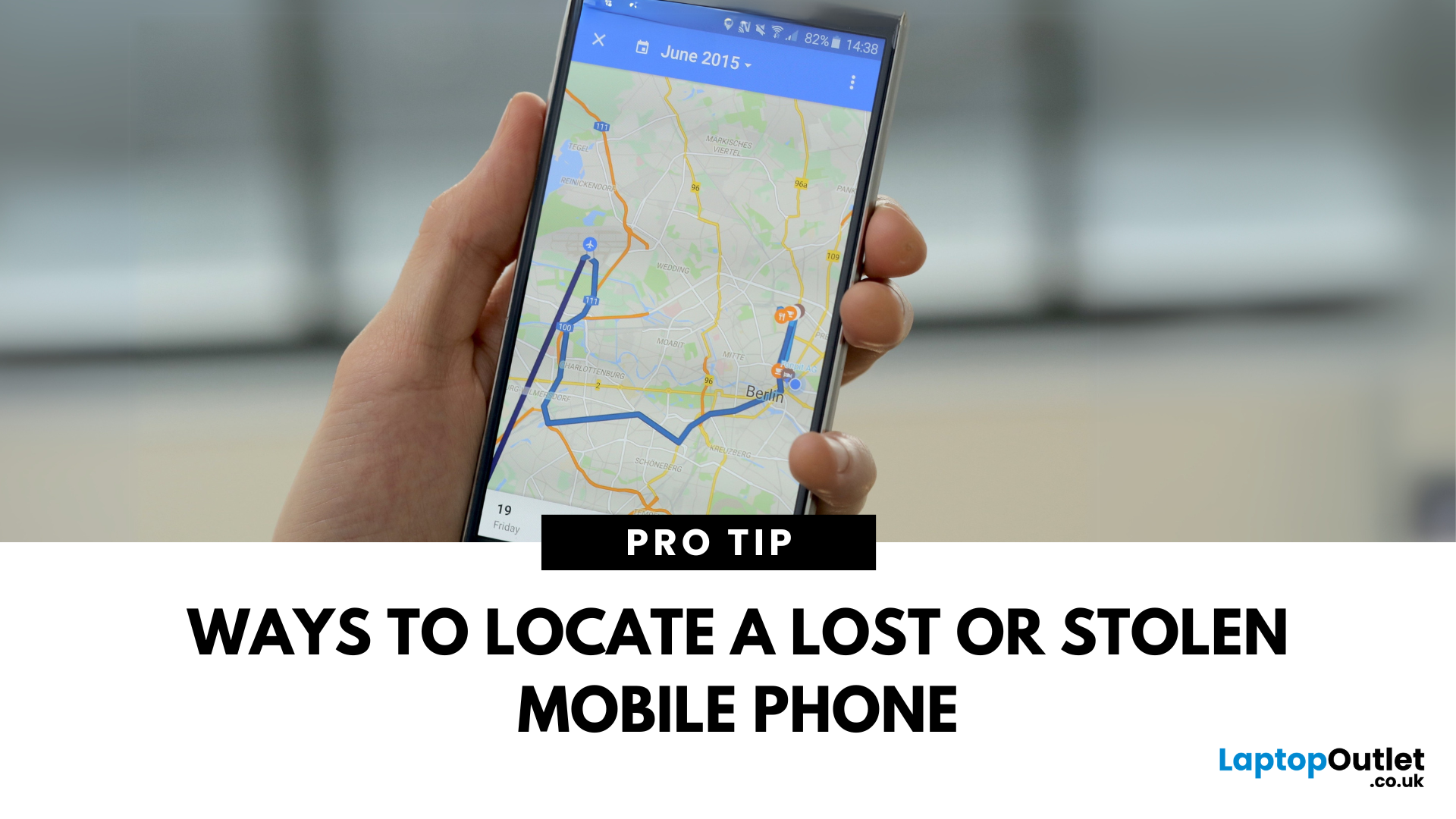
Lost Your Phone? Let’s Find It
Misplacing your smartphone is stressful, but modern devices come with built-in tracking features. Whether you’ve lost your device or want to locate a family member, tracking a mobile phone is easier than ever.
1. How to Track an iPhone (Find My iPhone)
Apple’s Find My feature is built into every iPhone.
Steps:
- Open the Find My app on another Apple device or visit iCloud.com
- Sign in with your Apple ID
- Select Devices
- Choose your missing iPhone
- View its location on the map
You can also Play Sound, Mark as Lost, or Erase the device remotely
2. How to Track an Android Phone (Find My Device)
Google offers a similar tool for Android users.
Steps:
- Visit android.com/find
- Sign in with your Google account linked to the phone
- Select your device
- View the location on the map
Options include Play Sound, Secure Device, or Erase Device remotely
3. How to Track a Family Member’s Phone
- iPhone: Set up Family Sharing and enable location

