



5 Things to Check Before Buying Refurbished Phones
Introduction
Are you considering buying a refurbished phone? Let's talk about what you must know before buying a refurbished phone.
When considering purchasing a refurbished phone, it's essential to navigate the market and find the best device available in terms of functionality and budget.
While refurbished devices offer a more economical way to access high-quality phones, ensuring you're making a wise investment is crucial. Choosing a refurbished phone not only saves you some money but also brings various advantages. When sourced from a reliable provider, a refurbished phone undergoes a thorough inspection and testing, ensuring that it is rigorously tested for performance, cleaned, and repaired if needed.
Buying a refurbished phone is not about affordability but getting a device that meets quality standards.
This blog will explore the five key aspects to inspect before deciding to find a refurbished phone that fits the budget and meets the expectations for reliability and performance.
But let's first understand what a refurbished phone is.
What is a Refurbished Phone?
A refurbished phone has been used previously, returned, and fixed up for reselling. A refurbished phone is pre-owned or returned but has undergone a process to restore it to its original condition. The refurbishment process involves thorough testing, inspection, and, if necessary, repair by authorised technicians.
Refurbished phones might have been returned for various reasons, like buyer's remorse or minor defects, and then restored to a functional state. They are typically second-hand phones but have gone through the process of refurbishment.
What are the 5 Things to Look Before Buying Refurbished Phones
People often look for refurbished devices because they are more affordable than brand-new ones. But there's more to consider than just the price tag. It's not just about the budget; there are essential features to check to ensure you're getting the best device while remaining on budget. So, look at the five crucial things you must consider before buying a refurbished device.
Warranty & Return Policy
Before buying a refurbished phone, it's essential to consider if it comes with a warranty. A truly refurbished phone will either have the original manufacturer's warranty or be hand-delivered by the refurbisher. Getting at least one year of warranty on the refurbished phone is essential. Keep an eye on the retailers that offer extended warranties at a reasonable price range.
It's essential to note that buying refurbished phones overseas may require you to pay shipping or return shipping, making a warranty claim expensive and time-consuming.
Since the refurbished phone has a history of flaws, there is still a potential that it will malfunction in the future. In these situations, the warranty usually ensures protection and enables the replacement of the phone during the warranty period. Choosing a seller that gives you at least a month or two to return the phone is advisable. Some retailers offer refunds or replacements within 90 days (about three months) after the purchase.
Reputable Seller
The most crucial tip of all is to buy from a reputable seller. While there are legitimate refurbished phones from different kinds of sellers, you must ensure that the seller is reliable. Trustworthy sellers provide that your phone is not stolen or black market special. A clear sign that you get a phone with someone else's data on it proves that the phone has not been checked over and restored to factory settings. Beware of scams and get a refurbished phone from trustworthy retailers.
If you have been looking for reputable sellers and retailers, check out Laptop Outlet. We strive to provide high-quality products at affordable prices.
Quality of phone
Multiple sellers and retailers often grade their refurbished phones based on condition and performance. At Laptop Outlet, we offer a carefully tested and certified selection of refurbished mobile phones, categorised under a refined and transparent condition-based grading system. This system ensures clarity and quality assurance. Here's how our refurbished phones are classified:
-
Manufacturer Certified Refurbished – Excellent Condition: These phones are in excellent overall condition, having been fully tested and verified as fully functional with no hardware or software defects. They have been professionally cleaned, repaired using original (OEM) parts where necessary, and are loaded with legally licensed software. Cosmetic signs of use are minimal such as light surface marks or wear and all parts are present and accounted for.
-
Refurbished – Excellent Condition: Devices in this category are fully functional and tested, with no hardware or software defects. They may show minor cosmetic wear such as light scratches or blemishes that do not affect performance. Each device is professionally cleaned, loaded with legally licensed software, and comes complete with all essential parts.
-
Refurbished – Very Good Condition: These phones are fully tested and functional, with some minor cosmetic imperfections like surface marks, wear to labelling, or tag discolouration. Some parts may have been replaced with non-original but compatible components. The phones remain in good working condition and have passed both manual and software-based testing.
-
Refurbished – Good Condition: Devices in this condition are also fully functional and tested, with more visible signs of previous use such as scratches, surface marks, or small dents. There may be some missing non-essential parts like rubber feet or stickers, but all critical components remain intact. These phones offer excellent value while maintaining full usability.
When shopping for a refurbished phone, consider what level of cosmetic appearance and price point suits your needs. Devices in Manufacturer Certified Refurbished – Excellent Condition provide the closest experience to new, while Good Condition models offer more budget-friendly options with some cosmetic trade-offs.
IMEI, serial number
Verifying a refurbished phone's IMEI and serial number is crucial before purchasing. The serial number is a digital footprint that distinguishes the phone from others. Checking the number ensures that the phone is legitimate and not blacklisted or reported as stolen.
The serial number helps confirm the device's warranty status, allowing you to check if the phone is still covered by the manufacturer's warranty or any additional warranty provided by the seller. To help prevent any discrepancies, cross-checking the IMEI number ensures that the phone's specifications match the advertised information.
Check it's Unlocked.
When looking for a refurbished phone, it's essential to consider whether it is unlocked. Unlocked phones are the ones that are not tied to any specific carriers, offering the flexibility to choose the mobile network that suits your preferences. In some cases, pages provide reduced prices for locked phones, making them affordable choices upfront.
Ensure that there are no outstanding financial obligations or unpaid bills associated with the device from the previous user. However, a locked phone may be wise if you're comfortable with a specific carrier and looking for potential upfront savings.
Which is the best place to buy second-hand phones?
When securing top-notch refurbished and second-hand phones, look no further than the Laptop Outlet. We have an extensive collection of the finest phones, with various refurbishment grades, to meet the diverse needs of our users. Whether after the latest models or reliable phones, we've got you covered.
The best part? You don't have to break the bank for quality. Laptop Outlet prides itself on delivering excellent-quality phones at prices within your budget.
Laptop Outlet is reputable and trustworthy, with a track record of satisfying thousands of customers. We go the extra mile by offering warranties ranging from 1 to 3 years on different phones.
Whether a tech enthusiast or a casual user, this is your one-stop shop for the best refurbished and second-hand phones.
Should You Buy a Refurbished Phone?
Buying a refurbished phone is a wise choice as it's cost-effective and allows you to enjoy the perks of a high-quality device while staying on a budget. Additionally, refurbished devices are environmentally friendly, reducing electronic waste and promoting a sustainable approach to technology consumption.
Refurbished phones often come with the latest features, providing you with technology at a fraction of the cost of a brand-new device. It's a win-win situation; you save money, help the environment, and still enjoy the latest smartphone technology advancements.
Best Refurbished Mobile Phone Deals
We have selected some budget-friendly mobile phone deals that allow you to get the best phone within a budget-friendly price range.
Apple iPhone 14 Plus
The Apple iPhone 14 Plus is available at the Laptop Outlet with a powerful A15 Bionic Chip, offering seamless performance. 128 GB is enough storage space for all your needs. The 6.7-inch OLED Super Retina XDR display delivers stunning visuals, while iOS 16 ensures a user-friendly experience. This refurbished phone is unlocked and 5G-ready, with a dual SIM in blue, combining style with cutting-edge technology. You can get this refurbished phone for £719, saving up to £80.
OPPO Find N2 Flip
The OPPO Find N2 Flip 5G is a sleek, unlocked smartphone available at Laptop Outlet, featuring a large 6.8-inch display. The phone has 8GB of RAM and 256GB of storage, offering efficient performance. This elegant black smartphone combines style with efficiency, making it a compelling choice for those seeking a feature-packed device. Get this phone for around £689, with a significant savings of £210.
What is the Best Condition for Refurbished Phones?
The best refurbished phones are listed as Manufacturer Certified Refurbished – Excellent Condition or Refurbished – Excellent Condition. These devices are fully tested, free from hardware or software faults, and show minimal signs of use; offering a near-new experience in both looks and performance.
Frequently Asked Questions
Here are some of the most asked questions.
What should you look for when buying a second-hand phone?
It's essential to consider the phone's overall condition, battery life, screen quality, and functionality. Ensure there is no physical damage, it's not reported as stolen, and verify its unlocked status with the carrier.
What is the best grade for refurbished phones?
Refurbished phones are graded based on minimal to noticeable cosmetic imperfections. Grades A and B are generally the best for refurbished phones, as they signify minimal cosmetic flaws, ensuring a device that looks and functions close to a new device.
Will I Be Protected If the Device Goes Bad?
Most reputable sellers and retailers offer warranties and return policies for refurbished phones. It is important to consider that the warranty covers the essential components and gives you sufficient time to identify and report any issues after purchasing.
Can all parts be replaced in a refurbished phone?
Many components, like batteries, ports, and displays, can be replaced in a refurbished phone, but certain core elements, like processors, remain unchanged. The refurbished phones might have a limited processor, as it's not typically replaceable during refurbishment.
Final Thoughts!
In wrapping up our guide on buying refurbished phones, remember these five easy-to-check pointers for a worry-free purchase. First, check the warranty for about 1 to 3 years, providing an added layer of security for your investment. Always confirm if the phone is unlocked. This way, you can pick your favourite carrier and even use it internationally without a hitch.
Look into the refurbishment grade to identify top-notch quality and a price tag that won't break the bank.
Opt for sellers like Laptop Outlet, known for their variety, quality phones, and track record of happy customers. Refurbished phones can be a wise move if you're after savings without compromising quality. With the proper considerations and research, you'll find a device that fits your budget and expectations.
Happy phone hunting!
Read more:
| Refurbished Laptops: What to Look for When Buying Online |
| Where to Buy Refurbished Laptops for Students |
| Affordable Light Refurbished Gaming Laptop |
Related Articles

Last Updated: December 01, 2025
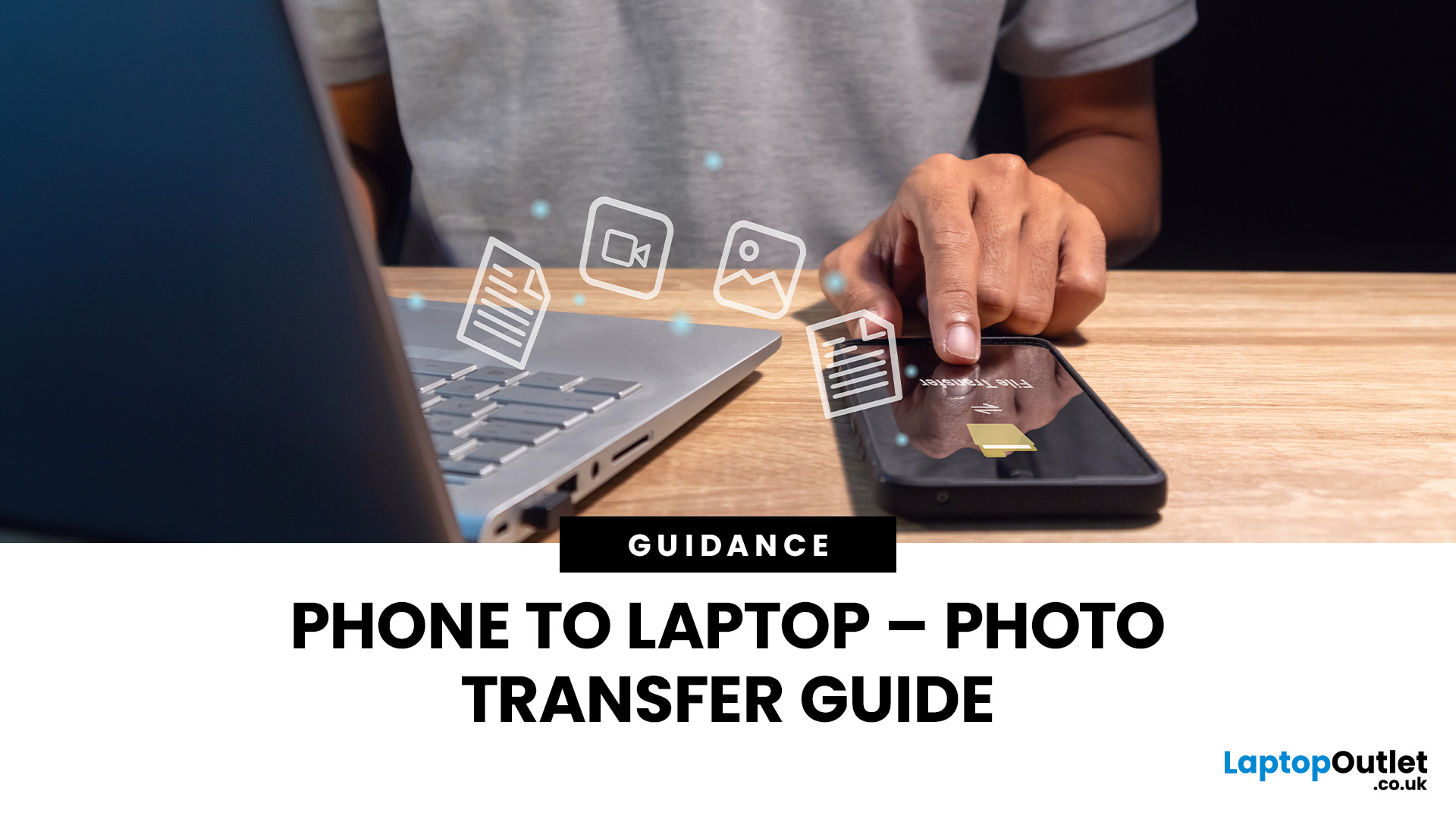
In an era dominated by digital photography, smartphones have become our go-to devices for capturing and storing precious moments. But mobile phones do not have enough space to keep these pictures for a longer run. Transferring these photos to a more secure and convenient platform, such as a laptop, is a common requirement. Whether you're looking to free up space on your phone, organise your photos on a larger screen, or create backups, transferring pictures from your phone to a laptop is essential. This comprehensive guide will explore various methods to accomplish this task seamlessly.
Using a USB Cable
A USB cable is one of the most straightforward methods to transfer photos from your mobile phone to a laptop. This method is widely applicable and works for both Android and iOS devices.
For Android Devices
- Connect your Android phone to your laptop using a USB cable.
- On your phone, enable the "File Transfer" or "Media Transfer Protocol (MTP)" mode.
- Open the file explorer on your laptop
Last Updated: October 02, 2025
Don’t Let Your Old Phone Gather Dust
So you’ve upgraded to a shiny new phone—but what about your old one? Instead of letting it rot in a drawer, there are plenty of useful, profitable, or eco-friendly ways to put it to good use. Here’s exactly what to do with old mobile phones (that doesn’t involve forgetting about them forever).
1. Trade It in for Cash or Credit
- Most retailers, mobile networks, and tech stores offer trade-in programmes.
- Get store credit or instant cash
- Helps reduce e-waste
2. Donate It to Charity
- Many organisations accept old phones:
- Help survivors of domestic abuse, refugees, or people in crisis
- Some charities refurbish and resell phones to raise funds
3. Recycle Responsibly
- Phones contain valuable materials—and harmful ones, too. Don’t bin it!
- Use local e-waste recycling centres or certified recycling schemes
- Some brands (Apple, Samsung) offer mail-in recycling
4. Turn It into a Backup Phone
- Accidents happen. Having a backup means you’re
Last Updated: October 02, 2025
Time to Clear Out the Clutter
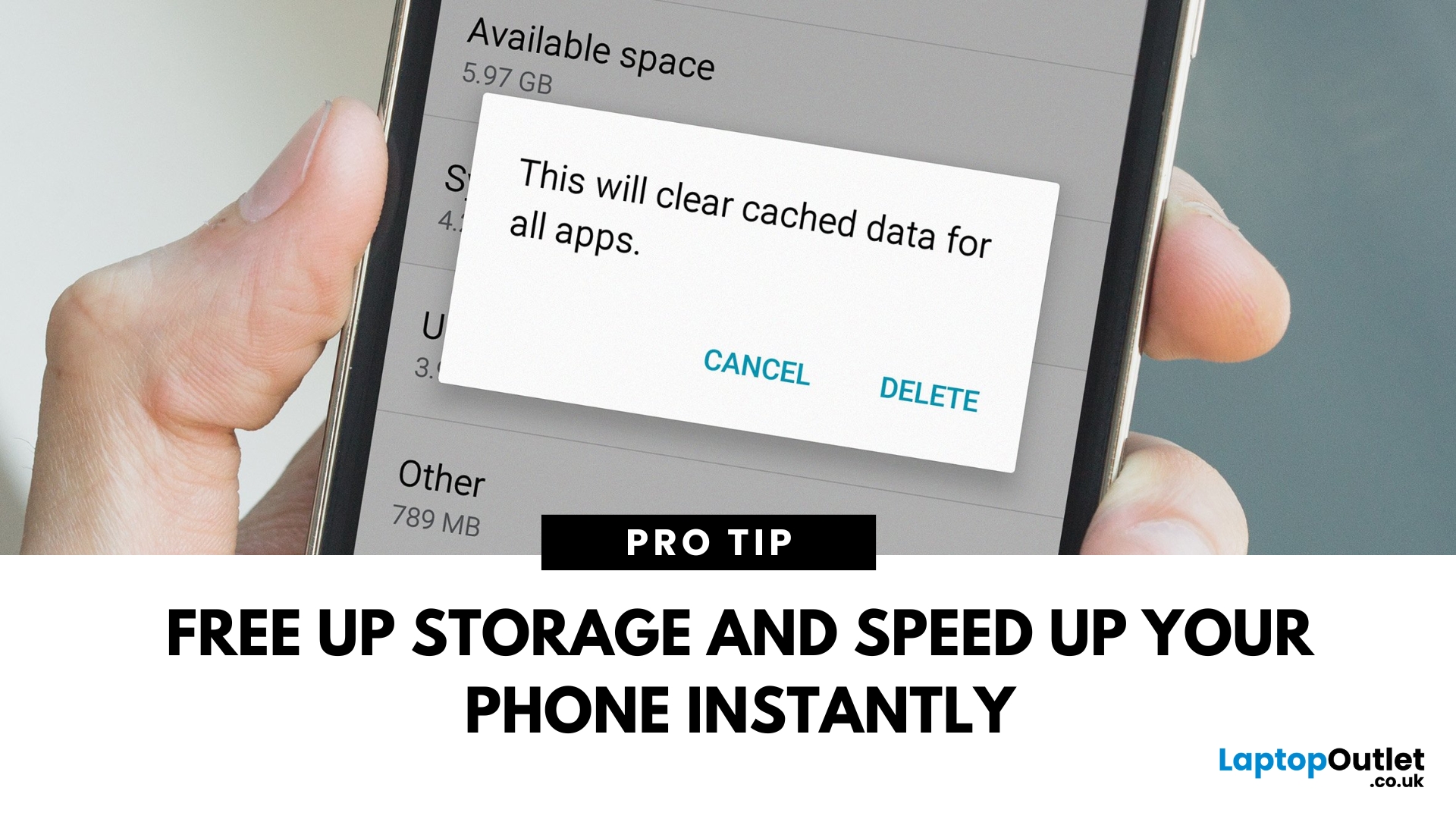
If your Android phone is feeling slow or apps aren’t working properly, it might be time to clear the cache. Cached data builds up over time and can hog storage or cause app glitches. Here’s how to safely clear cache and speed up your phone.
What Is Cached Data?
Cached data is temporary files stored by apps to load faster next time you open them. However, over time, too much cache can:
- Slow down your phone
- Cause apps to crash or behave oddly
- Fill up your storage unnecessarily
Pro Tip: Clearing cache does not delete your personal data, like photos or messages.
How to Clear Cache on an Android Phone
1. Clear App Cache (Individual Apps)
Steps:
- Open Settings on your phone
- Go to Apps or Apps & notifications
- Tap See all apps (if needed)
- Select the app you want to clear
- Tap Storage & cache
- Tap Clear Cache
Do this for apps that take up a lot of space or are misbehaving.
2. Clear Cache for All Apps (Device Cache)
Some Android phones

Last Updated: April 03, 2026
Mobile Printing Made Simple
Need to print a document, photo, or ticket from your phone? You don’t need to transfer files to a laptop first. Mobile printing lets you print directly from your smartphone or tablet to a wireless printer—fast and hassle-free. Here’s how to do it on both iPhone and Android.
What You’ll Need
Before you start:
- A Wi-Fi-enabled printer
- Your smartphone or tablet
- Both devices connected to the same Wi-Fi network
How to Print from an iPhone (iOS)
1. Use Apple AirPrint
Most modern printers support AirPrint, Apple’s built-in wireless printing feature.
Steps:
- Open the document, photo, or webpage you want to print
- Tap the Share icon (box with arrow)
- Tap Print
- Select your printer from the list
- Choose print settings (number of copies, pages, etc.)
- Tap Print
2. Use the Printer Manufacturer’s App
- If your printer doesn’t support AirPrint:
- Download the manufacturer’s app (e.g., HP Smart, Canon PRINT, Epson iPrint)
- Follow the in-app instructions
Last Updated: September 11, 2025
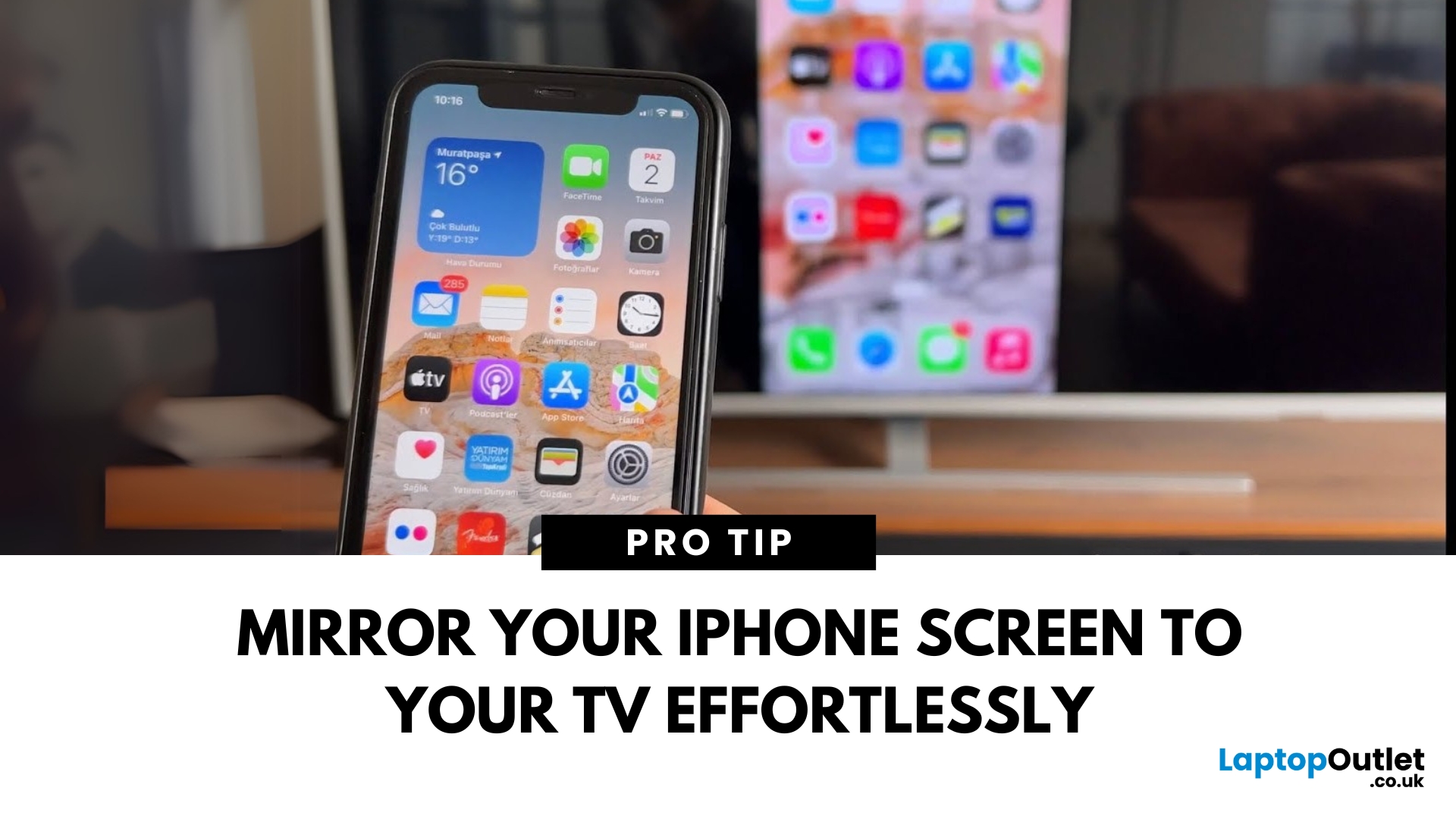
Make Your iPhone Screen Bigger
Want to watch photos, videos, or apps on the big screen? Screen mirroring lets you share your iPhone display to a TV wirelessly or with a cable. Whether you’re streaming a film or showing off holiday snaps, here’s how to do it easily.
How to Screen Mirror iPhone to a Smart TV (AirPlay)
Most smart TVs (Samsung, LG, Sony, etc.) now support Apple AirPlay.
Steps:
- Connect your iPhone and TV to the same Wi-Fi network
- Swipe down on your iPhone to open Control Centre
- Tap Screen Mirroring
- Select your TV from the list
- Enter the AirPlay passcode (if required)
Your iPhone screen will now appear on your TV.
How to Screen Mirror iPhone to TV Using an HDMI Cable
If your TV doesn’t support AirPlay, you can use a cable.
What You’ll Need:
- Apple Lightning Digital AV Adapter
- HDMI cable
Steps:
- Plug the adapter into your iPhone
- Connect an HDMI cable between the adapter and your TV
- Switch your TV input to the correct HDMI port
Your iPhone screen will

