



Black Friday is here! Get an extra £10 off with code: CART10OFF.
Nzxt Cases
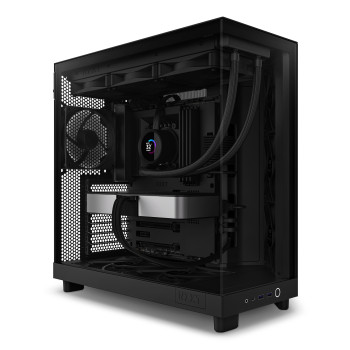
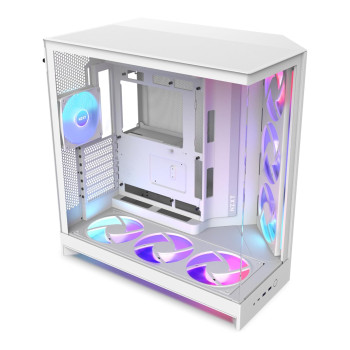
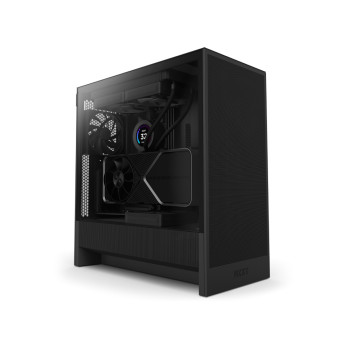
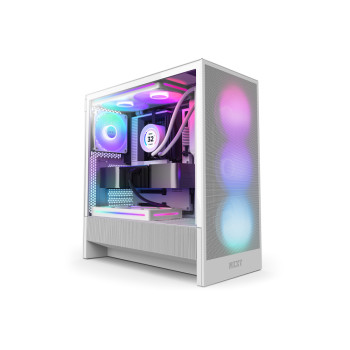
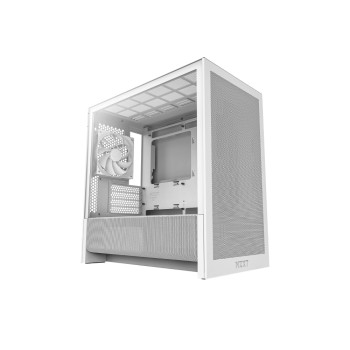
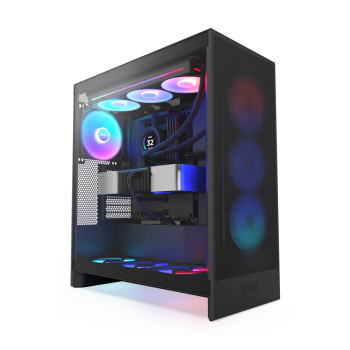
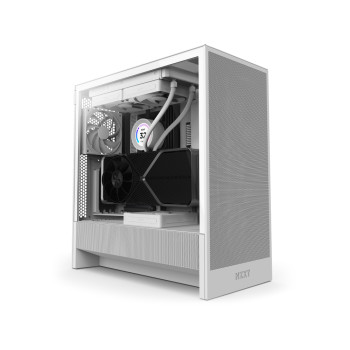
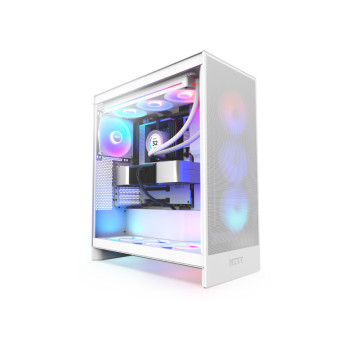
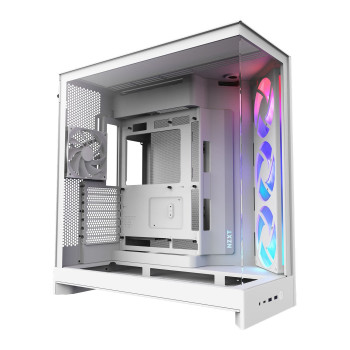
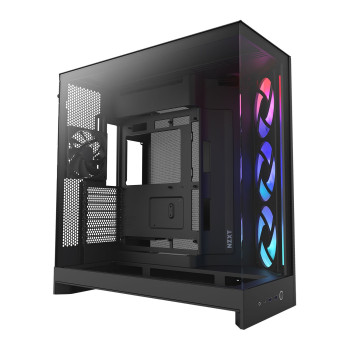
Shop NZXT PC cases for compact gaming PCs, full-size ATX builds and showcase setups. Find H3, H5, H6, H7 and H9 Flow models in black or white, with airflow-focused, RGB and dual-chamber options. Check case dimensions, motherboard support, GPU and cooler clearance, radiator space and included fans so your parts fit and you know what extras are still needed.
Finance available
Free Delivery *
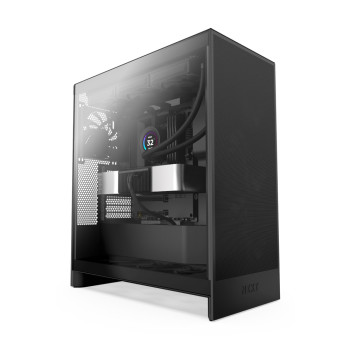
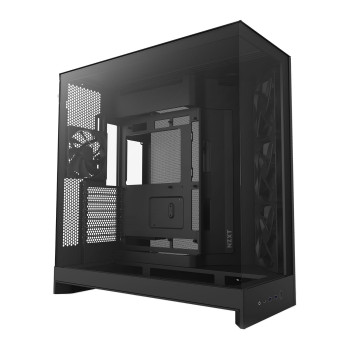
Finance available
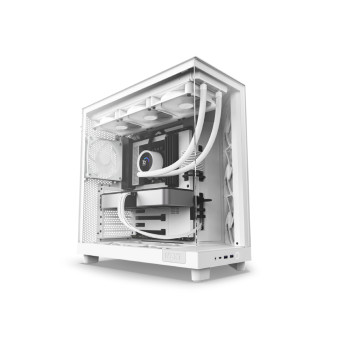
Finance available
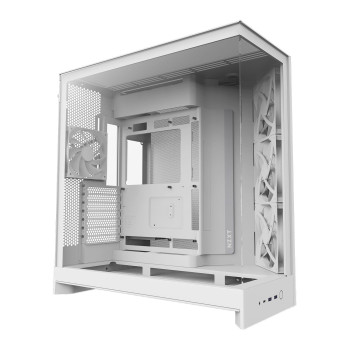
Finance available
Finance available
Finance available
Showing 14 of 14 Items
Find the Right NZXT Case for Your Build
At Laptop Outlet, shop NZXT cases for compact Micro-ATX PCs, mainstream ATX gaming builds and larger display-focused systems. The range includes airflow-focused Flow designs, RGB options and dual-chamber cases in black and white, giving you plenty of ways to match the chassis to your setup.
Start with the space you have and the motherboard you plan to use, then check GPU clearance, cooling room and included fans. That makes it easier to find a case that fits your components without paying for extra size or features you do not need.
Looking beyond NZXT? Browse our huge range of PC cases for more sizes, styles and brands.
Compare H3, H5 & H7 Flow Cases
H3, H5 and H7 cover three useful build sizes. The key difference is not which number is higher, but how much motherboard, cooling and component space your build actually needs.
- H3 Flow: Best suited to smaller builds. It supports Micro-ATX and Mini-ITX boards, a CPU cooler up to 170mm and GPUs up to 377mm without front fans. It also supports back-connect Micro-ATX motherboards.
- H5 Flow: The middle ground for many gaming PCs. It supports ATX plus selected E-ATX boards up to 277mm wide, GPUs up to 410mm and front radiators up to 360mm.
- H7 Flow: Worth stepping up to when you want more room around the hardware. It supports the same 410mm GPU length, but raises CPU cooler clearance to 185mm and front radiator support to 420mm.
Planning a smaller system? See our Micro-ATX motherboards alongside the H3 Flow.
Showcase Your Setup with H6 & H9 Cases
If you want the hardware to be part of the look, the NZXT H6 Flow and H9 Flow both use dual-chamber layouts that move the PSU and much of the cabling away from the main display area.
The NZXT H6 Flow keeps that layout relatively compact at 435 × 287 × 415mm. It supports ATX, Micro-ATX and Mini-ITX boards, GPUs up to 365mm and top radiators up to 360mm. That makes it a good fit when you want a dual-chamber PC case without moving to the footprint of the H9.
The NZXT H9 Flow 2025 is much larger at 506 × 315 × 481mm. It supports selected E-ATX boards, up to 459mm of GPU length in suitable fan configurations, 420mm radiators at the front and top, and 360mm at the bottom. Pick H9 when you need the extra room for cooling, large components or a more ambitious display build.
Flow, RGB or RGB+: Decide What Is Worth Paying For
Look beyond the case price and check what is already fitted. A cheaper chassis can cost more by the time you add the fans, lighting or controller you wanted from the start.
- Flow: Makes sense if you want an airflow-focused build or already have your own fans and lighting. Included non-RGB fans vary by model.
- RGB: Adds lighting-equipped fans, but a separate controller is not automatically included. For example, H5 Flow RGB includes an F360 RGB Core front fan but no controller.
- RGB+: Adds more factory-fitted RGB hardware on selected cases. H9 Flow RGB+ 2025 includes additional RGB fan assemblies plus an NZXT Control Hub, reducing what you need to add later.
Prefer to build the cooling layout yourself? Browse case cooling fans and add only what your setup needs.
Choose a Cooling Layout That Fits Your Components
Plan the cooler before the case arrives. NZXT Flow models support different fan and radiator positions, so matching the cooling layout to the CPU, graphics card and memory can save you from reworking the build later.
- H3 Flow: Up to 240mm at the top and up to 280mm at the front.
- H5 Flow: Up to 360mm at the front, with smaller top radiator options.
- H6 Flow: Up to 360mm at the top.
- H7 Flow: Up to 420mm at the front and up to 360mm at the top.
- H9 Flow 2025: Up to 420mm at the front and top, plus up to 360mm at the bottom.
A supported radiator size does not guarantee every radiator-and-fan combination will fit. Thickness, RAM height, motherboard heatsinks and GPU position can all reduce usable space.
Match the case with suitable CPU coolers before ordering the rest of the cooling hardware.
Match Your NZXT Case to Your Motherboard, GPU & PSU
Check the main components in the same order you will fit them: motherboard first, then GPU, CPU cooler and power supply. This is more useful than choosing a case by looks and finding out later that one part blocks another.
If the motherboard is not decided yet, browse different size motherboards and match the form factor to the case.
GPU clearance needs a second check once front fans or a radiator are installed. H3 Flow, for example, drops from 377mm without front fans to 352mm with front fans and 317mm with front fans plus a radiator. H9 Flow 2025 can also drop from 459mm to 410mm when a 420mm front AIO and fans are fitted.
Back-connect support is generation-specific too. H3 Flow 2025 supports back-connect Micro-ATX boards, H9 Flow 2025 supports compatible back-connect ATX boards, while H5 Flow 2024, H7 Flow 2024 and H6 Flow 2023 do not list back-connect support.
Once the graphics card and case are fixed, find a suitably rated PC power supply that fits the chassis and leaves room for cable routing.
Pick Your Finish & Check Front-Panel Connections
Laptop Outlet stocks NZXT cases in both black and white, so the chassis can match the rest of your build. A white NZXT case works well with lighter hardware or contrasting black components, while black keeps the setup more understated.
Front-panel connections vary by model. H3 Flow 2025 gives you one USB-A and one USB-C port. H5 Flow 2024 adds a 3.5mm headset jack, while H6 Flow 2023, H7 Flow 2024 and H9 Flow 2025 provide two USB-A ports, USB-C and a headset connection.
Make sure the motherboard has the internal headers needed for the ports you want to use. Also check whether extras such as a vertical GPU mounting kit, additional RGB control hardware or extra fans are included or sold separately.
Buy NZXT Cases from Laptop Outlet
Build around a case that fits your parts, desk space and budget. Laptop Outlet has you covered with NZXT H3, H5, H6, H7 and H9 models in black and white, with Flow, RGB and dual-chamber options for everything from compact gaming PCs to larger showcase builds.
- Find the right size without overbuying: Shop compact Micro-ATX cases, mainstream ATX towers and larger dual-chamber designs, then spend the rest of the budget on the hardware that matters to your build.
- Know what comes in the box: Product specifications help you check included fans, lighting, controller hardware, dimensions and compatibility before ordering.
- Complete more of the build in one place: Add motherboards, CPU cooling, case fans and power supplies alongside your NZXT case instead of sourcing every part separately.
- Flexible ways to pay: Use MasterCard, Visa, Visa Debit, Maestro or American Express, plus PayPal, Klarna, Apple Pay and Google Pay. Eligible purchases can also use PayPal Pay in 3, PayPal Credit or Klarna payment plans.
- Delivery options shown before you order: Free Delivery is usually 3–5 working days and Express Delivery can take up to 2 days. The expected delivery window for your order is shown during checkout.
- Two-year warranty across the listed NZXT range: Laptop Outlet lists a 2-year warranty on the NZXT case category, with returns and warranty support available if you need help after purchase.
Read More:
Vertical vs Horizontal GPU Mounting: Cooling and Compatibility
ARGB vs RGB: PC Lighting Connectors and Compatibility Explained
CPU_OPT vs CPU_FAN vs AIO_PUMP: Where Should You Connect Your Cooler?
Read more