



Where to Buy Refurbished Laptops? Are they Good for Students?

For many students in the UK, a laptop is essential for essays, research, online lectures, presentations and entertainment. However, buying a brand-new device can put extra pressure on an already tight student budget.
This is where high-quality refurbished laptops can help. They offer a more affordable way to get the technology you need, often with better specifications than a similarly priced new entry-level model. But what does refurbished really mean, are these laptops suitable for education, and where should you buy one? This guide covers the key points.
What Is a Refurbished Laptop? Key Terms Explained
The word “refurbished” can cause uncertainty, but it does not simply mean an old laptop being resold without checks. The condition and protection you receive depend on the seller and its refurbishment process.
Refurbished vs Used vs Second-Hand
Refurbished laptop: A device that has been previously owned, used, returned or displayed. It is inspected, tested and cleaned before resale, with repairs or component replacements completed where required. A reputable retailer should clearly state its condition, warranty and returns policy.
Used or second-hand laptop: A device typically sold as-is by its previous owner. It may not have undergone professional testing or repairs and may come without meaningful warranty protection, making its condition harder to assess.
Understanding Refurbishment Grades
When shopping for reconditioned laptops, you may see cosmetic grades such as A, B or C. These usually describe the laptop’s external condition rather than its performance, but grading standards can vary between sellers.
- Grade A or excellent: The laptop should be in very good cosmetic condition, with minimal signs of previous use.
- Grade B or very good: The device may have light scratches, marks or other minor signs of use while remaining fully functional.
- Grade C or fair: The laptop may have more noticeable scratches, scuffs or small dents but should still work as described.
Always read the retailer’s exact grading criteria and individual product description before ordering. Do not assume that the same grade means an identical cosmetic condition across every seller.
Are Refurbished Laptops Good for Students?
Yes, a refurbished laptop for a student can be a sensible choice when its specifications, condition and warranty meet the student’s needs. The best refurbished laptops for students are not necessarily the newest models. They are dependable devices with suitable performance, manageable battery life and enough storage for the course.
Lower Upfront Cost
Affordable laptops for students are important when budgets must also cover accommodation, travel, textbooks and other study costs. Refurbished devices generally cost less than comparable new models, although the saving varies by age, brand, specification and cosmetic grade. Compare the refurbished price with the current cost of a genuinely similar new laptop rather than relying on a headline percentage.
Better Specifications for the Budget
Choosing refurbished may make a business-grade laptop or higher-specification device more accessible. This can mean getting a stronger processor, 16GB of RAM or more storage within the same budget. These upgrades are useful for demanding course software and smooth multitasking.
A More Sustainable Option
Giving a working laptop a second life can extend the useful life of existing hardware and help reduce electronic waste. It also avoids replacing a serviceable device simply because a newer generation is available.
Tested Condition and Warranty Protection
A professionally refurbished laptop from a reputable retailer should be tested and accurately described before sale. The warranty and returns policy provide additional protection, but their duration and coverage can vary. Check both before buying rather than assuming every refurbished device includes the same terms.
Are Refurbished Laptops Suitable for College Students and Schools?
Refurbished laptops for college students can handle common tasks such as web research, document editing, video calls, presentations and virtual learning environments. Students taking programming, engineering, design or media courses may need more RAM, a faster processor, dedicated graphics or extra storage, so course software requirements should guide the decision.
Refurbished laptops for schools can also offer good value when devices are needed for classrooms, homework or shared learning. Schools should look beyond the purchase price and consider consistent specifications, device management, safeguarding software, durability, warranty support and the availability of replacement chargers or parts. A standardised fleet is usually easier for an IT team to support than a mixture of unrelated models.
Where to Buy Refurbished Laptops in the UK
Buy from a seller that provides clear product specifications, cosmetic grading, warranty information and a straightforward returns policy. These details are more useful than vague claims such as “like new” or “certified” without an explanation of what the checks cover.
Laptop Outlet
Laptop Outlet is a UK technology retailer offering new and refurbished devices. Its range includes models from brands such as Dell, Lenovo, HP and Apple.
The retailer also offers refurbished tech across different product categories. When comparing individual laptops, check the listed grade, processor generation, RAM, storage, operating system, warranty and included accessories. You can also learn what retailer certification means in this guide to R2-certified refurbished tech retailers.
Student Laptop Specification Checklist
The right specification depends on the course, but this checklist provides a practical starting point for everyday school, college and university work.
|
Component |
Practical Recommendation |
Why It Matters |
|
Processor (CPU) |
A modern Intel Core i5, AMD Ryzen 5 or equivalent |
Provides suitable performance for research, office applications, video calls and everyday multitasking. Confirm that the complete device supports its operating system rather than judging compatibility by processor name alone. |
|
RAM (memory) |
8GB minimum; 16GB preferred |
8GB can support everyday study, while 16GB gives more room for heavier multitasking, programming, creative applications and larger projects. |
|
Storage |
256GB SSD minimum; 512GB preferred for large files |
An SSD supports faster start-up and application loading. More capacity is useful for media files, specialist software and offline coursework. |
|
Display |
13 to 14 inches for portability; 15.6 inches for more workspace |
Smaller laptops are easier to carry, while a larger display may be more comfortable for long sessions or detailed work. |
|
Operating system |
Windows 11 or a currently supported version of macOS or ChromeOS |
Windows 10 support ended on 14 October 2025. Confirm that the device officially supports its installed operating system and any software required by the course. |
|
Battery |
Check stated condition, testing policy and realistic runtime |
Battery capacity declines with age. Ask what has been tested and whether battery coverage differs from the main warranty. |
|
Ports and wireless connectivity |
Suitable USB ports, video output and reliable Wi-Fi; USB-C where needed |
The correct connections matter for chargers, storage, classroom displays, external monitors and docks. Do not assume every USB-C port supports charging or display output. |
Always check the university, college or school’s own device guidance before purchasing. Specialist applications may have higher processor, memory, graphics or operating-system requirements.
Tips for Buying a Refurbished Laptop
Check the Warranty and Returns Policy
Confirm the warranty length, what it covers and how a repair or return would be handled. Pay particular attention to any separate terms for the battery, charger or cosmetic condition.
Read the Full Product Description
Check the exact model number, processor generation, RAM, storage, screen resolution, keyboard layout and cosmetic grade. Product photographs may be illustrative, so find out whether the listed condition applies to the individual unit or the wider grade.
Confirm Operating-System Compatibility
Do not buy an older Windows laptop solely because Windows 11 is currently installed on it. Confirm that the model officially meets Windows 11 requirements, including a compatible processor, Secure Boot capability and TPM 2.0. This helps reduce the risk of future update or support problems.
Consider Student Discounts
Check whether the retailer offers an education saving or works with a student discount scheme. Compare the final price, warranty and specification rather than choosing a laptop based only on the discount percentage.
Look at Business-Class Models
Former business laptops such as selected Dell Latitude, HP EliteBook and Lenovo ThinkPad models are often designed for regular professional use. Their build quality, keyboards and serviceability can make them good refurbished choices, provided the particular model is not too old and remains compatible with current software.
Check the Charger and Battery
Confirm that a compatible, safety-compliant charger is included. Battery runtime varies considerably between refurbished devices, so review the seller’s battery policy and remember that real-world runtime depends on age, settings and workload.

Final Verdict
Choosing a refurbished laptop can be an affordable and responsible decision for a UK student. The right device can provide the performance needed for study without the cost of a comparable new model, but value depends on more than the price.
Prioritise verified operating-system compatibility, suitable course specifications, transparent grading, battery information and meaningful warranty cover. Explore Laptop Outlet’s fully tested and warrantied refurbished range to compare models suited to school, college and university work.

FAQs
Are Refurbished Laptops Reliable for Students?
They can be reliable when bought from a reputable retailer that tests its devices, explains their condition and provides warranty and returns information. Check the individual model and seller terms before purchasing.
How Much Can I Save by Buying a Refurbished Laptop?
Savings vary according to the model’s age, specification, brand, condition and current new-device price. Compare like-for-like specifications and include warranty coverage in your assessment of value.
Is It Safe to Buy a Refurbished Laptop Online?
Yes, provided you use a reputable seller, make a secure payment and check the grading, warranty and returns policy. Avoid listings with vague specifications, no clear condition details or no practical route for resolving faults.
Which Refurbished Laptop Is Best for Students?
There is no single best model for every student. Dell Latitude, HP EliteBook, Lenovo ThinkPad and selected refurbished MacBook models can be suitable, but the correct choice depends on the course software, portability needs, budget and preferred operating system.
Do Refurbished Laptops Come With Warranties?
Reputable retailers commonly provide a warranty, but its length and coverage vary. Always read the current terms and check whether the battery and accessories receive the same protection as the laptop.
Are Refurbished Laptops Good for University Work?
Yes. A correctly specified model can handle essays, research, online classes, presentations and programming. Design, engineering, architecture and media courses may require more memory, dedicated graphics or a more powerful processor.
| Read More: |
| Refurbished Laptops: What to Look for When Buying Online |
| The 10 Best Refurbished Laptops for Programming |
| Should You Buy a Refurbished Gaming Laptop? Pros, Cons & Top Models |
Related Articles

Last Updated: August 06, 2026
In a world driven by creativity and content, having the right tools can make or break your workflow. Whether you're an aspiring YouTuber, a freelance designer, or a professional video editor, the performance of your laptop matters. But here’s the big question: can refurbished laptops handle design and video editing?
The answer is a resounding yes, if you know what to look for.
Refurbished laptops for creators have come a long way. With powerful specs, tested reliability, and a fraction of the price tag, they offer unbeatable value for modern content creators. In this blog, we'll walk you through why refurbished laptops are a smart choice, what features to prioritise, and which models are worth considering.
Who Are Creative Users & What Do They Need?
Content creators cover a wide range of spectrum. You might be:
- A graphic designer using tools like Adobe Illustrator or Figma
- A video editor working with Premiere Pro or Final Cut Pro
- A 3D artist or animator using Blender or After
Last Updated: March 31, 2026
A monitor stand is easy to overlook until you spend a full day hunched over the wrong screen. If you work from home, study for long hours, edit content, or switch between spreadsheets and video calls, an adjustable stand makes a real difference. It lets you set the screen at a more comfortable height, angle it properly, and keep your desk setup working with you instead of against you. It is recommended to keep the monitor directly in front of you, at least 20 inches away, with the top line of the screen at or just below eye level.
That is why refurbished monitors with adjustable stands make so much sense in 2026. You get the ergonomic features people actually use every day, without paying full price for a brand-new display. At Laptop Outlet, refurbished monitors are sold as professionally restored products, and the refurbished range is presented as backed by warranty, which makes the category a strong fit for buyers who want better value without buying blind.
If you are shopping for the
Last Updated: September 09, 2025
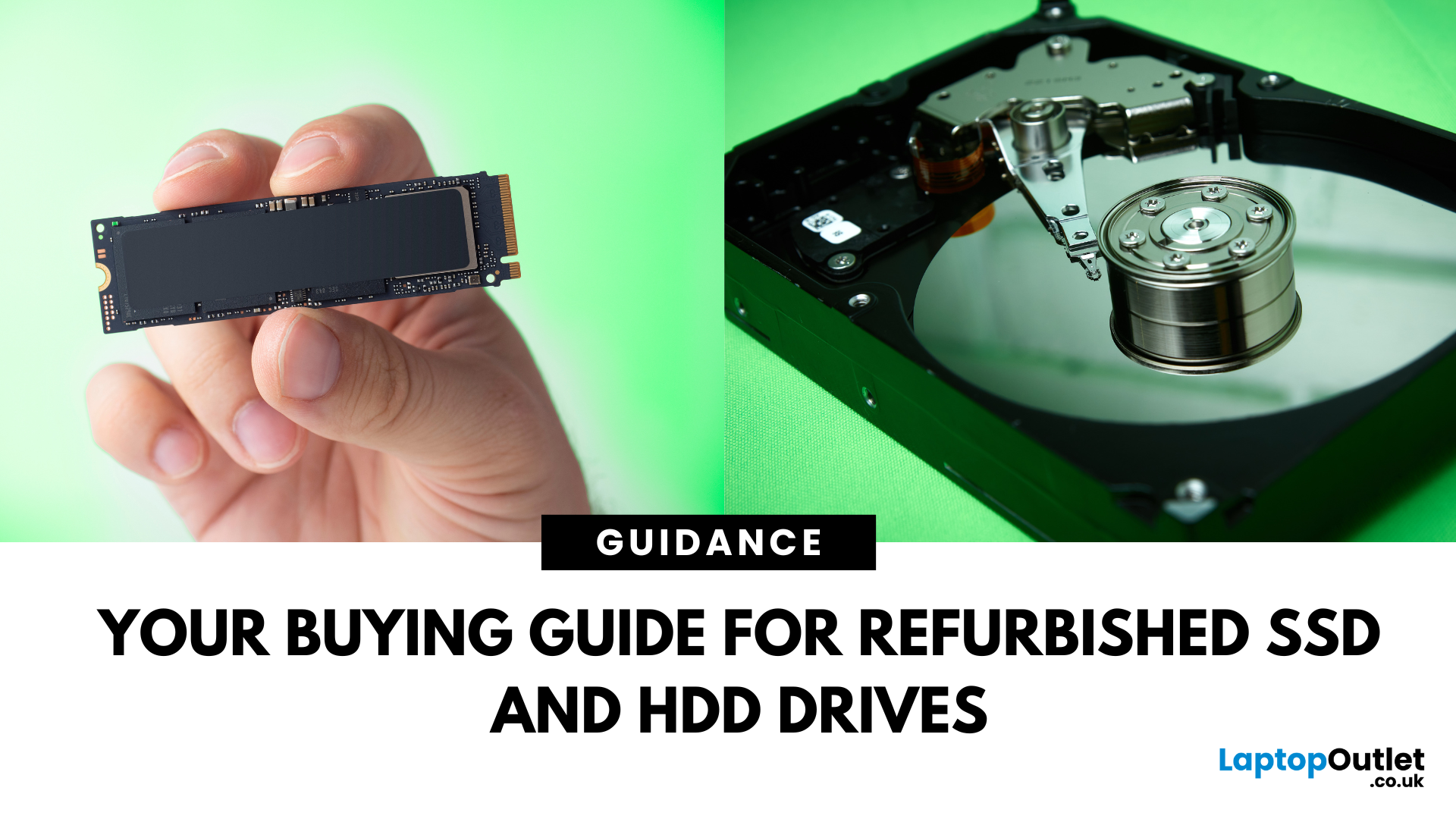
Need more storage or speed but don’t fancy paying full price? Buying a refurbished SSD or HDD could be the budget-friendly solution you’re after. Whether you're upgrading your current device or adding extra space for files, games, or media, refurbished drives offer great value without compromising functionality.
However, not all refurbished storage is created equal. To ensure your investment lasts and performs well, you need to understand the difference between drive types, evaluate their health, and select based on your specific needs, whether it’s for day-to-day use, gaming, or business tasks.
This guide covers everything you should know before buying refurbished SSD or HDD, external refurbished drives, or upgrading your refurbished SSD laptop. It’s your go-to resource for making a smart, informed choice.
Understanding the Difference Between SSD and HDD
When choosing between a refurbished SSD and HDD, it’s important to know how each works and which suits your needs better. Both offer

Last Updated: August 21, 2026
Here’s what to prioritise when comparing your options:
Programming requirements vary considerably. Someone learning Python or JavaScript does not need the same hardware as a developer running multiple containers, databases, virtual machines or demanding development environments.
Choosing refurbished laptops for programmers is therefore about matching the hardware to the work rather than simply buying the newest processor. This guide explains what to look for and compares 10 refurbished laptops suited to different coding, software development and programming workloads.
Refurbished vs Used Laptops: What's the Difference?
A refurbished laptop has usually been inspected, tested and prepared
Last Updated: March 17, 2026
What’s the Difference Between Refurbished and Brand-New Tech?
- Refurbished Tech: Pre-owned devices restored, tested, and certified to work like new. They may have minor cosmetic flaws but are backed by a warranty and sold at discounted prices.
- Brand New Tech: Fresh from the manufacturer, untouched, with full warranty, latest specs, and the confidence of being the very first user.
Feature Comparison Table
| Feature | Refurbished Tech | Brand New Tech |
| Price | Up to 40–60% cheaper than new | Full retail price |
| Condition | Like-new after professional inspection | Factory-sealed, unused |
| Warranty | Limited or retailer-backed (e.g. 6–12 months) | Full manufacturer warranty (1–3 years) |
| Performance | Tested to meet functional standards | Latest specs, untouched hardware |
| Sustainability | Eco-friendly, reduces e-waste | Less eco-friendly (new production impact) |
| Availability | May be older-gen models | Latest models available |
1. Price & Value
- Refurbished: Offers major savings, often 40–60% off. Perfect for buyers who want performance

Last Updated: October 22, 2025
I was skint, to be honest. My old laptop had packed it in mid-way through applying for jobs, and I didn’t have the cash to drop on a brand-new one. You know how it is - bills, rent, travel, it all stacks up.
So, when I spotted a decent-looking ThinkPad on Facebook Marketplace for £220, I thought, go on then.
The listing said it had “just been wiped,” “works perfectly,” and came with the charger and box. Looked tidy in the photos. Not dodgy looking, just a regular bloke selling some old work gear. Said he upgraded and didn’t need it anymore.
I messaged him, asked a few questions, nothing too deep, just the basics. He replied quickly and seemed normal enough. Even said he’d meet me halfway in Stratford to hand it over. Sounded fair.
Now, I know what you’re thinking: I should’ve just bought a refurbished one from a trustworthy retailer like Laptop Outlet. And yeah - I’ve heard that before. But when you’re counting every penny and someone’s offering you a fully working laptop for less than

Last Updated: August 24, 2026
A gaming laptop refurb can be worth buying in 2026, provided you purchase from a reputable UK retailer with a clear grading system and a warranty of at least 12 months. Refurbished gaming laptops typically cost 20–50% less than their brand-new equivalents, and perform the same as new hardware. The key considerations are the seller's grading standards, battery health, and whether the GPU meets your performance needs.
What Does “Refurbished” Actually Mean for a Gaming Laptop?
The word “refurbished” is used broadly, but there are meaningful differences between a professionally refurbished device and something simply listed as “used” on a marketplace. Understanding those differences matters before you spend anything.
A professionally reconditioned gaming laptop has been inspected, tested for hardware and software faults, cleaned, data-wiped to industry standards, and graded according to its cosmetic and functional condition. Reputable UK retailers such as Laptop Outlet follow clearly
Last Updated: May 06, 2026
Buying a certified refurbished monitor can feel like discovering a hidden gem. You get the same premium performance as a brand-new product, but at a fraction of the price. Still, many shoppers wonder, “How do I know it’s really been tested and certified properly?”
At Laptop Outlet, we believe that refurbished does not mean second-best. Our refurbished monitors are carefully tested, restored, and certified to deliver the same level of reliability, performance, and visual quality you would expect from a new device.
Here is a closer look at how our refurbished monitor testing process works, how each unit is certified, and what that certification means for you.
What are Refurbished Monitors?
Refurbished monitors are not “used” in the everyday sense. They’re often returns, display models, or items that have been opened but never actually used. Some may have had minor cosmetic imperfections or packaging damage, while others might simply be surplus stock.
Before these monitors reach our customers,
Published: November 13, 2025
Over 350 million refurbished devices were sold globally in 2024, and that number’s still climbing in 2025. People aren’t just buying refurbished to save money anymore; they’re buying smarter, greener, and more responsibly.
But with refurbished tech booming, one big question remains - who’s actually doing it right? The answer is simple: the R2-certified sellers.
The R2 (Responsible Recycling) standard is recognised globally as the highest benchmark for responsible electronics renewal, covering everything from data security and environmental safety to worker protection and quality testing. As of 2023, there are more than 1,100 R2-certified facilities across 41 countries, all following the same strict sustainability and safety principles. Considering that only about 17.4% of global e-waste is recycled properly, R2 certification isn’t just a badge; it’s a solution.
And here’s the part Laptop Outlet is most proud of, we’re officially R2 certified.
That means every laptop, monitor, or mobile
Last Updated: April 02, 2026
In an age where the next best device seems just around the corner, many consumers and organisations are quietly turning to a smarter alternative: refurbished tech. Whether it's a laptop, smartphone, tablet or monitor, devices that have been renewed, re-certified and resold are no longer the fringe option; they’re becoming mainstream. The global refurbished tech market is surging, driven by cost consciousness, sustainability awareness and improving trust in quality. In this article, we’ll explore why refurbished devices are gaining stock, how the market is evolving, and what this means for buyers and sellers alike in 2025 and beyond.
The Big Picture: Market Growth & Opportunity
The numbers tell a clear story: the UK refurbished electronics market is growing faster than ever. In 2025, it’s valued at roughly £7.6 billion, with projections suggesting it could more than double by 2032 as refurbished laptops, smartphones, and other devices continue to rise in demand. The growth is fuelled by

