



What is Wi-Fi 7? Everything You Need to Know
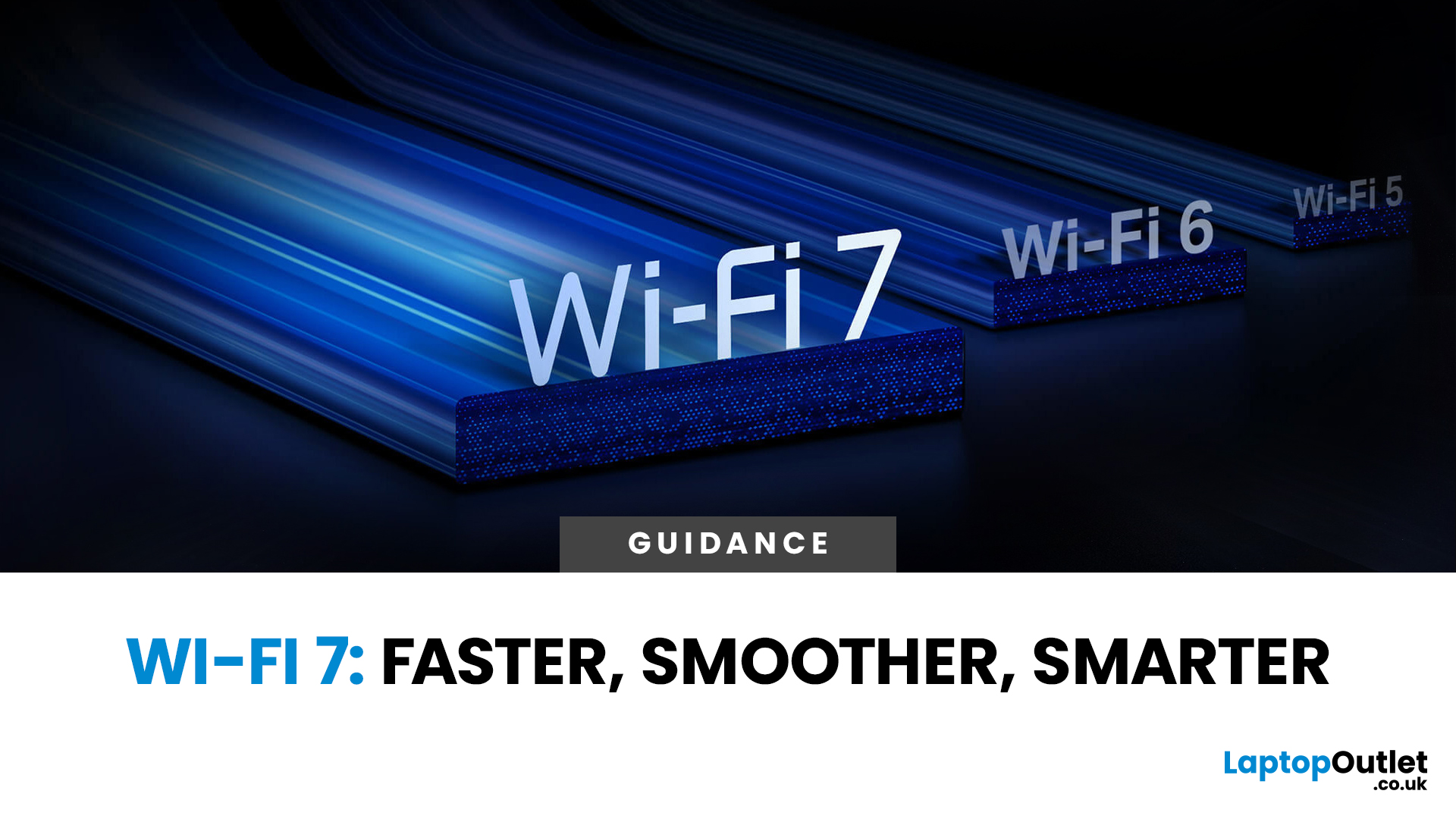
Wi-Fi has quietly become the unsung hero of our daily lives. From streaming films on Netflix to working from home, gaming online, or controlling smart home gadgets, most of what we do now depends on fast, stable wireless connections. Over the years, each new Wi-Fi standard has stepped things up a gear: Wi-Fi 5 brought gigabit speeds, Wi-Fi 6 improved efficiency for crowded households, and Wi-Fi 6E opened new spectrum in the 6GHz band.
Now we’re on the cusp of another leap forward: Wi-Fi 7. But what is Wi-Fi 7, and why should you care? Officially known as IEEE 802.11be, Wi-Fi 7 promises to deliver not just faster speeds, but also lower latency and better stability - three things that matter more than ever in 2025.
In this guide, we’ll break down everything you need to know how Wi-Fi 7 works, its key features, what sort of speeds you can expect, and whether it’s worth upgrading. Think of it as a no-nonsense deep dive into the future of wireless internet.
The Basics – What Is Wi-Fi 7?
At its core, Wi-Fi 7 is the next-generation wireless standard, built on the foundations laid by Wi-Fi 6 and Wi-Fi 6E. Its technical name is IEEE 802.11be Extremely High Throughput (EHT) - which is a mouthful, but the important bit is in the title: extremely high throughput. That’s industry-speak for dramatically higher data speeds and more efficient handling of multiple devices. To understand more about what a router actually does (which is central to any Wi‑Fi network), check out our article What Is a Router?
How Wi-Fi 7 Differs from Wi-Fi 6
- Speed: Wi-Fi 7 supports maximum theoretical speeds of up to 46 Gbps, compared with 9.6 Gbps on Wi-Fi 6.
- Latency: It’s designed to cut lag to near-zero, which is crucial for gaming, VR, and video calls.
- Stability: Wi-Fi 7 brings smarter ways of managing traffic across multiple bands, so your connection won’t choke even if your house is full of smart devices.
Why Now?
The demand for faster, more stable Wi-Fi has never been higher. With 4K and 8K streaming, cloud gaming, and AI-driven smart homes, the strain on home networks has ballooned. Wi-Fi 7 is essentially the industry’s answer: a future-proof solution to modern internet needs.
In short, Wi-Fi 7 is not just about raw speed -it’s about delivering a smoother, more reliable experience for everything we do online.
Key Features of Wi-Fi 7
So, what makes Wi-Fi 7 so special? Here are the headline features that separate it from earlier standards.
1. Wider Channels (320 MHz)
Wi-Fi 6 maxed out at 160 MHz channels. Wi-Fi 7 doubles that to 320 MHz, meaning it can carry more data at once. Think of it like adding more lanes to a motorway — more traffic moves smoothly without jams.
2. Higher QAM (4096-QAM)
QAM (Quadrature Amplitude Modulation) is about how much information can be packed into each signal. Wi-Fi 6 uses 1024-QAM; Wi-Fi 7 cranks it up to 4096-QAM, squeezing in four times as much data per signal. Result? Faster throughput, especially for large file transfers and streaming.
3. Multi-Link Operation (MLO)
This is one of Wi-Fi 7’s killer features. MLO allows devices to use multiple frequency bands at once - 2.4GHz, 5GHz, and 6GHz - rather than sticking to just one. It’s like driving on several motorways simultaneously, reducing congestion and boosting stability.
4. Preamble Puncturing
Sounds technical, but it basically lets Wi-Fi 7 ignore “noisy” parts of a frequency and still use the rest efficiently. This means fewer wasted resources and better performance in crowded areas.
5. Better MU-MIMO and OFDMA
These technologies, first introduced in Wi-Fi 6, get beefed up in Wi-Fi 7. They allow more devices to connect and share bandwidth without slowing each other down - essential for homes with dozens of gadgets.
Real-World Translation: Faster downloads, smoother video calls, lag-free online gaming, and networks that don’t buckle under the pressure of multiple devices.
How Fast Is Wi-Fi 7?
Speed is always the headline grabber, and Wi-Fi 7 doesn’t disappoint.
Theoretical Speeds
Wi-Fi 7 supports speeds of up to 46 Gbps. To put that in perspective:
- Wi-Fi 6 tops out at 9.6 Gbps.
- Wi-Fi 5 maxes out at 3.5 Gbps.
- A typical fibre broadband plan in the UK might offer 1 Gbps.
So, Wi-Fi 7’s potential is way beyond what most ISPs currently provide - but it’s a sign of where things are heading.
Real-World Speeds
In practice, your Wi-Fi 7 speed will depend on:
- Your internet plan (you can’t exceed what your ISP delivers).
- Your router’s capabilities.
- Your device’s Wi-Fi chip.
- Network congestion.
Still, even in real-world conditions, you can expect Wi-Fi 7 to feel noticeably quicker than Wi-Fi 6. File transfers will be snappier, and streaming multiple 4K videos at once won’t break a sweat.
Who Benefits Most?
- Gamers – smoother multiplayer sessions, less lag.
- Content creators – faster uploads and downloads.
- Households – support for dozens of devices without slowdowns.
Lower Latency Explained

While speed grabs the headlines, latency is often the bigger deal - especially for real-time applications. Latency is the time it takes for data to travel from your device to its destination and back. Some routers have features like WPS to make device connections smoother - see What Is the WPS Button on My Router for a breakdown of how that works.
Why Latency Matters
- In gaming, high latency means lag: delayed reactions, missed shots.
- In video calls, it causes awkward pauses or people talking over each other.
- In VR and AR, latency can cause nausea if the visuals lag movements.
How Wi-Fi 7 Fixes Latency
With Multi-Link Operation (MLO), devices can send data across multiple bands at once, reducing delays. Add in smarter scheduling of packets and improved efficiency from 4096-QAM, and you get latency that feels almost invisible.
Real-Life Examples
- Esports players: split-second reactions without worrying about Wi-Fi lag.
- Work-from-home professionals: smooth, uninterrupted Zoom calls.
- Metaverse and VR users: immersive experiences without motion sickness.
In short, Wi-Fi 7 takes wireless networking closer than ever to the responsiveness of a wired Ethernet connection.
Stability & Reliability
One of the biggest complaints about Wi-Fi today is that it’s unreliable. Dropouts, interference, and inconsistent speeds plague many households. Wi-Fi 7 aims to fix that.
The Problems Today
- Congestion: Too many devices fighting for bandwidth.
- Interference: Neighbours’ routers bleeding into your signal.
- Coverage gaps: Dead zones in bigger homes.
Wi-Fi 7’s Solutions
- Multi-Link Operation (MLO): If one band is congested, Wi-Fi 7 can instantly switch to another.
- Preamble puncturing: Makes use of frequencies even in noisy environments.
- Improved MU-MIMO and OFDMA: More devices can connect without slowing each other down.
Why It Matters
- Smart homes: With dozens of IoT devices, stability is critical.
- Hybrid offices: Reliability keeps meetings and file sharing smooth.
- Entertainment: Streaming and gaming without sudden drops.
Essentially, Wi-Fi 7 is designed not just to be faster, but to be dependable -so you can forget about connection woes and just get on with what you’re doing.
Wi-Fi 7 vs Wi-Fi 6/6E
When a new Wi-Fi standard arrives, the natural question is: how much better is it than the last one? Let’s break it down.
Speed Comparison
- Wi-Fi 6: Up to 9.6 Gbps.
- Wi-Fi 6E: Same as Wi-Fi 6, but with access to the 6GHz band.
- Wi-Fi 7: Up to 46 Gbps.
That’s nearly five times faster in theory - though real-world gains will be smaller.
Latency and Stability
Wi-Fi 6 made latency better than Wi-Fi 5, but Wi-Fi 7 goes a step further with Multi-Link Operation and smarter traffic management. In simple terms, Wi-Fi 7 is faster to respond and less prone to hiccups.
Channel Widths
- Wi-Fi 6: 160 MHz max.
- Wi-Fi 7: 320 MHz.
Doubling the channel width is like opening an extra lane on a motorway: more room for data traffic.
QAM Improvements
- Wi-Fi 6: 1024-QAM.
- Wi-Fi 7: 4096-QAM.
More information packed into each signal means greater efficiency.
Upgrade Worth It?
- If you’re on Wi-Fi 5: Upgrading will feel transformative.
- If you’re on Wi-Fi 6: You’ll notice improvements if your household has many devices.
- If you’re on Wi-Fi 6E: The jump isn’t as dramatic, but Wi-Fi 7 still offers more efficiency and lower latency.
Bottom line? Wi-Fi 7 is the biggest leap forward since Wi-Fi 5, making it a worthy upgrade for gamers, large households, and businesses.
Devices That Support Wi-Fi 7

As of 2025, Wi-Fi 7 is no longer just hype - it’s rolling out in real products.
Smartphones
Most flagship phones now come with Wi-Fi 7 built in. Expect support from:
- Samsung Galaxy S24 Ultra.
- iPhone 16 Pro.
- Google Pixel 9 Pro.
- OnePlus and Xiaomi flagships.
Laptops and PCs
High-end laptops, especially gaming models and premium ultrabooks, are starting to include Wi-Fi 7 cards. If you're shopping for one, check out our guide on the best budget laptops under £400 -you might find great deals on capable models
Routers
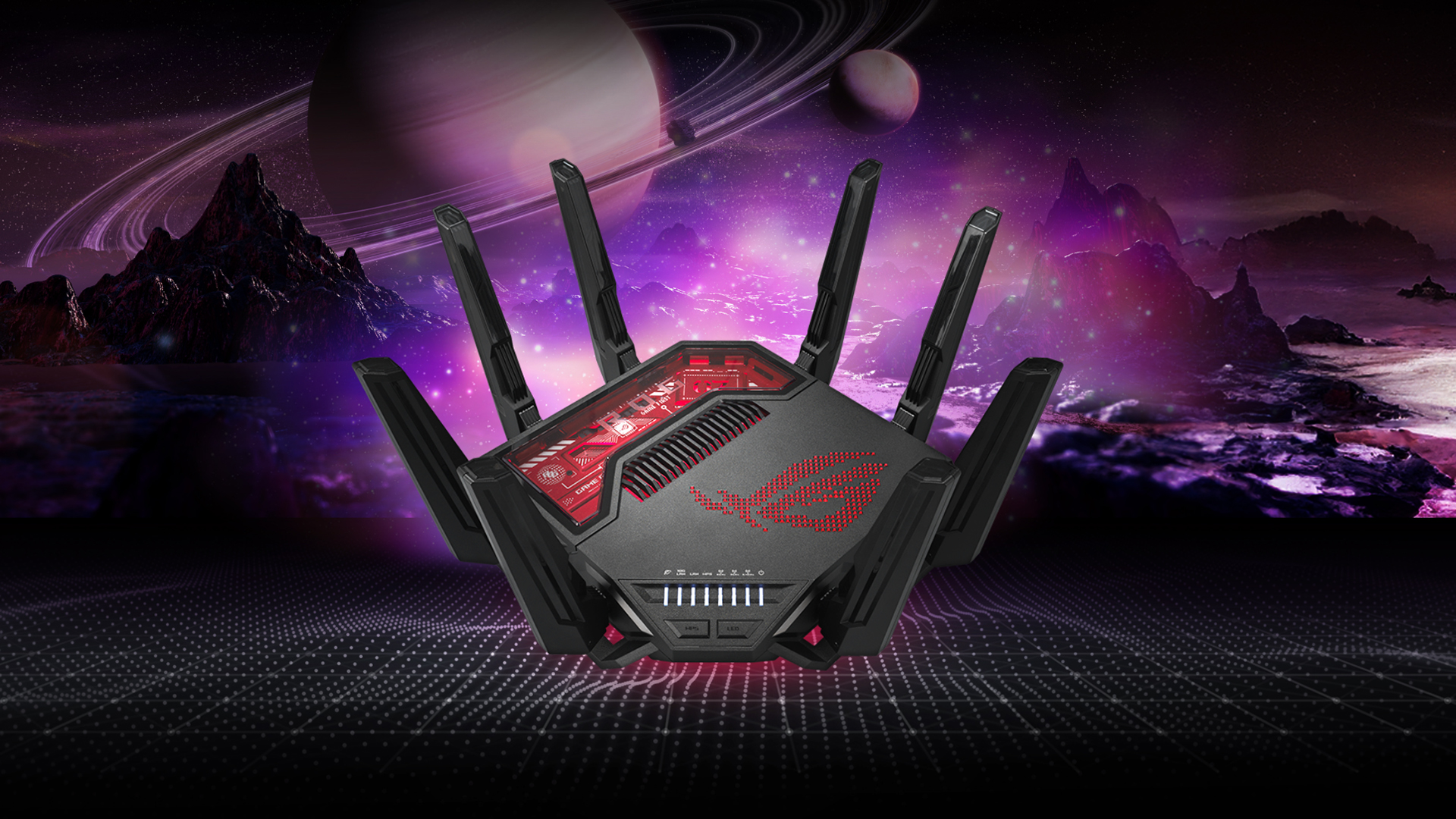
This is where Wi-Fi 7 really shines. Router makers like Netgear, TP-Link, and ASUS have already released Wi-Fi 7 routers boasting insane speeds and futuristic designs.
Backward Compatibility
Good news: Wi-Fi 7 is backwards-compatible. That means even if your phone or laptop doesn’t yet support Wi-Fi 7, it’ll still connect to a Wi-Fi 7 router using Wi-Fi 6 or Wi-Fi 5. You won’t get all the benefits, but your network will be future-proofed.
In short, Wi-Fi 7 devices are here, and over the next two years they’ll become the norm rather than the exception.
Not sure if the laptop you're buying is brand-new or refurbished? Check our guide on how to tell the difference so you know exactly what you're getting.
Should You Upgrade to Wi-Fi 7?
This is the million-pound question. Wi-Fi 7 sounds amazing, but is it worth buying right now?
The Cost Factor
Early Wi-Fi 7 routers don’t come cheap. Expect to pay £400–£600 for high-end models, compared with £200–£300 for good Wi-Fi 6 routers. If you're considering an upgrade, you might also want to understand how to buy a laptop with PayPal to make the process easier.
ISP Limitations
Most broadband plans in the UK top out at around 1 Gbps, with only a few areas getting multi-gigabit fiber. That means the 46 Gbps theoretical speed of Wi-Fi 7 is way ahead of what your ISP can deliver. For now, the extra bandwidth mostly benefits internal transfers (like moving big files across a home network).
Who Should Upgrade Now?
- Gamers and VR users – lower latency is a genuine game-changer.
- Large households – Wi-Fi 7 handles dozens of devices effortlessly.
- Professionals/creatives – great for transferring massive files quickly.
Who Can Wait?
If you’ve got a solid Wi-Fi 6 router and don’t struggle with congestion or latency, you’re probably fine for now. Waiting a year or two will save you money and give time for devices to catch up.
Verdict: Wi-Fi 7 is incredible tech, but unless you need it immediately, it might be smarter to wait until prices settle and ISPs catch up.

Quick Answers About Wi-Fi 7
What is Wi-Fi 7 and how is it different from Wi-Fi 6?
Wi-Fi 7 is the latest wireless standard (IEEE 802.11be) designed to deliver faster speeds, lower latency, and better stability. Compared with Wi-Fi 6’s 9.6 Gbps, Wi-Fi 7 supports speeds up to 46 Gbps, doubles channel widths to 320 MHz, and introduces Multi-Link Operation for smoother, more reliable connections.
How fast is Wi-Fi 7 in real life?
While the theoretical maximum is 46 Gbps, real-world performance depends on your router, devices, and broadband plan. Expect noticeably faster downloads, smoother 4K/8K streaming, and lag-free gaming compared with Wi-Fi 6.
Do I need new hardware to use Wi-Fi 7?
Yes - you’ll need a Wi-Fi 7 router and Wi-Fi 7-compatible devices (like newer smartphones, laptops, and PCs) to unlock its benefits. Older devices can still connect, but they’ll run at Wi-Fi 6 or Wi-Fi 5 speeds.
Is Wi-Fi 7 worth upgrading to now?
If you’re a gamer, creative professional, or have a busy smart home, Wi-Fi 7 can be a game-changer thanks to reduced latency and better stability. For casual users with solid Wi-Fi 6 setups, waiting for prices to drop and ISP speeds to catch up might make more sense.
Will Wi-Fi 7 replace Ethernet?
Not entirely. Ethernet is still the gold standard for absolute reliability, but Wi-Fi 7 is closer than ever. For most households and businesses, it provides a wireless experience that feels almost as good as being wired.

Wi-Fi 7 Is the Future of Wireless
So, what is Wi-Fi 7? In short: it’s the next giant leap for wireless internet. With faster speeds, lower latency, and better stability, it’s designed to power the modern connected lifestyle -from gaming and streaming to smart homes and hybrid work setups.
For most people, Wi-Fi 6 is still “good enough”. But Wi-Fi 7 brings a level of performance and reliability that makes Wi-Fi feel closer than ever to a wired connection. It’s overkill for some, but a game-changer for others - especially gamers, power users, and large households.
The rollout will take a few years but make no mistake: Wi-Fi 7 is the future. And when your next phone, laptop, or router supports it, you’ll be ready to experience wireless as it was always meant to be - fast, responsive, and rock solid.
| Read More: |
| How to Set Up UniFi WiFi 7 Access Points for Maximum Performance |
| Is Wi-Fi 7 Worth It in 2025? Pros, Cons, and When to Upgrade |
| How to Boost WiFi Signal |
Related Articles

Last Updated: September 09, 2025
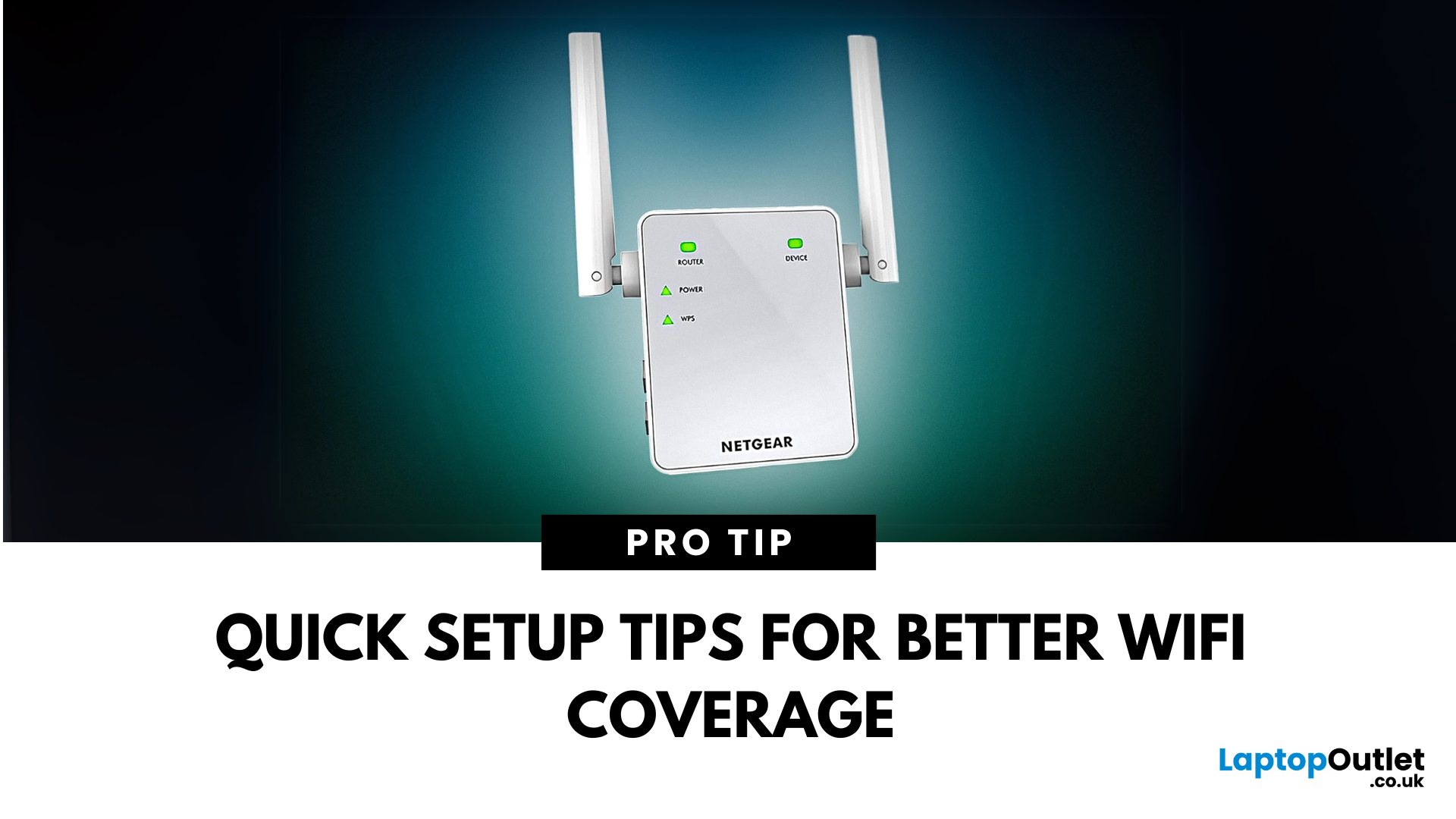
If you're tired of weak WiFi in certain corners of your home or office, a Netgear WiFi Extender might be your ideal solution. But if you're wondering how to connect a Netgear WiFi extender quickly and correctly, you've come to the right place.
Whether you're using WPS, a web browser, or the Nighthawk app, this step-by-step guide will help you set up your Netgear Extender without the tech stress and ensure a stronger signal wherever you need it most.
Why Use a Netgear WiFi Extender?
We've all been there. You're halfway through a Netflix series, and just as the plot thickens, the WiFi gives up. Or maybe you're trying to take a video call from the kitchen, and suddenly you're frozen mid-sentence. If your home has patchy signal areas, often referred to as dead zones, it's not your fault. It's just how most Netgear routers and other routers work.
A Netgear WiFi Extender gives your internet a second wind. Instead of relying on one central router to do all the heavy lifting, an extender

Last Updated: September 09, 2025
Say Goodbye to Dead Zones
Weak WiFi can turn streaming, gaming, or even browsing into a nightmare. If you're tired of buffering and connection drops, it’s time to improve your signal. Here’s how to boost your WiFi signal and keep your connection stable.
1. Reposition Your Router
- Place it in a central, elevated location (not in a cupboard)
- Avoid placing it near walls, metal objects, or appliances
- Keep antennas upright for optimal coverage
Walls, mirrors, and microwaves can block or reflect signal
2. Update Router Firmware
- Log into your router settings
- Check for firmware updates and install if available
- Some routers update automatically, others need manual action
3. Change WiFi Channel
- Use router settings to switch to a less crowded channel
- Especially useful in flats or busy buildings
- Apps like WiFi Analyzer (Android) can help find the best channel
4. Upgrade Your Router or Antenna
- Older routers = slower speeds and weaker signal
- Consider a dual-band or WiFi
Last Updated: January 16, 2026
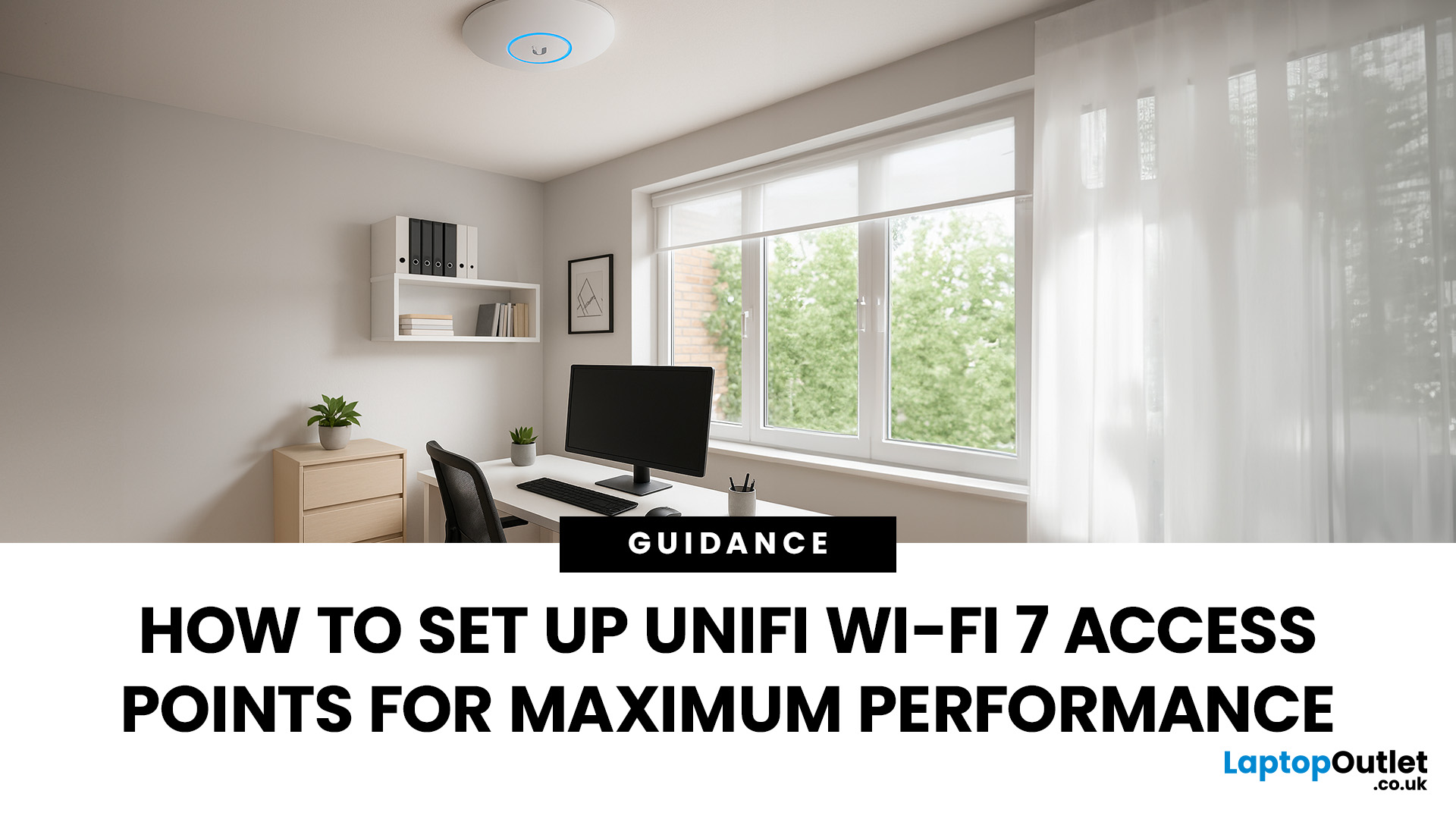
If you’ve just got your hands on the latest UniFi WiFi 7 access points, you’ll want to ensure you’re squeezing out every bit of performance they can offer. WiFi 7 promises faster speeds, lower latency, and smoother connectivity, but those benefits only appear when the setup is done properly.
This guide is for anyone planning their UniFi WiFi 7 Access Point Setup. Whether you’re installing them at home, in an office, or across a larger site, we’ll walk through everything step-by-step: adoption in the UniFi Controller, WiFi 7 access point configuration, 6 GHz band setup, and making the most of Multi-Link Operation.
Step 1: Prepare Your Space
Before you even plug anything in, take a moment to prepare. A little planning saves a lot of fixing later.
Do a quick site survey
Walk around with a phone or laptop and check for dead WiFi zones. Look for thick concrete walls, metal surfaces, or areas where you’ve always struggled with signal.
Plan where to mount
The golden rule is high and central.
Last Updated: April 01, 2026
Every few years, Wi-Fi takes a leap forward - and with it, our entire online experience changes. We saw it with Wi-Fi 5, which brought gigabit speeds to homes, and then again with Wi-Fi 6, which improved reliability in device-packed households. Wi-Fi 6E nudged things further by opening up the 6GHz spectrum. Now we’ve arrived at the next big question: is Wi-Fi 7 worth it in 2026?
Wi-Fi 7 (also known as IEEE 802.11be) promises a trio of improvements: faster speeds, lower latency, and better stability. On paper, it looks like the ultimate upgrade. But real life isn’t just about headline speeds - it’s about whether you’ll notice the difference in your day-to-day use, and whether the cost of new routers and devices makes sense right now.
In this guide, we’ll weigh up the pros and cons, compare Wi-Fi 7 against Wi-Fi 6 and 6E, and answer the golden question: should you upgrade now, or wait a little longer?
What Is Wi-Fi 7? Quick Recap
Before we dive into the debate, let’s quickly answer: what

