



Lenovo ThinkPad X1 Yoga 20QGS86F00 Laptop Review
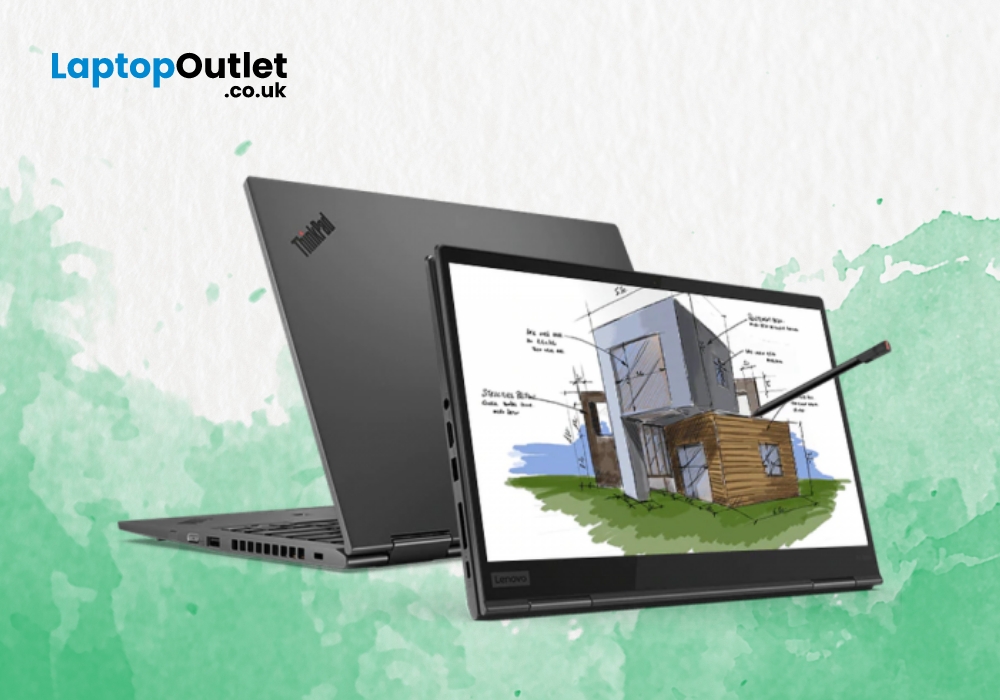
Lenovo ThinkPad X1 line of business laptops are quite popular due to their characteristics ThinkPad design. These Lenovo laptops are quite popular among multi-taskers, featuring several inventive features. Lenovo ThinkPad X1 Yoga is a top notch 2-in-1 business laptop from Lenovo ThinkPad series.
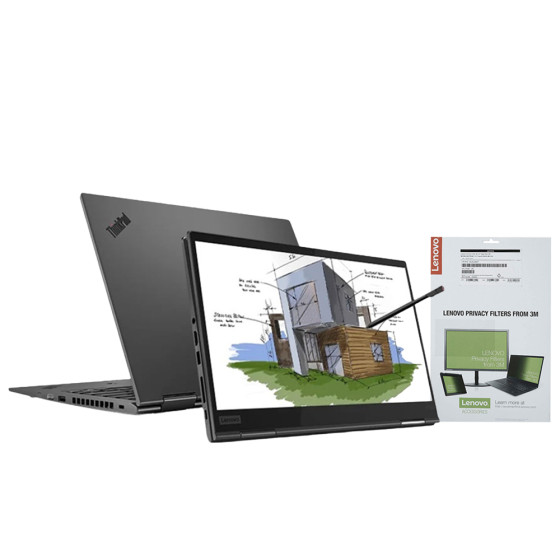
Let’s review this feature-packed machine to see what features this laptop has to offer you.
For
- Ultra-portable and compact business notebook
- Carries a good array of ports
- Smooth keyboard and built-in Stylus
- High-end security features
- Speedy performance
Against
- Subpar battery life
Design and Security
This Lenovo X1 Yoga laptop comes with an ultra-portable body, weighing only 3lbs. Hence, you can easily take your laptop anywhere outside without any hassle. The touchscreen IPS display of Lenovo ThinkPad X1 delivers a resolution of 1920 x 1080, providing you with an immersive visual experience. If we look at the back of the display screen, we can see the blacked-out ThinkPad logo. Furthermore, you can also spot a cool X1 logo which represents that this Yoga laptop belongs to Lenovo ThinkPad X1 series.
This 2-in-1 business notebook features a 360-degree rotatable design which comes very handy during meetings and classroom presentations as this saves the other person hovering at you to see the screen. On the left side of Lenovo ThinkPad X1, you can see USB 3.0 port along with 2 Thunderbolt ports. While on the right side, you can notice Lenovo ThinkPad Pen Pro, an HDMI port, A headphone jack, a second USB 3.0, a mini-Ethernet port, and a security lock slot.
The body of this 2-in-1 Lenovo laptop is quite future proof with a sturdy casing tested against 12 military grade requirements. Along with that, Lenovo ThinkPad X1 has passed through over 200 quality checks to make sure that it will give you peak performance in every situation no matter if it is a normal environment or a harsh one. Another distinguished feature of this business notebook is its ability to let you go online even when there is no Wi-Fi around. It all becomes possible with the optional LTE-A card WWAN technology which allows you to use your Yoga laptop as a smartphone. So, you can go online wherever you find a cellular network.
If you are a person who is concerned about privacy, then Lenovo ThinkPad X1 Yoga is made for you. The camera of this Lenovo Yoga laptop comes with a physical shutter which can block the camera to protect your privacy whenever you need it. Moreover, this Lenovo business notebook gives you the option to shut down all mics to avoid recording your voice. And apart from this, the Lenovo X1 brings out to you a fingerprint reader that copies and stores your print on its own System-on-a-chip (SoC).
Performance and Battery Life
To deliver you blazing fast processing speeds, the Lenovo ThinkPad X1 comes with an Intel Core i5, 8th Generation processor. While the Intel UHD Graphics GPU speedily renders the graphics to offer you a seamless gaming experience. You can play all the modern games on this Yoga laptop without any hassle.
The Lenovo ThinkPad X1 Yoga comes with pre-installed Windows 10 Pro Operating System installed. The storage space that you get with this exquisitely designed business notebook is spacious enough to store all your critical data. The 8 GB RAM of Lenovo ThinkPad X1 boosts speedy bootups. On the other hand, the 256GB SSD ROM is quite fast and commodious to store all your favourite games, applications, and multimedia data.
You may feel the ThinkPad X1 Yoga is a bit hot when doing resource intensive work on the laptop such as streaming HD video or playing high-end games. However, you can install Lenovo Intelligent Thermal Solution Driver, found in the Lenovo Vintage App to tackle this issue. Lenovo Vintage is a utility programme that you get pre-loaded in the X1 Yoga laptop from Lenovo. You can explore various critical information in this software including system health info, settings for power, audio, and video.
The battery backup of the Lenovo ThinkPad X1 Yoga is quite decent, though not that excellent. On a normal usage, the battery of the Yoga business notebook can last around 8 hours. However, Lenovo compensates for this drawback with the fast charge supported battery. You can recharge the Lenovo ThinkPad X1 battery from 0% to 80% in just 1 hour which is a decent charging speed.
Wrapping It Up
The Lenovo laptops are world famous for their plentiful inventive features, including top class security, comfortable keyboard, top class processors and a day long battery life. The Lenovo ThinkPad X1 Yoga comes with all these characteristic features of Lenovo ThinkPad series, except a day long battery backup. However, you can compensate for this with the fast charge supported battery of this Yoga laptop. To keep it short, if you are a business traveler whose work demands a sleek, lightweight, but high-performance notebook, then Lenovo ThinkPad X1 Yoga is made for you.
FAQs:
1. Is the Lenovo ThinkPad X1 Yoga good for business use?
Yes, the ThinkPad X1 Yoga is built for professionals. With a powerful Intel Core processor, robust security features, and a flexible 2-in-1 design, it’s ideal for productivity, presentations, and on-the-go work.
2. What are the standout features of the ThinkPad X1 Yoga (20QGS86F00)?
Key highlights include a 360° hinge, touchscreen with stylus support, premium build quality, fast SSD storage, and enterprise-grade security features — all wrapped in a slim and durable chassis.
3. Does the X1 Yoga support stylus input?
Yes, it comes with an integrated ThinkPad Pen Pro that recharges inside the chassis. It’s perfect for sketching, note-taking, and signing documents.
4. Is the ThinkPad X1 Yoga suitable for creative professionals?
While not a full-blown workstation, it’s excellent for light creative tasks like digital drawing, photo editing, and content creation thanks to its vivid touchscreen and responsive stylus.
Read More:
| Lenovo ThinkPad X1 Yoga 20QGS86G00 Review |
| Why Top Executives Rely on the Lenovo ThinkPad Laptops |
| Best ThinkPad Laptops for Business and Home Use |
Related Articles

Last Updated: October 08, 2025
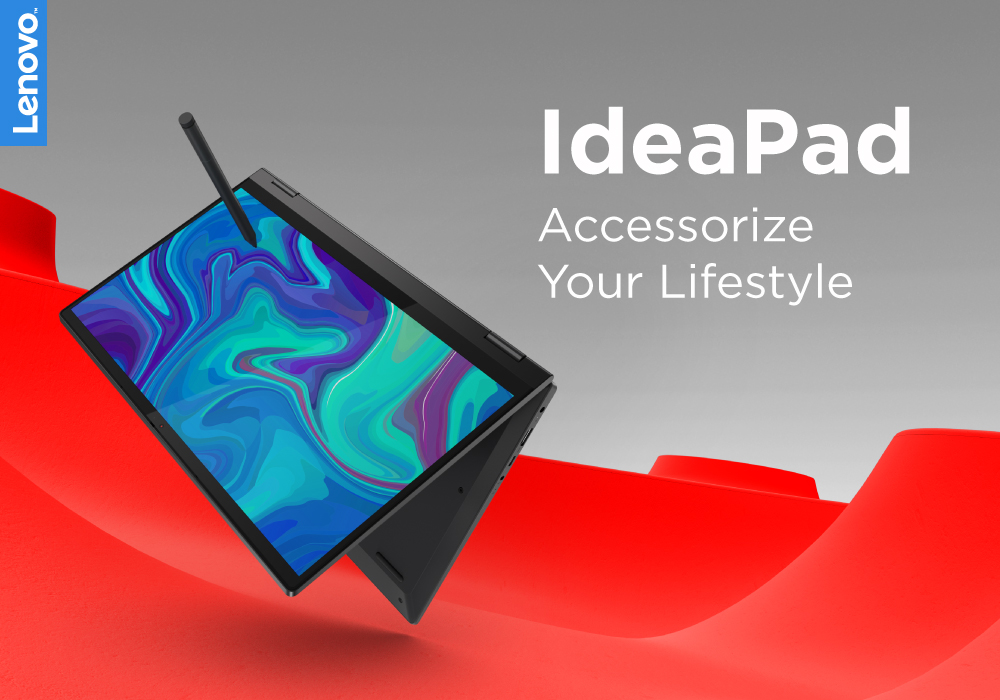
It's a big deal to get a new computer. Not only is it a significant financial expenditure, but there are so many possibilities that finding the correct one can be difficult. Do you want something suitable for the office, school, or something more enjoyable to play with? Which brand should you go with? Do you want a desktop computer, a ThinkPad, or an Ideapad, for example?
Lenovo laptops have lately improved significantly in key areas. With strong processors and graphics cards becoming the norm, their graphics are greater than ever. All of this is happening while computers have dropped in size, making them far more portable and convenient than ever before.
Now when you have chosen the Lenovo brand, the next step is to choose between the Thinkpad and Ideapad. Investing in Ideapad is a way better option as compared to the ThinkPad. The Ideapad is better for regular users who don't require all of the Thinkpad's features. If all you want to do is browse the internet, the inexpensive Ideapad
Last Updated: September 03, 2026
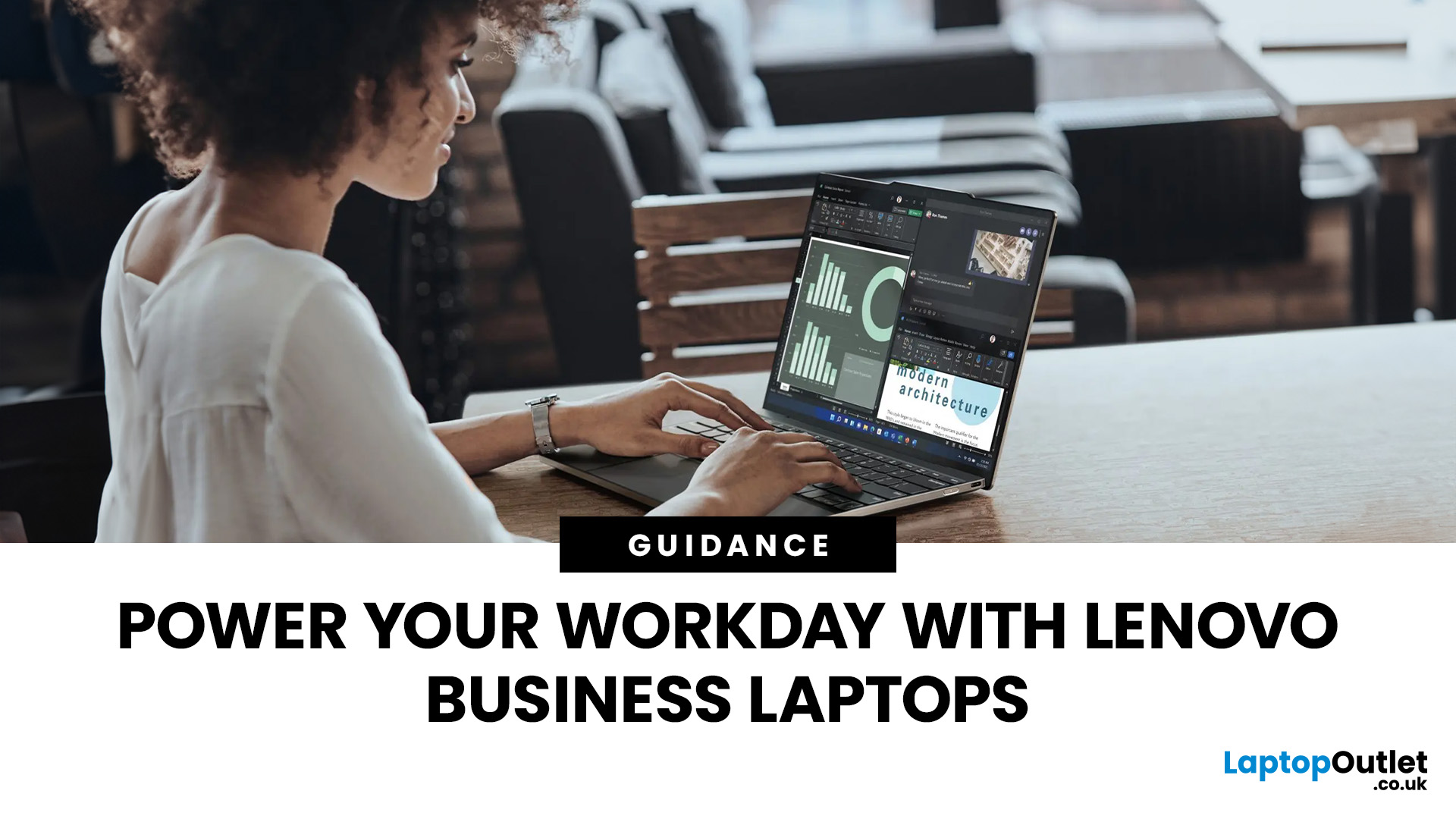
There is no single Lenovo laptop that makes sense for every business user. Someone spending most of the day in Microsoft Teams and browser-based tools needs something very different from an analyst working with complex spreadsheets or an engineer running graphics-intensive applications.
If you are comparing the best Lenovo laptops for business, start with your workload rather than the series name. The current Laptop Outlet range includes everything from straightforward office systems to portable ThinkPads and professional mobile workstations, so this guide compares five options based on what you actually need them to do.
Lenovo Laptop Comparison: Which One Fits Your Work?
| Business Need | Lenovo Laptop to Consider | Why It Stands Out |
| Everyday admin and office work | 16GB RAM, Windows 11 Pro and practical 15.6-inch display | |
| Remote work and independent professionals | 24GB RAM, 1TB SSD and compact 14-inch design | |
| Hybrid and corporate working |
Last Updated: September 09, 2025
Have you ever wondered how a Lenovo laptop transforms from a 30-pound portable computer to a sleek powerhouse, standing the test of time? Let's explore the evolution of Lenovo's resilience, innovation, and cutting-edge design.
In the ever-evolving landscape of technology, where sleek designs meet powerful performance, one brand has consistently stood at the forefront: Lenovo. From the inception of the iconic ThinkPad series to the Yoga and Legion lineups, Lenovo's laptops have not merely adapted to change; they've forged a path of their own, manufacturing a perfect fusion of sophistication and strength. Lenovo has managed to redefine what it means for a laptop to be both slim and mighty.
This blog will explore how Lenovo has redefined the standards of portable computing.
So, let's get into it!
Origin of ThinkPad Series
The roots of the ThinkPad series trace back to the early 1900s, when IBM, an American multinational company, sought to revolutionise the landscape of portable
Last Updated: September 09, 2025
Introduction
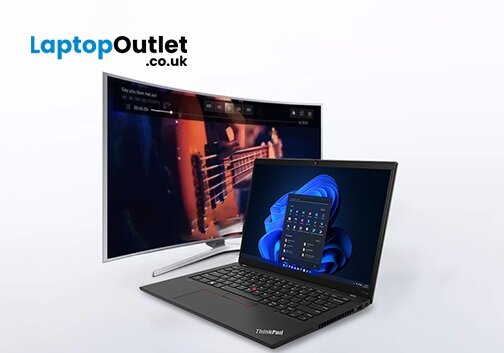
In this digital age, laptops and TVs have become essential to our daily lives. It allows users to stream their favourite shows and play video games either on the small screen of a laptop or on a large TV screen. Connecting your Lenovo laptop to a TV can open many possibilities, whether you want to enjoy your favourite movies on a larger screen, share presentations during a meeting, or enjoy gaming with a more expansive display.
Lenovo laptops have various connectivity options, allowing you to connect them to modern TVs easily. This guide will explore instructions and methods for establishing connections and making the most of your Lenovo laptop's capabilities.
Whether you're using HDMI, wireless technologies, or other interfaces, we'll provide comprehensive instructions to enhance your multimedia and productivity experiences.
So, let's get into it!
Methods to Connect the Lenovo Laptop to a TV
There are several methods to connect your Lenovo Laptop to a TV to enhance your viewing
Last Updated: April 02, 2026
Fun Fact about Lenovo: Did you know that Lenovo is at the forefront of groundbreaking technology, recently unveiling the world's first foldable PC, the ThinkPad X1 Fold?
Now, let's explore another aspect of Lenovo's technology prowess: ensuring the longevity and efficiency of your Lenovo laptop's battery.
In the fast-paced digital era, laptops have become indispensable companions, ensuring optimal performance is paramount. One key aspect that often takes a backseat in our tech-conscious minds is the health of the laptop's battery. For proud owners of Lenovo laptops, understanding how to check and maintain battery health is crucial for a seamless computing experience.
In this comprehensive guide, we will explore the various methods to check the battery health of your Lenovo laptop. Whether you're a seasoned tech enthusiast or a casual user, these insights will empower you to maximise your device's battery life and performance. Let's dive into the Lenovo laptop battery health world and

