



Review - Lenovo Chromebook Duet CT-X636F
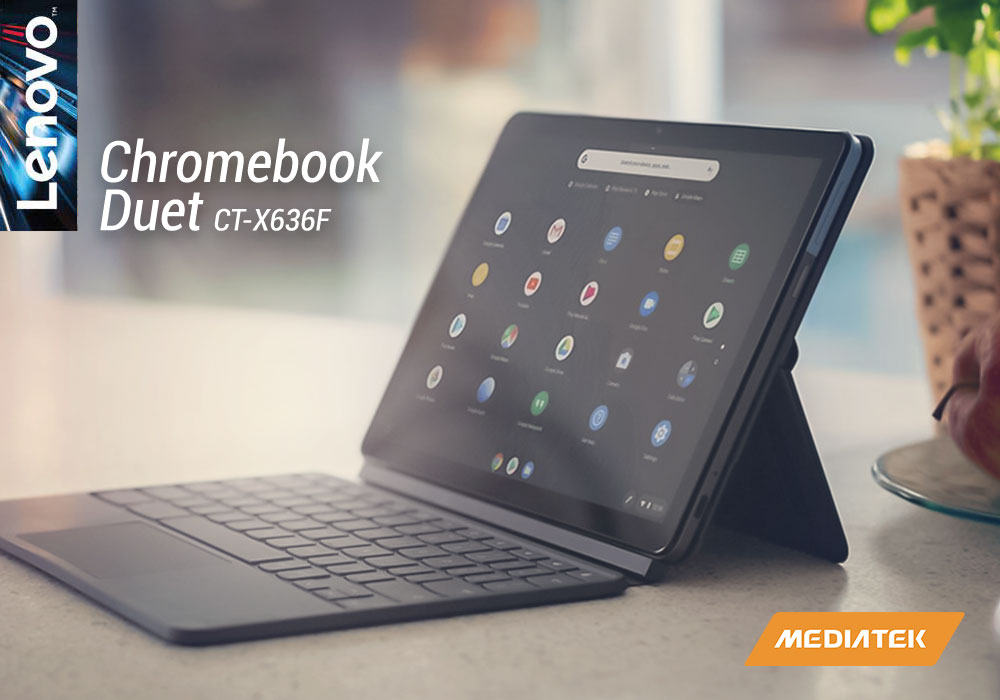
The Lenovo Chromebook Duet is a peculiar but very affordable device. At first glance, it looks like a tablet with an optional keyboard accessory, but Lenovo says that it’s actually a Chromebook with a detachable keyboard. In the grand scheme of things, it doesn’t really matter what the name is as the Duet can be used as either a Chromebook or a slate-style tablet when the keyboard is detached.
It’s clear from the convertible design that Lenovo has made the Chromebook Duet for those who like having options. If you can’t or don’t want to commit to one type of computing device on the go, this machine should satisfy your cravings. Want a Chromebook but would also like a tablet? Then this is the perfect device for you.
Half the Duet appears to be slate with just a screen and some button/ports. There is an included keyboard accessory that snaps into the bottom edge and makes the device act more like a Chromebook. We know many people who would like using a transformative device to work during the day and then lay on the bed at night. Plus, if you’re strapped for cash, the Lenovo Chromebook Duet isn’t going to make a hole in your pocket. In fact, this device gives huge bang for your buck.
Specifications
|
Processor |
Mediatek P60T Helio Octa-Core / 2.0GHz |
|
Display |
10.1-inch Full HD IPS Display (1920 x 1200) Resolution |
|
RAM |
4 GB |
|
Storage |
64 GB eMMC |
|
Graphics |
ARM G72 MP3 |
|
Operating System |
Chrome OS |
Design
On its own, one would find the Lenovo Chromebook Duet as an unassuming tablet with thick bezels. On the back, there’s a two-colour scheme of grey and light blue with an unflashy Chrome logo. A prominent 8 megapixel rear camera sits on the top-right corner.
The top of the tablet has dual speakers and mics, while the bottom features pogo pins for keyboard attachment. There’s also a 2MP front-facing camera on the top bezel.
The tablet attracts fingerprints, so we’d recommend keeping the magnetic kickstand cover snapped on in order to avoid smudges. We found that the kickstand cover has the look and feel of a twill business suit, giving the Duet a professional aesthetic.
The kickstand cover can be used to prop up the tablet. You’ll find yourself with a mini laptop after snapping on the dark grey keyboard. The laptop can also be folded into a book-like form, making it look like as if you’re holding a little notebook.
As for the size, we’re pleased to write that the Lenovo Chromebook Duet is a featherweight device that will comfortably fit in one of your travel totes. If we include both the stand cover and keyboard, the machine weighs only 2 pounds.
Keyboard and Touchpad
There’s no need to worry about the detachable keyboard as it snaps into place with complete ease, while its keys have a satisfying and clicky tactile response.
However, the keyboard can only be best described as compromised. We at Five Tech are not picky about keyboards, even as professional writers. The most important thing for us is space, which unfortunately the Duet’s keyboard lacks. The overall size of the keyboard is almost three-quarters the size of a full laptop keyboard.
We generally found the key shape, travel, and action to be good when it comes to the letter and number keys. But the punctuation keys were abbreviated, making it harder to use accurately.
Display
The Duet has a 10.1-inch screen that has 1920x1200 pixels for a 16:10 aspect ratio. This IPS LCD screen has 400 nits of brightness with a 70% colour gamut. We ourselves found the screen to be very bright and sharp for a display of this size. We enjoyed writing this review on it and found it easy to use in both indoors and outdoors. Watching movies from Netflix and Disney Plus on the screen was an enjoyable experience. The display is also quite good for word processing and spreadsheets.
Performance
Even though the Lenovo Chromebook Duet is equipped with a MediaTek Helio P60T CPU and 4 GB RAM, we didn’t go easy on it as we opened up to 24 Google Chrome tabs. We had a tab that played 1080p Youtube videos and opened up Google Docs as well. Surprisingly, we didn’t see any noticeable lag or delay while writing paragraph after paragraph.
In short, the Duet was able to handle basic tasks without a hitch, but serious gaming or video editing is obviously out of the question on a machine this small.
Battery Life
The Duet has outstanding battery life. Its 7000mAh power cell was able to run for up to 11 hours, one hour more than what Lenovo promised! This puts it ahead of most tablets and Chromebooks, especially in this price range. The 10W charger was a little slow as it only filled 25% of the battery after one hour. You’ll have to charge it for hours to fill the battery.
Verdict
The Lenovo Chromebook Duet is a steal at this price point. Most Chromebooks near this price range are clunky 14-inchers that have little to no flexibility. This one has a great display, an enormous battery life, and a compact design that easily converts from a laptop to tablet. For people short on cash, this Chromebook is a no-brainer.
Read More:
| Review: Lenovo S340 Chromebook |
| Best ASUS Chromebooks for Students |
| How to Screenshot on a Laptop |
Related Articles

Last Updated: June 11, 2026
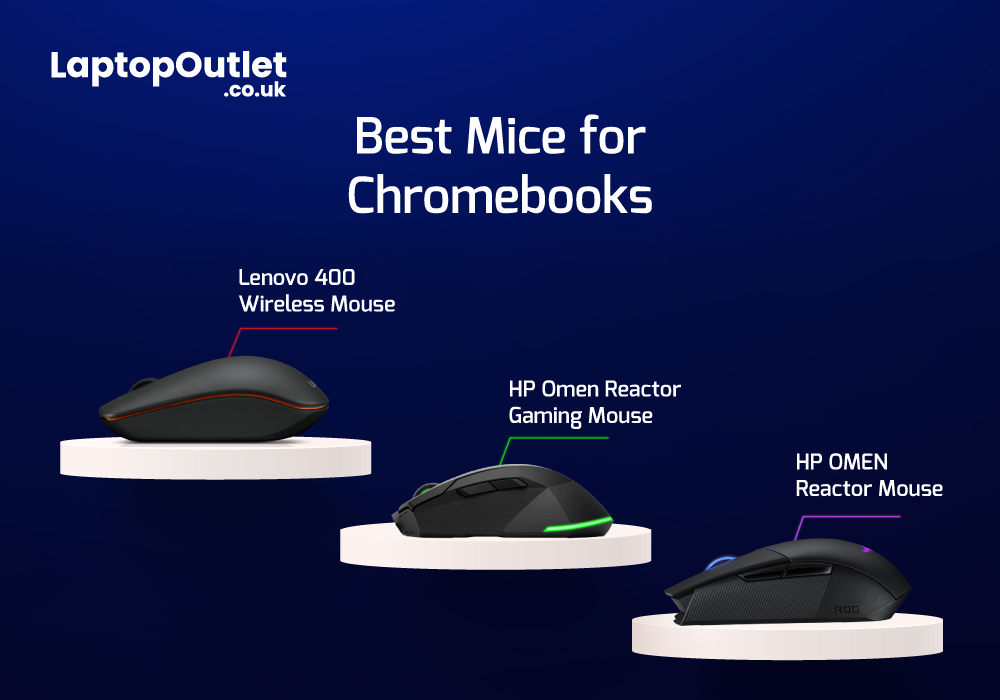
Chromebooks are meant to support best portability with plenty of power packed inside them. Even though there are loads of sizes and shapes that come with Chromebooks nowadays, their portability is still at its peak. With that comes the absence of extremely efficient mouse scrolling. But there are still trackpads attached with Chromebooks that work tremendously for navigation. However, still the use of the best wired and wireless mice with Chromebook can feel heavenly when you are in the middle of work.
Last Updated: March 30, 2026
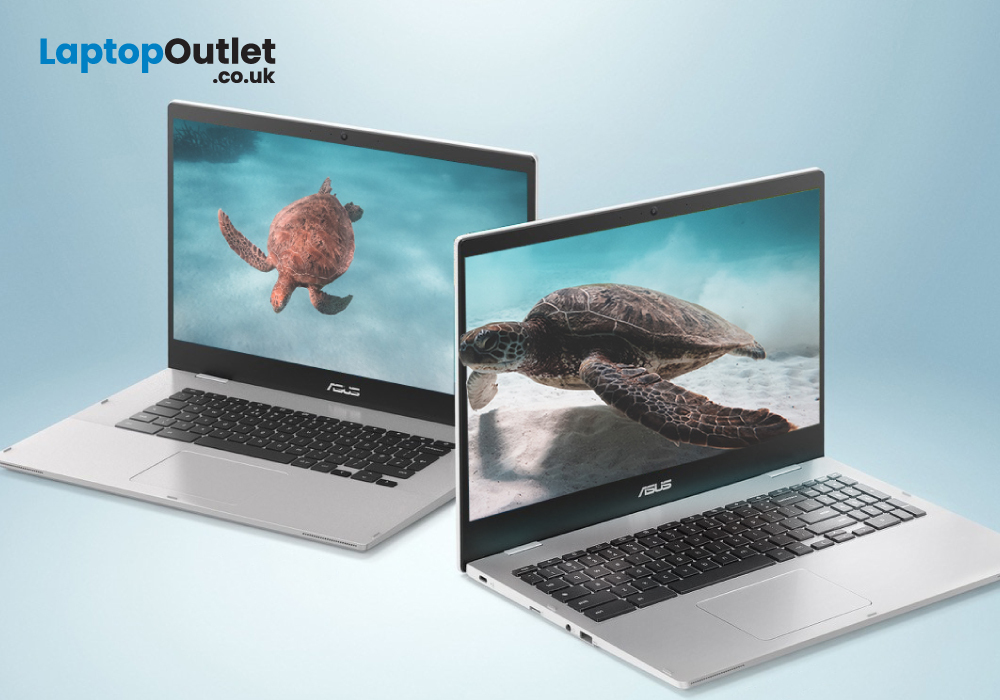
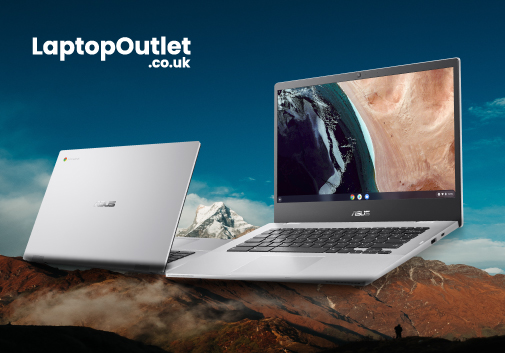
Are you a student in need of a reliable and efficient laptop? Look no further than ASUS Chromebooks for students! These laptops offer excellent performance, portability, and affordability. From making assignments, to taking notes, these impressive devices are capable of just about anything.
But how do you decide which laptop is the best for you? Anyone can get confused while picking out their ideal product amongst thousands of laptops. That’s why we have listed the top 3 student ASUS Chromebook in 2023. All while considering the RAM, processing power, battery life, and budget.
ASUS Chromebook CX1500CKA-EJ0014
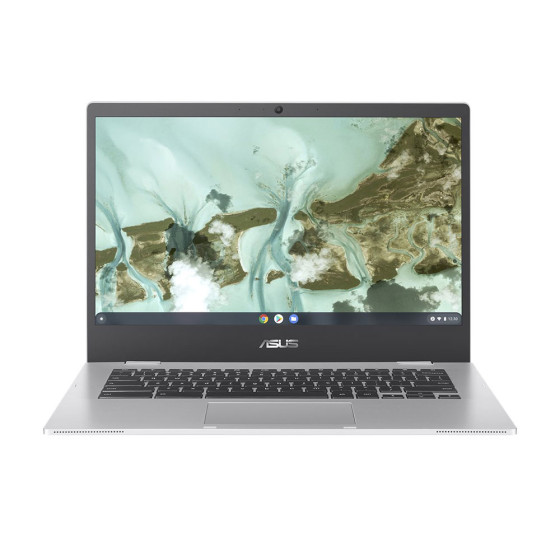
The ASUS Chromebook CX1500CKA-EJ0014 is the best Chromebook for study with a 15.6-inch Full HD display, providing a vibrant and immersive viewing experience.
Under the hood, the laptop is powered by Intel Pentium Silver processor and 4 GB of LPDDR4 RAM. This enables the Chromebook to deliver smooth multitasking and efficient performance.
It also features a spacious
Last Updated: April 01, 2026
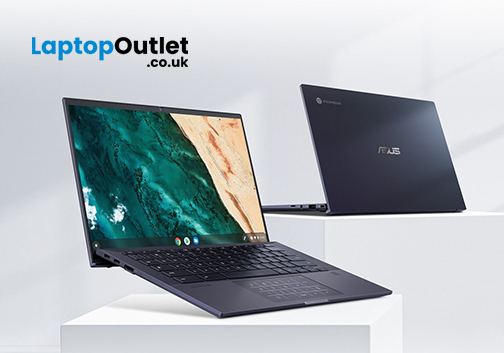
Chromebooks have emerged as the latest version of traditional laptops that run on Chrome OS and are primarily designed for writing documents, web-based surfing, streaming videos, and general internet searches. Being lightweight and innovative, Chromebooks offer a perfect blend of versatility, affordability, portability, functionality, and efficiency at the same time.
Among the top-leading manufacturers of Chromebooks, ASUS has significantly proven its commitment to premium quality and innovation. With an array of cutting-edge specifications and features, ASUS's Chromebooks are designed to deliver built-in security enhancements, the best performance, a long-lasting battery, and the business capabilities of Chrome OS to empower remote workers, tech enthusiasts, and casual users alike.
In this article, we will explore the impressive advancements of ASUS Chromebooks that set them apart from other Chromebook brands. We have compiled a list of the top 5 ASUS Chromebooks of 2023 to help you
Last Updated: June 03, 2025
The competition between Chromebook vs Windows has been long running in the industry. Whether you are a student, a business professional, or a home-user, it is important to know which computing device is best for you.
What is a Chromebook?
Chromebooks are low-cost laptops operating on the "Google OS". They can do just about anything that a laptop can do, i.e., checking mail, browsing the internet, or performing everyday computations. The key difference is that their operating system relies more on software than hardware, making it more affordable and portable for the user.
Google typically expects its users to have 24/7 internet access, due to which there is not much local disc storage available in most Chromebooks. And if you are someone who runs a lot of third-party software, then a Chromebook might not be an ideal choice for you. You cannot download traditional Windows software like Microsoft Office or Adobe Photoshop on your Chromebook.
If you are comfortable with the Google Ecosystem,

