



iPhone 17 Wi-Fi Disconnecting? Here’s Why and How to Fix It

The Problem Everyone’s Talking About
iPhone 17 is in the market, but it wouldn’t be a proper Apple launch without a bit of drama, would it? We’ve had the camera bug, a few battery wails, and now the hot topic on Reddit and TikTok: Wi-Fi connection issue. Yep, some users are finding their shiny new iPhone keeps dropping out of Wi-Fi for no apparent reason. One minute you’re streaming Netflix, the next you’re staring at the dreaded “No Connection” pop-up. Not ideal on a £1,000+ device.
This growing chatter has been dubbed the iPhone 17 wi-fi issue. The good news? It’s not your router having a meltdown, and no, you don’t need to throw your phone at the wall just yet.
What Does the Wi-Fi Glitch Look Like?

Here’s what people are reporting:
- Random Dropouts: Wi-Fi disconnects even when the signal is strong.
- Slow Reconnections: The iPhone takes forever to rejoin a saved network.
- Auto-Switching to Data: iOS quietly flips you onto mobile data without asking.
- Laggy Browsing: Pages hang or apps buffer endlessly before snapping back to life.
If you’ve noticed any of these, congrats: you’re part of the unofficial bug club.
Why is this Happening?
So, what’s causing the chaos? Turns out, this iPhone 17 wi-fi issue is linked to the new wireless chip and some fresh iOS networking tweaks. Apple’s engineering brainiacs clearly tried to make things faster and more stable, but instead it’s left some users yo-yoing between Wi-Fi and mobile data like it’s a game of ping pong.
The kicker? Just like the iPhone camera glitch, it’s not a hardware fault, so your phone isn’t broken. It’s software throwing a strop.
Apple’s Response (and the Fix Timeline)
Apple hasn’t screamed about it on stage, but insiders say a fix is already being tested in the next iOS 17.x update. Early beta testers claim stability is much better, so the patch should be dropping in the next couple of weeks. Translation: relief is coming, sit tight.
Quick Fixes You Can Try Right Now
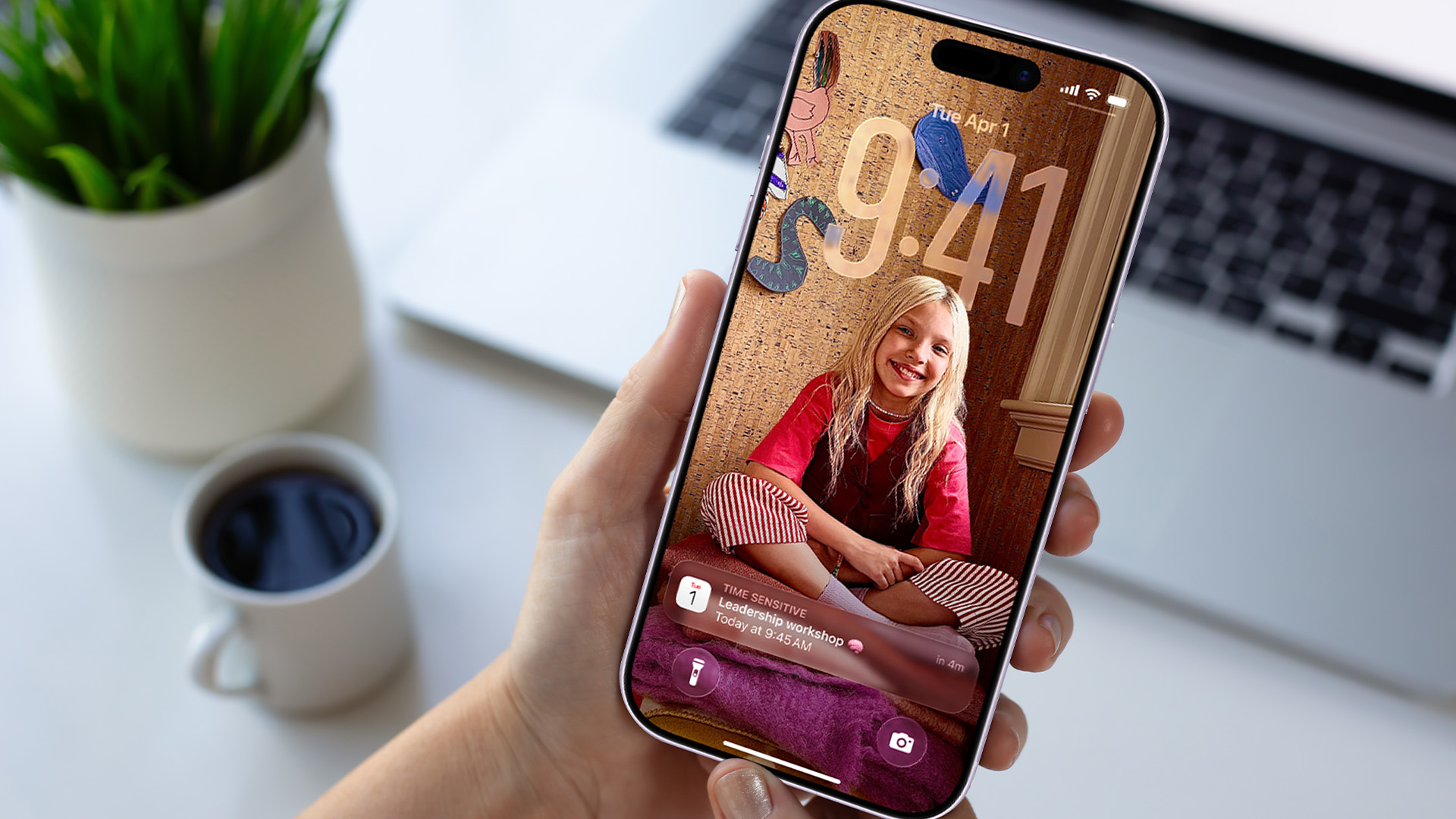
While you wait for the official patch, here are some workarounds to keep you connected:
- Toggle Wi-Fi: The classic off/on trick often resets the connection.
- Forget and reconnect: Remove your Wi-Fi network and sign back in fresh.
- Reset Network Settings: Head to Settings > General > Reset > Reset Network Settings.
- Disable Wi-Fi Assist: This sneaky feature switches to mobile data if Wi-Fi drops. Turn it off in Settings > Mobile Data.
- Reboot your iPhone: Old-school, but it still works.
None of these are perfect, but they’ll help you dodge the worst of it until Apple’s fix lands.
Should You Worry About Upgrading?
Short answer: Nah. The iPhone 17’s wi-fi hiccup is annoying, but it’s not a dealbreaker. If you’re already rocking one, you’ll just need a little patience. If you’re thinking of upgrading, waiting until after the update rolls out will give you a smoother ride. In addition, if you’re going to hold off upgrading and want to learn more about iPhone 17 before buying, you can read our guide: iPhone 17: Top 10 Features You’ll Actually Care About. It will help you decide whether you need to upgrade, or your current model is enough.
Let’s Wait for an iOS Upgrade
The iPhone 17 wi-fi issue is just another case of Apple ironing out early kinks in a big release. It’s not the end of the world, and a software patch is on the way. Until then, try the quick fixes, keep your mobile data in check, and maybe laugh about how every new iPhone comes with at least one “character-building” bug.

What and Why: iPhone 17 wi-Fi issue
What is the iPhone 17 Wi-Fi Issue?
The iPhone 17 Wi-Fi Issue is a software-related bug where users experience random Wi-Fi disconnections, slow reconnections, and auto-switching to mobile data.
Is the iPhone 17 Wi-Fi Issue a hardware fault?
No, Apple has confirmed it’s not a hardware defect. The issue comes from new iOS networking changes and will be fixed with a software update.
When will Apple fix the iPhone 17 Wi-Fi Issue?
Apple is expected to release an iOS 17.x update within the next couple of weeks. Beta testers are already reporting improved stability.
What can I do to fix the iPhone 17 Wi-Fi Issue temporarily?
Try toggling Wi-Fi, forgetting and reconnecting your network, resetting network settings, disabling Wi-Fi Assist, or rebooting your iPhone. These are temporary workarounds.
Should I hold off buying the iPhone 17 because of the Wi-Fi Issue?
Not really. The bug is annoying but temporary. A patch is on the way, so the iPhone 17 remains a solid upgrade once the update rolls out.

Wrapping Up!
The iPhone 17 wi-fi issue is a software bug causing random Wi-Fi disconnections and slow reconnections. Apple has confirmed it’s not a hardware fault and will release an iOS update within weeks to fix it. In the meantime, users can try quick fixes like toggling Wi-Fi, resetting network settings, or disabling Wi-Fi Assist.
| Read More: |
| iPhone 17 Features: Top 10 Things You’ll Actually Care About |
| Should You Upgrade to iPhone 17 from iPhone 14 or 15? |
| iPhone 17 Pro Max Battery Life: Can It Really Last Two Days? |
Related Articles


Last Updated: September 29, 2025
Apple’s iPhone 17 Pro Max has arrived with some serious promises around battery life. With a larger battery capacity than its predecessor, more efficient internals, and better software optimisation, Apple claims this could be its longest-lasting iPhone yet. But in practical, everyday usage, can it really stretch to two full days? Let’s dig into what we know so far, what that means in real scenarios, and whether two-day usage is realistic.
Official Specs & Improvements
- Battery Capacity: The iPhone 17 Pro Max comes with a 5,088 mAh battery in its eSIM-only version, and about 4,823 mAh in variants with a physical SIM tray. That’s up from the ~4,685 mAh in the iPhone 16 Pro Max.
- Video Playback Time: Apple quotes up to 39 hours of video playback for the Pro Max. This is a big jump over the 16 Pro Max, which had less video playback time.
- Hardware & Efficiency Upgrades: The iPhone 17 Pro Max has the A19 Pro chip (built on a smaller fabrication process), better thermal design, and a more efficient

Last Updated: October 08, 2025
Apple’s iPhone 17 line (including the new iPhone base, Pro and Pro Max) isn’t just an incremental update, it brings some big feature upgrades and tweaks that most users will actually see and use every day. In this blog, we’ll run through the top 10 iPhone 17 features that aren’t fluff. Whether you're snapping photos, streaming, using apps or just want a phone that keeps up, these are the improvements you'll care about.
iPhone 17 Features: Top 10 You’ll Actually Care About
1. ProMotion Comes to Everyone
- For the first time, every iPhone 17 model comes with a 120 Hz ProMotion display and an always-on screen. Previously, only Pro models had this smooth refresh rate. You’ll notice the difference instantly: scrolling through Instagram feels fluid, games look sharper, and the overall UI feels more responsive.
- The always-on feature is also useful, glance down and you’ll see the time, notifications, or widgets without tapping the screen. It’s the sort of change you don’t realise you wanted until
Last Updated: May 05, 2026
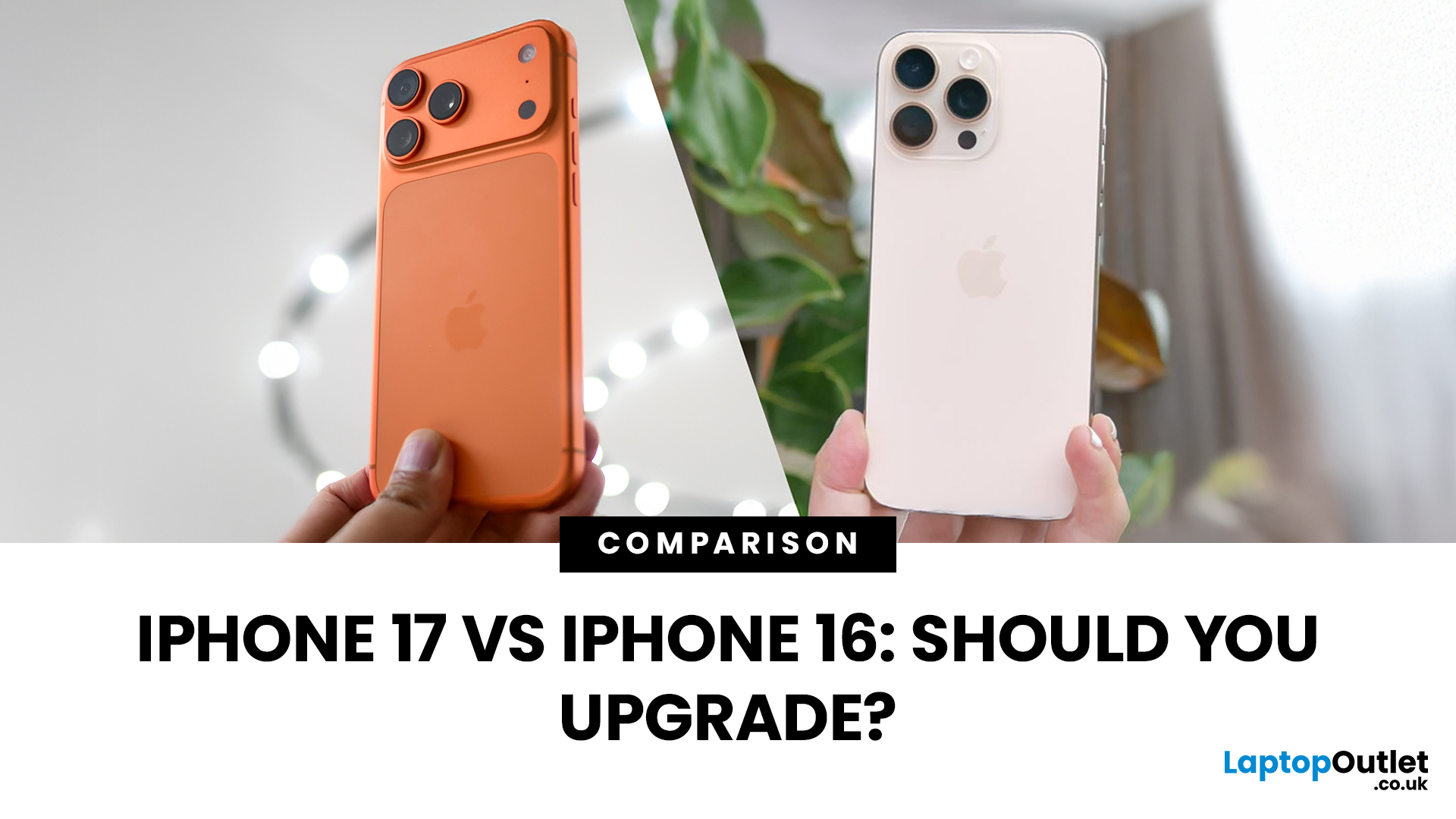
Apple’s 2025 refresh changes the line-up. Alongside the familiar iPhone 17, 17 Pro and 17 Pro Max. Headline upgrades include 120 Hz ProMotion across the board, bigger displays for the standard model, a new 18 MP selfie camera with Centre Stage, and next-gen A19 chips (A19 in iPhone 17; A19 Pro in Pro/Pro Max). The iPhone 16 family is still excellent, especially 16 Pro/Pro Max, but how do they stack up now, and should you upgrade? Let’s compare the essentials for UK buyers.
iPhone 17 vs iPhone 16
Specs below focus on the standard models (17 vs 16) for clarity, with Pro notes called out where relevant.
| Feature | iPhone 17 (2025) | iPhone 16 (2024) |
| Display | 6.3" OLED, 120 Hz ProMotion, always-on, higher peak brightness | 6.1" OLED, 60 Hz, always-on on Pro models only |
| Chip | A19 (A19 Pro on Pro/Pro Max) | A18 (A18 Pro on 16 Pro/Pro Max) |
| Rear cameras | 48 MP main + 48 MP ultra-wide (Pro adds 48 MP tele) | 48 MP main + 12 MP ultra-wide (Pro adds tele) |
| Front camera | 18 MP with Centre Stage (all models) | 12 MP |

Last Updated: May 05, 2026
Apple’s iPhone 17 series has just dropped, and UK buyers are asking: What’s the cost? What deal should I get? And how soon can I pre-order? This guide walks through the confirmed pricing, expected contract deals, trade-in options, and pre-order details so you can plan your upgrade smartly.
1. Confirmed UK Prices Outright
Here are the UK “SIM-free” or outright purchase prices as reported by multiple UK sources:
| Model | Starting Price (UK) |
| iPhone 17 (base) | ~ £799 |
| iPhone 17 Air | ~ £949 |
| iPhone 17 Pro | ~ £1,199 |
| iPhone 17 Pro Max (256 GB) | ~ £1,199 |
| iPhone 17 Pro Max (highest trim, 2 TB) | ~ £1,999 |
Note: These are base model price points; storage upgrades increase the cost. Also, there is a notion that many iPhone models might be ~£50 more expensive at launch than last year’s equivalents.
2. Pre-Order & Release Dates
- Announcement: iPhone 17 lineup unveiled on 9 September 2025.
- Pre-orders begin: Friday, 12 September at ~1 pm BST in the UK.
- General UK release date: Friday, 19 September 2025.
3. Contract
Last Updated: September 29, 2025
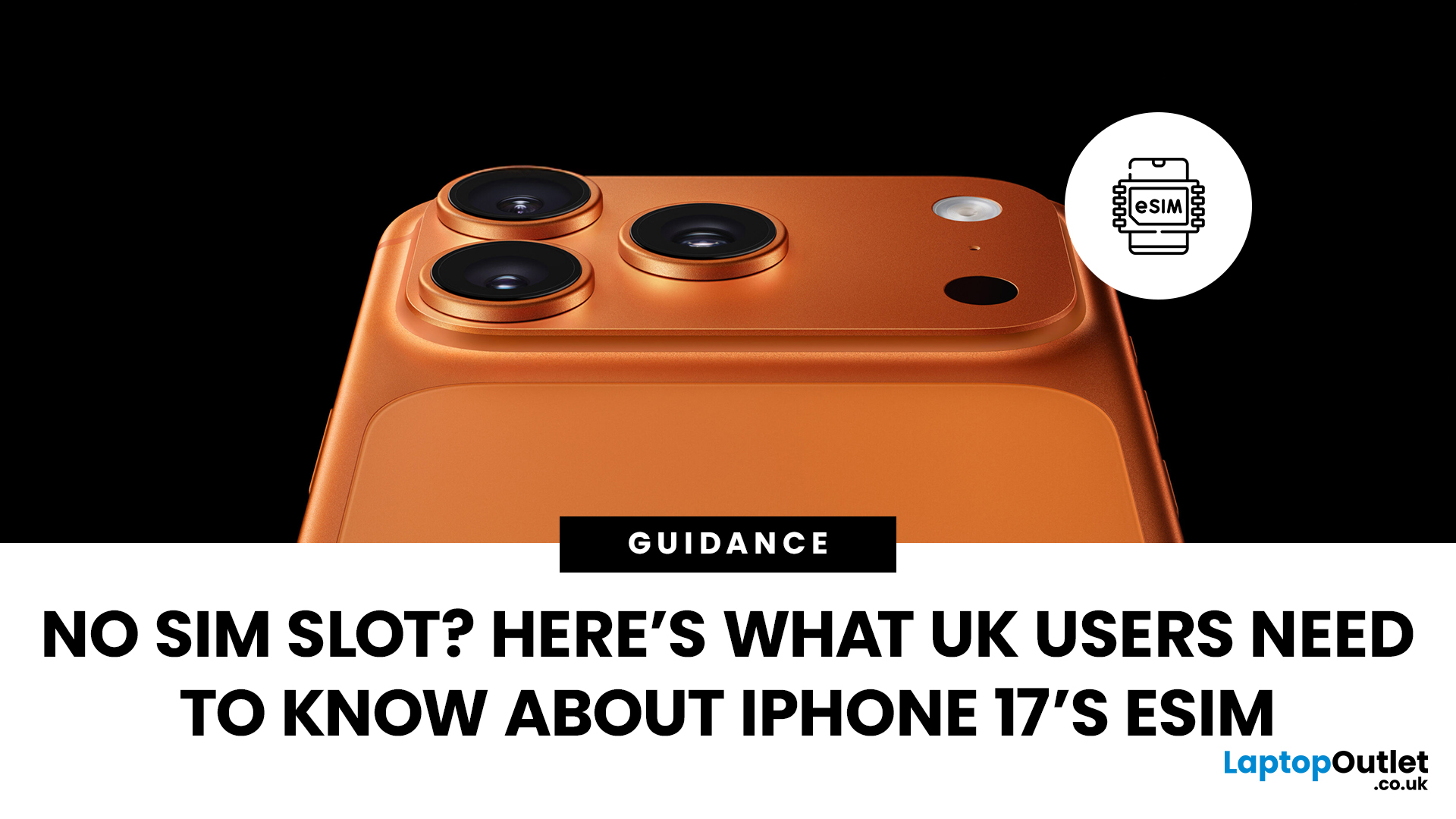
Every new iPhone generation brings changes that divide opinion, and one of the biggest talking points around the iPhone 17 has been its SIM setup. In the US, Apple has already removed the SIM tray entirely, pushing users towards a digital-only future with eSIM. That led many UK customers to wonder: will we lose our SIM cards too?
The answer, at least for now, is no. According to Apple’s own specifications, the iPhone 17 sold in the UK still supports Dual SIM (nano-SIM and eSIM) as well as Dual eSIM. In simple terms, that means users can continue using a traditional SIM card while also taking advantage of the flexibility eSIM brings.
What Exactly is eSIM?
An eSIM is a digital version of the small plastic SIM card we’ve all been sliding into our phones for years. Instead of a physical chip, the details of your mobile plan are stored electronically within your iPhone. Activation is usually as simple as scanning a QR code from your network or confirming details in their app.
The main appeal
Last Updated: December 23, 2025
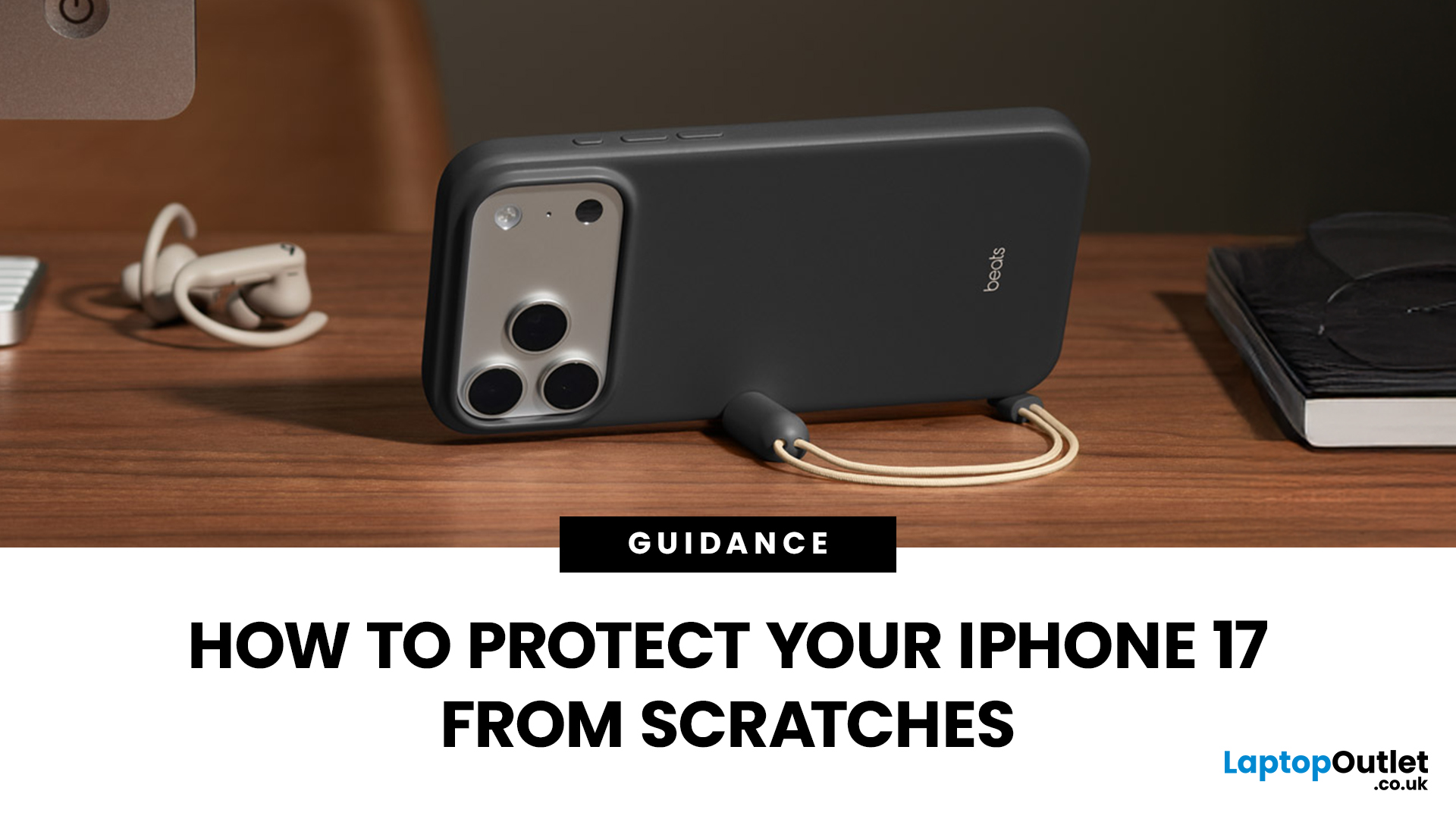
Apple’s iPhone 17 launch should have been about its powerful new hardware and fresh design. Instead, headlines are dominated by “iPhone 17 Scratchgate” complaints that the Pro models are picking up scratches and chips far too easily. The reaction is hardly surprising for a device that costs well over £1,000.
Is this simply a misunderstanding, or is Apple facing a genuine durability problem? Let’s take a closer look.
Apple’s Official Response to iPhone 17 Scratch Complaints
Apple has been quick to downplay the issue. The company told CNET that what many people are calling scratches on demo units are actually residue from worn MagSafe display stands, not permanent marks. According to Apple, these blemishes can be wiped away with a cloth, and the stands in retail stores are being replaced to prevent further problems.
While this explanation covers store displays, it doesn’t account for the growing number of personal handsets showing signs of wear straight out of the box. That’s where the
Last Updated: May 05, 2026
What’s Going on with the iPhone 17 Camera?
iPhone 17 has landed and, as usual, Apple’s made a song and dance about its shiny new features. Titanium frame? Nice. Periscope zooms on all models? Lovely jubbly. But let’s be real: what’s everyone actually talking about? The camera. And not in a “wow this is insane” way, more like a “hang on, why is my £1k+ phone acting up when I try to snap a pic?” sort of way.
Yep, if you’ve noticed your shots glitching, freezing, or showing weird distortions, you’re not alone. This is what’s now being dubbed the iPhone 17 camera glitch, and it’s caused enough noise online that Apple’s had to officially acknowledge it. Classic, right? New phone hype meets first-week bugs.
The Symptoms: What Does the Camera Glitch Look Like?
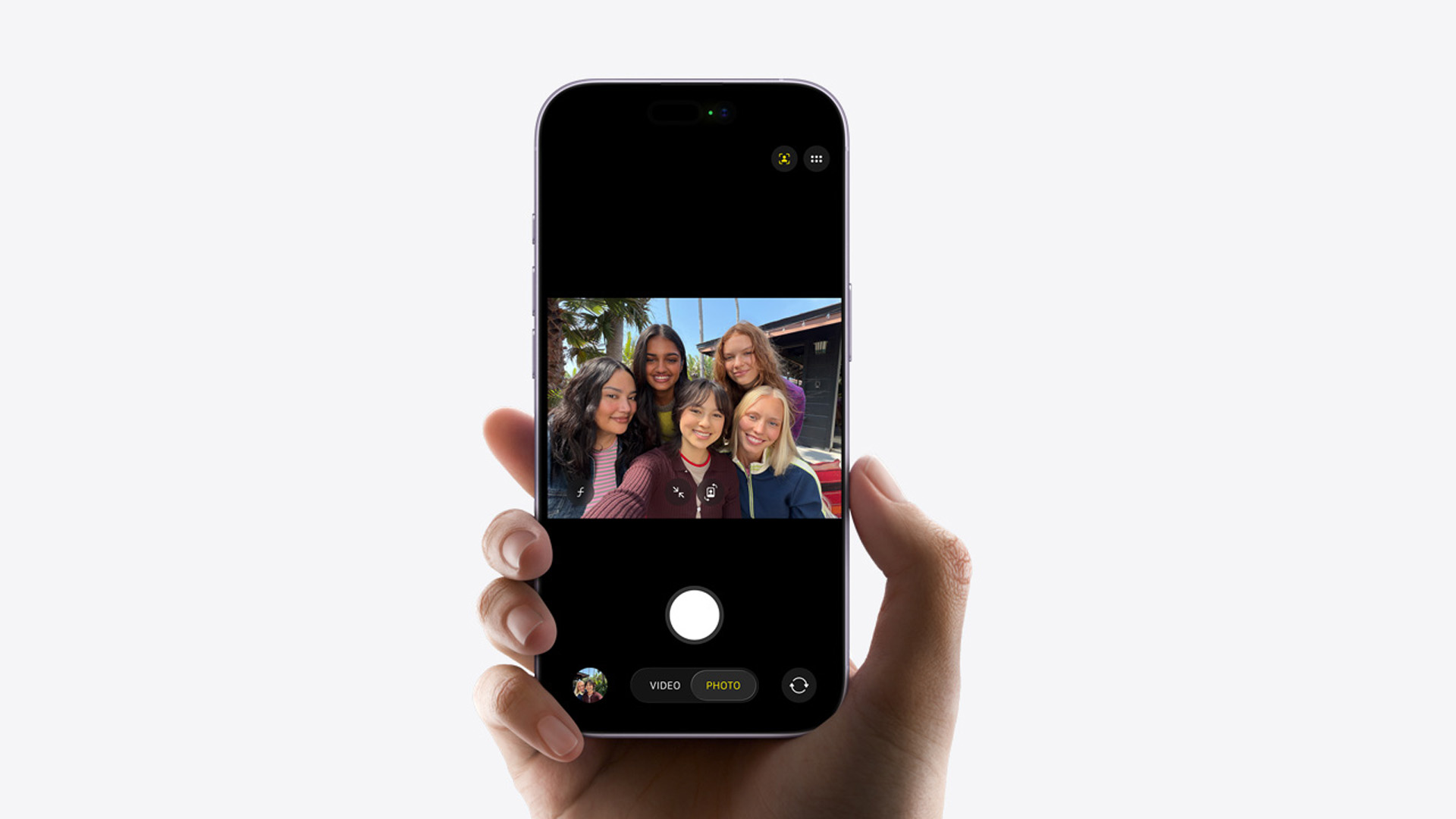
Basically, you don’t need to be a tech whizz to spot when something’s off. Here is, what’s off about iPhone 17’s camera:
- Shaky Previews: Your camera viewfinder stutters or skips frames.
- Weird Distortions: Images sometimes look stretched

