



How to Turn Off a Samsung Phone
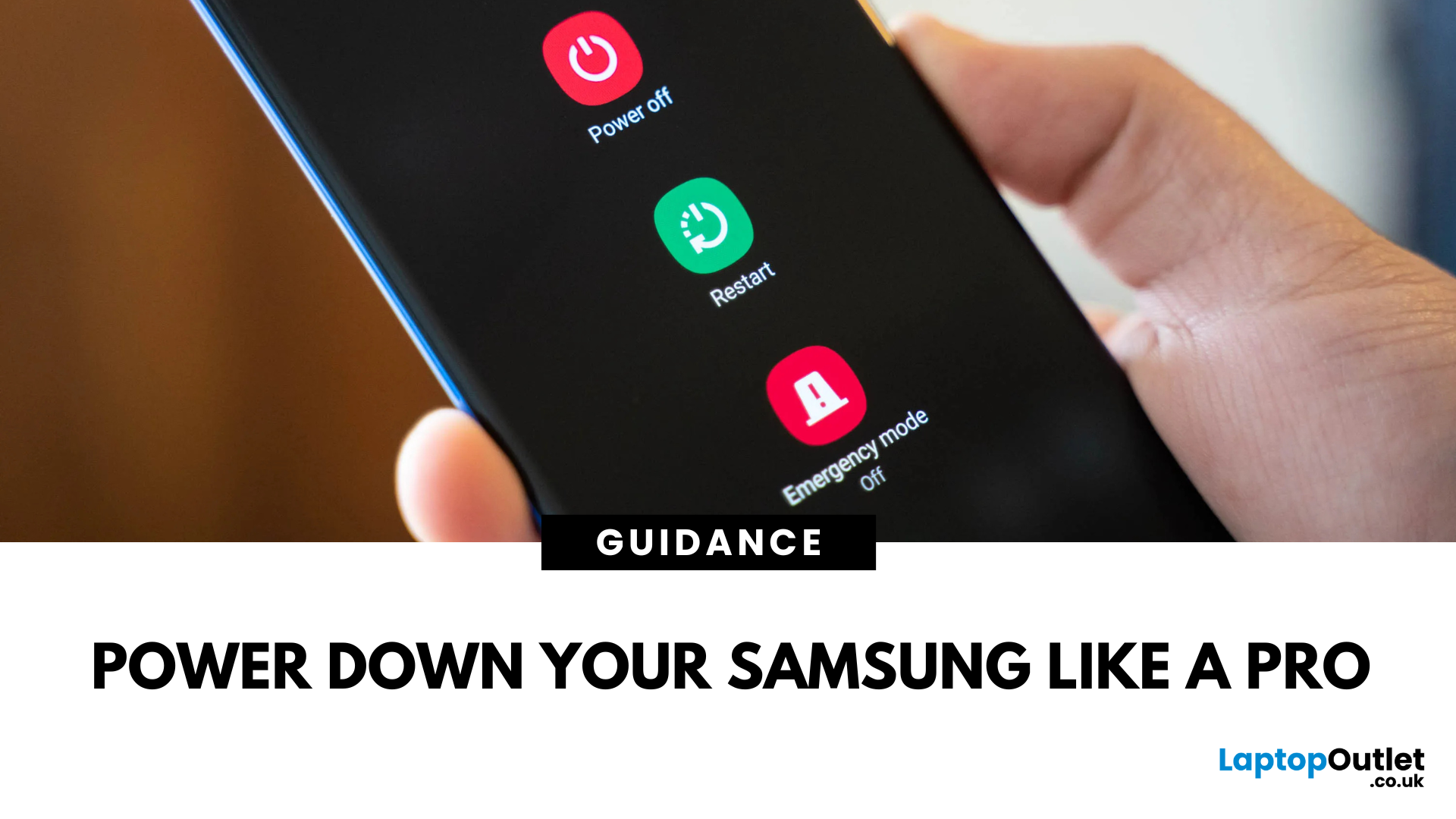
Whether you’re restarting for a software update or saving battery, turning off your Samsung phone is simple—but the steps can vary depending on your model.
Here’s how to do it:
Using the Power Button
For most Samsung Galaxy phones:
- Press and hold the Side (Power) button and Volume Down button together.
- Wait for the power menu to appear.
- Tap Power off, then confirm.
Via Quick Settings Menu
If your Side button is set to wake Bixby (Samsung’s voice assistant):
- Swipe down from the top of the screen to open Quick Settings.
- Tap the Power icon (top-right corner).
- Select Power off.
Using Bixby (Voice Command)
You can also ask Bixby:
- Say: “Hi Bixby, turn off my phone”
- Confirm when prompted
Force Restart If Frozen
If your Samsung phone is unresponsive:
- Hold the Side button + Volume Down for 10–15 seconds until the screen goes black and the Samsung logo appears.
FAQs: Turning Off a Samsung Phone
1. Why won’t my Power button bring up the menu?
It may be mapped to Bixby. Use Quick Settings or remap the button in settings.
2. Can I turn off my phone without the Power button?
Yes—use Quick Settings or plug in your phone and access the power menu.
3. Is there a way to schedule shutdowns?
No—but you can enable Auto Restart in Settings > Battery & Device Care.
4. Does turning off my phone save battery?
Yes—it stops all background processes.
5. How do I restart instead of shutting down?
Tap Restart from the power menu instead of Power off.
Need a new phone?
Shop Samsung smartphones at Laptop Outlet—unbeatable UK deals on the latest Galaxy models and certified refurbished devices.
Read More:
| What is the latest Samsung Galaxy Phone? |
| What is Galaxy AI |
| What Is Better Samsung or iPhone? |
Related Articles

Last Updated: May 23, 2025
Protect Your Data – Back It Up
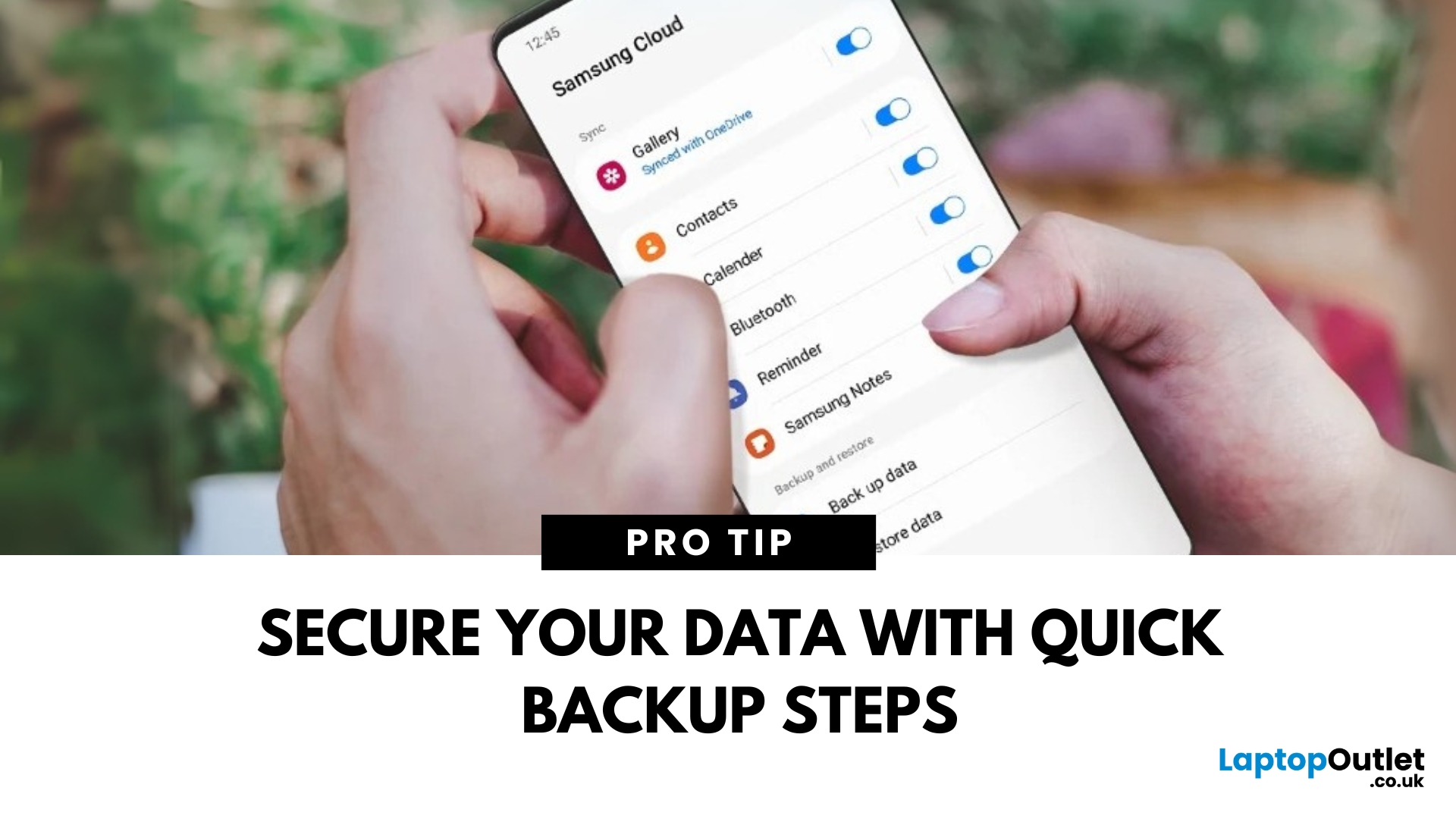
Your Samsung phone holds everything—photos, contacts, apps, messages. Losing that data can be a nightmare. That’s why it’s essential to back up your Samsung phone regularly. Here’s how to do it quickly and securely.
How to Back Up a Samsung Phone to Samsung Cloud
1. Open Settings
Tap the Settings app on your Samsung phone.
2. Go to Accounts and Backup
Scroll down and tap Accounts and Backup > Samsung Cloud.
3. Tap Back Up Data
Select the data you want to back up—Contacts, Messages, Apps, Settings, etc.
4. Tap Back Up Now
The backup will start. Make sure you’re connected to Wi-Fi.
Pro Tip: Enable Auto Backup to automatically save your data regularly.
How to Back Up Samsung Phone to Google Account
1. Open Settings
Go to Settings > Google > Backup.
2. Turn On Backup by Google One
Switch on Backup by Google One.
3. Select Data to Back Up
Choose apps, contacts, photos, and more.
4. Tap Back Up Now
Your data will be backed
Last Updated: September 11, 2025
The Ultimate Smartphone Showdown
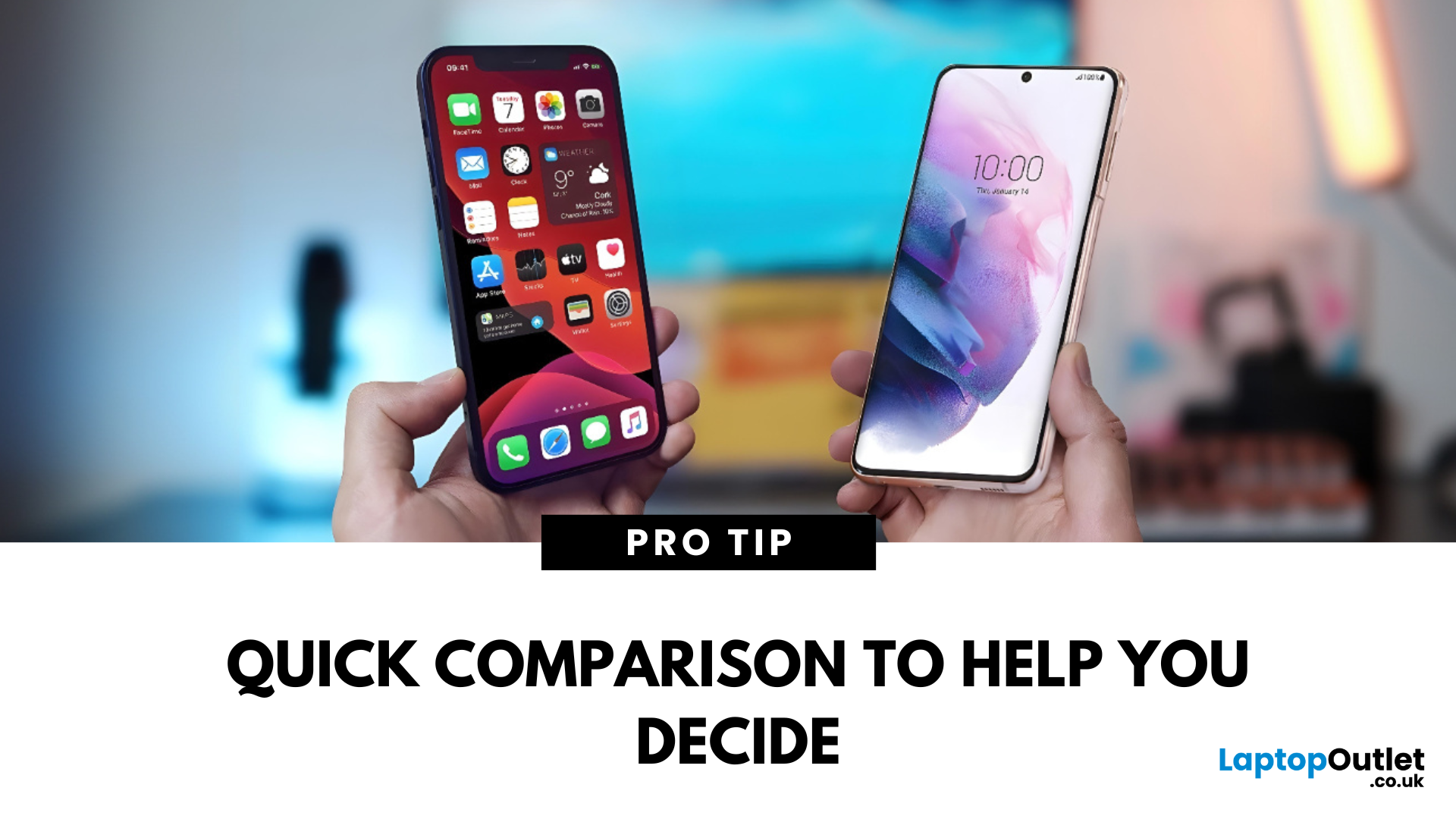
Samsung or iPhone—which is better? It’s a question that sparks debates in group chats, tech forums, and even family dinners. The truth is, both are excellent—but they suit different users. Here’s a breakdown to help you decide which smartphone brand is the better fit for you in 2025.
Design & Build Quality
- iPhone: Premium build, minimalist design, consistent look across models
- Samsung: Sleek designs, more variety (curved displays, foldables like Galaxy Z series)
Verdict: iPhone offers uniform elegance, Samsung delivers bold variety
Display Quality
- iPhone: Super Retina XDR OLED displays, true-to-life colour accuracy
- Samsung: Dynamic AMOLED 2X displays, higher refresh rates (up to 120Hz on most models)
Verdict: Samsung leads in brightness, refresh rate, and screen innovation
Camera Performance
- iPhone: Excellent video quality, cinematic mode, reliable consistency
- Samsung: Powerful zoom (Space Zoom), versatile sensors, vibrant photos
Last Updated: March 17, 2026
Samsung has long dominated the smartphone world, blending cutting-edge innovation, sleek style, and powerful performance with every launch. If you’re wondering what the latest Samsung Galaxy phone is, you’re in the right place. In this blog, we’ll unveil the newest Samsung Galaxy release, highlight its standout specs and features, and guide you to the best deals and offers available right now.
Ready to explore? Let’s uncover the latest together!
What’s the Latest Samsung Galaxy Phone?
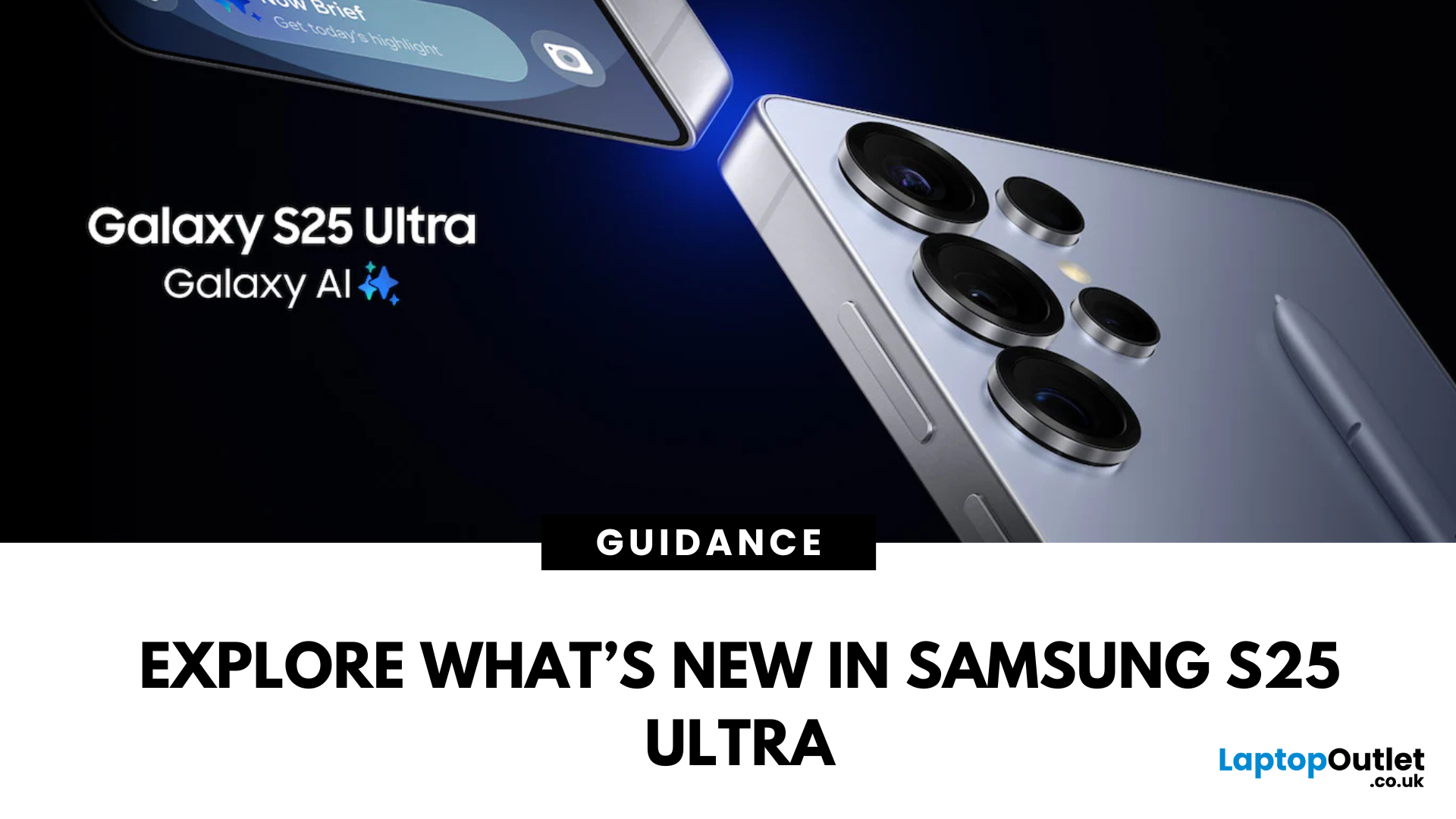
To answer the question ‘what’s the latest Samsung Galaxy phone’, we first need to reframe it slightly to ‘what’s the latest Samsung Galaxy series’. That’s because the latest Samsung Galaxy phones all belong to the Samsung S25 Series, which includes three models — the S25, S25+, and S25 Ultra — all launched in the UK in February 2025.
These three models, the S25, S25+, and S25 Ultra, together make up the latest Samsung Galaxy phones. However, if you’re wondering which Samsung Galaxy phone is the most
Last Updated: June 11, 2025
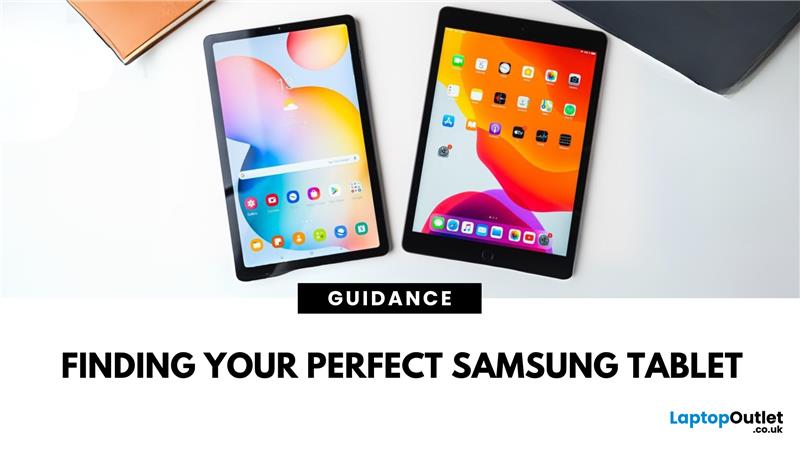
Looking for the perfect tablet can be a bit of a minefield, especially with so many options out there. If you’ve been wondering which Samsung tablet fits your lifestyle, your budget, or your workflow best, you’re in the right place.
Known for sleek design, high-quality displays, and top-tier performance, the Samsung Galaxy tablet series has something for everyone. From compact tablets for reading to powerful workhorses for creatives, the lineup offers impressive versatility.
In this blog, we’ll break down the different types of Samsung tablets available in 2025, like the Galaxy Tab A9+, the rugged Galaxy Tab Active4 Pro, the high-performing Tab S9 FE+, and more. We’ve hand-picked the best options and kept it simple so you can easily compare and decide.
Samsung Tablets: The Go-To Tablets for Work, Play, and Everything in Between
Samsung tablets are built for everyone, from students and families to professionals and outdoor workers. If you’re into reading, streaming, sketching, gaming, or

