



Black Friday is here! Get an extra £10 off when you spend £200 with code: BF10LO. T&Cs apply*
Cyber Monday Deals on Top Tech Brands: Lenovo, HP, Microsoft & More

Quick Answer
Cyber Monday 2026 falls on 30th November, bringing another opportunity to compare tech offers from brands such as Lenovo, HP, Microsoft and ASUS. However, the biggest discount does not always mean the best deal. Compare the exact product specifications, previous pricing, warranty and suitability before buying. A smaller saving on the right device can offer better long-term value.
Planning to upgrade your tech this Cyber Monday? Whether you've been considering a Lenovo laptop, an HP business notebook or a Microsoft Surface device, it's worth knowing what separates a genuinely useful discount from an attractive price tag.
Cyber Monday deals on top tech brands can vary considerably, even between products that look almost identical. A newer processor, better display or longer warranty might justify paying slightly more.
In this guide, we'll look at what different brands offer, how to compare their Cyber Monday discounts and what to check before making your purchase.
Which Tech Brands Are Worth Comparing This Cyber Monday?
Rather than choosing a brand because it advertises the largest discount, start with the type of device you need. Lenovo, HP, Microsoft and ASUS all cover different parts of the market, and their product ranges are not directly interchangeable.
Lenovo: Everyday Flexibility and Business Features
Lenovo covers everything from affordable everyday notebooks to business-focused ThinkPads and gaming-oriented Legion models.
If you're comparing Lenovo Cyber Monday deals, pay attention to the series rather than the brand name alone. An IdeaPad may be suitable for general use, while a ThinkPad can offer features more relevant to professional work. You can compare the different series within the Lenovo laptop range to understand how their specifications and intended uses differ.
HP: Options for Home, Work and Gaming
HP is another brand worth comparing because its laptop families cater to different requirements. For instance, HP ProBook and EliteBook models focus on business productivity, while OMEN devices are designed around gaming performance. Consumer models may prioritise other features, such as everyday usability and price.
When reviewing HP Cyber Monday deals, check whether you're paying for features you'll actually use. A discounted business laptop is not automatically better for gaming, just as a gaming model is not necessarily the most practical choice for everyday travel.
Microsoft: Portability and Surface Features
Microsoft Surface devices appeal to buyers interested in portable designs, touchscreen interaction and Windows productivity. However, comparing Microsoft Cyber Monday deals requires more than checking the processor and screen size.
Some Surface configurations have limited upgrade options, and accessories such as keyboards or pens may be sold separately, depending on the model and package. Before choosing, check what's included, whether the device supports your essential applications and whether the total cost fits your budget.
ASUS and Other Brands: Look Beyond Familiar Names
ASUS offers a wide selection of laptops, including Vivobook models for everyday tasks, Zenbook devices with premium design features and ROG or TUF models aimed at gaming.
Similarly, Dell, Acer, Samsung and MSI have different product families covering various budgets and performance requirements.
When comparing offers from these brands, avoid treating the manufacturer's reputation as a substitute for checking the actual product. Two laptops at similar prices can differ significantly in display quality, portability, memory and connectivity.
How Can You Tell Whether a Cyber Monday Tech Deal Is Worth It?
A discount is only valuable when the product meets your needs, and the saving is genuine. Before purchasing, consider the following checks.
Compare the Exact Model, Not Just the Brand
A product advertised as an HP Core i7 laptop might sound more attractive than a newer Core i5 model, but processor generation, power limits and overall specifications also affect performance.
The same applies to Lenovo, Microsoft and other manufacturers. Check the full model number so you're comparing like-for-like products rather than different configurations carrying similar names.
Look at the Actual Saving
Don't rely on a large percentage displayed beside a product. Compare its current price with recent prices for the same configuration. Price-history tools can help identify whether a discount represents a meaningful saving or a price that's regularly available.
Also remember that Black Friday and Cyber Monday prices are not guaranteed to differ. An offer may continue unchanged throughout the sale period.
Check What's Included in the Price
Sometimes a cheaper product comes with compromises that are easy to overlook. For laptops, consider memory, storage, display resolution and operating system. For monitors, look at panel type, refresh rate, connectivity and stand adjustment.
With accessories, compatibility is particularly important. A discounted docking station, charger or keyboard isn't good value if it doesn't work properly with your existing setup.
Factor in Warranty, Condition and Delivery
Check whether the product is new or refurbished, how long the warranty lasts and what the retailer's return conditions cover. Delivery charges and any additional accessories should also form part of your comparison. The lowest advertised price isn't necessarily the lowest overall cost.
Should You Choose a New or Refurbished Device During Cyber Monday?
A refurbished model can be worth considering when your budget doesn't stretch to the new device you want. For example, a refurbished business laptop might offer a stronger build or additional professional features at a similar price to a new entry-level model.
However, condition, battery health, warranty and remaining software support all matter. New devices may offer newer hardware, longer expected software support or improved battery efficiency. Refurbished devices can offer more features for the money, but the actual value depends on the model.
When comparing Cyber Monday offers, judge new and refurbished products against the same requirements rather than assuming either option provides better value.
Is Cyber Monday Better Than Black Friday for Tech?
Not necessarily. Cyber Monday falls on 30 November 2026, following Black Friday on 27th November. Some retailers continue their Black Friday offers through Cyber Monday, while others change selected prices or introduce different promotions.
That means waiting until Monday doesn't guarantee a lower price. If you've already identified a suitable product at a competitive price, compare its availability and terms before deciding whether to purchase or wait.
Laptop Outlet's Cyber Week tech deals page provides a central place to check participating products and current offers when the campaign is active.
Common Cyber Monday Shopping Mistakes to Avoid
Even experienced tech buyers can overlook important details when comparing seasonal offers.
- Focusing only on discount percentages: Compare the actual price and the product's value.
- Ignoring model generations: An older device may have different performance or support limitations.
- Buying more performance than needed: Premium hardware isn't always necessary for everyday tasks.
- Overlooking compatibility: Check connections, operating systems and supported accessories.
- Rushing because of countdowns: Don't let promotional urgency replace a proper comparison.
A few extra checks can prevent you from spending money on a device that doesn't suit your requirements.

Final Thoughts: Which Cyber Monday Tech Deal Should You Choose?
The best Cyber Monday tech deal isn't necessarily the cheapest product or the one with the biggest advertised saving. Lenovo, HP, Microsoft, ASUS and other established brands offer devices for different budgets and requirements. What matters most is how well the specific model fits your intended use. Compare its specifications, recent pricing, condition and total cost before making a decision.
At Laptop Outlet, you can use the Cyber Week offers page to review participating products and compare suitable options. Focus on getting the right technology at a worthwhile price rather than buying something simply because it's discounted.

Frequently Asked Questions
When Is Cyber Monday 2026 in the UK?
Cyber Monday falls on Monday, 30th November 2026, following Black Friday on 27th November. Retailers may run promotions across several days, so check individual campaign dates and offer terms.
Which Brands Should I Compare During Cyber Monday?
Lenovo, HP, Microsoft, ASUS, Dell and Acer are useful brands to compare, depending on your requirements. Focus on individual product specifications and prices rather than assuming one manufacturer always offers better deals.
Are Cyber Monday Deals Cheaper Than Black Friday?
Not always. Some prices remain unchanged, while others increase or decrease. Comparing recent prices for the exact product helps you judge whether a Cyber Monday offer is genuinely competitive.
Is It Worth Buying Refurbished Tech During Cyber Monday?
It can be, particularly if a refurbished device offers specifications or features you cannot afford new. Check its condition, warranty, battery information and software compatibility before purchasing.
How Can I Avoid Misleading Cyber Monday Discounts?
Compare the model number, recent selling prices, specifications, warranty and delivery costs. Avoid choosing a product based solely on a large advertised discount or a limited-time countdown.
Related Articles


Last Updated: October 22, 2026
The Big Question Every Gamer Asks
Every year, as November creeps closer, gamers across the UK start asking the same question:
“Should I wait for Black Friday gaming deals or buy now?”
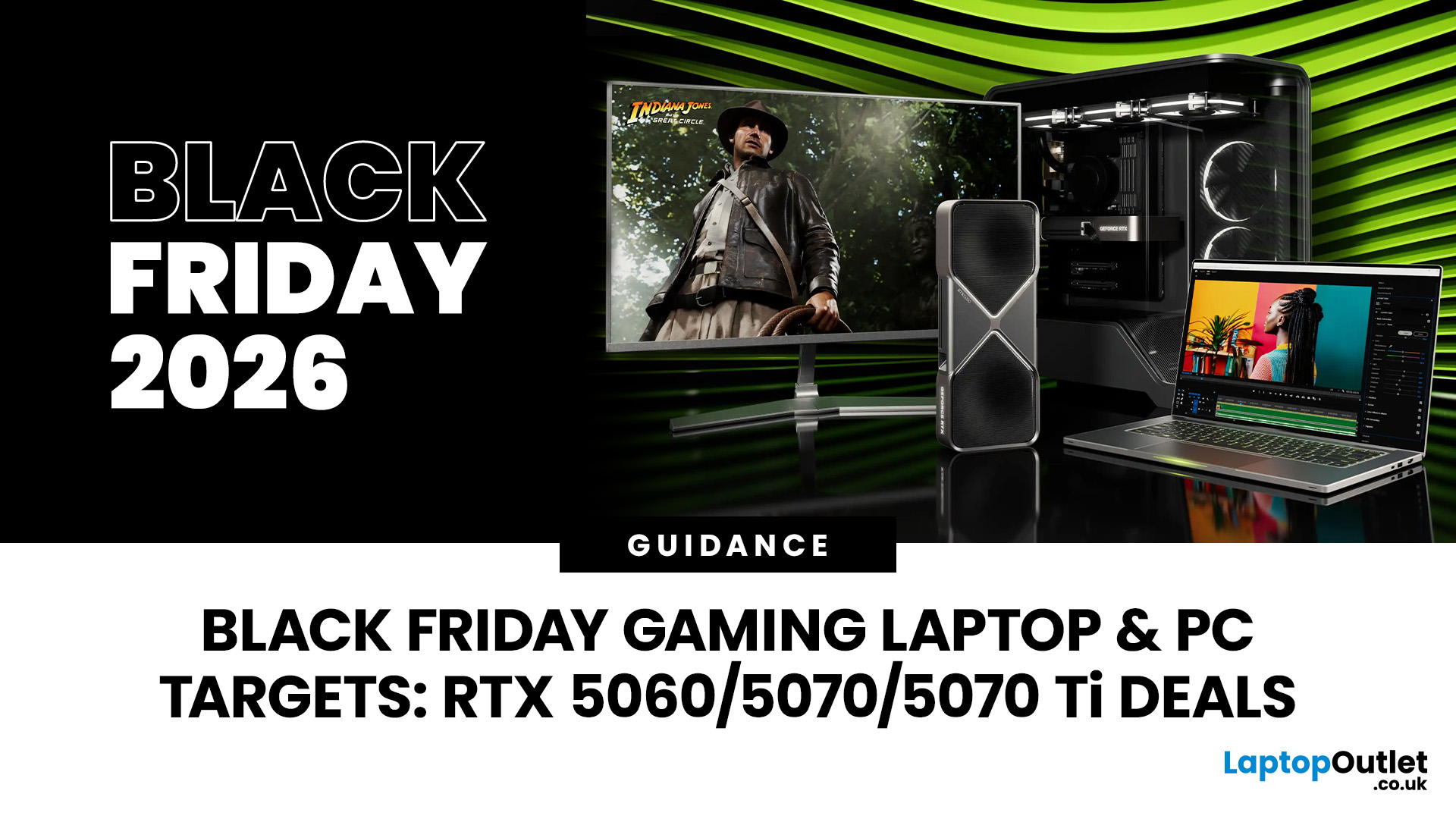
The answer isn’t as simple as it used to be. The Black Friday 2026 gaming deals are shaping up to be bigger, earlier, and smarter, but that also means you’ll need a clear plan to avoid overpaying or missing out.
In this guide, we’ll break down everything you need to know:
- The right time to buy gaming PCs, laptops, consoles, and accessories
- How prices have changed year-on-year
- What early and late deals to expect in the UK
- How to prepare using Laptop Outlet’s dedicated Black Friday sale pages
Whether you’re after a PS5 or Xbox Black Friday 2026 UK bundle, or hunting PC gaming Black Friday deals UK-wide, this guide will help you time your purchase for maximum value.
The State of Black Friday 2026 - What’s Changing?
Black Friday has evolved far beyond a single day of chaos. In 2026, it’s a month-long event, blending

Last Updated: October 02, 2026
Black Friday refurbished deals can appear throughout November, but the strongest refurbished stock is not tied to one guaranteed date. In 2026, Black Friday falls on 27 November, so buyers with specific requirements should start watching from early November rather than waiting for the final Friday.
Refurbished inventory can be limited to particular models, specifications and condition grades. Once suitable units sell, the same configuration may not return. The strongest buying window is therefore when the specification, condition and price you want are available together.
When Do Black Friday Refurbished Deals Start?
Black Friday officially falls on Friday 27 November 2026, but UK Black Friday activity usually extends beyond a single day. Pricing changes can begin earlier in November and continue through Black Friday weekend into Cyber Monday on 30 November.
Use the weeks beforehand to establish a price baseline and watch availability. Laptop Outlet's Black Friday refurbished deals page
Last Updated: November 09, 2026
Last Updated: November 06, 2026
Black Friday 2026 falls on Friday 27 November, followed by Cyber Monday on 30 November. For Apple buyers, the smartest approach is to track the exact MacBook, iPhone or iPad specification before November, then judge the sale price against its usual selling price. New releases will attract attention, but recent generations and refurbished Apple devices could prove just as worthwhile.
Apple has changed a lot of its hardware since last Black Friday. MacBook Neo has joined the laptop family, MacBook Air has moved to M5, MacBook Pro now stretches from M5 through to M5 Pro and M5 Max, while iPhone 18 Pro has arrived ahead of the first foldable iPhone, the iPhone Duo.
The iPad range has moved forward as well, with M4 powering the latest iPad Air and M5 inside iPad Pro. That makes Black Friday 2026 particularly interesting because shoppers are likely to see brand-new hardware sitting alongside capable previous-generation models.
This guide breaks down the Apple products worth watching, the specifications

Last Updated: November 09, 2026
That little pause while your laptop catches up on a video call. The game that still looks choppy on your monitor, even though your PC is doing its best. The crowded desk where another screen would make the working day easier. These are the everyday frustrations that make a tech upgrade worth thinking about.
Cyber Monday can be a good opportunity to put them right without spending more than you need to. And there is already plenty to look at: our current offers include a Samsung laptop below £400, a 180Hz gaming monitor below £100 and some more specialised displays for those ready to upgrade their setup. The interesting question isn't which has the biggest price cut. It's which one will actually make a difference to you.
Quick take: The best deal is the upgrade you will actually use. The Galaxy Book4 suits lighter everyday work, the LG UltraGear is a lower-cost route to smoother gaming, and the MSI OLED screens are for more demanding setups. The details below explain where each earns its

Last Updated: November 05, 2026
Cyber Monday laptops are not one-size-fits-all. Students need practical study machines, gamers depend on graphics performance, and professionals require reliable tools for their work. A tempting discount means little if the laptop is wrong for its intended use.
This guide explains what each group should prioritise, which laptop families suit different needs and how to assess Cyber Week deals without being swayed by headline savings.
Cyber Monday Student Laptops: What to Prioritise
For lectures, research and assignments, portability, dependable battery life and a comfortable keyboard usually matter more than premium graphics. A lightweight 13-inch or 14-inch device is easier to carry between classes; 16GB RAM offers useful breathing room for multitasking on Windows, although lighter workloads can run on less.
Check your course's required software before choosing an operating system. Engineering, design and some science programmes may need Windows applications or dedicated graphics, while
Last Updated: November 09, 2026
Last Updated: November 03, 2026
Last Updated: October 15, 2026
Published: October 20, 2026
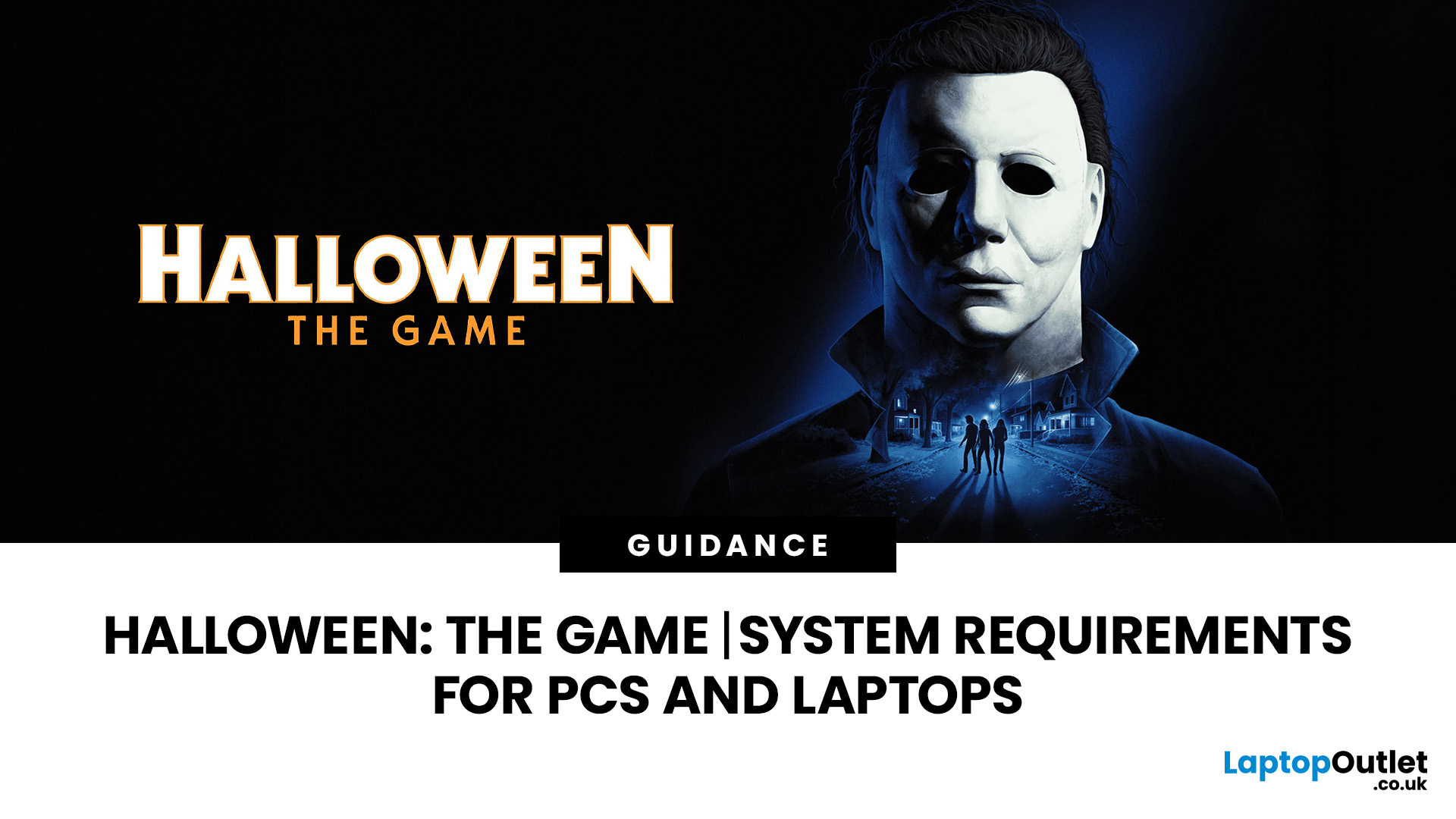
Michael Myers is back, and this time, he's coming for your gaming setup!
Halloween: The Game brings the terror of Haddonfield to PCs and consoles. With eerie neighbourhoods, unsettling shadows, and a relentless masked killer, every second could mean the difference between escaping and becoming Michael's next victim.
But before you enter the nightmare, there's one thing to check: can your PC or laptop handle it?
We've broken down the official Halloween the game PC requirements, recommended hardware, graphics settings, and practical performance fixes. Whether you're playing on a desktop or gaming laptop, here's how to prepare your system for a night of scares.
Halloween: The Game: What is it About?
Developed by IllFonic, Halloween: The Game is an asymmetrical survival horror experience inspired by John Carpenter's original 1978 film. The game takes you back to Haddonfield, where the seemingly peaceful streets have become Michael Myers' hunting ground.
In its 1v4 multiplayer mode, one player

