



ASUS Chromebook C403NA 14" Student Laptop Intel Celeron – Review
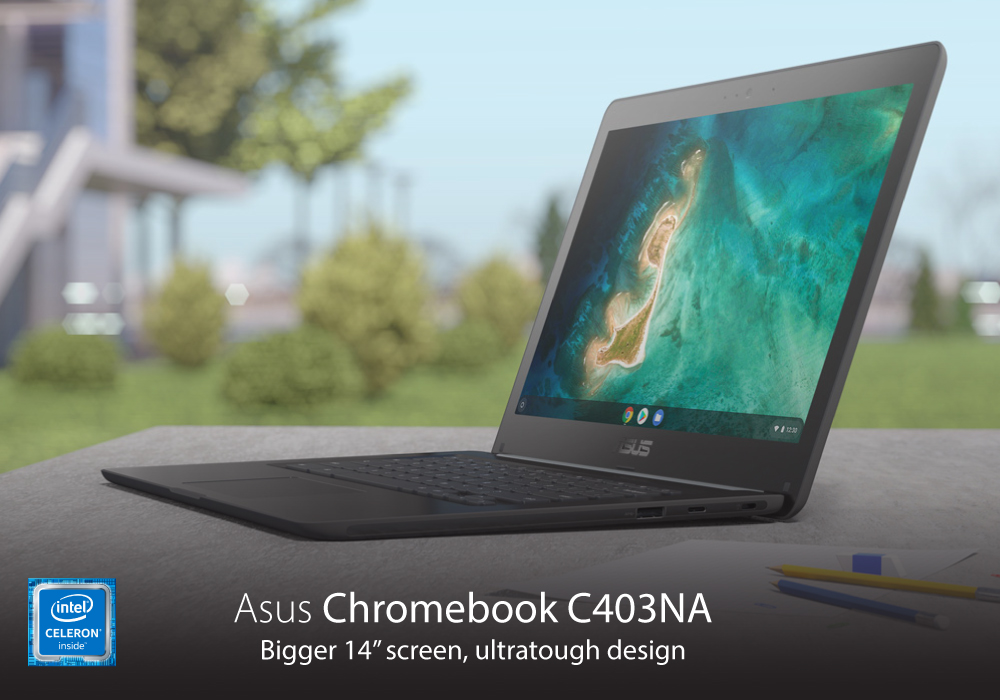
Now a days, the one thing a student needs is a good laptop, to carry it out all your tasks. A good laptop can prove to be your study-buddy, it can be your personal organizer, and a much needed entertainment hub. Students are mostly on the move, whether you are at your campus, at your college dorm-room, or at your friend’s place. So, you need the portability with the productivity. We will review a laptop, which is a best fit for all the students out there. Let us not waste any more time and just dive right in asus chromebook c403na
ASUS CHROMEBOOK C403NA
This laptop is certainly among the best Asus laptops, present on the face of this planet. Let’s get the technical specs out of the way first. It is powered by Intel Celeron N3350 with 1.10GHz processor. It has a memory of 4GB RAM, and a storage space of 32GB SSD. These powerful specs, when combined with the Chrome OS, provides you the smooth and easy interface, whether you are working, or just entertaining yourself with games or streaming.
DURABLE DESIGN
Students need a laptop which can withstand their rough and carefree lifestyle. Well, this laptop is certainly made with the students kept in mind. Its durable and strong body can endure a good amount of beating. It has a tough rubber bumper on all four sides of the body, which can endure bumps and even falls, with great ease. This keeps the sensitive components inside your laptop safe, even when it falls from your hands. It can easily endure drops from up to 120cm.
Water spills are not an issue with this laptop. It is equipped with a spill-resistant keyboard, which can protect the laptop from up to 66cc of liquid spills. So, even if your friend drops a glass of his cold beverage on it, the laptop won’t be harmed. It is completely tested for durability, so you can have a reliable final product.
LONG BATTERY LIFE
Nothing can be more frustrating than the battery of your gaming laptop running out, while you are in the middle of study session, or gaming session with your fellow students. Asus Chromebook C403NA keeps you away from this nightmare. You won’t need to continuously find the socket to attach a charger, or even carry a charger with you, wherever you go. The battery time of this laptop is amazing. It gives you almost 12 hours of battery life with a single charge. This Asus laptop surely lets you enjoy your gaming, streaming and study sessions uninterrupted.
DISPLAY
Asus has equipped this laptop with 14 inch HD display, with anti-glare technology. This display gives you the resolution of 1366x768 pixels. The anti-glare screen reduces the unnecessary and unwanted glare from the sun, or other bright lights, to give you a clear view. The viewing experience on this display is quite decent and provides a good picture quality, whether you are streaming, playing games, or just performing your daily tasks.
180 DEGREE HINGE
The great thing about this majestic laptop, is that it lets you easily collaborate with your friends and your study-mates. It has a 180 degree hinge, which helps it lay flat on the table, so you can work more productively during your combined study sessions with your mates. In addition to being super productive, it also looks cool.
CONNECTIVITY
This Asus laptop is equipped with Wi-Fi 5 and Bluetooth 4.2, which make your wireless connectivity smooth and easy. Wi-Fi 5 connects you quickly with the internet, and keeps you connected even when the signals are weak or spotty. Plus, with Bluetooth 4.2, you can connect all your favourite wireless peripherals with it, so you can take your performance and productivity to a new level. It is also equipped with USB Type-A and USB Type-C ports, so you can connect your devices and transfer data at a fast speed. It also has a microSD card reader, which lets you manage the data, present on your memory cards.
BOTTOM LINE
So, this was Asus Chromebook C403NA review. Overall, this is a pretty-decent laptop, which gives the perfect performance, durability, and reliability, especially for the students. Get this laptop today, or go to laptopoutlet.co.uk and choose from a wide range of Asus laptops.
Read more:
| Top 3 ASUS Chromebooks for Students |
| Laptops For Seniors Accessibility and Ease of Use Features |
| How to Speed Up Your Laptop – Easy Fixes for Better Performance |
Related Articles

Last Updated: October 08, 2025
Last Updated: February 23, 2026
Last Updated: June 11, 2026
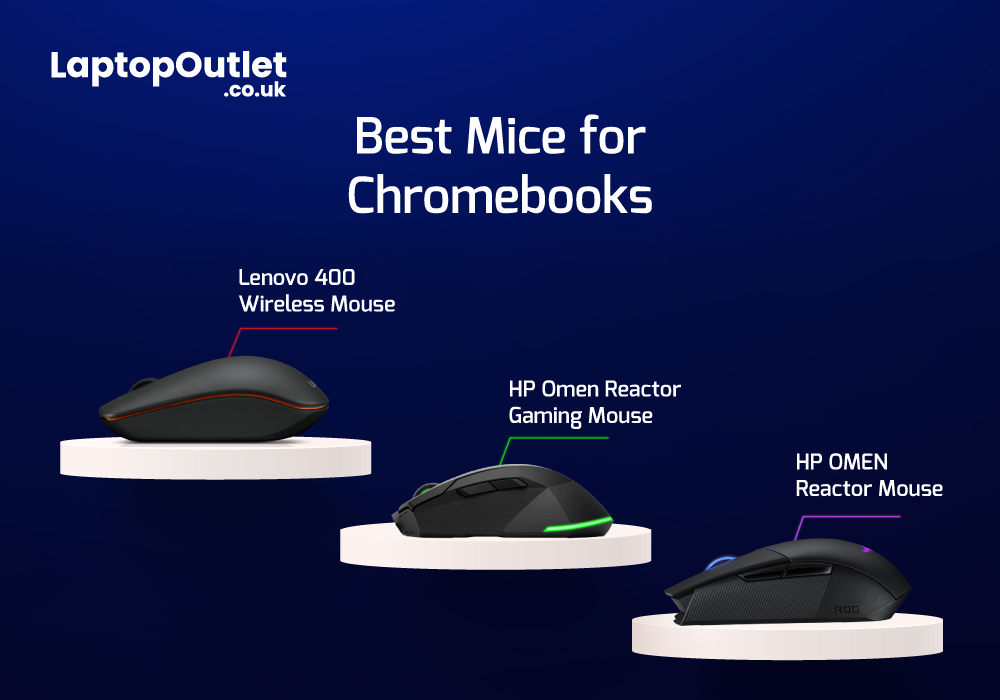
Chromebooks are meant to support best portability with plenty of power packed inside them. Even though there are loads of sizes and shapes that come with Chromebooks nowadays, their portability is still at its peak. With that comes the absence of extremely efficient mouse scrolling. But there are still trackpads attached with Chromebooks that work tremendously for navigation. However, still the use of the best wired and wireless mice with Chromebook can feel heavenly when you are in the middle of work.
Last Updated: March 30, 2026
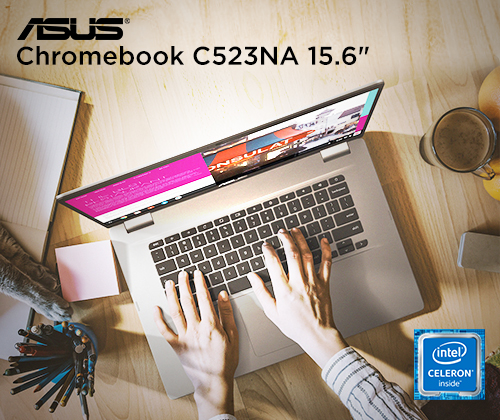
ASUS Chromebooks have gained popularity due to their unmatched performance, sleek designs, and user-friendly interface. The Chromebook has its own operating system, known as Chrome OS. Unlike Windows, Chrome OS is incredibly light and does not slow down over a long period of time.
Therefore, if you have been using your ASUS notebook for a long time, a factory reset can boost its speed. You may also reset it to remove a fake user account. However if you don’t have the password, it can be really overwhelming to reset it. Fear not, as we will walk you through different methods that will help you restore your Chromebook to its factory settings.
What is a factory reset?
A factory reset or password reset erases all the data from your Chromebook, including all of the files in the download folder. It also removes non-user related information but keeps a little diagnostic and operational data. Resetting your Chromebook is also known as "Powerwash".
A factory reset is an effective troubleshooting
Last Updated: March 30, 2026
Are you a student in need of a reliable and efficient laptop? Look no further than ASUS Chromebooks for students! These laptops offer excellent performance, portability, and affordability. From making assignments, to taking notes, these impressive devices are capable of just about anything.
But how do you decide which laptop is the best for you? Anyone can get confused while picking out their ideal product amongst thousands of laptops. That’s why we have listed the top 3 student ASUS Chromebook in 2023. All while considering the RAM, processing power, battery life, and budget.
ASUS Chromebook CX1500CKA-EJ0014
The ASUS Chromebook CX1500CKA-EJ0014 is the best Chromebook for study with a 15.6-inch Full HD display, providing a vibrant and immersive viewing experience.
Under the hood, the laptop is powered by Intel Pentium Silver processor and 4 GB of LPDDR4 RAM. This enables the Chromebook to deliver smooth multitasking and efficient performance.
It also features a spacious

