



AirTag 2 vs AirTag 1: Key Differences, Features & Buying Advice
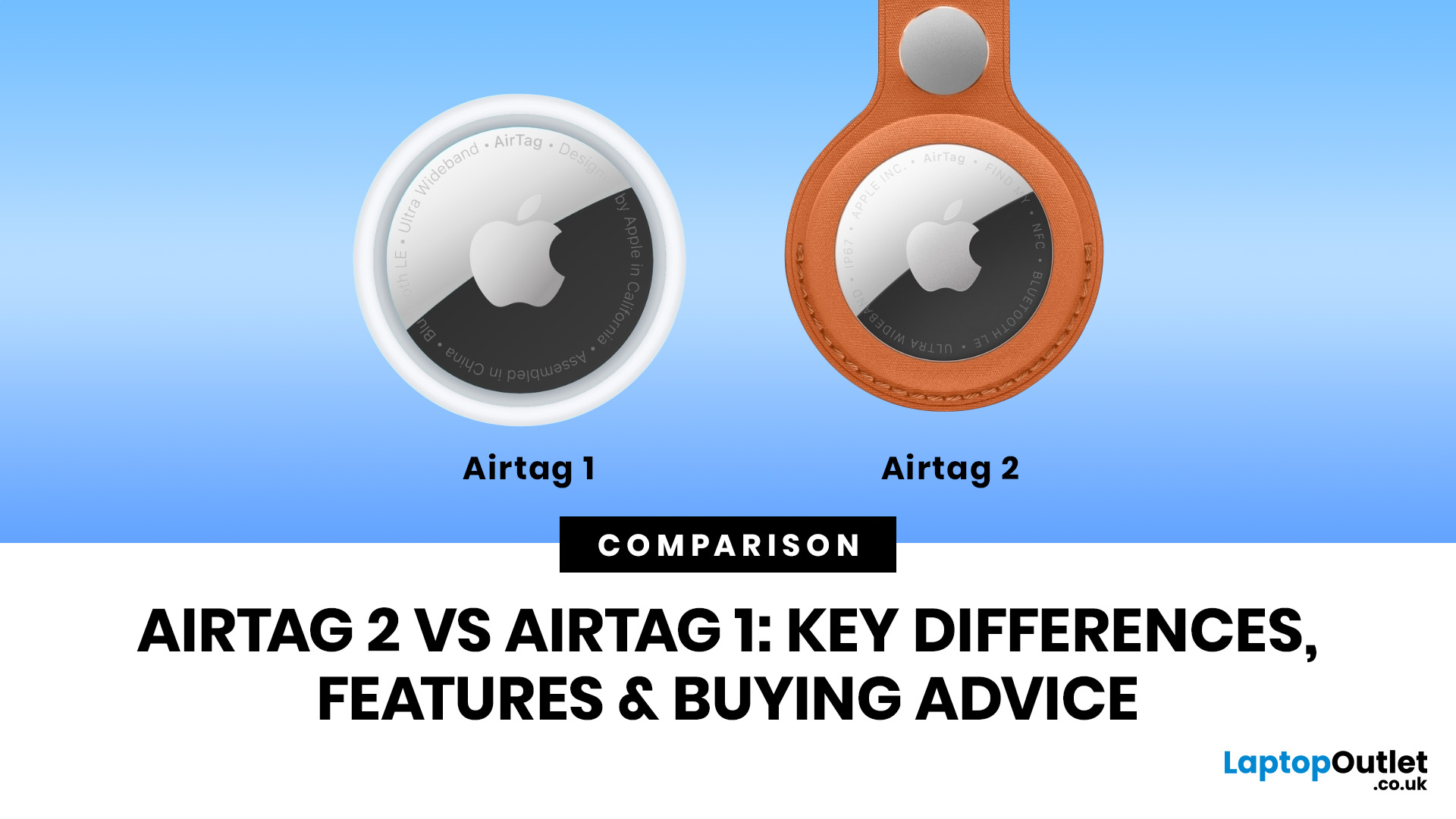
AirTag 2 is the better buy for most Apple users in 2026, especially if you want improved range, a louder speaker, better Precision Finding and stronger support for newer iPhone and Apple Watch models. AirTag 1 is still worth considering if you only need basic tracking for keys, bags or luggage and can find it at a much lower price.
Lost keys? Missing wallet? Suitcase doing its own world tour? We have all been there. Apple AirTag has been one of the easiest ways for iPhone users to keep tabs on everyday essentials, and now the newer AirTag 2 has arrived with better range, a louder speaker, and improved finding features.
So, when it comes to AirTag 2 vs AirTag 1, which one should you actually buy? Is AirTag 2 worth it, or is the original AirTag 1 still a smart budget-friendly move? Let’s break down the real AirTag 1 vs AirTag 2 differences without the tech jargon overload.
AirTag 2 vs AirTag 1: Quick Comparison
|
FEATURE |
AIRTAG 1 |
AIRTAG 2 |
|---|---|---|
|
Generation |
First-generation Apple tracker |
Second-generation Apple tracker |
|
Precision Finding |
Available on compatible iPhones |
Up to 1.5x greater Precision Finding range on supported iPhones |
|
Ultra-Wideband |
First-generation chip |
Second-generation Ultra-Wideband chip |
|
Speaker |
Standard speaker |
50% louder speaker |
|
Bluetooth |
Original Bluetooth performance |
Upgraded Bluetooth for improved range |
|
Apple Watch Precision Finding |
Not supported |
Supported on compatible Apple Watch models |
|
Battery |
Replaceable CR2032 coin cell |
Replaceable CR2032 coin cell |
|
Water and dust resistance |
IP67-rated |
IP67-rated |
|
Best for |
Budget buyers and basic tracking |
New buyers, travellers and better everyday finding |
| Big Vibe Check: AirTag 2 does not completely reinvent Apple’s tracker. It still looks familiar, still uses the Find My app and still runs on a replaceable coin cell battery. The big difference is that it is easier to find when it matters. |
What is AirTag 1?
AirTag 1 is Apple’s original Bluetooth item tracker. It launched in 2021 and quickly became a go-to accessory for iPhone users who wanted a simple way to keep track of keys, bags, wallets, backpacks, and luggage.
It works through Apple’s Find My APP. When your AirTag is nearby, you can make it play a sound. If you have a compatible iPhone, Precision Finding can point you towards it with distance and direction guidance. If your item is further away, the Find My network can help by using nearby Apple devices to anonymously detect and report its approximate location.
That sounds fancy, but the everyday use is very simple: attach it, name it, track it.
AirTag 1 is still useful in 2026 because it does the main job well. If you only want 1 AirTag for your keys, gym bag or suitcase, and you find an AirTag 1 pack at a genuinely lower price, it can still make sense.
The catch? If the price difference between AirTag 1 vs 2 is small, the newer model is the smarter buy.
What is AirTag 2?
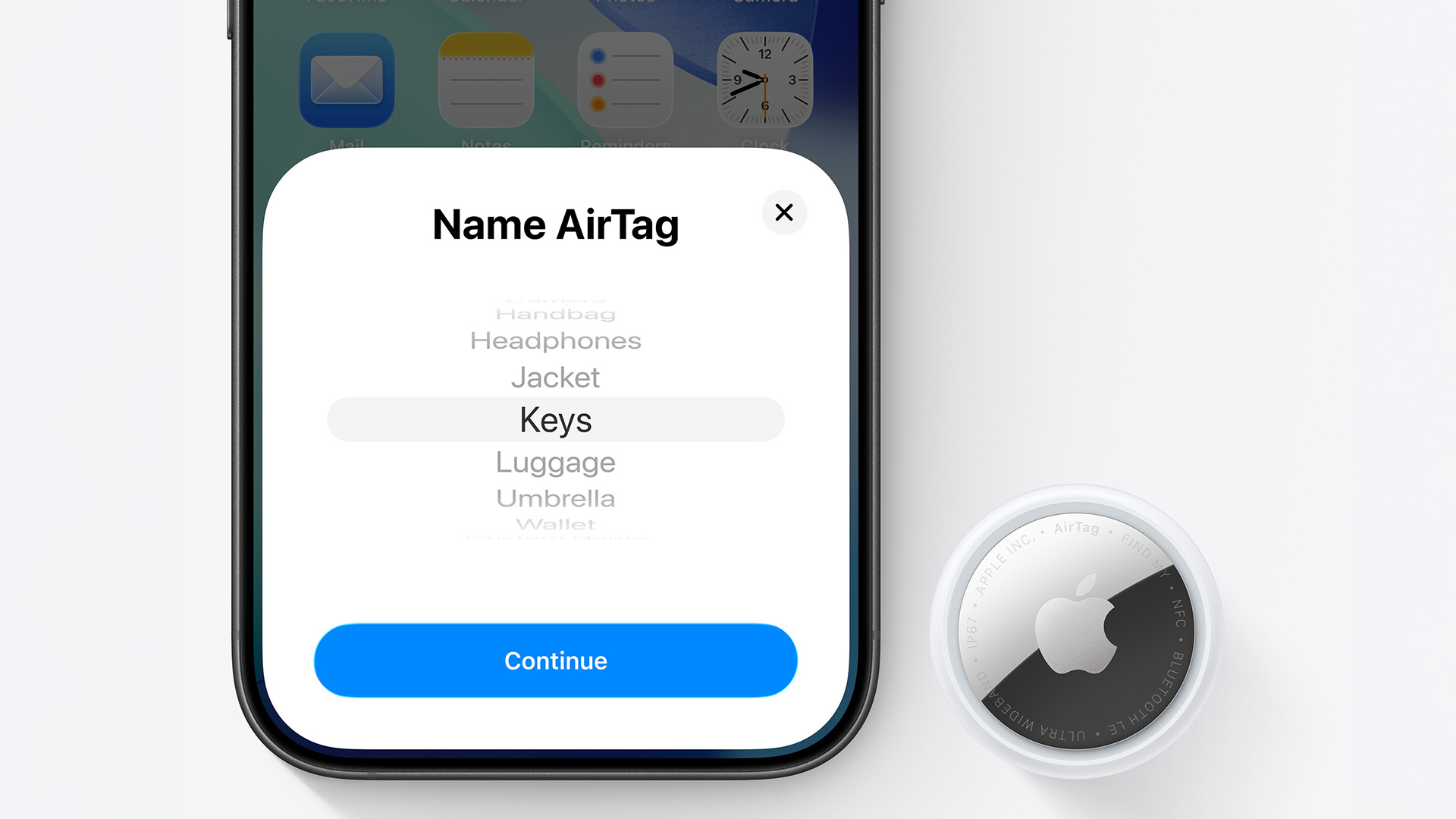
Apple AirTag 2 is the newer generation of Apple’s item tracker. It keeps the same simple idea as the original AirTag but improves the parts that matter most: finding range, speaker volume and compatibility with newer Apple devices. The key AirTag 2 features include:
- A second-generation Ultra Wideband chip
- Up to 1.5x greater Precision Finding range on supported iPhones
- A 50% louder built-in speaker
- Upgraded Bluetooth performance
- Precision Finding support on compatible Apple Watch models
- A replaceable CR2032 coin cell battery
- IP67 water and dust resistance
- Find My network support
- Share Item Location for supported third parties, including airlines
In other words, Apple AirTag 2 is still a tiny tracker, but it has better “please help me find my stuff right now” energy.
AirTag 1 vs AirTag 2 Differences: What Actually Changed?
1. Better Precision Finding Range
The biggest difference in the AirTag 2 vs AirTag 1 debate is range.
AirTag 2 offers up to 1.5x greater Precision Finding range compared with the previous generation when paired with supported iPhone models. This means your iPhone can start guiding you towards your AirTag from further away.
That matters in real life. Think airport baggage halls, large car parks, train stations, shopping centres or a messy bedroom where your keys have vanished into another dimension.
With AirTag 1, you may need to get closer before Precision Finding kicks in properly. With AirTag 2, you get a stronger chance of being guided earlier. For everyday UK users, this makes AirTag 2 better for commuters, frequent travellers, students and anyone who misplaces things in larger spaces.
2. Louder Speaker
AirTag 2 has a speaker that is 50% louder than AirTag 1. Apple says the newer AirTag can be heard from up to twice as far away. That is a genuinely useful upgrade. If your tracker is buried under clothes, stuck in the sofa, hidden in a backpack pocket or sitting somewhere noisy, a louder alert makes a difference.
AirTag 1 can still play a sound, but AirTag 2 is simply easier to hear. No more standing in the hallway going, “I swear it’s nearby,” whilst your keys are silently judging you from inside a coat pocket.
3. Upgraded Bluetooth
Both AirTag 1 and AirTag 2 use Bluetooth for proximity finding, but AirTag 2 comes with upgraded Bluetooth hardware. This helps expand the range at which items can be located.
It is important to be clear here: AirTag is not a live GPS tracker. It does not constantly stream your item’s location like a delivery APP. It uses Bluetooth, Ultra-Wideband, and Apple’s Find My network to help locate personal items. So, for an AirTag range comparison, think of it this way:
Nearby item? Bluetooth and Precision Finding help you locate it.
Item further away? The Find My network can help update its location when nearby Apple devices detect it.
Need live GPS for a vehicle, child or pet? AirTag is not the right product for that job.
AirTag is designed for objects, not people or pets.
4. Apple Watch Precision Finding
One of the coolest AirTag 2 upgrades is Apple Watch support for Precision Finding on compatible models.
That means you can use your supported Apple Watch to help find your AirTag, rather than always reaching for your iPhone. For people who use Apple Watch daily, this is a nice quality-of-life upgrade.
AirTag 1 does not offer the same Apple Watch Precision Finding experience, so if wrist-based item finding sounds useful, AirTag 2 wins.
5. Same Battery Style
Good news: both AirTag 1 and AirTag 2 use a replaceable CR2032 coin cell battery.
That means no charging cable, no extra dock, no “forgot to charge my tracker” drama. Apple states that AirTag can last for more than a year on a standard battery, although actual battery life depends on usage and conditions.
For most buyers, this is a major plus. You can simply replace the battery when your iPhone tells you it is running low.
6. Familiar Design and Accessory Support
AirTag 2 keeps the same general form factor as the original AirTag. That is good news if you already have accessories such as key rings, loops, luggage holders or bag clips.
It also means the design still has one tiny annoyance: AirTag does not have a built-in keyring hole. You will usually need an accessory if you want to attach it to keys, bags or luggage. Not a deal-breaker, but worth remembering when comparing the total cost.
7. Privacy and Safety
Apple has put a lot of focus on privacy and unwanted tracking alerts. AirTag location data is encrypted, location history is not stored on the AirTag itself, and alerts are designed to warn people if an unknown AirTag appears to be moving with them. This matters because item trackers are useful, but they must be used responsibly.
The rule is simple: AirTag is for tracking your belongings, not people. Use it for keys, wallets, bags, luggage and shared household items. Do not use it to track someone without their knowledge.
AirTag Range Comparison: Which One Performs Better?
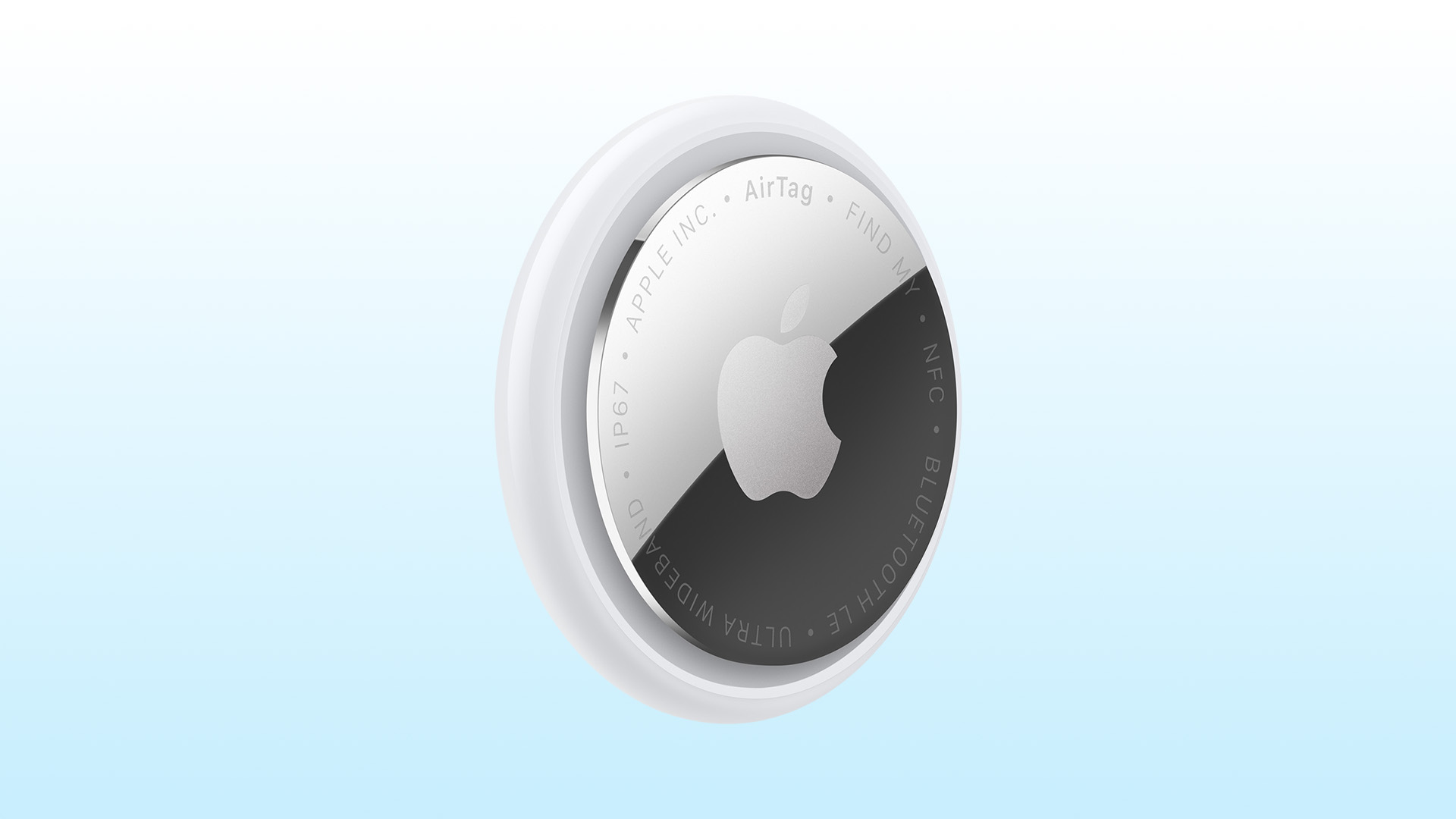
When people search for AirTag range comparison, they usually want one clear number. The reality is a bit more nuanced. AirTag range depends on:
- Your iPhone model
- Whether Ultra Wideband is supported in your region
- Bluetooth conditions
- Walls, furniture and interference
- Whether nearby Apple devices can detect the AirTag
- Whether the AirTag is indoors, outdoors or buried in a bag
AirTag 2 has the advantage for nearby finding because of its second-generation Ultra Wideband chip, improved Bluetooth and louder speaker. That makes it better when you are actively trying to locate something close by.
AirTag 1 is still useful for general tracking because it uses the same wider Find My network concept. In a busy location such as a UK airport, train station or shopping centre, both trackers can benefit from nearby Apple devices.
The difference is that AirTag 2 gives you more confidence when you are close enough to start narrowing down the exact location.
Is AirTag 2 Worth it?
For most new buyers, yes - AirTag 2 is worth it.
It is the better long-term choice because it gives you improved finding range, a louder speaker, upgraded Bluetooth and Apple Watch Precision Finding support. If you are already buying into the Apple ecosystem, AirTag 2 is the cleaner 2026 purchase.
| Buy AirTag 2 if... | Stick with AirTag 1 if... |
|---|---|
| You are buying your first Apple tracker | You already own AirTag 1 and it still works well |
| You use a newer iPhone | You only need basic tracking |
| You travel often | You find AirTag 1 heavily discounted |
| You want better Precision Finding | You do not use a newer compatible iPhone |
| You want a louder speaker | You do not care about Apple Watch Precision Finding |
| You use a compatible Apple Watch | You only need one tracker for keys or a bag |
| You want the best Apple tracker in 2026 | — |
| The price difference between AirTag 1 and AirTag 2 is small | — |
If you already have AirTag 1, there is no urgent need to upgrade every tracker in your home. But if you are buying fresh, AirTag 2 is the obvious pick.
AirTag 2 vs 1 for Different UK Buyers
Best for Students
Students lose stuff. That is basically part of the university experience.
For backpacks, keys, gym bags and luggage for trips home, AirTag is a small but useful accessory. If money is tight and AirTag 1 is much cheaper, it can do the job. But if you are buying new, AirTag 2 is better because the louder speaker and improved finding range are genuinely handy in halls, lecture theatres and shared houses.
Best pick: AirTag 2 if buying new; AirTag 1 only if discounted.
Best for Commuters
If you commute by train, bus or tube, AirTag 2 makes more sense. Work bags, laptop sleeves, wallets, keys and umbrellas are all easy to misplace when mornings get chaotic. The louder speaker is useful at home, while the Find My network is useful if you leave something behind in a public place.
Best pick: AirTag 2.
Best for Travellers
AirTag 2 is a strong choice for travellers. Pop one into your suitcase, cabin bag or passport pouch and you can check the Find My app if your luggage takes an unexpected detour. The Share Item Location feature can also help when working with supported airlines to recover delayed luggage.
Best pick: AirTag 2, ideally in a multi-pack.
Best for Families
For families, a four-pack often makes more sense than buying a single tracker. You can use AirTags for shared keys, school bags, luggage, bikes, umbrellas or important household items.
AirTag can also be shared with multiple people, which is useful for family items such as car keys or bags used by more than one person.
Best pick: AirTag 2 four-pack.
Best Budget Choice
If your only goal is to spend as little as possible, AirTag 1 can still be a good buy, but only when the saving is meaningful.
If an AirTag 1 pack costs nearly the same as AirTag 2, skip the older version. The AirTag 2 upgrades are worth the extra.
Best pick: AirTag 1 only if heavily reduced.
AirTag 1 Pack vs AirTag 2 Four-Pack: Which Should You Buy?
If you only lose one thing regularly, buy 1 AirTag. It is ideal for keys, a wallet, a handbag, a backpack or a suitcase.
But if you are already thinking of tracking multiple items, a four-pack usually gives better value per tracker.
Buy 1 AirTag if:
- You only want to track your keys
- You are trying AirTag for the first time
- You need one for a specific trip
- You want the lowest upfront cost
Buy a four-pack if:
- You want one for keys, wallet, bag and luggage
- You are buying for family use
- You travel often
- You want better value per AirTag
- You are setting up multiple items at once
Apple’s UK pricing for the newer AirTag is listed at £29 for one and £99 for a four-pack. Retail prices can vary, so always compare deals before checkout.
AirTag 2 Compatibility: Check Before You Buy
Before you buy Apple AirTag, check your device compatibility.
AirTag 2 requires a compatible iPhone with iOS 26 or later, or an iPad with iPadOS 26 or later. For the improved Precision Finding experience, you will need a supported iPhone. Apple Watch Precision Finding also needs a compatible Apple Watch model and the required watchOS version.
That means AirTag 2 can still work as an item tracker for many Apple users, but not everyone will get the full feature set.
If your iPhone is older, AirTag 1 may already give you most of what your device can support. If you are upgrading your phone soon, pairing AirTag 2 with one of the latest iPhone models is the better long-term setup.
You can also explore wider mobile phones UK options if you are comparing Apple with other smartphones before upgrading.
Is AirTag a Smart Home Device?
AirTag is not a smart home device in the same way as a smart plug, smart speaker or camera, but it fits into the wider connected lifestyle. It works through your Apple devices and the Find My app, helping you organise and protect everyday items.
If you are building a smarter setup at home, AirTag can sit alongside other smart home devices for extra convenience.
However, it is important not to confuse AirTag with proper home security. If you want to monitor your property, doorways, garden or driveway, you should look at dedicated home security camera systems instead.
AirTag is for finding belongings. Security cameras are for monitoring spaces. Different jobs, different tech.
Apple AirTag 1 vs 2: Which One Should You Buy?
Here is the final verdict.
- Choose AirTag 2 if you are buying new, use a newer iPhone, travel regularly, want better Precision Finding or like the idea of Apple Watch support.
- Choose AirTag 1 if you already own one, only need simple tracking, or find it at a proper discount.
For most people comparing Apple AirTag 1 vs 2, the newer model is the better buy. The upgrades are not flashy, but they are practical. More range, a louder sound and better device support are exactly the things you want when your item is missing.

Final Verdict: Best Apple Tracker 2026
When it comes to AirTag 2 vs AirTag 1, AirTag 2 is the best Apple tracker for 2026. It is more capable, easier to hear, better for newer Apple devices and more useful for travel. AirTag 1 still deserves respect. It made Apple item tracking mainstream and remains handy for basic use. But unless you are getting a serious bargain, AirTag 2 is the smarter choice.
Tiny tracker. Big peace of mind. Very much worth considering.

In Case You’re Wondering...
What is the main difference between AirTag 1 and AirTag 2?
The main difference is that AirTag 2 has improved Precision Finding range, a louder speaker, upgraded Bluetooth and Apple Watch Precision Finding support on compatible models.
Is AirTag 2 worth it?
Yes, AirTag 2 is worth it for most new buyers, especially if you use a newer iPhone, travel often or want better nearby finding performance.
Does AirTag 2 have better range than AirTag 1?
Yes. AirTag 2 offers up to 1.5x greater Precision Finding range compared with AirTag 1 on supported iPhone models.
Can I still buy AirTag 1?
AirTag 1 may still be available from some retailers, especially while older stock lasts. It can be worth buying if it is significantly cheaper than AirTag 2.
Should I buy 1 AirTag or a four-pack?
Buy 1 AirTag if you only want to track keys, a wallet or one bag. Choose a four-pack if you want to track multiple items or share them across the family.
Related Articles


Last Updated: December 05, 2025
Portable monitors have completely changed the way we work, game, and watch media on the move. They offer a much larger display than your smartphone, transforming your pocket-sized device into a mini-desktop or a fully immersive entertainment system.
If you want to connect smartphone to a portable monitor for work or play, you've come to the right place. This complete guide will walk you through every possible connection method, covering both Android and iPhone devices, as well as essential tips for a seamless setup.
What You Need to Connect Smartphone to a Portable Monitor
Before we dive into 'how to use phone with portable monitor, you need to check a few things. Having the right kit is essential for a successful smartphone to portable monitor setup.

1. The Right Portable Monitor
Your monitor needs to have the correct input ports. The best portable monitors for phones feature a dual-connection design, offering both USB-C (for single-cable power and video) and Mini-HDMI ports (for universal

Last Updated: May 05, 2026
Smartphones have come a long way in the past decade, from simple communication tools to powerful pocket-sized computers. But 2025 marks a turning point. The biggest upgrades are no longer about camera megapixels or faster processors. The real revolution is happening behind the scenes with AI in smartphones.
Artificial intelligence is reshaping how phones think, respond, predict, and interact with users. Whether it’s personalisation, photography, battery management, or voice assistance, AI is quietly powering the features we rely on every day. And with the next generation of AI chips, on-device assistants, and multimodal models, smartphones are evolving at a pace we’ve never seen before.
In this article, we break down how AI is transforming the smartphone industry, what it means for users, and what the future of mobile tech looks like in an AI-driven world.
What Does AI in Smartphones Actually Mean?
While “AI” can sound like marketing hype, its role in smartphones is very real-and very
Last Updated: April 21, 2026
A new year, a fresh scroll, and maybe… a phone that doesn’t need charging twice a day. If that sounds like a goal, you’re in the right place. New Year smartphone deals in 2026 are shaping up to be one of the best times to upgrade without blowing past the £500 mark.
Thanks to rapid tech upgrades and fierce competition, smartphones under £500 in 2026 are no longer “budget compromises.” We’re talking flagship-style cameras, 5G speeds, premium displays, and batteries that actually last a full day (and then some). Whether you’re hunting for Android phone New Year discounts, eyeing iPhone deals, or comparing specs like a pro, this guide breaks it all down, minus the boring bits.
Why New Year Is the Sweet Spot for Smartphone Deals
New Year sales are kind of the underrated MVP of tech shopping. While Black Friday grabs the headlines, January is when retailers quietly drop serious discounts—especially on last year’s premium and mid-range models.
Here’s why New Year Smartphone Deals hit different:

Last Updated: April 21, 2026
In 2026, a 5G connection is no longer a "nice to have"—it is essential. Whether you are commuting through London or working from a coastal town, you need a device that keeps up with the national rollout of ultra-fast networks.
Finding the best 5G smartphones can feel overwhelming. With so many latest 5G phones hitting the market, how do you choose? You need a phone that balances speed, battery life, and price. From premium Apple iPhones to versatile Android smartphones, the options are better than ever.
In this guide, we break down the top 5G smartphones UK users should consider.
New 5G Phone Deals UK: Top Picks for 2026
If you want the latest technology, the following brand-new models, available at Laptop Outlet, offer the best performance and future-proofing.
1. Oppo Reno13 F 5G (CPH2699L Blue)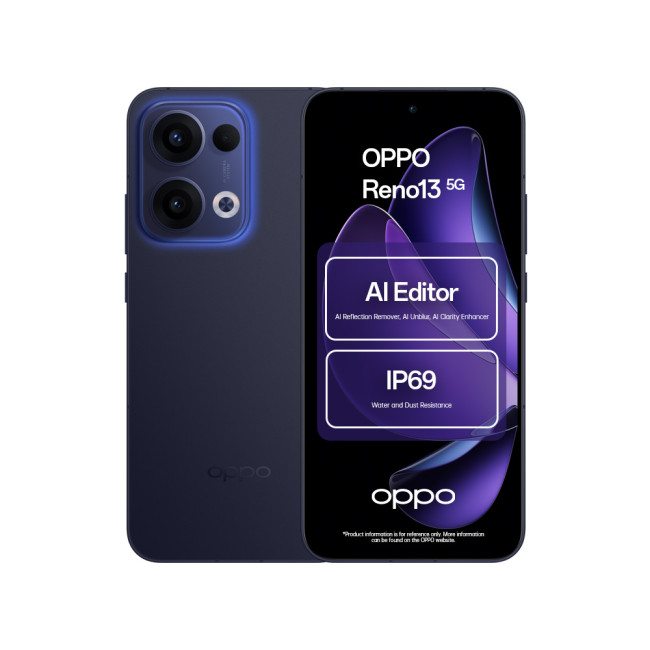
Key Specifications
- Display: 6.67-inch AMOLED, 120 Hz refresh rate
- Resolution: 1080 x 2400 Pixels.
- CPU: Qualcomm Snapdragon 6 Gen 1
- RAM: 8 GB
- Storage: 256 GB
Last Updated: April 28, 2026
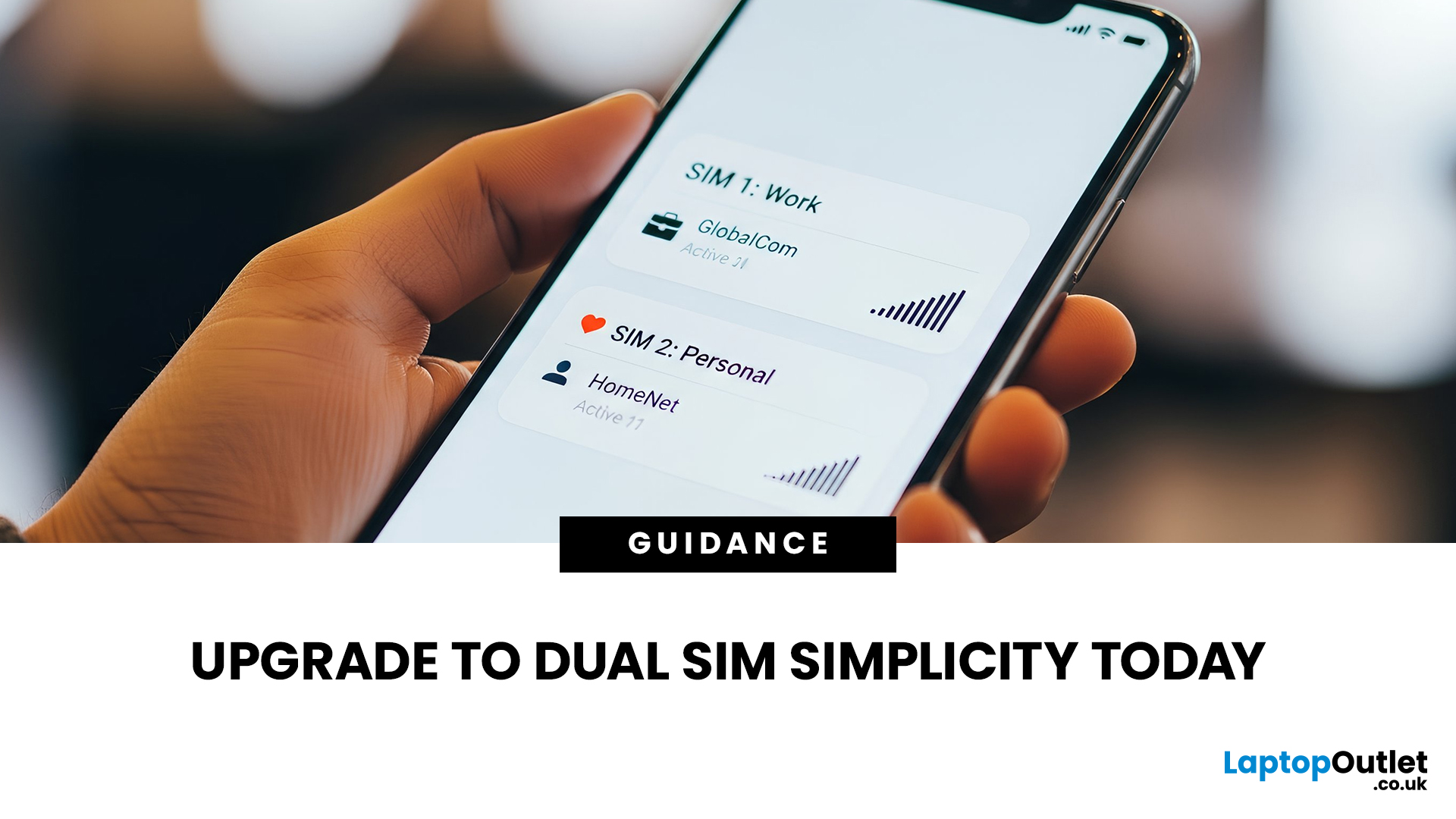
Still carrying two phones in your pocket? It’s time for a change. Managing a separate handset for work and another for your personal life isn’t just bulky, it’s exhausting. You’re double-charging, double-carrying, and constantly checking the wrong screen.
Dual SIM mobiles offer the perfect escape from this 'two-phone' fatigue. In this guide, we’ve rounded up the best dual SIM smartphones for 2026, including Android smartphones and latest iPhones.
Why Choose a Dual SIM Phone in 2026?
The benefits of dual SIM mobiles extend far beyond just having two numbers. Here is why they are becoming the standard for UK users:
- Cost Efficiency: You can use one SIM for a cheap unlimited calling plan and another for a high-data-only plan.
- Network Reliability: If one network has a service outage, you can switch your data to the second SIM to stay online.
- Separation of Life: Turn off your work SIM in the evenings and weekends to truly disconnect without needing a second handset.
- International Travel: When
Published: January 12, 2026
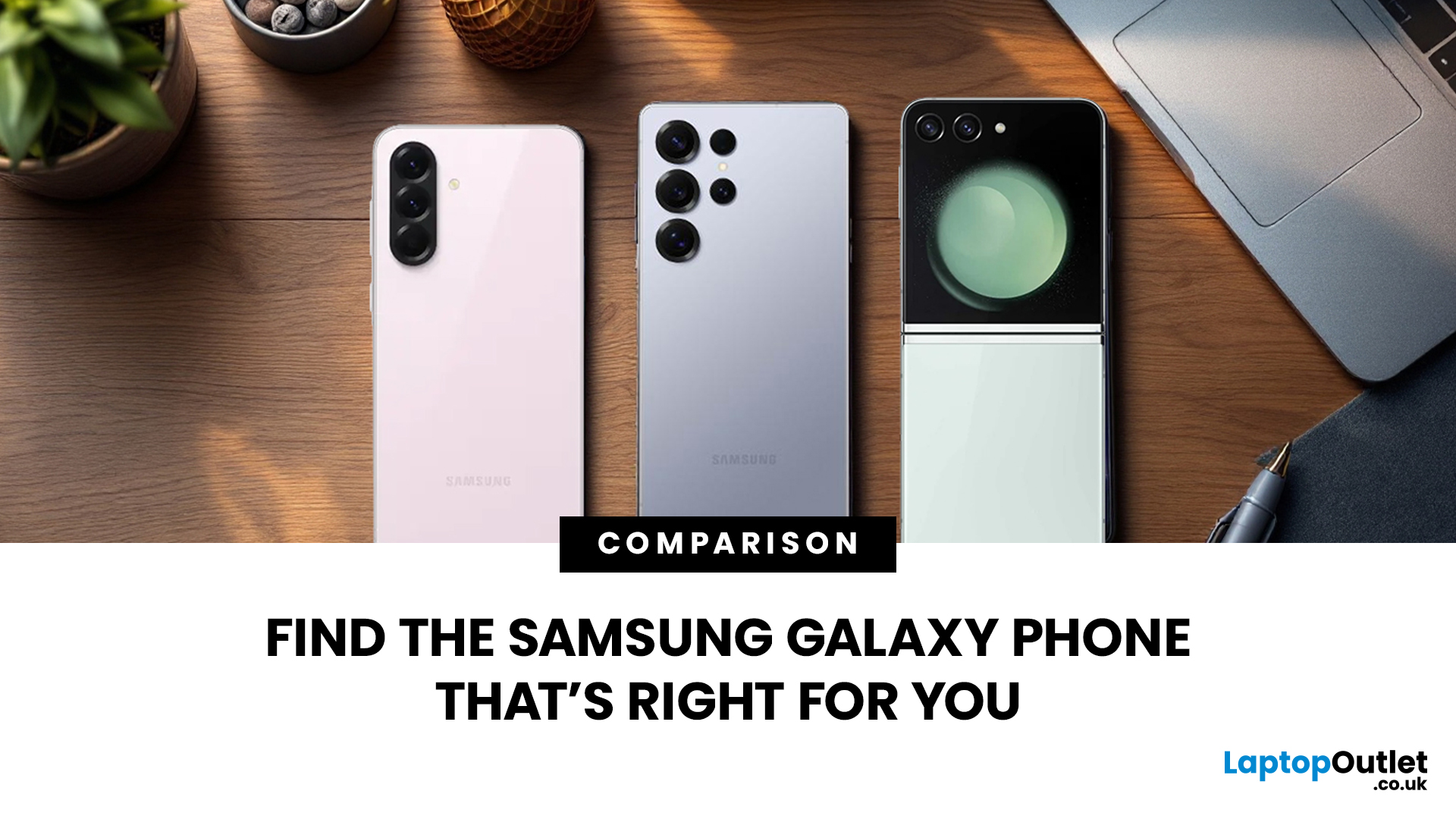
Which Galaxy is right for you? With so many Samsung Galaxy phones hitting the UK market, choosing between them can be a challenge. Samsung has simplified its lineup into three distinct categories: the powerful S series, the innovative Z series, and the affordable A series.
In this guide, we’ll put the latest Samsung mobiles UK models head-to-head, weighing up the specs that matter to ensure you find the best fit for your lifestyle and budget.
Samsung Galaxy S Series (Flagships)
The S series represents the pinnacle of Samsung smartphones. These premium smartphones are designed for users who want the fastest processors, the best cameras, and the most vibrant screens.
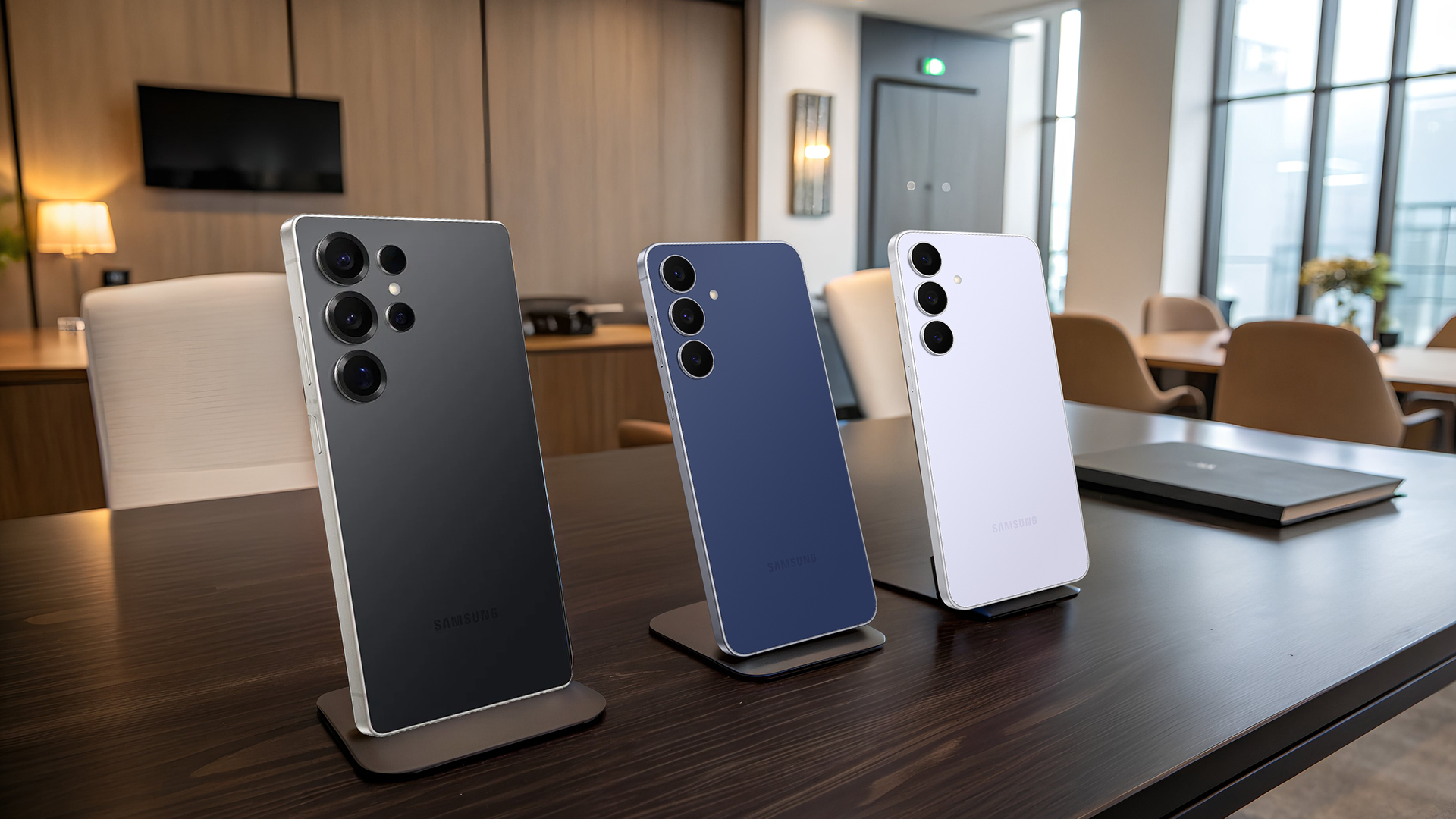
Samsung Galaxy S25 Series
The S25 lineup is the newest addition to the Samsung mobiles UK market, designed to outperform flagship iPhones with more advanced AI integration and incredibly thin designs for a modern feel.
| Feature | Galaxy S25 Ultra | Galaxy S25+ | Galaxy S25 (Base) |
| Display | 6.9" 1440p LTPO OLED, Anti-glare, 1-120Hz, |
Last Updated: April 21, 2026
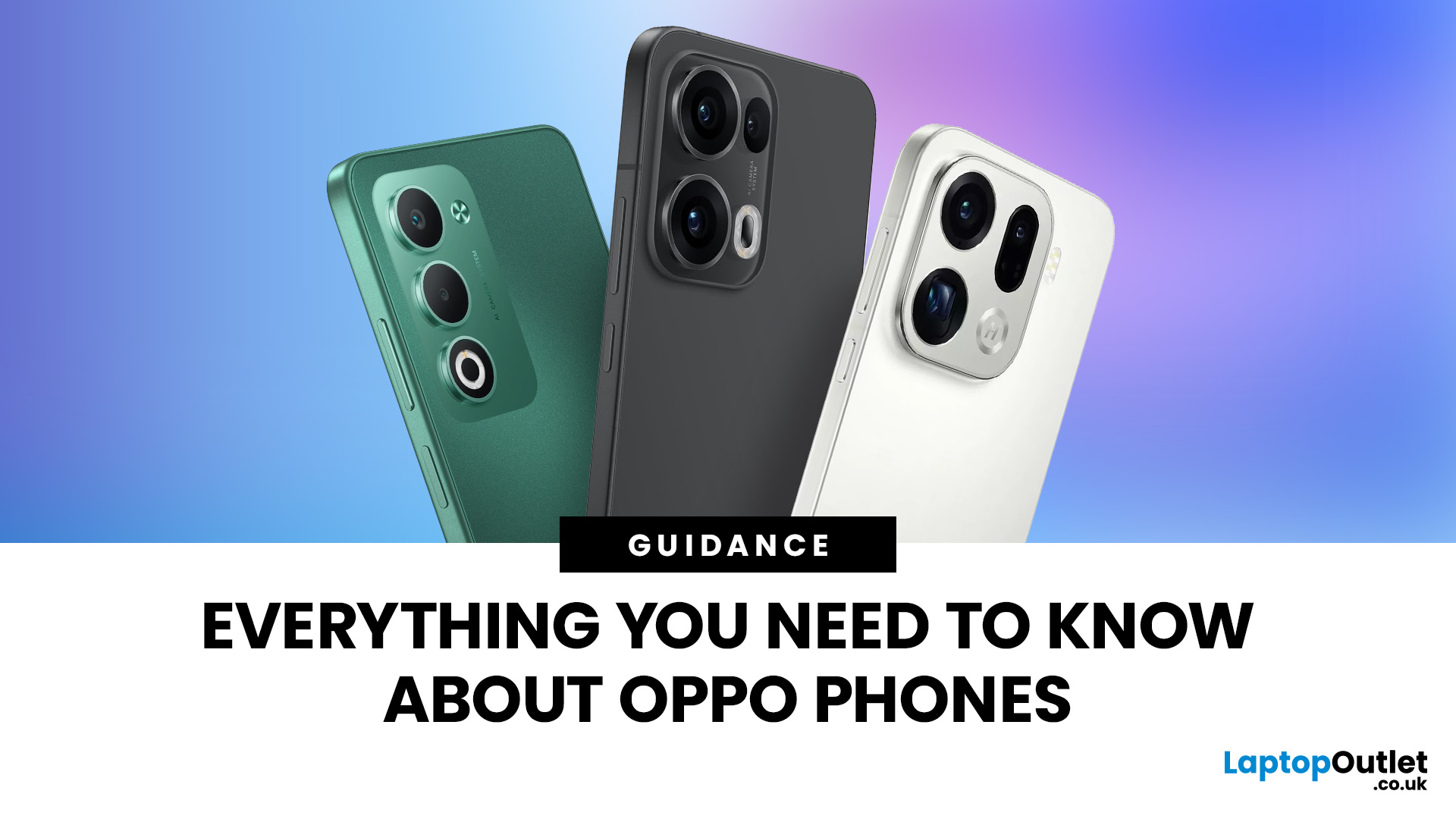
The smartphone market in Britain is more competitive than ever. While a few names usually dominate the conversation, OPPO smartphones have quietly become a major force. They offer a refreshing mix of sleek design, rapid charging, and groundbreaking camera tech.
Whether you are a photographer, gamer, or someone looking for a reliable daily driver, OPPO mobiles UK deals have something to offer. In this review, we will get into the performance analysis of major OPPO Series (Find, Reno, A) to show how they stand out from the crowd.
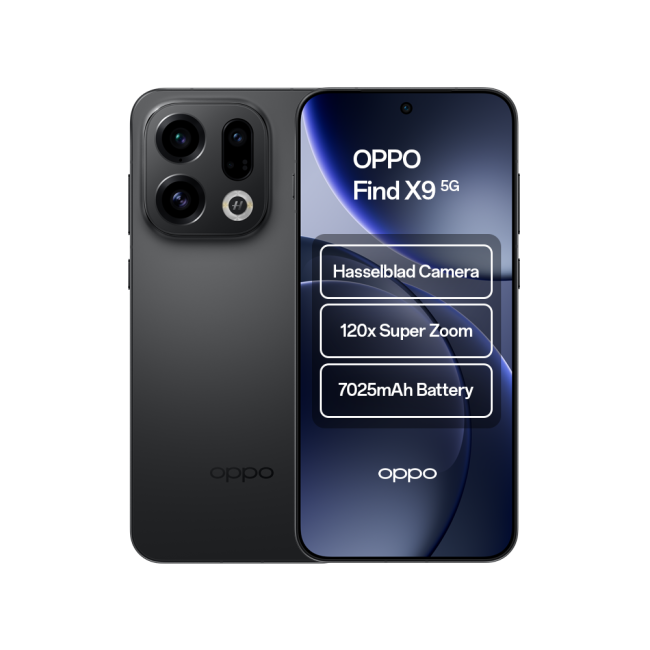
The Find Series: The Flagship Titans
The Find Series represents the absolute peak of what OPPO smartphones can achieve. These devices are built to go head-to-head with the most expensive Samsung mobiles and high-end iPhones. They are the "pro" choice for those who want no compromises.

- Target Audience: Tech enthusiasts, professional photographers, business executives, mobile gamers, high-end content creators.
- Latest Models: Find X9 Series, Find X8 Series
Published: January 13, 2026
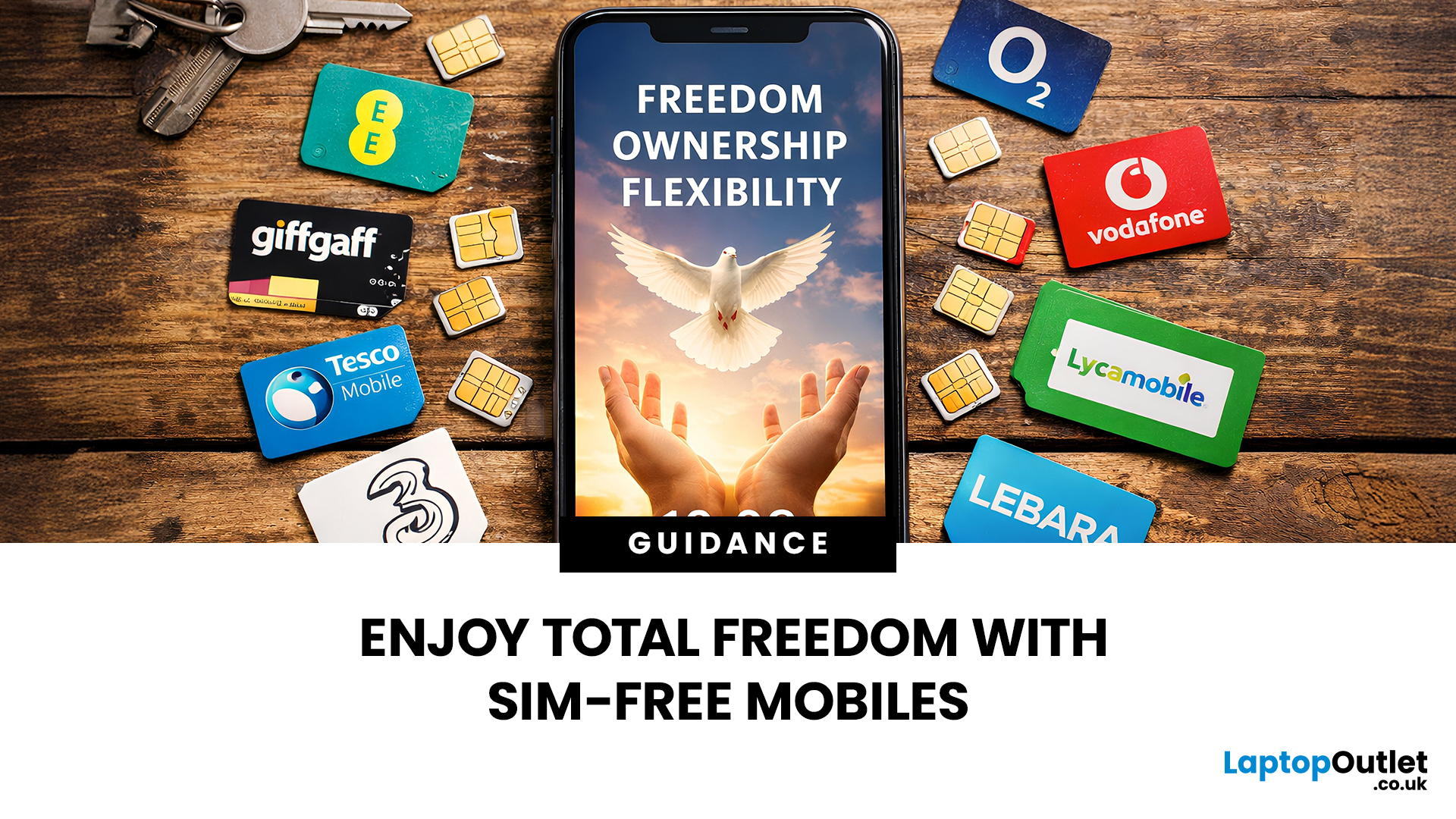
For a long time, the only way to get a flagship device was to sign a long, expensive contract. However, times have changed. Today, savvy shoppers are turning to sim free mobiles UK deals. These devices give you the ultimate power over your mobile experience. Instead of being stuck with one provider, you get the freedom to choose.
In this guide, we will break down exactly what sim free means. We will also explore why unlocked smartphones are the superior choice for your wallet and your lifestyle.
What are Sim Free Mobiles?
A sim free mobile is a phone that is sold without a SIM card and, most importantly, without a network contract. Unlike phones bought on a monthly plan, these devices are not tied to a specific provider like EE, O2, or Vodafone. This means the phone is "unlocked" from the moment you take it out of the box.
When you buy sim free mobiles UK retailers like Laptop Outlet offer, you are paying for the hardware alone. You own the handset completely from day one. To get it

