



A Comprehensive Guide to Choosing the Right MSI Gaming PC for Your Needs
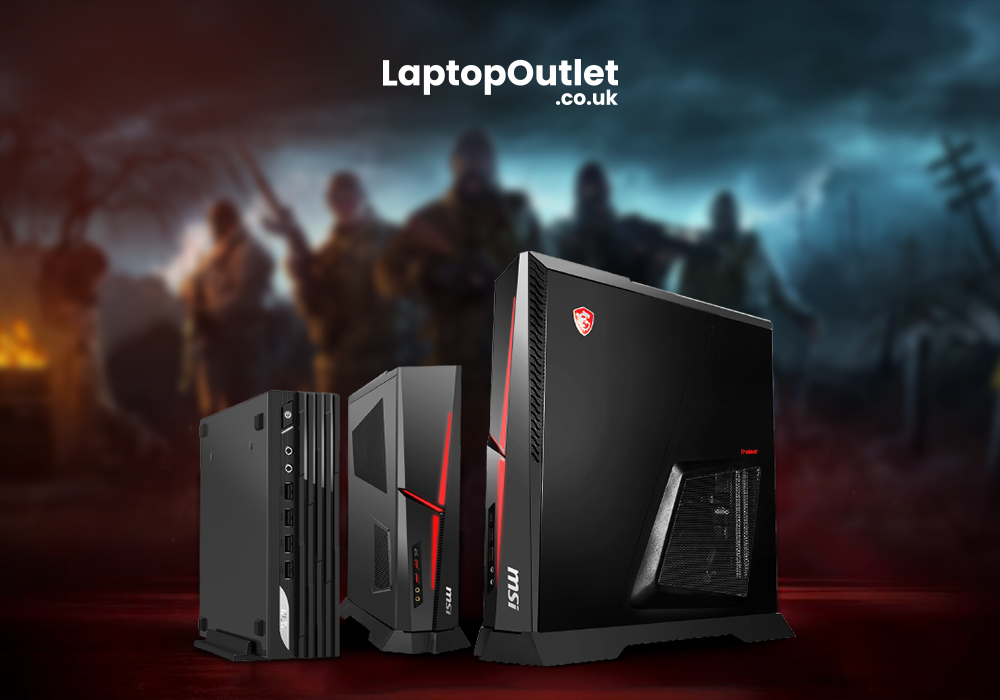
Gaming PCs manufactured by MSI are highly sought after by gamers of all skill levels. The market's competition is on the rise, and choosing the best MSI gaming PC from the many choices available can be a daunting task. However, this article will take you through the process of selecting the best MSI gaming PC for your specific requirements.
Key Considerations
Prioritize Your Needs Based on Your Purpose
The primary and most crucial element to think about before purchasing an MSI gaming PC is your purpose. Do you play video games for a living, make material related to gaming, or just play them for fun in your spare time? Find out what features your gaming PC must have by answering this question.
A high-end graphics card, processor, and memory are necessary for professional gamers to get the finest possible experience. Video editors and other content developers may benefit from having access to a fast computer and large amounts of storage space for their projects. On the other hand, casual players may benefit from a gaming PC equipped with a mid-range processor and graphics card capable of running many of today's popular games.
Budget
You should also think about how much money you have in your wallet. You should set a budget for yourself, as gaming PCs can cost anywhere from a few hundred to several thousand dollars. Budget size is not necessarily a direct indicator of success. You can find high-performance gaming PCs that will not break the budget.
Processor
Information processing speed is determined by the computer's CPU, which is the "brain" of your MSI gaming PC. MSI's gaming PCs are compatible with both Intel and AMD processors. Intel processors are generally more costly but offer improved performance and reliability. While AMD CPUs are less expensive, they are typically slower.
A robust CPU is a necessity for competitive gamers and content producers. To play the latest games, you will need a powerful computer with a CPU like the Intel Core i7 or i9, or the AMD Ryzen 7 or 9. Midrange CPUs, such as the Intel Core i5 or AMD Ryzen 5, are sufficient for casual players.
Graphic Card
You cannot get high-quality visuals on your MSI gaming PC without a good graphics card. MSI's gaming desktops feature either NVIDIA or AMD graphics processors, both of which are top-tier options for competitive play. NVIDIA's graphics cards are more expensive, but they deliver superior functionality, while AMD's graphics cards are more cost-effective.
A high-end graphics card is necessary for expert gamers and content creators. You should search for gaming computers that have a graphics processor like the NVIDIA GeForce RTX 3080 or 3090 or the AMD Radeon RX 6800 XT or 6900 XT. Any mid-range graphics card, such as the NVIDIA GeForce GTX 1650 or the AMD Radeon RX 570, should be fine for casual gaming.
Random Access Memory (RAM)
RAM is the memory used to temporarily store data on your MSI gaming PC. With more RAM, a computer can store and retrieve data much more quickly. There are a variety of RAM configurations available for MSI gaming PCs, but we recommend going with at least 8 GB.
An abundance of RAM is crucial for top-tier efficiency in professional gaming and content creation. Try to find a gameplay computer with 16 GB or 32 GB of memory (RAM). A gaming computer with 8 GB of RAM should be sufficient for casual players.
Storage
When shopping for an MSI gaming computer, storage space is a crucial feature to look for. Your games, OS, and other data will take up a significant amount of space, so make sure you have enough. Both solid-state drives (SSDs) and traditional hard disk drives (HDDs) are available on MSI gaming PCs.
SSDs are more costly than HDDs but are faster and more reliable. When compared to solid-state drives (SSDs), HDDs are slower but cheaper. Frequently found in MSI gaming PCs is a combination of solid-state drive (SSD) and hard disk drive (HDD) storage, which enables you to keep your operating system and frequently accessed files on the SSD for speedier access and keep other files on the HDD.
Professional gamers and content producers need lots of space to store their games and other media. 512 GB of solid-state drive (SSD) space, or a mix of SSD and hard disk drive (HDD) space, is recommended for gaming PCs. A 256 GB solid-state drive (SSD) gaming PC should be sufficient for casual players.
Cooling Method
Normally, gaming PCs produce more heat, and the high temperatures produced by these PCs can be detrimental to their overall efficiency. MSI offers a wide range of cooling options for their gaming PCs, from air conditioning to liquid cooling. As a general rule, the cost of liquid cooling is higher than that of air cooling, but it is more effective.
Gaming enthusiasts and professionals need a PC with a reliable cooling system to prevent their gaming PC from shutting down during long, taxing sessions of gaming or content production. Try to find a gaming PC that has either a liquid cooling system or a very good air cooling system. Common air conditioning systems are adequate for the needs of casual players.
Size and Portability
MSI's gaming PC lineup features both portable and tower versions, among others. Smaller and more portable than traditional desktop PCs, compact MSI gaming PCs are perfect for players who frequently travel. Desktop computers are bigger, more powerful, and more upgradeable than laptop computers.
MSI gaming PCs are available in a wide range of sizes and designs to suit any gamer's aesthetic preferences and hardware configuration needs.
Some of our best picks from MSI gaming laptops
MSI is a top contender among the best gaming desktop and barebones PC manufacturers. For many years, this manufacturer has supplied players with high-quality hardware, and their newest products are of the same caliber. The MSI MPG Trident, MSI MPG Trident A, MSI Cubi 5, and MSI PRO DP21 are some of our best picks from the wide range of MSI gaming laptops. So, without any further delay, let’s have a look at their specifications.
MSI MPG Trident (SKU 9S6-B92691-2242)
MSI MPG is at the top of the list. This gaming desktop is powered by an Intel Core i7-11700F processor that can reach up to 4.9 GHz. It comes with 16 GB of DDR4 RAM and a whopping 1 TB SSD. The graphics card is a NVIDIA GeForce RTX 3060 Ti with 8 GB of GDDR6 memory. The MSI MPG Trident also features Wi-Fi 6E connectivity, Bluetooth 5.2, and a variety of ports, including HDMI, DisplayPort, USB Type-C, USB Type-A, Ethernet, and audio. This system is ideal for gamers who want high performance and fast loading times. This is followed by the MSI MPG Trident A 11TC-2065UK Gaming Desktop.
MSI MPG Trident A (SKU 9S6-B92691-2065)
While functionally identical to MSI's MPG Trident, this system stands out thanks to a few unique additions. It has the same Intel Core i7-11700F CPU and 16 GB of DDR4 RAM, but a slightly smaller 512 GB SSD. The graphics processor is an NVIDIA GeForce RTX 3060 Ti with 8 GB of GDDR6 RAM. Connectivity options for the MSI MPG Trident A include Wi-Fi 6E, Bluetooth 5.2, HDMI, DisplayPort, USB Type-C, USB Type-A, Ethernet, and audio jacks. If you're a gamer looking for a powerful and aesthetically pleasing device, look no further.
MSI Cubi 5 PC (SKUCUBI 5 10M-I5 10210U BB)
Next, we'll look at the MSI Cubi 5 10M Barebone SFF PC (SKUCUBI 5 10M-I5 10210U BB), a small form factor (SFF) PC designed for people who value portability. It has an Intel Core i5-10210U CPU and two DDR4 SO-DIMM slots that can accommodate a total of 64 GB of RAM. Furthermore, an M.2 SSD port is present, allowing for simple storage expansion. The MSI Cubi 5 10M supports wireless networking via Wi-Fi 6, Bluetooth 5.1, and a number of other protocols, and it comes with a variety of interfaces such as HDMI, DisplayPort, USB Type-C, USB Type-A, Ethernet, and audio. This setup is great for people who need a portable, powerful machine.
MSI Pro DP21 (SKUPRO DP21 12M-I5 12400 BB)
Last but not least, the MSI PRO DP21 12M Barebone (SKUPRO DP21 12M-I5 12400 BB) is another Small Form Factor (SFF) PC made for entrepreneurs and workers with limited space who still need a powerful computer. It has two DDR4 SO-DIMM slots and can take up to 64 GB of RAM, and it is driven by an Intel Core i5-12400 processor. It's simple to add more storage to the device because of the M.2 SSD slot. The MSI PRO DP21 12M is equipped with wireless network access via Wi-Fi 6, Bluetooth 5.1, and a number of different ports, including HDMI, DisplayPort, USB Type-C, USB Type-A, Ethernet, and audio. Those in need of a robust and dependable system for their professional endeavors will find this one to be perfect.
Conclusion
It can be difficult to pick the best MSI gaming PC, but if you keep in mind the important specifications, you will be able to make a good choice. Think about what you will be using the computer for and how much you are willing to spend, and then search for a gaming PC that fits those criteria in terms of its CPU, graphics card, RAM, storage, cooling system, and size and design. Indulge in hours of nonstop gameplay on the latest MSI gaming PCs and take your gaming to the next level. Visit Laptop Outlet UK to get the right MSI PC at amazing discounts.
Read More:
| MSI Gaming Laptops Series Guide 2021 |
| Intel Gamers Days - High-End Laptops for Extreme Gaming Needs |
| Top 3 MSI Laptop Series and Their Best Models |
Related Articles

Last Updated: April 03, 2026
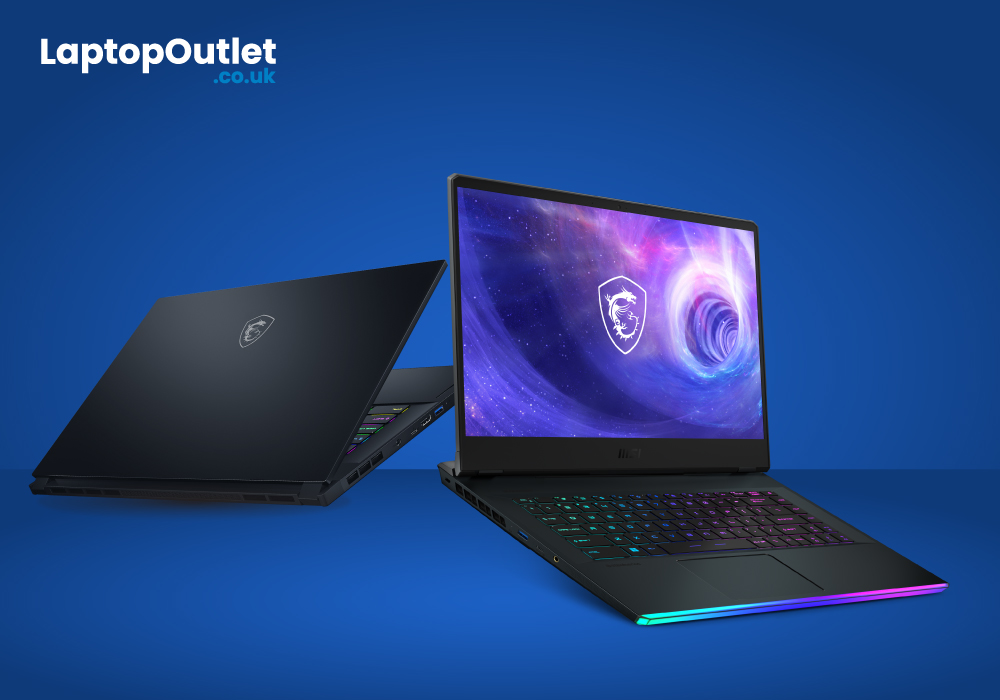
MSI laptops are top-of-the-line in the gaming world and so is RTX 3080 in the lineup of graphic cards. The combination of MSI and RTX 3080 has proved to be extremely powerful for a next-level gameplay. For people who are interested in 4K gaming, this is a ground-breaking choice to encounter high-quality graphics with striking visuals. It’s not just MSI, there are many high-end brands that use RTX 3080 in their premium gaming laptops as it has managed to deliver unbeaten performance. However, today, it is all about MSI and RTX 3080 which is known as a combo to unleash supreme gaming performance.
Top Five picks of MSI Gaming Laptops with RTX 3080 Graphic Card
Our top five picks in the list of MSI gaming laptops with RTX 3080 graphic card will not just enhance your gaming experience, but you might witness the best gaming purchase of your life.
1. MSI Stealth GS77:
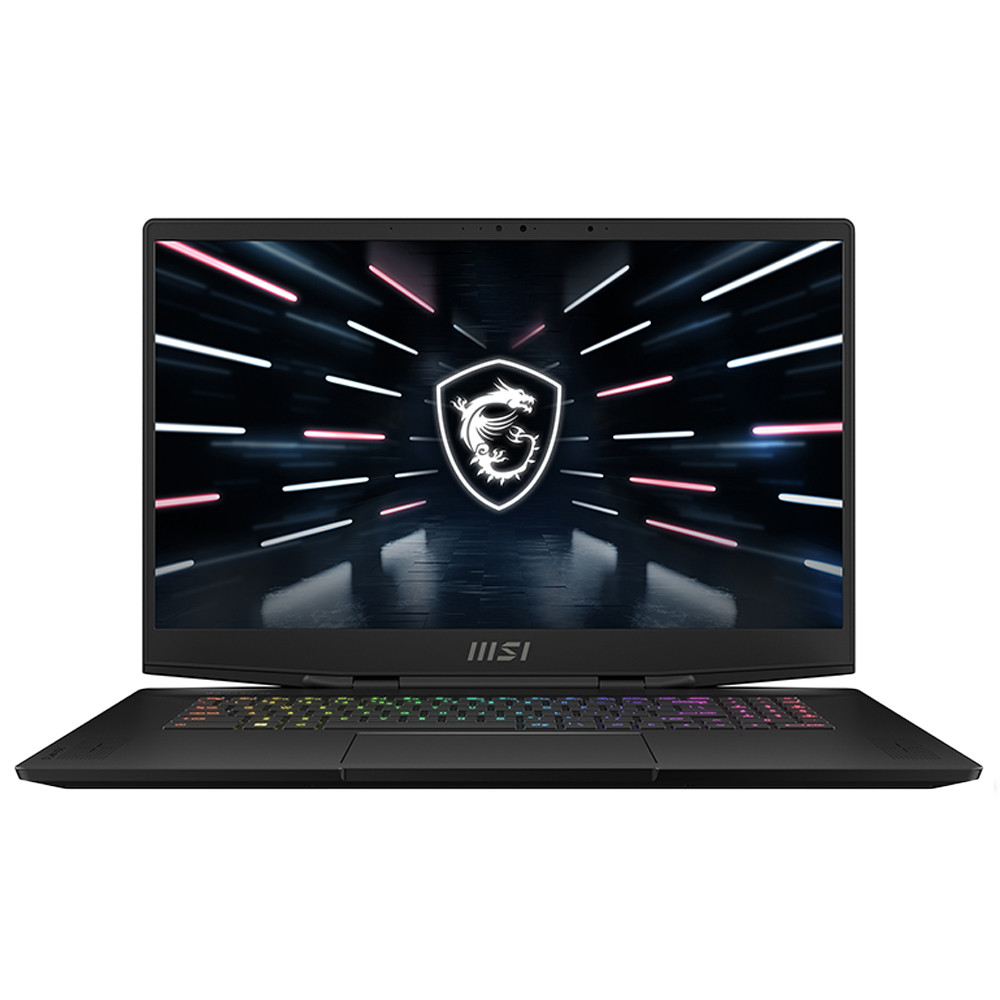
Specs:
Processor: Intel Core i9 12th Gen.
Screen Size: 17.3 in,
Resolution: 1920 x 1080
RAM: 32 GB
Storage: 2 TB SSD
GPU:
Last Updated: August 13, 2026
Most gaming monitors ship with their best features switched off.
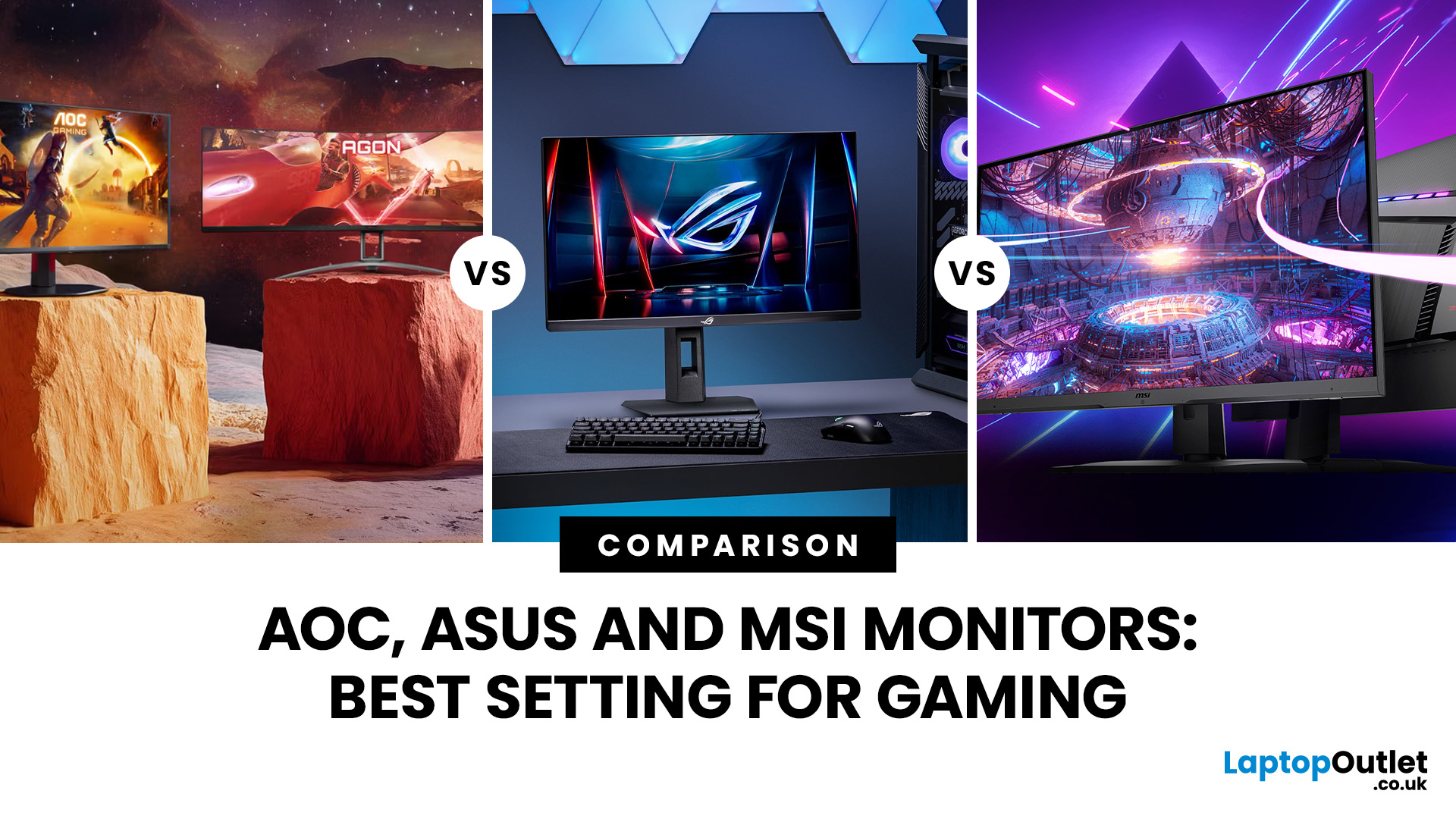
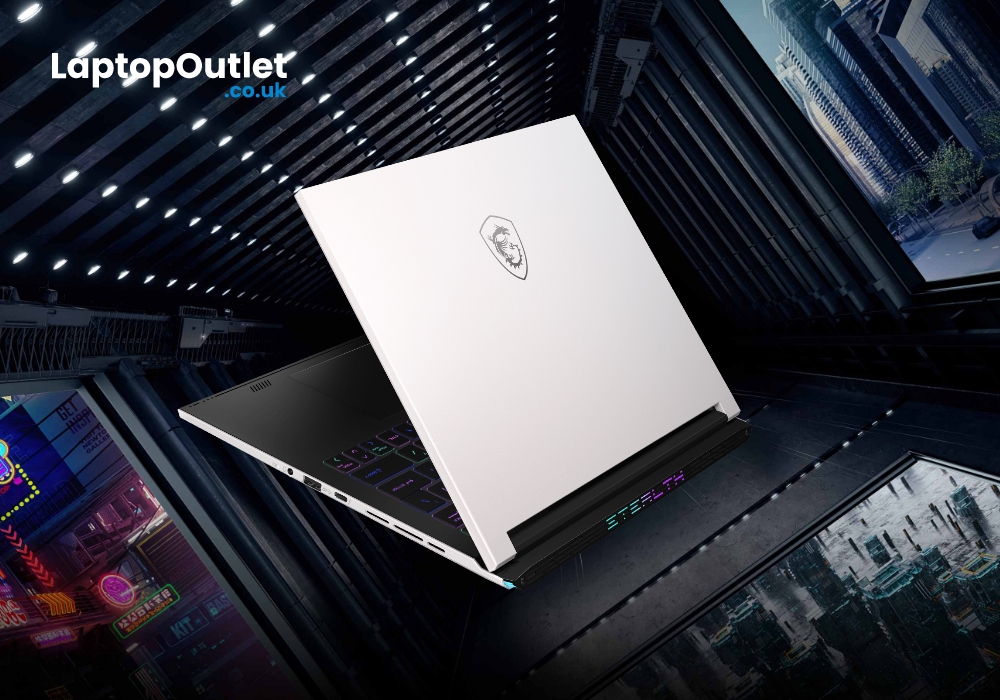
Buying a high refresh-rate panel doesn't automatically mean you're using it correctly - the settings menu is where the performance actually gets unlocked. This guide covers the physical setup steps that apply to every monitor, then walks through the specific settings menus for three of the most popular gaming monitor brands: ASUS, AOC, and MSI.
Physical Setup: The Same for Every Monitor
Before touching any on-screen menu, get the physical placement right. Poor positioning causes colour distortion and glare no software setting
Last Updated: September 09, 2025
MSI has been a frontrunner when it comes to gaming laptops and innovation. This year, we have seen the brand really step up its game by introducing multiple fascinating yet highly portable computing devices.
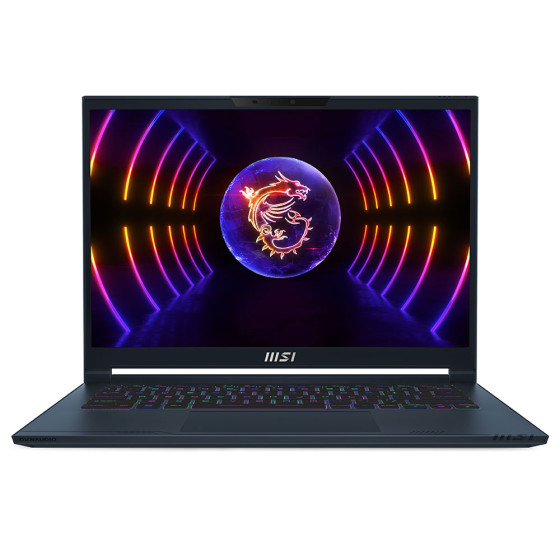
MSI’s latest 14-inch gaming laptop boasts an RTX 40 series GPU with 1TB of SSD and a QHD+ 240Hz IPS display.
Check out our hands-on review!
Ultra-light gaming laptop
The MSI Stealth 14 Studio is the successor to the ultra-powerful MSI Stealth 16 Studio, but it packs all the fun in an even smaller size. Featuring a weight of only 1.7kg (3.9 pounds), the laptop is the best friend for all gamers on the go. Moreover, the laptop is only 19mm thick, making it compact enough to easily tuck under your arm or carry in your bag.
New and slick design
Well, we can't expect anything less than the best when it comes to the design and elegance of the MSI Stealth Series. The lid of the laptop exquisitely shows off the MSI logo. The magnesium-aluminium alloy chassis adds to the beauty of the
Last Updated: September 09, 2025
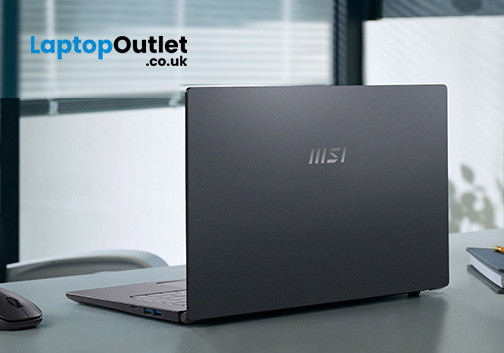
Are you looking for a laptop with an innovative design and high performance? The MSI Prestige 15 A12UC is for you!
The MSI Prestige 15 is an ambitious laptop with premium quality with a surprisingly affordable price tag– so it's worth a bargain for everyone!
MSI or Micro-Star International stands out in the tech industry for manufacturing top-notch laptops, desktops, and components. If you check out everything the company makes, you can immerse completely in its product line.
If you look at its gaming line, you'll see its Prestige series has evolved from the MSI PC performance and power into a thin-and-light portable device. What results is a slim and powerful laptop that, even though less polished than flagship models tailored for creative professionals and hardcore gamers, offers plenty of features to handle your productivity and creativity on the go.
Given that, the Prestige 15's wows with its architecture – the exterior boasts diamond-cut edges and sandblasted elements. You'll

