



Review: Hp Prodesk 400 G5 Micro Tower Desktop Pc

HP Tower PCs boast a powerful processor, large storage, and long life. HP tower PCs are one of the most bought tower PCs. They are mostly seen in computer labs of schools and colleges. We reviewed the HP ProDesk 400 G5 Micro Tower Desktop to see if it is as good as it is rumoured to be. We tested its performance, productivity, functionality, and ease to use. Continue reading our review to find out if the HP ProDesk 400 G5 Micro Tower Desktop is one of the best and most frequently used HP Tower PCs:
SPECIFICATIONS SHEET
Processor: Intel Core i5 8th Gen
Speed of Processor: 3.00 GHz
Storage Type: Hard Disk Drive (HDD)
Hard Drive Capacity: 1 TB
Operating System: Windows 10
Edition of Operating System: Professional
Optical Drive: DVDRW Super Multi
Type of Graphics Processing: On-Board Graphics / Integrated
Hardware Connectivity: USB 3.1
POWERFUL PROCESSING OPTIONS
The HP ProDesk 400 G5 Micro Tower Desktop boasts a powerful Intel Core i5 8th Generation processor that delivers unparalleled performance. It gives you the boost you need and takes your performance to the next level. With the Intel Core i5 processor, you can multi-task like a breeze. It allows you to open multiple files, download multiple programs, and play numerous apps at the same time. It makes lag time feel like a thing of the past. The Intel Core i5 processor boasts an unmatched productivity rate that is guaranteed to extend your investment in your business. The processor not only increases your performance, but it also extends the life of your PC. The processor also holds the ability to handle multiple displays at the same time. You can connect all of its ports to different displays and devices and the powerful processor will still work with the same unmatched efficiency and speed.
DESIGNED TO FIT WORKPLACE
The HP ProDesk 400 G5 Micro Tower Desktop is so stylishly designed to fit your workplace. Its compact design makes it occupy less surface area on your workplace table. Its design makes it reliable, secure, and perfect to fit your modern workplace environment. It is a powerful tower PC that boasts a scalable performance that gives it the power to enhance with the growth of your business. It means that you will not have to change your PC frequently, as your business keeps to grow and expand, because the HP ProDesk 400 G5 has amazing adaptability and it will keep up with your business without slowing down or lagging.
STORAGE
HP ProDesk 400 G5 Micro Tower Desktop has large storage for you to store your files and data related to your business. With 1 TB of Hard Disk Drive (HDD) Storage and 8 GB of DDR4 memory, you can store whatever you want. You will not have to buy external storage accessories or attach any external storage to your HP ProDesk 400 G5 PC to store large files, games, and programming software, etc. Your HP ProDesk 400 G5 will store all of it without any external aid.
CONNECTIVITY
HP Tower PCs always offer multiple connectivity options for the user to work without any disturbance. Similarly, the HP ProDesk 400 G5 offers a total of eight USB ports along with optional Bluetooth™ 4 connectivity and two video outputs. This tower PC not just acts as your display’s processing unit, but it also doubles as a hub for all your external devices and accessories in your office. It allows you to transfer data between multiple computers without any interference and gets work done faster than ever.
HIGH PRODUCTIVITY
Keep your productivity high with the fully automated and integrated features of the HP BIOSphere Gen4 firmware ecosystem that not just increases your productivity, but also keeps the downtime low all the time. Moreover, HP ProDesk 400 G5 Micro Tower Desktop features automated security checks and updates so you can invest all your focus on doing your work and leave the HP Tower PC to take care of your data’s security and the regular updates of your applications.
The HP ProDesk 400 G5 Micro Tower Desktop has experienced 120,000 hours of the renowned quality assurance HP Total Test Process. In addition to that, the HP ProDesk 400 G5 now also has an all-new optional dust filter that is responsible for, ensuring and, extending the life of your PC even more because it reduces your keyboard’s exposure to airborne particulates in the most demanding and crowded work environments by providing an extra layer of protection to the keyboard.
SECURITY
HP has made web browsing very secure and reliable. Confidently browse on the internet with the HP ProDesk 400 G5 Micro Tower Desktop without fearing about cybercrime and data theft. It features hardware-enforced security from HP Sure click and aids in protecting your HP Tower PC from websites, read-only Microsoft® Office and Pdf documents, ransomware, viruses, and Malware.
OUR VERDICT
HP ProDesk 400 G5 is one of the best HP Tower PCs and it is worth your money and your time. Buy this gaming PC to increase your productivity and performance at work.
Read More:
| Choosing the Right Thin Client Desktop PC: Factors to Consider |
| How to Select the Ideal Tower PC Based on Your Requirements |
| Why Lenovo is the Top Choice for PCs: A Comprehensive Guide |
Related Articles


Last Updated: November 20, 2025
HP PCs are well-built, stylish, and highly powerful, enabling speedy and efficient computing. They are portable and convenient and feature robust specifications for an unmatched experience. Additionally, a wide variety is available, allowing you to choose according to your preferences.
Buying an HP PC is worth it, as it offers many benefits. However, with the variety available, we recommend researching your options before choosing one.
Why Choose an HP PC?
While many people are looking for the perfect HP laptops UK in 2025, HP PCs remain popular due to their many benefits. Some of them are:
HP’s Undeniable Brand Reputation
No one can deny HP’s reputation and ranking as the leading computer manufacturer for the last several decades, providing reliable and high-quality PCs.
Revolutionary Designs
HP PCs stand out specifically for their designs, featuring compact sizes, small form factors, and stunning appeals.
High Security
You will never worry about data safety, file protection, or security

Last Updated: September 09, 2025
HP is a well-known and reputable manufacturer of laptops, PCs, and other products and services. They have many laptops and desktops to cater to and meet individual needs. While HP laptops and PCs can sometimes be costly, you can buy them on deals to save money. Retailers like Laptop Outlet offer excellent, super-saving HP laptop and PC deals, enabling you to get your desired high-quality laptop or desktop for much less. Upgrade smart with HP laptop and desktop deals, unlocking unbeatable savings and getting more for less!
HP is a trusted name in the tech industry. It offers a versatile range of laptops and desktops for different user needs. Whether you are looking for a robust business laptop, a portable student laptop, a high-end gaming PC, a PC for daily use, or any other, HP has a solution!
While HP laptops and desktops can be tempting, getting a powerful HP laptop or desktop can be costly, which is why we recommend exploring HP deals (on laptops and PCs) to get the most value

Last Updated: October 03, 2025
Wireless Printing Made Easy
No more messy cables or complicated setups—connecting your HP printer to Wi-Fi lets you print from anywhere at home or work. Whether you’ve got a new printer or you’re reconnecting, this guide shows you exactly how to get it done.
What You’ll Need
Before you start, make sure you have:
- An HP wireless printer
- Wi-Fi network name (SSID) and password
- A laptop, PC, or smartphone connected to the same Wi-Fi network
How to Connect HP Printer to Wi-Fi – Step by Step
1. Use HP Auto Wireless Connect (For Compatible Models)
- Plug in and turn on your printer
- On your computer, install the HP Smart app or visit 123.hp.com
- Follow on-screen instructions to connect your printer to Wi-Fi automatically
Pro Tip: This is the easiest option if your printer supports it—no need to enter Wi-Fi credentials manually.
2. Use the Printer’s Control Panel (Manual Setup)
- Press the Wi-Fi or Wireless icon on your printer’s screen
- Go to Settings > Wireless Setup Wizard
Last Updated: October 02, 2025
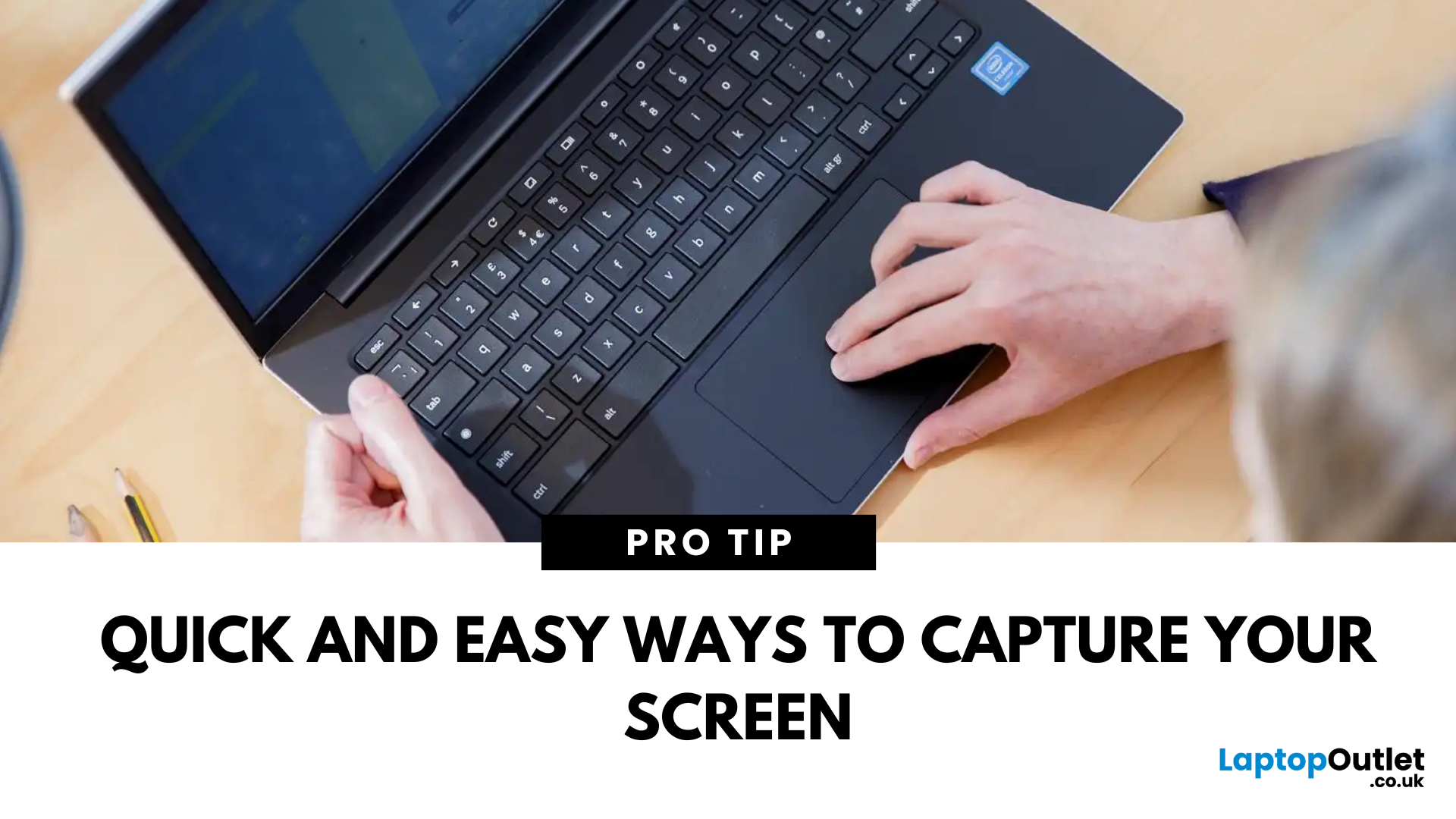
Capture What You See in Seconds
Whether you’re saving a receipt, reporting an issue, or grabbing a funny moment, knowing how to take a screenshot on your HP laptop is a game-changer. Here are the simplest ways to snap your screen using built-in tools and shortcuts.
1. Use the Print Screen (PrtScn) Key
To capture the full screen:
- Press PrtScn or Fn + PrtScn (some HP models)
- Open Paint or another editing app
- Press Ctrl + V to paste
- Save the image
Saved to clipboard, not automatically stored as a file
2. Screenshot a Specific Window
To capture just one active window:
- Click on the window you want to screenshot
- Press Alt + PrtScn
- Paste into an app (Ctrl + V) and save
3. Use the Snipping Tool (or Snip & Sketch)
HP laptops running Windows 10 or 11 come with this handy app.
Steps:
- Search for Snipping Tool or Snip & Sketch in Start Menu
- Click New to start a screenshot
- Choose your snip type: Rectangle, Free-form, Window, Fullscreen
- Save or edit your screenshot
Last Updated: September 09, 2025
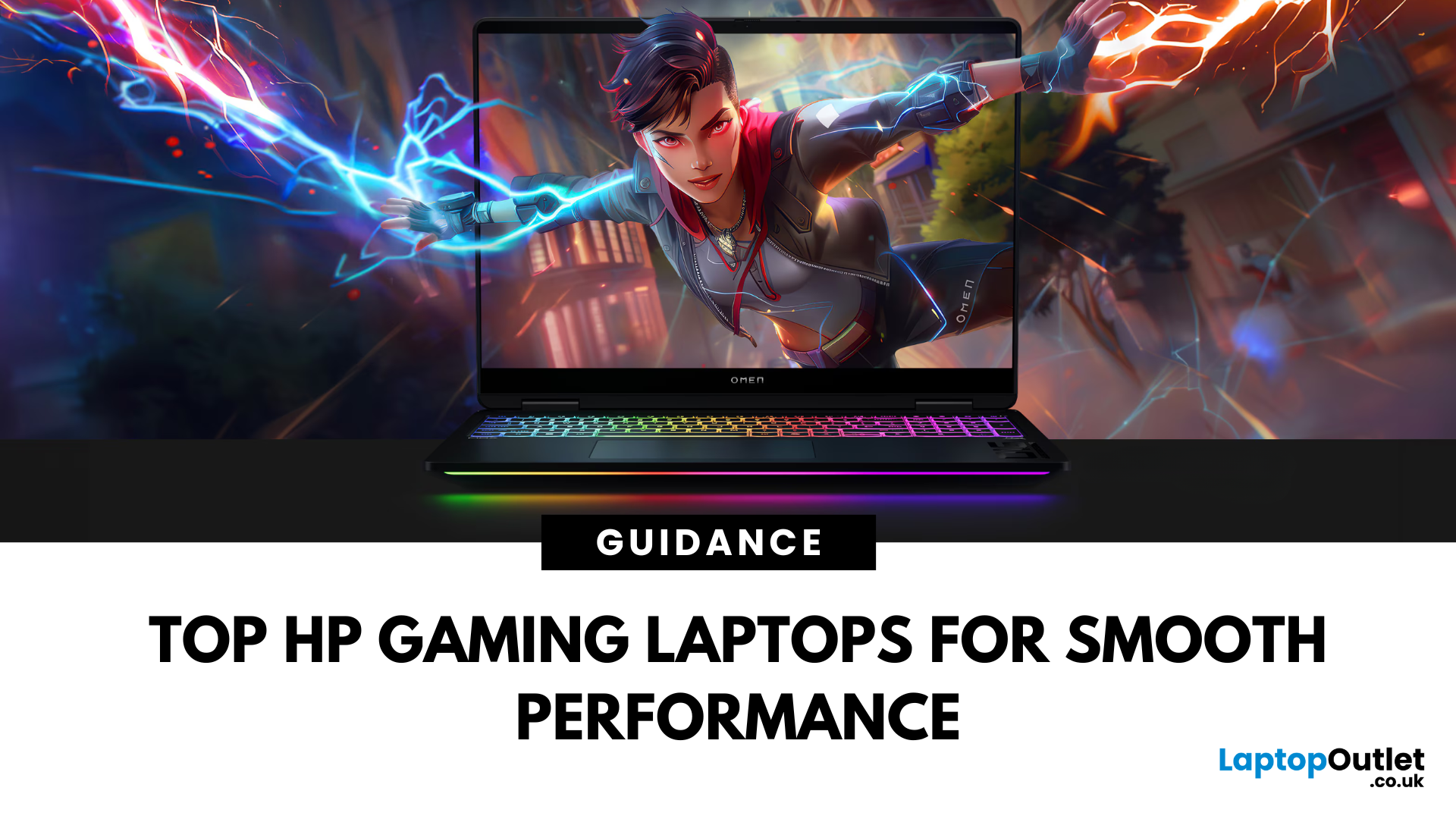
HP Means Business—and Gaming
When it comes to gaming laptops, HP offers more than office power. Its Omen and Victus series pack serious performance, sleek designs, and value for money—making them ideal for gamers of all levels. Let’s explore the best HP laptops for gaming in 2025.
1. HP Omen Series – High-End Gaming Performance
Designed for serious gamers, the HP Omen series delivers desktop-level specs in a portable chassis.
Top Pick: HP Omen 17 (2025 Edition)
- Intel Core i9 / AMD Ryzen 9
- NVIDIA GeForce RTX 4080/4090 GPU
- 17.3" QHD display with 240Hz refresh rate
- 1TB SSD, 32GB RAM
Ideal for AAA gaming, streaming, and creative workloads
2. HP Victus Series – Affordable Gaming Power
The HP Victus line brings gaming-grade specs to more budget-friendly price points.
Top Pick: HP Victus 16 (2025 Edition)
- Intel Core i7 or Ryzen 7
- NVIDIA RTX 4060/4070 GPU
- 16.1" FHD 144Hz display
- 512GB SSD, 16GB RAM
Great for casual to mid-level gaming and students

