



Liquid-Cooled vs Air-Cooled GPUs – Which Is Better for High-End Builds?
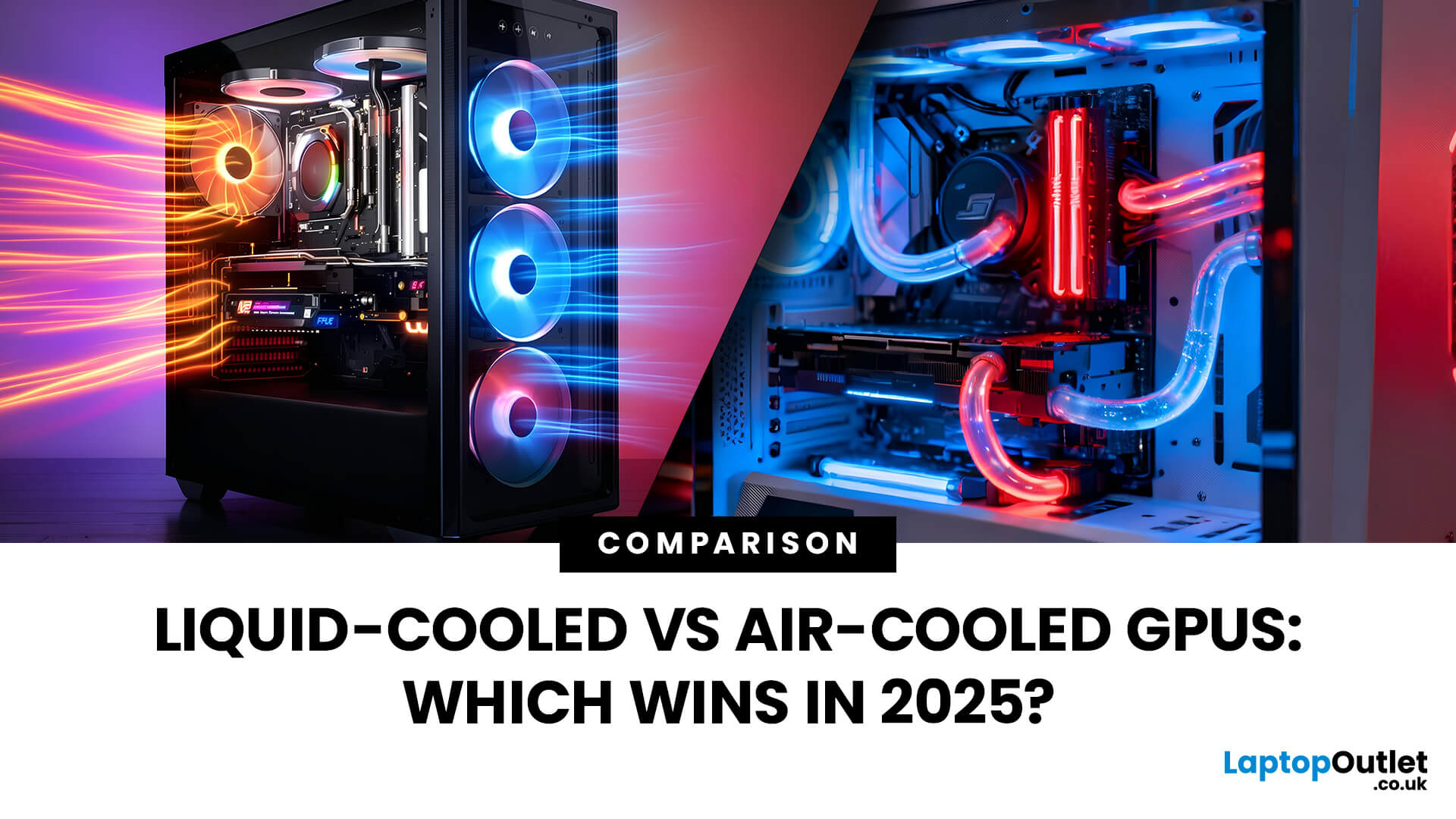
Modern GPUs are more powerful than ever, and with that power comes heat, a lot of it. Whether you’re gaming in 4K, pushing frame rates in competitive titles, or overclocking for maximum performance, cooling plays a crucial role in how well your graphics card performs and lasts. The debate of Liquid-Cooled vs Air-Cooled GPUs has never been more relevant, especially for high-end builds running the latest NVIDIA and AMD cards.
This guide breaks down how each cooling method works, their pros and cons, and which one offers the best balance of performance, noise, and reliability. If you’re planning a premium setup in 2025, understanding your GPU’s cooling system is just as important as choosing the GPU itself.
Why GPU Cooling Matters More Than Ever
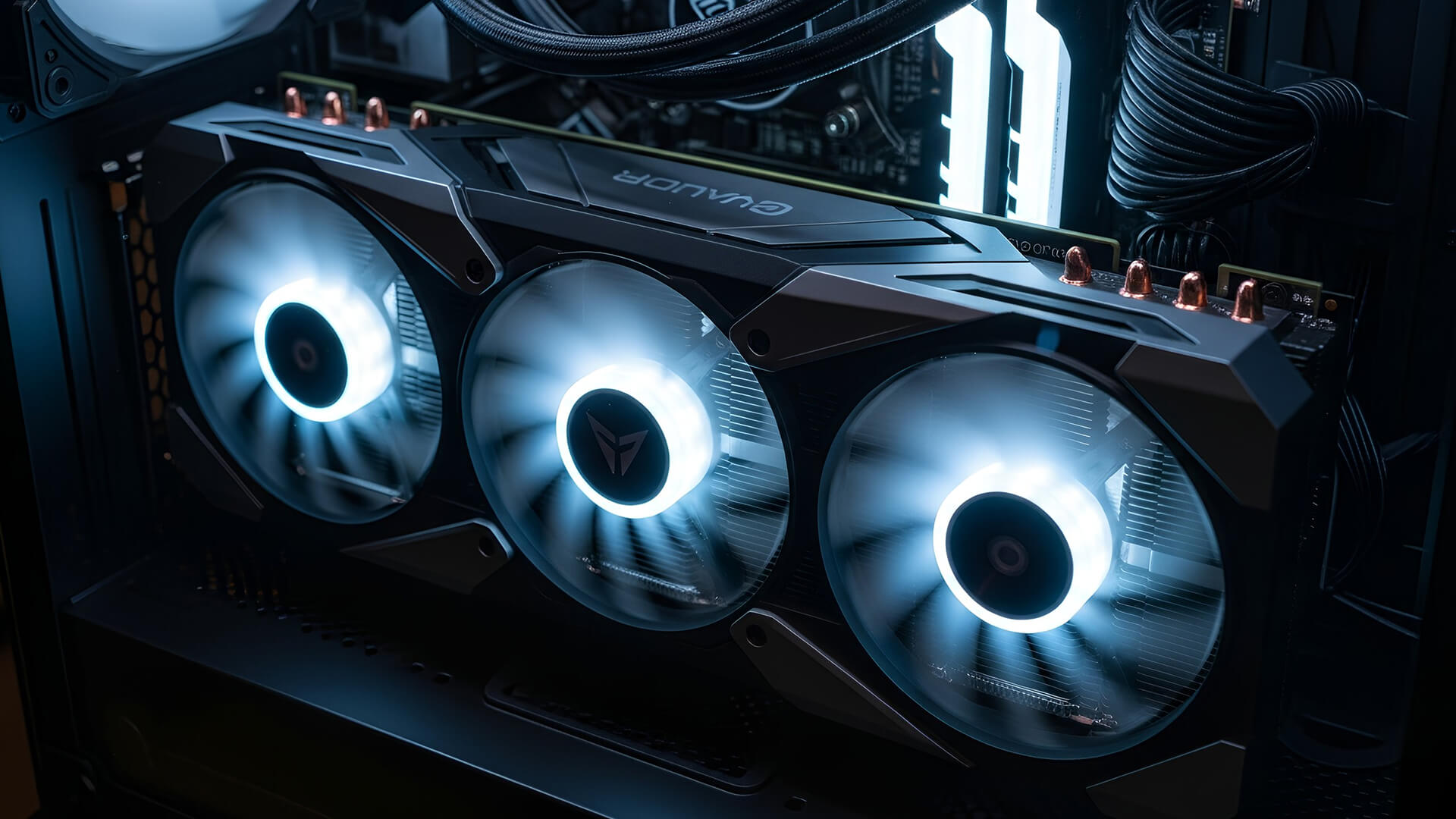
Modern GPUs have evolved into high-performance powerhouses, often rivaling CPUs in complexity and power to draw. Cards like the RTX 5090 or RX 7900 XTX can consume 400W or more, and that energy translates directly into heat. If that heat isn’t managed properly, your GPU begins a thermal throttle - automatically lowering its clock speed to stay within safe temperature limits, which means less performance when you need it most.
Effective cooling isn’t just about hitting lower temperatures. It impacts stability, fan noise, lifespan, and even resale value. A well-cooled GPU maintains higher boost clocks for longer sessions, whether you’re gaming, streaming, or rendering in 4K. As GPU designs grow denser and cases become more compact, choosing the right cooling method - air or liquid - has never been more critical for building a fast, quiet, and reliable high-end system.
How Each Cooling Method Works (Simple Breakdown)
GPU cooling isn’t complicated once you know how each method manages heat. Both air and liquid cooling aim to move heat away from the GPU to die - but they do it in completely different ways.
|
Cooling Type |
How It Works |
Common Setup |
Best Suited For |
|
Air Cooling |
A metal heatsink absorbs heat from the GPU core, and fans push air through the fins to disperse it. |
Dual or triple-fan shroud, vapor chamber, large heatsink |
Reliable, low-maintenance builds and smaller cases |
|
Liquid Cooling (AIO) |
Liquid coolant absorbs heat from a water block on the GPU, then circulates through tubes to a radiator that releases the heat using fans. |
All-in-One radiator system |
High-end gaming or quiet performance builds |
|
Custom Loop Cooling |
A fully integrated cooling circuit connecting GPU, CPU, pump, and radiator for maximum thermal efficiency. |
Custom-built with soft or hard tubing |
Extreme overclocking and showcase rigs |
In simple terms:
- Air cooling is straightforward, affordable, and effective for most gamers.
- Liquid cooling moves heat faster, runs quieter, and keeps high-end GPUs cooler during sustained loads - but it costs more and requires space and care.
Air-Cooled GPUs - Strength in Simplicity
Air-cooled GPUs remain the most common and reliable option for gamers and creators alike. They use large heatsinks and powerful fans to pull heat away from the GPU chip and spread it through aluminum fins, where it’s expelled by airflow inside your case. This design has been refined for years, and modern coolers are surprisingly efficient, even on high-end cards.
Why Air Cooling Still Works
- Simple and reliable: No pumps, tubing, or coolant to maintain.
- Affordable: Air-cooled models usually cost £100–£300 less than liquid versions.
- Easier upgrades: You can easily remove or replace the card without draining a loop.
- Low maintenance: A quick dust cleans every few months keeps performance stable.
|
Performance Aspect |
Air-Cooled GPUs |
|
Average Temperature (Load) |
70–80°C |
|
Noise Level |
Moderate (40–50 dB) |
|
Maintenance |
Minimal |
|
Cost |
More affordable |
|
Ideal Use Case |
Budget or mid-range builds, compact PCs |
Today’s premium air coolers use vapor chambers, triple-fan designs, and improved fin density to match the thermal demands of 4K gaming cards like the RTX 4080 or RX 7900 XTX.
If you’re building a stable, quiet, and cost-effective setup, explore all high-end graphics cards - many air-cooled models now rival liquid-cooled ones for everyday gaming performance.
Liquid-Cooled GPUs - Precision Cooling for Power Users
Liquid-cooled GPUs are designed for builders who want the best thermal control, quiet operation, and overclocking potential. Instead of relying on fans alone, these cards use liquid coolant to absorb heat directly from the GPU to die, moving it through tubes to a radiator where it’s dissipated efficiently.
Why Enthusiasts Choose Liquid Cooling
- Superior heat management: Keeps temps between 50–65°C under heavy load.
- Quieter operation: Radiator fans spin slower, reducing overall system noise.
- Higher performance headroom: Enables stable overclocking without thermal throttling.
- Aesthetic appeal: Clean, modern look - perfect for glass-panel builds.
|
Performance Aspect |
Liquid-Cooled GPUs |
|
Average Temperature (Load) |
55–65°C |
|
Noise Level |
Low (30–40 dB) |
|
Maintenance |
Moderate (AIO) / Regular (Custom Loop) |
|
Cost |
Higher upfront |
|
Ideal Use Case |
High-end or overclocked rigs |
There are two main types:
- AIO (All-in-One) Coolers: Pre-assembled, easy to install, minimal upkeep - ideal for gamers who want plug-and-play performance.
- Custom Loop Cooling: A fully integrated setup with dedicated pumps, reservoirs, and tubing for both CPU and GPU - built for extreme overlockers or showpiece PCs.
You can see how advanced cooling pushes next-gen performance in Nvidia RTX 5090 GPUs with advanced cooling. For those who want top-end thermals and visuals, liquid cooling delivers both - but at a premium price.
Performance Comparison - Air vs Liquid Cooling
When comparing air vs liquid cooling GPU performance, both methods achieve the same goal, keeping your GPU cool enough to perform at its best - but they differ in efficiency, noise, and cost. For high-end builds, these differences can be the deciding factor between stability and throttling.
|
Category |
Air-Cooled GPU |
Liquid-Cooled GPU |
Which Wins? |
|
Cooling Efficiency |
70–80°C under load |
55–65°C under load |
Liquid |
|
Noise Levels |
Moderate (40–50 dB) |
Low (30–40 dB) |
Liquid |
|
Overclocking Potential |
Limited due to temperature spikes |
Excellent - stable high boost clocks |
Liquid |
|
Maintenance |
Easy, low upkeep |
Requires occasional servicing |
Air |
|
Installation Complexity |
Simple plug-in |
Moderate to complex |
Air |
|
Cost |
Lower (£) |
Higher (£££) |
Air (for budget) |
What This Means in Practice
- Air cooling is more than enough for gamers who play at stock speeds or have well-ventilated cases.
- Liquid cooling gives an edge to power users; it sustains higher boost clocks for longer, making it perfect for overclocking and 4K gaming.
- The real-world performance gap between both methods is usually 5–10%, but the noise and temperature difference can be significant in compact or heat-heavy setups.
If you’re chasing maximum performance with minimal fan noise, liquid cooling is hard to beat. But for simple, reliable setups, air-cooled GPUs remain the practical choice.
Overclocking and Thermal Throttling Prevention
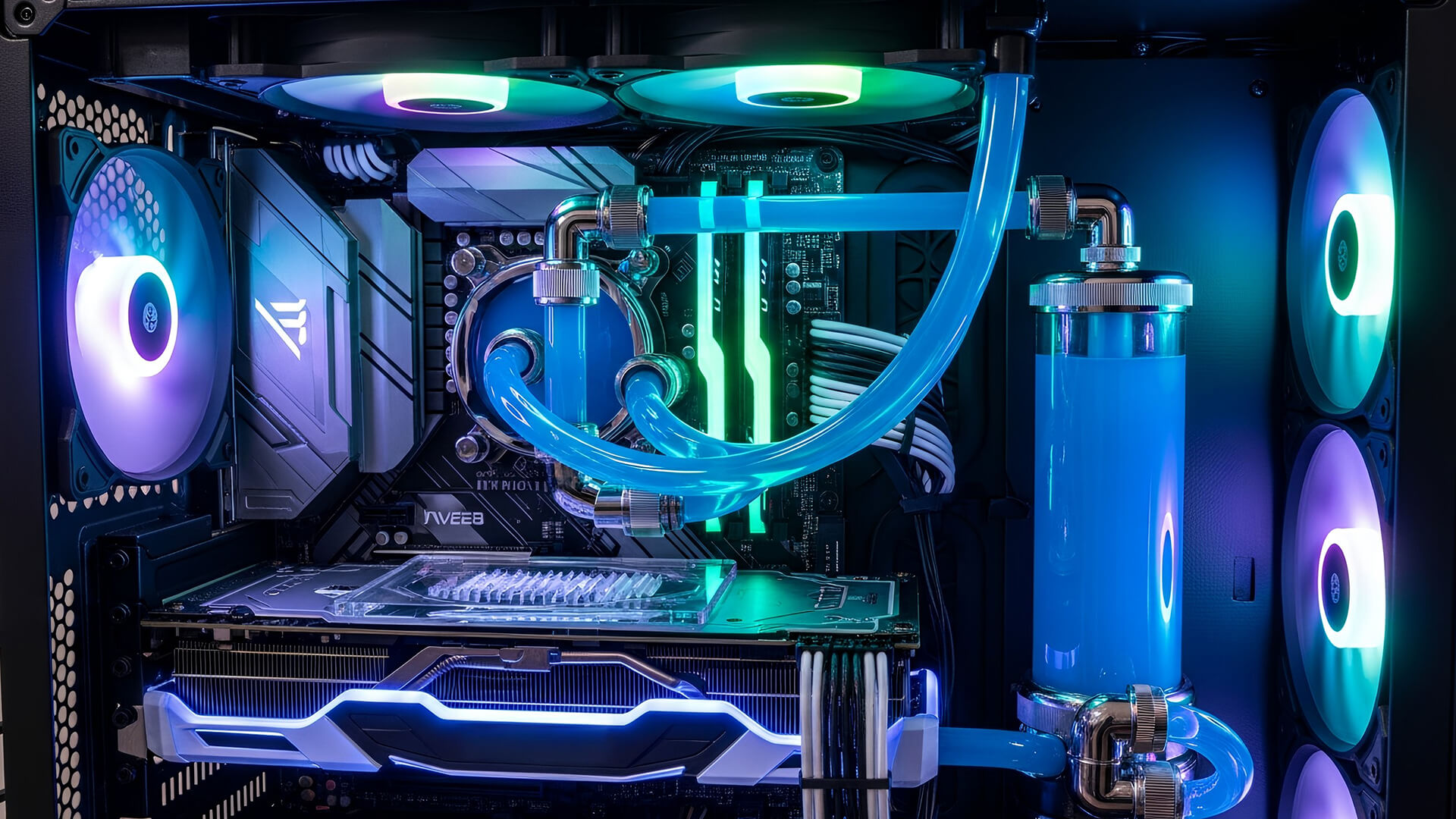
When GPUs run too hot, performance takes a direct hit - this is known as thermal throttling. As temperatures climb past safe limits (usually 83–85°C), the GPU automatically reduces its clock speeds to avoid damage, resulting in lower frame rates and stuttering during gameplay or rendering.
Liquid cooling plays a major role in preventing this. Because it transfers heat more efficiently, liquid-cooled GPUs can sustain higher boost clocks for longer without hitting thermal limits. This stability is what makes them ideal for overclocking, where users manually push GPU frequencies beyond factory settings to extract extra performance.
Air cooling, on the other hand, is effective for moderate boosts but can struggle during extended overclocking sessions. High-end air coolers with vapor chambers can help, but once temperatures rise, performance often flattens out.
In short:
- For heavy overclocking or 4K gaming, liquid cooling provides consistent performance and protects against throttling.
- For standard use or mild tuning, air-cooled GPUs remain efficient, simpler, and far easier to maintain.
Acoustic Performance - Which Cooling Is Quieter?
Noise is an important but often overlooked part of GPU performance. As power and heat increase, so does fan noise - and that can make a big difference in how enjoyable your setup feels during long gaming or creative sessions.
Air Cooling: Performance with Presence
Air-cooled GPUs rely entirely on fan speed to move heat away from the heatsink. When workloads are light, these fans can stay quiet, but under heavy load, they ramp up quickly. High-end triple-fan coolers have improved noise control, yet they still average 40–50 dB during gaming - about the sound of a small desk fan.
Liquid Cooling: Performance in Silence
Liquid-cooled GPUs, by contrast, handle heat more efficiently through their radiators. Because they spread the heat across a larger surface area, fans can spin slower, producing less noise. Most setups hover around 30–40 dB, even under full load, making them some of the quietest GPU cooling solutions available.
If you value silent performance and clean thermals, look at RTX-powered liquid-cooled gaming PCs. These systems combine top-end hardware with whisper-quiet operation - perfect for creators, streamers, or gamers who want maximum performance without distraction.
Real-World Use Cases - Choosing Based on Your Build
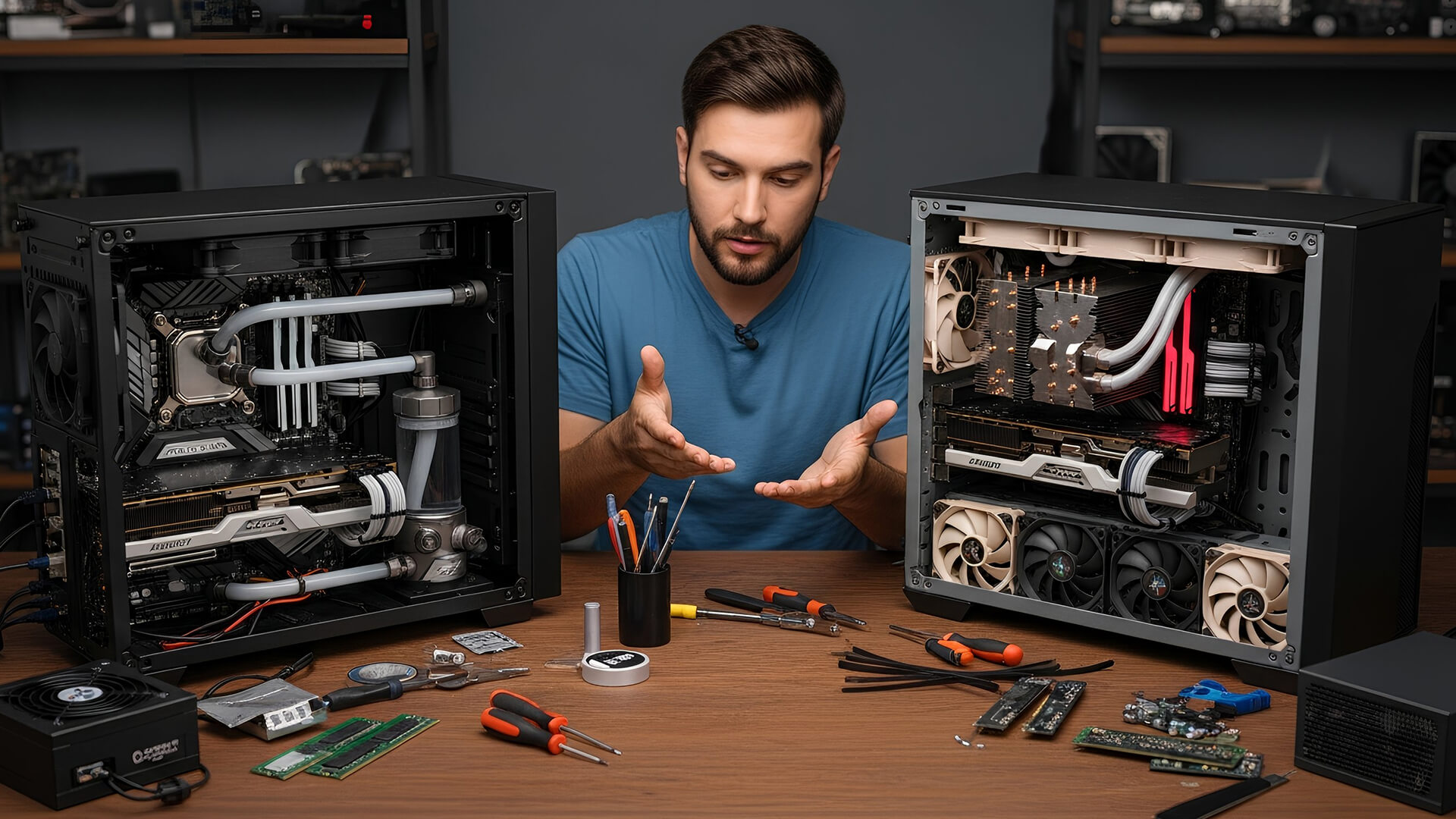
Your ideal GPU cooling method depends on your build goals, case size, and performance needs. Here’s how to decide which approach fits your setup best.
For High-End Overclocked PCs
If you plan to push your hardware to its limits, liquid cooling is the clear winner. It prevents temperature spikes and keeps your GPU running at consistent boost clocks, ideal for benchmarking, rendering, or extended 4K gaming sessions. Builders who enjoy fine-tuning their systems will appreciate the thermal headroom liquid cooling provides.
For 4K Gaming and Long Play Sessions
4K gaming is demanding and can keep your GPU near full load for hours. Liquid-cooled GPUs maintain cooler, quieter operation under sustained stress. Air-cooling still works well, but you may notice more fan noise or higher case temperatures over time — especially in smaller cases.
For Budget or Compact Builds
Air-cooled GPUs are unbeatable for value and simplicity. They’re easier to install, cheaper, and require no upkeep. Modern air coolers handle 1440p gaming with ease, making them the go-to choice for cost-conscious builders or smaller enclosures.
For AMD Enthusiasts and Balanced Builds
AMD cards continue to offer strong efficiency with traditional air cooling. Many AMD gaming desktops with air-cooled GPUs deliver stable thermals and great performance without the extra cost or complexity of liquid systems.
For Showcase or Custom Loop Builds
If aesthetics matter as much as performance, custom liquid cooling is unmatched. Tubing, RGB coolant, and transparent panels make for stunning visuals while maintaining low temps. It’s the ultimate option for enthusiasts to build high-end rigs for both looks and performance.
Aesthetics, Space, and Maintenance
Cooling isn’t just about performance - it also affects how your build looks, fits, and ages over time. Both air and liquid cooling have evolved beyond function, with designs now playing a big part in system aesthetics.
Aesthetics
- Liquid-cooled GPUs often steal the show. Clear tubing, RGB-lit reservoirs, and sleek radiators make them perfect for glass-panel builds. They create a clean, futuristic look that complements high-end setups.
- Air-cooled GPUs, while bulkier, have also improved visually. Premium models feature metal shrouds, subtle lighting, and refined industrial designs that blend well with minimalist builds.
Space and Compatibility
- Liquid cooling requires more room - radiators and tubing can limit compatibility in smaller cases. You’ll need to plan layout carefully, especially with dual-radiator AIOs or custom loops.
- Air coolers are more compact, making them easier to install in mid-tower or small-form-factor cases.
Maintenance
|
Cooling Type |
Maintenance Needs |
Difficulty |
|
Air Cooling |
Occasional dust cleaning |
Easy |
|
AIO Liquid Cooling |
Minimal; check pump and fan operation |
Moderate |
|
Custom Loop Cooling |
Fluid top-ups, occasional flushing |
High |
In short, air cooling is nearly maintenance-free, while liquid systems need periodic care to stay leak-free and efficient. If you prefer a set-it-and-forget-it solution, air is simpler. But if you enjoy the hands-on aspect of PC building, liquid cooling rewards you with both beauty and performance.
Cost and Longevity - What Are You Paying For?
When deciding between liquid-cooled vs air-cooled GPUs, cost and long-term reliability often tip the scales. Both methods can last for years, but the upfront investment and maintenance requirements differ significantly.
Cost Breakdown
|
Aspect |
Air-Cooled GPU |
Liquid-Cooled GPU |
|
Initial Price |
Lower – standard models included with GPU |
Higher – £150–£400 extra for cooling hardware |
|
Installation |
Simple, plug-and-play |
More complex; may need case and radiator space |
|
Maintenance |
Basic dust cleaning |
Pump checks, potential coolant replacement |
|
Total Cost Over Time |
Low |
Moderate to high |
Air-cooled GPUs win for affordability and simplicity. They offer solid cooling performance without extra expense or setup. Liquid-cooled models, however, justify their higher price for enthusiasts seeking cooler temps, quieter systems, and sustained overclocking potential.
Longevity and Durability
Both cooling types can last 5–7 years with proper care. Air coolers tend to outlast liquid systems due to their simplicity, no pumps or liquid seals to fail. AIO liquid coolers are reliable but can degrade if left unmaintained, while custom loops require periodic servicing to prevent buildup or leaks.
Verdict:
- Air cooling is cheaper, simpler, and just as durable for most users.
- Liquid cooling offers better performance and acoustics - worth the premium for top-end, long-term builds.
Summary - Key Differences at a Glance
Choosing between liquid-cooled and air-cooled GPUs comes down to balancing your priorities - performance, noise, budget, and maintenance. Here’s a clear side-by-side view to help you decide which fits your build best:
|
Feature |
Air-Cooled GPU |
Liquid-Cooled GPU |
|
Cooling Efficiency |
Good - handles most workloads well |
Excellent - lower temps under heavy load |
|
Noise Levels |
Noticeable under stress |
Quieter overall, even at full load |
|
Installation |
Simple and compact |
Requires radiator space and planning |
|
Maintenance |
Minimal (just dust cleaning) |
Moderate to high (especially custom loops) |
|
Aesthetics |
Bulky but improving design |
Sleek, premium, and customisable |
|
Cost |
Lower - ideal for most gamers |
Higher - suited for enthusiasts |
|
Overclocking Potential |
Moderate |
Superior, stable at high boost speeds |
Quick takeaway:
- Go with air cooling if you want an affordable, maintenance-free solution that performs reliably.
- Choose liquid cooling if you want the quietest and coolest setup possible, especially for 4K gaming or overclocked systems.
To explore real examples, compare both setups in Compare RTX 5080 air and liquid-cooled models a great way to see how cooling impacts design and performance across GPU generations.
Liquid-Cooled vs Air-Cooled GPUs
Is liquid cooling always better than air cooling for GPUs?
Not always. Liquid cooling offers better thermals and quieter performance, but air cooling remains more practical for most users. It’s simpler, cheaper, and still performs well for standard gaming or productivity workloads.
Do liquid-cooled GPUs require maintenance?
Yes, but it depends on the type. AIO (All-in-One) coolers need little upkeep beyond checking for dust and pump noise, while custom loops require periodic cleaning, refilling, and coolant replacement to stay efficient.
Can air-cooled GPUs handle 4K gaming?
Absolutely. Modern triple-fan and vapor chamber coolers manage heat well, even during 4K sessions. Just ensure your PC case has strong airflow to avoid thermal buildup.
Is liquid cooling worth it for overclocking?
Yes. Liquid cooling keeps temperatures low, preventing throttling and allowing higher, more stable clock speeds — making it ideal for enthusiasts pushing RTX 5090 or 4080-class cards beyond stock performance.
Which cooling option is quieter?
Liquid-cooled GPUs are generally quieter because radiator fans can spin slower while maintaining cooler temps. Air coolers, though improved, still produce more noise under heavy load.

Which Cooling Method Wins?
There’s no single winner in the liquid-cooled vs air-cooled GPU debate, the best choice depends on your priorities and build style.
If your goal is maximum performance, lower temperatures, and quiet operation, liquid cooling takes the lead. It’s ideal for overclockers, creators, and anyone running high-end GPUs like the RTX 5090 or RX 7900 XTX. You’ll enjoy cooler temps, stable boost clocks, and a cleaner-looking setup. Just be prepared for the higher upfront cost and some maintenance.
Air cooling, however, still makes the most sense for most builders. It’s reliable, affordable, and more than capable of handling even demanding 4K gaming sessions with proper airflow. For users who value simplicity and longevity, air-cooled GPUs remain the practical pick.
In the end, cooling isn’t about looks or trends, it’s about keeping performance consistent and your system running strong for years to come.
| Read More: |
| Top GPUs for 3D Rendering, Video Editing & Game Streaming |
| Best High-End GPUs for 4K & Ray Tracing Gaming |
| Best GPUs for Streaming and Editing with 1080p Resolution |
Related Articles


Last Updated: September 01, 2026
Looking for portable graphics cards? Graphics cards are an essential component for gamers, creative professionals, and tech enthusiasts. As the market evolves, new models are released with cutting-edge technology, while older ones become more affordable. Whether you are looking for the latest high-performance GPUs or seeking budget-friendly options, 2026 presents some fantastic deals on graphics cards.
In this blog, we will explore the best deals on gaming graphics cards, including RTX and AMD GPUs, and help you find the most value-packed choices from top brands. Whether you are searching for discounts on AMD graphics cards or affordable Nvidia graphics cards, we have you covered.
Why 2026 is a Great Year for Buying a Graphics Card
The GPU market in 2026 has stabilised significantly compared to previous years, making it an ideal time to grab some of the best deals. Key factors influencing the affordability of graphics cards this year include:
- Increased Supply: Manufacturers have ramped

Last Updated: October 28, 2025
People who play games, stream live or create content must select the right GPU because it determines how seamlessly their system works. The quality of your streaming, games or video editing depends strongly on a dependable GPU system. In this blog, we will analyse the best GPUs for 1080p streaming, editing and gaming. We will highlight their standout features that will guide your purchasing decision.
The Best GPUs for 1080p Streaming, Editing, Gaming & Other Functions
Here are some best-in-their-class graphics cards for streaming and other activities.
GIGABYTE GeForce RTX 3060: Fantastic price-to-performance ratio
Users consistently rate the GIGABYTE GeForce RTX 3060 12GB as one of the most superior GPUs for streaming and other purposes. The GPU provides outstanding performance specifically for gamers and streamers while retaining affordability. Content creators and gamers will appreciate this RTX 3060 GPU because it uses Nvidia’s Ampere architecture to deliver high-quality ray tracing
Last Updated: July 17, 2026
Choosing a high-end graphics card for 4K gaming is not as simple as picking the most expensive model. Focus on your monitor, power supply, case size, favourite games, and how much you care about ray tracing.
For some gamers, the smartest choice is an RTX 5080 with strong 4K performance and DLSS support. For others, an RTX 5070 Ti is enough for 1440p ultra and lighter 4K gaming. AMD buyers may prefer the Radeon RX 9070 XT for strong 4K raster performance and FreeSync support.
This guide breaks everything down clearly so you can choose a GPU that fits your setup, rather than paying for performance you may never use.
Quick Answer: Best GPU for 4K GamesFor most serious gamers, the best value GPU for 4K gaming in 2026 is the RTX 5070 Ti with 16GB GDDR7. It delivers excellent 4K gaming performance, full DLSS 4.5 support including Multi Frame Generation, and strong ray tracing at a significantly lower price than the RTX 5080. If you specifically need maximum native 4K frame rates or run creative |
Published: October 23, 2025
Do you think your GPU needs an immediate upgrade but confused which one is good?
Whether you’re a 3D artist, a content creator, or a streaming professional, choosing the right GPU can make or break your workflow. In 2025, graphics cards have evolved beyond gaming, they’re now AI-accelerated powerhouses that handle everything from 4K video editing to real-time ray tracing and live encoding. Let’s discuss the best GPUs for 3D rendering, video editing, and game streaming, comparing the latest NVIDIA RTX 50-series and AMD Radeon RX 9000-series cards. In addition, learn which models perform best in software like DaVinci Resolve, Adobe Premiere Pro, and OBS, helping you choose the perfect GPU for your professional or creative setup.
What to Look for in a GPU for Creative Work

Before choosing a GPU, it’s important to understand the key specifications that make a real difference in 3D rendering, video editing, and streaming performance. In 2025, the newest GPU architectures, NVIDIA Blackwell

