



Review: Lenovo ThinkPad L480 14" Business Laptop Intel Core i3
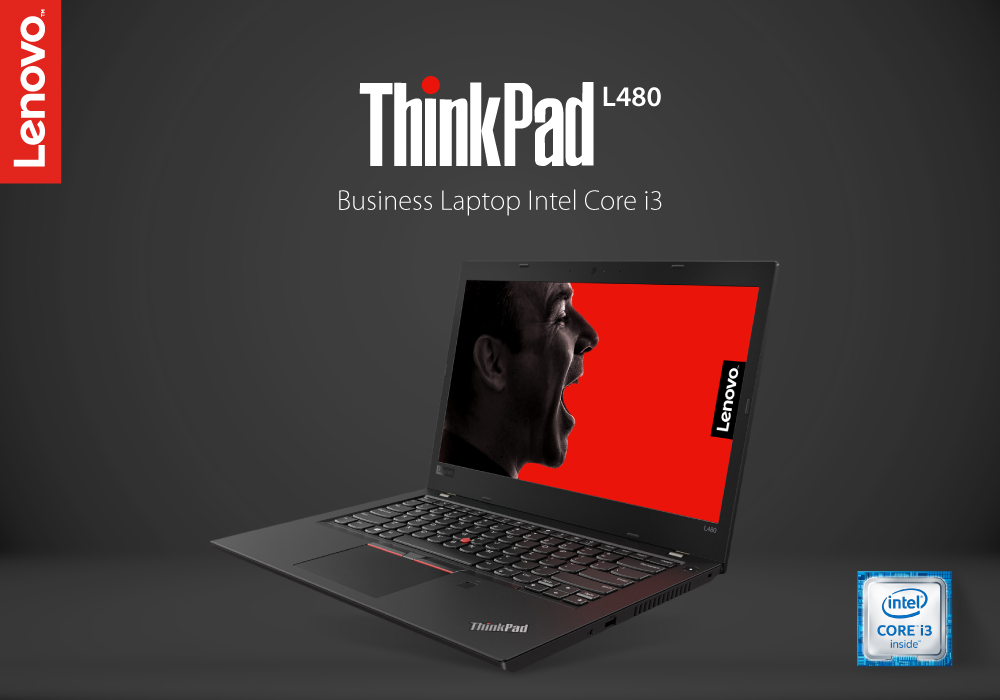
Who is the best partner of a businessman? A secretary? A friend? An assistant? None of these. The best partner of a businessman is a good business laptop. We know some of you might disagree with it, but many of you would also agree. A good business laptop lets you stay connected with your work, organize your data files, and provide productive work, while on the go. What more could you want. If you are looking to get yourself a good laptop, then have no fear because we are here to review one of the best Core i3 laptops. So, stick around.
Lenovo ThinkPad L480 Review
Lenovo has been the one solution for all your laptop and computing needs for a long time. You get the best laptops and peripherals to fulfil your computing desires, whether gaming, streaming, or performing everyday tasks. We will be talking about Lenovo’s ThinkPad L480 and review it, for you guys out there.
ThinkPad L480 Specs
This laptop is powered by a 7th generation Core i3 and 2.70GHz processor. It has a memory of 8GB RAM and a wide storage space of 256GB SSD. It is Windows 10 compatible, which means you get the best and fastest interface, to perform all your operations in a fast-paced and productive manner. These specs are great and provide you the best laptop experience you could ever want, for all your business and work purposes. The apps and system never slow down, even while doing multiple tasks at the same time.
Display
Lenovo ThinkPad L480 is equipped with a 14 inches display, which gives you the resolution of 1920x1080 pixels. The display is great, and you get the razor-sharp colours, with breath-taking picture quality for all your viewing pleasures. The bezel is narrow which gives you more screen to body ratio, so you can focus more on the screen and less on the bezel. Whether streaming or working, you will get the best display, which is also easy on your eyes as well. You can watch full HD videos on this laptop with clear and crisp quality. Plus, the integrated on-board graphics, let you play some mild graphics games or perform multimedia editing tasks with ease.
Battery
Nothing is worse than your battery running out, while you are in the middle of a videocall with your clients, working, or travelling. A good long-life battery takes your portability factor to the next level. Lenovo ThinkPad frees you from this nightmare by providing you the powerful and long-life battery, which would last you the whole day. This laptop can give you up to 12 to 15 hours of usage, with a single charge which is quite remarkable. With Rapid Charge, you are able to charge your laptop’s battery from 0 to 80 % is just an hour. This lets you travel without having to worry about constantly charging, or looking for a socket to plug your charger in.
Slim and Sleek Design
ThinkPad L480 has the signature Lenovo design with a slim body. The classy appearance of this gaming laptop is complemented really well with the back-lit keyboard, which creates the perfect aura. In addition to being slim and lightweight, this laptop is durable and reliable as well. It has gone through about 200 military grade requirement tests, which make sure you get the durable and quality product. Minor bumps and falls are easily endured by this laptop, whereas temperature and pressure changes do not affect it as well.
Bottom Line
So, this was the review of one of the best business laptops Lenovo has to offer. It will certainly make your daily work related tasks easier and productive. It has the perfect combination of style, power, and durability, which never fails to provide you the best performance you deserve. It certainly gets a two thumbs-up from our side. It can act like your personal assistant, organizer, and a workstation simultaneously. So, don’t waste any more time and go to laptopoutlet.co.uk and buy this great laptop, or choose from a wide collection of the best Core i3 laptops.
Read More:
| Why Top Executives Rely on the Lenovo ThinkPad Laptops |
| Lenovo ThinkPad X13 Review |
| Lenovo ThinkPad T14s Review |
Related Articles

Last Updated: May 21, 2025
If you want to have amazing, affordable, and competitive gaming laptops Legion series line-up is for you. Lenovo rebranded its gaming laptops a few years ago under the Legion brand. Since then, Lenovo Legion laptops have improved and become more coveted gaming laptops than those made by any other brands. One of the most promising producers of gaming laptops has always been Lenovo. With the Legion series, which catered to hardcore gamers, the brand set out on its adventure. The IdeaPad Gaming series, which offers affordable gaming laptops for beginning players, has also recently been released. Here are the top Lenovo gaming laptops for 2022, without further ado.
Lenovo Legion 5i (Core i5 and i7): Performance over Appearance
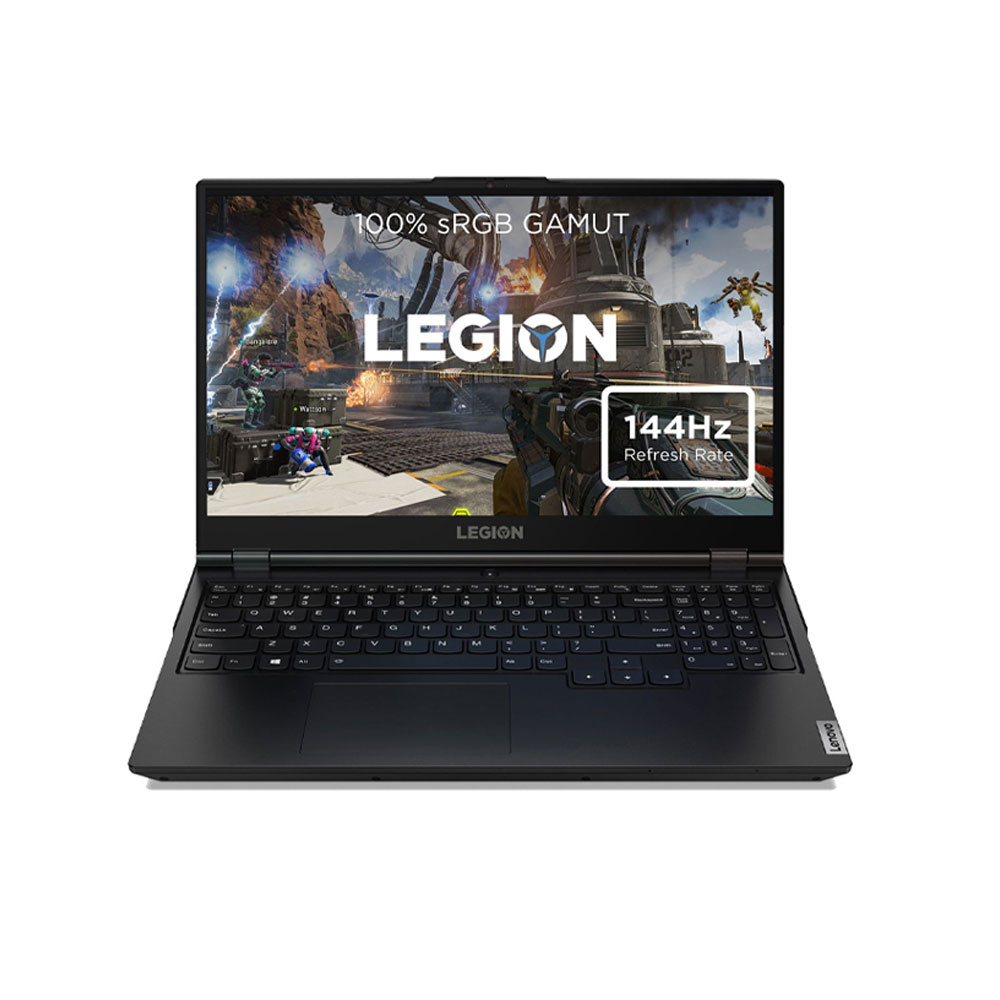
The Lenovo Legion 5i is a fantastic mid-range alternative if you're looking for one. You may choose from a choice of alternative i5 and i7 11th Gen Intel H-series CPUs, AMD Ryzen 5 and 7 5000 series processors, and GPU options ranging from the budget-friendly GTX
Last Updated: September 03, 2026
There is no single Lenovo laptop that makes sense for every business user. Someone spending most of the day in Microsoft Teams and browser-based tools needs something very different from an analyst working with complex spreadsheets or an engineer running graphics-intensive applications.
If you are comparing the best Lenovo laptops for business, start with your workload rather than the series name. The current Laptop Outlet range includes everything from straightforward office systems to portable ThinkPads and professional mobile workstations, so this guide compares five options based on what you actually need them to do.
Lenovo Laptop Comparison: Which One Fits Your Work?
| Business Need | Lenovo Laptop to Consider | Why It Stands Out |
| Everyday admin and office work | 16GB RAM, Windows 11 Pro and practical 15.6-inch display | |
| Remote work and independent professionals | 24GB RAM, 1TB SSD and compact 14-inch design | |
| Hybrid and corporate working |
Last Updated: September 09, 2025
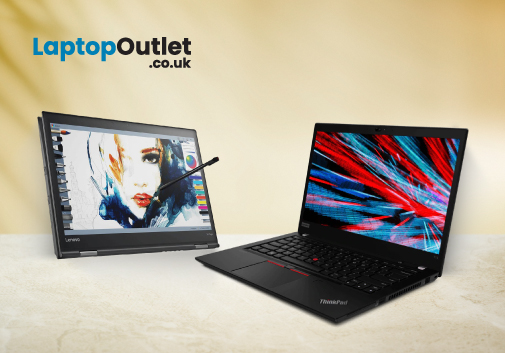
Are you a business executive looking for the perfect laptop for your everyday tasks?
Well, looking at the business market provides you with a bunch of laptop options. It can get overwhelming to choose from the wide range of options. Even after reading the reviews and doing research, you might still feel unsure about what to pick. However, when you talk about business laptops, there is only one name that pops into the mind of a professional: the Lenovo ThinkPad.
Top executives are constantly on the move, making critical decisions,, and ensuring the success of companies. To excel in this demanding role, they require a tool that is not only powerful and reliable but also a reflection of their professionalism.
Lenovo ThinkPad laptops are a name that resonates with corporate leaders and provides quality, performance, and prestige.
But have you ever wondered what makes the Lenovo ThinkPad laptop a top choice for professionals? This article will provide some of the best reasons why businesses
Last Updated: April 02, 2026
Fun Fact about Lenovo: Did you know that Lenovo is at the forefront of groundbreaking technology, recently unveiling the world's first foldable PC, the ThinkPad X1 Fold?
Now, let's explore another aspect of Lenovo's technology prowess: ensuring the longevity and efficiency of your Lenovo laptop's battery.
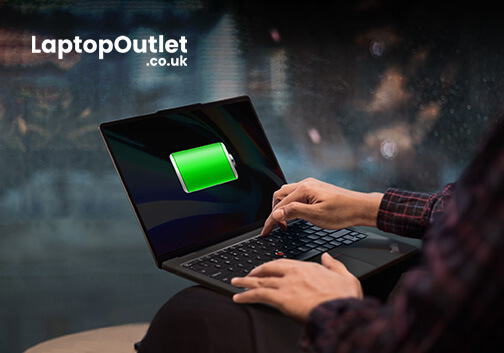
In the fast-paced digital era, laptops have become indispensable companions, ensuring optimal performance is paramount. One key aspect that often takes a backseat in our tech-conscious minds is the health of the laptop's battery. For proud owners of Lenovo laptops, understanding how to check and maintain battery health is crucial for a seamless computing experience.
In this comprehensive guide, we will explore the various methods to check the battery health of your Lenovo laptop. Whether you're a seasoned tech enthusiast or a casual user, these insights will empower you to maximise your device's battery life and performance. Let's dive into the Lenovo laptop battery health world and

Last Updated: February 25, 2026
Modern architecture relies on far more than sketches and site notes; it depends on powerful digital tools capable of handling detailed models, complex BIM files, and high-quality visualisations. In 2025, a dependable laptop has become an essential part of every architect’s workflow.
Lenovo remains a trusted choice for professionals, offering machines built for performance, accuracy, and durability. For architects, the right laptop must deliver strong processing power, workstation-grade graphics, generous RAM, fast storage, and a clear, colour-accurate display; especially when running demanding software such as Revit, AutoCAD, SketchUp, Lumion, and 3ds Max.
With so many Lenovo models available, finding the perfect balance of power, portability, and value can be challenging. That’s why our experts have tested and compared leading devices to identify the very best options for both practising architects and students.
Here are the best Lenovo laptops for architects in 2025; ideal for creating,
Last Updated: September 22, 2026
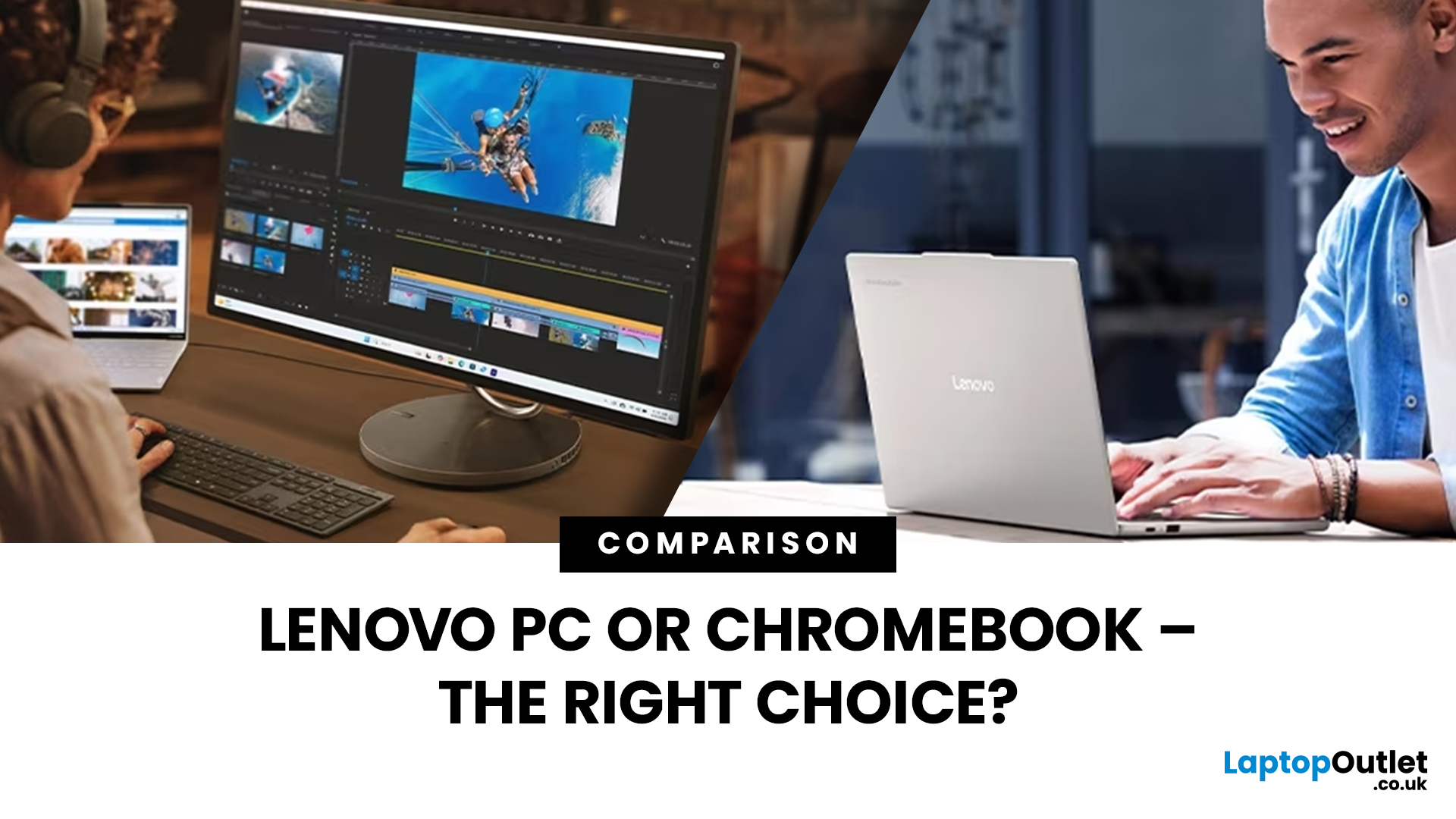
Choosing a new laptop can feel like navigating a sea of technology, especially with diverse options like Lenovo PCs and Chromebooks. Both have unique strengths, leaving you wondering: "Which path should I take? The power-packed PC or the streamlined Chromebook?
With technological advancements, each device seems the best with its unique features and benefits, catering to different preferences and requirements.
This blog will explore the key differences between Lenovo PCs and Chromebooks, helping you decide based on your specific needs and priorities. Whether you're a student, professional, or casual user, understanding the differences between these two categories of devices will allow you to choose the perfect Lenovo device for your lifestyle and workflow.
So, let’s get to it!
Lenovo PCs
Desktop computers are known for their impressive power but have limitations, primarily due to their size. However, finding a laptop that matches a desktop's performance takes a lot of work. This matters

