



Review: Huawei MateBook X Pro Laptop Core i7-8565U 8GB 512GB
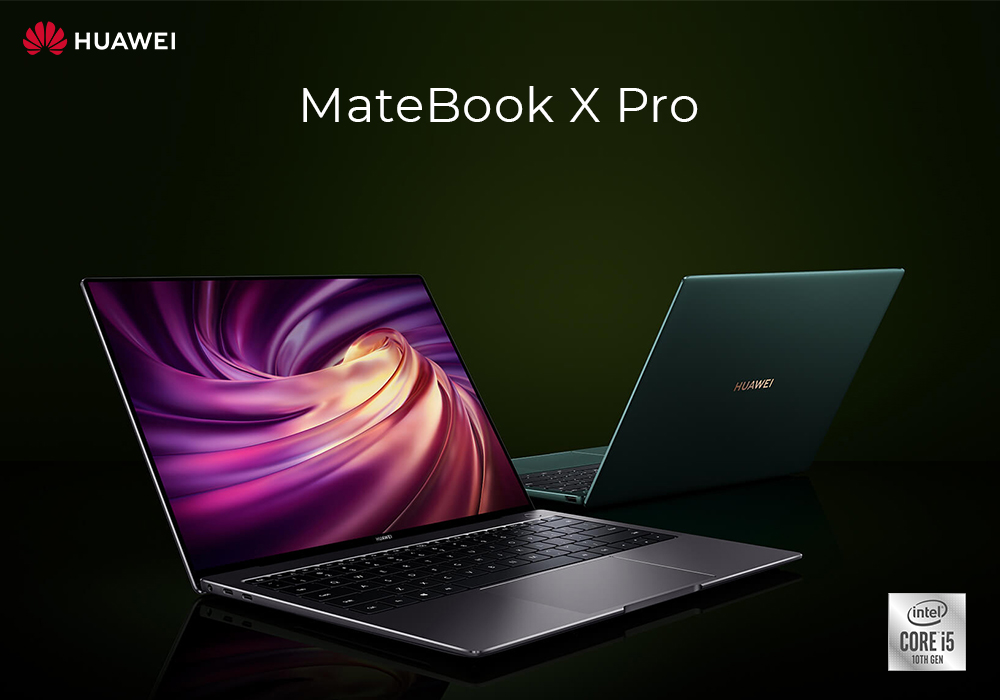
Huawei has been there to provide you guys the solution, for all your tech and computing needs for a long time. It has never failed to give its customers quality products, on which they can rely on. Huawei has a wide range of great laptops, which are perfect for all your requirements. We are going to review such a laptop, which just mesmerizes you at the first glance. So let us just dive right in.
Huawei MateBook X Pro Review
MateBook X Pro is definitely among the finest Core i7 laptops you will ever come across. It has so many powerful specs, packed inside a compact and stylish body. Let us see what this laptop is all about.
MateBook X Pro Specs
This majestic laptop is powered by 8th generation Intel Core i7 processor. You get the memory of 8GB RAM and a storage space of 512GB SSD. It is Windows 10 compatible, which means you get the smooth and easiest interface for all your operations. The specs are actually quite good and provide fast-paced performance. The system never slows down, even if you are multi-tasking or performing some of the heaviest and demanding operations. It is excellent for your work related tasks as well.
Display
The display you get on this laptop is just breath-taking. It is equipped with a 13.9 inches QHD display, which gives you the resolution of 3000x2000 pixels. It gives you the aspect ratio of 3:2, which proves to be great for your reading or writing tasks. This is not all, MateBook X Pro has a multi-touch screen, which lets you be more productive. You can stay one step ahead with the interactive touch screen interface, to perform your daily tasks. You can easily sketch the imagination form your mind to the screen of your laptop. The overall picture quality of this display is pretty decent. The colors are sharp and every little detail can easily be seen on this display. It is a best fit for your multi-media development and editing tasks.
Graphics Support
MateBook X Pro has a powerful NVIDA Geforce MX250 GPU, which provides you adequate power to play your favorite games as well. Although the GPU is not that powerful as GTX or RTX 10 20 series, but still it is enough to let you perform mild graphics gaming. You can also perform your high-res multimedia editing and development tasks, with the help of this GPU. It is also pretty good for you if you do 3D modeling.
Battery
Battery is the main thing which affects your overall laptop experience. If the battery life is not good, then how can you get the proper feel of portability with productivity? MateBook X Pro has arguably the best battery life, you will see in most of the Core i7 laptops. It has a powerful 57.4Wh battery, which can give you almost the whole day of usage. You can get up to 13 hours of video playback with a single charge. It makes this laptop the perfect travel buddy for you. You can enjoy streaming your favorite movies on long flight or on the road.
Slim and Sleek
In addition to being super powerful and performance oriented, this laptop is quite attractive as well. It has a super slim body which turns some heads around, when you take it out in public. It is just 14.6mm thin, which makes it the slimmest laptop you will ever see. In the looks department it surely gives the rivals a run for their money. This beast of a laptop is quite lightweight as well. It weighs in at only 1.33kg which makes it feel as light as a feather. This lightweight gives you the freedom to take it anywhere with you, without any hassle. It is easy to hold and even easier to carry around.
Bottom Line
Well this was Huawei MateBook X Pro Review, and we hope it covered everything you needed to know. The specs you get in this laptop are just amazing, whereas the display leaves you dazed and amazed. The lightweight body and the sleek design are just icing on the cake. So if you guys have not made up your mind, then what are you waiting for? Make sure to visit laptopoutlet.co.uk and choose from a wide range of Core i7 laptops.
Read more:
| Best Buy New Laptops 2021 |
| Buying a Laptop for Work in 2025? Don’t Make These 5 Mistakes |
| Best Budget Laptops for Everyday Use: Affordable Choices for 2025 |
Related Articles


Last Updated: April 06, 2026
Whether you're hustling through coursework, balancing remote work, or just need a reliable laptop for everyday browsing and streaming, finding the best budget laptop can feel like a challenge. But in 2026, high performance doesn’t have to come with a high price tag. At Laptop Outlet, we’ve got a whole range of affordable laptops that don’t skimp on quality, style, or features.
From cheap laptops for students to affordable laptops for work and even a few gaming laptops under budget, there’s a perfect match for every need – and every budget. Below, we’ve rounded up the top HP models that prove you can get the best without blowing the bank.
Laptops for Students: Stay Productive on a Student Budget
Studying on the go? These HP laptops are light on the wallet but heavy on performance. They’re ideal for writing essays, streaming lectures, video calls and running essential apps like Microsoft Office or Google Docs.
1. Apple MacBook Air 13" (2020, M1) (MGN63B/A)
Highlights:
- 13.3" WQXGA

Last Updated: April 03, 2026
Finding a good laptop without breaking the bank is more achievable than ever.
Whether you're a student looking for something reliable, a professional needing a dependable work machine, or simply after an everyday laptop that won't slow you down, the sub-£500 market delivers solid options in 2026.
You don't have to sacrifice performance for price. From business-ready machines to budget-friendly options, this guide covers six of the best laptops under £500 currently in stock at Laptop Outlet, with real specs and honest guidance to help you choose right.
| Please note: All products featured in this article were priced under £500 at the time of writing. Prices are subject to change and may vary over time. |
6 Laptops That Deliver Brilliant Value Under £500
Each of these picks comes from a different corner of the market. So, whatever your needs, there's likely a match here for you.
1. Lenovo V15 G4 – AMD Ryzen 5 7520U, 16GB RAM, 256GB SSD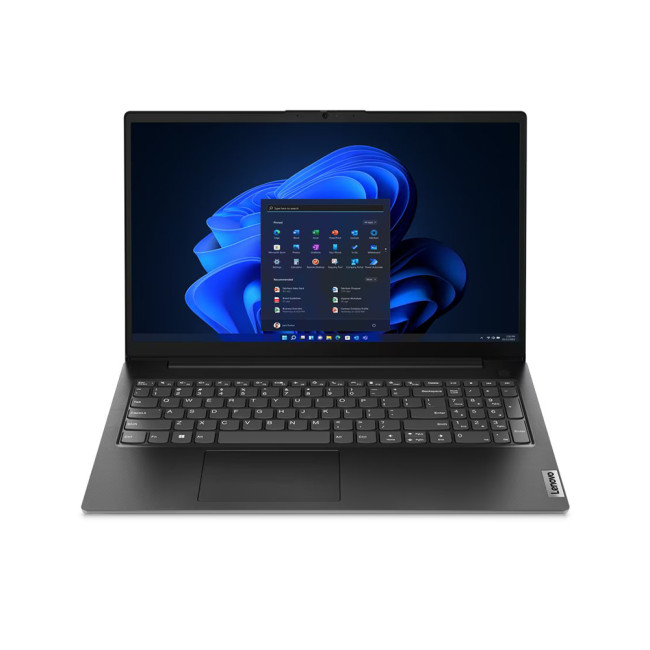
Key Specifications
- AMD Ryzen 5 7520U (4-core,

Last Updated: October 02, 2025
Slow Laptop? Let’s Fix That
If your laptop’s feeling more like a snail than a speed demon, don’t worry—we’ve got you. Whether it’s taking forever to start up or lagging when you open apps, these simple, effective tips will help speed up your laptop without needing to be a tech genius.
1. Restart Your Laptop (Seriously)
It sounds obvious, but a fresh reboot clears temporary files and resets your RAM. If you haven’t shut down in weeks—start here.
2. Disable Startup Programs
- Too many programs launching at startup = slower boot times.
- Windows: Ctrl + Shift + Esc > Startup tab > Disable unwanted apps
- Mac: System Settings > General > Login Items > Remove apps you don’t need
3. Uninstall Unused Software
- Old programs = wasted resources.
- Go through your installed apps and remove anything you no longer use.
4. Clean Up Your Hard Drive
- Free up space by deleting:
- Temp files
- Duplicate files
- Downloads folder clutter
Windows Tips: Use Disk Cleanup or Storage Sense
Mac
Last Updated: September 24, 2026
Quick Answer
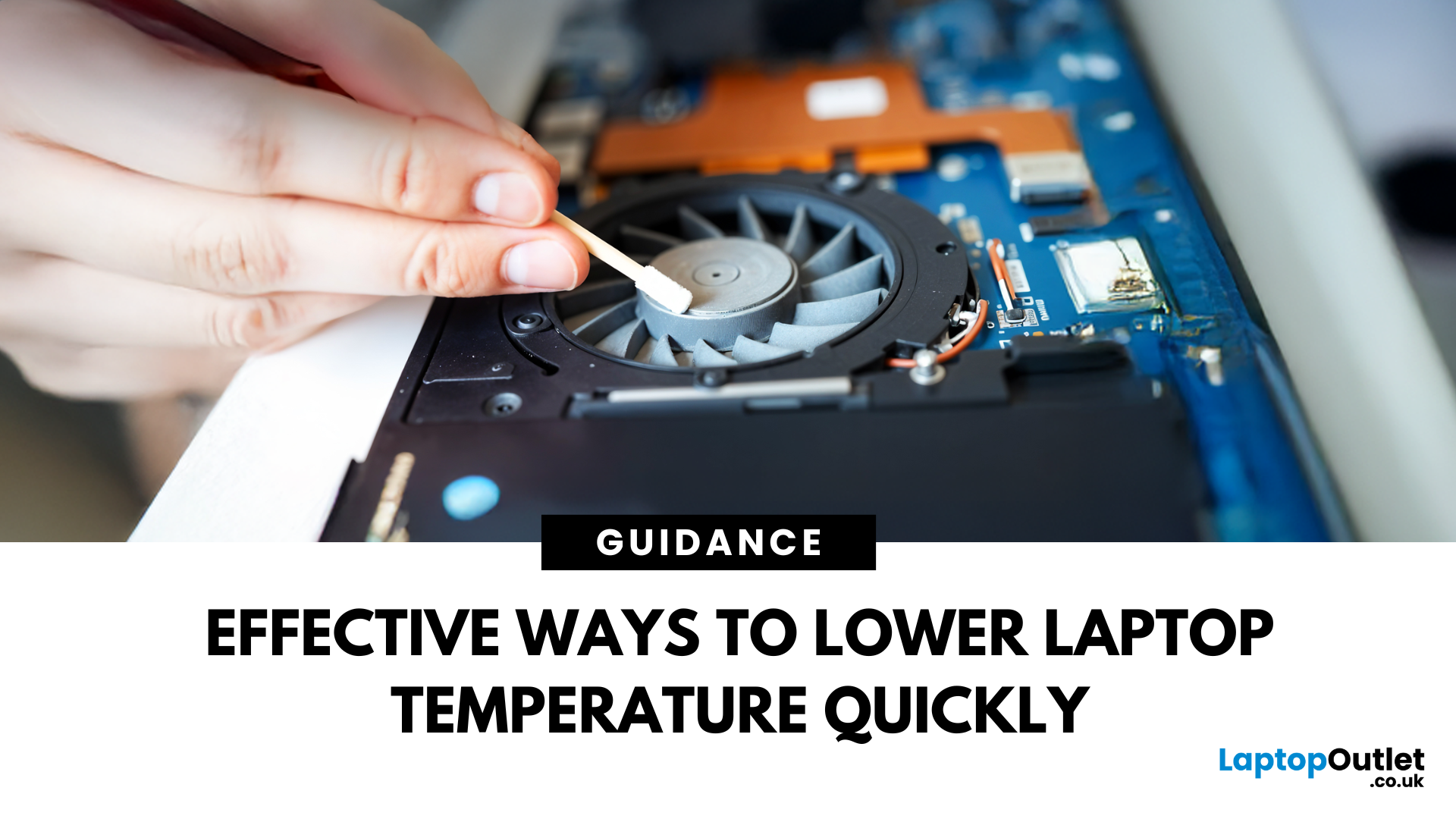
If your laptop is overheating, move it to a hard, flat surface, close heavy apps, switch Windows 11 to Balanced mode, clear dust from the vents, and let it cool if performance drops or it shuts down. Persistent overheating can point to blocked airflow, a failing fan, battery problems or ageing thermal paste, so repeated symptoms need proper diagnosis promptly.
A warm laptop is not automatically an overheating laptop. Gaming, video editing, charging and other demanding tasks can make the CPU and GPU run hotter, which can also make the fans louder.
The warning signs are more useful than surface warmth alone. Repeated slowdowns under load, sudden shutdowns, unusually loud or silent fans, heat during light use, or a battery that is swelling all deserve attention.
First, Is Your Laptop Actually Overheating?
Modern processors protect themselves when temperatures become too high by reducing performance, a behaviour known as thermal throttling. Some systems may eventually shut down
Last Updated: February 23, 2026
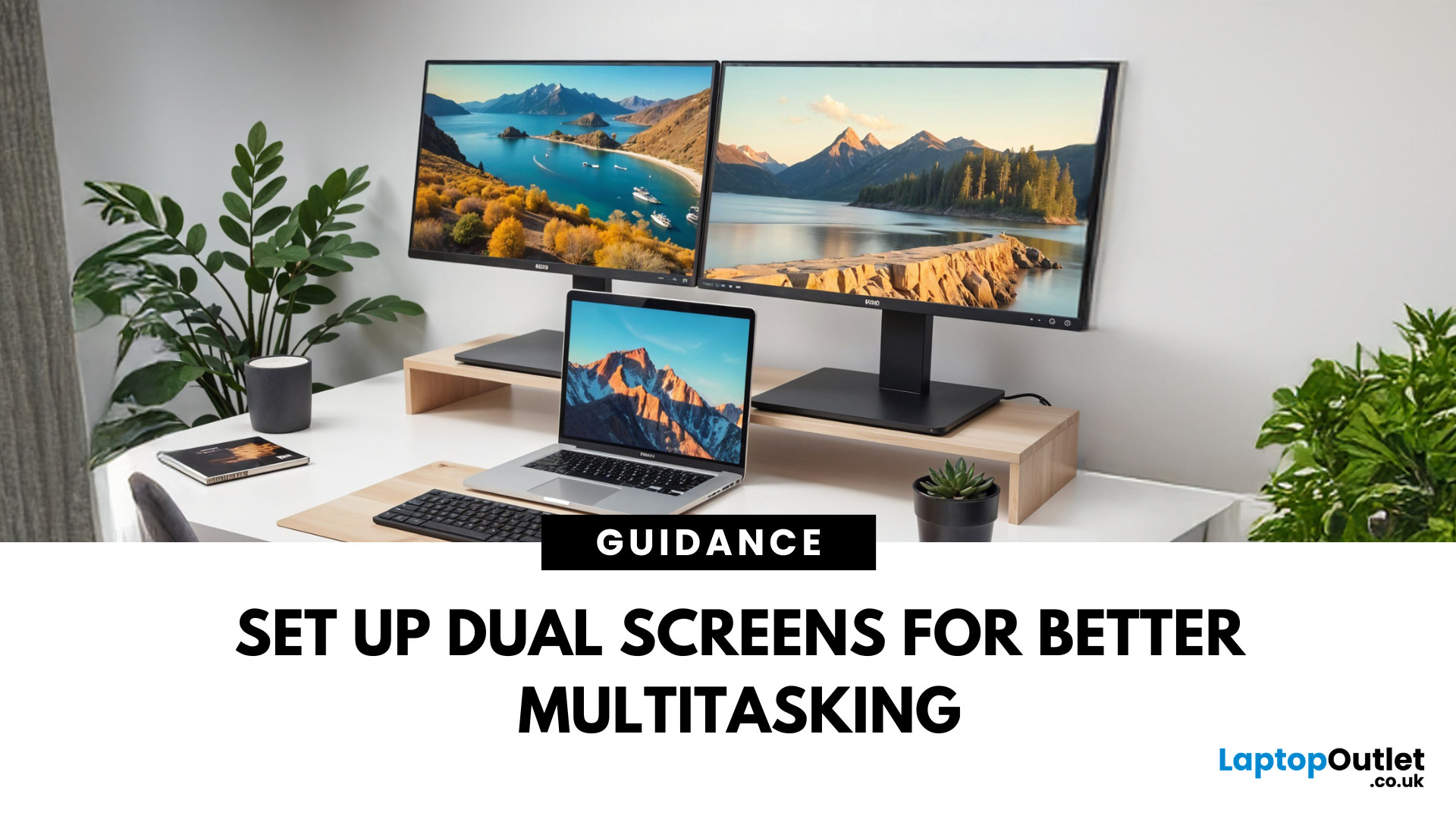
Feeling cramped on your laptop screen? Whether you’re a creative pro, a remote worker, or just need more screen real estate for multitasking—dual monitors are a total game-changer. Here’s how to connect two monitors to your laptop and level up your workspace.
What You’ll Need to Connect Two Monitors
Before you dive in, make sure you’ve got:
- A laptop with multiple display outputs (HDMI, USB-C, DisplayPort, Thunderbolt)
- Two external monitors
- Compatible cables or adapters (HDMI, VGA, USB-C, DisplayPort)
- Optional: Docking station for easier setup
Step-by-Step: How to Connect Two Monitors to a Laptop
1. Check Your Laptop’s Ports
Look at the sides of your laptop—do you have two separate video outputs (e.g., HDMI + USB-C)? If not, you might need a USB-C hub, docking station, or display splitter.
2. Plug in the First Monitor
- Connect your first monitor to the laptop using an HDMI, VGA, or DisplayPort cable.
- Turn on the monitor and make sure it’s set to the correct input source.

