



Lenovo V145 14 Inch Best Gaming Laptop
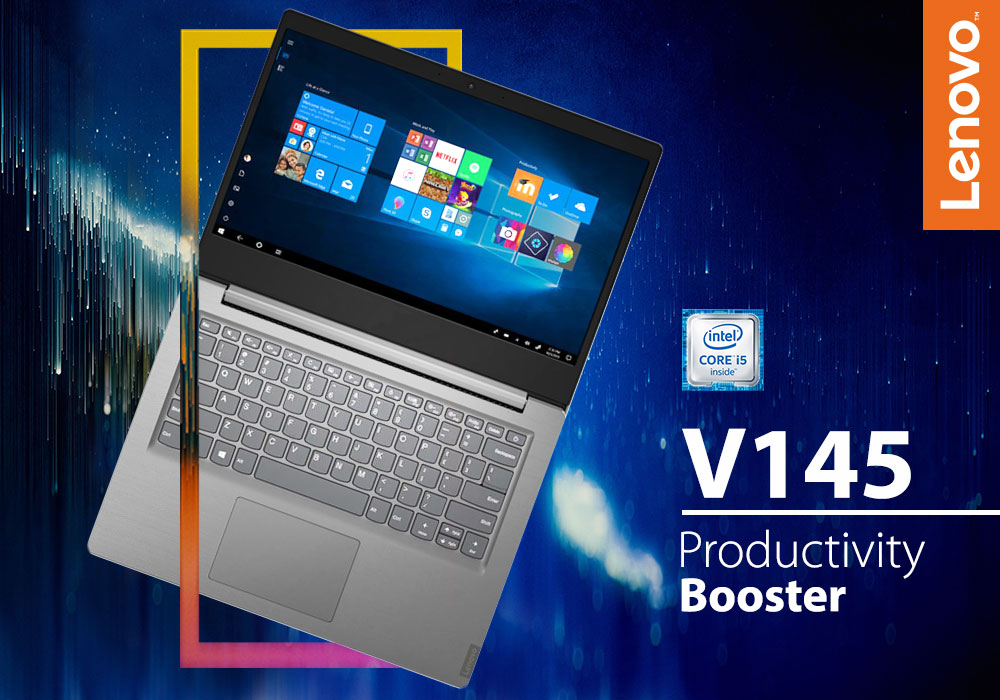
Gaming laptops are very popular among the youth, hard-core gamers, and even businessmen looking for a source of entertainment during a subway commute. They are a great source of entertainment as they provide an immersive experience with their powerful graphics, capturing display, and high-quality audio. A good gaming laptop can also double as a serious workstation when needed. Gaming laptops often tend to be very expensive and out of reach of most people. So, if you are an aspiring gamer and are looking for an affordable gaming laptop that can meet your standards then keep on reading. We found an amazing Lenovo laptop that is not only famous for its performance, but it is also very budget friendly. We tested its performance, graphics, audio-video quality, overall performance, keyboard, and most importantly, value for the price – everything that a gamer needs to know before purchasing a gaming laptop. Read our take on the Lenovo V145 and decide for yourself whether it is worth your attention, time, and money:
SPECIFICATIONS SHEET
Processor: Intel Core i5, 1.60 GHz Processor
Size of Screen: 14 inches
Resolution: 1920 x 1080
Storage: 8 GB RAM, 256 GB SSD
Graphics: Integrated Graphics /On-Board
Operating System: Windows 10, Professional
Colour: Grey
Manufacturer Warranty: 1 Year
POWERFUL PROCESSOR
A powerful processor is compulsory for gaming laptops otherwise the games will not work smoothly, and the laptop will keep shutting down or keep lagging. Thanks to Lenovo, you do not have to worry about performance issues because this Lenovo gaming laptop comes with a heavy-duty Intel Core i5 processor which can run at a turbo speed of 1.60 GHz. With its powerful processor, you can game on for as long as you want without worrying about putting any kind of strain on the system. In fact, if you also want to use this laptop for some last-minute office work, this laptop will not disappoint you with its performance owing to its AMD accelerated processing units. You will feel an increase in your daily-work productivity after you start using Lenovo V145 for your work or your daily gaming.
UNPARALLELED SECURITY
Lenovo takes its customers' security very seriously. This also applies to Lenovo gaming laptops. Similarly, Lenovo V145’s security and reliability are exceptional. It will guard all your sensitive data and your passwords with its data and password encryption, respectively. You can easily share your data with the right person safely without worrying about data leaks, thanks to the top-notch encryption. Moreover, for the added safety of your business data, Lenovo V145 also has a Trusted Platform Module (TPM) and the V145 Software (SW). And the over-the-top security measures do not just end with that, the Windows 10 Pro also comes with the Bit Locker, which is set off by default, but you can later turn it on. With all these security measures, this gaming laptop is a gift to your IT department.
PRODUCTIVITY
Lenovo v145’s productivity will surprise you. You will feel your productivity increase, all thanks to this laptop’s abundant memory, AMD accelerated processing units, and optional AMD Radeon ™ discrete graphics. The large 8 GB RAM and the optional dual-drive storage will allow you to store as much data as you want, and even save large gaming files, by combing the best of hard disk drives and solid-state drives. So, with this Lenovo V145 you can store whatever you want.
DISPLAY AND KEYBOARD
The V145 comes with a full-sized ergonomic keyboard and a number pad that are comfortable to use. You will not have to adjust to the size of the keyboard, and you can easily jot down commands or share your thoughts with your friends, while gaming at a fast pace. Moreover, the full-sized keyboard also prolongs the life expectancy of this Lenovo V145 because it is gapless, thus, it curtails any kind of dust build-up between the keys. Besides, the keyboard and the number pad are also spill-resistant so, you do not need to stress if you accidentally spill some coffee on your keyboard. It also has a large one-piece touchpad that is very comfortable and convenient to use. Your fingers will glide smoothly on this touchpad, as you give commands, will gaming.
Coming to the display of the Lenovo V15, it is very impressive, indeed. The HD display with a resolution of 1920 x 1080 and the optional AMD Radeon ™ discrete graphics provide a memorable immersive experience. Play your games in crystal-clear FHD quality with vivid colours and optimal brightness. Furthermore, for the comfort of the user, the 14-inch screen also reduces eye strain that happens because of prolonged exposure to a computer screen during long gaming hours.
CONNECTIVITY
The V145 has multiple ports that will solve your problem of multi-tasking. With this gaming laptop, you can use a host of peripherals, thanks to its array of multiple ports that allow you to connect to several devices at the same time. Transfer data to a number of devices in no time. And if you prefer wireless options for connectivity then you can make use of its AC Wi-Fi and Bluetooth® 4.1. The wireless connectivity options let the user enjoy clear video conferences in high quality. Moreover, the HD camera and the Dolby Audio ™ speakers are responsible for the top-notch video and audio quality, respectively.
OUR VERDICT
You do not need to search for affordable gaming laptops anymore. This laptop will meet all your gaming requirements. Besides, it increases productivity so, what else do you need? it is worth your time and your money.
Read More:
| Review: Lenovo V145 Laptop AMD A6-9225 2.6GHz 8GB RAM 256GB SSD |
| Gaming on a Budget: Refurbished Monitors for Competitive Edge |
| Best Laptops Under £500 in 2025 |
Related Articles

Last Updated: September 03, 2026
There is no single Lenovo laptop that makes sense for every business user. Someone spending most of the day in Microsoft Teams and browser-based tools needs something very different from an analyst working with complex spreadsheets or an engineer running graphics-intensive applications.
If you are comparing the best Lenovo laptops for business, start with your workload rather than the series name. The current Laptop Outlet range includes everything from straightforward office systems to portable ThinkPads and professional mobile workstations, so this guide compares five options based on what you actually need them to do.
Lenovo Laptop Comparison: Which One Fits Your Work?
| Business Need | Lenovo Laptop to Consider | Why It Stands Out |
| Everyday admin and office work | 16GB RAM, Windows 11 Pro and practical 15.6-inch display | |
| Remote work and independent professionals | 24GB RAM, 1TB SSD and compact 14-inch design | |
| Hybrid and corporate working |
Last Updated: April 02, 2026
Fun Fact about Lenovo: Did you know that Lenovo is at the forefront of groundbreaking technology, recently unveiling the world's first foldable PC, the ThinkPad X1 Fold?
Now, let's explore another aspect of Lenovo's technology prowess: ensuring the longevity and efficiency of your Lenovo laptop's battery.
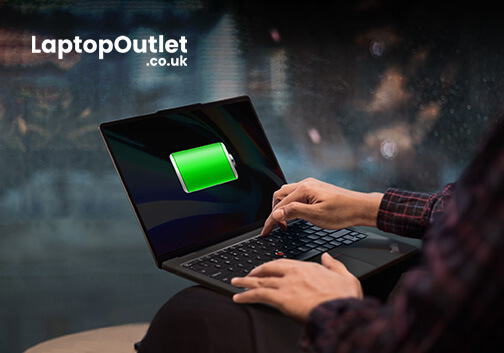
In the fast-paced digital era, laptops have become indispensable companions, ensuring optimal performance is paramount. One key aspect that often takes a backseat in our tech-conscious minds is the health of the laptop's battery. For proud owners of Lenovo laptops, understanding how to check and maintain battery health is crucial for a seamless computing experience.
In this comprehensive guide, we will explore the various methods to check the battery health of your Lenovo laptop. Whether you're a seasoned tech enthusiast or a casual user, these insights will empower you to maximise your device's battery life and performance. Let's dive into the Lenovo laptop battery health world and

Last Updated: December 15, 2025
Lenovo is a top name in personal computers, and the Lenovo ThinkPad series is a fantastic choice for almost anyone. Why? Because it brings together three major benefits: toughness (durability), power (performance), and a great price (affordability).
ThinkPads are known worldwide for being strongly built and reliable over many years. If you need a powerful computer with a typing experience that can’t be beat, a ThinkPad delivers every time.
These laptops don't just look good; they are built with strong parts, have keyboards that can handle spills, and meet military-grade standards for being tough. This means they can survive common accidents like drops and spills better than most.
This blog will look closely at the features that make ThinkPads a continuous favourite. We will also explore five top models, carefully chosen to cater to different personal use needs.
Key Features: Strength, Speed, and Value
ThinkPads are built to last and to perform quickly. This successful combination is achieved

Last Updated: February 25, 2026
Modern architecture relies on far more than sketches and site notes; it depends on powerful digital tools capable of handling detailed models, complex BIM files, and high-quality visualisations. In 2025, a dependable laptop has become an essential part of every architect’s workflow.
Lenovo remains a trusted choice for professionals, offering machines built for performance, accuracy, and durability. For architects, the right laptop must deliver strong processing power, workstation-grade graphics, generous RAM, fast storage, and a clear, colour-accurate display; especially when running demanding software such as Revit, AutoCAD, SketchUp, Lumion, and 3ds Max.
With so many Lenovo models available, finding the perfect balance of power, portability, and value can be challenging. That’s why our experts have tested and compared leading devices to identify the very best options for both practising architects and students.
Here are the best Lenovo laptops for architects in 2025; ideal for creating,
Last Updated: September 22, 2026
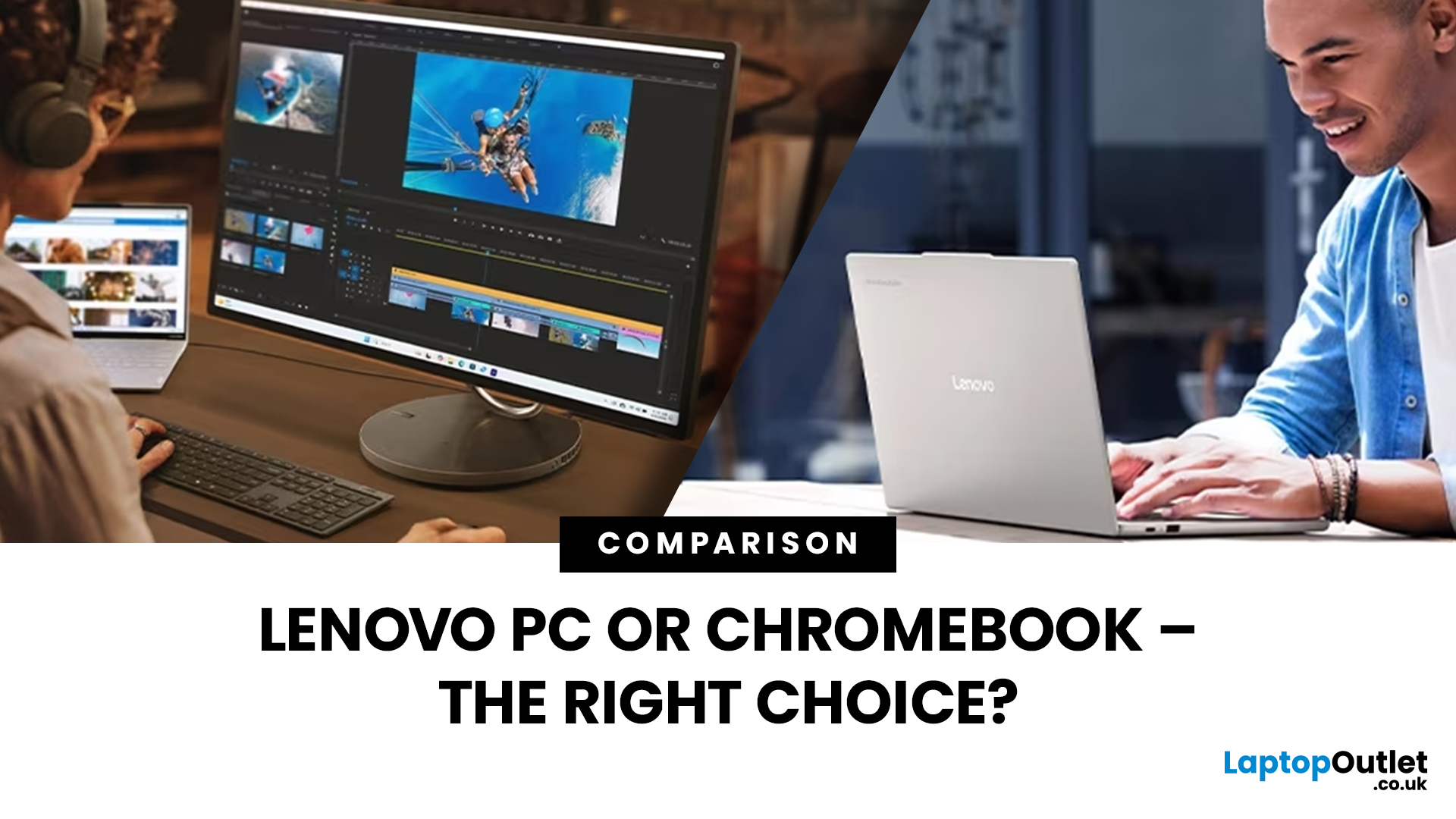
Choosing a new laptop can feel like navigating a sea of technology, especially with diverse options like Lenovo PCs and Chromebooks. Both have unique strengths, leaving you wondering: "Which path should I take? The power-packed PC or the streamlined Chromebook?
With technological advancements, each device seems the best with its unique features and benefits, catering to different preferences and requirements.
This blog will explore the key differences between Lenovo PCs and Chromebooks, helping you decide based on your specific needs and priorities. Whether you're a student, professional, or casual user, understanding the differences between these two categories of devices will allow you to choose the perfect Lenovo device for your lifestyle and workflow.
So, let’s get to it!
Lenovo PCs
Desktop computers are known for their impressive power but have limitations, primarily due to their size. However, finding a laptop that matches a desktop's performance takes a lot of work. This matters

