



ASUS ZenBook UX425JA Full HD Laptop Intel Core i7 – Review
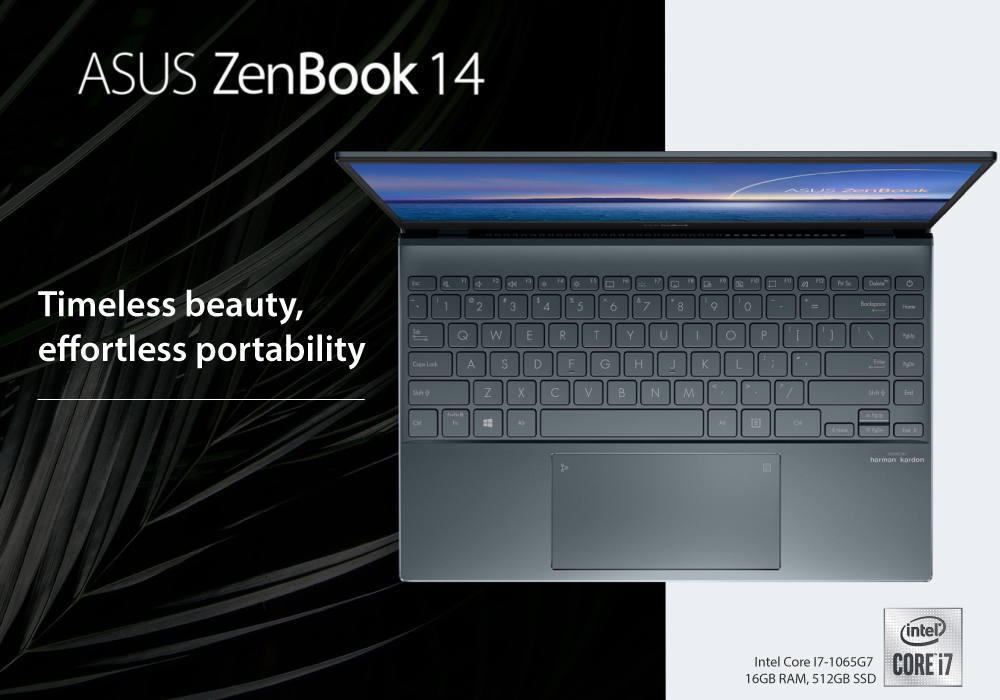
Asus ZenBook UX425JA is a sleek portable Ultrabook from the Asus. This Ultrabook has an IPS level display and has trim aluminum chassis with the ultra-thin bezels and a hinge, that provides extra support while opening the lid. Even with the skinniest structure, the laptop has all the ports you need to eliminate any connectivity issues. ASUS ZenBook UX425JA review will tell you why it is the real deal and real value for money.
Outstanding Specifications
Processor: Intel® Core i7-1065G7 (1.3 Ghz)
Graphics Processor: Intel Iris Plus Graphics
RAM: 8 GB (DDR4)
Storage: 512 GB (Solid State Drive)
Screen Size: 14 inches (1,920 by 1,080)
Dimensions: 0.5x12.6x8.2 Inches
Touch Screen: No
Panel Technology: IPS
Screen Refresh Rate: 60 Hz
Wireless Networking: 802.11ax, Bluetooth
Weight: 2.6 lbs.
Operating System: Windows 10 Home
Battery Life: 15 hours
The Design is Excellent
Stylish, Elegant, and Portable; are three words that describe the ZenBook series. The Asus ZenBook 14 comes with a 14-inch display with the Ultra-thin bezels. The most valuable factor of this notebook is its weight and thinness. The device is only 14 mm thick at its thickest point. The finest grade aluminum ensures its durability, so all the machine, including keyboard deck and bottom.
Asus claims "The Pine Grey finish makes it look Calm and Wiser". It is good that Asus avoided blingy gold accents this time. The body seems "Blueish Gray" under the light and comes with an Asus logo. Beside its slimmest looks, the device has the most compatible due to its ports & connectivity. The Asus describe it the world's thinnest laptop with a full set of ports. Overall, this is a smart, beautiful, and most professional laptop that you can carry everywhere without feeling the weight. The nearest rival is 13-Inch ZenBook UX325 model available only in Lilac Mist color, which does not look much natural. Asus ZenBook UX425JA one of the best Laptop with Intel® Core i7 processor.
Comprehensive Ports for Connectivity
Asus claims ZenBook UX425JA "the world's thinnest 14-Inch laptop with a full set of ports". For sure, you will get a full-sized HDMI output, 2X thunderbolt 3 USB C-Ports, USB A 3.2 Port, and a microSD card reader. That's all. There is no 3.5mm audio port like most modern machines have. With this laptop, you will get a highly certified USB C Type to 3.5mm connector, along with a USB-A to Lan connector. A High-end HRD webcam which supports face recognition is another strong selling point for this gaming laptop.
Unmatchable Battery Life
Asus ZenBook UX425JA is one of the best machines in terms of battery life. There is a 67Wh battery, and Asus claims that this battery life can give you 15 hours of productivity. None other brand proved to give such a long standby time. You can charge this laptop with any of 2 Thunderbolt 3 ports to charge this laptop. The USB C-Type power connector gives it a quick charge. (Zero to 60% under an hour). The other charging options are a power bank or a standard USB.
Our Verdict. A confident Yes!
Asus ZenBook UX425JA is a machine that comes with maximum productivity, the most extended battery life, and the sleekest looks. Another selling factor is its very affordable price.
Despite being sleek and stylish, this laptop needs extra care as well. If you are also looking for the best Notebook, Ultrabook, and smartest laptop within budget- then you should visit FiveTech.
LaptopOutlet is a one-stop-shop for all your laptop needs. The store has every laptop with the latest specification at a very affordable price.
Read More:
| Top 3 ASUS Chromebooks for Students |
| Top 3 ROG ASUS Laptop Series (Zephyrus, Flow, Strix) and Their Best Models |
| How to Speed Up Your Laptop – Easy Fixes for Better Performance |
Related Articles


Last Updated: March 19, 2026
This affordable 11 inches ASUS laptop is specially designed for kids. During the pandemic, as all the schools and colleges shifted towards online classes that is when the demand for everyday laptops increased. To cater to the needs of the students, ASUS released ASUS ExpertBook BR1100FKA. The laptop is built to be rugged and robust to handle rough usage by the kids, but it still has a class.
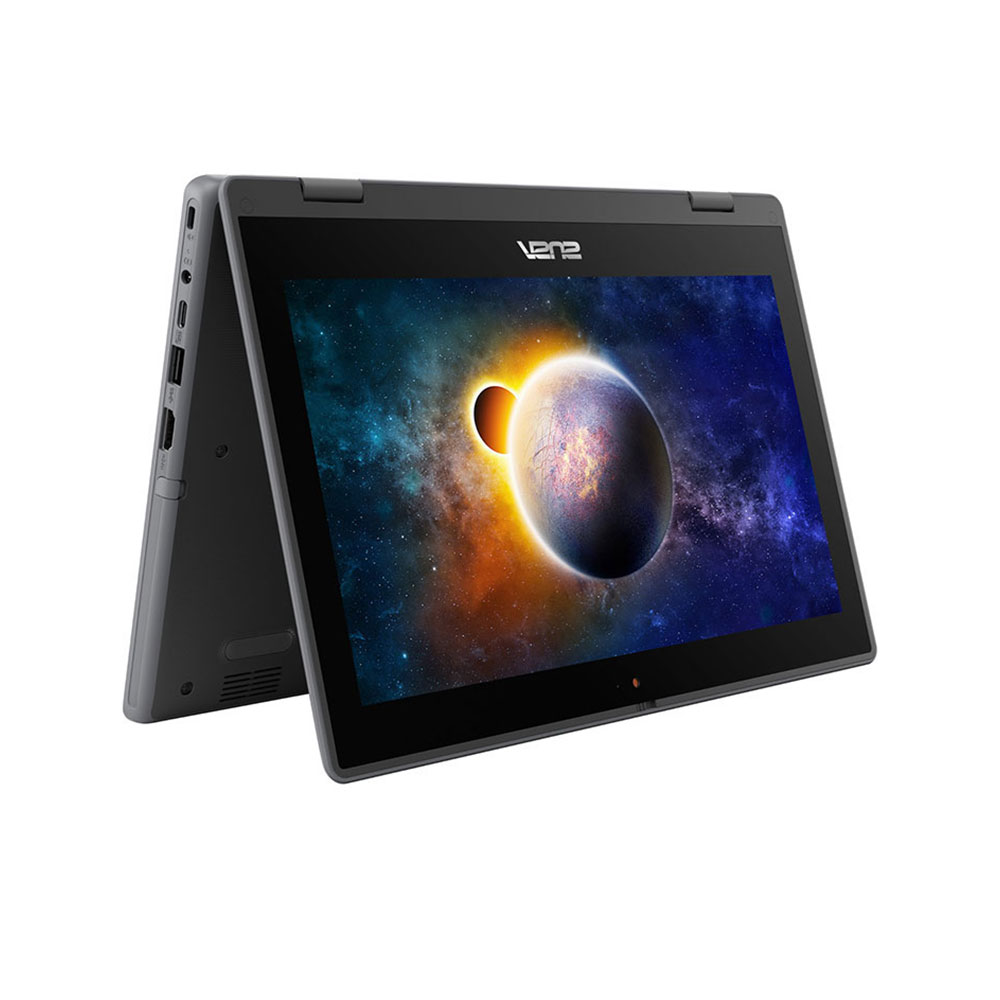
Design:
There are no rounded corners on this ASUS ExpertBook BR1100FKA. The main body of the chassis is made of extremely durable plastic and features a 3D micro-dimple texture that improves grip while holding the laptop. The BR1100F is built to military-grade durability standards in the United States. It's built to withstand knocks, bumps, and even a 120cm drop from a desk or table, though the grippy rubber texture on the lid and base should help prevent slippage. The BR1100F also features a modular design for easy repair, which is uncommon these days. This enables key components such as the battery,
Last Updated: April 02, 2026
ASUS laptops are known for their reliability and performance. However, like any other electronic device, they can occasionally encounter issues that may disrupt your productivity. In this blog, we will explore common problems faced by ASUS laptop users, including slow performance, battery drain, and driver errors. We will provide step-by-step solutions to help you resolve these issues and get your ASUS laptop back in optimal working condition.
Problem 1: Slow Performance
Is your ASUS laptop running slower than usual? A slow-performing system can be frustrating, affecting your productivity and overall user experience. Fortunately, there are several troubleshooting steps you can take to address the issues causing your system to slow down. Let’s take a look!
Insufficient RAM
Insufficient random-access memory (RAM) can significantly impact your laptop's performance. Here's what you can do:
- Check your laptop's specifications to determine the maximum RAM capacity it supports.
- If your
Last Updated: March 30, 2026
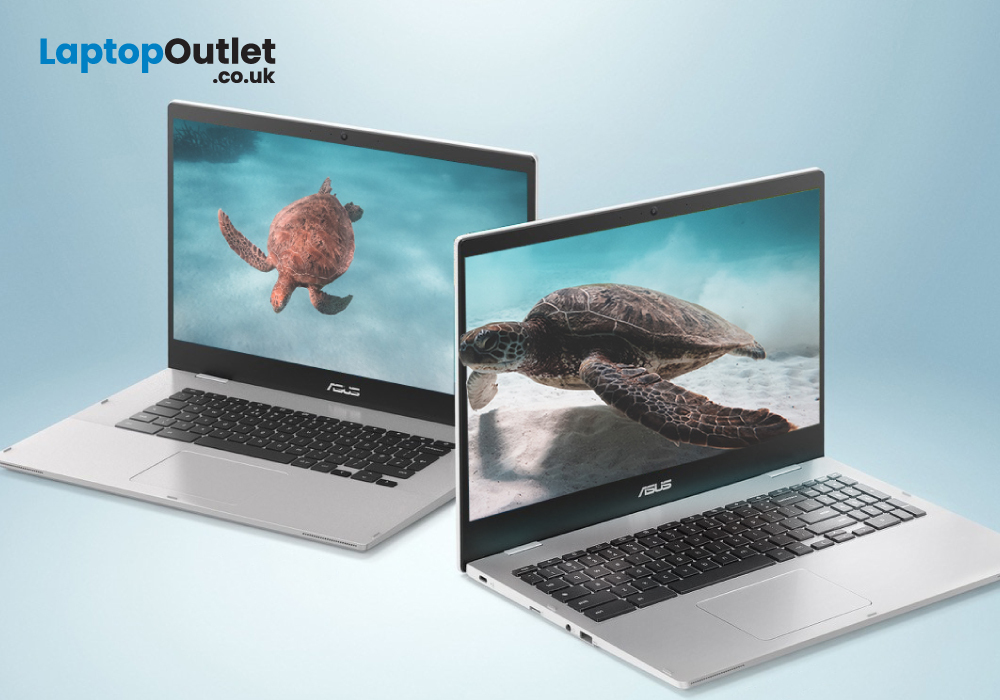
ASUS Chromebooks have gained popularity due to their unmatched performance, sleek designs, and user-friendly interface. The Chromebook has its own operating system, known as Chrome OS. Unlike Windows, Chrome OS is incredibly light and does not slow down over a long period of time.
Therefore, if you have been using your ASUS notebook for a long time, a factory reset can boost its speed. You may also reset it to remove a fake user account. However if you don’t have the password, it can be really overwhelming to reset it. Fear not, as we will walk you through different methods that will help you restore your Chromebook to its factory settings.
What is a factory reset?
A factory reset or password reset erases all the data from your Chromebook, including all of the files in the download folder. It also removes non-user related information but keeps a little diagnostic and operational data. Resetting your Chromebook is also known as "Powerwash".
A factory reset is an effective troubleshooting
Last Updated: March 30, 2026
Are you a student in need of a reliable and efficient laptop? Look no further than ASUS Chromebooks for students! These laptops offer excellent performance, portability, and affordability. From making assignments, to taking notes, these impressive devices are capable of just about anything.
But how do you decide which laptop is the best for you? Anyone can get confused while picking out their ideal product amongst thousands of laptops. That’s why we have listed the top 3 student ASUS Chromebook in 2023. All while considering the RAM, processing power, battery life, and budget.
ASUS Chromebook CX1500CKA-EJ0014
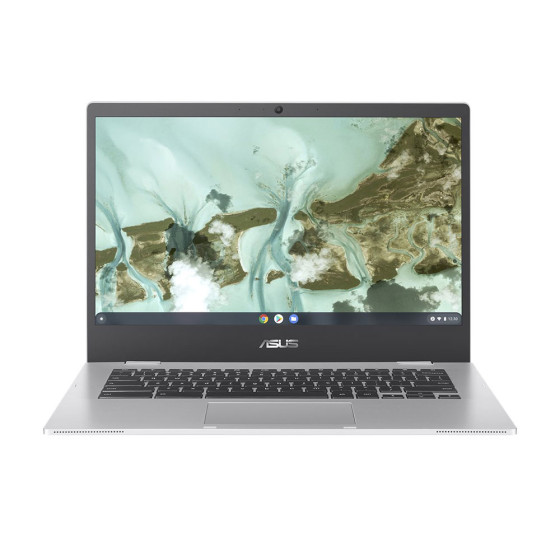
The ASUS Chromebook CX1500CKA-EJ0014 is the best Chromebook for study with a 15.6-inch Full HD display, providing a vibrant and immersive viewing experience.
Under the hood, the laptop is powered by Intel Pentium Silver processor and 4 GB of LPDDR4 RAM. This enables the Chromebook to deliver smooth multitasking and efficient performance.
It also features a spacious

