



ASUS VivoBook vs Chromebook: Affordable Laptop Showdown
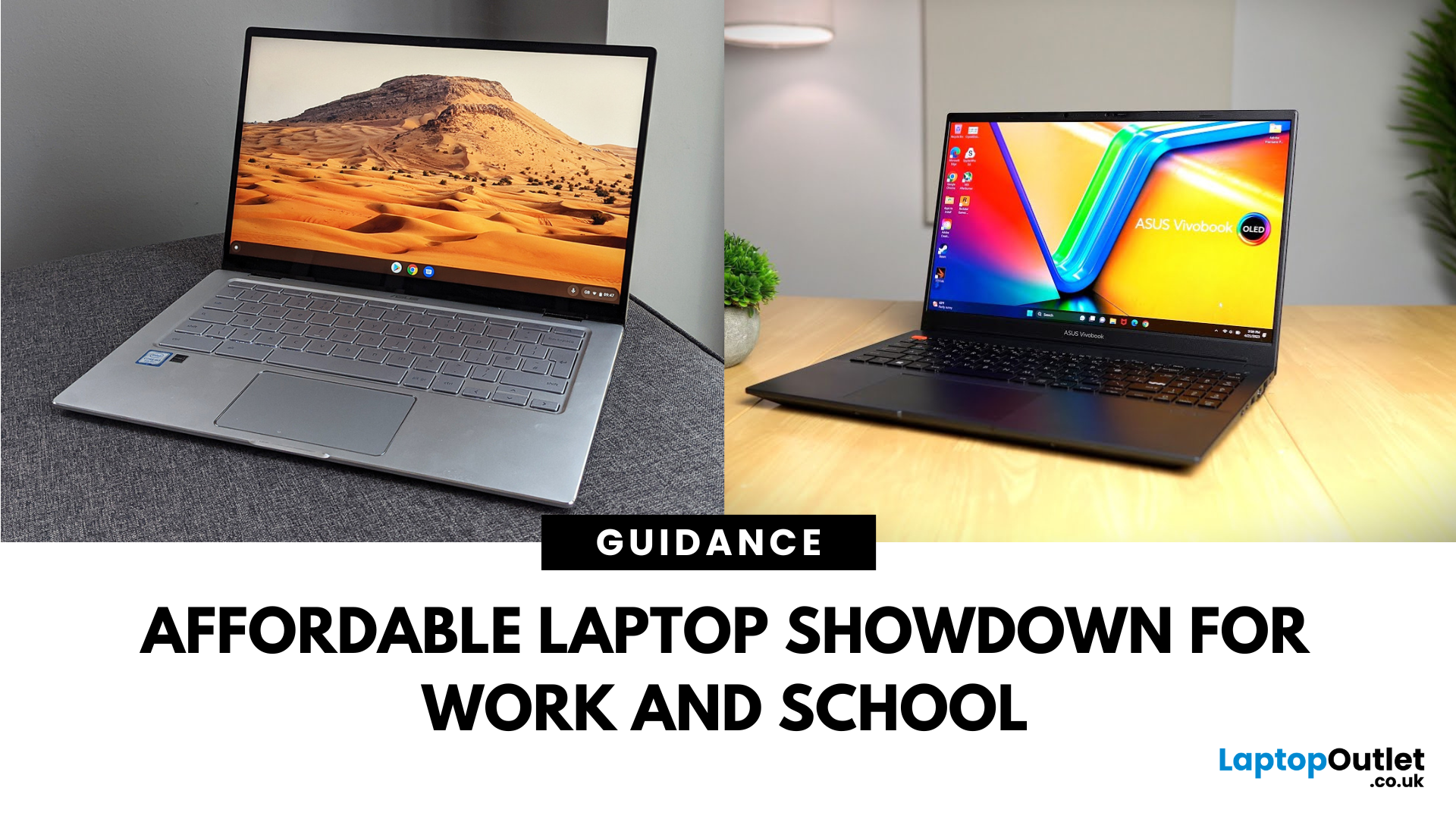
What’s the Main Difference Between ASUS VivoBook and ASUS Chromebook?
ASUS VivoBook is a budget-friendly Windows laptop packed with higher specs, better performance, and greater storage—great for everyday creativity, schoolwork, and productivity. ASUS Chromebook runs ChromeOS, offering simplicity, quick startup, and seamless Google ecosystem integration—perfect for browsing, media, and lightweight tasks on a budget.
ASUS VivoBook vs Chromebook: Feature Comparison Table
|
Feature |
ASUS VivoBook |
ASUS Chromebook |
|
Operating System |
Windows 11 (full desktop apps) |
ChromeOS (web & Play Store apps) |
|
Processor Options |
Intel Core / AMD Ryzen / Snapdragon X chips |
Intel Celeron / MediaTek |
|
Storage & Memory |
Up to 512 GB SSD, 16 GB RAM |
eMMC 16–128 GB, 4–8 GB RAM |
|
Display Sizes |
14–16″, up to 1920×1200 or OLED (16") |
11–14″ FHD or HD |
|
Weight & Portability |
1.5–1.9 kg (heavier build) |
1.1–1.5 kg (lighter shell) |
|
Battery Life |
~6–14 hours depending on model |
~10–12 hours thanks to efficient OS |
|
Ports & Connectivity |
Rich: USB-C, USB-A, HDMI, sometimes Thunderbolt |
Limited: often USB-C only, fewer ports |
|
Price Range (UK/US) |
~£450–£800 depending on config |
~£200–£450 for basic to Plus models |
-
Performance & Storage
- ASUS VivoBook: Comes with stronger Intel Core or AMD processors, 512 GB of SSD storage, and higher RAM—great for multitasking and Windows applications.
- ASUS Chromebook: Uses lightweight CPUs like Celeron and offers minimal SSD storage (often 16 GB). Best suited for web apps and light usage.
If you need fast performance and ample storage for productivity, the VivoBook is the better choice for students and creators. However, if you value cloud-first simplicity and budget-friendly design, the Chromebook could be the right fit for casual users.
-
Operating System & Software
- VivoBook: Full Windows 11 lets you run desktop-grade software like Office, Photoshop, or Zoom in full power.
- Chromebook: Built around ChromeOS—lightweight, secure, and optimized for web-based apps and cloud storage. Google updates last up to 10 years.
If you need desktop applications and flexible software, go with VivoBook. But if web and cloud tools are enough, the Chromebook saves you cash and hassle.
-
Portability & Display
- VivoBook: Offers larger FHD screens (often 14–15.6") and sturdier builds—but at a slightly heavier weight.
- Chromebook: More compact and lighter—perfect for commuting or light travel. Display quality is basic but sufficient for daily tasks.
If you need lightweight portability and basic browsing, go Chromebook. But if visual clarity and durability matter, VivoBook wins.
-
Battery Life & Efficiency
- ASUS VivoBook: Delivers between 6–14 hours depending on the model, with some Snapdragon-powered variants offering all-day endurance.
- ASUS Chromebook: Averages 10–12 hours thanks to its lightweight operating system and efficient components.
If you need the longest unplugged battery life for all-day work or study, the Chromebook is the better choice for frequent travellers and students. However, if you want stronger performance with competitive battery life, the VivoBook could be the right fit for power users.
-
Connectivity & Expansion
- ASUS VivoBook: Typically offers multiple ports, including USB-A, USB-C, HDMI, microSD, and even Thunderbolt on higher models—ideal for connecting peripherals.
- ASUS Chromebook: Usually has fewer ports, often relying on USB-C for charging and data transfer.
If you need multiple connectivity options for devices, displays, and storage, the VivoBook is the better choice for flexible work setups. However, if you use mostly wireless accessories and value a minimal port layout, the Chromebook could be the right fit for simple setups.
Pros & Cons
|
Model |
Pros |
Cons |
|
ASUS VivoBook |
|
|
|
ASUS Chromebook |
|
|
Which Should You Choose?
Choose the ASUS VivoBook if you want a powerful, Windows-ready laptop for multitasking, creative tools, or productivity. Choose the ASUS Chromebook if you need a simple, portable, and budget-friendly option mainly for browsing, streaming, and smart use.
Ready to find your perfect everyday laptop? Check out the ASUS VivoBook range or explore ASUS Chromebooks to see which one fits your style. Shop now and grab the best laptop deals today at Laptop Outlet.
FAQs
Q1: Can I run Microsoft Office on both VivoBook and Chromebook?
Yes—VivoBook runs the full desktop version of Office natively, while Chromebook supports Office via web or Android apps.
Q2: Which is more affordable, VivoBook or Chromebook?
Chromebooks are usually cheaper. VivoBooks offer more performance but come at a higher price.
Q3: Which laptop boots faster?
Chromebooks generally boot faster thanks to ChromeOS optimizing quick startup. VivoBooks take a bit longer due to Windows.
Q4: Can Chromebooks upgrade storage like VivoBooks?
Not usually—Chromebooks rely on cloud storage and have limited onboard upgrade capability. VivoBooks often have upgradeable SSD/RAM.
Summary
The ASUS VivoBook gives you a powerful Windows experience with stronger CPUs, generous SSD storage, and fuller connectivity—ideal for multitasking and offline work. The ASUS Chromebook, on the other hand, is lighter, cheaper, and runs ChromeOS for smooth web-first use. Pick VivoBook for productivity and flexibility; choose Chromebook for ultra-portability and simplicity.
Read More:
Related Articles

Last Updated: September 09, 2025
Worth the Hype?
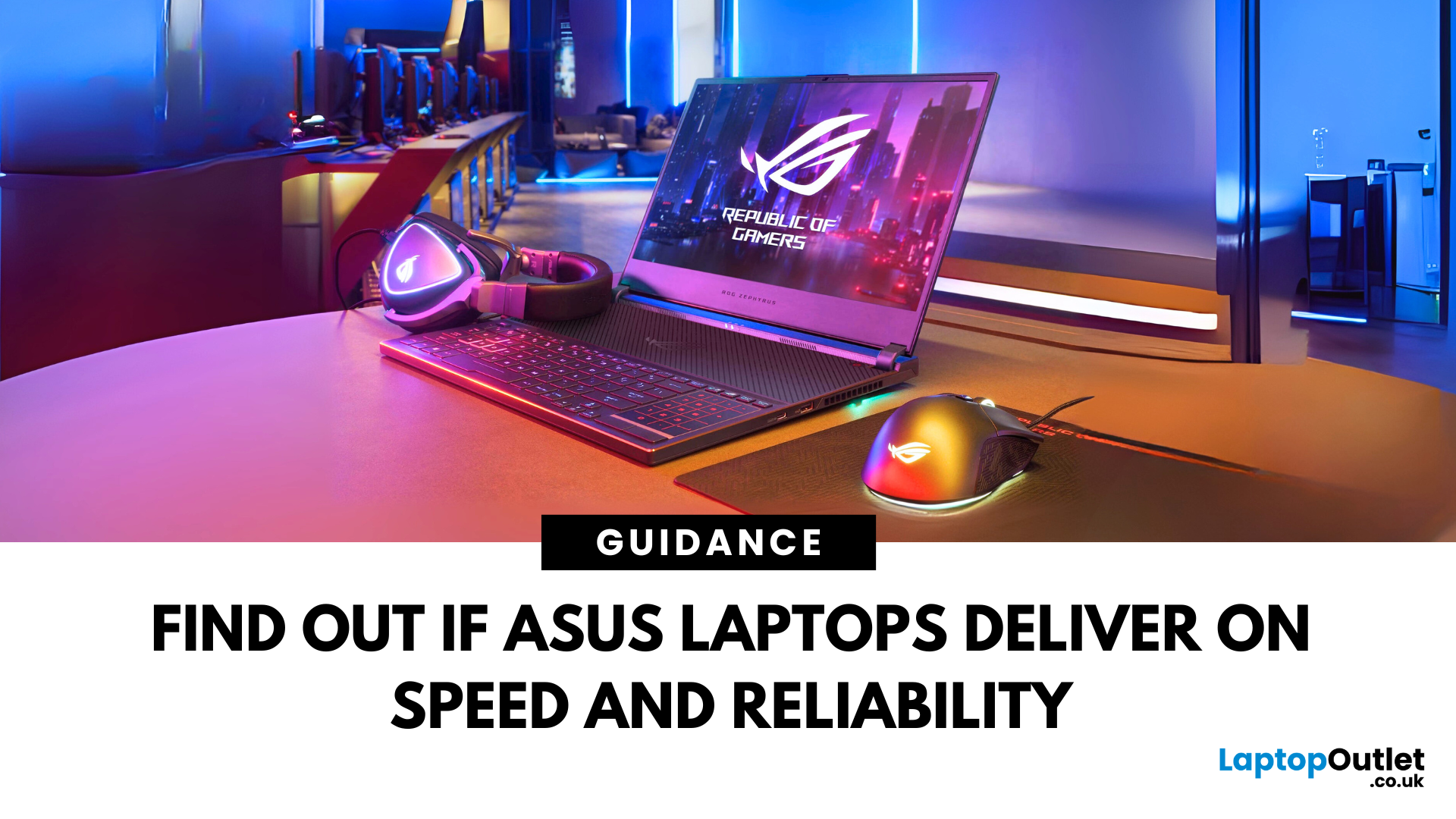
ASUS has become a well-known name in the world of laptops—but are ASUS laptops any good in 2025? With stylish designs, competitive pricing, and powerful internals, ASUS continues to impress students, professionals, and gamers alike. Here’s a full breakdown to help you decide.
1. Who Makes ASUS Laptops?
ASUS is a Taiwanese tech company with a strong reputation for innovation, reliability, and cutting-edge hardware. They manufacture everything from entry-level Chromebooks to high-end gaming machines.
2. ASUS Laptop Line-up Explained
- VivoBook: Affordable, stylish laptops for students and everyday users
- ZenBook: Premium ultrabooks known for design and performance
- ROG (Republic of Gamers): Top-tier gaming laptops with high-end specs
- TUF Gaming: More affordable gaming range with solid durability
- ExpertBook: Business-focused with long battery life and portability
- Chromebooks: Lightweight and budget-friendly, great for browsing and docs
3. What Makes ASUS Laptops
Last Updated: March 19, 2026
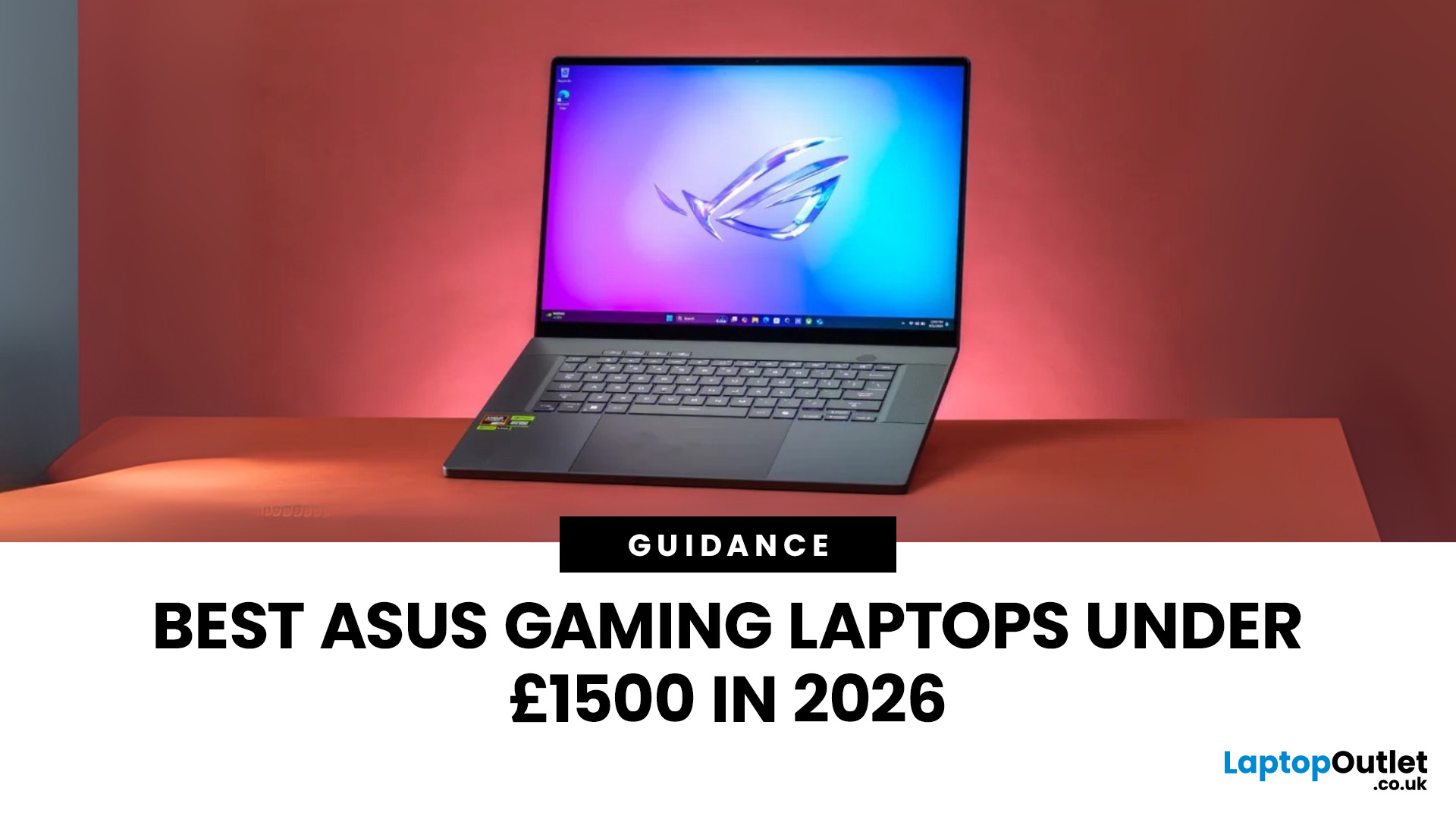
Finding the right ASUS gaming laptop under £1500 is a lot easier than it used to be. A few years ago, this budget often meant making obvious compromises on graphics power, storage or screen quality. In 2026, that is no longer the case. ASUS has some genuinely strong options in this price range, especially across the TUF Gaming and ROG Strix line-ups.
The trick is knowing which model actually fits the way you play.
Some buyers want the most GPU power they can afford. Others care more about portability, a sharper display or a machine that can handle gaming after work without feeling too bulky to carry every day. That is why this ASUS gaming laptops under £1500 guide focuses on what matters most in real buying decisions: performance, screen quality, storage, size, and overall value.
If you are shopping in the UK and want a gaming laptop that can comfortably handle modern titles, multitasking and everyday use without jumping into premium pricing, these ASUS picks deserve a serious look.
Best

Last Updated: September 09, 2025
If you're into gaming and need a laptop that can handle any level of action, whether it's competitive matches, open-world adventures, or fast-paced shooters, ASUS ROG laptops have got you covered. These laptops provide everything you desire: fast performance, smooth graphics, and a design that fits seamlessly into a true gaming setup.
From sleek designs like the ASUS ROG Zephyrus to powerful models with future-proof specs, ASUS ROG Laptops for gamers are made to help you win, whether you’re gaming at home or with friends. In this guide, we’ll explore exactly what makes them ideal for gamers like you.
Why ASUS ROG Laptops Are Built for Gamers
1. High-Performance Specs for Smooth Gaming
The main reason gamers choose ASUS ROG laptops is performance. These machines are packed with high-end components like:
- Latest Intel Core i9 or AMD Ryzen 9 processors
- NVIDIA GeForce RTX graphics cards
- Up to 32GB of RAM and ultra-fast SSD storage
This means games load faster, run smoother, and perform without
Last Updated: September 09, 2025
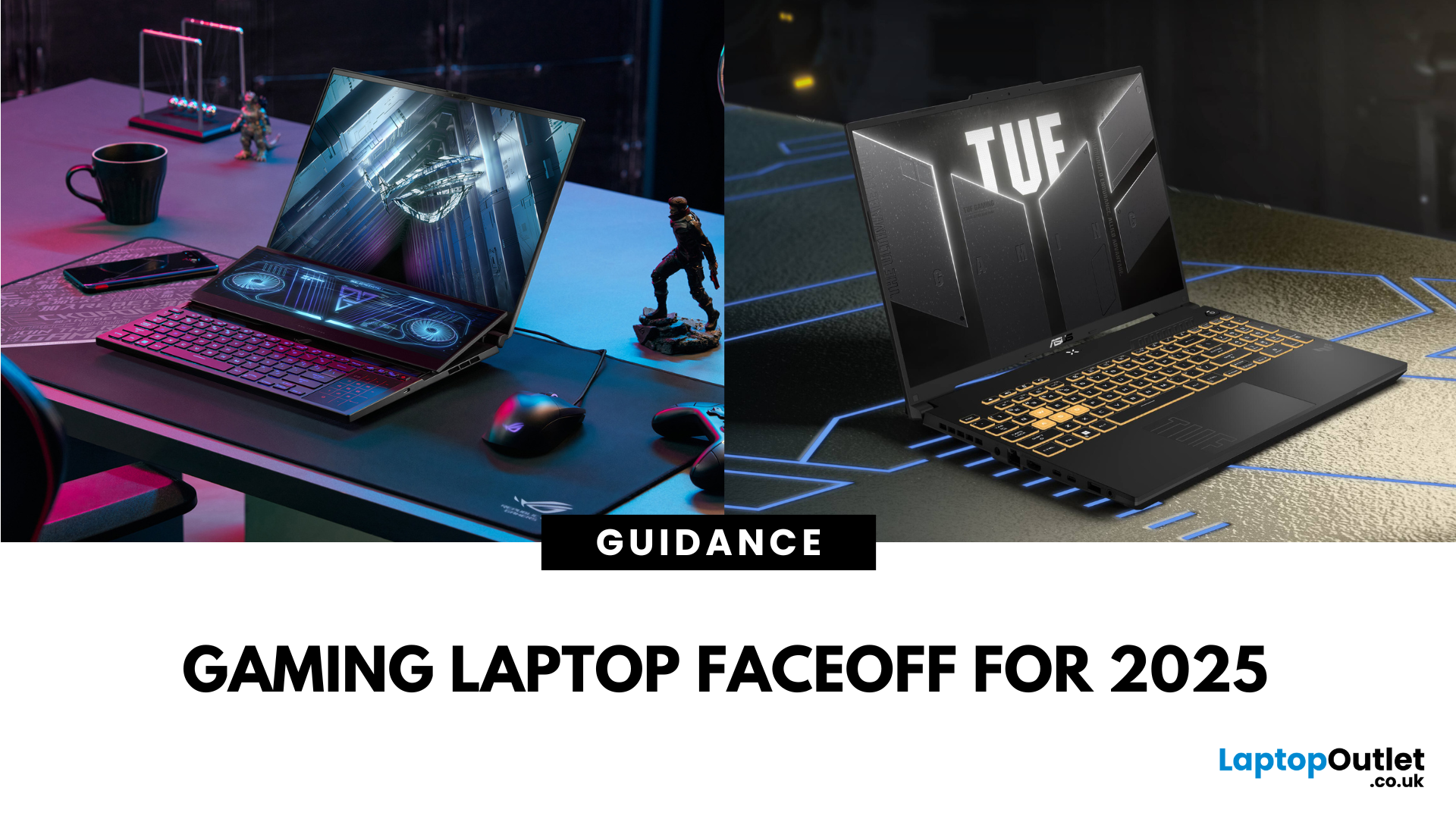
What’s the Difference Between ASUS ROG and TUF?
ASUS ROG (Republic of Gamers) laptops are your high-end, performance-first beasts—slick designs, premium components, and guitars-playing-level specs for serious gamers. ASUS TUF (The Ultimate Force) models serve up reliable gaming performance, but baptised in sturdier builds and easier affordability.
Specs Face-Off: ROG vs TUF (2025 Models)
| Spec Category | ROG Strix G16 / Zephyrus Series | TUF (A14, A16, F16, A18, etc.) |
| GPUs | RTX 5070 Ti / RTX 5080 (up to 16 GB GDDR7) | RTX 5060 / 5070 (up to 8 GB–12 GB) |
| CPUs | Ryzen 9 9955HX3D, Core Ultra 9 275HX | Ryzen AI 9 HX 370, Ryzen 9 270, Core i7 H-series |
| Displays | 16″ QHD (2560×1600), 240 Hz, 500 nits brightness, 189 ppi | 14–18″ FHD/QHD, 144–165 Hz refresh, around 300–500 nits; 165 Hz QHD on A14 |
| Build & Weight | Premium chassis, ~2.7 kg for 16″ models | Military-grade ruggedness, lighter ~2.0–2.5 kg depending on size |
| RAM & Storage | Supports up to 64 GB DDR5, 4 TB SSD, PCIe Gen 4; Thunderbolt 4/USB-4 | Similar upgrade |
Last Updated: October 03, 2025
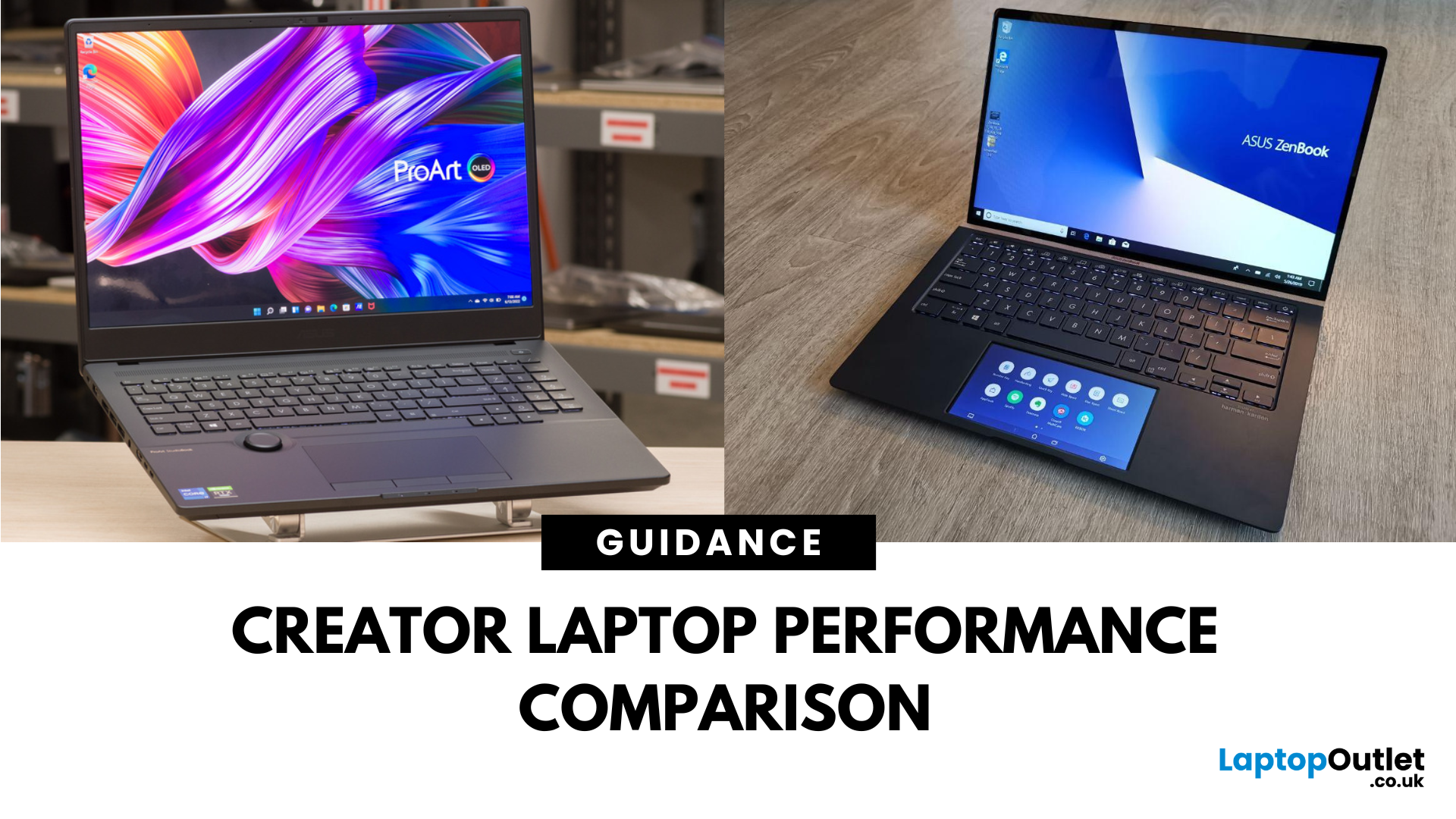
What’s the Main Difference Between ASUS ProArt and ZenBook?
The ASUS ProArt series is engineered for professional content creators working in video production, photography, animation, and 3D modelling. It delivers ISV-certified performance, ultra-accurate colour displays, and AI-powered creator tools like ASUS DialPad and Creator Hub.
The ASUS ZenBook series targets professionals and creatives who need portability, battery endurance, and sleek aesthetics. While still capable for creative work, ZenBooks are tuned for light-to-moderate creative tasks, multitasking, and on-the-go use rather than maximum workstation output.
Specs Face-Off: ASUS ProArt vs ZenBook
| Feature | ASUS ProArt Series | ASUS ZenBook Series |
| Target Audience | Professional creators needing maximum power and colour precision | Mobile creatives, designers, and professionals seeking portability and style |
| Performance Focus | Workstation CPUs & NVIDIA RTX GPUs, ISV-certified for Adobe/Autodesk | Efficient CPUs, integrated or mid-tier GPUs, |
Last Updated: April 02, 2026
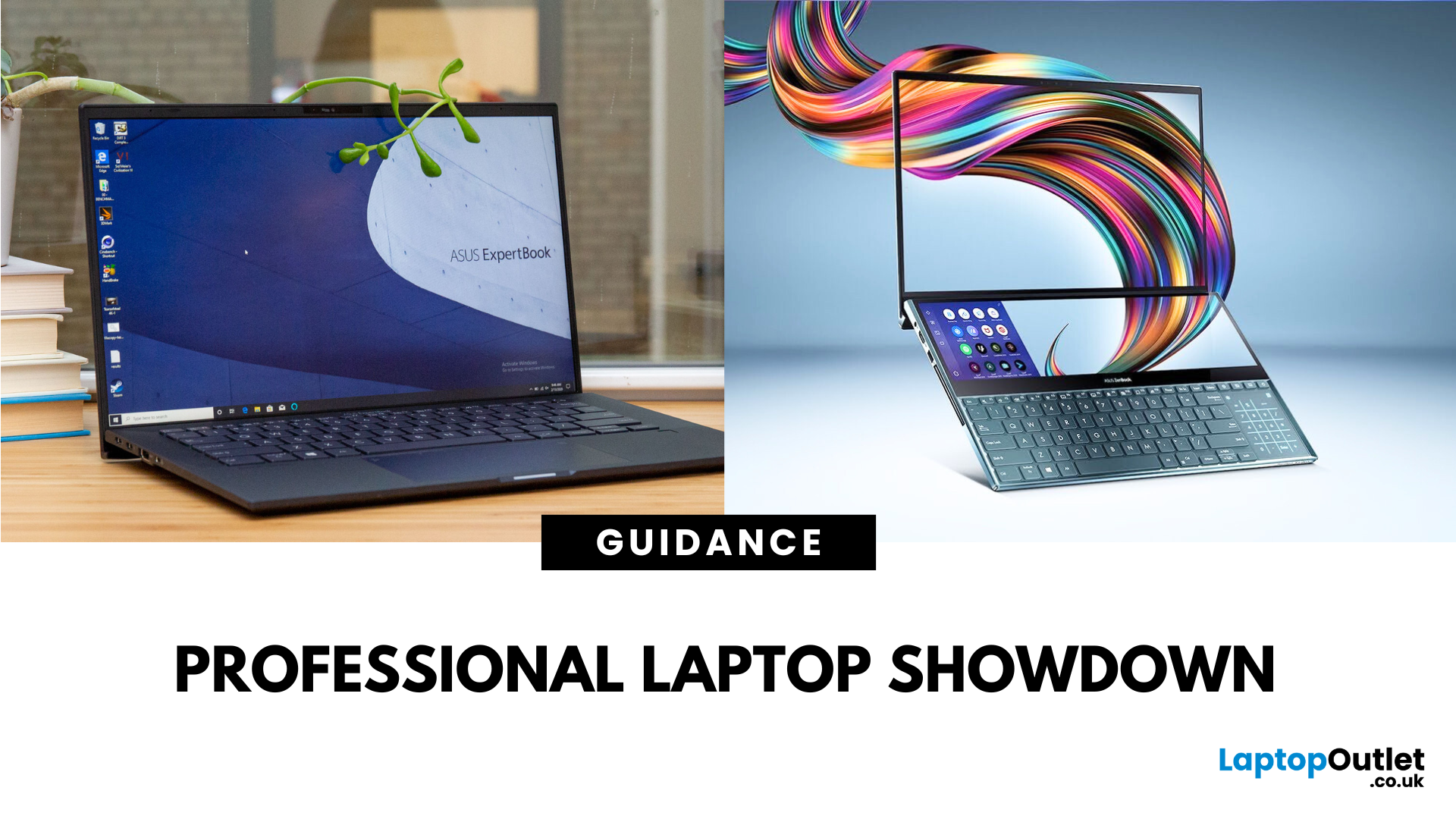
What’s the Difference Between ExpertBook and ZenBook?
The ExpertBook line is designed for professionals who demand durability, lightweight builds, enterprise features, and long battery life often with vPro support and MIL-STD testing. The ZenBook series decks out innovators and creators with premium OLED (and even dual-screen) displays, ultra-light designs, and high-end performance geared toward aesthetics and mobility.
Specs Face-Off: ExpertBook vs ZenBook
| Spec Category | ExpertBook (e.g., B5, B1, P3) | ZenBook (e.g., 14 OLED, Duo, S16) |
| Build & Weight | Ultra-light (~1.27–1.41 kg), MILSTD durability | Super-slim (~1.2–1.5 kg), aluminium/titanium builds, dual-screen option |
| Display & Visuals | Business-friendly 14" FHD or WQXGA screens, optional touch/stylus | Stunning 14" 2.8K OLED at 120 Hz, vivid dual-screen Duo models, immersive S16 displays |
| Performance | Up to Intel Ultra 7 with vPro, optional Arc/RTX GPU in some models | Core Ultra 7 or Ryzen AI CPUs, upgraded for creatives and heavy multitasking |

