



Acer Laptops Buying Guide: Series, Use Cases & Expert Picks

If you're in the market for a new laptop, it's definitely worth taking a closer look at Acer. Acer is one of the most established names in the laptop market, known for delivering a wide spectrum of devices that balance performance, design, and price. The brand covers everything from affordable student notebooks to high-end gaming rigs and enterprise-ready business systems.
Over the years, Acer has built a reputation for combining practical features with competitive pricing, often undercutting rivals without compromising on quality. Its portfolio is organised into series such as Aspire, Swift, Predator, Nitro, TravelMate, and Vero, each designed with specific users and workloads in mind.
This Acer laptop buying guide explains the differences between the series, highlights which models work best for students, professionals, and gamers, and outlines the key features to prioritise when comparing options. It also includes buying tips and expert recommendations to help you make a decision with confidence.
Acer Laptop Series: What Each One Means
Acer’s lineup is arranged into series, each with positioning, strengths, and trade-offs. Understanding them is the first step in any Acer laptop comparison.
Acer Aspire Series

The Aspire line remains Acer’s mainstream “all-rounder” series: accessible, varied in size, and good for everyday use. In 2026, Acer continues to refresh Aspire models with newer CPUs, efficiency gains, and occasionally “premium” versions like Aspire Premium. For example, the Aspire Premium line has been cited as a strong multi-tasking option in recent roundups.
Also worth noting: Acer has launched the Aspire Vero, which combines sustainability and strong internals, using over 70 % post-consumer recycled plastics and oyster shell accents in its build.
Strengths:
- Good value per pound/dollar
- Wide configuration choices (budget to mid-tier)
- Familiar, reliable builds
- Recent models may include modern features like AI support
Typical trade-offs:
- Not ultra-premium in materials
- Limited for very high-end gaming or heavy creative workflows
Acer Swift / Swift Go / Swift Edge / Swift X Series

These are Acer’s ultrabooks, prioritising portability, premium design, and power efficiency. In 2026, Acer has infused many Swift models with AI features (via NPUs) and new chiplines. Swift models of 2026 incorporate Intel Core Ultra and AMD Ryzen AI 300 series, enabling on-device AI tasks such as noise cancellation and live captions.
In fact, Acer’s 2026 push includes Swift Go models with both Intel and AMD AI chips. For instance, the Swift Go 14 AI version is claimed to achieve up to 24.9 hours of video playback in tests.
The Swift Edge line is marketed as ultra lightweight (under 1 kg in some cases) and packs high-end displays. For example, the Swift Edge 14 AI is praised for its 9.3 mm thickness and excellent battery life.
Strengths:
- Premium feel, slim/light builds
- Top-tier displays (OLED, high refresh, crisp panels)
- AI and future-focused tech in newer models
- Good battery life for daily or travel use
Trade-offs:
- Higher cost for same specs vs. other series
- Less expandability in some models
Acer Spin / Convertible & Chromebook Lines
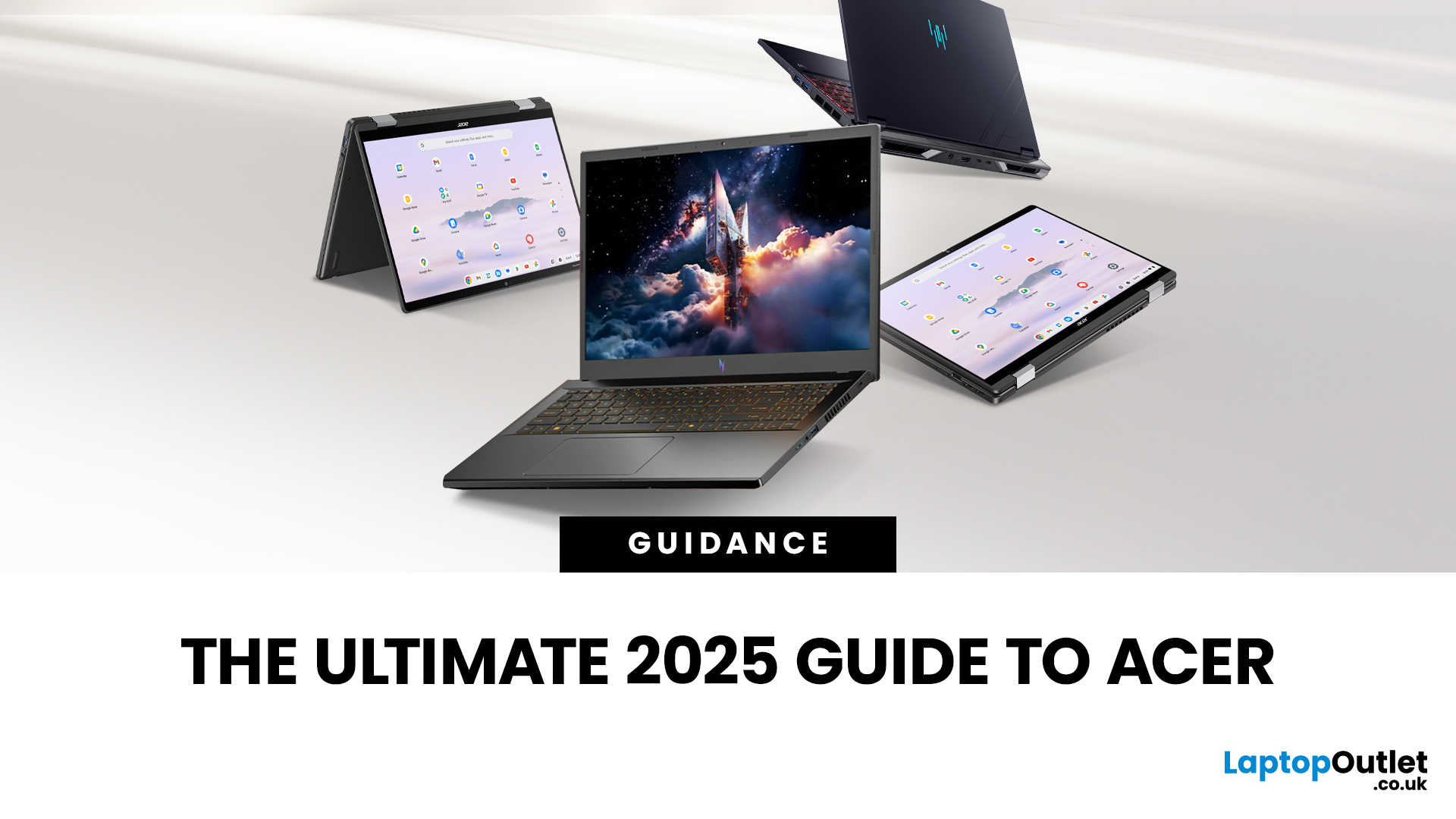
Acer’s Spin line, and its Chromebook Spin variants, focus on 2-in-1 flexibility. These laptops rotate into tablet mode, support stylus input, and suit users who value versatility. ChromeOS options combine this with lightweight performance, strong security, and affordability.
Acer chromebook models are particularly popular with students, teachers, and professionals who collaborate or sketch digitally.
Strengths:
- Convertible form factor with touchscreen and stylus support
- Affordable Chromebook options with security and simplicity
- Suitable for students and casual users
Trade-offs:
- Lower performance ceiling compared to Windows-based lines
- ChromeOS limitations for advanced software
Acer Nitro & Predator (Gaming)

Gaming is where Acer goes all-in, with the Nitro and Predator brands pushing high refresh, strong cooling, and discrete GPUs. Nitro covers the budget-to-mid-tier market, while Predator delivers premium gaming and performance hardware. In 2026, Acer has launched Predator Helios Neo 16 with OLED displays and NVIDIA RTX 5070 Ti GPUs targeting gamers and creative professionals. Predator models like Triton and Helios frequently appear in the popular gamer’s list for their raw power and advanced cooling. Nitro models, such as the Acer Nitro V15, remain popular for delivering dedicated GPUs and high-refresh displays at competitive prices.
Strengths:
- Dedicated NVIDIA/AMD GPUs across most models
- High-refresh displays (120 Hz, 144 Hz, 240 Hz+)
- Advanced thermal solutions in Predator line
- Well-suited for gaming and demanding creative workloads
Trade-offs:
- Heavier, bulkier builds compared to other series
- Lower battery life under load
- Premium Predator pricing at the high end
Not sure whether the Acer Nitro or Predator series is right for you? We’ve put together a detailed Acer Predator vs Nitro comparison to help you decide between these two gaming powerhouses
Acer TravelMate / Business & Enterprise

TravelMate is Acer’s business-focused series, designed for reliability, security, and professional use. In 2026, Acer unveiled the TravelMate X4 14 AI, a 1.3 kg business laptop with an OLED display, Wi-Fi 7, and enterprise security features such as TPM and facial recognition.
These systems are built for stability and long-term use, with professional designs and corporate-friendly features. They often trade entertainment features for security and support, making them a safer choice for professional users and businesses. For professionals weighing up business-ready models, we’ve compared Acer TravelMate vs Extensa in detail.
Strengths:
- Enhanced security: TPM, biometric authentication
- Lightweight, professional designs
- Reliable performance and enterprise support
Trade-offs:
- Less focus on gaming or consumer entertainment
- Higher cost for business-oriented features
Acer ConceptD / Creator & Studio

The ConceptD series is Acer’s professional line for creators, including designers, video editors, and 3D professionals. These laptops prioritise colour-accurate displays, powerful GPUs, and robust cooling solutions.
While not as mainstream as Predator or Swift, ConceptD laptops frequently feature in specialist reviews for creative workflows. Features include Pantone-validated displays, workstation-class hardware, and quiet cooling systems designed for sustained workloads.
Strengths:
- High colour accuracy (Pantone-validated displays)
- Powerful CPUs and GPUs tuned for creative tasks
- Effective thermal solutions for long rendering sessions
Trade-offs:
- Premium pricing
- Niche focus compared to Aspire or Swift
If you’d like a standalone overview of Acer’s main laptop families, explore our dedicated Acer laptop series breakdown blog - a quick reference for Aspire, Swift, Nitro, Predator, Chromebook, and TravelMate.
Matching Acer Laptops to Use Cases
Once you understand Acer’s different series, the next step is to identify which laptop best meets your needs. Buying a laptop without considering your use case often leads to overspending or the purchase of features you’ll never use.
Below, we will walk through the most common scenarios - students, business users, creatives, and gamers- explaining what to prioritise, which Acer models fit best, and practical tips to make your decision easier.
1. Acer Laptop for Students
Students need laptops that are practical, durable, and affordable. A student laptop should be light enough to carry to lectures, powerful enough to handle assignments, and efficient enough to get through a full day of study without being tethered to a charger.
What to prioritise as a student:
- Portability: Under 1.8 kg for easy carrying.
- Battery life: At least 8 hours for full-day classes.
- Performance: 8 GB RAM minimum (16 GB is better if your budget allows).
- Storage: SSD drives (256–512 GB) for faster boot-up and file access.
- Keyboard: Comfortable typing for essays and reports.
Acer Laptops for Students: Top Picks
Acer Chromebook CB515-2H 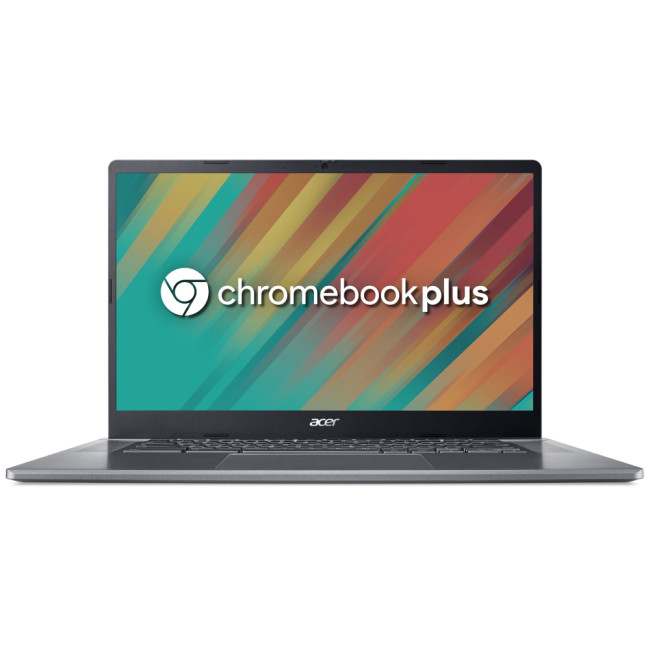
A student-friendly Chromebook with a 12th Gen Intel Core i5, 8GB RAM, and a 15.6" Full HD IPS screen, offering speed, simplicity, and reliable performance for online learning and productivity.
Acer Aspire 3 A315-59-705A
Powered by a 12th Gen Intel Core i7 with 512GB SSD, this refurbished Aspire 3 gives students a budget-friendly way to access strong multitasking performance on Windows 11.
Acer TravelMate P2 TMP216-51-TCO 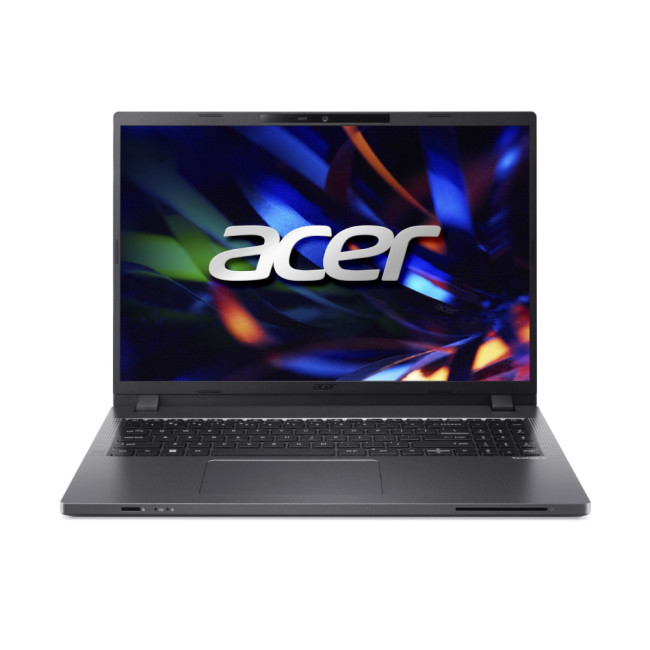
With an Intel Core i5-1335U, 16GB RAM, and a 16" WUXGA display, the TravelMate P2 is ideal for students who need extra power and professional-level features for study and projects.
Laptop buying tips for students:
- Look for Acer laptop deals around back-to-school season or Black Friday.
- Consider Acer refurbished laptops for significant savings without losing warranty.
- If you’re in a design-heavy course, step up to Aspire or Swift models with dedicated GPUs.
2. Acer Laptop for Business & Professionals
For professionals, the priorities shift from affordability to dependability and efficiency. A business laptop should offer strong performance for multitasking, robust security features, and a premium build that can withstand years of use.
Key features to look for:
- Processor: Intel Core i5/i7 Ultra or AMD Ryzen Pro for business-grade performance.
- Security: Features like TPM chips, fingerprint scanners, and facial recognition.
- Connectivity: Thunderbolt, USB-C, HDMI, and Ethernet for docking and presentations.
- Durability: Professional designs, often lighter but sturdier than consumer laptops.
- Warranty: Extended support options for peace of mind.
Acer Laptops for Professionals: Top Picks
Acer Swift 14 AI Copilot+ 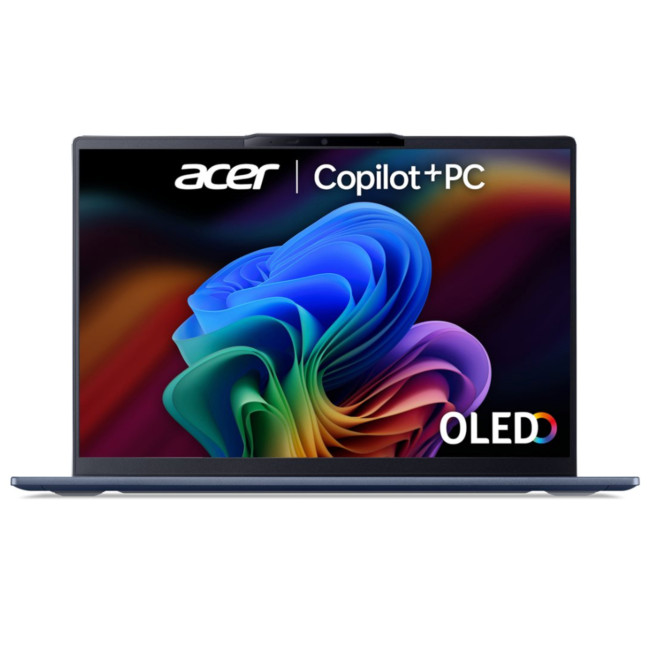
Equipped with Intel Core Ultra 7, 16GB RAM, and 1TB SSD, this premium 14-inch laptop is designed for modern professionals, delivering AI-powered efficiency, strong performance, and sleek portability for hybrid work.
Acer Extensa 15 EX215-23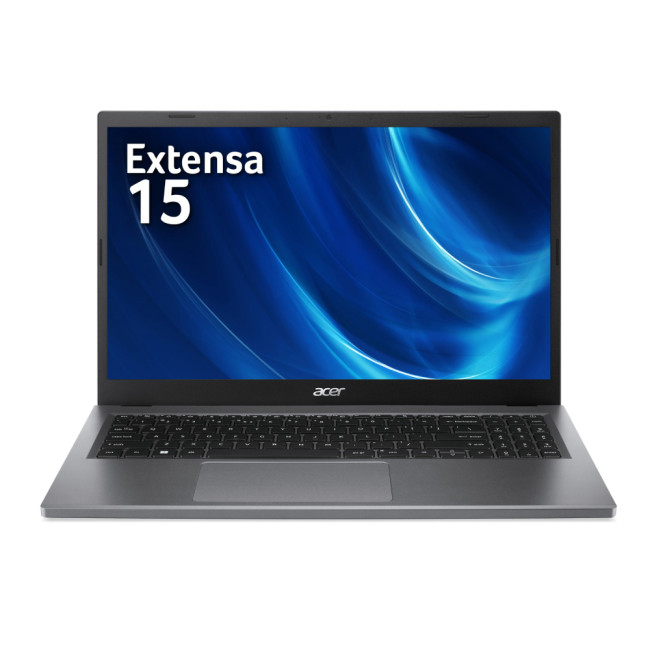
Featuring AMD Ryzen 5 and 16GB RAM, the Extensa 15 is a reliable and affordable business laptop, ideal for everyday office productivity, multitasking, and long-term use without stretching the budget.
Acer TravelMate P4 Spin TMP414RN-53-TCO 
A 2-in-1 convertible with Intel Core i7, 16GB RAM, and a responsive 14-inch touchscreen, perfect for business users who need flexibility for meetings, presentations, and secure Windows 11 Pro performance.
Laptop buying tips for business buyers:
- Choose modular laptops that allow RAM and SSD upgrades.
- Prioritise devices with long battery life if you travel often.
- Check docking and external monitor support.
- Consider certified refurbished Acer laptops to reduce IT costs without compromising reliability.
3. Acer Laptop for Creatives & Content Work
Creators, designers, editors, and digital artists need laptops optimised for heavy workloads. Here, the display and GPU are just as important as the CPU. Acer caters to this market through its Predator, Nitro, Swift X, and ConceptD lines.
What matters most for creatives:
- Graphics: A discrete GPU (NVIDIA RTX, Intel Arc) is essential for video editing, 3D modelling, or rendering.
- Display: Look for colour-accurate panels (IPS, OLED) with wide gamut support.
- RAM: At least 16 GB, with 32 GB preferable for editing large projects.
- Storage: Fast SSD (NVMe Gen4/5) to handle large files.
- Cooling: Strong thermal management for sustained workloads.
4. Acer Laptops for Creatives: Top Picks
Acer Aspire 16 A16-71M 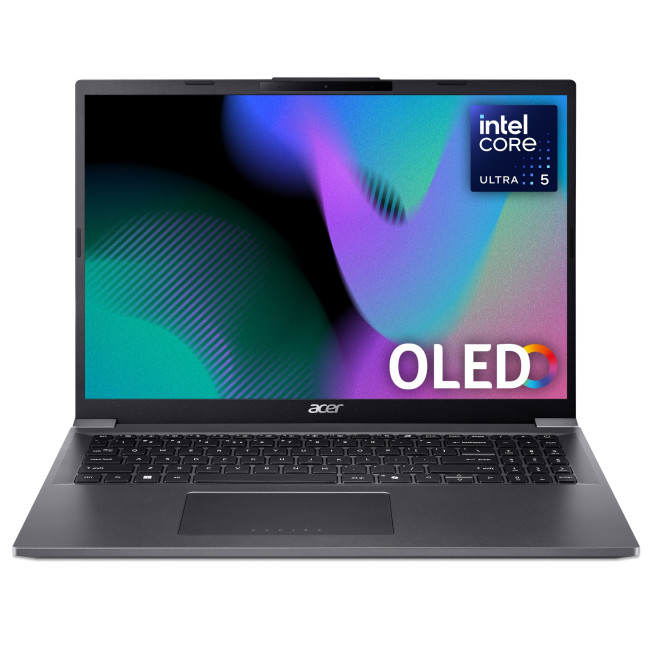
A balanced creative laptop with a vibrant 16-inch OLED WUXGA+ display, Intel Core Ultra 5, and 16GB RAM, making it excellent for photo editing, digital art, and everyday creative workflows.
Acer Swift 14 AI Copilot+ 
Portable and powerful, this AI-driven laptop is perfect for creatives on the go, offering strong performance for design tools and future-ready AI enhancements in a sleek 14-inch build.
Acer Predator Helios Neo 18 AI 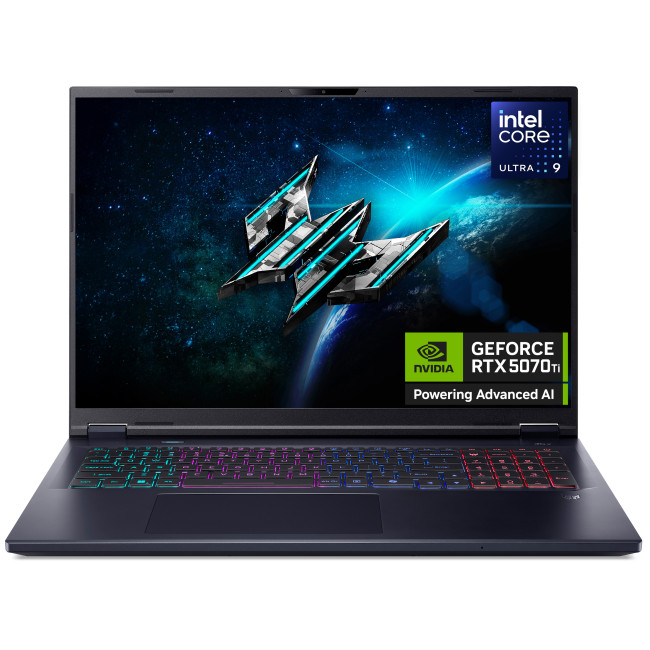
Built for power users, this machine pairs top-tier CPU and GPU performance with an expansive 18-inch display, making it ideal for video editing, 3D rendering, and heavy creative workloads.
Acer Nitro V 14 AI 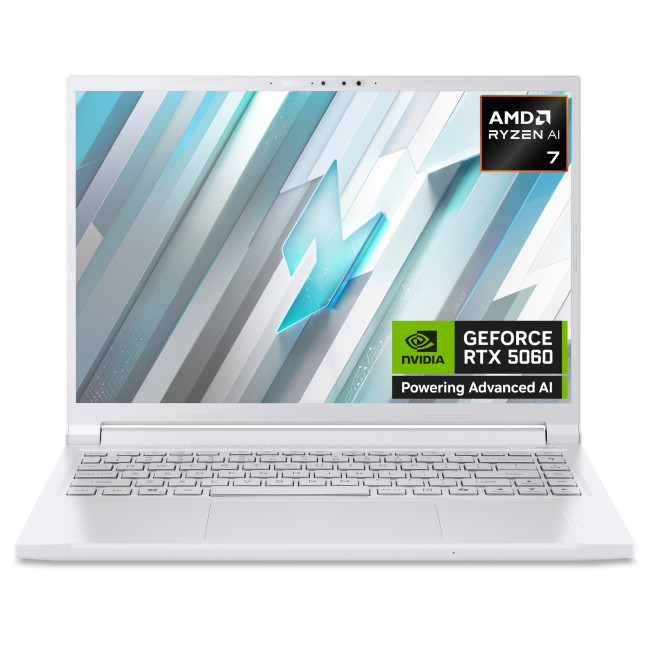
Compact yet performance-focused, this Nitro offers serious creative capability with a Ryzen AI processor, 32GB RAM, and RTX graphics, all in a portable 14.5-inch chassis.
Laptop buying advice for creatives:
- Don’t compromise on display quality—accurate colours save time and frustration.
- Consider AI-enabled Swift models for features like auto-captioning and noise reduction.
- Always factor in cooling and upgrade options if you work with 4K video or 3D rendering.
5. Acer Laptop for Gaming & High Performance
Gamers demand raw performance, smooth visuals, and robust cooling. Acer’s Predator and Nitro lines are designed specifically for this, while some Aspire Premium models can handle casual gaming.
Gaming priorities:
- Graphics card: NVIDIA RTX 40/50 series or AMD equivalents for modern titles.
- Display refresh rate: 144 Hz minimum, with higher refresh rates (240 Hz+) preferred for esports.
- Cooling system: Multi-fan or vapor chamber cooling to sustain high FPS.
- Keyboard: Responsive keys with anti-ghosting; RGB lighting optional.
- Battery: Accept limited battery life; gaming laptops are built to run on mains power.
Acer Laptops for Gamers: Top Picks
Acer Nitro V 14 AI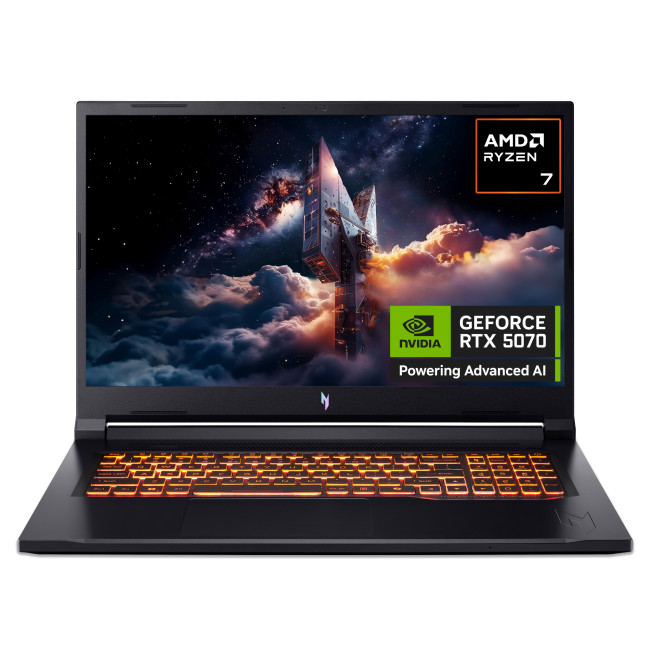
A compact gaming laptop with serious power, the Nitro V 14 AI balances portability with performance. Its Ryzen AI 7 processor, RTX 5060 GPU, and WQXGA display make it a strong choice for esports players and gamers.
Acer Predator Helios 16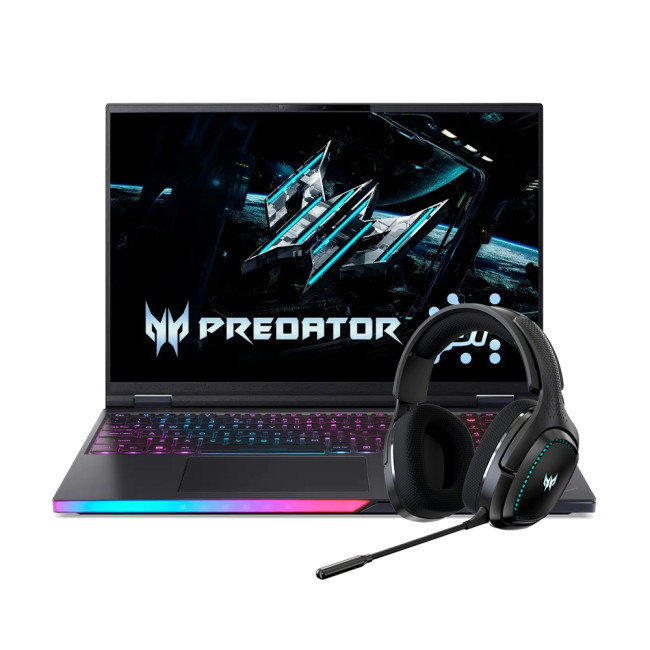
Designed for high-end gaming, the Helios 16 AI combines a Core Ultra 9 processor with NVIDIA’s flagship RTX 5090 GPU. The 16-inch OLED display enhances immersion with vivid colours and smooth motion.
Acer Predator Helios 18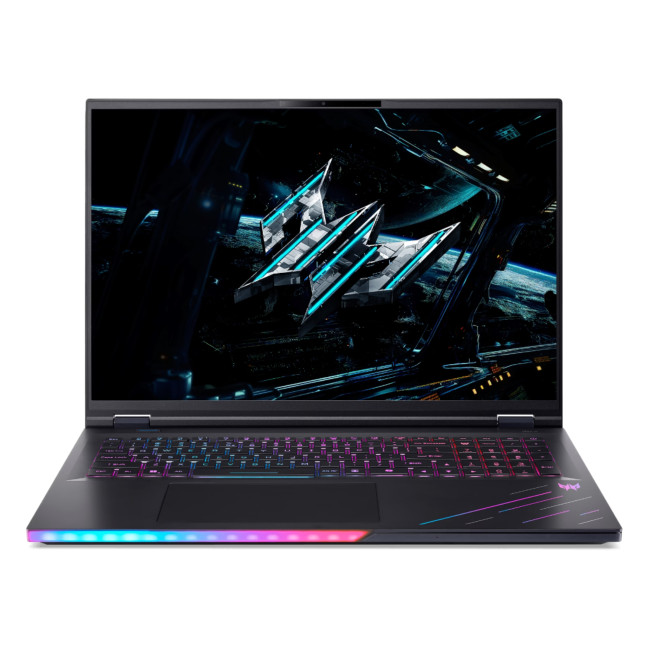
A powerhouse built for the most demanding gamers, this Helios 18 AI boasts 192GB of RAM, massive 5TB storage, and an RTX 5090 GPU. Paired with an 18-inch display, it’s the ultimate desktop replacement for extreme gaming and multitasking.
Gaming laptop shopping tips:
- Avoid pairing entry-level CPUs with high-end GPUs (bottlenecks).
- Stick to 1080p or 1440p gaming unless your GPU can comfortably handle 4K.
- Always prioritise thermals—an under-cooled gaming laptop will throttle and lose performance.
- Check deals on Acer gaming laptops to get more GPU power for your money.
Want a shortlist of the very best Acer laptops for 2026, broken down by budget? Check out our expert picks that go beyond series breakdowns and rank Acer laptops by value, category, and price range.

Why Acer Could Be Your Best Pick in 2026
Acer’s laptop portfolio is one of the most versatile in the market, covering every type of user from students who need affordable and portable machines, to professionals seeking security and reliability, through to creatives and gamers who demand cutting-edge displays, next-gen GPUs, and AI-ready processors. By understanding the different Acer series and matching them to your needs, you can avoid overspending and invest in a device that truly supports the way you study, work, or play.
Whether it’s the dependable Aspire, the sleek Swift, the powerful Predator, or the business-focused TravelMate, Acer continues to deliver laptops that strike a balance between performance, design, and value. The key is to define your priorities, compare carefully, and look for the right combination of specs and features.
At Laptop Outlet, you’ll find one of the widest selections of Acer laptops in the UK including the latest models, refurbished options, and seasonal Acer laptop deals. With expert guidance, competitive pricing, and warranty-backed peace of mind, it’s the ideal place to choose your next Acer notebook laptop with confidence.

What People Ask About Acer Laptops
Which series is best in Acer laptops?
It depends on your needs. The Aspire series is best for all-round everyday use, while the Swift series is ideal if you want portability and premium design. For gaming, the Predator and Nitro series deliver high performance, and the TravelMate line is built for business professionals. Creatives often prefer the ConceptD or higher-end Predator models for their powerful GPUs and colour-accurate displays.
Which is better, Dell or Acer?
Both brands have their strengths. Dell is often praised for its premium XPS range and strong after-sales support, but these laptops can be expensive. Acer, on the other hand, offers a much broader variety across price points, from budget Chromebooks to powerful Predator gaming systems. If you want premium build and are willing to pay more, Dell may appeal; if you’re after value for money with wide choice, Acer is an excellent option.
Which laptop is better between ASUS and Acer?
ASUS is well known for its innovative designs (such as dual-screen ZenBook models) and strong gaming line under ROG. Acer focuses on delivering balance: affordable Aspire laptops, ultra-portable Swift models, and high-performance Predator gaming machines. For creative professionals, ASUS sometimes leads with unique features, but for students, everyday users, and gamers on a budget, Acer often provides better performance for the price.
Is Acer a fast laptop?
Yes, Acer laptops can be very fast, but speed depends on the series and configuration you choose. Entry-level Aspire or Chromebook models are designed for everyday tasks, while Swift, Nitro, and Predator laptops offer high-speed processors, SSD storage, and dedicated graphics for demanding workloads. Top-end Acer Predator models with RTX GPUs and Intel Core Ultra processors rank among the fastest laptops available today.
Is Acer a good choice for laptops?
Yes, Acer is a strong choice. The brand is known for offering a wide range of laptops at competitive prices, often undercutting rivals while still delivering good build quality and performance. Whether you need a budget-friendly Chromebook, a professional business laptop, or a high-end gaming rig, Acer has reliable options across categories.
What is the best Acer laptop for everyday use?
For general tasks like browsing, office apps, and streaming, the Acer Aspire series is the most popular choice. Models such as the Aspire 3 or Aspire 5 provide dependable performance at affordable prices. If you want something lighter and more premium for daily carry, the Acer Swift series is also an excellent pick.
What is the most common problem of an Acer laptop?
The most common issues reported by Acer laptop users are related to battery life and cooling. Entry-level models may have shorter runtimes, and gaming machines can run hot under heavy load. These are not unusual problems across brands, but you can avoid them by choosing a model that matches your workload—for example, Swift for longer battery life or Predator with advanced cooling for high-performance use.
| Read More: |
| Expert Picks for 2026: Best Acer Laptops by Category & Budget |
| HP vs Acer Laptops: Budget-Friendly or Premium Choice? |
| Dell vs Acer Laptops: Which Brand Delivers More Value in 2026? |
Related Articles

Last Updated: September 09, 2025
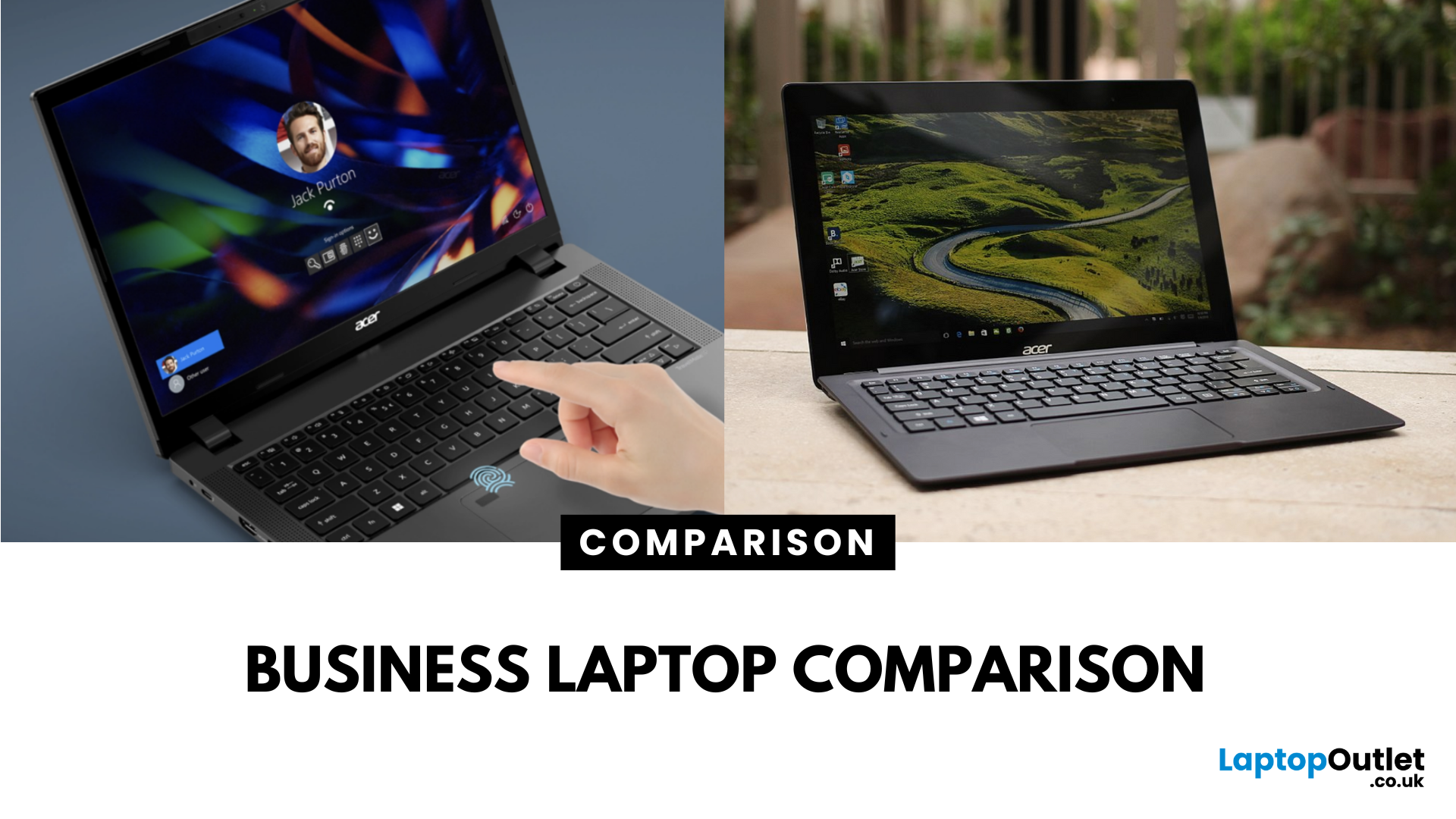
What’s the Difference Between Acer TravelMate and Extensa?
Both the TravelMate and Extensa are Acer’s business-focused laptop lines—but they serve different audiences. TravelMate is Acer’s premium business series, designed for professionals who prioritize portability, reliability, and security. Think sleek magnesium or metal build, MIL-STD durability, and longer support. Extensa is the budget-friendly option aimed at office use and light business tasks. It’s cost-effective, straightforward, and great for general productivity.
Feature Comparison Table
| Feature | Acer TravelMate | Acer Extensa |
| Target Audience | Business professionals, frequent travelers | Budget-conscious office users |
| Build & Durability | Lightweight, rugged, pro-grade construction | Basic plastic build |
| Portability | Thin and light (e.g., TravelMate P6 ~1.1 kg) | Heavier and bulkier |
| Display | Premium 14" IPS / WUXGA on modern models | 15.6" FHD TN or LCD displays |
| Performance Options | Up to Intel i7 (13th Gen), LTE/Thunderbolt support | Up to i5/i7 |
Last Updated: July 22, 2026
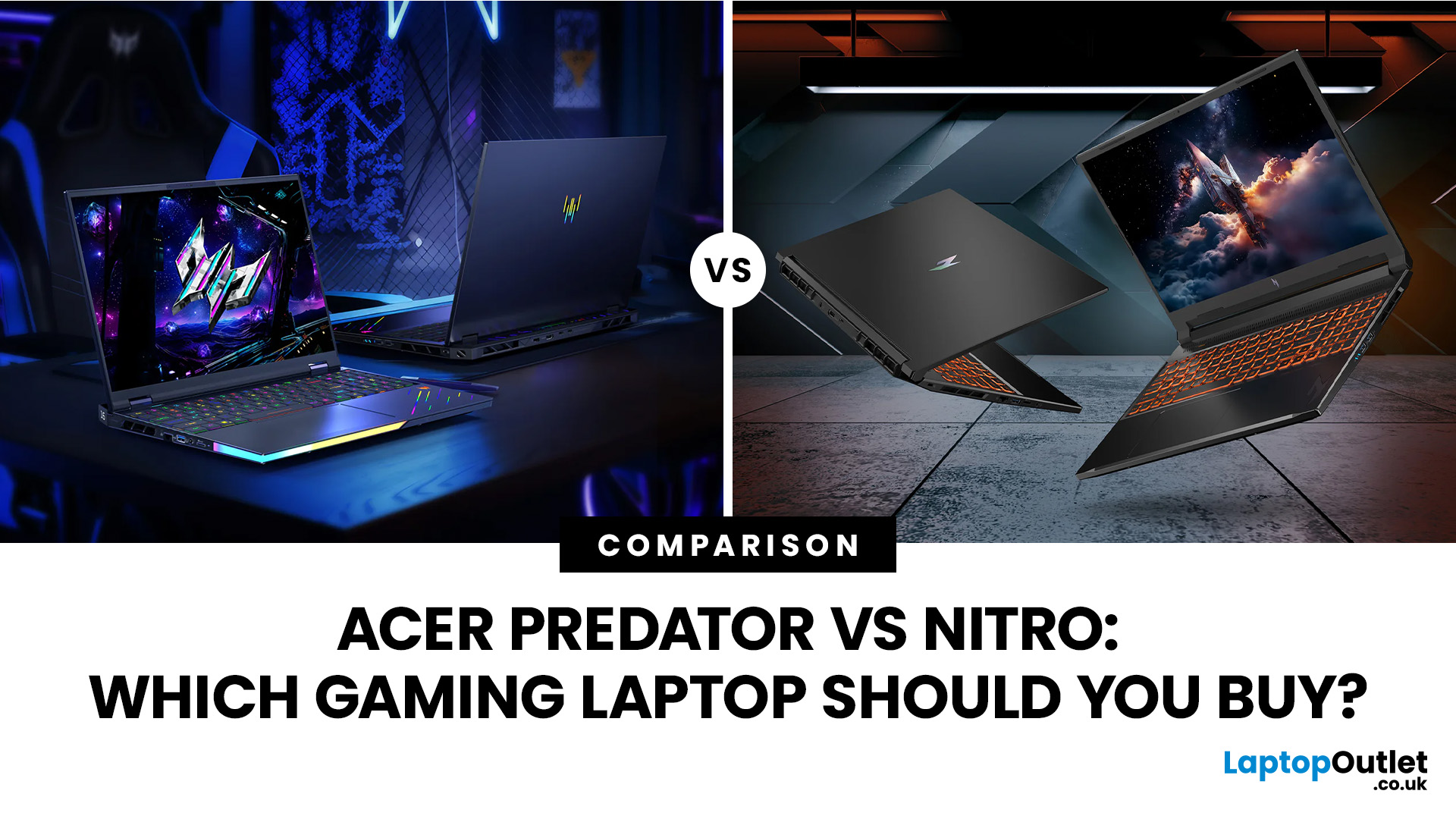
Acer Nitro is the smarter gaming laptop for most buyers, while Acer Predator is the stronger choice for players willing to pay more for higher-end performance, faster displays and greater cooling headroom. Yet this is no longer a simple contest between an affordable laptop and a powerful one.
However, an Acer badge does not tell the whole story: a well-configured Nitro can outperform a lower-spec or older Predator. This comparison examines gaming performance, displays, cooling, build quality and current prices to help you decide whether an Acer Nitro or Acer Predator is right for you.
Acer Predator vs Nitro: Quick Verdict
| Choose Acer Nitro if you want | Choose Acer Predator if you want |
| Better performance for your budget | The highest available gaming performance |
| Smooth Full HD or WUXGA gaming | High-refresh QHD, OLED or premium display options |
| A gaming laptop for study, work and play | A desktop-replacement gaming system |
| RTX performance at a lower entry price | Stronger cooling for sustained heavy |

Last Updated: October 06, 2025
Lenovo vs Acer: What’s the Difference?
- Lenovo: Focuses on durability, productivity, and professional-grade performance. ThinkPad models are a global business staple, while Yoga and IdeaPad lines balance style and function.
- Acer: Known for affordability, Acer offers everything from ultra-cheap student laptops to high-performance gaming rigs under the Predator and Nitro brands.
Feature Comparison Table
| Feature | Lenovo Laptops | Acer Laptops |
| Build Quality | Rugged, business-tested (esp. ThinkPad) | Varies. Slim and lightweight but less rugged |
| Performance Range | From student models to enterprise workstations | From Chromebooks to powerful gaming rigs |
| Price Range (UK) | ~£350–£2,000+ | ~£250–£1,800+ |
| Best For | Professionals, students needing reliability | Students, gamers, budget buyers |
| Popular Series | ThinkPad, IdeaPad, Yoga, Legion | Aspire, Swift, Nitro, Predator |
| Battery Life | Often strong, especially ThinkPads (10–15 hrs) | Decent (6–10 hrs on most models) |
| Design | Sleek, minimalist, premium finishes | Flashy (gaming), |

Last Updated: September 12, 2025
Choosing the right laptop in 2025 means balancing performance, price, and reliability—and two brands that regularly compete for attention are Dell and Acer. Both have carved out strong positions in the UK market, but they approach value in very different ways. Dell has built its reputation on premium craftsmanship, dependable business machines, and long-lasting ultrabooks like the XPS and Inspiron. Acer, meanwhile, is known for its aggressive pricing, bringing OLED displays and high-end specifications to budget-conscious buyers through the Swift and Aspire ranges, alongside accessible gaming rigs such as the Nitro and Predator series.
This guide compares both brands in detail covering design, performance, battery life, displays, gaming, and overall value so you can decide which delivers more for your money this year.
What’s the Main Difference Between Dell and Acer?
Dell focuses on premium fit and finish, quiet confidence in design, and balanced performance with excellent battery life in

Last Updated: September 12, 2025
What’s the Difference Between HP and Acer Laptops?
Acer laptops shine when it comes to affordability. We’re talking entry-level prices without fully compromising on specs. HP laptops are more about that premium feel sleek designs, high build quality, and often enterprise-grade features.
Feature Comparison Table

| Feature | Acer (Budget-Focused) | HP (Premium-Focused) |
| Price | Lower starting prices, great for basic tasks | More expensive; better materials and premium options |
| Build Quality | Acceptable for casual use; varies by model | Superior durability, sleeker widgets and materials |
| Performance | Decent where it counts; value models often with mid-level components | Stronger performance in business and creative models |
| Innovation & Design | Typically functional; some models like ConceptD add flair | Stylish designs with OLED, convertible 2-in-1s, and enterprise options |
| Battery & Portability | Often lighter, with long battery life on entry-level models | Solid battery life; often slightly heavier but packed with features |
Last Updated: September 03, 2026
When it comes to laptops, Acer has long been the quiet workhorse of the industry - never the flashiest, but consistently delivering machines that punch above their weight. In 2025, that reputation is stronger than ever. Whether you’re a student after something light and affordable, a professional needing a sleek companion for the office, or a gamer chasing frame rates, there’s an Acer laptop with your name on it.
The trouble is, with so many models - Aspire, Swift, Nitro, Predator and more - it can feel like wading through a sea of specs and sales jargon. That’s where this guide steps in. Think of it as your no-nonsense best Acer laptops buying guide, breaking things down by category, budget, and real-world use.
We’ll cover everything from the best budget Acer laptops to the top range of Acer gaming laptops, along with solid recommendations for students and business users. By the end, you’ll know exactly which Acer belongs in your bag.
Why Choose Acer?
Acer might not shout as loudly as

