



Product Overview: Lenovo V14 Vs Lenovo V15
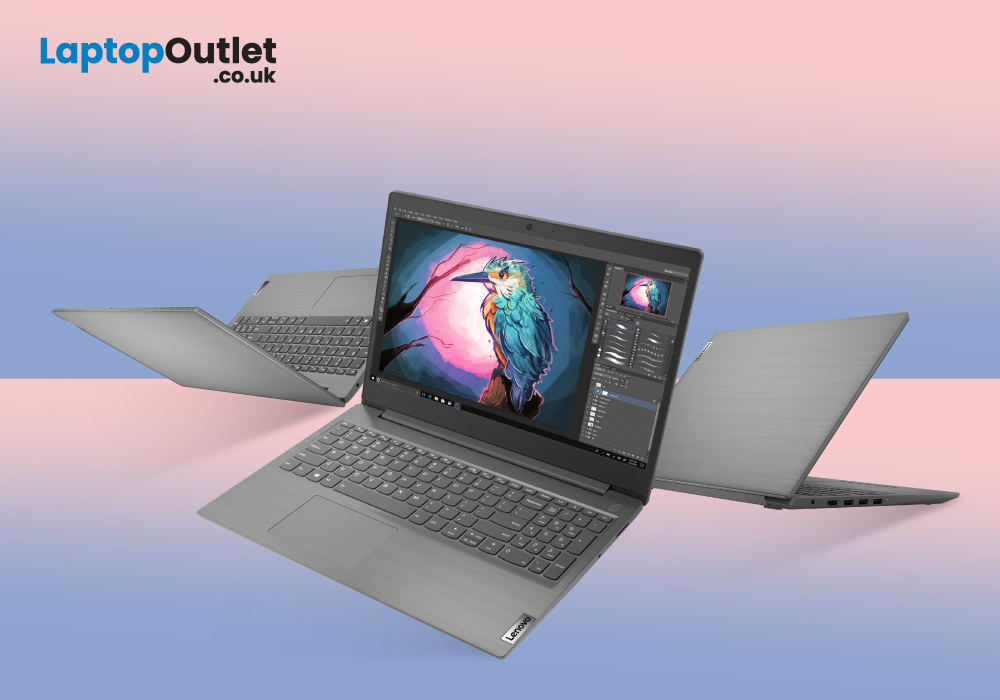
Lenovo is the world’s largest PC manufacturer and holds a whopping 25% market share. Lenovo laptops, especially business notebooks, are always well-perceived by the corporate world owing to their reliable performance and sturdy build quality.
The China-based PC manufacturer carries a rich portfolio of dedicated series of laptops to cater to the computing needs of every sort of users. Similar is the case of Lenovo V Series which offers a range of powerful yet simple and secure laptops.
Lenovo V-Series
Lenovo launched its V Series with the aim to tackle the productivity demands of small businesses. These Lenovo laptops feature state-of-the-art hardware, classic design, and rock-solid chassis to provide you with a wholesome working experience.
Lenovo V14 and Lenovo V15 are two of the most popular business laptop models of Lenovo. Let’s compare these two cutting-edge corporate notebooks to explore which laptop can best serve the productivity demands of your business.
Lenovo V14
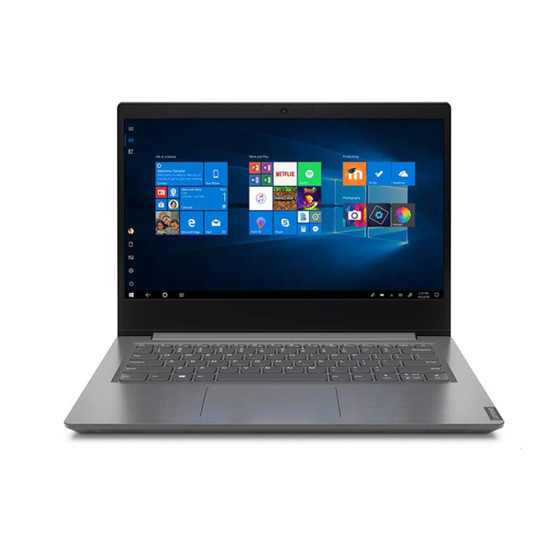
Whether you are editing a spreadsheet, running an office management application, or doing an online video meeting with your team, V14 business laptop can smoothly do all these tasks. Equipped with innovative security solutions, Lenovo V14 is well-aligned to provide you with the best of both worlds. Running on Windows 10, the laptop simplifies identity and device management so that you can focus on your business.
Lenovo V15
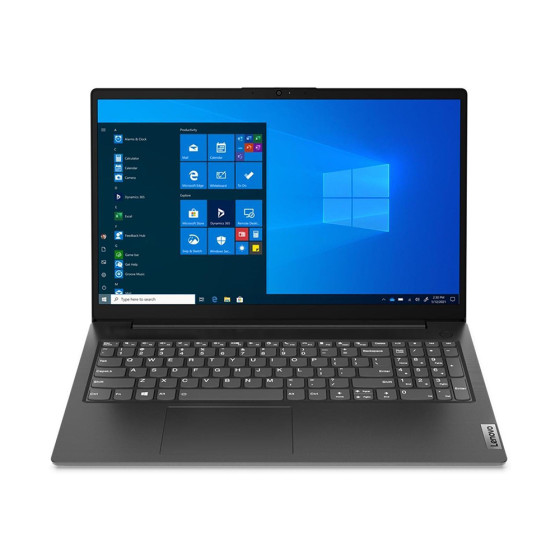
If you are a fan of business laptops with huge displays, then opting for Lenovo V15 may prove to be your best bet. Packed with a 15.6-inches large FHD display, Lenovo business machine is well-tailored to provide you with an immersive viewing experience. And that’s not all. As the contemporarily designed Iron Gray body of the laptop really appeals to the eyes while the speedy processor of the rig enables a faster user experience.
Design: Lenovo V14 Vs Lenovo V15
If you are the type of person who likes a classic aura around, then Lenovo V14 with its sleekly designed Iron Grey chassis is going to be a fantastic addition to your collection. The in-mold rolling (IMR) textured lines on the laptop give it an elegant look. While being one of the favourite contenders for the best business notebooks, Lenovo V14 carries a super-smooth keypad with decent key travel to foster efficient typing.
Following the legacy of Lenovo V Series, V15 also presents an eye-catchy yet simple design which is a treat to the eyes. Same as V14, you can find in-mold rolling (IMR) textured lines on two sides of the laptop. While to let you enjoy quick and accurate typing sessions, Lenovo V15 passes on an untroubled and well-ordered keyboard.
Display: Lenovo V14 Vs Lenovo V15
Lenovo V14 presents a bright 14” display, delivering a resolution of 1920 x 1080 to let you enjoy vibrant visuals. While the anti-glare finish over the screen lets you clearly see everything on the display even in the daylight. The bezels around the display are quite thinner and on the upper bezel you can locate a webcam which comes in handy for video conference calls.
In the case of V15, you get a 15.6-inch huge display which offers Full High Definition (FHD) resolution for a riveting viewing experience. With an impressive 88% screen-to-body ratio, V15’s display is large enough to let you easily navigate between the spreadsheets. Combined with the 1.5W stereo speakers and dual array microphones, the display lets you relish an alluring audiovisual experience.
Hardware: Lenovo V14 Vs Lenovo V15
As you know, a processor is one of the most critical core components which greatly affects the productivity of any computing machine. To let you quickly load all the business applications, V14 gives you the liberty to choose either its Intel-based or AMD-powered variant. As far as graphic performance is concerned, AMD Radeon or Intel UHD Graphics (depending upon your selected variant) contain cutting-edge technology to speedily render images and videos.
Talking about V15, this Lenovo V Series laptop also lets you get benefit of its customisability. Based on your preference in terms of intensity of the workload, you can go either for AMD variant or Intel-packed version of the laptop. Lenovo V15 can carry either AMD or Intel-backed GPU which performs exceptionally well despite its integrated nature.
Security: Lenovo V14 Vs Lenovo V15
Lenovo laptops are famous among businesses worldwide for always introducing certain innovative and high-end security features to avoid data leaks. And Lenovo didn’t forget to inculcate this thing in its V Series as well. Lenovo V14 encrypts your data via Trusted Platform Module (TPM) 2.0 to keep it safe and secure. While to protect your privacy, the webcam of the Lenovo business notebook contains a physical shutter.
Like V14, Lenovo V15 uses Trusted Platform Module (TPM) 2.0 firmware to encrypt your crucial business data. While to make sure that nobody could see you unless you give this permission by yourself, a physical webcam shutter has been provided on the laptop. You can also find USB 3.2 and HDMI ports on the laptop, getting you enjoy fast connectivity.
Memory and Battery Life: Lenovo V14 Vs Lenovo V15
Modern business applications and other related data usually contain huge files and need extensive memory space for their storage. Understanding this aspect, Lenovo keeps the option open for the customers to opt for either 8GB or 16GB RAM based on their business demand. Moreover, you can install high speed SSD ROM on the notebook, ranging from 256GB to 1TB for data storage. As far as the battery life of the laptop is concerned, you get an above average power backup of up to 7 hours.
On the other hand, you can choose a suitable Solid-State Drive (SSD) with a memory capacity between 256GB to 1TB for handy data storage. While the 8GB-16GB RAM of the laptop ensures speedy bootups and faster loading times even for the latest heavy-duty applications. You may find the V15’s battery life of up to 7 hours a bit average but it lets you use your corporate noetbook for several good hours.
Final Verdict
Owning a good business laptop positively contributes to the growth of your business. A business laptop with a steadfast processor, a capable graphics card, and a powerful battery is no less than a blessing for your business. To meet with the modern workload demands, you can rely on Lenovo V14 and Lenovo V15. Although both corporate laptops are well-aligned for any sort of business tasks, if you are a fan of huge displays, then it would be better to go for Lenovo V15. In the other case, Lenovo V14 is also good enough to bless you with mesmeric graphics on its 14” screen.
Read More:
| Lenovo V14 G4 (83A00024UK) Laptop Review: The Future of Work |
| Lenovo V15 Laptop AMD Ryzen 3 Review |
| Lenovo V15 ADA Ryzen 5 Business Laptop Review |
Related Articles

Last Updated: May 21, 2025
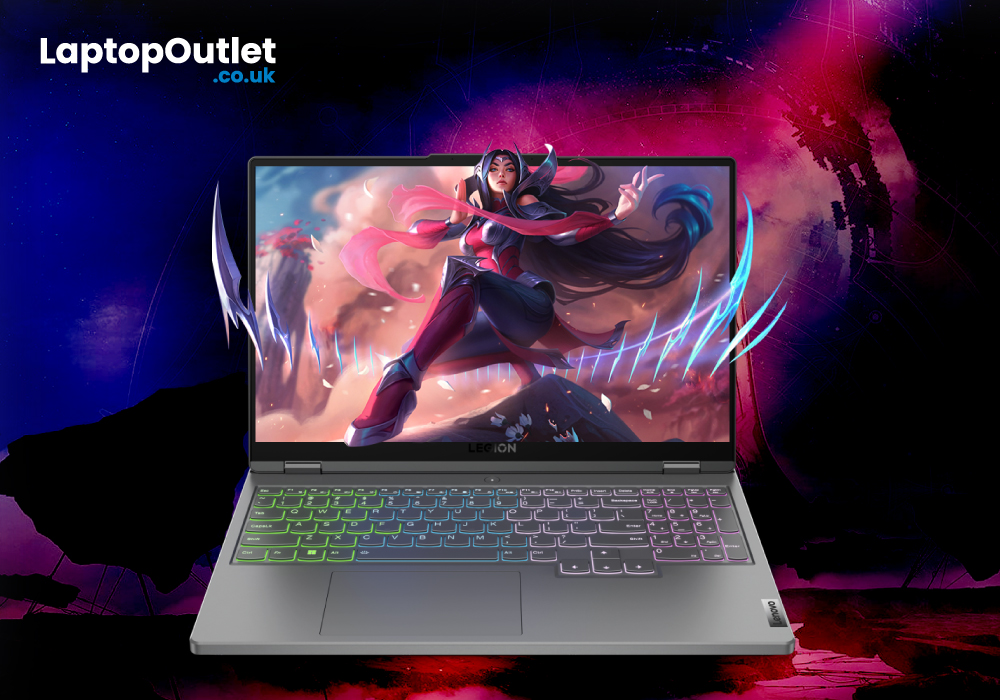
If you want to have amazing, affordable, and competitive gaming laptops Legion series line-up is for you. Lenovo rebranded its gaming laptops a few years ago under the Legion brand. Since then, Lenovo Legion laptops have improved and become more coveted gaming laptops than those made by any other brands. One of the most promising producers of gaming laptops has always been Lenovo. With the Legion series, which catered to hardcore gamers, the brand set out on its adventure. The IdeaPad Gaming series, which offers affordable gaming laptops for beginning players, has also recently been released. Here are the top Lenovo gaming laptops for 2022, without further ado.
Lenovo Legion 5i (Core i5 and i7): Performance over Appearance
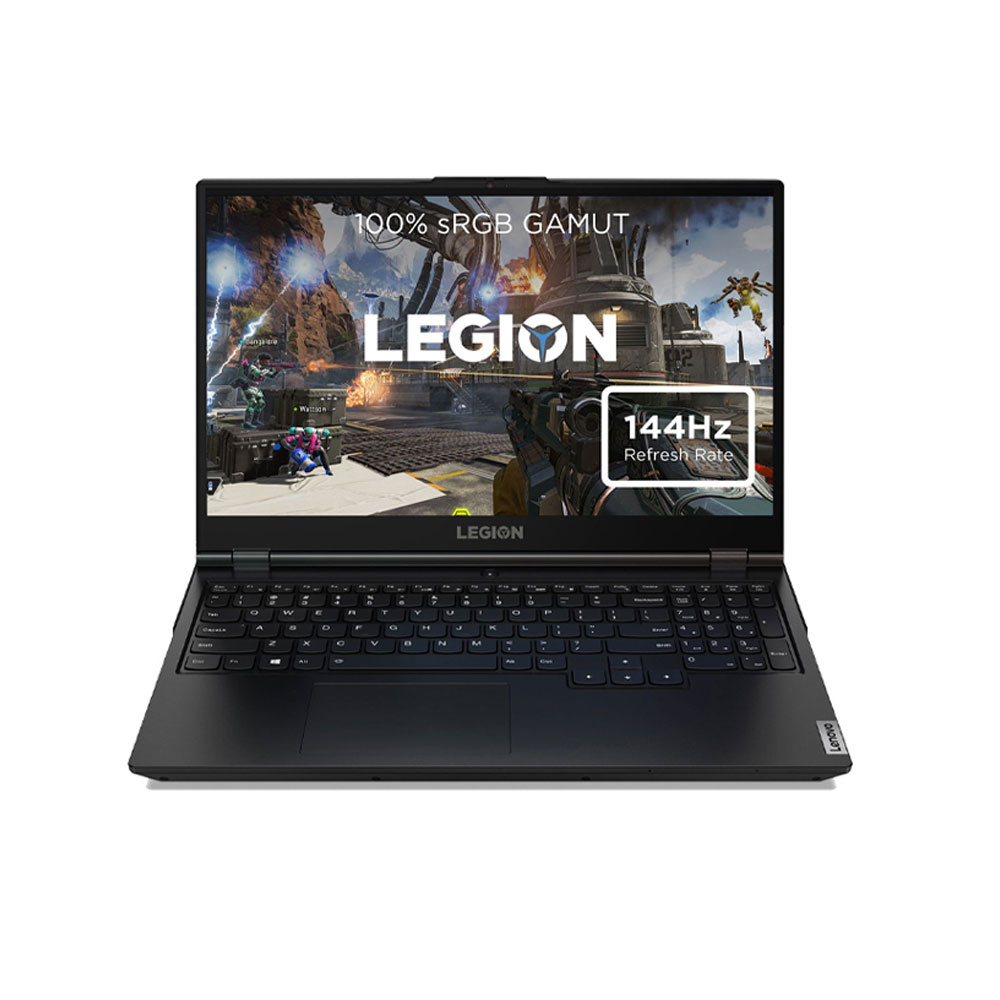
The Lenovo Legion 5i is a fantastic mid-range alternative if you're looking for one. You may choose from a choice of alternative i5 and i7 11th Gen Intel H-series CPUs, AMD Ryzen 5 and 7 5000 series processors, and GPU options ranging from the budget-friendly GTX
Last Updated: September 22, 2026
In the present world, laptops have become our go-to devices to tackle all our day-to-day computing tasks. These intelligently crafted portable computing machines come packed with certain avant-garde features to provide you with the best user experience.
When talking about laptops, Lenovo and HP are two of the leading manufacturers. Both market-best technology companies hold worthy expertise in the manufacturing of best-of-the-best laptops. Both Lenovo laptops and HP laptops bring certain advanced specs on the table.
With the sheer number of choices available in the market for the best laptop by both brands, one can easily confuse in choosing the best option. However, you don’t need to worry. Our experts have prepared this detailed guide that will certainly help you to decide whether you should buy a Lenovo laptop, or an HP laptop to best cope with your needs. So, let’s get started!
Lenovo Laptops
Lenovo is a Chinese multinational company specialising in manufacturing market-best
Last Updated: April 02, 2026
Fun Fact about Lenovo: Did you know that Lenovo is at the forefront of groundbreaking technology, recently unveiling the world's first foldable PC, the ThinkPad X1 Fold?
Now, let's explore another aspect of Lenovo's technology prowess: ensuring the longevity and efficiency of your Lenovo laptop's battery.
In the fast-paced digital era, laptops have become indispensable companions, ensuring optimal performance is paramount. One key aspect that often takes a backseat in our tech-conscious minds is the health of the laptop's battery. For proud owners of Lenovo laptops, understanding how to check and maintain battery health is crucial for a seamless computing experience.
In this comprehensive guide, we will explore the various methods to check the battery health of your Lenovo laptop. Whether you're a seasoned tech enthusiast or a casual user, these insights will empower you to maximise your device's battery life and performance. Let's dive into the Lenovo laptop battery health world and
Last Updated: December 15, 2025
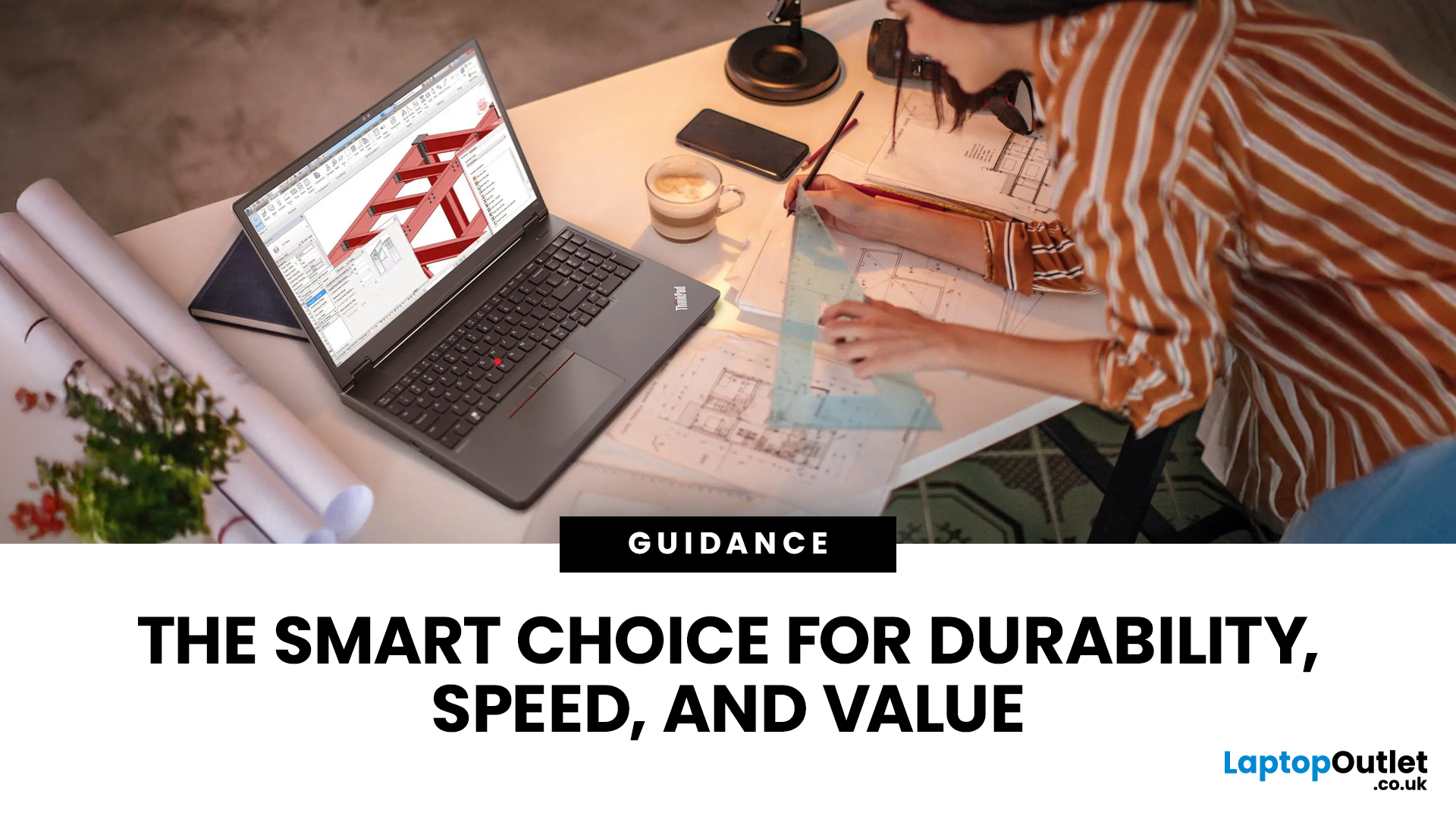
Lenovo is a top name in personal computers, and the Lenovo ThinkPad series is a fantastic choice for almost anyone. Why? Because it brings together three major benefits: toughness (durability), power (performance), and a great price (affordability).
ThinkPads are known worldwide for being strongly built and reliable over many years. If you need a powerful computer with a typing experience that can’t be beat, a ThinkPad delivers every time.
These laptops don't just look good; they are built with strong parts, have keyboards that can handle spills, and meet military-grade standards for being tough. This means they can survive common accidents like drops and spills better than most.
This blog will look closely at the features that make ThinkPads a continuous favourite. We will also explore five top models, carefully chosen to cater to different personal use needs.
Key Features: Strength, Speed, and Value
ThinkPads are built to last and to perform quickly. This successful combination is achieved
Last Updated: February 25, 2026
Modern architecture relies on far more than sketches and site notes; it depends on powerful digital tools capable of handling detailed models, complex BIM files, and high-quality visualisations. In 2025, a dependable laptop has become an essential part of every architect’s workflow.
Lenovo remains a trusted choice for professionals, offering machines built for performance, accuracy, and durability. For architects, the right laptop must deliver strong processing power, workstation-grade graphics, generous RAM, fast storage, and a clear, colour-accurate display; especially when running demanding software such as Revit, AutoCAD, SketchUp, Lumion, and 3ds Max.
With so many Lenovo models available, finding the perfect balance of power, portability, and value can be challenging. That’s why our experts have tested and compared leading devices to identify the very best options for both practising architects and students.
Here are the best Lenovo laptops for architects in 2025; ideal for creating,

