



Lenovo desktop computer for business
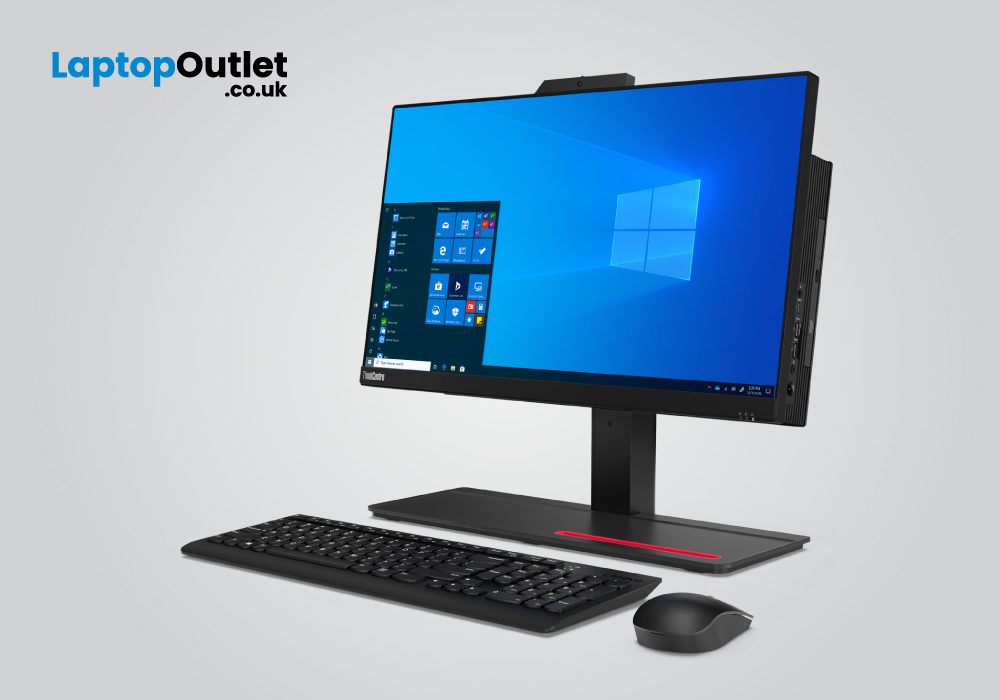
A profound business desktop computer maintains its speed and performance to the best of what you must find in the market. The best Lenovo desktop computers are aimed for business enthusiasts and high-tech multitaskers.
The right gaming desktop PC can double any professional experience and enhance the overall quality of work. With Lenovo desktop computer, one thing you will surely get to observe is the right kind of combination. Whether it’s the specs assembly, extra feature addition or generous connectivity choices, these computers can deliver it all.
Business organizations need huge office desk setup where devices like desktop PCs work best. Besides high competition in the tech market, Lenovo has evidently made its impact in excellent all-rounder performances. A business can be an enterprise, a dedicated organization or just a startup, but having a reliable business solution means having a good desktop computer.
For a business, every desktop computer might need a different requirement. You might have various types of employees working in your business organization. An example of this could be graphic designers, programmer, content writers, Quality Assurance Agents and more. Every user might have different aspects of working on their desktop computers. So choosing versatile options in between your Lenovo business desktop computers should be done wisely.
Lenovo ThinkCentre M70a
|
Processor: Intel Core i7 10th Gen. |
|
Screen Size: 21.5 in |
|
RAM & Storage: 16 GB, 512 GB SSD |
|
Graphics: Intel UHD GPU |
|
Operating System: Windows 10 Pro |
The first choice for the best business desktop computer from Lenovo comes down to the Lenovo ThinkCentre M70a. Its Intel Core i7 version is jam-packed with the 10th Generation model and operates with the base speed of 2.9GHz. A processor matters the most in any computer as the speed of it will determine how better your workload is going to be operated. The better the speed, the smoother the operations will be. This Octa core processor reaches out to the maximum turbo speed of 4.8Ghz for fastest execution.
This Lenovo PC is an All-in-One desktop computer which means you will also get a display along with the CPU. Its 21.5-inch screen delivers a Resolution of 1920 x 1080 and comes in an IPS panel, for comfortable viewing angles.
The well-equipped 16GB RAM makes sure to run through multitasking very smoothly. With that, the solid-state drive storage combines excellently with the memory for even better overall performance. The Intel Integrated graphics indicate to be good enough for common video surfing and viewing business presentations. Overall, this AIO PC is a prominent package for elite business users and employees.
Lenovo ThinkCentre M70a
|
Processor: Intel Core i5 10th Gen. |
|
Screen Size: 21.5 in |
|
RAM & Storage: 8 GB, 256 GB SSD |
|
Graphics: Intel UHD GPU |
|
Operating System: Windows 10 Pro |
Another version of the Lenovo ThinkCentre M70a comes with the 10th Gen Intel Core i5 processor. This one is similar to the previous desktop PC we just mentioned. However, its i7 processor was a higher specs model with a better speed frequency. If you need to go all-time high, you must go for that one. But if you want a competitive speed but you are not demanding of ultimate flagship performance, this one is a good choice. Its Intel Core i5 processor operates with the base speed of 2.9 GHz and a max turbo speed of 4.2 GHz. This means you will be able to run the heavy programs, files, or documents without a glitch.
In addition, this Lenovo ThinkCentre M70a comes with the 8GB RAM and solid-state drive storage of 256GB. Whether you need to multitask between several programs or software tools, or operate heavy computing, it is good to go. The Intel Integrated graphics combined with the Windows 10 Pro operating system makes sure to deliver latest updates on the system.
This All-in-One PC comes with a display of 21.5 inches that delivers full HD Resolution. You also get Dolby Atmos speakers that makes listening to important audio at workplace more convenient. The PC is also secured with the military-grade durability and ThinkShield security. These safety measures make the laptop good for the end-to-end protection and one can easily use it publicly.
Lenovo ThinkStation P520
|
Processor: Intel Xeon - 3.2GHz Quad Core |
|
RAM & Storage: 16 GB, 256 GB SSD |
|
Operating System: Windows 10 Pro |
|
Optical drive: DVDRW Super Multi |
|
Connectivity: USB 3.1 |
The Lenovo ThinkStation P530 makes sure to run through everyday digital errands without causing any trouble. Its Intel Xeon processor comes with the Quad core speed and operates with the frequency of 3.2 GHz. You can run business software tools such as Microsoft Teams, Visual Studio and much more without second thoughts. This PC also has the lightweight portability and provides the best way to handle most of the heavily demanding programs. The ultra-powerhouse easily adapts with even the most critical computing tasks in a go.
The ThinkStation, in addition, comes integrated with the 16GB RAM and a solid-state drive storage of 256GB. You can play along multiple software files, documents and execute them with the faster speed. The PC also sports Dolby Atmos speakers and has the power to support 4k touchscreen display.
One of the best highlighting factors of this ThinkStation include its generous number of ports. You get far better choices in connectivity whilst the Super multi-DVD player is also there. The design of the PC comes in a great form with the front grills that makes it super cool for overheating. This means you won’t get any system heating issues at all. The grill design makes sure to pass it through any heat without causing system damage.
Bottom Line
Business desktop computers make the best powerhouses in the tech arena. If you look for the best features and specs assembled in a desktop PC, a business computer is most likely to have it. Brand like Lenovo definitely adds a great compatibility and competitive edge to any of the business PCs. Whether or not you are the high-profile businessman or a professional enthusiast, you must look out for the best desktop options. For any professional environment, a greatly equipped PC can be quite a game-changer.
Read More:
| Why Lenovo is the Top Choice for PCs |
| Lenovo V14 G4 (83A00024UK) Laptop Review |
| Choosing the Right Thin Client Desktop PC |
Related Articles

Last Updated: October 08, 2025
Last Updated: September 09, 2025
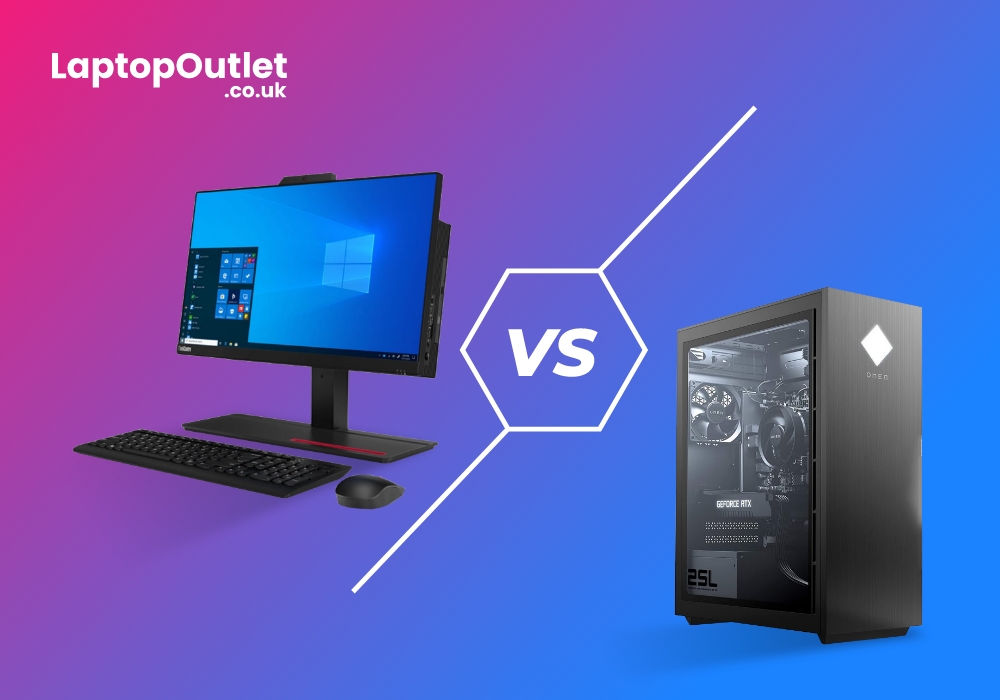
While most gamers understand the thrill of playing their favourite games on a large screen monitor with high-resolution graphics kept on a pedestal with a custom-made gaming desk, they are also beginning to wonder whether gaming laptops are good, if not better, option. It's not surprising - the tech market has seen a steady increase in gaming laptop sales, and manufacturers of these laptops are focusing on wooing their gamer audiences with cutting-edge innovations in GPUs, display resolutions, and high-speed processors.
Gaming laptops have undoubtedly emerged as a viable option for gamers, promising to provide everything a serious gamer may require to enjoy a high-quality gaming experience. So, if you've ever wondered how a gaming laptop compares to a gaming desktop, and which is the better option, here's a good place to start.
Aside from the obvious differences between a laptop and a PC, there are some gaming-specific differences between the two. If you're debating between the two,
Last Updated: September 21, 2026
Buying a desktop does not always mean choosing a brand-new machine. For many people, a refurbished desktop PC can be a practical alternative when price, specifications and intended use matter more than having the newest hardware.
That makes refurbished systems relevant for home users, students, office workers, creators and gamers. The key is understanding why someone might choose refurbished and which benefits actually matter for their needs.
What Does Refurbished Mean?
A refurbished desktop is a computer that has been previously owned, returned, opened or used before being prepared for resale. Depending on the seller and product, it may have been inspected, tested, cleaned or repaired before being listed again.
Refurbished does not automatically mean old, damaged or heavily used. Condition, specification and warranty can vary, so the individual product listing still matters.
In simple terms, you are choosing hardware that has already had a previous life but is being sold again through
Last Updated: September 22, 2026
Since the outbreak of COVID-19, IT professionals have strongly recognised the need to step into another tech world. Without a doubt, the technological sector has evolved at a rapid pace. The rapid development of modern technology has facilitated a quickening of the speed of change and development. The COVID-19 pandemic has changed a lot more than just the technology industry, as it has made IT professionals realise that their position will not remain the same in tomorrow's contactless world. In addition, an IT worker in 2023–2024 will be in a perpetual state of education (out of necessity, if not desire). By the end of 2023, advances in natural language processing and machine learning will have made AI more commonplace. This technology allows AI to learn more about us and accomplish more difficult jobs. It is predicted that 5G will significantly alter our daily routines and the way we conduct business. In what ways does this affect you? This requires keeping up with the newest technological

