



HP ProBook 430 G6 13.3" Business Laptop Core i5 – Review
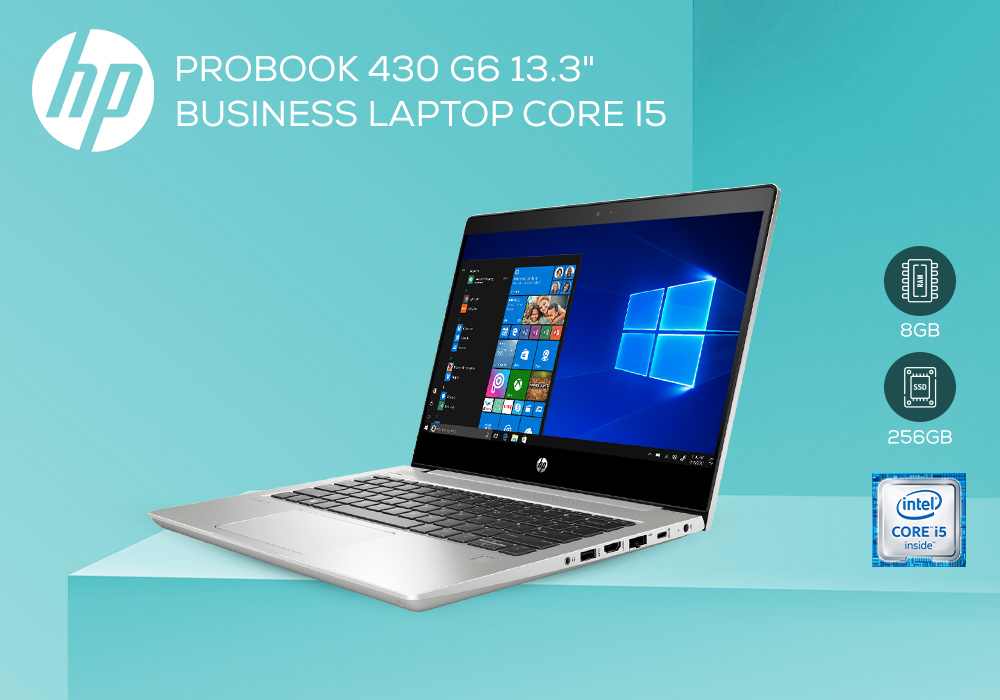
HP laptops bring one of the finest collections of business laptops. From the portability to specs, you get a complete business laptop for your needs. The HP ProBook 430 G6 is the smallest amongst its siblings in the series yet brings viable perks with it. Here’s a detailed HP ProBook 430 G6 review that’ll aid in making a competitive choice for it:
Design
Similar to EliteBooks, the HP ProBook 430 G6 comes with a silver case with black display frame. You get a speaker grille design yet the old HP logo comes with it. Even though it comes with a plastic body, it still offers sturdiness that is needed. You also get a 180o lid opening, which is supported by its balanced hinges.
You also get a wide variety of ports, though you don’t get a Thunderbolt 3 port. There’s an SD card reader, which is reasonably fast. Equipped with Intel Wireless AC-9560 with dual-band WI-FI module. Apart from that, it also features a fingerprint reader, infrared camera, and Kensington lock slot. There aren’t any maintenance flaps, so the bottom cover has to be unscrewed. Though it is fairly easy to upgrade and the fan is easier to be cleaned as well.
Keyboard & Touchpad
The keyboard has been shrunken and there aren’t any dedicated keys. There’s a two-stage backlighting and a good stroking pressure point. The right shift key is small but it still brings a viable typing experience. the 11x6.5 cm touchpad brings a great feel. The integrated mouse buttons work smoothly. One thing that was seen is the lower-left corner is higher than the rest of the surface, which makes it somewhat disturbing. You also get precision drivers, multi-gesture scrolling and zooming as well as a smooth control over the touchpad.
Display
With 13.3” FHD display, the HP ProBook 430 G6 comes with an IPS display that gives stable viewing angles. The brightness level of 220 cd/m2 is somewhat alright but not enough. There’s 88% evenly lit display with minimal backlight bleeding only in darkness. It also comes with Pulse-Width Modulation, which regulates brightness levels. The sRGB colour coverage is just 62.5%, which isn’t enough and certainly cannot be used for photo editing or something graphically extensive. Due to its dim display and fair viewing angles, it isn’t a good choice to be used outdoors.
Performance
Featuring Intel Core i5 quad-core processor with 1.6 GHz base and 3.9 GHz max turbo performance, it does offer competitive performance. It also comes with 8 GB RAM and 256 GB SSD, which makes its processing even more reliable. Overall, the CPU performance is good, compared to its rival Lenovo ThinkPad L390. The presence of SSD and 8 GB RAM makes it a great partner for everyday tasks.
Graphics
It doesn’t feature any high-end GPU; rather comes with Intel UHD Graphics car. The performance isn’t much but provides viable power for somewhat graphical accuracy needed. The turbo boost will be able to squeeze more power from it. Though not made for gaming, it still can run older games or A-tier games.
Misc.
It’s silent and doesn’t produce much sound even during intensive use. There might be some coil whining sound, which should be checked prior to the purchase. Temperature isn’t an issue for this laptop as it was able to maintain its cool. The palm rest remained cool irrespective of the load that was put on the laptop.
The speakers aren’t much and using external speakers would surely be recommended for your needs. Bluetooth can also be used for connection purposes. It comes with a superb battery life of about 9 hours, which makes it a compelling choice for portability.
Final Verdict
Considering the features and performance of this core i5 laptop, it can be said that the HP ProBook 430 G6 is a great business laptop option. From battery to portability and workability, it offers competitive features needed for working on the go. If you’re looking for the right kind of business laptop, then buying this would be the right choice.
Read more:
| Lenovo V14 G4 (83A00024UK) Laptop Review: The Future of Work |
| Intel Gamers Days – Best entry-level gaming laptop deals |
| 5 Best Laptops for Work, Gaming, and Design |
Related Articles

Last Updated: September 21, 2026
The HP ProBook 430 is a power-packed laptop with an Intel Core i5 processor that serves both looks and purpose.

Last Updated: May 13, 2025
HP Planet Partners is HP’s ‘consumer repurpose and recycling program’ for end-of-line equipment and printing supplies. It seeks to power a circular economy by helping you recycle those HP supplies and hardware you don’t know what to do with. With HP Planet Partners, HP is setting the highest standards for sustainability. The three main pillars of HP’s sustainability strategy are climate action, human rights, and digital equity.
In simple terms, sustainability is 'meeting current needs without restricting the ability of future generations' to meet their own needs'. Environmental, social, and economic are the three main pillars of sustainability.
Sustainable practices are now widely adopted in the tech industry. Sustainable technology has many benefits, such as a positive environmental impact, cost savings, and enhanced market opportunities. Additionally, sustainable technology also drives innovation.
Today, many tech companies are committed to sustainability, including

Last Updated: October 03, 2025
Wireless Printing Made Easy
No more messy cables or complicated setups—connecting your HP printer to Wi-Fi lets you print from anywhere at home or work. Whether you’ve got a new printer or you’re reconnecting, this guide shows you exactly how to get it done.
What You’ll Need
Before you start, make sure you have:
- An HP wireless printer
- Wi-Fi network name (SSID) and password
- A laptop, PC, or smartphone connected to the same Wi-Fi network
How to Connect HP Printer to Wi-Fi – Step by Step
1. Use HP Auto Wireless Connect (For Compatible Models)
- Plug in and turn on your printer
- On your computer, install the HP Smart app or visit 123.hp.com
- Follow on-screen instructions to connect your printer to Wi-Fi automatically
Pro Tip: This is the easiest option if your printer supports it—no need to enter Wi-Fi credentials manually.
2. Use the Printer’s Control Panel (Manual Setup)
- Press the Wi-Fi or Wireless icon on your printer’s screen
- Go to Settings > Wireless Setup Wizard
Last Updated: October 02, 2025
Capture What You See in Seconds
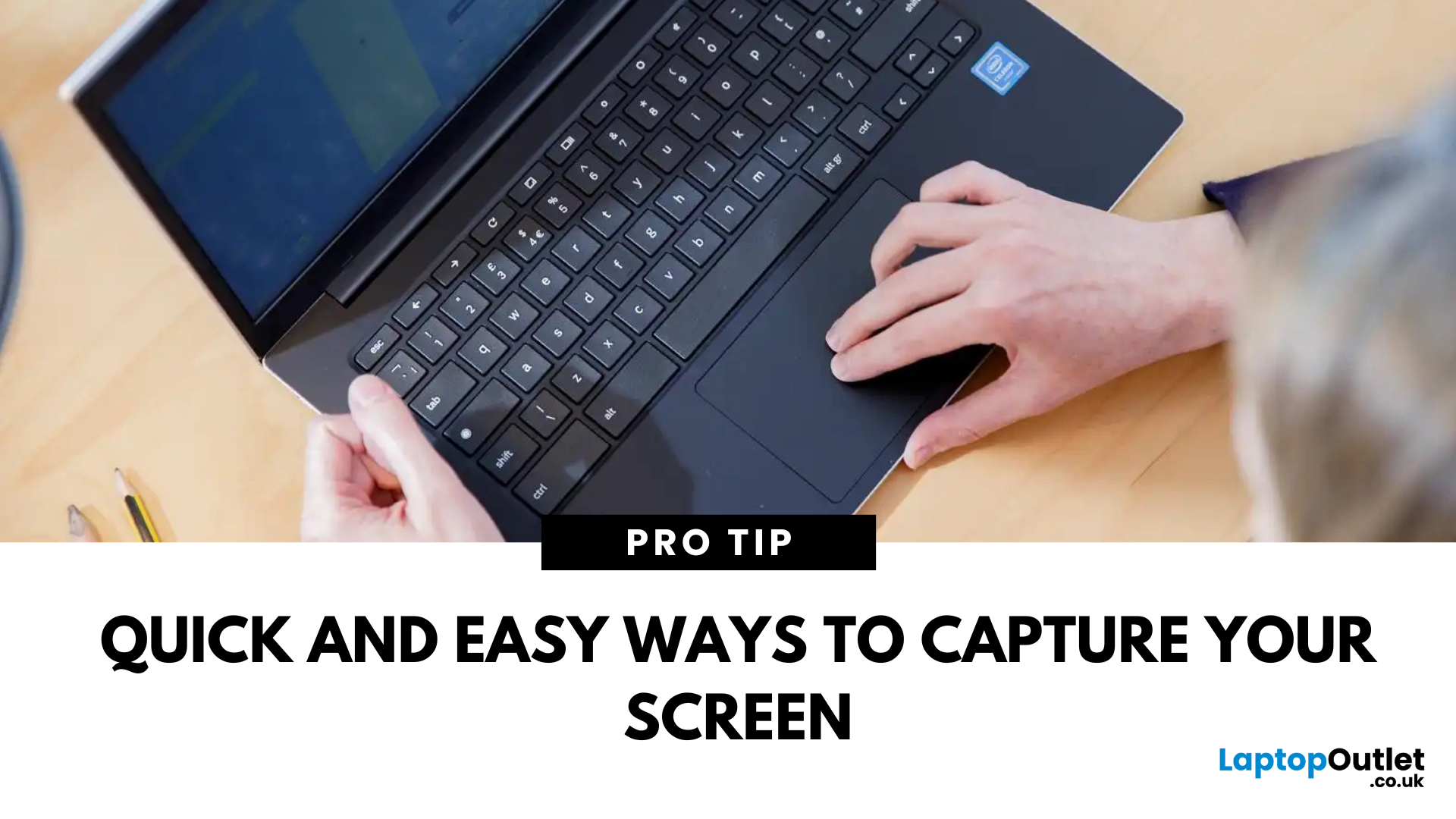
Whether you’re saving a receipt, reporting an issue, or grabbing a funny moment, knowing how to take a screenshot on your HP laptop is a game-changer. Here are the simplest ways to snap your screen using built-in tools and shortcuts.
1. Use the Print Screen (PrtScn) Key
To capture the full screen:
- Press PrtScn or Fn + PrtScn (some HP models)
- Open Paint or another editing app
- Press Ctrl + V to paste
- Save the image
Saved to clipboard, not automatically stored as a file
2. Screenshot a Specific Window
To capture just one active window:
- Click on the window you want to screenshot
- Press Alt + PrtScn
- Paste into an app (Ctrl + V) and save
3. Use the Snipping Tool (or Snip & Sketch)
HP laptops running Windows 10 or 11 come with this handy app.
Steps:
- Search for Snipping Tool or Snip & Sketch in Start Menu
- Click New to start a screenshot
- Choose your snip type: Rectangle, Free-form, Window, Fullscreen
- Save or edit your screenshot
Last Updated: September 09, 2025
HP Means Business—and Gaming
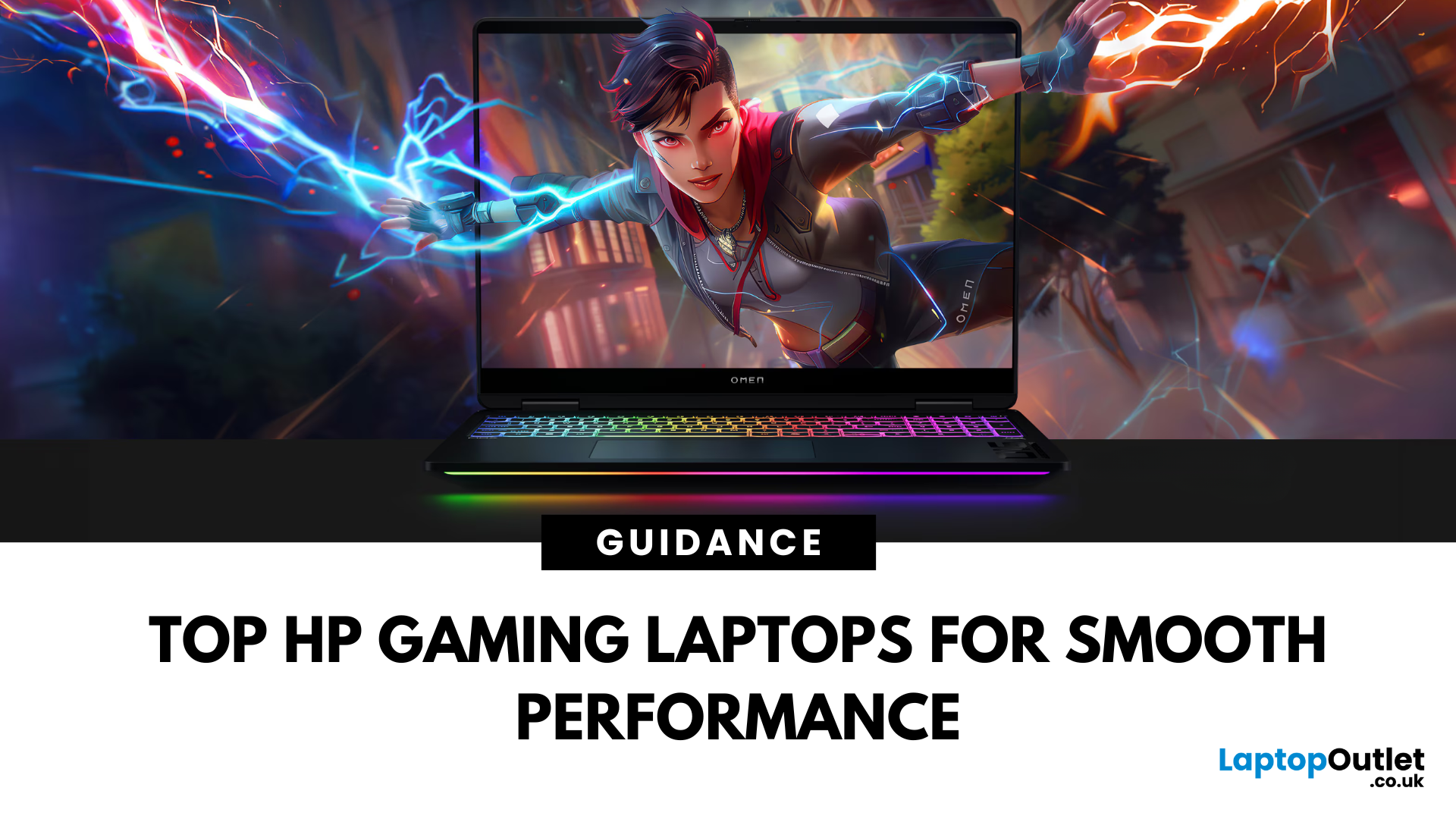
When it comes to gaming laptops, HP offers more than office power. Its Omen and Victus series pack serious performance, sleek designs, and value for money—making them ideal for gamers of all levels. Let’s explore the best HP laptops for gaming in 2025.
1. HP Omen Series – High-End Gaming Performance
Designed for serious gamers, the HP Omen series delivers desktop-level specs in a portable chassis.
Top Pick: HP Omen 17 (2025 Edition)
- Intel Core i9 / AMD Ryzen 9
- NVIDIA GeForce RTX 4080/4090 GPU
- 17.3" QHD display with 240Hz refresh rate
- 1TB SSD, 32GB RAM
Ideal for AAA gaming, streaming, and creative workloads
2. HP Victus Series – Affordable Gaming Power
The HP Victus line brings gaming-grade specs to more budget-friendly price points.
Top Pick: HP Victus 16 (2025 Edition)
- Intel Core i7 or Ryzen 7
- NVIDIA RTX 4060/4070 GPU
- 16.1" FHD 144Hz display
- 512GB SSD, 16GB RAM
Great for casual to mid-level gaming and students

