



HP ProBook 430 G6 13.3-inch Business Laptop: Is It Still Good in 2026?
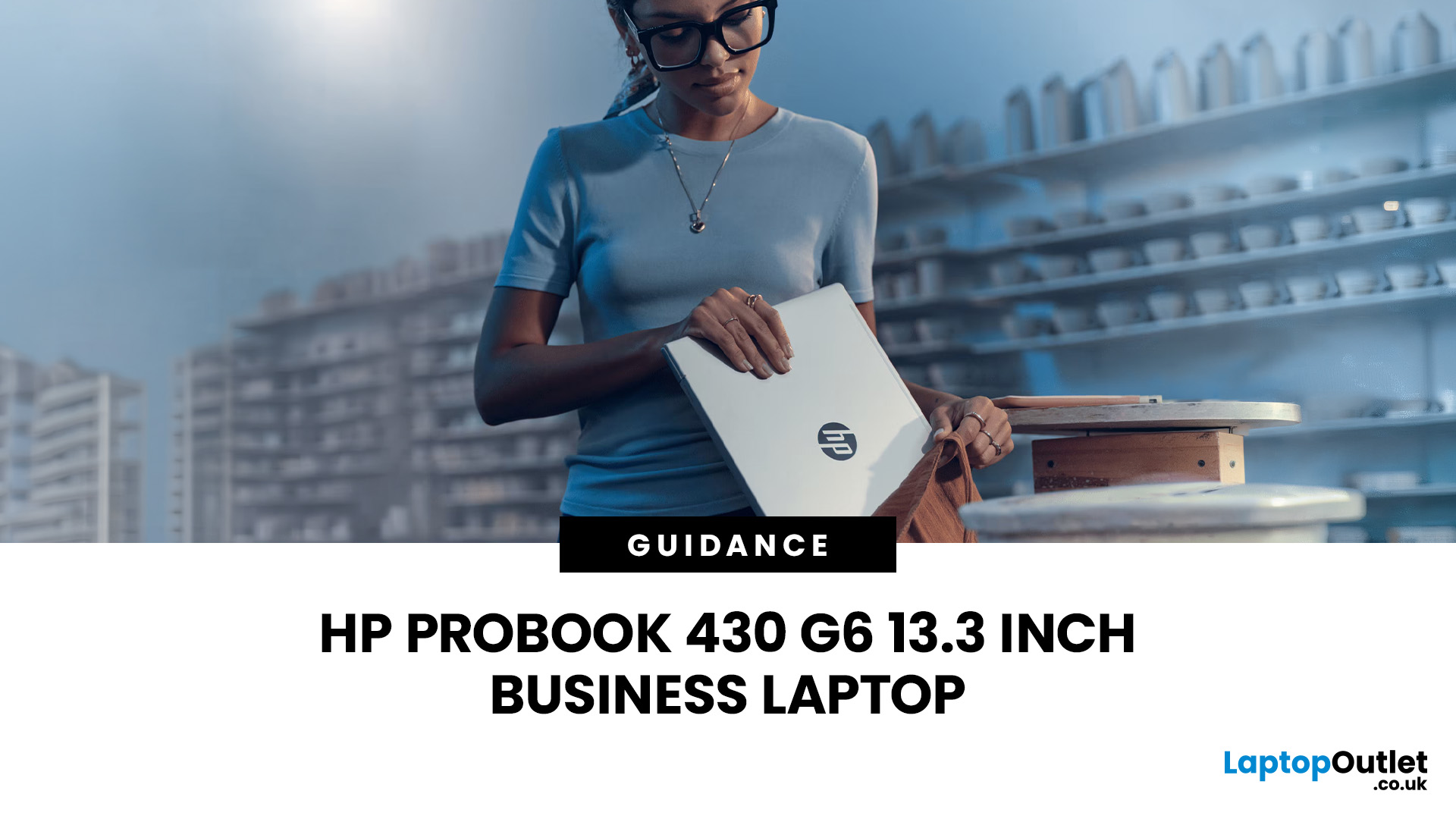
The HP ProBook 430 G6 is a compact 13.3-inch business laptop originally designed for office professionals who needed portability, upgradeable hardware and business-focused security. Although it is now an older generation, well-configured models can still handle everyday office work, web applications, video meetings, study and general productivity in 2026.
The HP ProBook 430 G6 can still make sense in 2026 for everyday business, study and home-office workloads, particularly with an 8th Gen Core i5 or Core i7, at least 8GB of RAM, an SSD and Windows 11. Its age becomes more noticeable in display quality, graphics performance, wireless connectivity and battery condition.
However, specification matters more than the model name alone. Processor, display resolution, RAM, storage, battery health and operating system can vary considerably between individual ProBook 430 G6 laptops.
HP ProBook 430 G6 Specifications at a Glance
The HP ProBook 430 G6 specs vary because HP sold the laptop in numerous configurations.
|
Specification |
HP ProBook 430 G6 |
|
Display |
13.3-inch HD or Full HD |
|
Resolution |
1366 × 768 or 1920 × 1080 |
|
Processor options |
Intel Core i3, Core i5, Core i7, Pentium or Celeron |
|
Common Core processors |
i3-8145U, i5-8265U, i5-8365U, i7-8565U |
|
Graphics |
Intel integrated graphics |
|
Memory |
DDR4-2400, up to 32GB officially |
|
Memory slots |
2 SODIMM slots |
|
Storage |
M.2 SATA/NVMe SSD and selected 2.5-inch storage configurations |
|
Wireless |
Wi-Fi 5 configurations |
|
Ports |
USB-A, USB-C, HDMI, Ethernet and audio |
|
Card reader |
SD |
|
Battery |
45Wh, 3-cell |
|
Starting weight |
Approximately 1.49kg |
HP's original specification lists 8th Generation Core i3, i5 and i7 options, two user-accessible RAM slots supporting up to 32GB DDR4-2400 memory, M.2 SSD options and both HD and Full HD 13.3-inch displays.
That variety is important when buying one today. Two laptops advertised as an HP ProBook 430 G6 can offer noticeably different everyday experiences.
Is the HP ProBook 430 G6 Still Good in 2026?
Yes, for the right workload and configuration.
A Core i5-based HP ProBook 430 G6 business laptop remains capable of common productivity tasks such as:
- Microsoft Word, Excel and PowerPoint
- Web browsing with multiple tabs
- Email and cloud applications
- Microsoft Teams and Zoom meetings
- Accounting and administration software
- Remote desktop access
- Online learning
- Light coding and development work
- Streaming and general home use
The popular Intel Core i5-8265U is a four-core processor, while HP also offered quad-core Core i5-8365U and Core i7-8565U versions. These processors are considerably more appropriate for general multitasking than the lower-end Celeron configurations.
You should keep expectations realistic, though. This is not a modern workstation, gaming laptop or content-creation machine. The integrated Intel graphics are better suited to office applications, video playback and light graphics workloads than current AAA gaming, complex 3D work or GPU-heavy video editing.
Which Processor Should You Look For?
If you are considering a ProBook 430 G6 today, the Core i5 versions are generally the most practical starting point.
An HP ProBook 430 G6 i5 with the i5-8265U or i5-8365U provides four cores and is capable of mainstream office multitasking. The Core i7-8565U offers higher clock speeds, although processor choice should not be considered in isolation.
In a refurbished laptop, an i5 model with 16GB RAM, SSD storage and a healthy battery can be a more sensible working configuration than an i7 version with insufficient memory or a worn battery.
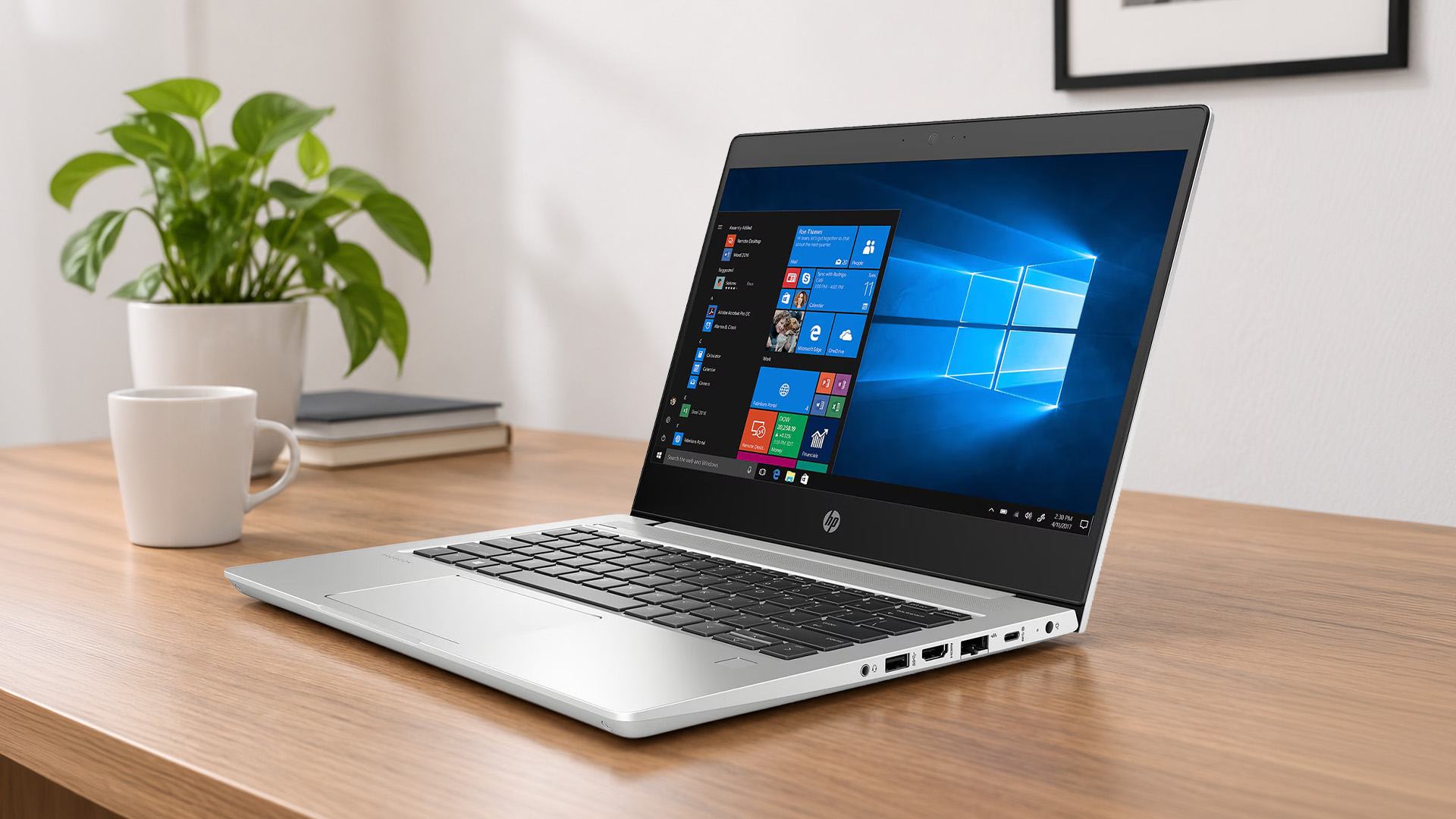
Can the HP ProBook 430 G6 Run Windows 11?
This is one of the most important questions to ask in 2026.
The ProBook 430 G6 was originally sold during the Windows 10 era. Microsoft ended standard Windows 10 support on 14th October 2025, meaning ordinary Windows 10 installations no longer receive the standard security and feature support they once did.
Fortunately, the situation is better for many ProBook 430 G6 configurations.
Microsoft's Windows 11 supported processor information includes 8th Generation Intel Core processors, while HP's original specification lists a TPM 2.0 security chip on the ProBook 430 G6. HP's current driver page also allows Windows 11 to be selected for this model.
However, Windows 11 eligibility depends on the complete laptop configuration, not just its name. Microsoft also requires features including TPM 2.0 and Secure Boot capability.
If you are buying one in 2026, check that:
- Windows 11 is already installed or officially supported on that unit
- Windows is activated
- TPM 2.0 is enabled where required
- Secure Boot is available
- BIOS and drivers have been updated
For a business laptop, buying a machine still running an unsupported standard Windows 10 installation without checking its upgrade path is difficult to recommend.
13.3-inch Display: Choose the Right Version
One of the biggest specification differences is the screen.
HP offered the 13.3-inch ProBook 430 G6 with both 1366 × 768 HD and 1920 × 1080 Full HD panels. Touch and non-touch configurations were also produced. HP's specification lists 220-nit panels for these options.
For 2026 use, the Full HD model is the version to prioritise.
1920 × 1080 provides substantially more usable desktop space for documents, spreadsheets, browser windows and multitasking than 1366 × 768. A Full HD configuration therefore makes the laptop feel considerably less dated.
The screen specification also explains one of the G6's limitations today. At 220 nits, it is better suited to normal indoor office environments than bright outdoor use.
Colour-sensitive designers, photographers and video professionals should also look towards a laptop with a stronger modern display.
Portability Is Still One of Its Strengths
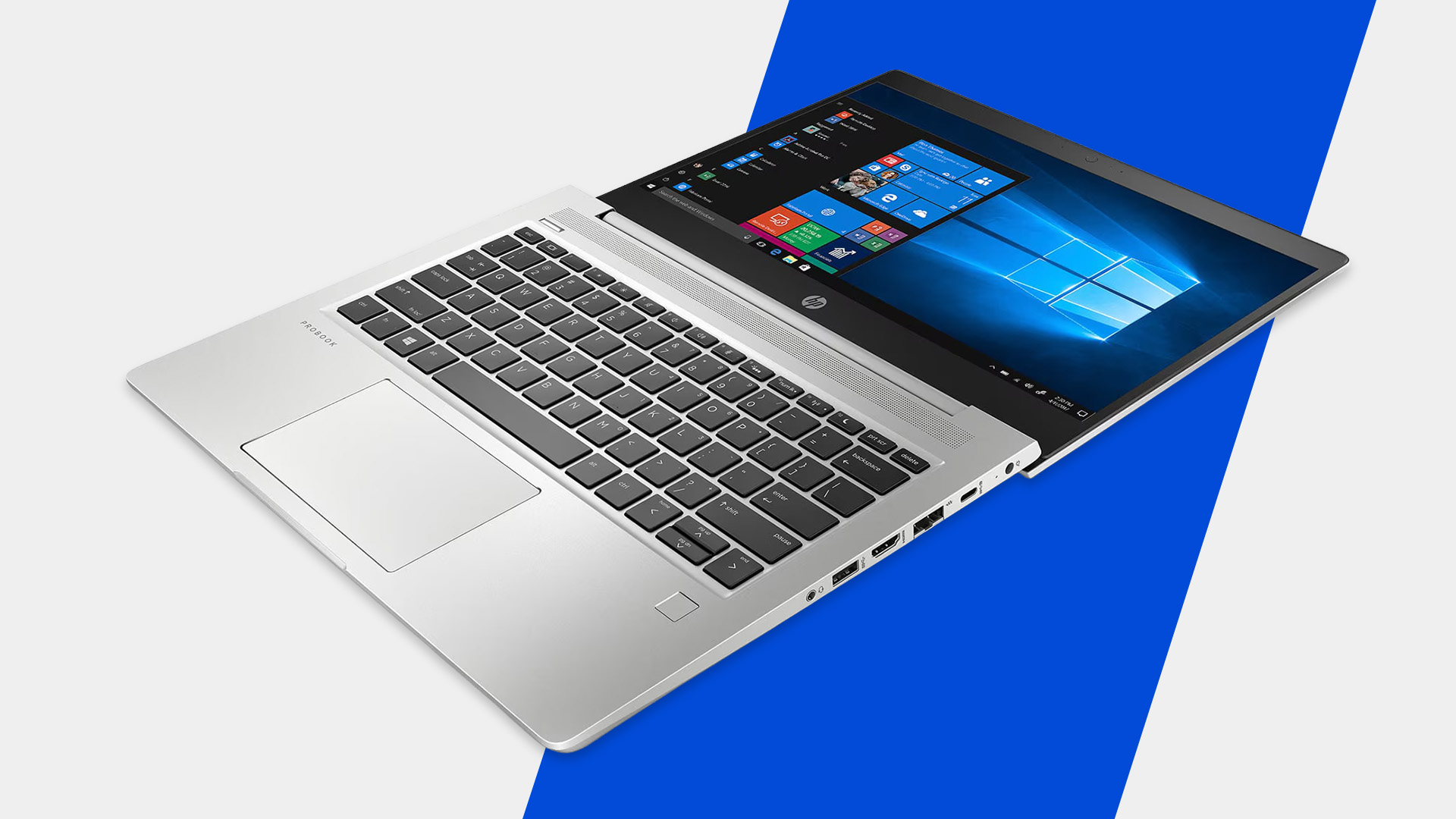
The compact chassis remains useful if you regularly move between a desk, meeting rooms, university or home.
HP lists a starting weight of approximately 1.49kg, with dimensions of roughly 30.85 × 23.1 × 1.8cm.
That makes the ProBook 430 G6 relatively easy to carry while retaining a traditional laptop keyboard, 13.3-inch display and a useful collection of physical connections.
Its design also reflects its business origins. HP used an aluminium keyboard deck and top cover alongside a chassis designed to cope with regular professional use. The original model underwent HP's stated MIL-STD 810G testing, although such testing should not be interpreted as making a laptop damage-proof.
RAM and Storage Are Surprisingly Upgradeable
Upgradability is one of the strongest reasons the HP ProBook 430 G6 remains interesting.
HP specifies two user-accessible DDR4-2400 SODIMM slots with an official maximum capacity of 32GB and dual-channel memory support.
For typical 2026 use:
- 8GB RAM: workable for lighter office and study workloads
- 16GB RAM: preferable for multitasking and everyday professional use
- 32GB RAM: useful for heavier multitasking and specific memory-intensive applications
A refurbished machine with only 4GB should therefore not automatically be dismissed if the rest of the configuration is suitable, because memory can be upgraded.
Storage is similarly flexible. HP offered PCIe NVMe M.2 SSD configurations and support for additional 2.5-inch storage arrangements on compatible configurations.
An SSD should be considered essential for comfortable everyday use today. If a particular unit relies primarily on an old mechanical hard drive, upgrading to SSD storage can make system startup, application loading and file access feel significantly more responsive.
Connectivity Is Better Than Many Thin Laptops
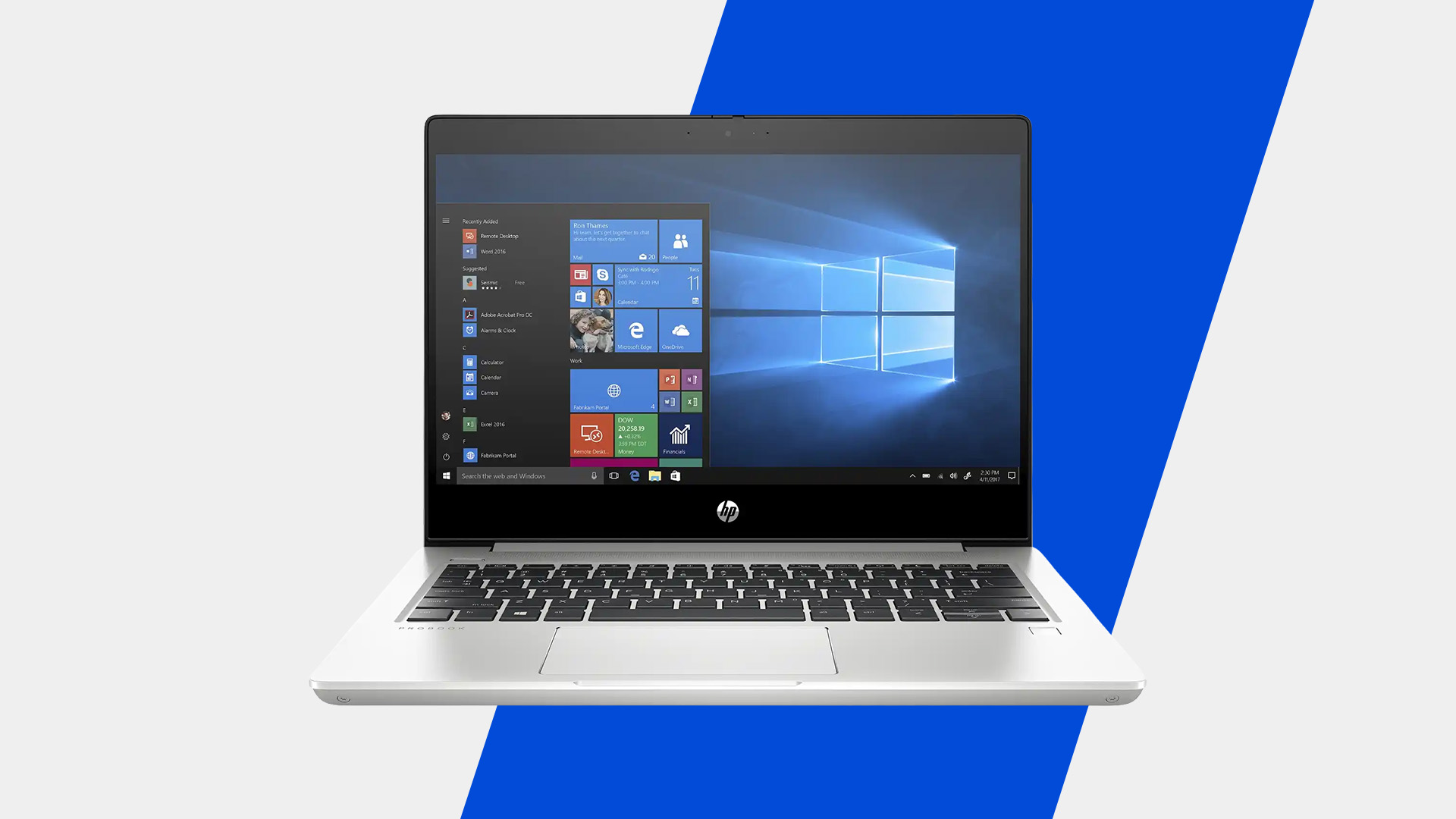
The HP ProBook 430 G6 comes from a period when business laptops still included several full-size ports.
Its connections can include:
- Two USB-A ports
- USB-C
- HDMI 1.4b
- RJ-45 Ethernet
- 3.5mm headset connection
- Full-size SD card reader
The USB-C connection supports data, DisplayPort output and Power Delivery according to HP's original specification.
Having built-in Ethernet is particularly useful for offices, IT environments and users who prefer a wired network connection without carrying an adapter.
There is one modern limitation: this is a Wi-Fi 5-era laptop, not a current Wi-Fi 6, Wi-Fi 6E or Wi-Fi 7 machine. That is unlikely to prevent normal office work, but users building around the latest networking standards should take it into account.
Business Security Still Adds Useful Features
The ProBook line sits above basic consumer laptops in several areas, particularly security and manageability.
Depending on configuration, HP listed features including:
- TPM 2.0
- HP BIOSphere Gen4
- HP DriveLock
- HP Secure Erase
- Pre-boot authentication
- Optional fingerprint recognition
- Optional IR camera
- HP Sure Click
Not every refurbished G6 will include optional biometric hardware, so do not assume a fingerprint reader or infrared camera is present simply because another listing shows one.
Check the exact unit you are purchasing.
What About Battery Life in 2026?
Battery condition matters much more than the original battery-life figure.
The ProBook 430 G6 uses a 45Wh three-cell battery, and HP originally advertised battery life of up to 14 hours under its test conditions.
That figure should not be treated as the expected runtime of a refurbished machine today.
Lithium-ion batteries lose usable capacity through age, charge cycles, temperature and use. Two otherwise identical G6 laptops can therefore provide very different battery runtimes in 2026.
Before purchasing a refurbished model, look for information about:
- Battery health
- Remaining capacity
- Whether the battery has been replaced
- Warranty coverage for the battery
- Expected real-world runtime
For a laptop of this age, battery condition can matter more than a small difference between two processor options.
Who Is the ProBook 430 G6 Best Suited To?
The HP ProBook 430 G6 still fits users whose workloads are primarily productivity based.
It Can Make Sense For:
Office workers: Documents, spreadsheets, email, browser-based applications and video meetings.
Students: Research, assignments, online classes and everyday productivity.
Remote workers: Compact size, Ethernet, USB-C and HDMI provide useful home-office flexibility.
Small businesses: Upgradeable memory and storage can help extend the laptop's usable lifespan.
Home users: Suitable for browsing, streaming, administration and general computing.
Look Elsewhere If You Need:
- Modern AAA gaming
- Dedicated GPU performance
- Professional 3D rendering
- Heavy 4K video production
- A high-brightness or wide-gamut display
- Modern AI-PC hardware
- Wi-Fi 6E or Wi-Fi 7
- Maximum battery endurance from a new machine
Knowing these limits is more useful than simply asking whether an older laptop is "fast".
What Should You Check Before Buying One?
This is the most important part of buying an HP ProBook 430 G6 in 2026.
Check the actual unit rather than relying only on the model name.
Processor
Prefer an 8th Gen Core i5 or Core i7 for more demanding everyday multitasking.
Display
Look for 1920 × 1080 Full HD where possible rather than the lower-resolution 1366 × 768 panel.
RAM
8GB is a practical minimum for many everyday workloads, while 16GB gives more headroom.
Storage
Choose SSD storage rather than relying on a mechanical hard drive as the primary system drive.
Operating System
Confirm Windows 11 compatibility, installation and activation.
Battery
Ask about current battery health rather than relying on HP's original runtime claim.
Physical Condition
Check the keyboard, hinges, USB ports, screen, charger, touchpad, webcam and chassis.
Refurbishment Quality
A professionally refurbished business laptop should have undergone functional testing, data erasure, cleaning and condition grading, with clear warranty terms.

Is the HP ProBook 430 G6 Worth Buying in 2026?
The HP ProBook 430 G6 13.3-inch business laptop can still be a practical productivity machine in 2026, but configuration and condition determine whether it makes sense.
The strongest versions combine an 8th Gen Core i5 or Core i7 processor with a Full HD display, SSD storage, sufficient DDR4 memory and Windows 11. Its compact design, Ethernet, USB-C connectivity and upgradeable RAM and storage also give it advantages that some thinner laptops sacrifice.
At the same time, its older integrated graphics, modest display brightness, Wi-Fi 5 connectivity and potentially aged battery make its generation clear.
Treat it as an older business laptop that can still perform useful work, rather than as an alternative to a modern performance notebook. If the specification, battery condition and refurbishment standard are right for your workload, the ProBook 430 G6 can continue to serve well for everyday computing.

Frequently Asked Questions
Is the HP ProBook 430 G6 good for office work?
Yes. A Core i5 model with SSD storage and sufficient RAM can still handle documents, spreadsheets, email, web applications and video meetings effectively. For heavier professional software, a newer laptop may provide significantly better performance.
Does the HP ProBook 430 G6 support Windows 11?
Many configurations use Windows 11-supported 8th Gen Intel Core processors, while HP lists TPM 2.0 and currently provides Windows 11 as an operating-system option on its driver page. Always verify the individual laptop's eligibility before purchasing.
Can you upgrade the RAM in an HP ProBook 430 G6?
Yes. HP specifies two customer-accessible DDR4 SODIMM slots and officially supports up to 32GB DDR4-2400 memory. This makes memory upgrades one of the model's useful advantages.
Does the HP ProBook 430 G6 have an SSD?
It depends on the configuration. HP offered M.2 SATA and PCIe NVMe SSD options alongside selected 2.5-inch storage configurations, so check the exact storage installed in the laptop you are considering.
Is the HP ProBook 430 G6 good for gaming?
It is intended primarily for business productivity rather than gaming. Its integrated Intel graphics can handle lightweight or older games, but modern graphically demanding titles are better suited to a laptop with dedicated graphics.
Is the HP ProBook 430 G6 good for students?
It can be suitable for students who mainly need web research, Microsoft Office, online learning and everyday productivity. Prioritise a Full HD screen, SSD, at least 8GB RAM and a battery in good condition.
| Read More: |
| How to Factory Reset a Laptop |
| 5 Best Lenovo Business and Corporate Laptops |
| Best ThinkPad Laptops for Business and Home Use |
Related Articles

Last Updated: September 04, 2026
If you’re shopping for a new laptop this year, HP continues to be one of the most reliable and exciting brands to watch. From premium Ultrabooks and powerful gaming machines to flexible 2-in-1 devices built for modern work and study, the latest releases bring something for everyone.
In this guide, we’ll explore the latest HP laptops you shouldn’t miss in 2026, highlighting what makes them stand out, which users they suit best, and why HP remains a top choice for shoppers across the UK. Whether you’re upgrading your home setup, buying for university, or looking for a performance machine that keeps up with your workload, these HP laptop models are worth considering.
Top HP Laptop Models You Can Choose in 2026
The latest HP laptops in 2026 are redefining versatility, performance and AI-enabled productivity across the board. Let’s explore few of them:
HP OmniBook X FlipNGAI 14-fm0005na – Compact AI-Ready Performance
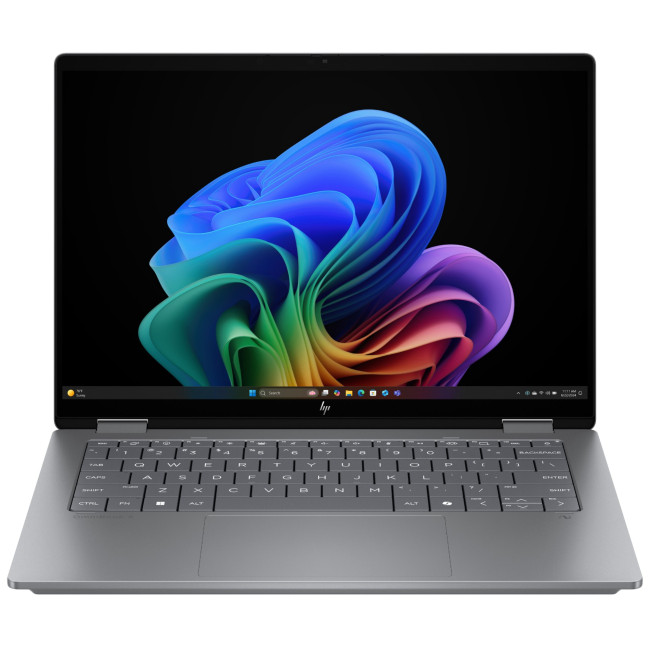
The HP OmniBook X FlipNGAI 14-fm0005na Intel® Core™ Ultra 5 226V
Last Updated: June 10, 2026
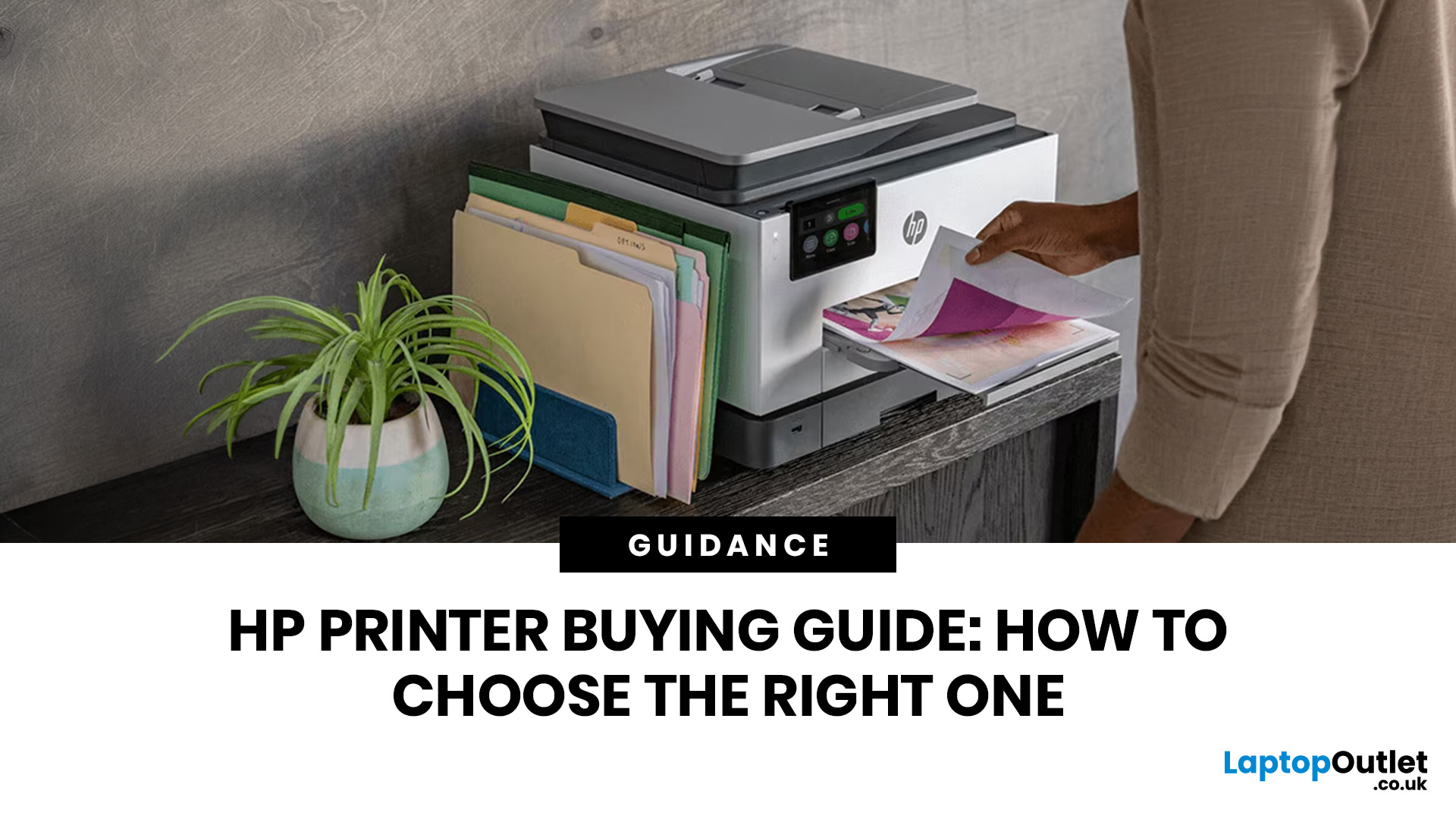
The best HP printer depends on what you print, how often you print, whether you need scanning or copying, and how much you want to spend on ink or toner. For home users, an HP inkjet or all-in-one printer is usually the best choice. For offices and small businesses, HP OfficeJet, LaserJet or multifunctional printers are better for speed, reliability and heavier workloads.
Buying a printer can feel confusing because HP offers many different models for different users. Some are made for simple home printing. Some are designed for students and families. Others are built for small businesses, offices, shipping labels, high-volume printing or professional document handling. That is why choosing the right printer is not just about finding the cheapest model. It is about understanding your print habits, running costs, space, connectivity and long-term needs.
This HP printer guide 2026 will take you from basic printer knowledge to more advanced buying terms, so whether you are buying your first
Last Updated: July 06, 2026
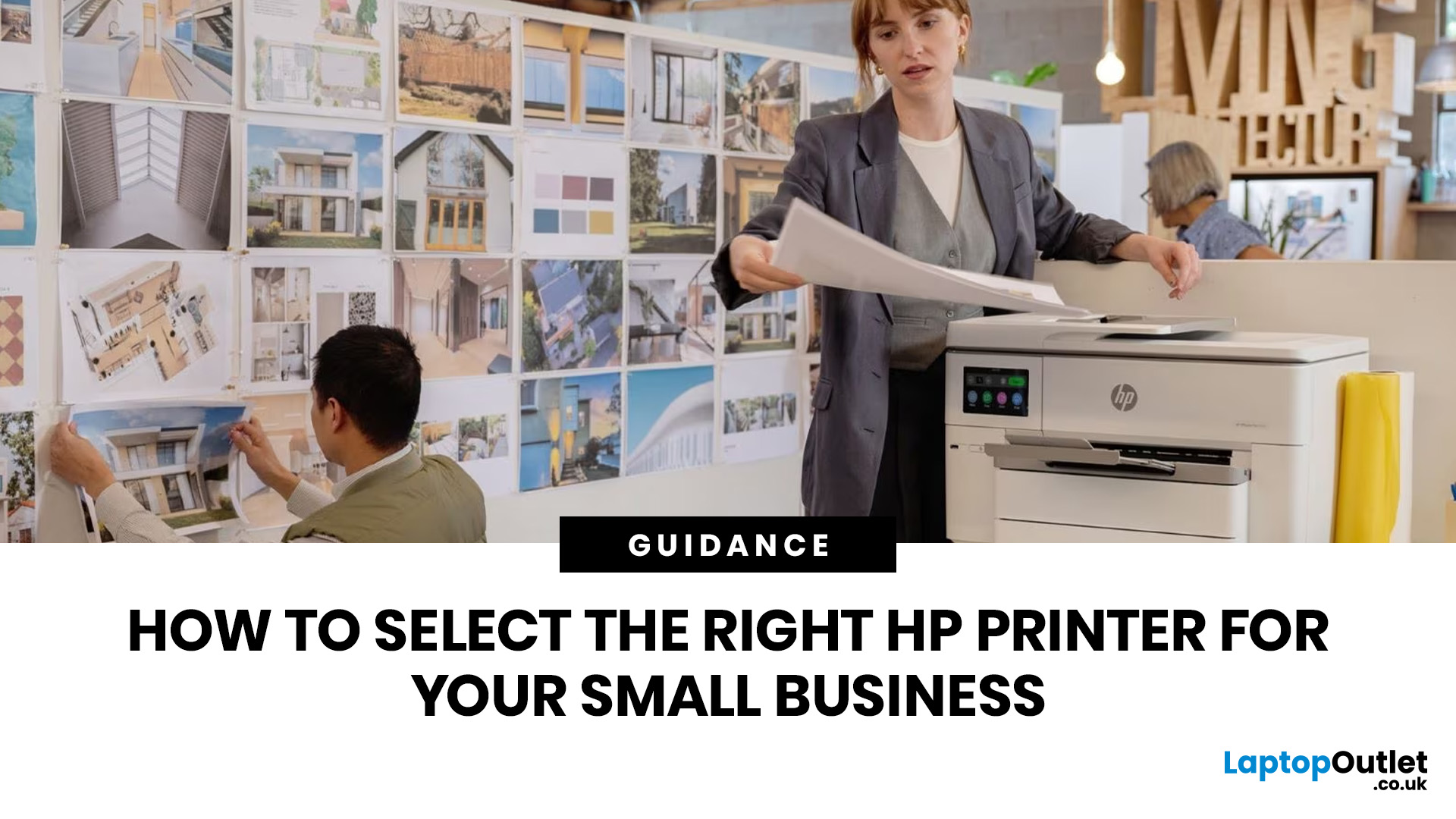
Buying one of the many HP printers for small business setups out there sounds easy until you start comparing them properly. Some are better for fast document printing, some are built for scanning and colour work, and some save you more money over time. The trick is not buying the fanciest one. It is buying the one that suits your workload. This guide walks through the HP printer types that make the most sense for home offices, small teams, and day-to-day business use.
Which HP Printer Type Should a Small Business Choose?
- If your business prints mixed colour documents, scans paperwork regularly and needs one compact machine, go for an HP all-in-one in the OfficeJet Pro range. OfficeJet Pro printers are best for higher-volume printing and all-around productivity in a home or home office, which is exactly the kind of workload many sole traders, hybrid workers and small teams deal with.
- If your business prints lots of text-heavy documents and speed matters more than photo-quality colour, choose
Last Updated: May 05, 2026
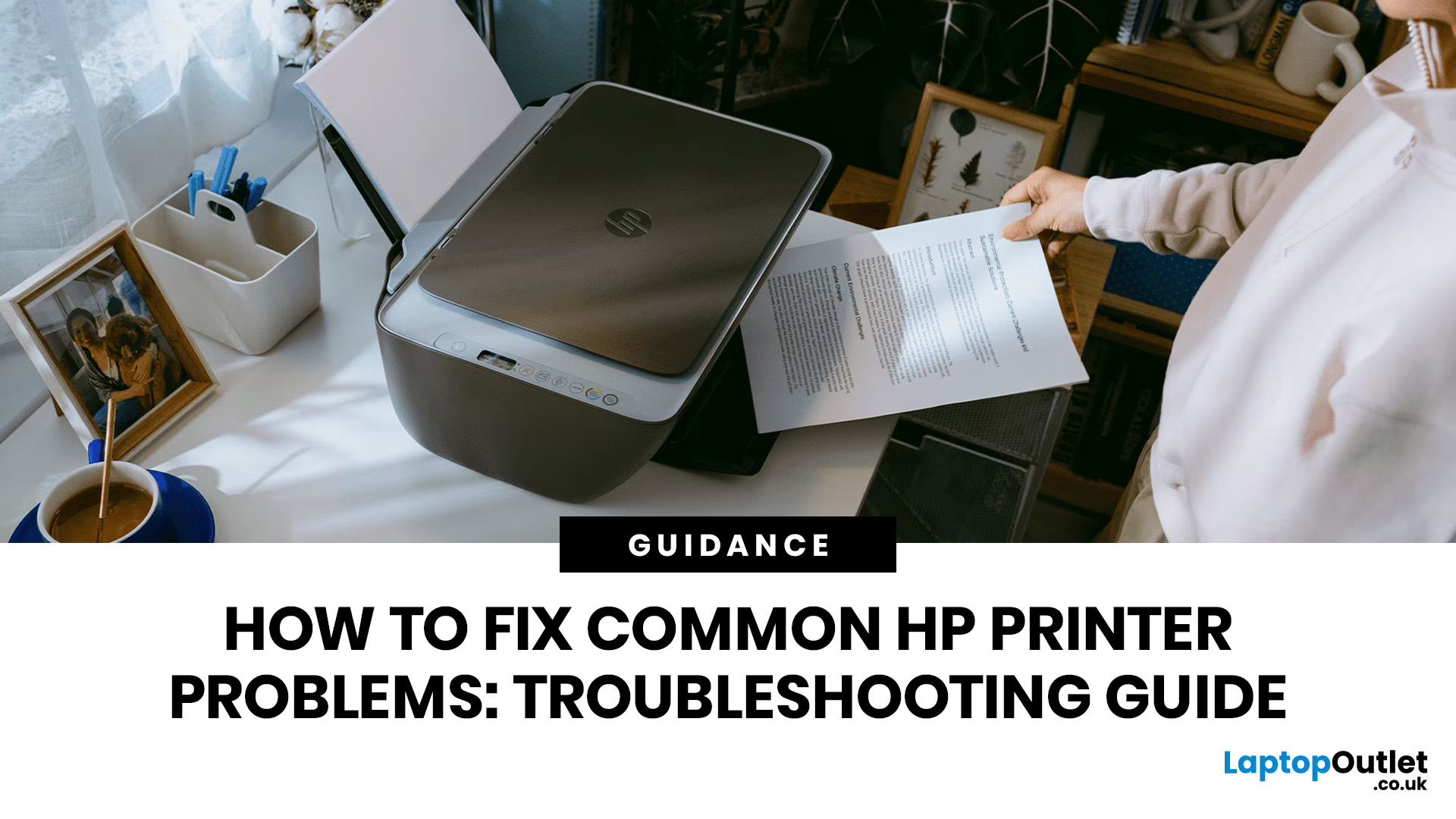
HP printers are reliable, but even the best machines throw a wobble from time to time. The good news is that the vast majority of issues are easy to resolve on your own. This guide will show you how to fix common HP printer problems without calling a professional. Whether you've got an HP OfficeJet, DeskJet, LaserJet, or ENVY, many of the checks below apply across the range.
What Are the Most Common HP Printer Problems?
Before diving into individual fixes, it helps to know what you are actually dealing with. HP printers, from compact home models to full office workhorses, tend to run into the same handful of issues time and again.
Here is a quick overview of the most frequently reported HP printer problems and what typically causes them:
| Problem | Most Likely Cause |
| Printer not printing | Stuck print queue, offline status, driver fault |
| Paper jam | Overfilled tray, worn rollers, torn paper fragments |
| Printer showing offline | Wi-Fi dropout, incorrect default printer setting |
| Blank or faded pages |
Published: May 05, 2026
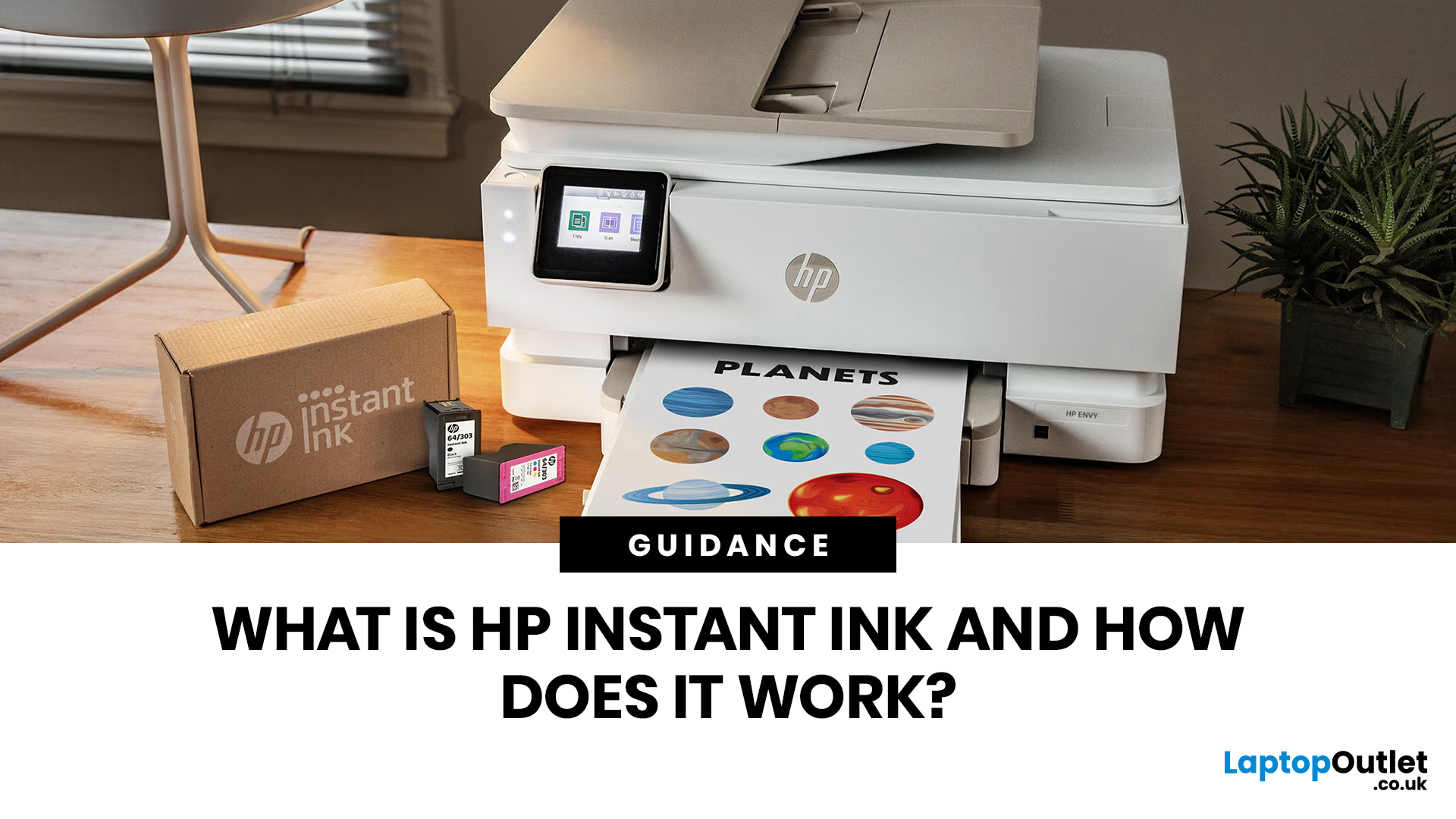
Running out of ink mid-print is one of those small but genuinely annoying life moments. HP Instant Ink aims to put an end to that, replacing the old "buy cartridges when you remember" system with a smarter, subscription-based approach. If you've been wondering what it's all about and whether it's right for you, you're in the right place.
What Is HP Instant Ink?
HP Instant Ink is HP's ink subscription service, available in the UK since 2014. Rather than purchasing individual cartridges as and when you need them, you sign up to a monthly plan and pay a flat fee based on how many pages you print each month.
The key difference from traditional ink buying is simple: you're paying for pages, not cartridges. That means printing a full-colour photo costs the same as printing a plain black text document, which is a genuinely useful feature for households that mix everyday printing with occasional photo printing.
How Does It Differ from Buying Regular Cartridges?
With standard cartridges, you
Last Updated: May 19, 2026
Quick Answer
For a quick HP printer installation, follow this order:
- Place the printer close to your router during setup.
- Connect the power cable and turn the printer on.
- Load plain A4 paper.
- Install the supplied ink cartridges or toner.
- Open the HP app or HP Smart app.
- Choose Set Up a New Printer or Add Printer.
- Connect the printer to your Wi-Fi network.
- Print a test page.
Once that is done, you can print wirelessly from your laptop, phone, tablet, or desktop.
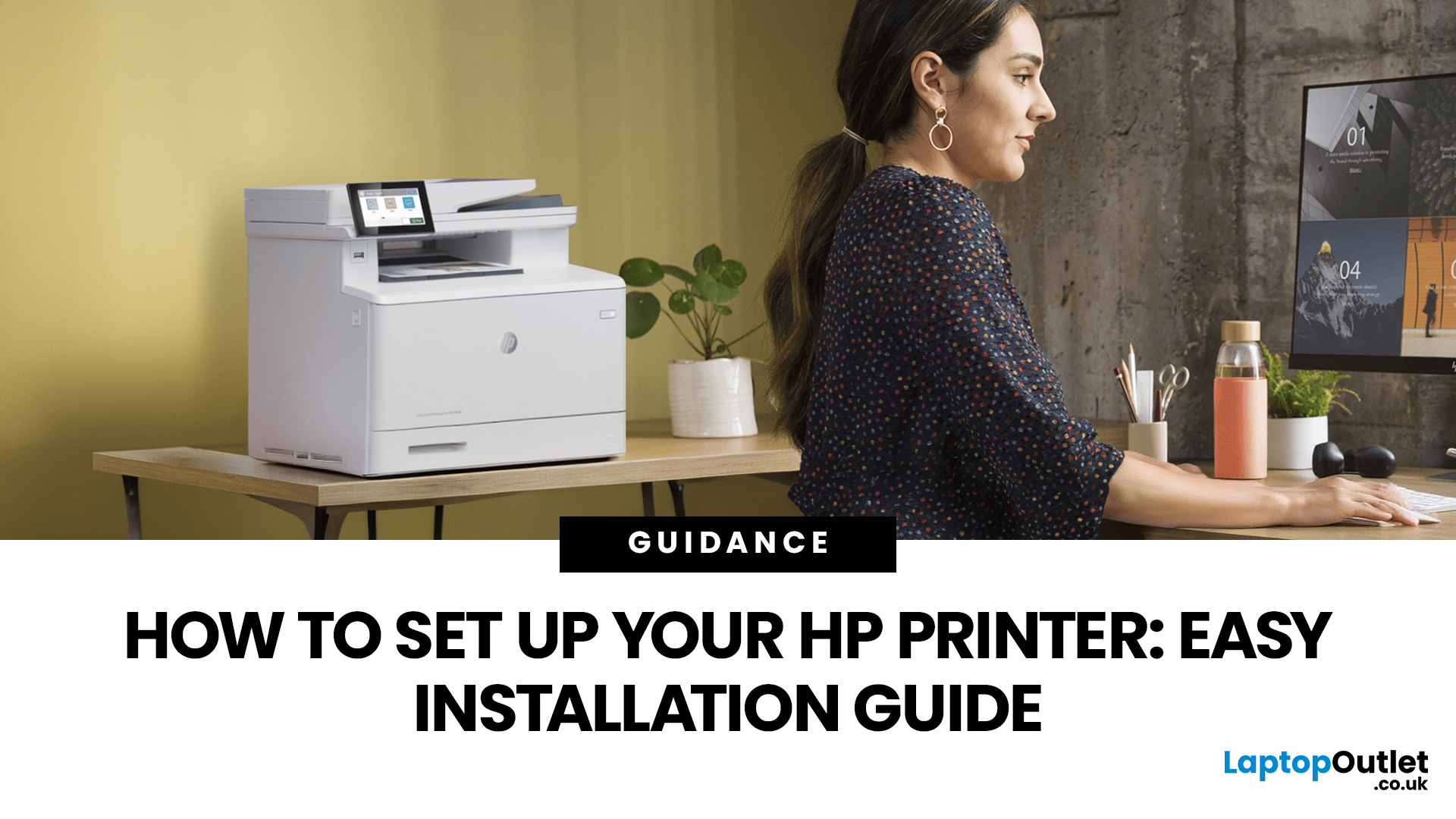
Setting up an HP printer should not feel technical, even when you are doing it for the first time. Most new printers require only a few basic steps: power, paper, ink or toner, Wi-Fi connection, and device setup.
The confusion usually starts when different devices ask for different setup routes. A Windows laptop may ask you to add the printer through Printers & Scanners. A Mac may detect it through AirPrint. A phone may need the HP app. A Chromebook may require you to add it in Chrome OS printer settings. Your printer may also
Last Updated: June 25, 2026
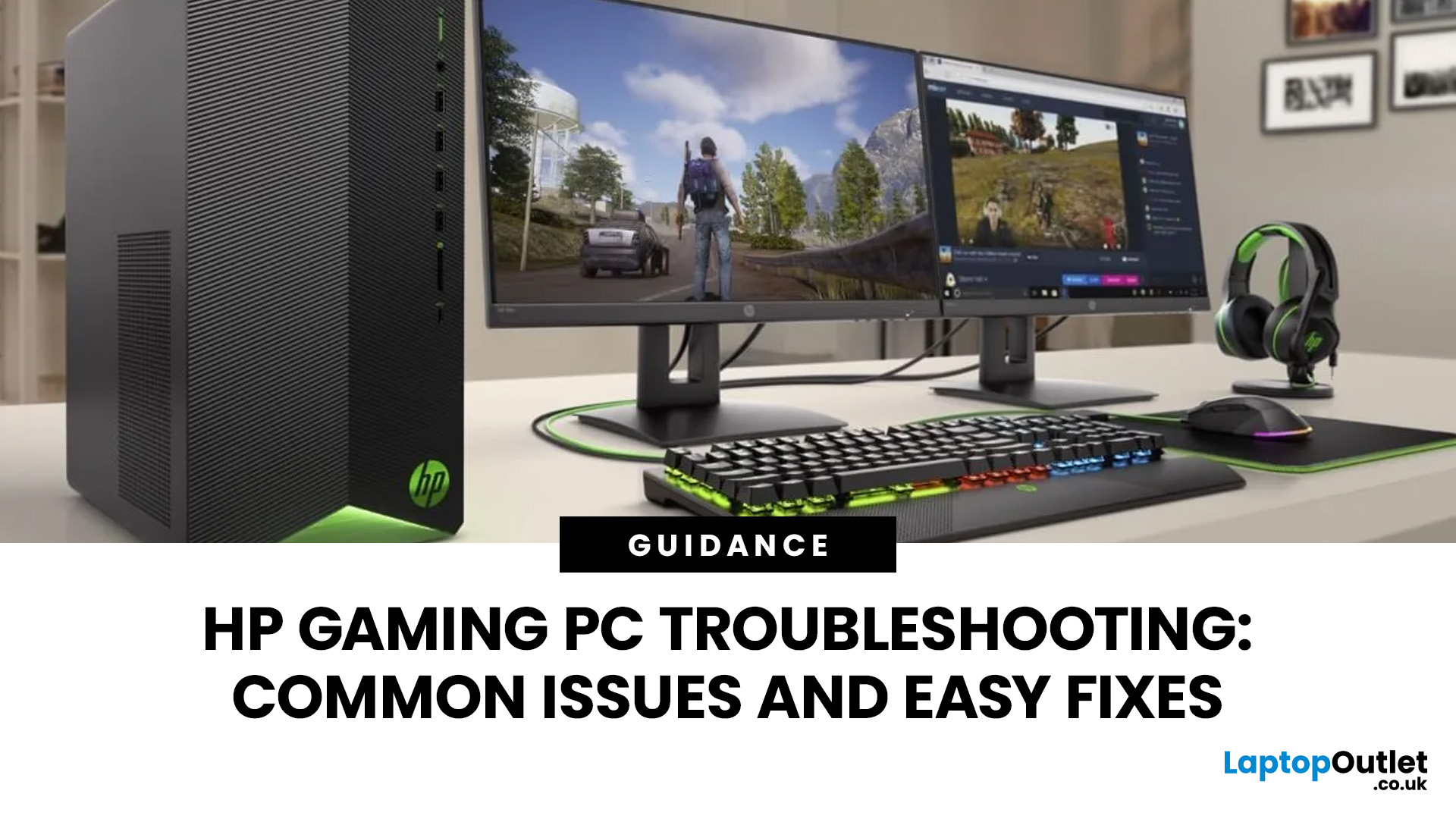
Your HP gaming PC should not feel like a boss fight before the game even loads.
HP gaming PC problems include black screens, overheating, lag, crashes, fan noise, slow performance, and startup failures. Most can be fixed by updating drivers, cleaning dust, improving airflow, freeing storage, and checking power or display connections.
You will also learn when a repair is worth it, when an upgrade makes more sense, and when it might be time to compare newer HP desktop PCs for gaming.
What Are the Most Common HP Gaming PC Problems?
Last Updated: September 03, 2026
Buying an HP gaming laptop in 2026 can feel like being asked to pick between “save money now” and “avoid regret later.”
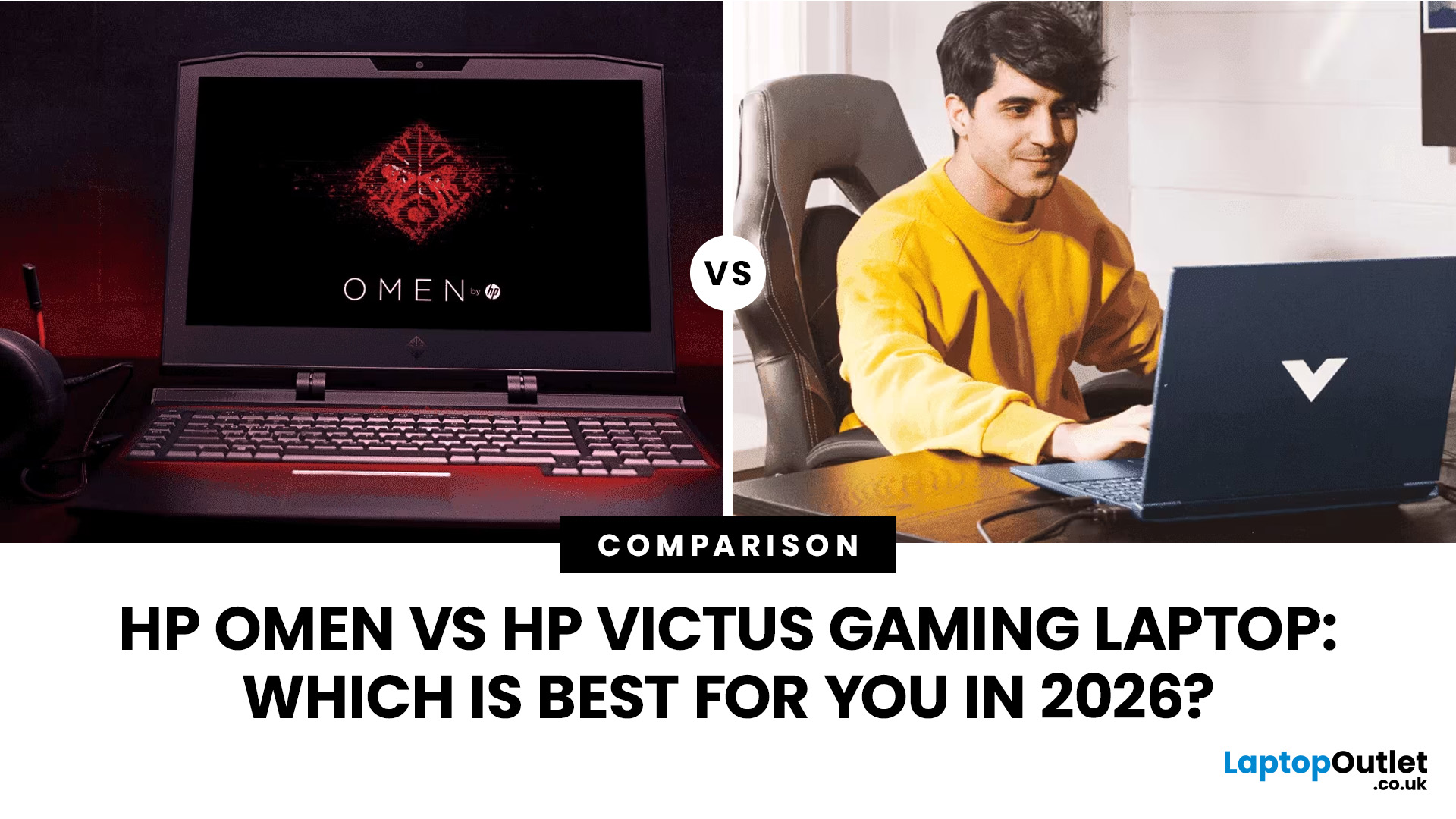
Choose HP Victus if you want the best price-to-performance balance for esports, coursework, everyday use, and casual AAA gaming. Choose HP OMEN if you want higher frame rates, better display quality, stronger cooling, and a laptop that feels ready for heavier games over the next few years.
The HP Victus gaming laptop is the value pick: more affordable, more student-friendly, and solid for 1080p gaming. The HP OMEN gaming laptop is the performance pick: stronger cooling, better displays, higher-end GPUs, and more headroom for AAA games, streaming, and long-term use.
So, which one should you actually buy?
HP OMEN vs HP Victus: The Simple Difference
HP uses Victus and OMEN for different types of gamers.
The HP Victus gaming laptop is built for mainstream buyers who want a proper gaming laptop without paying premium money. It usually targets 1080p gaming, 144Hz displays, and
Last Updated: July 29, 2026
Last Updated: August 17, 2026
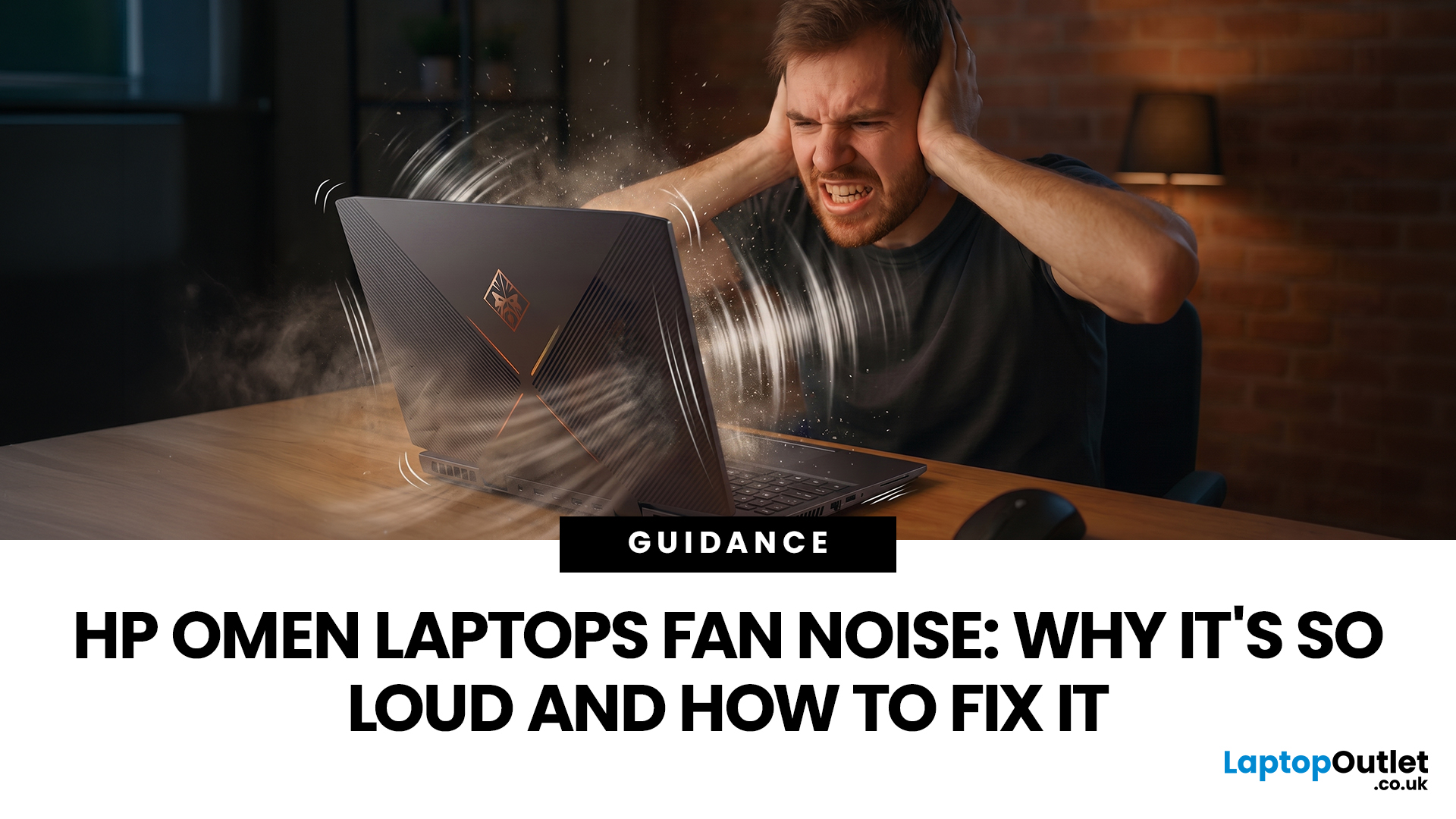
HP OMEN laptops use powerful processors and dedicated graphics, so their cooling systems can become clearly audible during gaming and other demanding work. Some HP OMEN fan noise is normal, but constant noise at idle, grinding or repeated overheating deserves attention. This guide explains how to identify the sound, diagnose the cause and choose a safe fix across the top HP OMEN laptop range.
| HP OMEN Fan Noise: Quick Answer Loud fan noise is normal while an OMEN laptop starts, updates, games, renders or runs a demanding AI task. HP says a brief fan surge for about five to twenty seconds at startup can be normal, while Performance mode deliberately increases fan speed to manage higher CPU and GPU power and temperature. Investigate an HP OMEN loud fan when it remains noisy during light use, produces mechanical sounds or appears with weak airflow, throttling or shutdowns. Many cases improve after reducing background load, changing settings, updating HP software and BIOS, restoring airflow |

