


The Ultimate Buying Guide to HP Laptops: Models, Features, and Usage
Choosing a laptop in 2025 can feel overwhelming. The market is flooded with brands claiming to offer the perfect balance of performance, portability, and value. Yet one name has consistently stood out for decades: HP. Whether you are a student on a budget, a creative professional seeking a colour-accurate display, a gamer in need of high refresh rates, or an engineer who demands workstation-grade performance, HP has a model designed with you in mind.
This HP laptops buying guide is a complete roadmap to HP’s laptop ecosystem, designed to help you understand the HP brand overview, identify the right HP laptop models for your needs, and feel confident about your purchase. We will explore HP’s history, its position in the global market, and the innovations that set it apart. You will discover what each HP laptop series offers, from consumer favourites like the HP Pavilion and HP Envy to specialised lines like HP OMEN, HP Victus, HP EliteBook, HP Chromebook, and the powerful HP ZBook mobile workstations. We will also provide comparison insights, practical buying tips, and answers to common questions.
HP’s Heritage, Market Position, and Commitment to Innovation
HP’s journey began in 1939, when Bill Hewlett and Dave Packard started a small electronics company in a Palo Alto garage - now immortalised as the birthplace of Silicon Valley. Over the decades, HP grew from making oscillators to becoming a leader in calculators, printers, and computers. By the early 2000s, HP had cemented its place in the personal computer market. In 2015, the company split into two: HP Inc., which focuses on consumer PCs and printers, and Hewlett Packard Enterprise, which handles enterprise-level hardware and services.
Today, HP is the second-largest PC vendor in the world, holding over 21 percent of global market share. This scale has given HP the resources to innovate across multiple categories, ensuring that its laptops remain competitive in design, performance, and sustainability. The brand’s ongoing “Keep Reinventing” campaign reflects its focus on creating devices that meet the evolving demands of modern users.
HP’s innovations have introduced technologies like HP Sure View, an integrated privacy screen to protect sensitive information; HP Fast Charge, which restores up to half your battery in around thirty minutes; and AI-assisted performance tuning, now making its way into premium business and workstation models. The company has also invested heavily in sustainability, incorporating recycled plastics into its products and committing to ambitious net-zero carbon goals.
The HP Laptop Line-up: A Series for Every Need
One of HP’s greatest strengths is its broad and clearly segmented product range. Rather than forcing all customers into a one-size-fits-all design, HP offers distinct HP laptops 2025 series that cater to specific needs, budgets, and usage patterns.
HP Spectre: The Flagship of Style and Performance
The HP Spectre series sits at the very top of the consumer range. These laptops are precision-crafted from aluminium, with designs that often draw comparisons to jewellery rather than electronics. The Spectre x360 convertible models are especially popular, offering the flexibility to switch between laptop and tablet modes without compromising performance.
HP Spectre laptops often feature OLED displays with 4K resolution, delivering vibrant colours and deep blacks. Combined with long battery life and the latest Intel Core Ultra processors, the Spectre is built for those who want premium performance in an elegant form factor.
HP Envy: Premium without the Premium Price Tag
Sitting just below the Spectre is the HP Envy line. These laptops strike an excellent balance between design, performance, and affordability. They are particularly appealing to content creators who need power for photo and video editing but do not want to stretch their budget into flagship territory. The Envy models often feature high-quality displays with accurate colour reproduction, robust audio systems, and strong battery life.
For many professionals and students, the Envy represents the sweet spot: stylish enough to take to a client meeting, powerful enough for creative work, and reasonably priced for the specifications on offer.
HP Pavilion: Reliable Everyday Computing
The HP Pavilion range is designed for the mainstream user who needs a dependable machine for everyday tasks such as web browsing, document work, and media streaming. Pavilions come in a variety of sizes and configurations, from compact 14-inch models to larger 17-inch screens for those who prefer more workspace. The Pavilion x360 adds 2-in-1 flexibility, making it a versatile choice for students and home users.
HP OMEN and HP Victus: Gaming Powerhouses
HP’s gaming portfolio is split into two distinct lines. At the high end is HP OMEN, a brand that has become synonymous with performance gaming. OMEN laptops are equipped with powerful NVIDIA GeForce RTX GPUs, high refresh rate displays of up to 240Hz, and advanced cooling systems to keep performance consistent during long gaming sessions. These machines are aimed at competitive gamers, game developers, and enthusiasts who demand the best.
For those on a tighter budget, HP offers the HP Victus series. Victus laptops are more affordable than OMEN but still capable of delivering smooth gameplay at 1080p resolutions. They retain a clean, minimalist design — a deliberate choice to appeal to users who want gaming performance without aggressive styling. Victus models are also upgrade-friendly, making them a smart entry point for gamers who may want to enhance their machine over time.
HP EliteBook and ProBook: Business-Ready Machines
In the business segment, HP EliteBook and ProBook series offer varying levels of performance, security, and portability.
The EliteBook is the flagship business line, built for executives, frequent travellers, and corporate environments that require top-tier security. These laptops are MIL-STD tested for durability, feature long battery life, and include enterprise-level features such as HP Sure Start (a self-healing BIOS) and advanced biometric authentication.
The ProBook is a more affordable alternative for small to medium-sized businesses. While it may lack some of the premium touches of the EliteBook, it still offers solid performance, strong build quality, and essential security features.
HP ZBook Mobile Workstations: Professional-Grade Performance
Without the HP ZBook series, HP’s dedicated line of mobile workstations, no HP laptops guide would be complete. These machines cater to professionals whose work demands desktop-class power on the go — engineers, architects, data scientists, and video editors.
The ZBook range is diverse. The ZBook Firefly is the lightest and most portable option, ideal for professionals who travel frequently but still require workstation-grade reliability. The ZBook Power offers a balanced blend of performance and affordability, while the ZBook Studio combines a slim profile with powerful GPUs and colour-accurate displays. At the top end, the ZBook Fury delivers uncompromising performance, with support for up to 192GB of RAM, multiple storage drives, and the most powerful Intel and AMD processors available in a laptop.
HP Chromebook: Simplicity and Value
While much of HP’s laptop line runs Windows, the company also offers a range of HP Chromebook devices. These run ChromeOS, a lightweight operating system built around the Google ecosystem. Chromebooks excel in environments where simplicity, security, and low cost are priorities such as in schools or for users who spend most of their time online.
Choosing the Right HP Laptop for Your Needs
Finding the right HP laptop is less about chasing the highest specifications and more about matching the machine to your real-world needs. This HP laptop buying guide section takes you through the key steps.
Quick Pre-Purchase Checklist
First of all, ask yourself:
- What am I buying a laptop for?
- Have I matched the series to your primary use?
- Are the CPU, GPU, RAM, and storage suitable for my workload?
- Does the laptop have the ports and connectivity I need?
- Will it last at least 3–5 years with possible upgrades?
1. Define Your Primary Use Case
Now the most important step in choosing an HP laptop is to clearly understand how you will be using it day-to-day. A student who needs a device for note-taking, online research, and streaming lectures will require very different specifications from a gamer or a design professional. If your work revolves around emails, document editing, and light web browsing, you can choose a simpler, more affordable model. On the other hand, video editors, architects, engineers, or anyone working with complex software will need a device with a powerful processor, ample memory, and a dedicated graphics card.
2. Pick the Form Factor
Once you know your main usage, the next step is deciding on the physical design that best suits your working style. HP offers traditional clamshell laptops that are sturdy, dependable, and perfect for focused desk work. If flexibility is a priority, their 2-in-1 convertibles, such as the Spectre x360 or Pavilion x360, allow you to rotate the screen into tablet mode, making them ideal for sketching, presenting, or reading. Detachable designs go a step further, letting you separate the keyboard entirely for maximum portability. Professionals who need high-end processing power should consider HP’s mobile workstations, such as the ZBook series.
3. Focus on Core Specifications
The right specifications will ensure your laptop can handle your workload efficiently. Screen size should match your balance between portability and workspace: a 13- or 14-inch model is easy to carry, while a 15- or 17-inch display provides more room for multitasking. Resolution also matters. Full HD is suitable for most users, but creative professionals may prefer OLED or 4K panels for their superior clarity and colour accuracy.
For processors, an Intel Core i3 or AMD Ryzen 3 will manage basic computing, but for multitasking or running creative software, aim for at least a Core i5 or Ryzen 5. Heavy-duty users should step up to a Core i7, i9, or Ryzen 7/9.
Graphics performance is equally important if you plan to game or work with 3D design dedicated GPUs such as NVIDIA GeForce RTX 50 Series or AMD Radeon 9000 Series provide a significant boost. When it comes to memory, 8 GB of RAM is a practical minimum, though 16 GB or more is recommended for professional work. Storage should be SSD-based for faster performance, with 512 GB offering a good balance between space and cost.
4. Match the Series to Your Needs
With your requirements and preferred specifications in mind, you can now match them to HP’s laptop families. For everyday use or study, the Pavilion and Chromebook series offer reliable performance at affordable prices. If you need a step up in style and performance, the Envy series provides a premium feel without the flagship cost, while the Spectre line delivers cutting-edge design and power for those who want the very best in the consumer range. Business professionals should look to the EliteBook or ProBook series for their combination of security features, durability, and portability. Gamers can opt for the OMEN series for maximum performance or the Victus series for budget-friendly gaming. For those in engineering, media production, or any field that demands serious computing muscle, the ZBook mobile workstations remain the ultimate choice.
5. Plan for the Long Term
A laptop is an investment, so it pays to think about how your needs may evolve over the next few years. Look for models that allow memory and storage upgrades to extend the device’s lifespan. Consider battery life carefully if you travel often or work remotely. Warranty and after-sales support can also play a big role, particularly if you rely on your laptop for critical work. Regular maintenance of HP laptops, such as keeping software updated and cleaning vents, can also extend their lifespan and maintain peak performance.
Comparisons: Which HP Series Suits You?
As said earlier, from ultra-thin convertibles to gaming beasts and workstation powerhouses, HP has a laptop for almost every type of user. The challenge? Knowing which one is right for you is exactly what this table will help you figure out.
|
HP Series |
Specs |
Price Range (UK) |
Ideal For |
|
Spectre |
13–16" OLED or high-res IPS, Intel Core Ultra 5/7, up to 32 GB RAM, up to 2 TB SSD, 2-in-1 hinge, Thunderbolt 4, long battery life |
£1,200 – £2,000+ |
Premium users, creatives, business pros |
|
Envy |
13–17" IPS/OLED, Intel Core i5/i7 or AMD Ryzen 5/7, up to 32 GB RAM, up to 1 TB SSD, solid battery life |
£900 – £1,500 |
All-rounders, students, content creators |
|
OMEN |
15–17" QHD or FHD 144–240Hz, Intel Core i7/i9 or AMD Ryzen 7/9, NVIDIA RTX GPUs, up to 64 GB RAM, 1–2 TB SSD |
£1,200 – £2,500+ |
Competitive gamers, game developers |
|
Victus |
15–16" FHD/QHD 144Hz, Intel Core i5/i7 or AMD Ryzen 5/7, NVIDIA RTX, up to 32 GB RAM, 512 GB–1 TB SSD |
£800 – £1,200 |
Budget-conscious gamers, casual creators |
|
EliteBook |
13–16" IPS, Intel Core i5/i7 or AMD Ryzen 5/7, up to 64 GB RAM, 256 GB–1 TB SSD, enterprise security features, MIL-STD tested |
£1,200 – £2,000 |
Business travellers, executives, remote workers |
|
ZBook Fury |
16–18" QHD 120–165Hz, Intel Core Ultra 7/9 or Xeon, NVIDIA RTX Pro GPUs, up to 192 GB RAM, up to 4 TB SSD, ISV certified |
£2,000 – £4,000+ |
Engineers, designers, professionals |
Conclusion: Finding Your Perfect HP Laptop
HP’s strength lies in its ability to offer something for everyone. Whether your priority is style, raw performance, gaming capability, or professional reliability, an HP laptop fits the brief. The key is to match your needs, budget, and long-term expectations with the right series. With this HP laptops 2025 guide in hand, you can approach the buying process with clarity and confidence.
Ready to find your perfect HP laptop? Explore the latest HP range at Laptop Outlet and get unbeatable deals on the latest HP laptops for every budget and need. Whether you go for a sleek HP Spectre, a powerful HP OMEN, or a business-ready HP EliteBook, Laptop Outlet offers competitive prices, fast delivery across the UK, and regular seasonal discounts.
Frequently Asked Questions
Which HP laptop is best for students?
For most students, the Envy or Pavilion balances affordability, performance, and portability.
Do HP laptops have good battery life?
Yes, particularly models like the Spectre x360 and EliteBook can last up to 17 hours under moderate use.
Is the HP Victus good for gaming?
Yes. While it cannot match the performance of the OMEN, it offers smooth gameplay for most modern titles at 1080p and is upgrade-friendly.
What is the difference between EliteBook and ProBook?
EliteBooks are lighter, more premium, and include advanced security features. ProBooks are more budget-friendly but still solid for business use.
Are HP Chromebooks worth it?
If you need an affordable, easy-to-use device for browsing, emails, and cloud-based work, HP Chromebooks are a practical choice.
| Read More: |
| Which HP Laptops for gaming? |
| HP Laptop and Desktop Deals: A Guide to Saving Money |
| What are HP Planet Partners? What Are the Three Pillars of HP's Sustainability Strategy? |
Related Articles

Last Updated: September 09, 2025

Last Updated: September 09, 2025
HP is a well-known and reputable manufacturer of laptops, PCs, and other products and services. They have many laptops and desktops to cater to and meet individual needs. While HP laptops and PCs can sometimes be costly, you can buy them on deals to save money. Retailers like Laptop Outlet offer excellent, super-saving HP laptop and PC deals, enabling you to get your desired high-quality laptop or desktop for much less. Upgrade smart with HP laptop and desktop deals, unlocking unbeatable savings and getting more for less!
HP is a trusted name in the tech industry. It offers a versatile range of laptops and desktops for different user needs. Whether you are looking for a robust business laptop, a portable student laptop, a high-end gaming PC, a PC for daily use, or any other, HP has a solution!
While HP laptops and desktops can be tempting, getting a powerful HP laptop or desktop can be costly, which is why we recommend exploring HP deals (on laptops and PCs) to get the most value
Last Updated: October 02, 2025
Capture What You See in Seconds
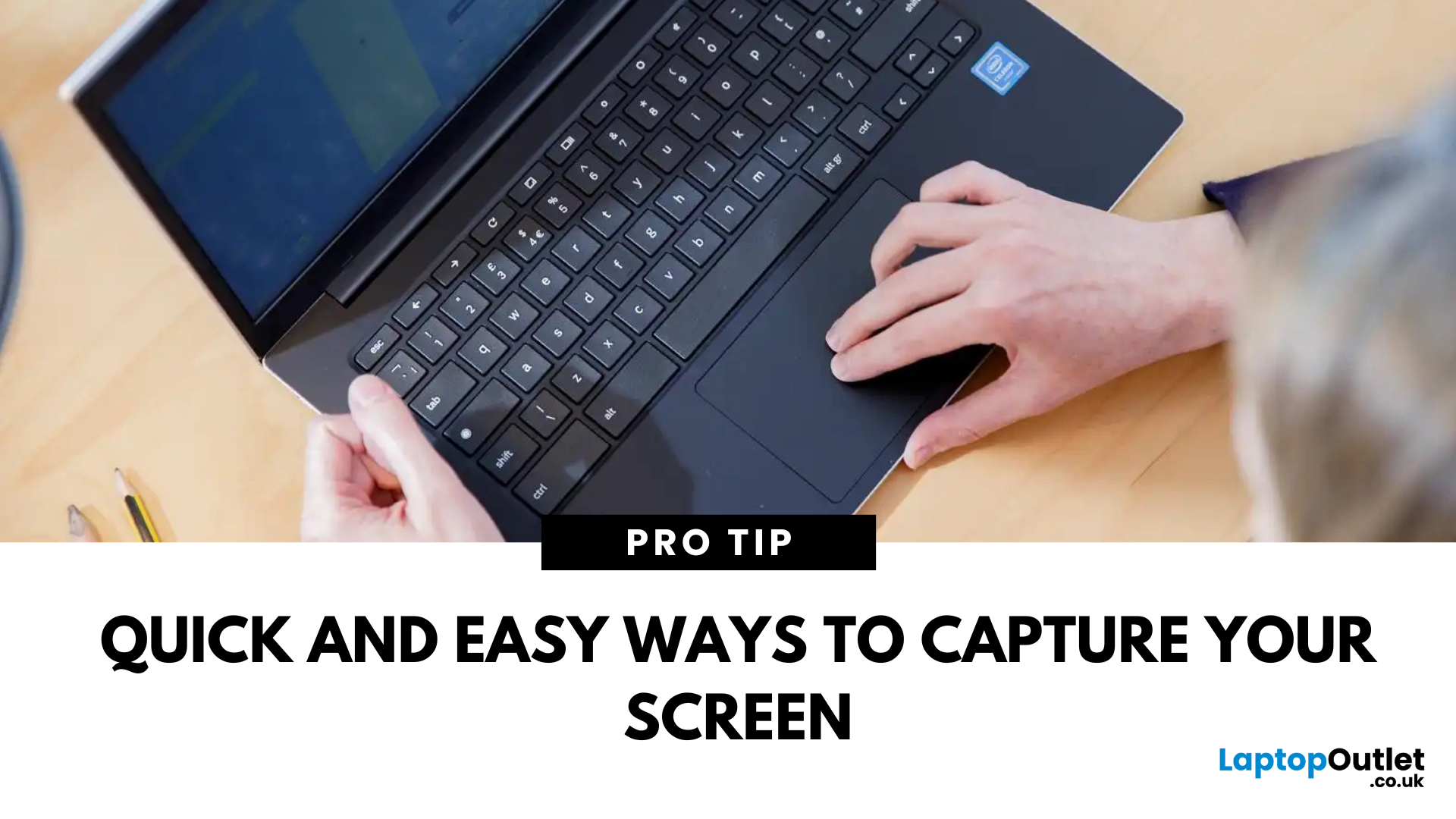
Whether you’re saving a receipt, reporting an issue, or grabbing a funny moment, knowing how to take a screenshot on your HP laptop is a game-changer. Here are the simplest ways to snap your screen using built-in tools and shortcuts.
1. Use the Print Screen (PrtScn) Key
To capture the full screen:
- Press PrtScn or Fn + PrtScn (some HP models)
- Open Paint or another editing app
- Press Ctrl + V to paste
- Save the image
Saved to clipboard, not automatically stored as a file
2. Screenshot a Specific Window
To capture just one active window:
- Click on the window you want to screenshot
- Press Alt + PrtScn
- Paste into an app (Ctrl + V) and save
3. Use the Snipping Tool (or Snip & Sketch)
HP laptops running Windows 10 or 11 come with this handy app.
Steps:
- Search for Snipping Tool or Snip & Sketch in Start Menu
- Click New to start a screenshot
- Choose your snip type: Rectangle, Free-form, Window, Fullscreen
- Save or edit your screenshot
Last Updated: September 09, 2025
HP Means Business—and Gaming
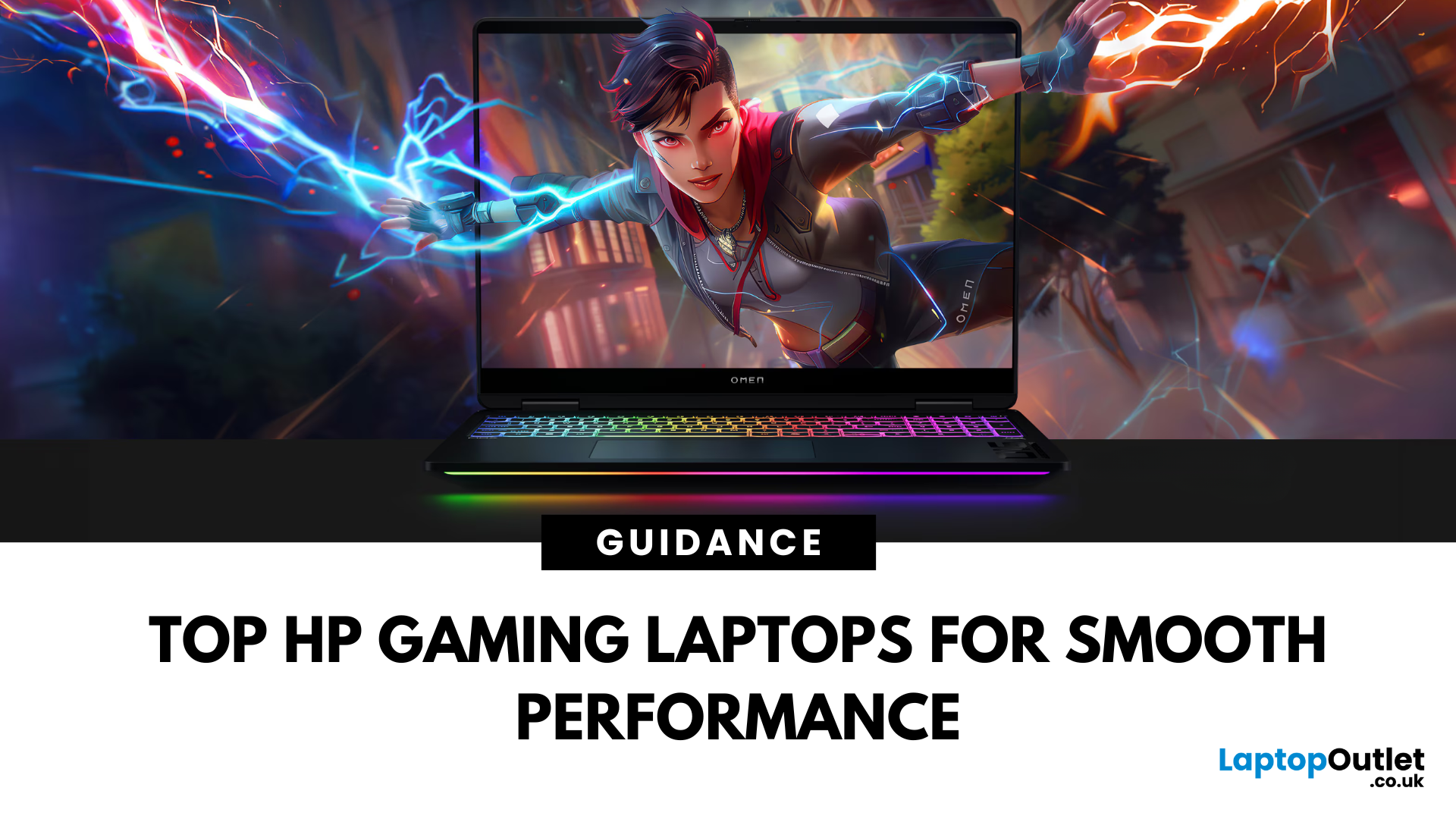
When it comes to gaming laptops, HP offers more than office power. Its Omen and Victus series pack serious performance, sleek designs, and value for money—making them ideal for gamers of all levels. Let’s explore the best HP laptops for gaming in 2025.
1. HP Omen Series – High-End Gaming Performance
Designed for serious gamers, the HP Omen series delivers desktop-level specs in a portable chassis.
Top Pick: HP Omen 17 (2025 Edition)
- Intel Core i9 / AMD Ryzen 9
- NVIDIA GeForce RTX 4080/4090 GPU
- 17.3" QHD display with 240Hz refresh rate
- 1TB SSD, 32GB RAM
Ideal for AAA gaming, streaming, and creative workloads
2. HP Victus Series – Affordable Gaming Power
The HP Victus line brings gaming-grade specs to more budget-friendly price points.
Top Pick: HP Victus 16 (2025 Edition)
- Intel Core i7 or Ryzen 7
- NVIDIA RTX 4060/4070 GPU
- 16.1" FHD 144Hz display
- 512GB SSD, 16GB RAM
Great for casual to mid-level gaming and students
3. HP Omen
Last Updated: May 05, 2026
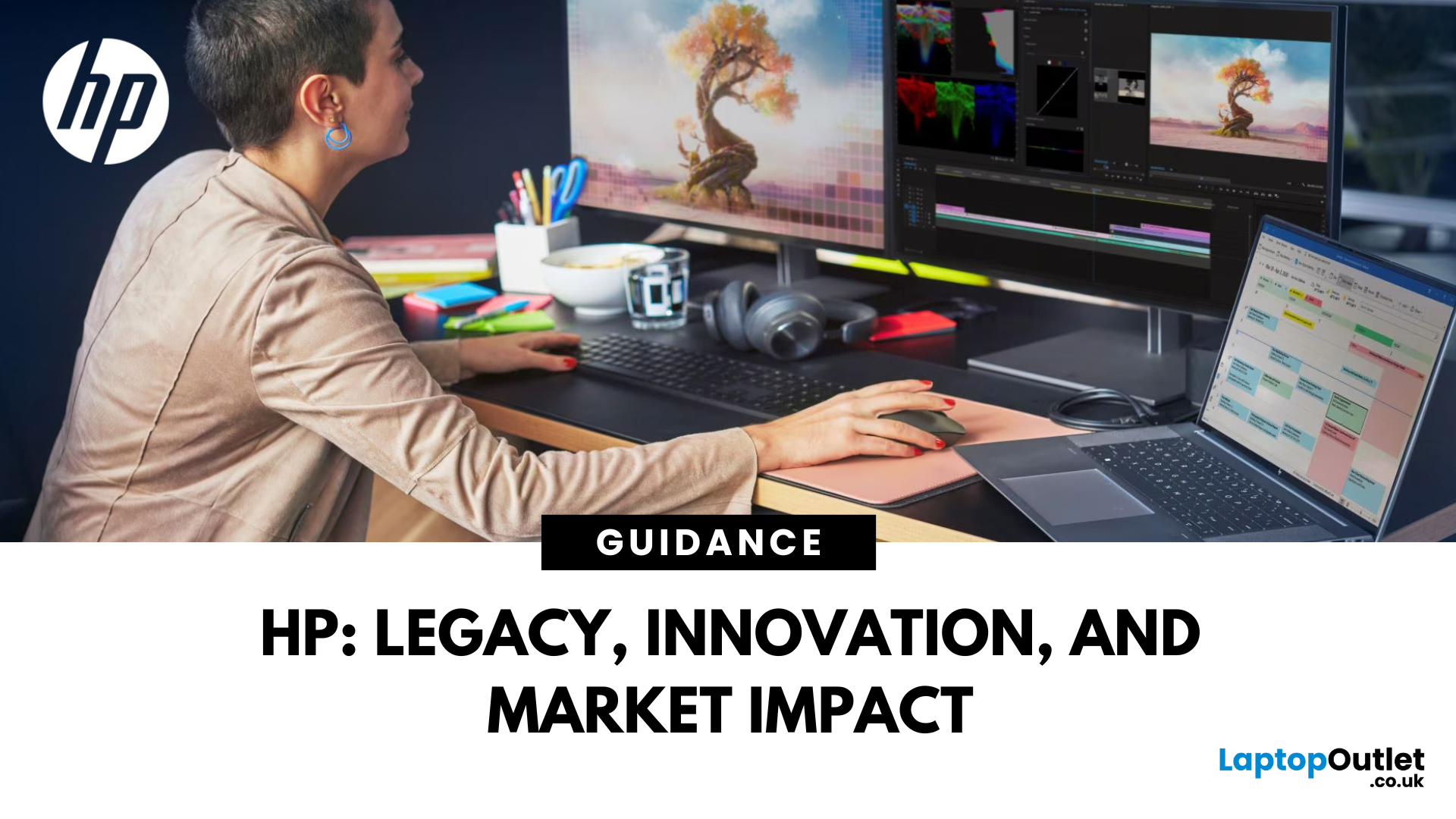
When you buy a laptop, you are not just choosing a set of specifications — you are buying into the brand's reputation, reliability, and vision behind it. Few names in personal computing carry as much weight as HP. For over eight decades, HP has been at the centre of technological change, delivering devices that power classrooms, boardrooms, creative studios, and gaming setups across the globe. This Introduction to HP Laptops reveals how the brand's long history, market leadership, and relentless innovation have shaped the evolution of HP laptops into what they are today.
From a small garage in Palo Alto to becoming one of the top PC makers in the world, HP's journey has been one of engineering breakthroughs, market resilience, and a relentless push to innovate. Today, it's laptops combine that heritage with forward-looking design, security, and AI-ready performance, giving buyers in 2025 more choice and capability than ever before—from premium and budget laptops to AI-powered workstations.

