



Black Friday is here! Get an extra £10 off when you spend £200 with code: BF10LO. T&Cs apply*
Black Friday Gaming Laptop & PC Guide: What Specs to Target

Quick Answer: For most gaming buyers in 2026, start with 16GB or 32GB of RAM, at least a 1TB NVMe SSD and a GPU suited to your display resolution. RTX 5060 and RTX 5070-class laptops cover a broad range of gaming needs, while higher tiers make more sense for demanding QHD, high-refresh or creator workloads.
Black Friday 2026 falls on 27 November, but choosing a gaming laptop or PC should start with the hardware, not the percentage printed beside the price. This year, RTX 50 Series graphics, newer Intel and AMD processors, DDR5 memory, and fast NVMe storage give you far more configurations to choose from than the RTX 4060 and RTX 4070 systems that dominated previous sales.
This guide explains which GPU, RAM, SSD, processor and display specifications deserve your attention, plus how to judge whether a Black Friday gaming laptop or desktop actually suits the games you play.
What Has Changed for Gaming Hardware in 2026?
The biggest change since the previous version of this guide is NVIDIA’s GeForce RTX 50 Series.
Current GeForce gaming laptops can use the RTX 5050, RTX 5060, RTX 5070, RTX 5070 Ti, RTX 5080 or RTX 5090 Laptop GPU. They are based on the NVIDIA Blackwell architecture and use GDDR7 memory. Depending on the model, NVIDIA specifies laptop GPU power ranges from 35W at the lower end to as much as 150W for higher-tier configurations.
That power range matters. Two laptops carrying the same RTX badge can deliver different real-world performance because cooling, GPU power limits and the manufacturer’s system design all affect sustained clock speeds.
Expert Advice: Never choose a gaming laptop from the GPU name alone. Check its GPU power specification, cooling design, screen resolution and processor as part of the same system.
Which RTX GPU Should You Target?
There is no single GPU that every Black Friday shopper should target. The right tier depends primarily on the games you play, your screen resolution, refresh rate, and how long you intend to keep the system.
|
GPU tier |
Memory |
Best suited to |
|
RTX 5050 Laptop GPU |
8GB GDDR7 |
Mainstream gaming and less demanding titles |
|
RTX 5060 Laptop GPU |
16GB GDDR7 |
High-refresh Full HD and broader modern gaming |
|
RTX 5070 Laptop GPU |
16GB GDDR7 |
More demanding gaming and higher settings |
|
RTX 5070 Ti Laptop GPU |
12GB GDDR7 |
Higher-resolution gaming and heavier workloads |
|
RTX 5080 Laptop GPU |
16GB GDDR7 |
Premium gaming, high-refresh QHD and creator work |
|
RTX 5090 Laptop GPU |
24GB GDDR7 |
Flagship systems and demanding gaming or professional workloads |
These memory specifications come from NVIDIA’s current RTX 50 Series laptop specifications. Actual frame rates vary considerably by laptop design, power setting, processor, game, and graphics settings.
For many buyers looking through RTX gaming laptops, the middle of the range deserves particular attention. Paying for a flagship GPU makes little sense if you mainly play competitive games on a Full HD display, while choosing too little graphics performance for a high-resolution panel can leave the rest of the laptop underused.
What About RTX 4060 and RTX 4070 Laptops?
They have not suddenly become incapable gaming GPUs just because a newer generation exists.
If your search began with Black Friday gaming laptop deals for an RTX 4070, judge the complete machine rather than dismissing it because of its generation. An older RTX 4060 or RTX 4070 laptop may still suit your games, but its price needs to reflect its age, performance, display, and overall specifications.
The key difference is that they should no longer be presented as the default 2026 targets. RTX 50 Series systems have changed the current buying landscape substantially.

DLSS 4.5 and DLSS 5: Know the Difference
DLSS terminology has also moved on.
DLSS 4.5 introduced NVIDIA’s second-generation transformer model for Super Resolution. The technology suite also includes updated Ray Reconstruction and, on RTX 50 Series GPUs, Dynamic Multi Frame Generation with higher frame-generation modes. NVIDIA states that DLSS 4.5 Super Resolution is available across GeForce RTX GPUs in hundreds of supported games and applications.
DLSS 5 is different. It introduces 3D-Guided Neural Rendering, which uses game-engine information to add neural-rendered lighting and material detail while retaining the game’s underlying rendered frame. NVIDIA launched the feature for RTX 50 Series GPUs in September 2026.
Do not choose a laptop solely because “DLSS” appears on its specification sheet. Native rendering performance, VRAM, GPU power, and the games you actually play remain important.
How Much RAM Should a Gaming PC Have?
For a new gaming machine in 2026, 16GB is a sensible starting point, while 32GB gives you more breathing room for demanding games, streaming, creative applications, and heavy multitasking.
That does not mean 32GB automatically gives every game a substantial frame-rate increase. Once a game has enough memory available, the GPU and CPU usually become more important performance limits.
Look at the memory configuration too. A laptop with upgradeable SO-DIMM slots gives you more flexibility than soldered memory, while desktops are generally simpler to expand later.
If two otherwise similar machines sit within your budget, prioritise the system with the stronger GPU before paying heavily for excessive amounts of RAM you may never use.
Is a 1TB SSD Still the Right Target?
For most gaming buyers, 1TB is a practical minimum target.
Modern games, downloadable content, operating-system files, launchers and recordings can consume hundreds of gigabytes surprisingly quickly. A 512GB drive can work, but you may find yourself managing installed games sooner than expected.
NVMe SSDs are now the specification to look for rather than older SATA storage in a new performance-focused gaming system. PCIe 4.0 drives remain more than adequate for typical gaming workloads, while PCIe 5.0 SSDs are available in higher-end PCs.
Do not judge storage by peak sequential speed alone. For gaming, capacity and the ability to add another SSD later can be more useful than paying a large premium for the fastest benchmark figure.
Desktop buyers can also consider an internal SSD upgrade later if the original configuration provides enough M.2 connectivity.
Which Gaming CPU Should You Look For?
Your graphics card usually has the greatest impact on visually demanding games, but the processor becomes particularly important in high-frame-rate esports titles, simulations, strategy games and CPU-heavy open worlds .
Current performance-focused laptop options include newer Intel Core Ultra 200HX Plus processors. Intel introduced the updated HX Plus range in March 2026, with systems from manufacturers including Acer, ASUS, Dell, HP, and Lenovo.
AMD also offers high-performance Ryzen 9000 HX processors. At the upper end, the Ryzen 9 9955HX3D combines Zen 5 cores with second-generation 3D V-Cache and supports DDR5 memory.
You do not need the newest flagship CPU simply because it exists. Pair the processor sensibly with the GPU. For example, spending more on a graphics upgrade can often make more sense for a QHD gaming machine than moving from an already capable CPU to the highest model in the range.
Gaming Laptop or Gaming Desktop PC?
Your decision becomes easier when you think about where the system will actually be used.
A laptop gives you the display, keyboard, trackpad, battery and PC in one portable package. That makes sense if you move between home, university, work or different gaming spaces.
A gaming desktop PC gives you greater flexibility over monitors, cooling, components and future upgrades. Desktop graphics cards also differ substantially from similarly named laptop GPUs, so an RTX 5070 Laptop GPU should not be treated as though it is simply a smaller version of the desktop RTX 5070.
For Black Friday, start with the format you genuinely need. A lower price on the wrong type of system is not a better purchase.
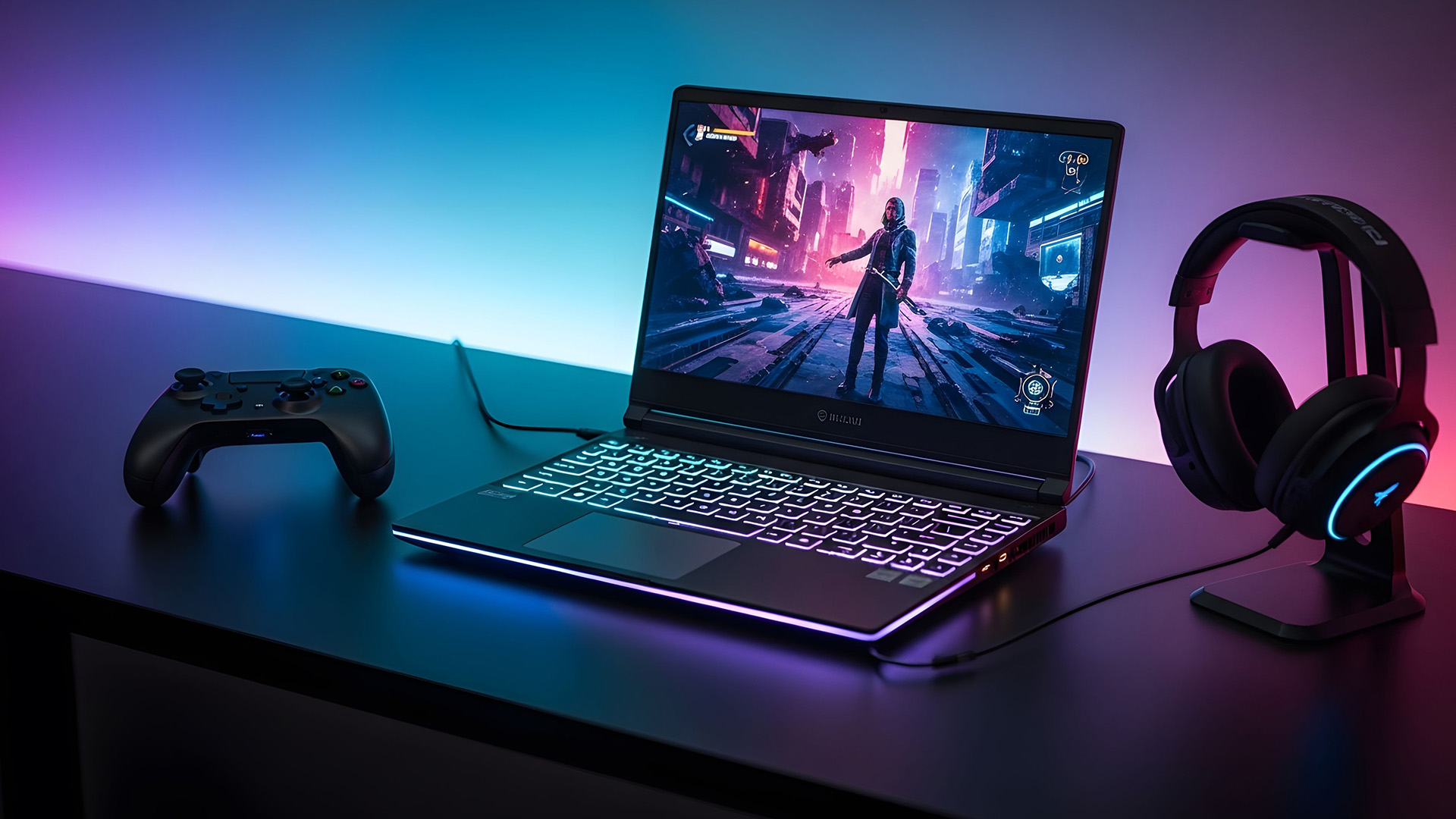
Match the GPU to the Gaming Monitor
It is easy to overspend on graphics hardware while ignoring the display connected to it.
If you mainly play competitive titles at Full HD, refresh rate and latency may matter more to you than moving immediately to 4K. A QHD screen can provide a useful middle ground for players who want sharper visuals without the GPU demands of native 4K gaming. When looking at gaming monitors , consider:
- Resolution, such as Full HD, QHD or 4K
- Refresh rate
- Adaptive-sync support
- Panel type
- Response characteristics
- DisplayPort and HDMI connectivity
- Whether your GPU can realistically drive the resolution and refresh rate you want
A 240Hz panel is useful only when your games and hardware can produce sufficiently high frame rates to take advantage of it.
Do Not Ignore Cooling and GPU Power
This is particularly important when choosing a gaming laptop.
Thin systems have become significantly more capable, but high-performance hardware still generates heat. The quality of the fans, heat pipes, vapour chamber and chassis ventilation can affect sustained performance and noise.
NVIDIA’s published RTX 50 Series laptop specifications demonstrate why power matters. For example, the RTX 5060 Laptop GPU can operate across a broad GPU subsystem power range, and higher-tier GPUs have their own configurable ranges.
That means you should check independent reviews of the specific laptop model whenever possible, rather than assuming all RTX 5060 or RTX 5070 machines behave identically.
What Specifications Should You Target?
A useful Black Friday shortlist can look like this:
Mainstream Gaming
- RTX 5050 or RTX 5060-class graphics
- Modern Core Ultra, Core or Ryzen processor
- 16GB DDR5 RAM
- 1TB NVMe SSD where possible
- Full HD or similar high-refresh display
Higher-Performance Gaming
- RTX 5060, RTX 5070 or RTX 5070 Ti-class graphics
- Strong modern Intel or AMD processor
- 16GB to 32GB DDR5 RAM
- 1TB NVMe SSD
- QHD or high-refresh display
Enthusiast Gaming and Creation
- RTX 5080 or RTX 5090-class graphics
- High-performance HX-class processor
- 32GB or more RAM where your workloads justify it
- 1TB to 2TB or greater NVMe storage
- Premium QHD, high-refresh or 4K display
These are starting points rather than rigid rules. Your games and workload should determine where you spend more.
How to Approach Black Friday Gaming Deals
Black Friday 2026 is on Friday, 27 November, but you do not need to assume the lowest price will appear at one particular hour or even on the day itself.
Retailers commonly begin seasonal activity earlier, so the more reliable strategy is to know your target specification before prices start changing.
At Laptop Outlet, you can use the Black Friday gaming deals range to assess available gaming laptops, PCs, monitors and related hardware as seasonal listings develop. Before buying:
- Decide whether you want a laptop or desktop.
- Pick the GPU tier suited to your games and display.
- Set your minimum RAM and storage.
- Check the exact processor.
- For laptops, investigate GPU power and cooling.
- Check the display resolution and refresh rate.
- Review upgrade options, warranty and returns.
- Judge the final specification against the price, not the claimed percentage reduction.
This keeps the purchase focused on hardware you will actually use.

Build the Rest of Your Setup Around the PC
A gaming computer does not operate in isolation.
Once the core system is right, think about the parts that directly affect how you play. A high-refresh display can make fast games feel more responsive, while a suitable keyboard, mouse and headset can improve control and comfort.
You can choose gaming accessories after the PC specification is settled rather than reducing your GPU or storage budget to accommodate optional extras.
For desktop systems, also check whether the machine includes the connectivity you need for your monitor, Ethernet, Wi-Fi, audio devices and additional storage.
Black Friday Gaming Mistakes to Avoid
Buying the GPU Name Without Checking the Laptop
An RTX 5070 badge does not tell you everything about cooling, GPU power , screen quality or CPU performance.
Paying for More RAM Instead of a Better GPU
Extra memory is useful only when you need it. For gaming , a stronger graphics configuration may make a much larger difference once you already have sufficient RAM.
Choosing a Small SSD Because It Looks Fast
A 512GB drive with impressive benchmark figures may still be less practical than a good 1TB NVMe SSD when several large games are installed.
Assuming Newer Always Means Better for You
An older-generation machine can still make sense when its performance, condition, specification, and price suit your requirements.
Buying a Display the GPU Cannot Use Properly
Pair resolution and refresh rate with realistic GPU performance rather than treating every specification as something that needs to be maximised.

Choose the Laptop & PC Specifications Before the Price
Black Friday gaming shopping becomes much easier once you stop beginning with the discount.
For 2026, start by deciding what resolution and games you want to run. From there, select the appropriate GPU tier, give yourself enough RAM and SSD capacity, and then examine the processor, cooling, display and upgrade options around it.
RTX 50 Series machines now occupy much of the current gaming market, but that does not automatically make every RTX 4060 or RTX 4070 system irrelevant. What matters is whether the complete machine delivers the performance and features you need for the price you are paying.
Laptop Outlet carries gaming laptops , desktop PCs, monitors and gaming hardware across different performance levels, giving you room to build your shortlist around the specification rather than a single component name.

Is an RTX 4060 or RTX 4070 laptop still worth considering in 2026?
It can be. Both remain capable GPUs, but judge them against newer RTX 50 Series alternatives, the rest of the laptop specification and the price being asked.
Is RTX 5060 enough for gaming?
An RTX 5060 Laptop GPU can suit a wide range of modern gaming workloads. Actual results depend on the laptop’s power configuration, cooling, processor, game settings, and display resolution.
Should I choose 16GB or 32GB of RAM?
For most gaming systems, 16GB is a practical starting point. Choose 32GB when you play particularly demanding games, stream, create content or regularly keep memory-heavy applications running alongside games.
Is 1TB enough for a gaming laptop?
For many users, yes. A 1TB SSD provides a practical balance between operating-system space and room for a selection of modern games, although large libraries may justify 2TB or upgradeable storage.
Should I buy a gaming laptop before Black Friday?
Buy when the exact specification you want reaches a price you are comfortable with. Waiting purely for 27 November does not guarantee that your preferred configuration will become cheaper.
Does DLSS 5 replace DLSS 4.5?
No. DLSS 5 refers to NVIDIA’s 3D-Guided Neural Rendering technology for supported RTX 50 Series GPUs. DLSS 4.5 covers technologies including updated Super Resolution, Ray Reconstruction and Dynamic Multi Frame Generation.
| Read More: |
| Black Friday Laptop Budgets: Best Specs at £600/£800/£1,000 |
| When to Buy Gaming Laptops & PCs Before Black Friday 2026 |
| Black Friday 2-in-1 Convertible Laptop Deals 2026 |
Related Articles

Last Updated: October 07, 2026

Last Updated: October 08, 2026
Last Updated: November 12, 2026
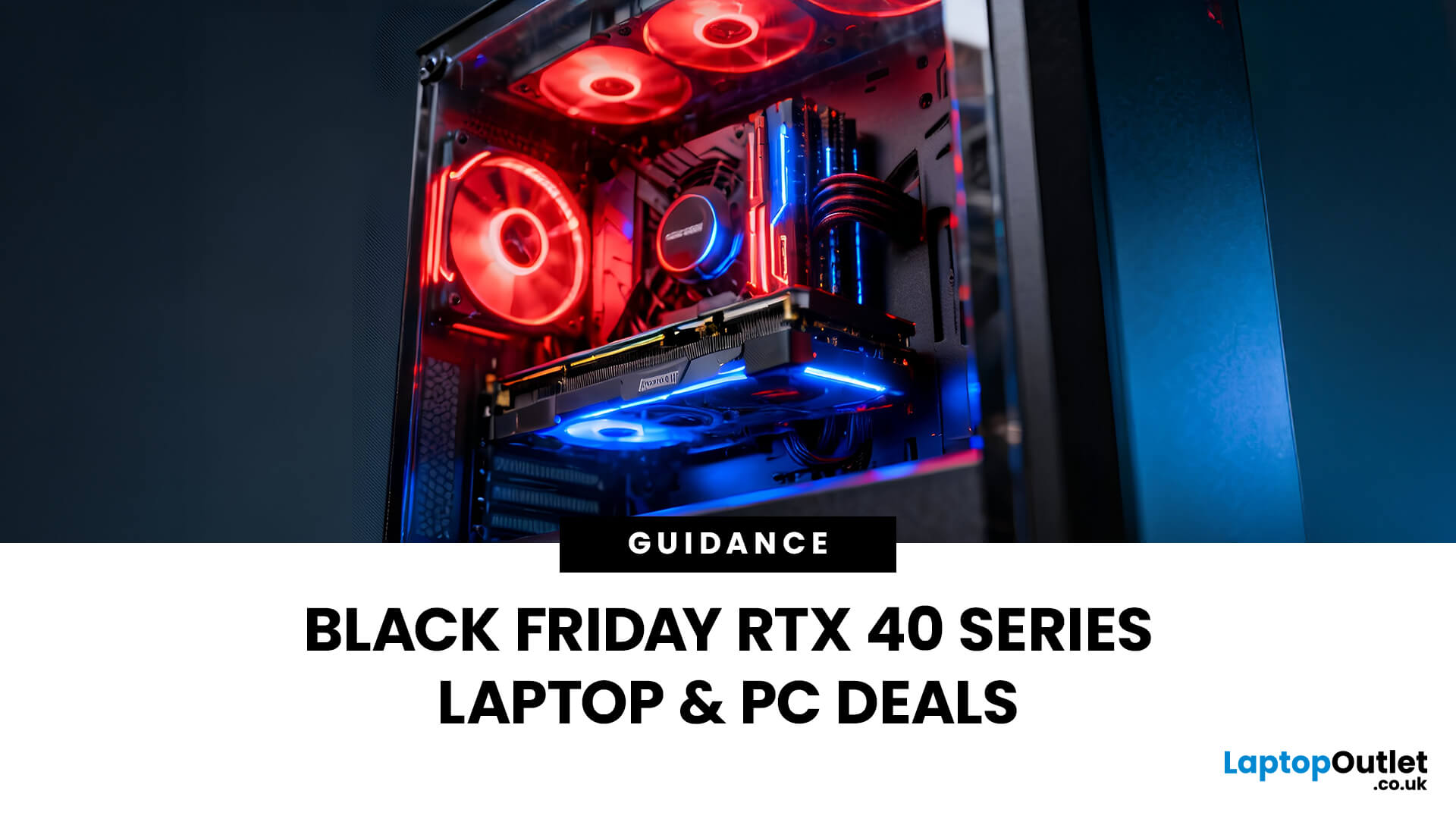
Black Friday 2026 brings another opportunity to find good value on gaming laptops and PCs, particularly older RTX 40 Series models and newer RTX 50 Series systems. Black Friday RTX 4060 and RTX 4070 gaming deals remain worth considering when the discounts justify choosing previous-generation hardware. However, newer options such as the RTX 5050, RTX 5060 and RTX 5070 give buyers more configurations to compare.
The right gaming setup isn't just about the graphics card. RAM, SSD capacity, processor performance and cooling all contribute to the overall experience. This guide covers the specifications worth targeting, the differences between GPU tiers and how to identify a well-balanced gaming laptop or PC this Black Friday.
The 2026 Gaming Hardware Landscape: What's Changed
Gaming hardware has evolved considerably, with NVIDIA's RTX 50 Series joining the RTX 4060 and RTX 4070 as important options for Black Friday buyers. Built on Blackwell architecture, the newer GPUs introduce GDDR7 memory,

Last Updated: October 07, 2026
Every year, as Black Friday chaos hits your inbox, the same debate re-emerges: Do you splurge on last year’s flagship or save with a shiny new mid-range?
By 2026, that line’s blurrier than ever. Last year’s iPhone 14 Pro or Galaxy S23 Ultra now costs less than most mid-rangers, while new phones like the Pixel 8a, Galaxy A55, and OnePlus Nord 4 offer flagship-level performance for half the price. So, what’s the smarter play, premium power at a discount, or a 2026 fresh release with modern efficiency?
This guide breaks it all down, comparing real-world specs, prices, and performance from the UK’s best Black Friday phone deals. Whether you’re chasing camera quality, gaming muscle, or the best battery life for your budget, you’ll leave here knowing exactly when (and what) to buy.
Understanding the Two Camps - What’s Really Changed?
Not long ago, “mid-range” meant compromise, plastic frames, mediocre cameras, and sluggish chips. But in 2026, the gap betweenflagships and mid-rangersnarrowed
Last Updated: September 29, 2026
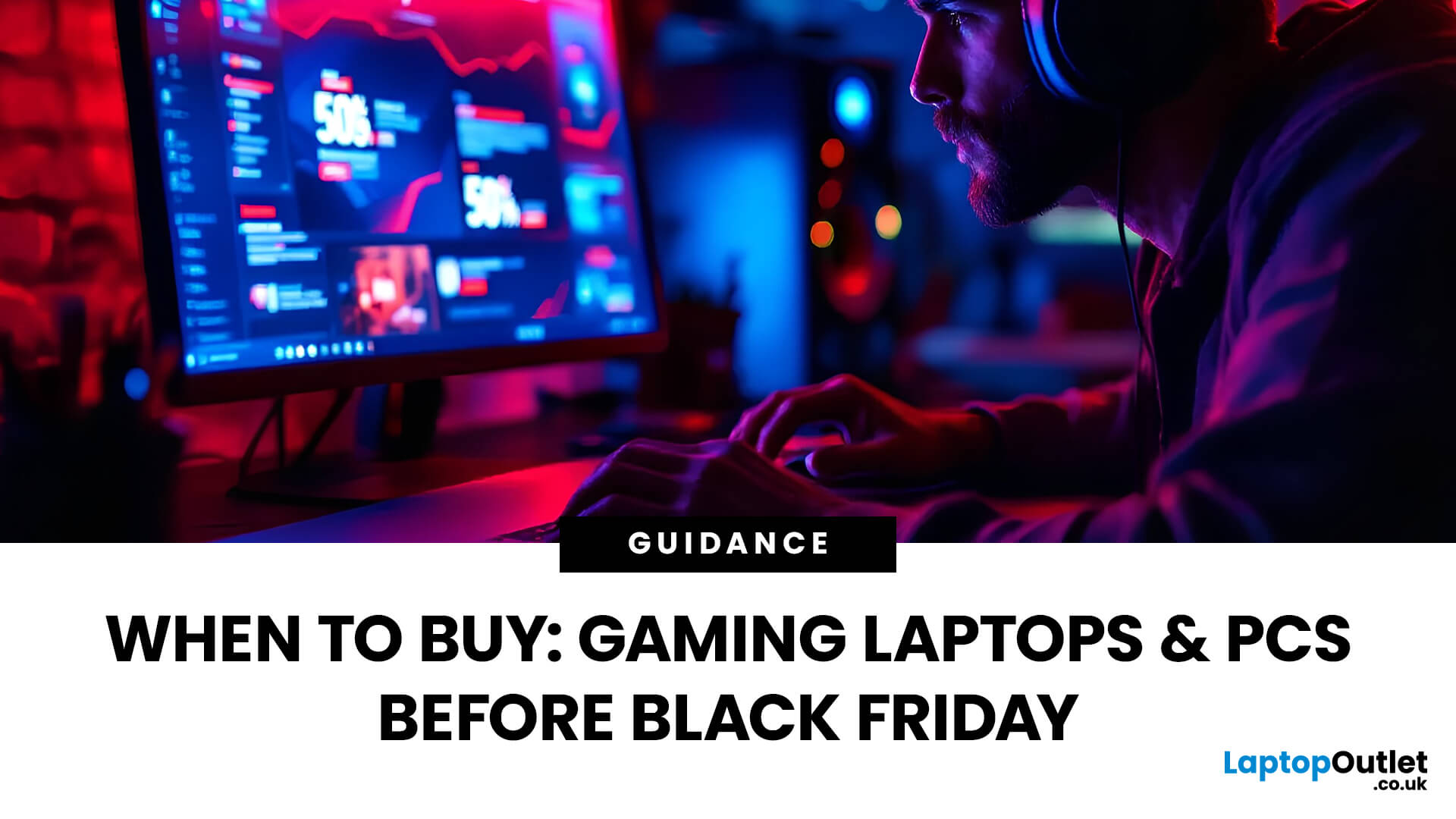
Black Friday can be a great time to upgrade your gaming setup, but waiting until the final Friday of November is not always necessary. Gaming laptops and PCs often appear in promotions before the main event, while particular specifications can become harder to find as demand increases.
So, should you buy early or hold out? This guide explains when to start looking, when waiting makes sense and how to judge a gaming laptop or PC before Black Friday 2026 without making the decision purely on the size of the discount.
When Is Black Friday 2026?
Black Friday 2026 takes place on Friday, 27 November, followed by Cyber Monday on Monday, 30 November. Black Friday is no longer necessarily limited to one day either. UK retailers commonly begin running promotions earlier in November, meaning there may be opportunities to buy before the main weekend.
For gamers, that changes the question from “Should I wait for Black Friday?” to “Is the gaming system I want already at the right price?”
Laptop Outlet
Last Updated: October 22, 2026
The Big Question Every Gamer Asks
Every year, as November creeps closer, gamers across the UK start asking the same question:
“Should I wait for Black Friday gaming deals or buy now?”
The answer isn’t as simple as it used to be. The Black Friday 2026 gaming deals are shaping up to be bigger, earlier, and smarter, but that also means you’ll need a clear plan to avoid overpaying or missing out.
In this guide, we’ll break down everything you need to know:
- The right time to buy gaming PCs, laptops, consoles, and accessories
- How prices have changed year-on-year
- What early and late deals to expect in the UK
- How to prepare using Laptop Outlet’s dedicated Black Friday sale pages
Whether you’re after a PS5 or Xbox Black Friday 2026 UK bundle, or hunting PC gaming Black Friday deals UK-wide, this guide will help you time your purchase for maximum value.
The State of Black Friday 2026 - What’s Changing?
Black Friday has evolved far beyond a single day of chaos. In 2026, it’s a month-long event, blending

Last Updated: October 02, 2026
Black Friday refurbished deals can appear throughout November, but the strongest refurbished stock is not tied to one guaranteed date. In 2026, Black Friday falls on 27 November, so buyers with specific requirements should start watching from early November rather than waiting for the final Friday.
Refurbished inventory can be limited to particular models, specifications and condition grades. Once suitable units sell, the same configuration may not return. The strongest buying window is therefore when the specification, condition and price you want are available together.
When Do Black Friday Refurbished Deals Start?
Black Friday officially falls on Friday 27 November 2026, but UK Black Friday activity usually extends beyond a single day. Pricing changes can begin earlier in November and continue through Black Friday weekend into Cyber Monday on 30 November.
Use the weeks beforehand to establish a price baseline and watch availability. Laptop Outlet's Black Friday refurbished deals page

Last Updated: November 09, 2026
Last Updated: November 06, 2026
Black Friday 2026 falls on Friday 27 November, followed by Cyber Monday on 30 November. For Apple buyers, the smartest approach is to track the exact MacBook, iPhone or iPad specification before November, then judge the sale price against its usual selling price. New releases will attract attention, but recent generations and refurbished Apple devices could prove just as worthwhile.
Apple has changed a lot of its hardware since last Black Friday. MacBook Neo has joined the laptop family, MacBook Air has moved to M5, MacBook Pro now stretches from M5 through to M5 Pro and M5 Max, while iPhone 18 Pro has arrived ahead of the first foldable iPhone, the iPhone Duo.
The iPad range has moved forward as well, with M4 powering the latest iPad Air and M5 inside iPad Pro. That makes Black Friday 2026 particularly interesting because shoppers are likely to see brand-new hardware sitting alongside capable previous-generation models.
This guide breaks down the Apple products worth watching, the specifications

