


HP EliteBook 840 G5 14" Business Laptop Intel Core i5 - Review
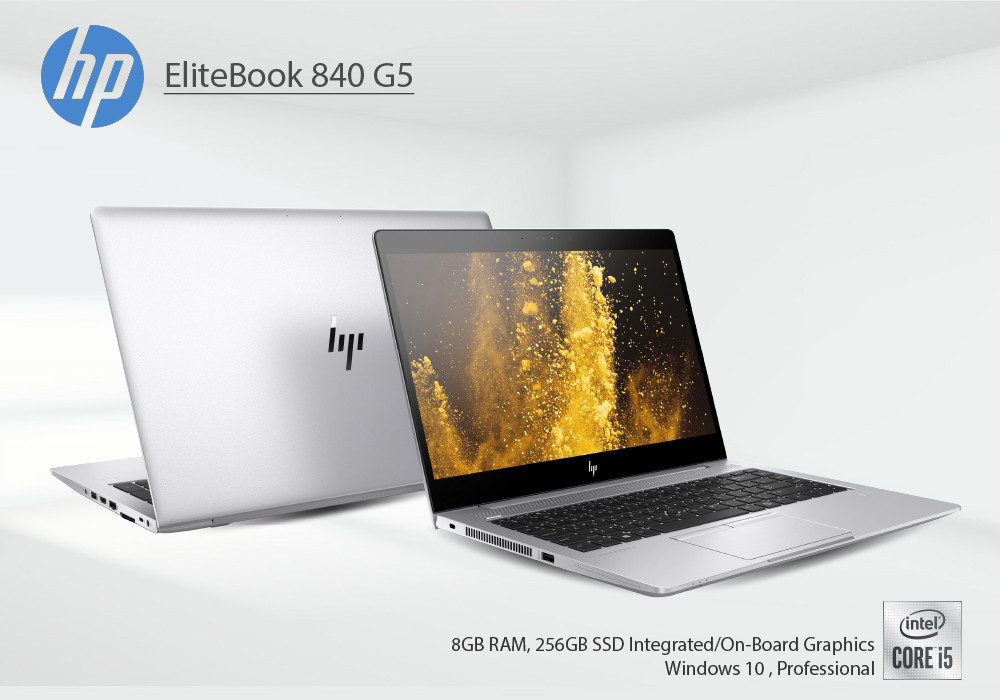
Finding a premium business Notebook, and not getting enough options? Well, the HP Elitebook is not just an option, but a reliable one. This laptop packs the latest features to mainstream business users, or even professionals if we dig deeper. This portable laptop by HP focuses on productivity yet comes with significant changes than its previous models.
Apart from the redesigned built, the performance of this Elitebook comes fresh and solid with Kalby Lake processor. Well, this is not necessarily over-the-top insertion but still comprehends the professional usage. The core i5 is packed with a rock-solid combination of 8GB RAM and SSD storage. You can also avail its higher versions with core i7 processor, and also find the core i3 one.
After we sweep into out HP EliteBook 840 review, we hope you are clear about this core i5 laptop in case you are thinking of buying it.
Specs
- Intel Core i5 Processor - 1.60 GHz
- 256GB SSD
- 14-inch screen with 1920 x 1080 Resolution
- 8 GB RAM
- Windows 10 Professional OS
- Integrated/On-Board Graphics
The New Design
Pleasantly, the build is redesigned with an attractive silver aluminium body and a blazing HP logo. The cover on the display complements the overall colour scheme with its somewhat silver contrasting edge. The HP logo shines through its crafter logo in the middle of the back of display. If you check the back of the base, the rounded corners have disappeared, and you’ll see angular edges. This gives this Notebook a more elegant look with a cleaner appearance.
Additionally, the HP Elitebook weighs around 1.5kg, which isn’t heavy and not the lightest either. So, it won’t be a big trouble moving it around for digital work routine. The webcam on the top of the display has a cover on it, which proves HP has taken care of the security features.
Ports
The port insertion in the HP Elitebook G5 is mediocre if we talk about vast connectivity. But the good news here is, this laptop has the USB C port in it. Most of the ports are findable on the right side, but you can see ports on both sides of the laptop as usual. The two conventional 3.1 ports along the Type C port, an HDMI port and an Ethernet connector are situated on the right side. RJ-45 connector, Micro-SIM, docking port, HDMI and power jack can also be seen on the right side. While on the left side, you can observe Kensington lock, air vents and SmartCard reader.
Performance
As already mentioned, the HP Elitebook 840 jam-packs a core i5 processor from Intel’s latest Generation. This core i5 processor is combined with the 8GB RAM and solid-state drive of 256GB storage. Having to download a lot of times, uploading and accessing major files require a good hard drive boost. Thankfully, the pairing in this laptop makes it rather easy to store and operate multiple files and projects. You also get on-board/Integrated graphics which is a decent GPU setting for regular videos or games. Of course, this is not something to rely on for high-level gaming, but it provides the upgradability option.
Display
The screen included in the HP Elitebook 840 comes packed with 14 inches panel. This display has full HD resolution screen which is joyful for watching videos and playing games. The maximum brightness of this display revolves around 305 nits, which is a bit disappointing. However, you can adjust brightness with its control. Also, the sRGB colour gamut coverage is around 70%, which is decent for nice colours on the screen.
Battery
The battery of HP Elitebook will last almost all day so it will neither disappoint you nor stun you with its performance. Majorly, the laptop lasted around 8 hours, which makes it an average of the workday. With 150-nits of brightness, the laptop can live until 8 hours and 30 minutes, so you can count on it during work timings.
Verdict
The overall impression that this HP Elitebook 840 creates for us is stylish, compact, and good in performance. Although we are not really the fan of its display, still it is solid enough to exhibit graphical presentations and more. The processor and other essential feature combo make this laptop powerful enough for daily to averagely intense tasks. If you are business-man or an employee looking for a small laptop with added functionality, the Elitebook 840 is the one.
Read more:
| 5 Best Lenovo Business and Corporate Laptops |
| Best Microsoft Surface Laptops available in UK market |
| Best Laptops for Education 2023 |
Related Articles

Last Updated: September 09, 2025

Last Updated: September 09, 2025
HP is a well-known and reputable manufacturer of laptops, PCs, and other products and services. They have many laptops and desktops to cater to and meet individual needs. While HP laptops and PCs can sometimes be costly, you can buy them on deals to save money. Retailers like Laptop Outlet offer excellent, super-saving HP laptop and PC deals, enabling you to get your desired high-quality laptop or desktop for much less. Upgrade smart with HP laptop and desktop deals, unlocking unbeatable savings and getting more for less!
HP is a trusted name in the tech industry. It offers a versatile range of laptops and desktops for different user needs. Whether you are looking for a robust business laptop, a portable student laptop, a high-end gaming PC, a PC for daily use, or any other, HP has a solution!
While HP laptops and desktops can be tempting, getting a powerful HP laptop or desktop can be costly, which is why we recommend exploring HP deals (on laptops and PCs) to get the most value
Last Updated: October 02, 2025
Capture What You See in Seconds
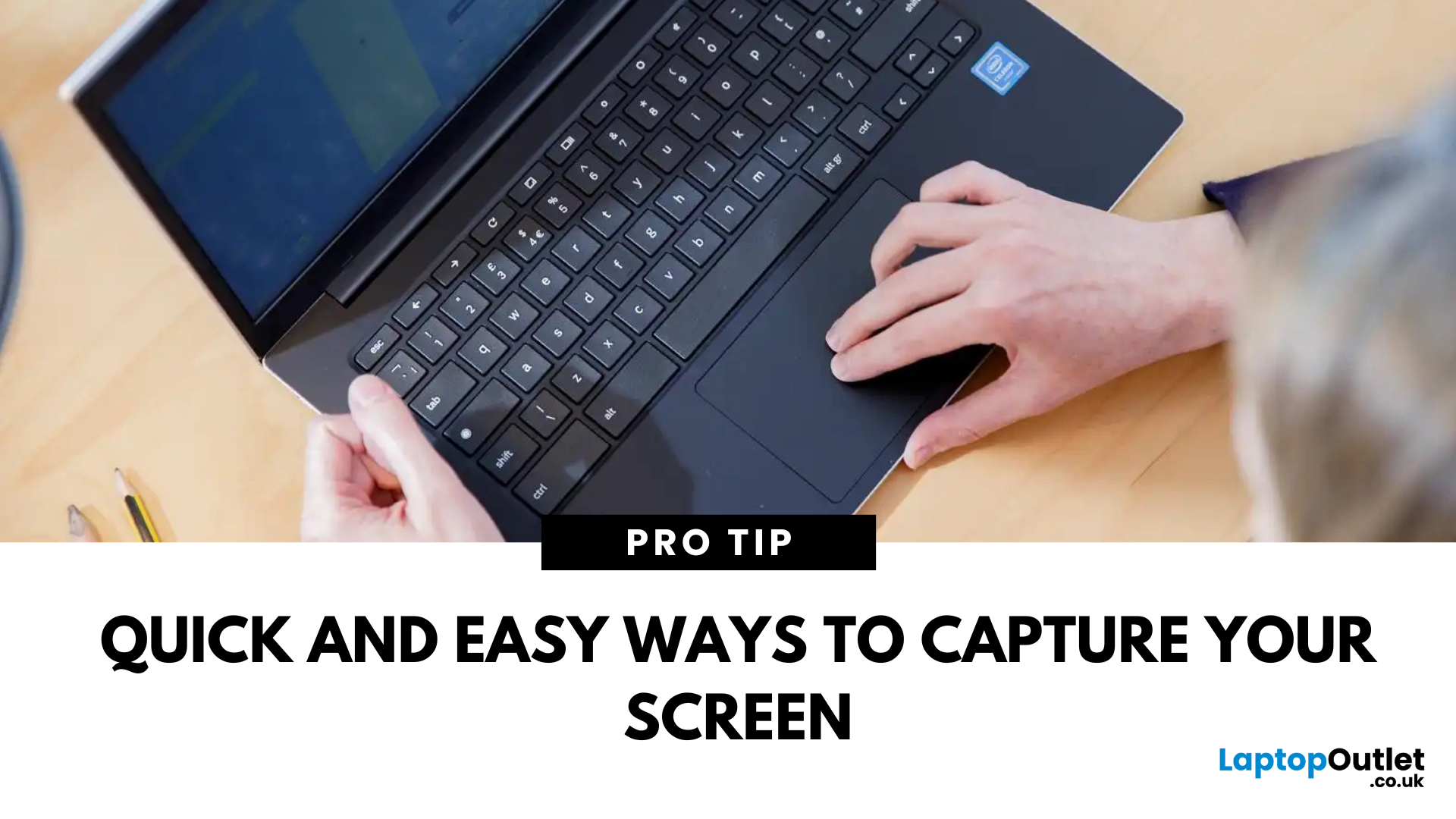
Whether you’re saving a receipt, reporting an issue, or grabbing a funny moment, knowing how to take a screenshot on your HP laptop is a game-changer. Here are the simplest ways to snap your screen using built-in tools and shortcuts.
1. Use the Print Screen (PrtScn) Key
To capture the full screen:
- Press PrtScn or Fn + PrtScn (some HP models)
- Open Paint or another editing app
- Press Ctrl + V to paste
- Save the image
Saved to clipboard, not automatically stored as a file
2. Screenshot a Specific Window
To capture just one active window:
- Click on the window you want to screenshot
- Press Alt + PrtScn
- Paste into an app (Ctrl + V) and save
3. Use the Snipping Tool (or Snip & Sketch)
HP laptops running Windows 10 or 11 come with this handy app.
Steps:
- Search for Snipping Tool or Snip & Sketch in Start Menu
- Click New to start a screenshot
- Choose your snip type: Rectangle, Free-form, Window, Fullscreen
- Save or edit your screenshot
Last Updated: September 09, 2025
HP Means Business—and Gaming
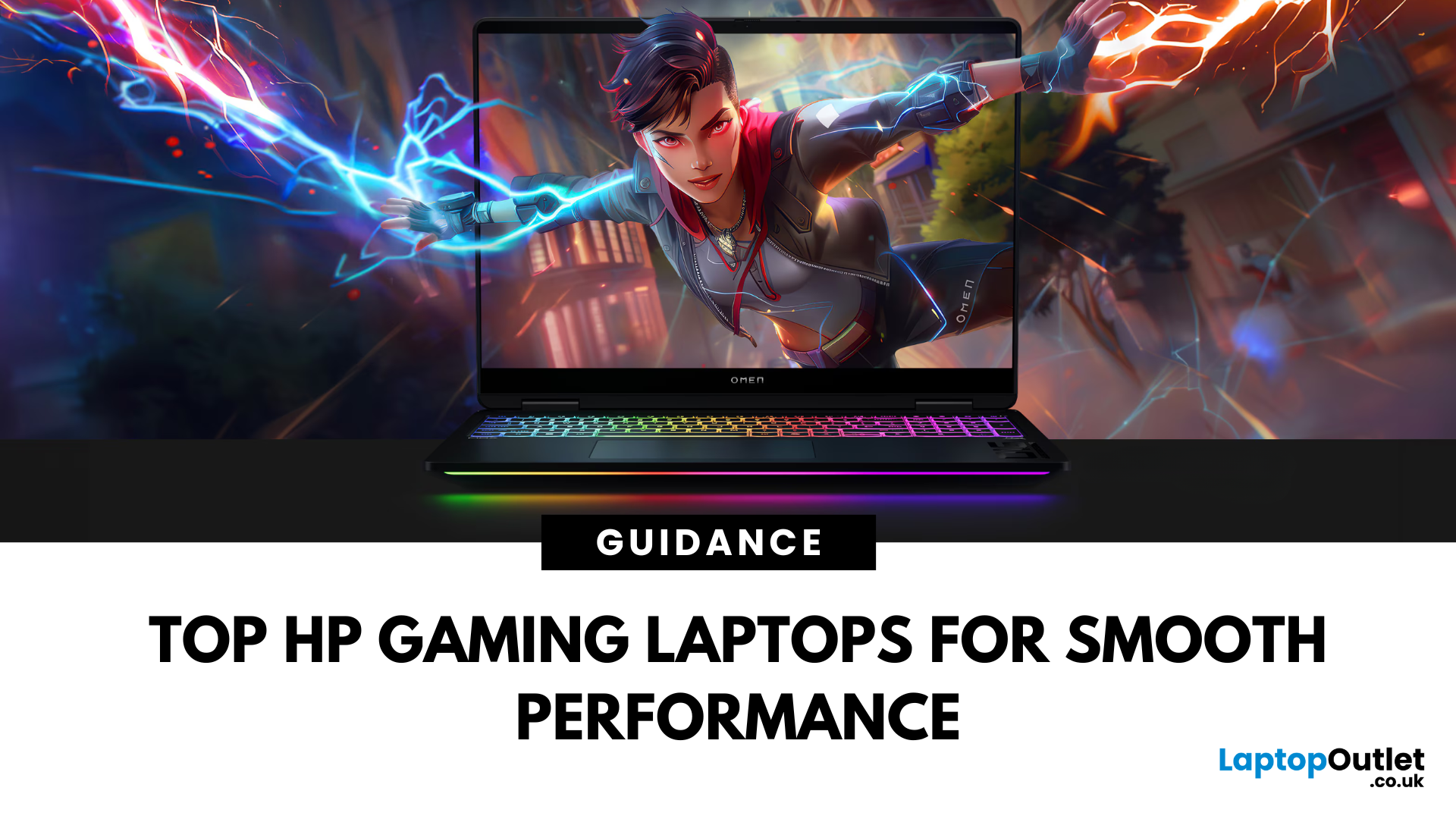
When it comes to gaming laptops, HP offers more than office power. Its Omen and Victus series pack serious performance, sleek designs, and value for money—making them ideal for gamers of all levels. Let’s explore the best HP laptops for gaming in 2025.
1. HP Omen Series – High-End Gaming Performance
Designed for serious gamers, the HP Omen series delivers desktop-level specs in a portable chassis.
Top Pick: HP Omen 17 (2025 Edition)
- Intel Core i9 / AMD Ryzen 9
- NVIDIA GeForce RTX 4080/4090 GPU
- 17.3" QHD display with 240Hz refresh rate
- 1TB SSD, 32GB RAM
Ideal for AAA gaming, streaming, and creative workloads
2. HP Victus Series – Affordable Gaming Power
The HP Victus line brings gaming-grade specs to more budget-friendly price points.
Top Pick: HP Victus 16 (2025 Edition)
- Intel Core i7 or Ryzen 7
- NVIDIA RTX 4060/4070 GPU
- 16.1" FHD 144Hz display
- 512GB SSD, 16GB RAM
Great for casual to mid-level gaming and students

