



Black Friday is here! Get an extra £10 off when you spend £200 with code: BF10LO. T&Cs apply*
Gigabyte Motherboards
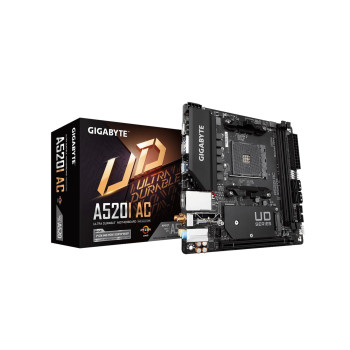
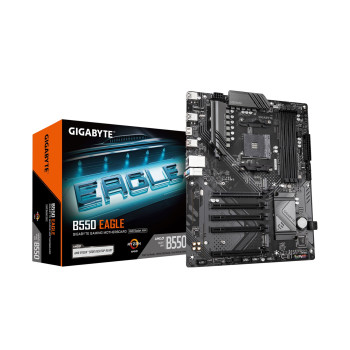
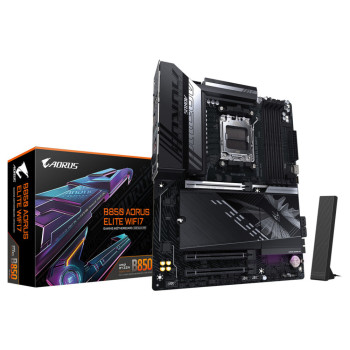
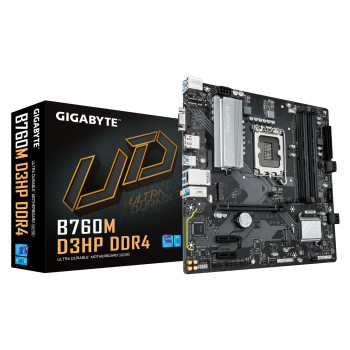
Shop GIGABYTE motherboards for Intel and AMD PC builds, with AORUS, EAGLE and GAMING X options across different budgets and requirements. Compare boards for gaming, everyday computing, upgrades and new builds, checking processor socket, DDR4 or DDR5 memory support and motherboard size before you buy. Choose the features you need without paying extra for those you will not use.
Finance available
Finance available
Finance available
Free Delivery *
Finance available
Free Delivery *
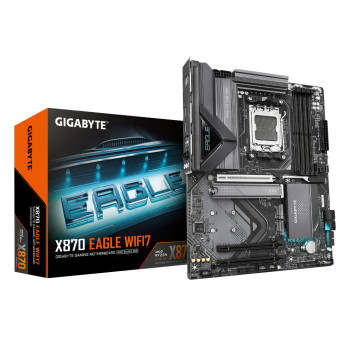
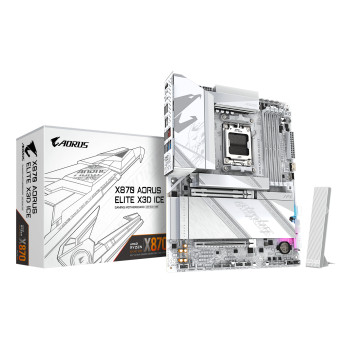
Finance available
Free Delivery *
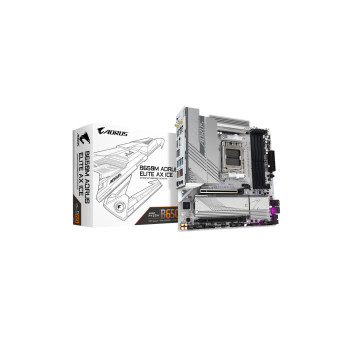
Finance available
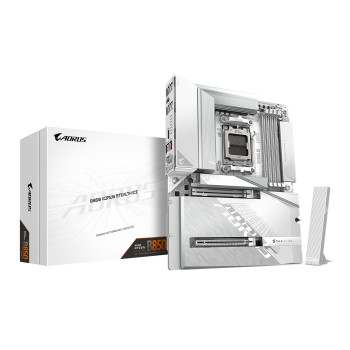
Finance available
Free Delivery *
Finance available
Finance available
Free Delivery *
Finance available
Free Delivery *
Showing 15 of 47 Items
Choose Your GIGABYTE Motherboard by Platform and Budget
Start with your processor rather than the motherboard series. GIGABYTE motherboards cover AMD AM4 and AM5 platforms alongside Intel LGA1700 and LGA1851, giving you options for older-value builds as well as newer systems.
A matching socket is only the first step. Check the exact board's CPU support list and required BIOS version before ordering. If you already know your platform, browse motherboards for Intel processors or motherboards for AMD processors to narrow your choice.
Once compatibility is covered, compare the features you actually need against the price.
Explore AORUS Motherboards for Your Gaming Build
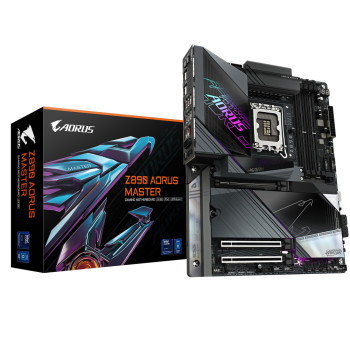
GIGABYTE AORUS motherboards include options such as ELITE, PRO and MASTER, but the name alone does not tell you everything about the board.
Depending on the exact model, differences can include M.2 storage capacity, USB connectivity, networking, power delivery, cooling connections and installation features. Some also include Wi-Fi, while specifications vary between generations and chipsets.
For a gaming build, choose a board that supports your processor, graphics card, storage and planned upgrades rather than assuming a higher-positioned AORUS model will improve gaming performance on its own. You can compare suitable PC processors alongside your motherboard before deciding.
Compare EAGLE & GAMING X Options
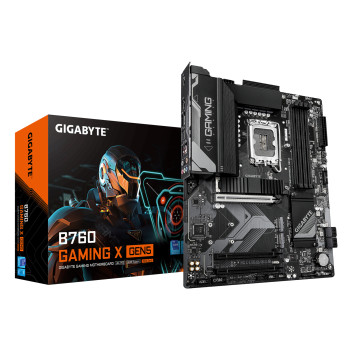
GIGABYTE EAGLE motherboards and GAMING X models provide further choices across Intel and AMD builds. Neither range should be judged simply as the cheaper or faster option because features change between individual boards.
Check what each model gives you for:
- M.2 and SATA storage
- Wi-Fi and Ethernet connectivity
- USB and front-panel connections
- PCIe expansion
- Fan and cooling headers
Pay for features that suit your build now and leave enough flexibility for upgrades you realistically expect to make.
Affordable GIGABYTE Boards for Everyday PCs
Not every system needs a feature-heavy gaming motherboard. GIGABYTE also offers practical boards for home PCs, work systems and replacement builds where compatibility, useful connections and overall cost matter more.
If you are upgrading an existing computer, consider what you can reuse. Keeping compatible memory, storage or other components can reduce the total cost of the upgrade. You can also compare all motherboard brands if you are more interested in the right specification and price than a particular range.
Find a Board to Match Your Case & Build Style
GIGABYTE motherboards come in different sizes, including ATX, Micro-ATX and Mini-ITX options. Check which formats your case supports before buying, along with the exact dimensions of the board.
You should also consider graphics-card thickness, CPU cooler or radiator clearance and the position of expansion slots. These can affect how much usable space remains once your PC is assembled.
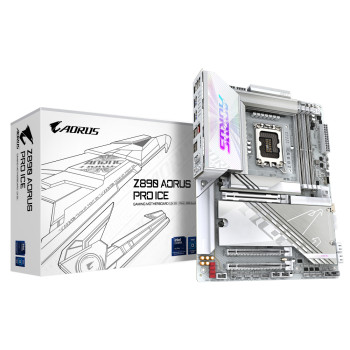
Selected ICE models offer a lighter finish for shoppers planning a coordinated setup, but appearance should come after compatibility and the features you need. Compare suitable PC cases before completing your build.
Compare DDR4, DDR5, Wi-Fi & Storage Support
Memory generation can quickly narrow your options. DDR4 and DDR5 are not interchangeable, so check what the exact motherboard supports before choosing your RAM. Also compare the number of memory slots, maximum supported capacity and compatible memory kits.
The same applies to storage and connectivity. GIGABYTE gaming motherboards can differ in the number and type of M.2 slots, SATA ports, USB connections, Ethernet and wireless support. Wi-Fi or Bluetooth should never be assumed from the brand or series name alone.
If memory is part of your upgrade, browse compatible desktop PC RAM once you know which generation your board requires.
Check CPU Support & BIOS Requirements Before Ordering
Before pairing GIGABYTE Intel motherboards or GIGABYTE AMD motherboards with a processor, check the support page for the exact motherboard model and hardware revision.
The CPU support information will tell you whether your processor is supported and, where relevant, the minimum BIOS version required. This is particularly important when fitting a newer processor to a board that may have been manufactured with an earlier BIOS.
Also check the individual motherboard documentation for the BIOS update methods available. Features and procedures differ between boards, so do not assume every model can be updated in the same way.
Why Buy GIGABYTE Motherboards from Laptop Outlet?
Shop GIGABYTE motherboards at Laptop Outlet and compare compatible options by socket, chipset, memory support, form factor, connectivity and current price. You can choose from leading PC component brands, with regular offers helping you find the right specification at a price that suits your build.
Qualifying products come with free delivery, while stock, delivery options and product-specific warranty information are shown before you order. Easy returns and customer support are also available if you need help with your purchase.
Flexible payment options include PayPal Pay in 3 , PayPal Credit and Klarna on eligible orders. These give you different ways to spread the cost, subject to eligibility and the provider's terms.
Read More:
How to Choose the Right Motherboard for Your Next PC Build
Read more