



Black Friday is here! Get an extra £10 off when you spend £200 with code: BF10LO. T&Cs apply*
AM4 Motherboards
Shop AM4 motherboards for compatible AMD Ryzen processors, DDR4 memory and cost-effective PC builds. Whether you are replacing an existing board, upgrading your system or reusing compatible components, compare A520 and B550 options for your setup. Check your processor support list, required BIOS version, memory and case compatibility before choosing the right AM4 board for your build.
Finance available
Finance available
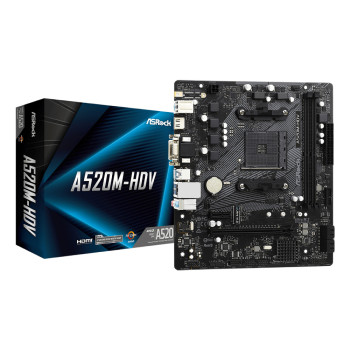
Finance available
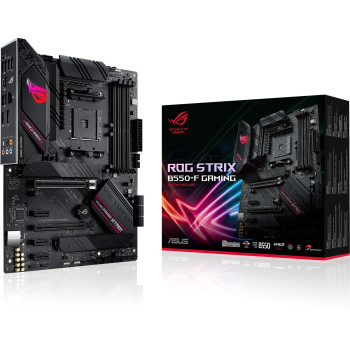
Finance available
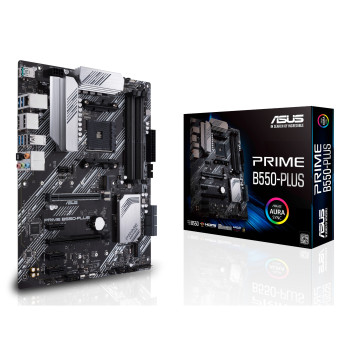
Showing 11 of 11 Items
Keep Your Ryzen Build Affordable with an AM4 Motherboard
An AM4 motherboard can be a cost-effective choice for a budget desktop, a replacement board or an upgrade that keeps compatible Ryzen and DDR4 components in use. That can reduce the total system cost. You can then spend where it matters most for your overall build.
If you already own compatible parts, it can offer excellent value. If you are building a higher-end system with future CPU upgrades in mind, a newer platform may make more sense. View all AMD motherboards before deciding.
Compare A520 & B550 Motherboards for Your Budget
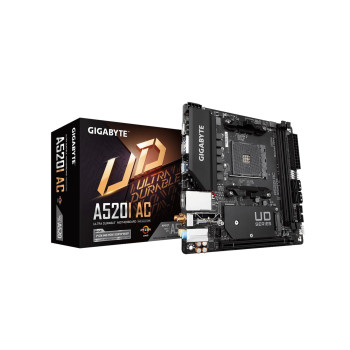
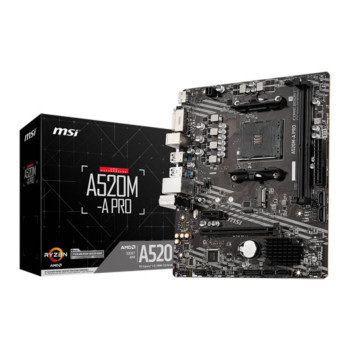
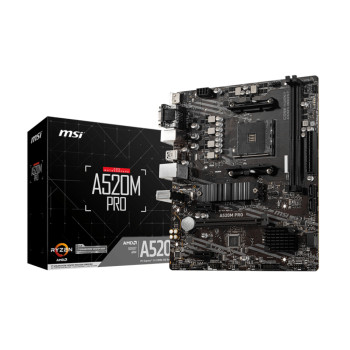
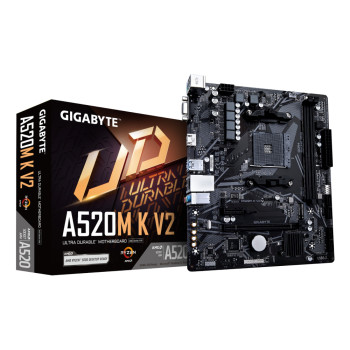
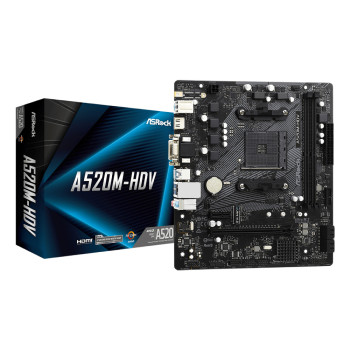
A520 motherboards suit straightforward AM4 builds where essential connectivity matters more than advanced expansion or processor tuning. The platform uses PCIe 3.0 and does not support CPU overclocking, making it suitable for everyday PCs, budget gaming systems and practical replacements.
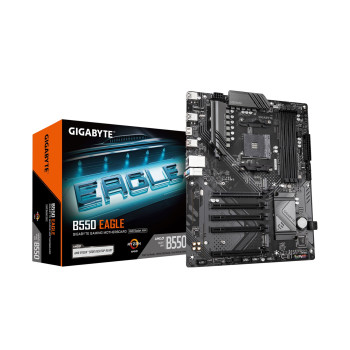
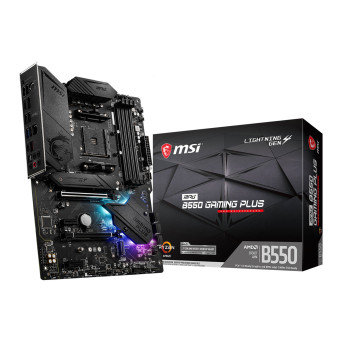
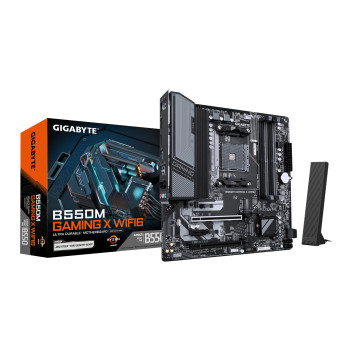
B550 motherboards add processor-connected PCIe 4.0 support for compatible graphics and NVMe storage, plus CPU overclocking support. Individual boards may also add more storage, connectivity or cooling features.
Compare the exact specification rather than choosing on chipset name alone. Spend more when the additional storage, expansion or connectivity will genuinely benefit your build.
Find a Replacement Board for Your Existing Processor
A replacement AM4 motherboard can keep an existing Ryzen PC running without a full platform change. However, sharing the AM4 socket does not guarantee that every Ryzen processor will work with every board.
Identify your exact CPU, DDR4 memory, case size, cooler and storage before ordering. Check the manufacturer’s CPU support list and the minimum BIOS version required for your processor, as some combinations need a BIOS update before the system can boot.
If you are replacing the CPU too, compare compatible processors while planning the upgrade.
AM4 Gaming Motherboards Without Overspending
A good AM4 gaming motherboard should support the hardware your gaming PC needs, not simply carry premium branding. Look for suitable power delivery, a full-length graphics slot, enough M.2 or SATA storage connections and the networking features you use.
B550 can be worth the extra spend when you want PCIe 4.0, additional expansion or tuning flexibility. A520 may suit a simpler gaming build where those features are unnecessary.
Motherboard price alone does not increase FPS. Balance spending across the CPU, GPU, memory and storage. If wireless connectivity matters, an AM4 motherboard with Wi-Fi can also avoid the need for a separate adapter.
Reuse Compatible DDR4 Memory & Storage
Staying with AM4 may let you reuse compatible DDR4 memory instead of replacing a usable kit. Check supported capacity, DIMM configuration, memory speed and the manufacturer’s compatibility information before moving RAM between systems.
AM4 boards can provide M.2 and SATA connections, but quantities, supported interfaces and bandwidth arrangements vary. Check whether your SSD uses SATA or NVMe and whether the chosen board supports it.
You can compare DDR4 PC Memory and internal SSD storage while completing the build.
Choose ATX, Micro-ATX or Mini-ITX for Your Setup
ATX, Micro-ATX and Mini-ITX boards suit different case sizes and expansion needs. ATX generally offers more room for expansion; Micro-ATX balances size and features, while Mini-ITX suits compact systems where space is limited.
Match the board to your PC cases and planned hardware. Check mounting support, graphics-card clearance, cooler space and access to the connections you need. GPU fit depends on the case layout, not simply the motherboard size.
Stay with AM4 or Move to AM5?
The right choice depends on what you already own and how you expect to upgrade. If you have a compatible Ryzen processor, DDR4 memory and reusable components, an AM4 repair or targeted upgrade can keep costs down.
Moving to AM5 normally means changing the motherboard and processor and using DDR5 memory, so compare the whole platform cost rather than motherboard prices alone. In return, AM5 provides access to newer processors and a newer upgrade path.
For a budget repair or sensible mid-life upgrade, AM4 may remain the better fit. For a fresh build planned around future CPU upgrades, compare AM5 alternatives .
Buy AM4 Motherboards from Laptop Outlet
Shop AM4 motherboards at Laptop Outlet from ASUS, MSI, GIGABYTE and ASRock, including A520 and B550 options for different budgets and builds. Compare chipset, form factor, storage, expansion and networking specifications in one place instead of paying for features you may never use.
Eligible purchases may also offer flexible payment options including PayPal Pay in 3, PayPal Credit and Klarna.
Check each product page for current availability, delivery and warranty terms. Once compatibility is confirmed, you can order the board and supporting components together with confidence.
Read More
How to Choose the Right Motherboard for Your Next PC Build
Read more