




Components
Build, upgrade or repair your desktop with PC components suited to different systems and budgets. Find processors, motherboards, graphics cards, RAM, storage, power supplies, cooling and cases, with options for everyday computers, gaming PCs and performance-focused builds.
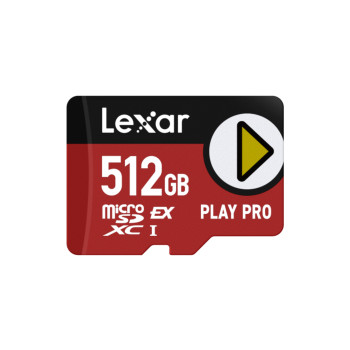
Finance available
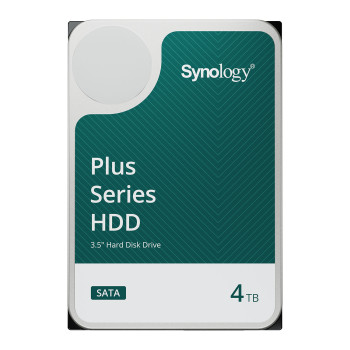
Finance available
Free Delivery *
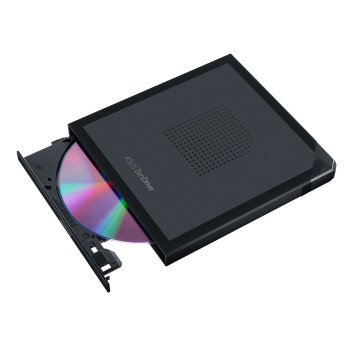
Finance available
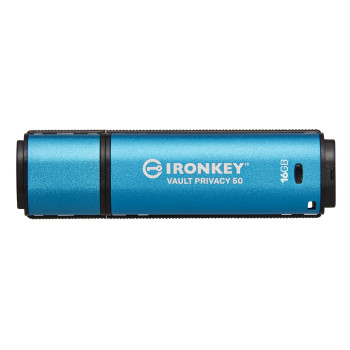
Finance available
Finance available
Finance available
Free Delivery *
Finance available
Finance available
Finance available
Free Delivery *
Finance available
Free Delivery *
Showing 15 of 1363 Items
PC Components for Building, Upgrading & Repairing a PC
Find the right PC components for a new build, system upgrade or essential repair. Choose from processors, memory, storage, graphics cards and other PC parts across different performance needs and budgets.
Upgrade individual components to improve speed, storage capacity, graphics performance or cooling without replacing your entire PC. Check your system specifications and compatibility before ordering to ensure each part fits and works with your setup.
Essential PC Components Explained
CPU / Processor
The processor handles the instructions behind applications, games and everyday system tasks. When considering computer processors, check the socket, core count, clock speeds and whether integrated graphics are included.
Motherboard
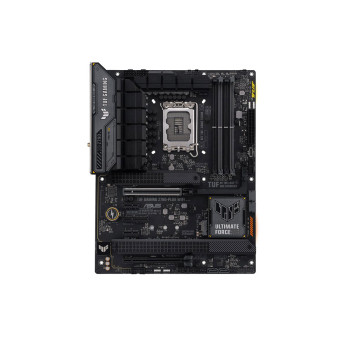
The motherboard connects the main computer hardware and determines which processors, memory, storage and expansion cards can be installed. Choose from compatible motherboards with the right socket, chipset, form factor and connections for your build.
Graphics Card / GPU
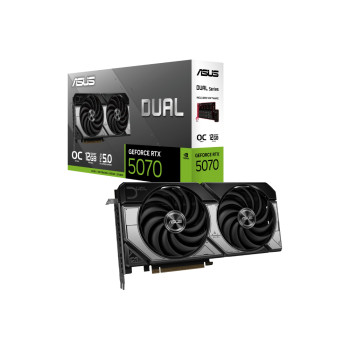
A graphics card renders games, video and visual workloads. Compare GPU performance, video memory, physical dimensions, display connections and power requirements according to the software or games you want to run.
RAM / Memory
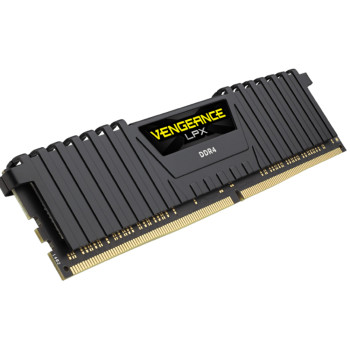
RAM holds active data so the system can work smoothly across applications. When choosing PC RAM, check whether the motherboard supports DDR4 or DDR5, along with its maximum capacity and supported speeds.
SSD & HDD Storage
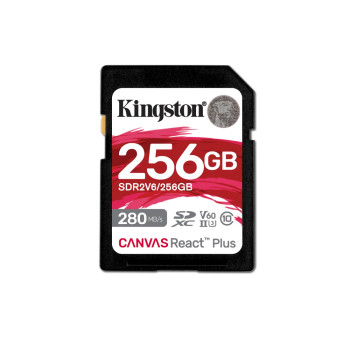
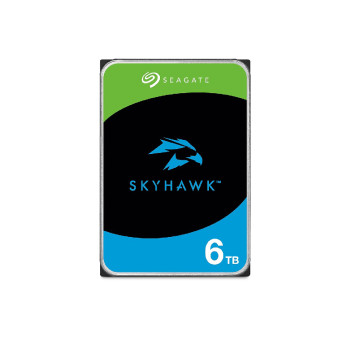
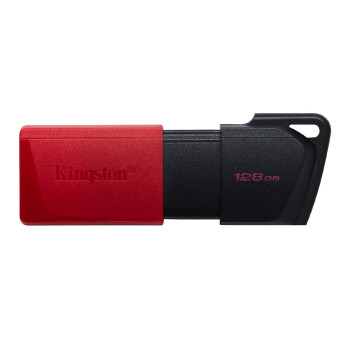
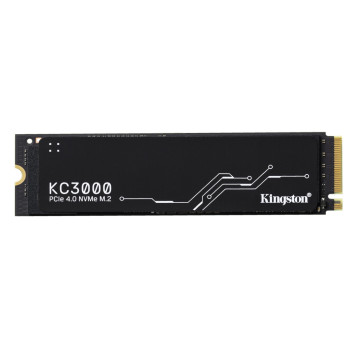
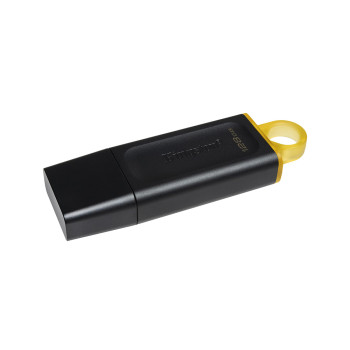
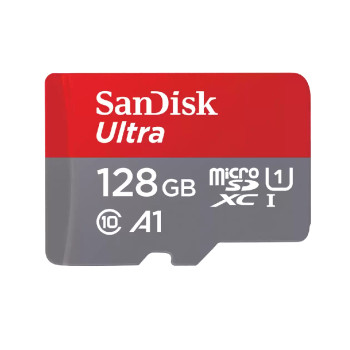
An SSD provides faster start-up, loading and file access, while an HDD can offer more capacity for larger libraries and backups. Internal SSDs are available in different interfaces, capacities and performance levels, so confirm whether your system supports SATA or M.2 NVMe storage.
Power Supply / PSU
The PSU supplies power to every component. Fixed & modular power supplies should be assessed by wattage, efficiency rating, connector availability and whether they provide enough headroom for the selected CPU and GPU.
Cooling
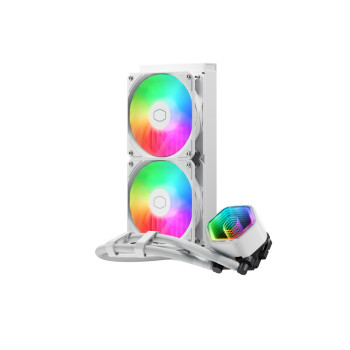
Air and liquid cooling solutions help control component temperatures during use. Select coolers that fit the processor socket and case while providing suitable thermal performance for the system.
PC Case
The case houses and protects the build. When choosing PC cases with tempered glass, check the supported motherboard sizes, GPU and cooler clearance, fan positions, drive bays, front connections and cable-management space.
How to Choose Compatible PC Components
Start with the processor and motherboard, as the CPU must match the board’s socket and supported chipset. The motherboard also determines whether you need DDR4 or DDR5 memory; these standards use different slots and are not interchangeable.
Check that the PSU provides sufficient wattage and the correct connectors for the graphics card. The case must support the motherboard form factor and have enough clearance for the GPU and CPU cooler. For storage, confirm whether the board provides suitable SATA ports or M.2 slots and which NVMe generations it supports.
PC Components for Gaming
Gaming PC components should be chosen as a balanced system rather than judged separately. The GPU has the greatest influence on visual settings, resolution and frame rates in many games, while the CPU supports game logic and helps maintain consistent performance.
Enough RAM keeps modern titles and background applications running smoothly, and an SSD reduces start-up and loading times. When selecting graphics cards for gaming, account for the recommended PSU capacity, required power connectors and available room inside the case.
PC Components for Upgrades
Adding RAM can improve multitasking when the current memory is regularly full, while moving from an HDD to an SSD can make the whole system feel more responsive. A newer graphics card may produce the most noticeable gaming improvement, provided the processor and PSU can support it.
Higher temperatures, excessive fan noise or reduced performance may point towards a cooling upgrade. Before spending, identify the current bottleneck through system monitoring and compare the existing specifications with the requirements of the applications or games you use.
New & Refurbished PC Components
New parts are supplied in new condition and may suit shoppers looking for the latest specifications or a particular manufacturer’s warranty. Refurbished PC components can offer better value where previous-generation hardware still provides the performance required.
Condition and included accessories can vary, so read the individual product listing carefully. Always check the component’s specifications, compatibility, testing information and warranty rather than choosing on price alone. This is particularly important when assessing cheap PC components or PC part deals.
Top PC Component Brands
Laptop Outlet carries computer components from established names including ASUS, MSI, Gigabyte and Kingston, alongside other brands available across the category. Available products may include motherboards, graphics cards, memory, storage, power supplies, cooling and cases.
Brand is only one part of the decision. Compare the specification, connection standards, dimensions and intended use of each item to find hardware that works with the rest of your system.
Buy PC Parts from Laptop Outlet
Find PC parts for complete builds, targeted upgrades and hardware repairs at Laptop Outlet. The range covers core components, storage, cooling and supporting hardware across different specifications and price points, helping you select suitable parts for everyday, professional and gaming systems.
Spread the cost of your PC build or upgrade with PayPal Credit, PayPal Pay in 3 or Klarna on qualifying purchases.
Read More
What processor is right for you?
How to Choose the Right Motherboard for Your Next PC Build
Everything You Need to Know About Graphics Cards: Buying Guide & Expert Tips
Read more