



Kioxia
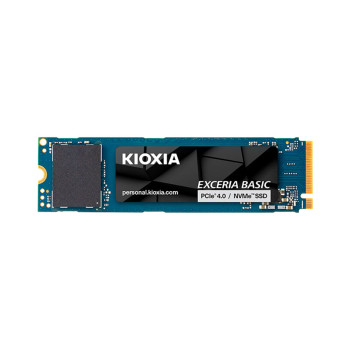
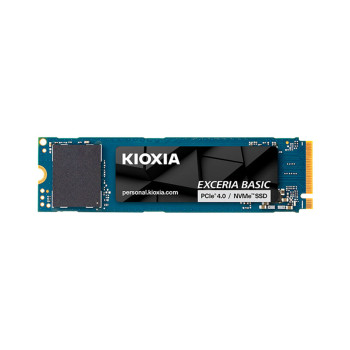
Shop Kioxia storage built for speed and reliability, from PCIe 4.0 NVMe SSDs and SATA solid state drives to microSD/SD memory cards and USB flash drives. Whether you're upgrading a laptop, expanding a PC, or adding portable space for backups, you'll find straightforward options to suit everyday use and high-performance setups.
Finance available
Free Delivery *
Finance available
Free Delivery *
Finance available
Free Delivery *
Finance available
Free Delivery *
Finance available
Showing 7 of 7 Items
Kioxia SSD Storage Drives and Flash Memory Solutions
Looking for Kioxia storage that feels quick, dependable, and built for everyday upgrades? Our range of Kioxia SSD storage drives and memory products covers fast NVMe and SATA SSDs, plus microSD/SD memory cards and USB flash drives for work, gaming, and life on the move.
Why Choose Kioxia?
Kioxia is a long-established name in NAND flash memory, with roots in Toshiba’s memory business and a strong track record in flash innovation. That experience shows in the products people actually buy: straightforward upgrades, consistent performance, and solid value.
- Strong flash heritage: Kioxia develops and produces advanced BiCS FLASH 3D flash memory, designed to balance speed, capacity and efficiency for modern storage.
- Options for every setup: From a speedy Kioxia PCIe 4.0 SSD for a newer laptop to a simple SATA upgrade for older machines, it’s easy to match the right drive to your device.
- Built for real-world use: Kioxia’s consumer SSD lines commonly come with manufacturer warranty coverage, and the EXCERIA PLUS G3 range is widely quoted with a 5-year limited warranty.
If you’re comparing storage across manufacturers, you can also browse our top brands page for more upgrade choices.
How to Pick the Right Kioxia Storage
Choosing the right Kioxia solid state drive or memory product comes down to how you use your device and what it supports.
1) NVMe vs SATA: start with compatibility
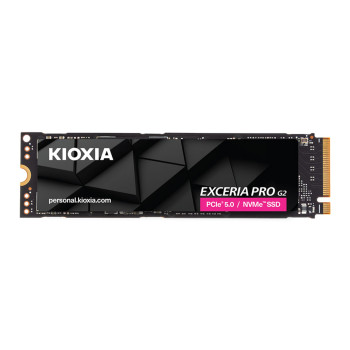
- NVMe SSDs (M.2) are the go-to for speed. If your laptop or PC supports an M.2 NVMe slot, you’ll get faster boot times, quicker file transfers, and smoother loading in games and creative apps.
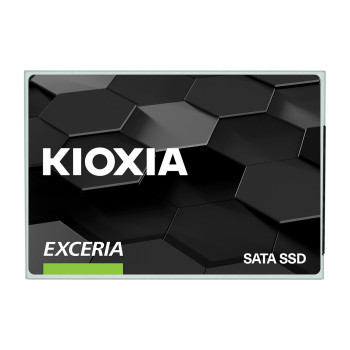
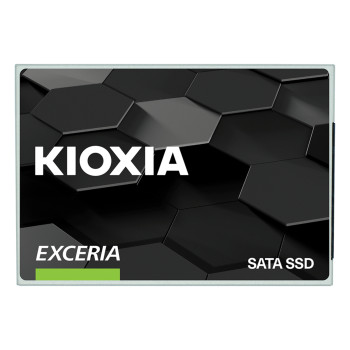
- SATA SSDs (2.5-inch) are ideal for older laptops and desktops that don’t have NVMe support. They still feel like a huge upgrade over a hard drive, especially for everyday tasks.
If you’re not sure what your machine can take, check your device manual or model specs first, then explore our full Storage drives section.
2) PCIe generations: where Kioxia PCIe 4.0 SSDs fit
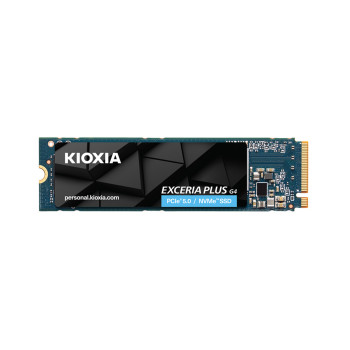
If you’ve got a newer system, a Kioxia PCIe 4.0 SSD can make good sense. Drives such as the EXCERIA PLUS G3 are built for PCIe Gen4 performance and are positioned for mainstream desktops and notebooks that support PCIe 4.0.
3) Capacity: buy for today, leave room for tomorrow
- 500GB to 1TB: Great for Windows, apps, and a sensible game library.
- 2TB and beyond: Better if you edit video, work with large datasets, or want a long-term upgrade that won’t feel tight in a year.
4) Endurance and warranty: useful for heavy users
If you write and move large files every day, look at endurance ratings (often listed as TBW) and warranty terms.
5) Portable storage and memory cards: quick wins for extra space
Kioxia also covers everyday storage needs beyond internal drives:
- microSD/SD memory cards for cameras, phones, handhelds and drones
- USB flash drives for quick transfers and backups
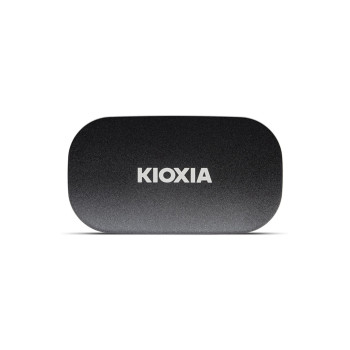
For upgrade browsing, you can jump straight to cheap Internal SSDs(NVMe and SATA) or compare options under best External SSDs.
Why Buy Kioxia at Laptop Outlet?
Buying storage should be simple: choose the right drive, pay securely, and get back to using your device without hassle.
- Find the right Kioxia fast: Shop Kioxia PCIe 4.0 SSDs, SATA SSDs, and microSD/SD cards with clear options for everyday upgrades and performance builds.
- Compare storage in one place: Browse Kioxia alongside top brands, explore storage drives, or head straight to cheap internal SSDs and the best external SSDs.
- Support and warranty peace of mind: Clear warranty information on product pages, plus helpful support if you need guidance choosing the right form factor, capacity, or interface.
- Flexible ways to pay: We accept MasterCard, Visa, Visa Debit, Maestro, and American Express, plus PayPal (Credit & Pay in 3), Klarna, Apple Pay, and Google Pay. PayPal Credit offers up to 24 months of 0% interest on qualifying purchases, and Klarna includes Pay Now, Pay in 30 Days, Pay in 3 instalments, or Finance over 6–36 months.
- Smooth upgrade experience: Clear listings and a straightforward checkout make upgrading quick and stress-free.
Read More:
The Memory Challenges Posed by Modern AI Workloads
How to Choose the Right Memory for Your Next PC Build
Hard Drive Prices: Storage Capacity, Robustness and Reliability
Read more