



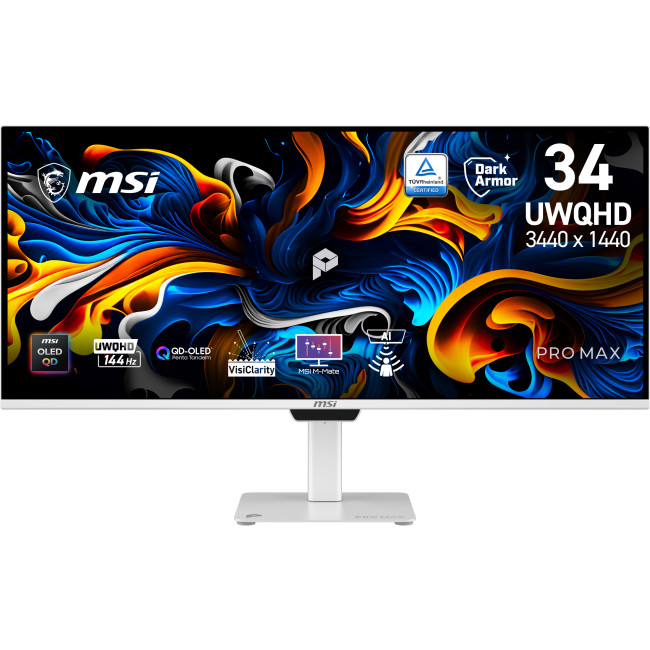
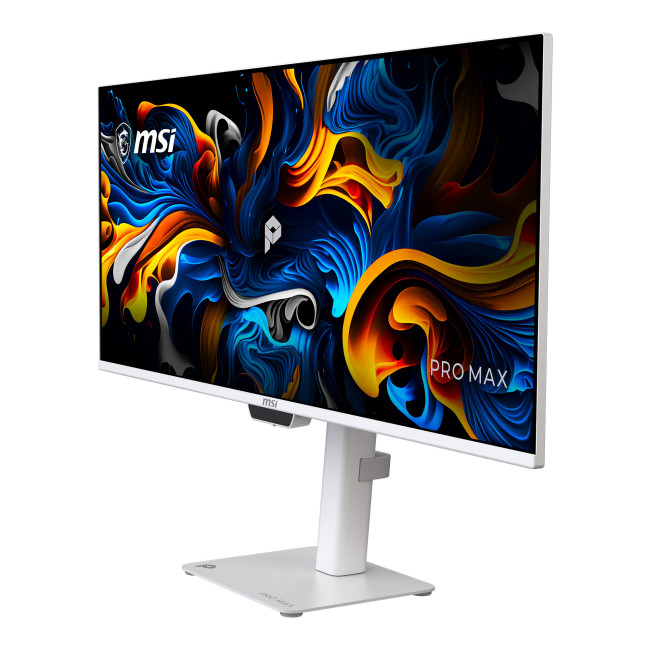
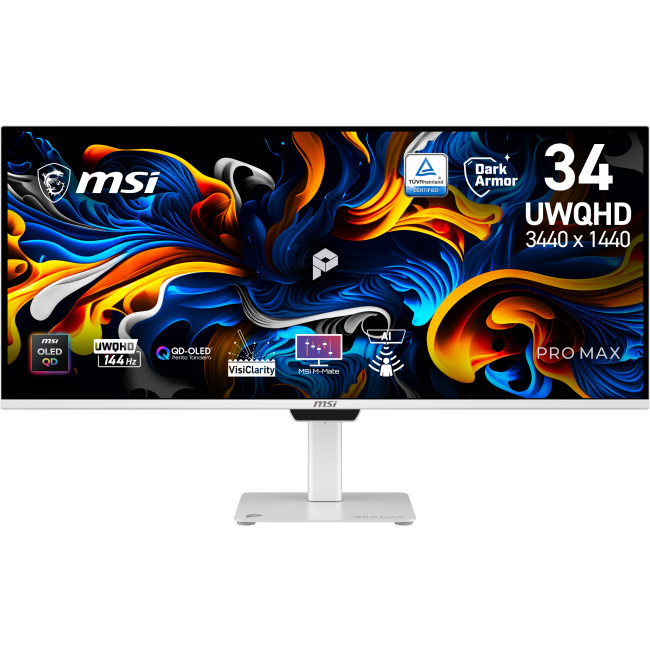
MSI PRO MAX 341QPXW14G 34" UltraWide Quad HD QD-OLED 144Hz 0.03ms USB-C Height Adjustable Business Monitor with Speakers

Secure Payment

Free UK Shipping

Easy Return
SKU: PRO MAX 341QPXW14G




MSI PRO MAX 341QPXW14G Monitor
The MSI PRO MAX 341QPXW14G is a business monitor for desk-based work, entertainment and compatible gaming. Its 34-inch ultrawide QD-OLED display combines a wide workspace with a fast refresh rate, while USB-C and an integrated USB hub help connect compatible devices and peripherals.
Key Highlights & Top Features
- 34-inch QD-OLED display: Combines an ultrawide screen with QD-OLED panel technology.
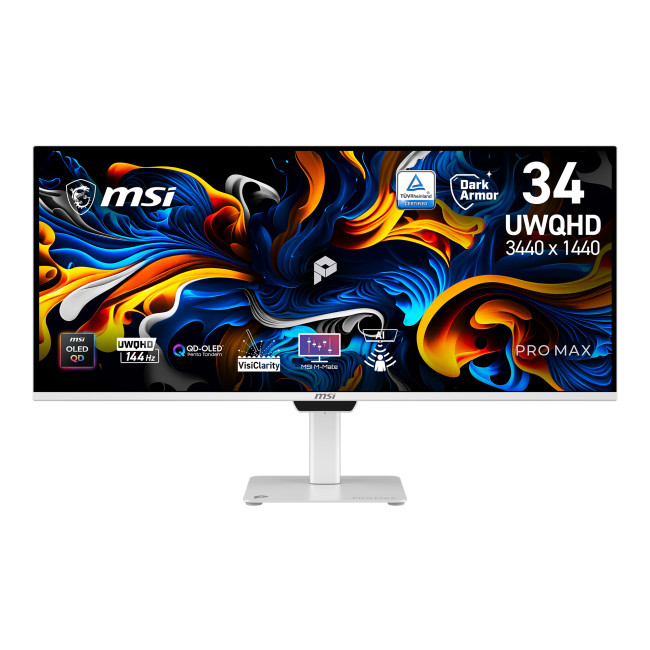
- 3440 x 1440 resolution: Provides detailed picture quality across the 21:9 screen.
- 144 Hz refresh rate: Supports smoother on-screen motion when the connected device and content can make use of it.
- 0.03 ms response time: Helps the panel respond quickly to changes in the image.
- USB-C and built-in USB hub: Offers connections for compatible displays and USB peripherals.
- Adjustable stand and speakers: Adds positioning flexibility and built-in audio for everyday use.
Monitor Display Quality, Colour & Connectivity
The 3440 x 1440 resolution and 21:9 aspect ratio give you a broad desktop for viewing multiple windows side by side, as well as a wide format for supported video. QD-OLED panel technology and support for 1.07 billion colours make this a suitable option for users who value a detailed, colour-rich display.
A 144 Hz refresh rate and 0.03 ms response time are designed to keep motion looking responsive. DisplayHDR 500 support and a stated brightness of 1300 cd/m² add further display capabilities; actual results depend on the content and settings being used. Adaptive Sync and AMD FreeSync are also supported.
What Makes It Different?
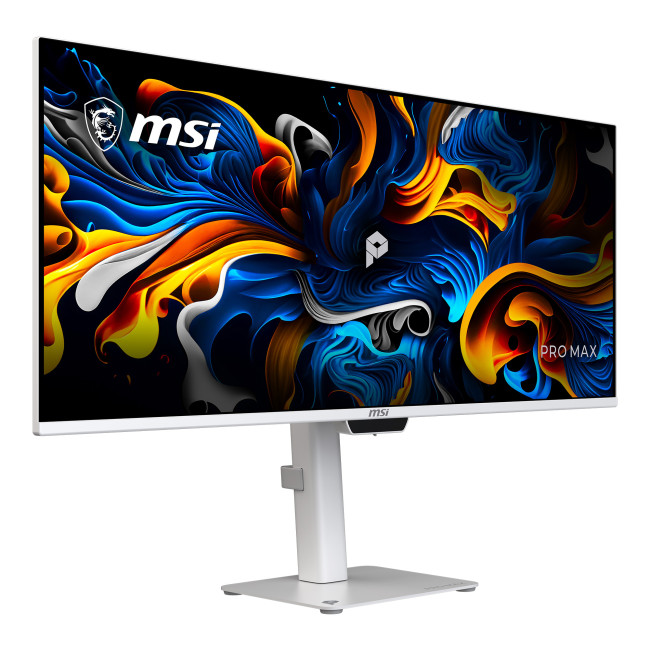
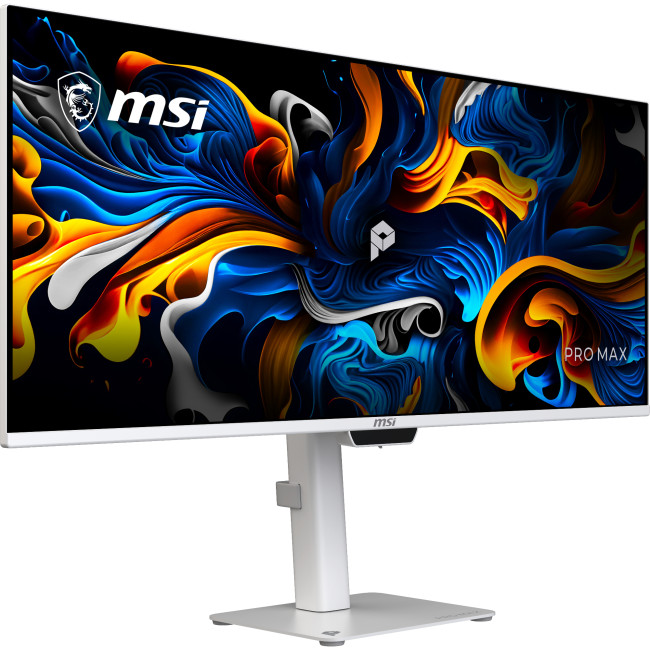
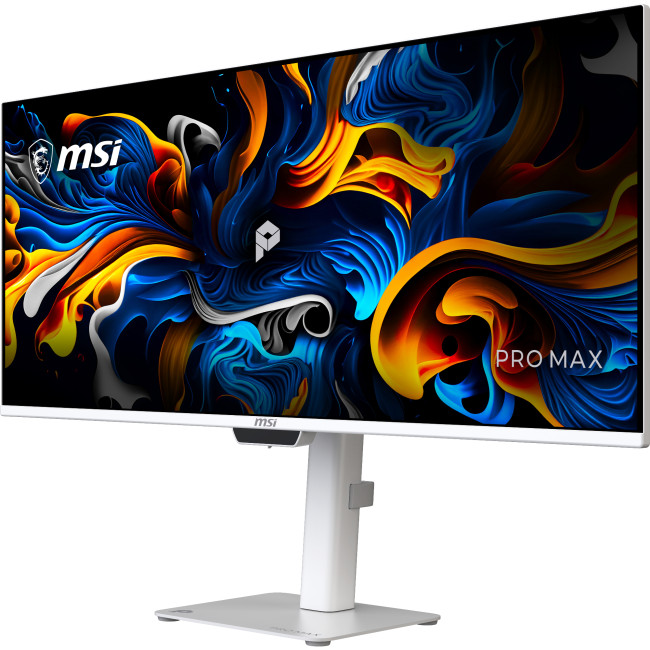
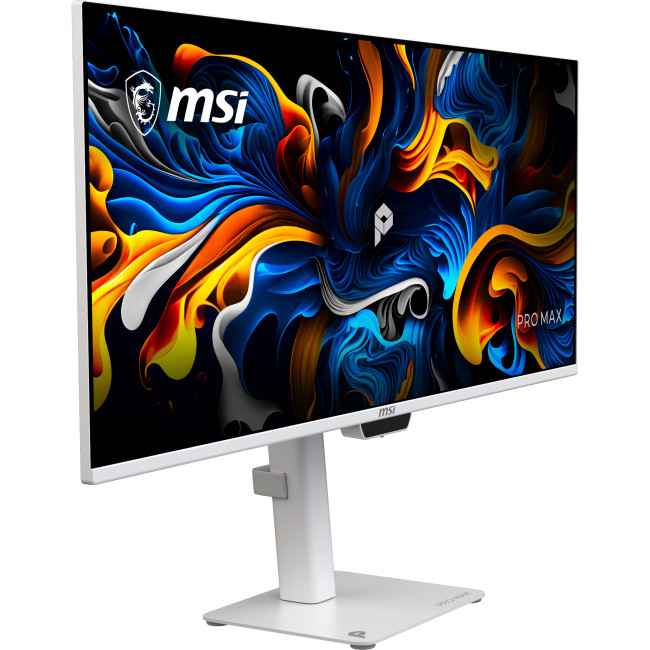
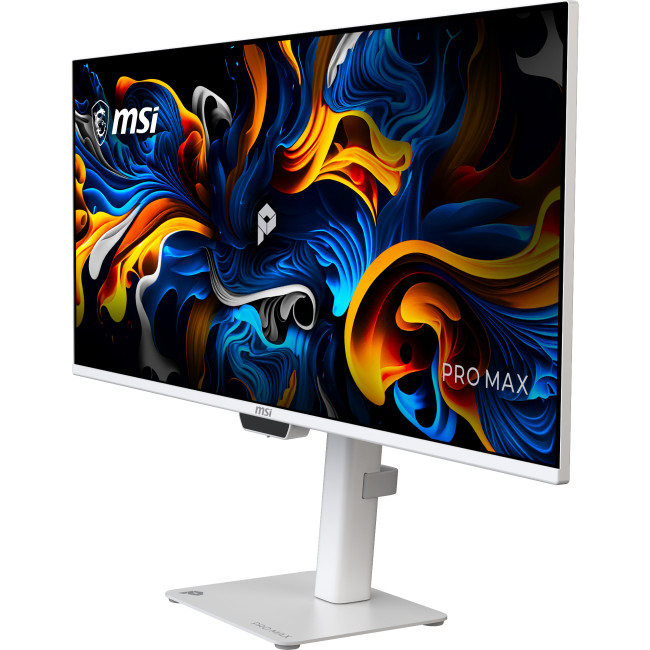
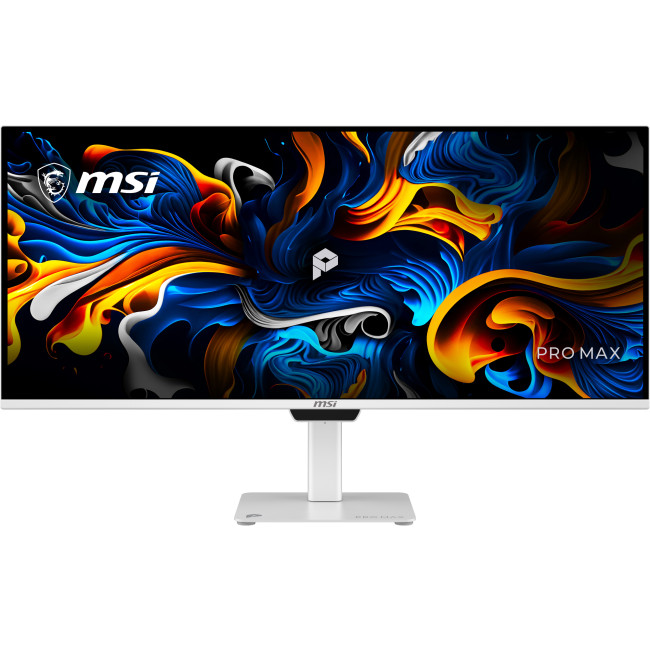
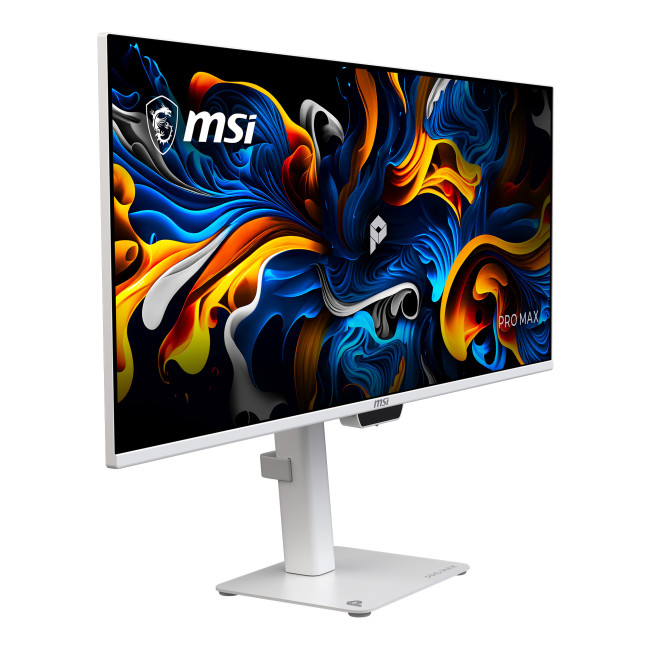
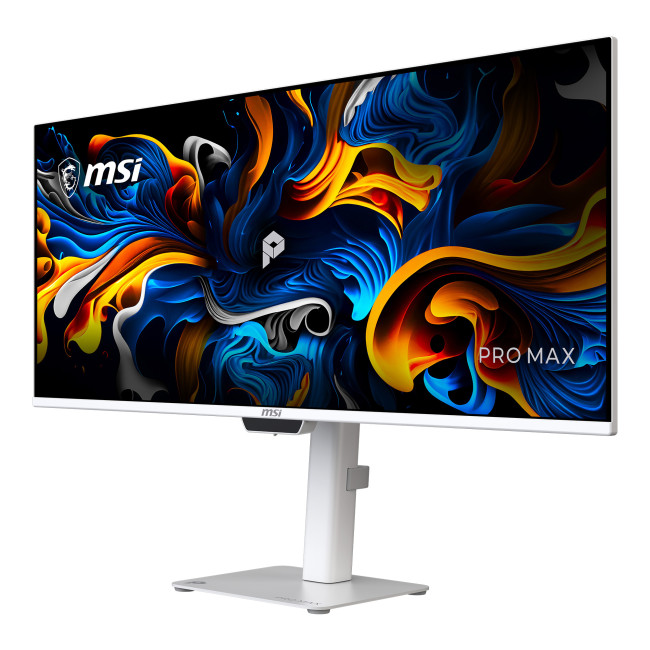
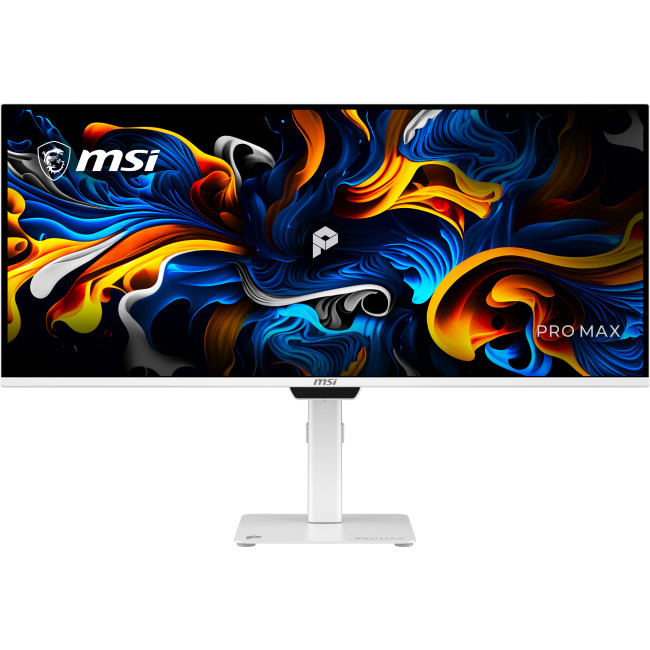
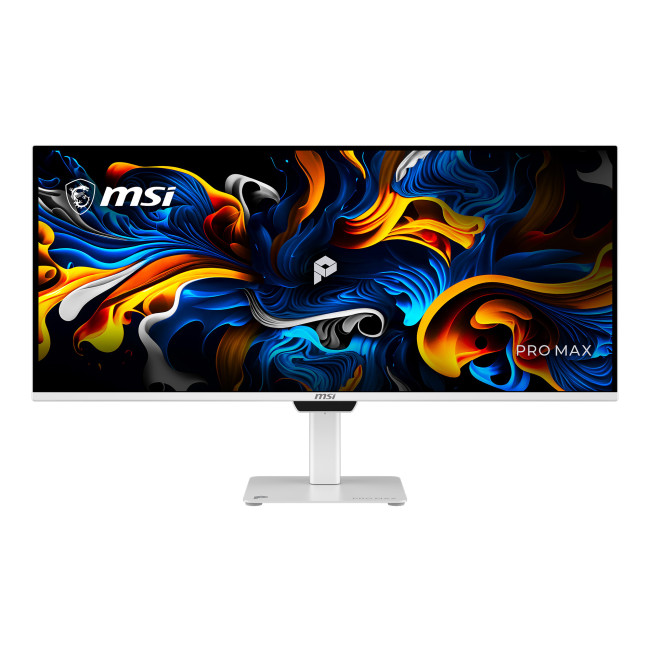
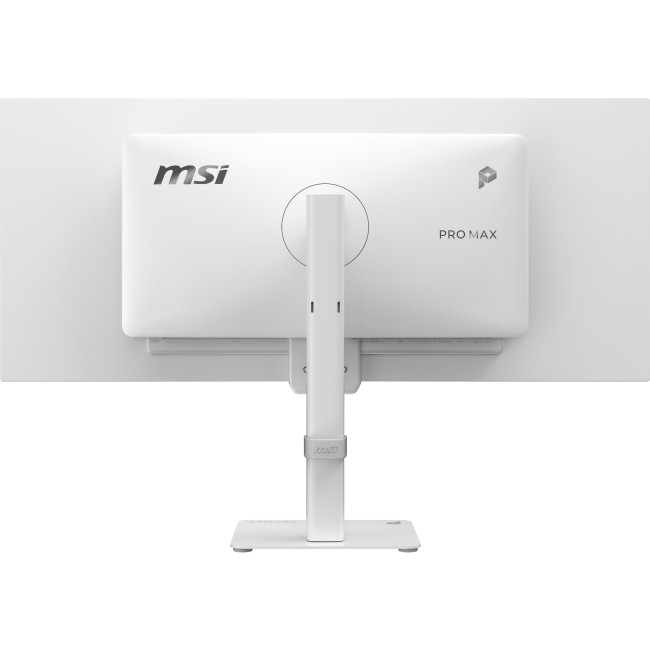
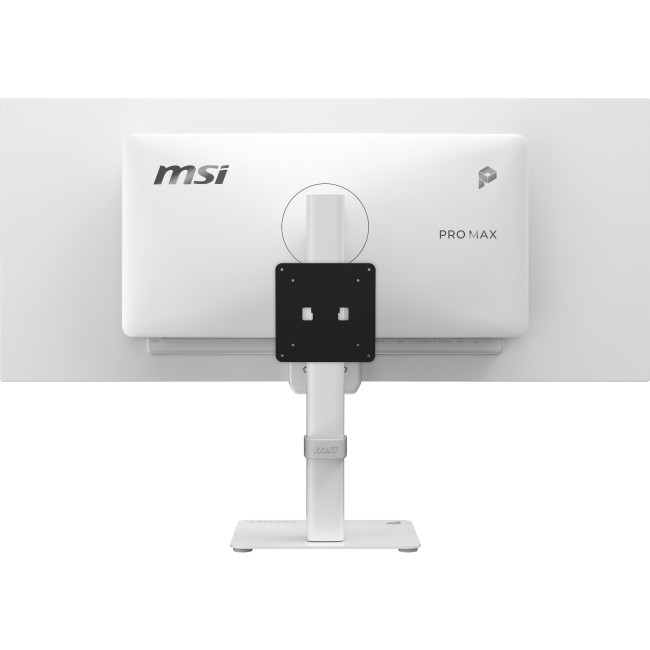
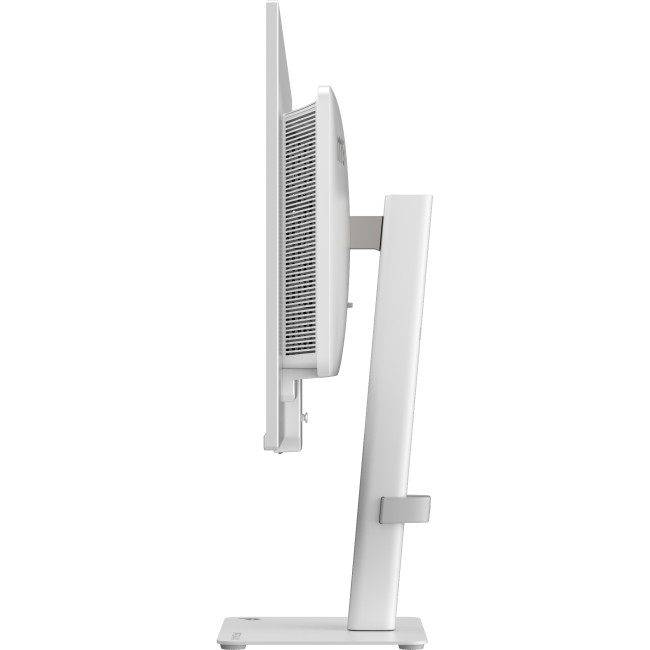
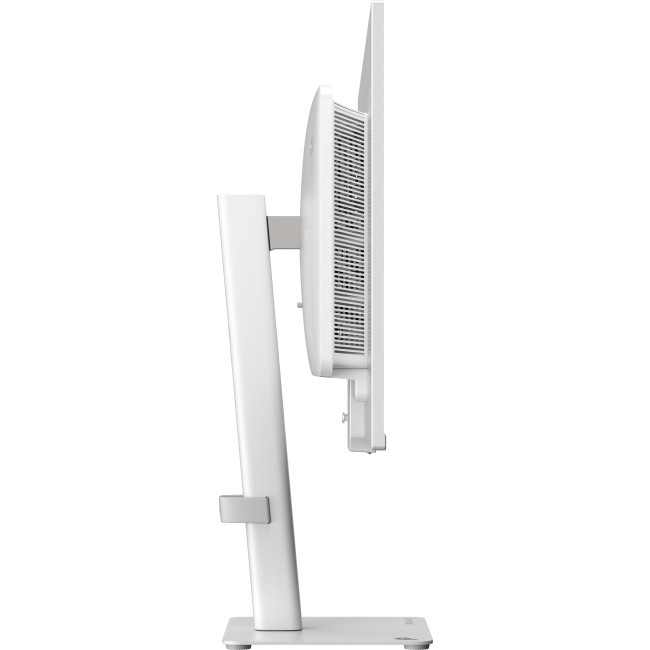
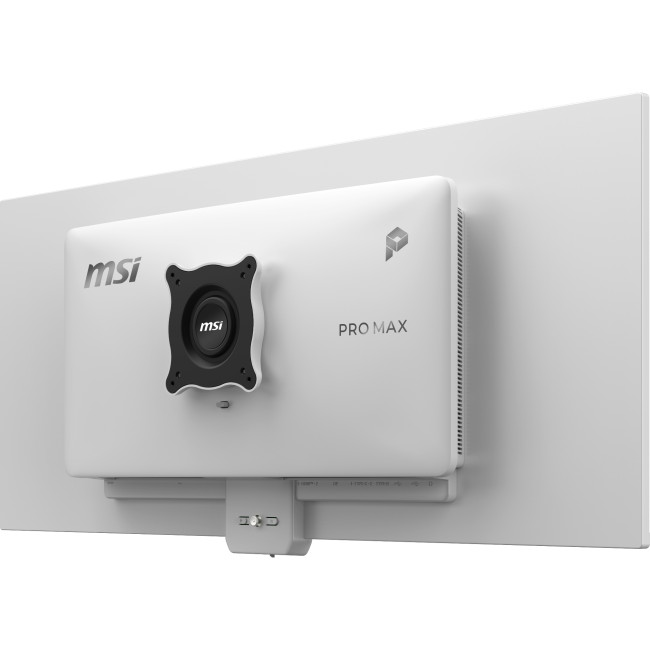
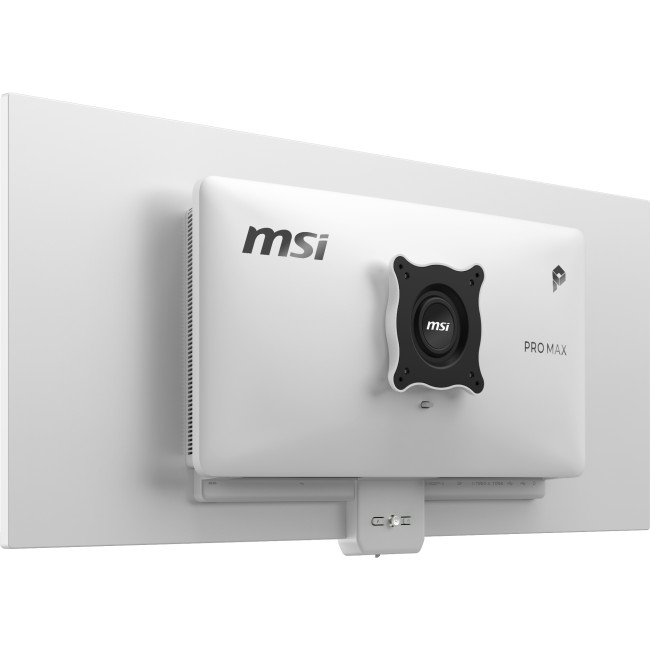
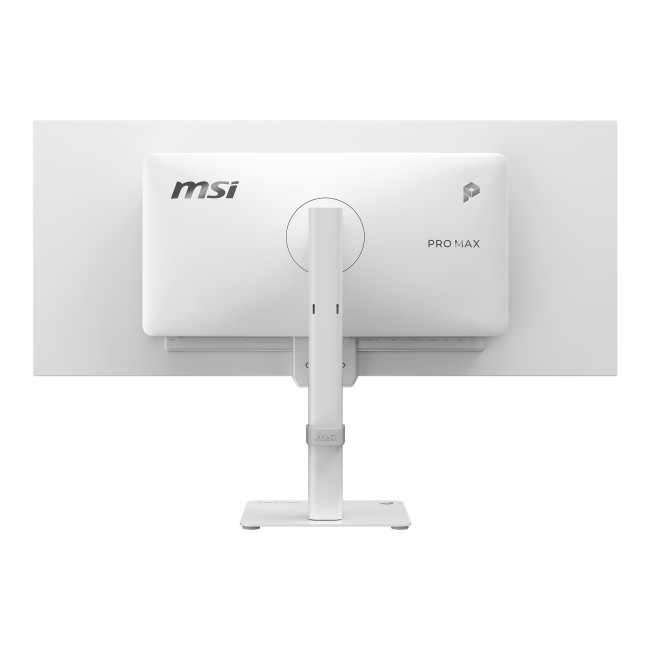
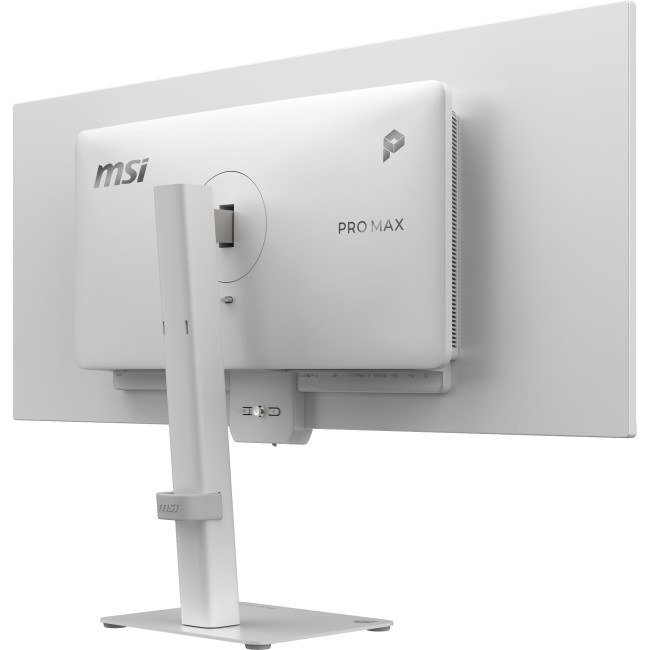
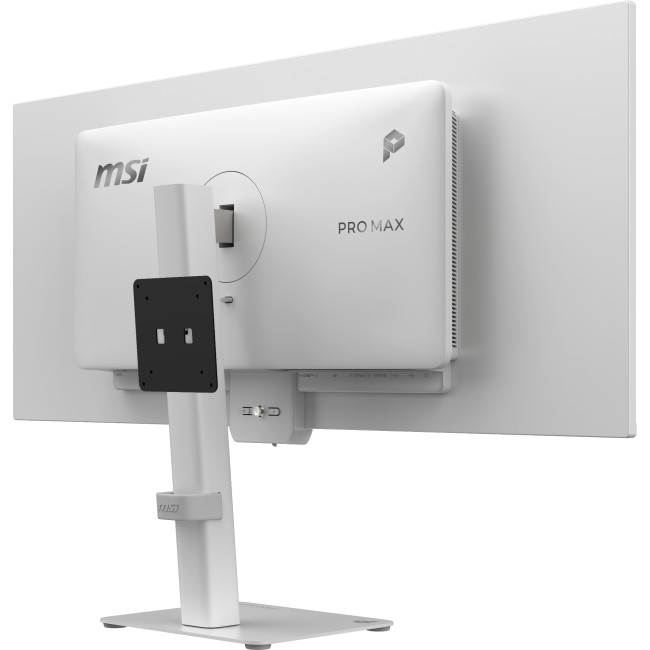
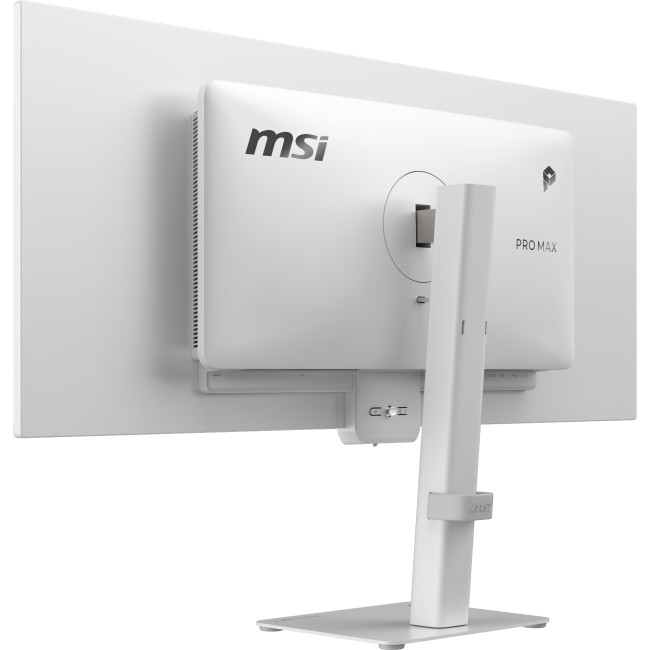
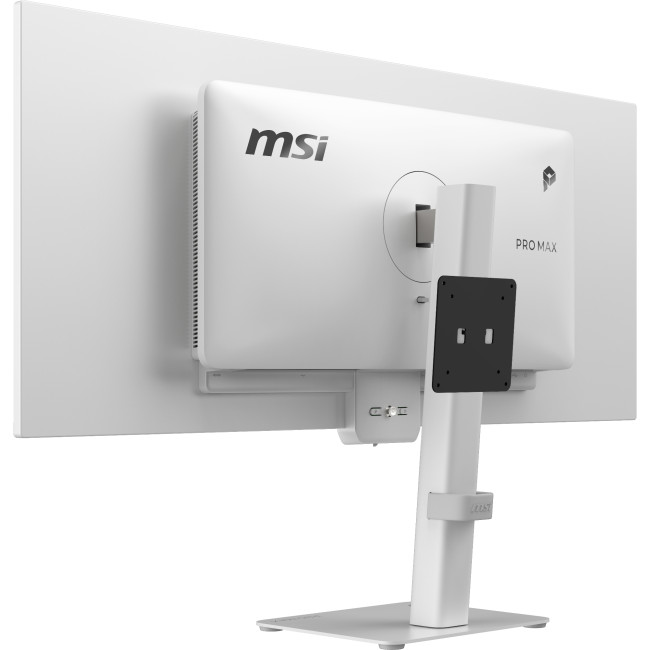
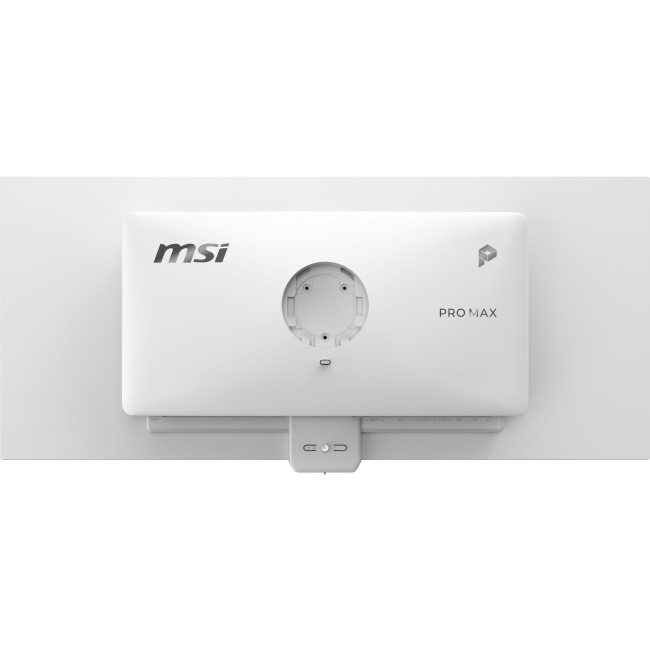
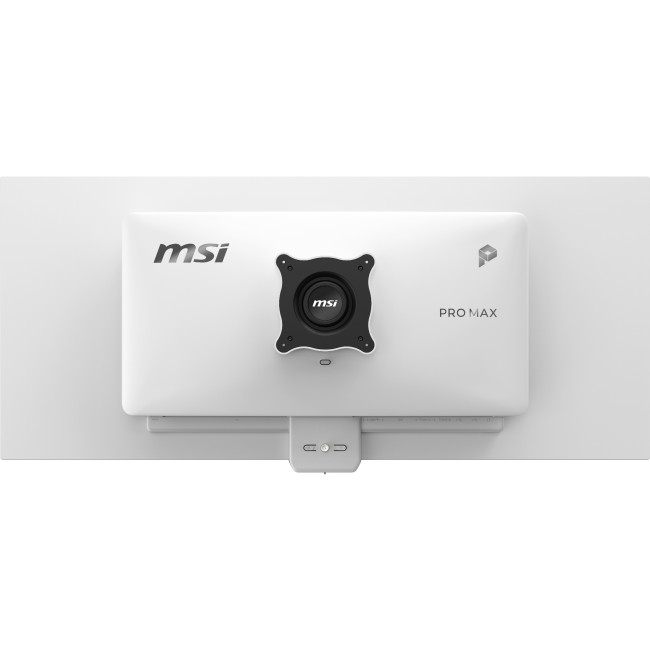
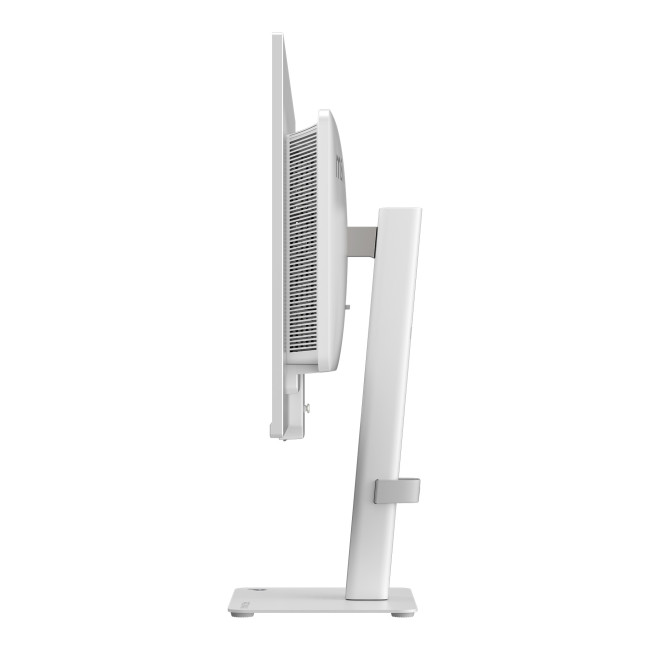
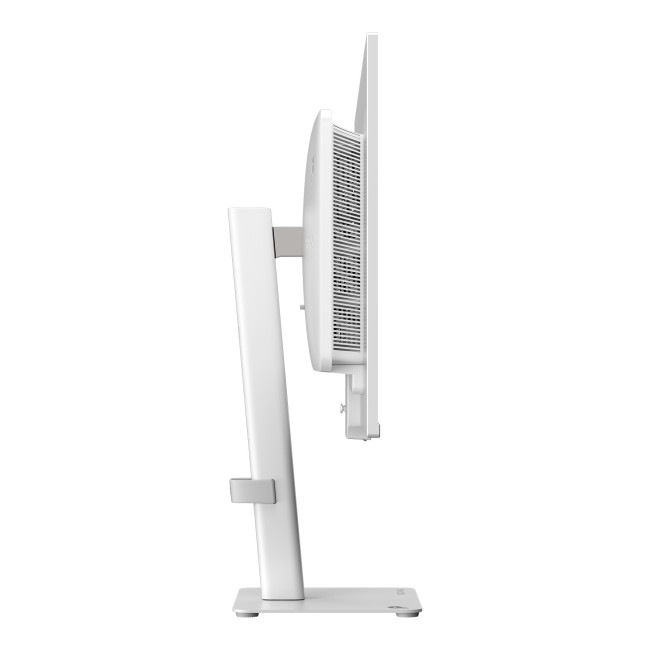
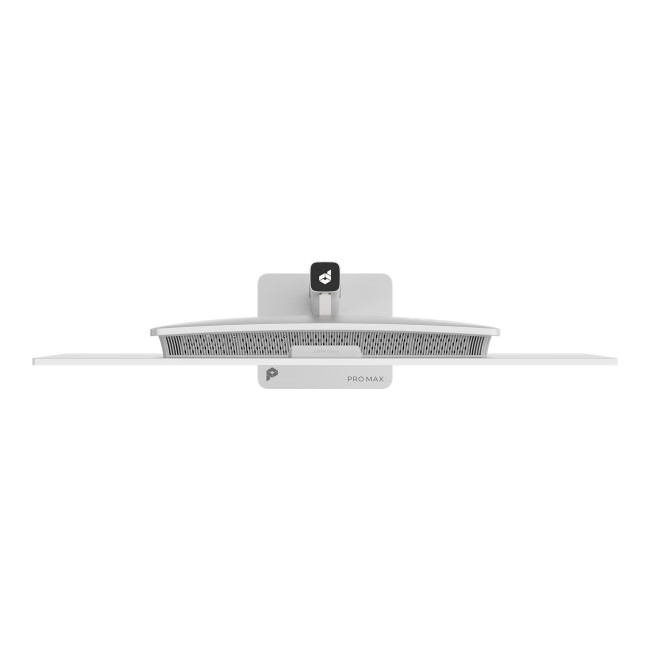
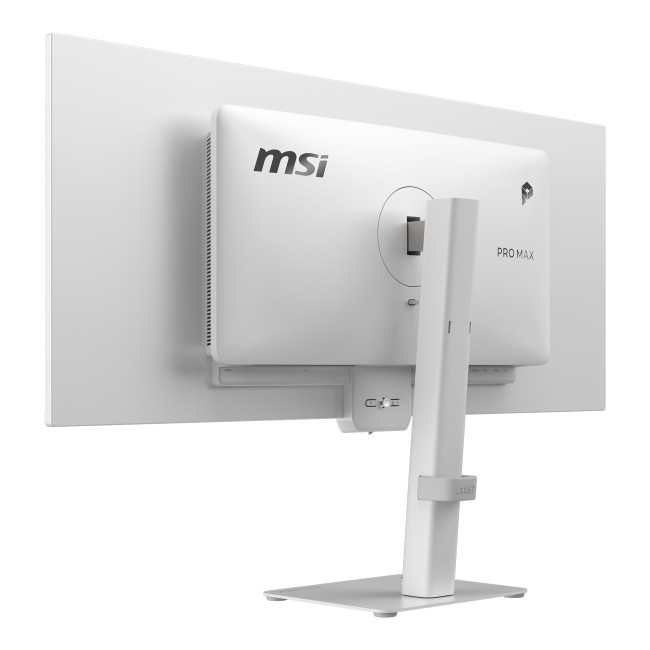
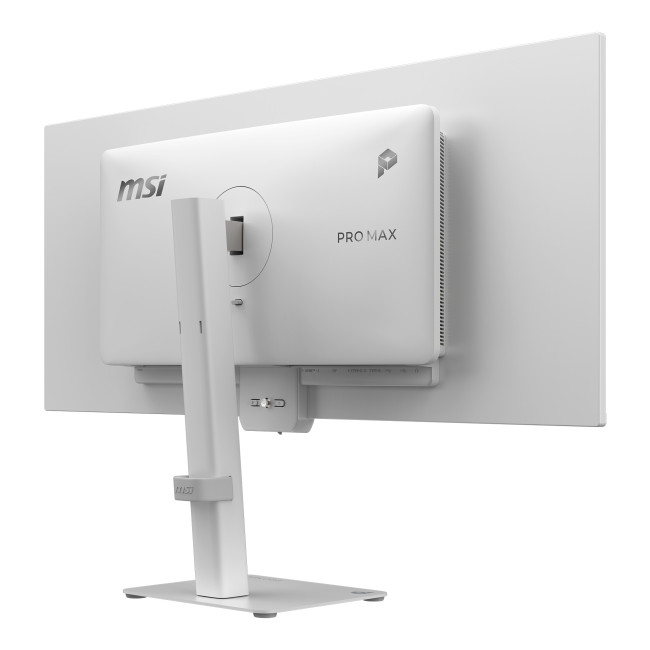
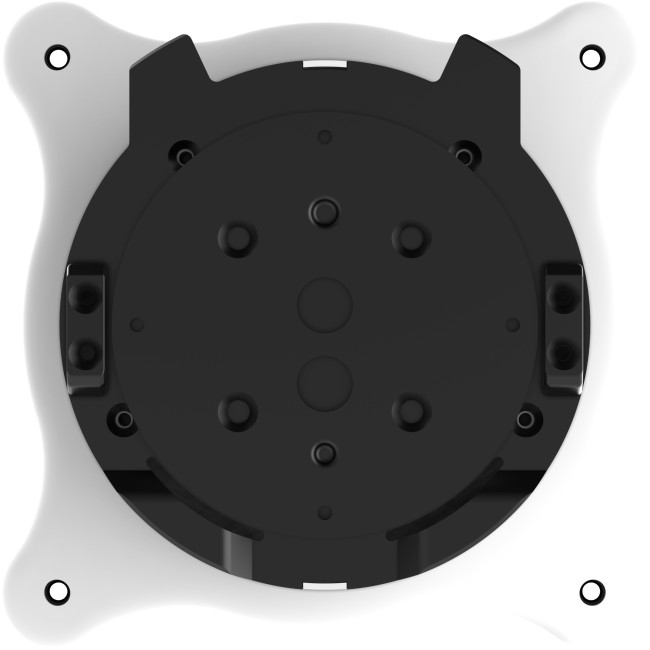
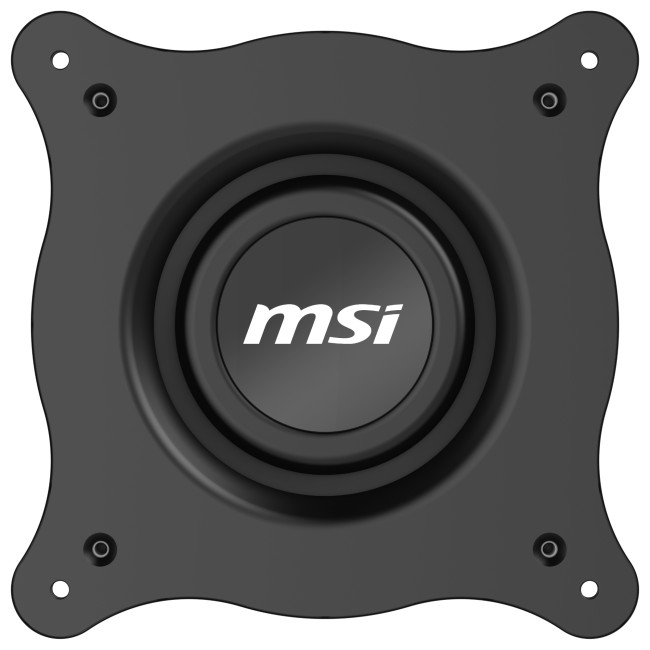
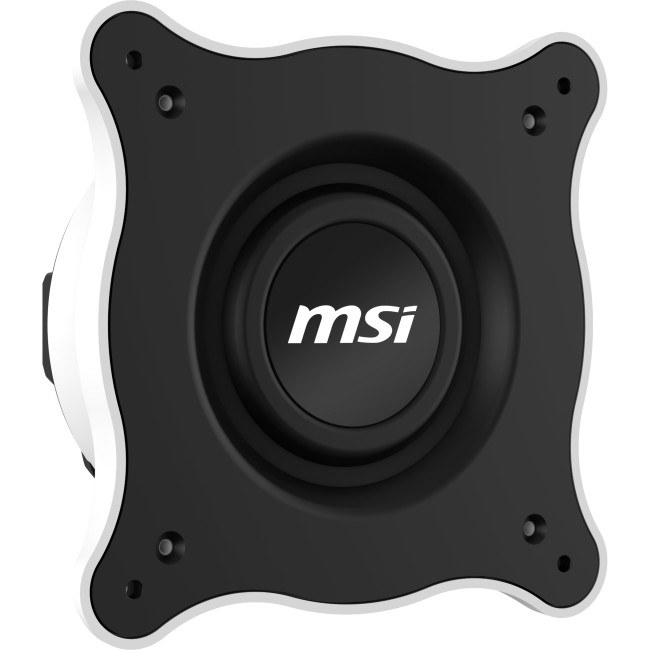
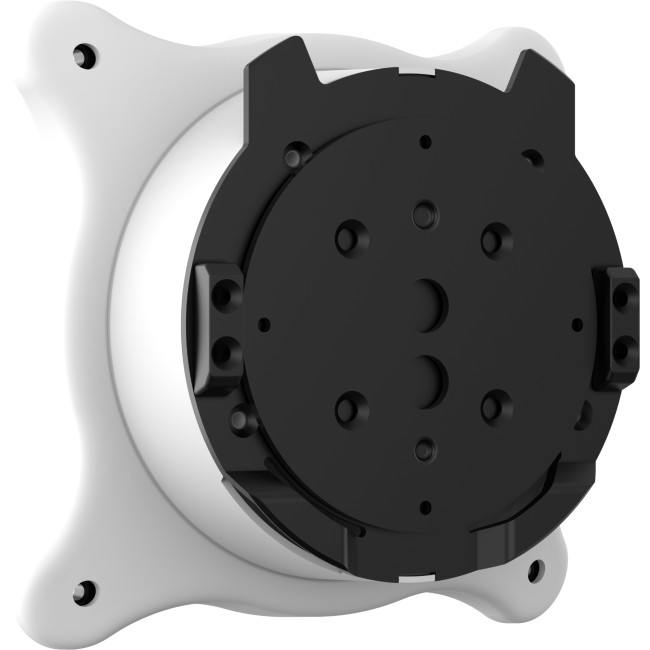
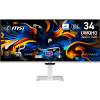
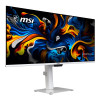
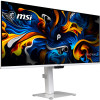
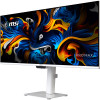
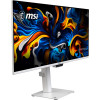
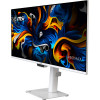
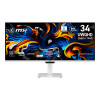
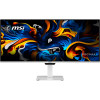
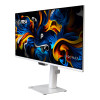
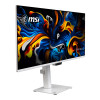
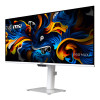
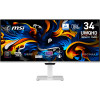
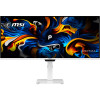
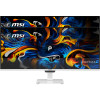
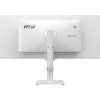
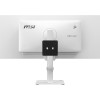
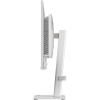
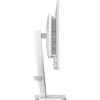
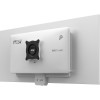
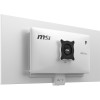
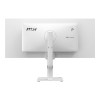
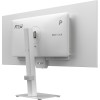
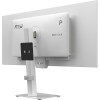
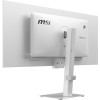
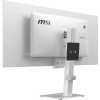
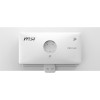
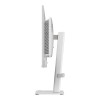
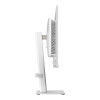
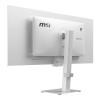
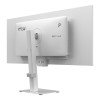
The white finish gives this monitor a distinctive look, while its height-adjustable stand and swivel support let you change its position at your desk. Built-in speakers provide an audio option without separate speakers, and VESA mounting support offers an alternative installation method with a compatible mount.
Why Choose This Monitor?
It brings a wide-format display and useful desk connections together in one business-focused monitor.
- Make more room for work: The ultrawide screen gives compatible applications space to sit alongside one another.
- Connect desk accessories: The USB hub can help keep compatible peripherals connected through the monitor.
- Choose your preferred setup: Use the adjustable stand or VESA mounting support to suit your desk arrangement.
Who Is This Monitor Best For?
This monitor suits business users who want a wide desktop for working across documents, browser windows and other applications. Its high refresh rate, fast response time and adaptive sync support may also appeal to users viewing motion-heavy content on compatible systems.
For display over USB-C, the connected device must support DisplayPort Alt Mode. Otherwise, use a compatible HDMI or DisplayPort connection, and check that your computer supports the resolution and refresh rate you want to use.
Common Questions About the MSI PRO MAX 341QPXW14G
What resolution does this monitor support?
It has a 3440 x 1440 resolution. This gives you a broad 21:9 desktop, with the final output depending on the connected device and its display settings.
Which display connections are available?
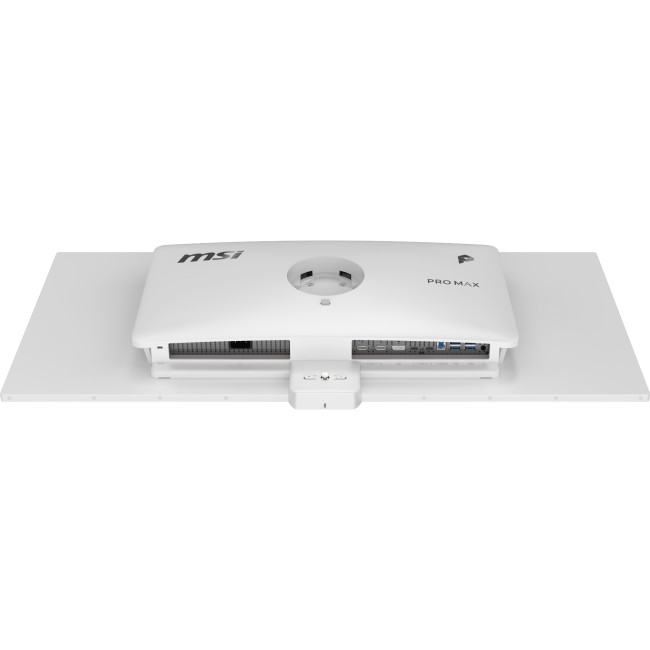
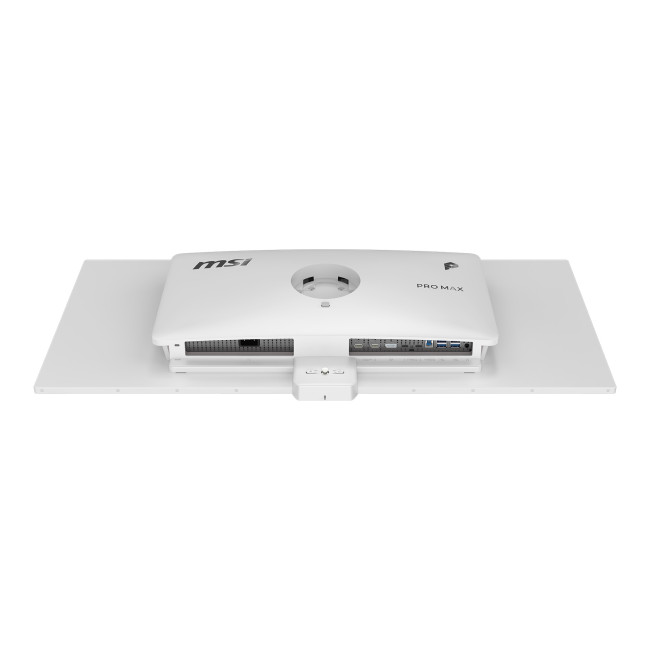
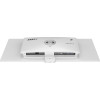
It has HDMI 2.1, DisplayPort 1.4a and two USB-C ports with DisplayPort Alt Mode. It also includes a headphone output for connecting compatible audio equipment.
Can I connect USB peripherals to the monitor?
Yes. The built-in hub has four USB-A 3.2 Gen 1 ports, alongside a USB-B 3.2 Gen 1 connection for the hub’s connection to a computer.
Does the monitor include cables?
Yes. The box contents include HDMI 2.1, DisplayPort 1.4a, USB Type-A to Type-B and USB Type-C to Type-C cables, as well as a power cord and quick guide.
Can I mount it on a monitor arm?
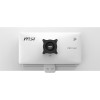
It supports VESA mounting and includes VESA screws. Check that your chosen mount is compatible with the monitor before installing it.
| Display | |||||||||||
|---|---|---|---|---|---|---|---|---|---|---|---|
| Screen Size | 34" | ||||||||||
| Touchscreen | No | ||||||||||
| Display Type | 3440 x 1440 | ||||||||||
| Panel Type | QD-OLED | ||||||||||
| Brightness | 1300 cd/m² | ||||||||||
| Refresh Rate | 144 Hz | ||||||||||
| Response Time | 0.03 ms | ||||||||||
| Maximum Resolution | |||||||||||
| Screen Shape | Flat | ||||||||||
| HDR Standards | DisplayHDR500 | ||||||||||
| Anti-glare Screen | Yes | ||||||||||
| Display Number of Colours | 1.07 Billion Colours | ||||||||||
| Ports & Interfaces | |||||||||||
| connectivity | 1× HDMI 2.1 (FRL 12G, HDCP 2.3) | 1× DisplayPort 1.4a (HBR3, HDCP 2.3) | 2× USB-C (DisplayPort Alt Mode) | 4× USB-A 3.2 Gen 1 | 1× USB-B 3.2 Gen 1 | 1× Headphone Out | ||||||||||
| VGA Ports | No | ||||||||||
| DVI Ports | No | ||||||||||
| Display Ports | 1 | ||||||||||
| USB-C Ports | 2 | ||||||||||
| Built-in USB Hub | 4× USB-A 3.2 Gen 1 | 1× USB-B 3.2 Gen 1 | ||||||||||
| RJ-45 | No | ||||||||||
| Headphone Out | Yes | ||||||||||
| Features | |||||||||||
| Built-in Speakers | Yes | ||||||||||
| Built-in Camera | No | ||||||||||
| Adaptive Sync | Yes | ||||||||||
| AMD FreeSync | Yes | ||||||||||
| Low Blue Light Technology | Yes | ||||||||||
| Flicker-free Technology | Yes | ||||||||||
| Aspect Ratio | 21:9 | ||||||||||
| Height Adjustable | Yes | ||||||||||
| Pivot/Swivel | Yes | ||||||||||
| Other Specifications | |||||||||||
| Most Suitable For | Business | ||||||||||
| VESA Mounting | Yes | ||||||||||
| General | |||||||||||
| Colour | White | ||||||||||
| Box Contents | Monitor | Stand | HDMI 2.1 Cable | USB Type-A to Type-B Cable | USB Type-C to Type-C Cable | Power Cord | Quick Guide | VESA Screws (4 × M4×8, 4 × M4×10) | DisplayPort 1.4a Cable | ||||||||||
Loading...